Claude Code is an agentic coding tool that reads your codebase, edits files, runs commands, and works directly with git. For a single developer in a single terminal, it needs no management at all: you describe the work, watch it happen, and review the diff. That loop is fast, and nothing in this guide asks you to give it up.
The gap appears when a team depends on it. Five developers running Claude Code sessions produce real output, but the work lives in private terminals. Nobody can answer the questions a team runs on: who asked for this change, who is executing it right now, what did the run actually do, and who accepted the result before it merged. The execution is excellent; the record of the work does not exist.
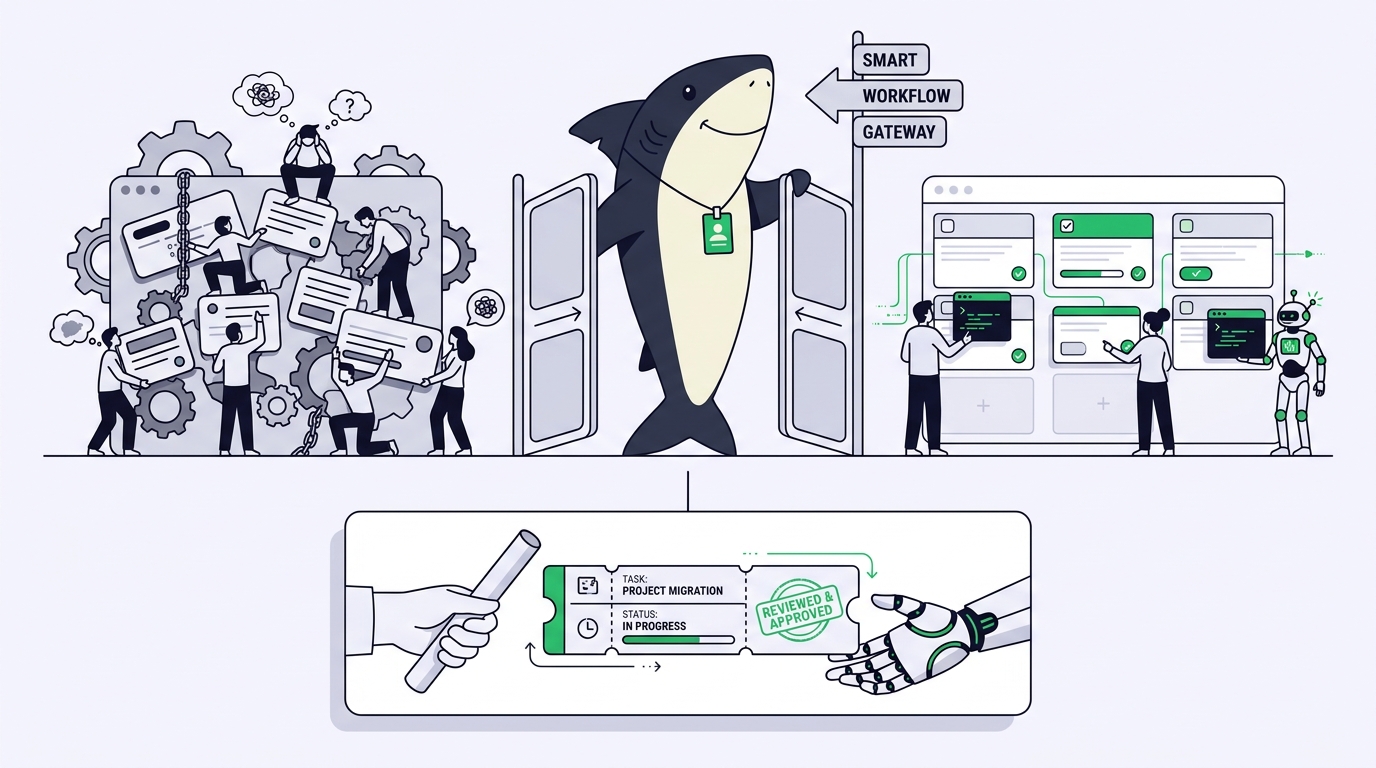
Claude Code project management is the practice of running that work as tracked, reviewable project work: an issue becomes a scoped Task, the Task is assigned to an Agent that executes through Claude Code, the run happens in an isolated worktree on a machine you control, and the result comes back to a human for review. This guide walks that arc using Sharkly, which is not a replacement for Claude Code. It adds the shared task, context, control, and review layer around the tool your team already uses.
TL;DR
To manage Claude Code work like project work, write the issue as a scoped Task with a goal, boundaries, and acceptance criteria; assign it to an Agent whose Runtime is Claude Code; let the run execute on a connected Computer in an isolated git worktree while progress streams back; then review the evidence on the Task and accept, request changes, or reassign. Claude Code performs the execution. Sharkly manages assignment, context, progress, blockers, results, and human review around it, so parallel runs stay visible to the whole team instead of disappearing into private terminals. Solo terminal sessions remain the right tool for quick, local, low-stakes work.
What a managed Task adds to a raw Claude Code session
A raw session and a managed Task run the same Claude Code underneath. The difference is everything around the run, and it falls into four capabilities a terminal cannot provide.
Shared visibility. A Task keeps requirements, task state, discussion, execution records, and review in one place instead of splitting them across private prompts and sessions. A teammate can open SH-214 and see what was asked, what is running, and what came back.
Ownership. A Task separates human responsibility from Agent execution. A person is responsible for the outcome; an Agent or Crew is the execution assignee. Both are recorded, so “who owns this” always has an answer.
Review evidence. Every run produces an execution trace: when it started, what tools it called, why it was queued, and how it ended. The Agent’s report is persisted as a comment linked to that trace. Review stops being “trust whoever watched the terminal” and becomes “read the record.”
Parallel runs without collisions. Each Task gets an isolated directory, and repository-backed work can use a separate git worktree per run, so several Tasks can modify the same codebase at once. The parallel mechanics have their own guide: how to run multiple Claude Code agents in parallel.
One honest boundary before the walkthrough. Not every Claude Code session needs this. Use a standalone Agent Chat, or a plain terminal session, to explore a question, shape a plan, or make a quick local change. Use a Task when the work needs ownership, status, execution history, or review.
Step 1: Turn the issue into a Task an Agent can execute
The arc starts before any agent runs. Claude Code plans an approach from what you give it, so a vague Task produces a confident run in the wrong direction.
A useful Task title names the outcome rather than the topic. The description should carry what a new person, or an Agent, would need to proceed: why the work matters; what is in and out of scope; relevant files, links, or observed behavior; constraints and decisions already made; and how completion will be reviewed.
That last item is the one solo workflows skip. Writing “done means the retry logic has a test that fails on the old behavior” into the description gives the reviewer a checklist and the Agent a target. Keep the stable goal, scope, and acceptance criteria in the description; use comments for discussion.
Status category matters here too: a Task in Backlog is parked, and assigning an Agent to it does not start execution. That is a feature. You can shape a batch of Tasks, assign them all, and release each one deliberately by moving it out of Backlog when it is ready.
If your issues already live elsewhere, you do not have to rebuild your process. Sharkly’s integrations include Jira, Slack, and GitHub, so existing trackers stay in place while execution becomes assignable and traceable. The discipline of writing work agents can execute is part of a larger shift we cover in what is agentic coding.
Step 2: Assign it to an Agent whose Runtime is Claude Code
In Sharkly, you do not assign work to Claude Code directly. You assign it to an Agent, and the Agent’s Runtime is Claude Code. The distinction earns its keep.
An Agent is a saved working configuration rather than a one-off prompt: its instructions, Runtime, Skills, repositories, environment variables, and run settings shape how it handles work. One person configures a “Backend Fixer” Agent once, shares it to the Space, and the whole team assigns work to the same tested configuration instead of each developer improvising prompts. We break the concept down fully in Agents in Sharkly, explained.
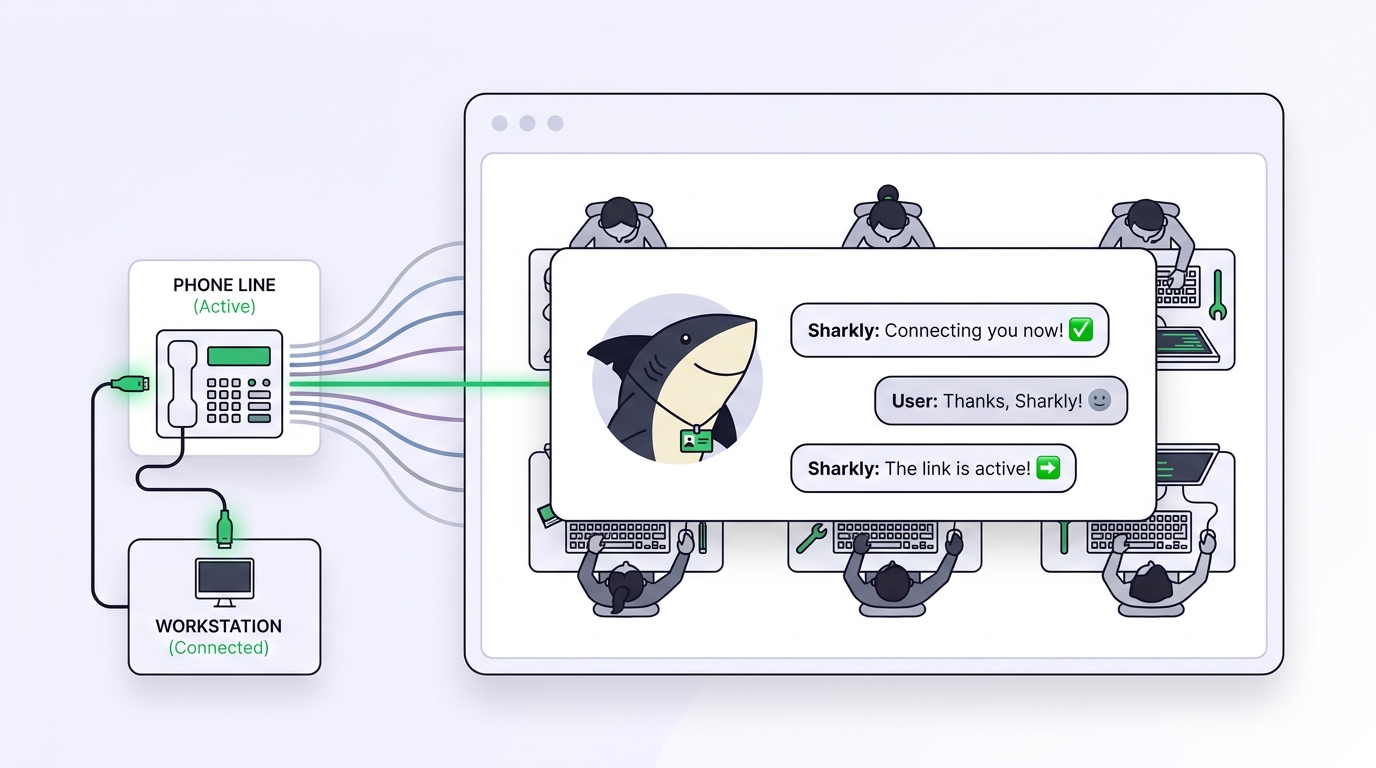
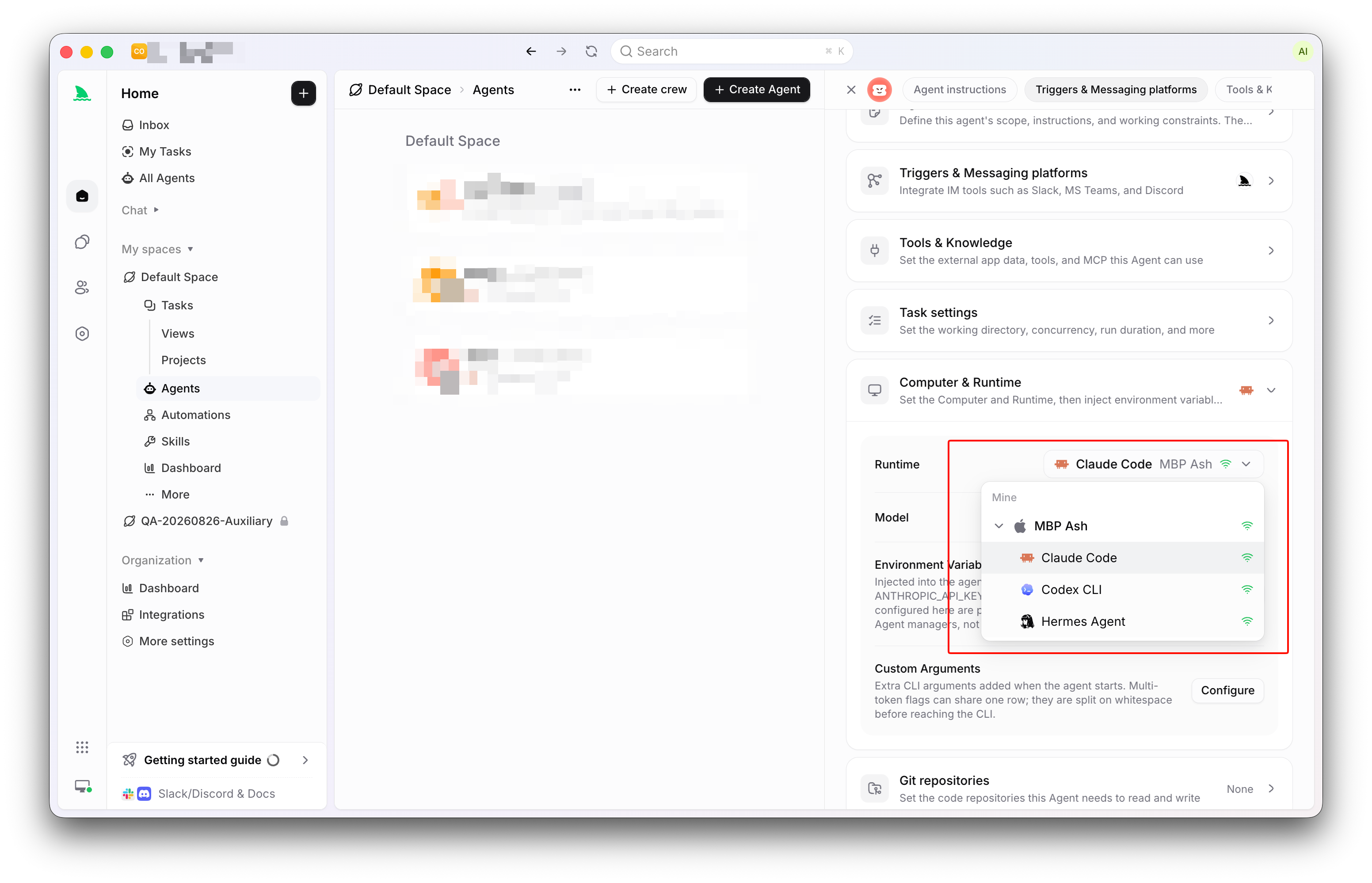
The Runtime is the concrete agent tool available on a Computer. When you connect a machine, a small local service detects the supported agent tools installed there and reports each one as a Runtime; a Claude Code install shows up as an available Runtime the moment the service can see it.
Three facts about this arrangement keep expectations straight:
- The Agent follows the Runtime’s default model. Sharkly does not show or promise a model name, and there is no model picker or thinking-depth control on the Agent. To change models, change the configuration in Claude Code itself.
- Model usage is bring-your-own. Runs consume the Claude subscription or API key already configured in Claude Code on that Computer. Model quota depends on the AI coding tools, plans, and API accounts your team connects.
- Assignment is explicit. You open the Task’s Assignee control and choose the Agent, the way you would assign a ticket to a colleague. The person responsible stays recorded separately.
For small, well-defined work, assign the Task directly to one Agent. Use a Crew, a reusable group of People and Agents coordinated by one leader Agent, only when the leader genuinely needs to interpret the goal and bring other members’ results back into one Task. The step-by-step version of a first assignment is in how to assign your first task to an AI agent.
Step 3: Execution on a Computer, in an isolated worktree
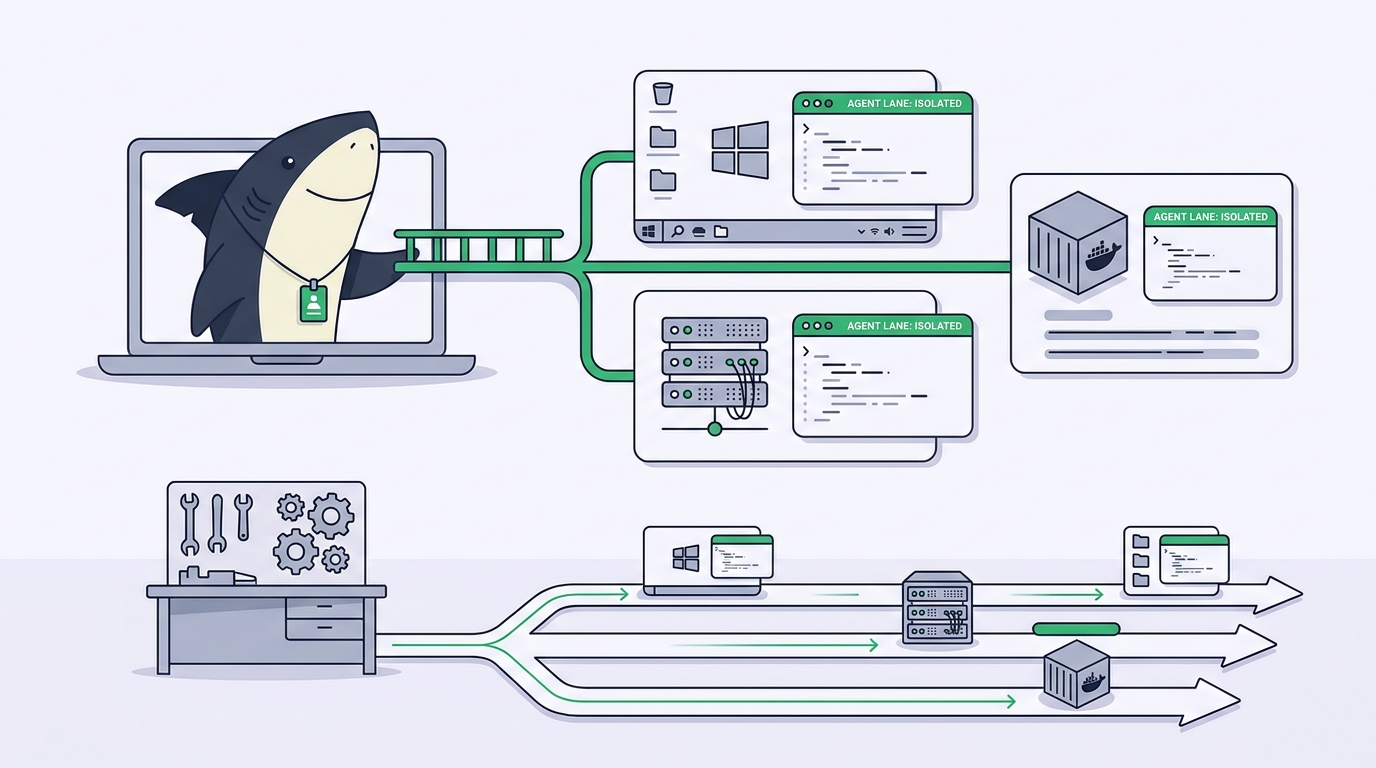
When the Task leaves Backlog and the Agent is ready, Sharkly queues the run and dispatches it to the selected Computer: your laptop, a remote server, or a container. The local service on that machine receives the run, prepares the task directory, starts Claude Code, and streams progress back. Your code, credentials, and Claude Code install never leave hardware you control.
The separation of concerns is worth stating plainly: the Agent defines how work should be handled; the Computer supplies the host and local resources; the Runtime performs the actual agent session; the Task remains the shared record.
For repository work, the recommended working-directory mode is Temporary: each Task gets an isolated directory, and the local service can prepare a fresh git worktree per run from cached repository data. Two Tasks touching the same repository write to two different directories on disk, which is why parallel runs do not clobber each other. That primitive is covered in how to use git worktrees with AI coding agents. Specified mode, one configured local directory that runs reuse, exists for the honest exceptions: a very large repository, expensive local caches, or tools tied to one path.
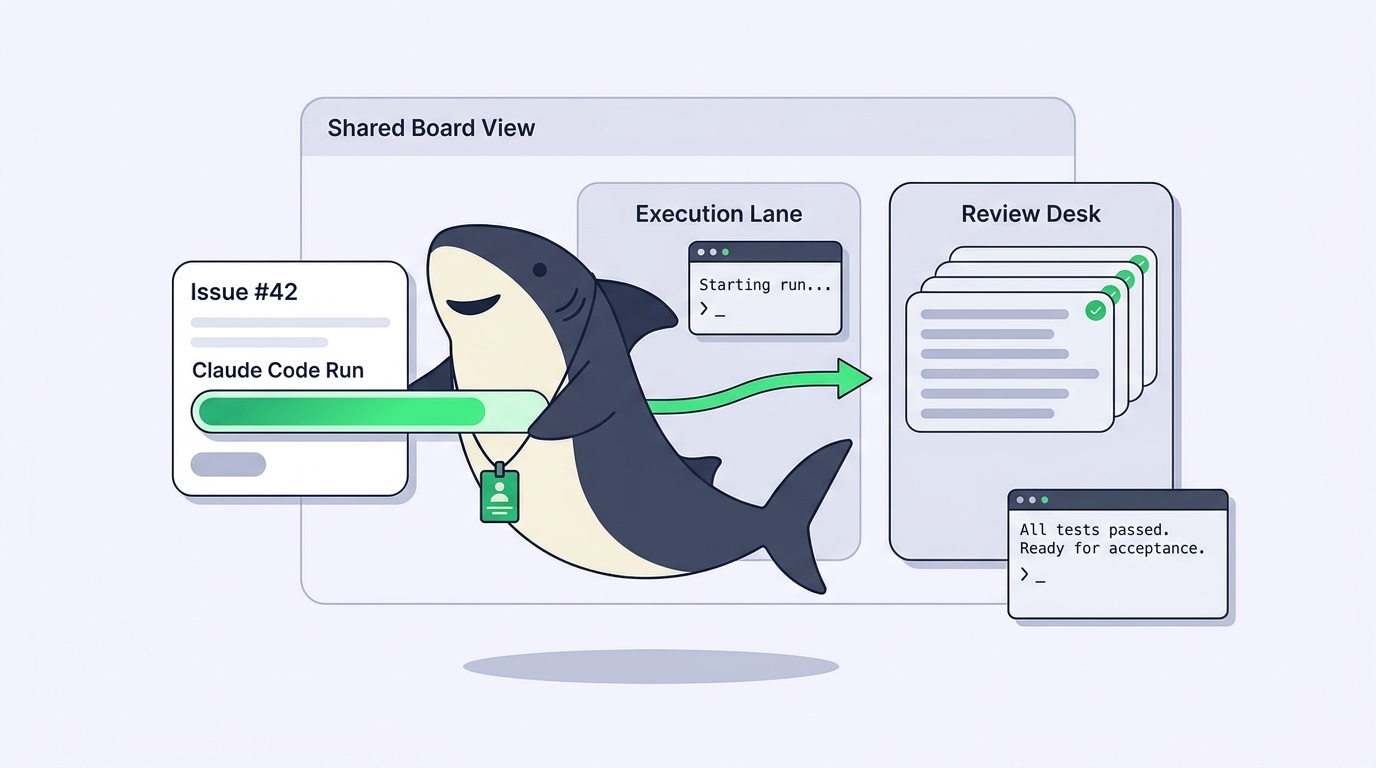
While Claude Code works, the run moves through visible states: queued, dispatched, running, then completed, failed, or canceled. Run state is separate from Task status, and that separation is useful: a Task can stay In Progress while its Agent is working, waiting for a human reply, or reporting an error, and nobody has to poll a terminal to know which.
Step 4: Progress and blockers return to the Task
Everything the team needs to see comes back to one place. The Agent’s report is stored as a comment linked to its execution trace. Activity shows comments and task changes in one timeline. Executions holds the run history: trigger source, start and end times, tool calls, and failure details.
Blockers surface instead of stalling silently. An Agent can leave a Task waiting for a human reply or review, and blocked work feeds Inbox, the personal queue separating Tasks needing your attention from lower-priority updates. The difference is structural: a stalled session waits until you happen to check the tab, while a blocked Task tells the responsible person it is blocked.
Continuing the work is a comment, not a new session. An eligible comment on a Task still assigned to the Agent starts a follow-up run with the Task’s accumulated context, and rapid comments are coalesced so you do not spawn duplicate pending runs.
Step 5: Human review and acceptance
The arc ends where it should: with a person. Agents research, execute, test, and report. People set direction, grant authority, and accept the result.
Review on a managed Task is reading evidence, not re-watching a session. The reviewer checks the Agent’s report against the acceptance criteria written in Step 1: did it stay in scope, did it run the relevant checks, did it give evidence for its conclusions, did it record uncertainty instead of guessing. The execution trace is there when the summary is not enough.
Acceptance then takes one of three honest paths. Accept the work and move the Task to a completed status. Request changes with a focused comment, which starts a follow-up run carrying full context. Or decide the run went wrong: cancel it, read the execution log, and retry or assign the work to a different Agent.
None of this replaces your git review. Claude Code creates branches, writes commits, and opens pull requests through your normal git hosting, and your merge review stays where it is. The Task adds what the PR page cannot see: the original request, the execution evidence, and the recorded acceptance.
Solo session vs managed Task
| Question | Solo Claude Code session | Managed Sharkly Task |
|---|---|---|
| Who asked for this? | Your memory | Task description, with scope and acceptance criteria |
| Who is working on it? | Whoever owns the terminal | Responsible person plus an Agent as execution assignee |
| What is happening right now? | Watch the terminal | Run state on the Task, boards, and Inbox |
| What did the run do? | Scrollback, until the tab closes | Execution trace and persisted comments |
| Can two runs share a repo? | Only if you set up worktrees by hand | Isolated worktree per Task by default |
| Who approved the result? | Nobody records it | Review and acceptance on the Task |
| Can the team reuse the setup? | Prompts live with one person | Shared Agents and Skills in the Space |
The left column is not the wrong column. It is the right tool for exploration and quick fixes. The right column earns its keep when the work needs to be visible, reviewable, and parallel.
From one Task to a managed project
Everything above scales from one Task to a plan without changing shape. Tasks group into Projects when several serve one outcome, and into Sprints when the question is what ships in this time box. Views save the questions a team asks repeatedly, such as Tasks waiting for review.
That is the whole thesis of this workflow. Team leverage does not come from opening more AI chats; it comes from sharing roles, rules, context, and workflows. Where this discipline sits in the broader landscape is the subject of our pillar guide, what is AI agent project management.
Start smaller than feels necessary. Connect one Computer, confirm Claude Code shows up as an available Runtime, create one Agent with a narrow role, and assign it one low-risk Task with real acceptance criteria. Review the result the way you would review a new teammate’s first pull request. The Sharkly docs cover each concept in more depth.
FAQ
Does Sharkly replace Claude Code?
No. Sharkly is not a replacement for Claude Code, Codex, or other execution tools. Claude Code performs the execution: it reads the codebase, edits files, runs commands, and works with git. Sharkly adds the team-level layer around it, managing assignment, task context, progress, blockers, results, and human review.
Do I need a separate model subscription to run Claude Code through Sharkly?
No. Model usage continues through the subscriptions or API keys already configured in Claude Code on your connected Computers. Model quota depends on the AI coding tools, plans, and API accounts your team connects.
Can I still use Claude Code directly in the terminal?
Yes, and you should. A direct session or a standalone Agent Chat is the right tool for exploring a question, shaping a plan, or making a quick local change. Move to a Task when the work needs ownership, status, execution history, or review.
What happens when a run fails?
The run is marked failed on the Task, and the execution log records the title plus the original technical details from the model service. Sharkly’s troubleshooting guidance maps common cases, such as rate limits, exhausted quota, and auth errors, to next steps, and links Claude Code’s own error reference. Retry after fixing the cause, or assign the Task to another Agent.
Can several Claude Code Tasks run on the same repository at once?
Yes. In the Temporary working-directory mode, each Task runs in its own isolated directory, and repository-backed runs can each get a fresh git worktree, so concurrent Tasks do not write to a shared checkout. Concurrency limits on the Agent and the Computer cap how many run at once.