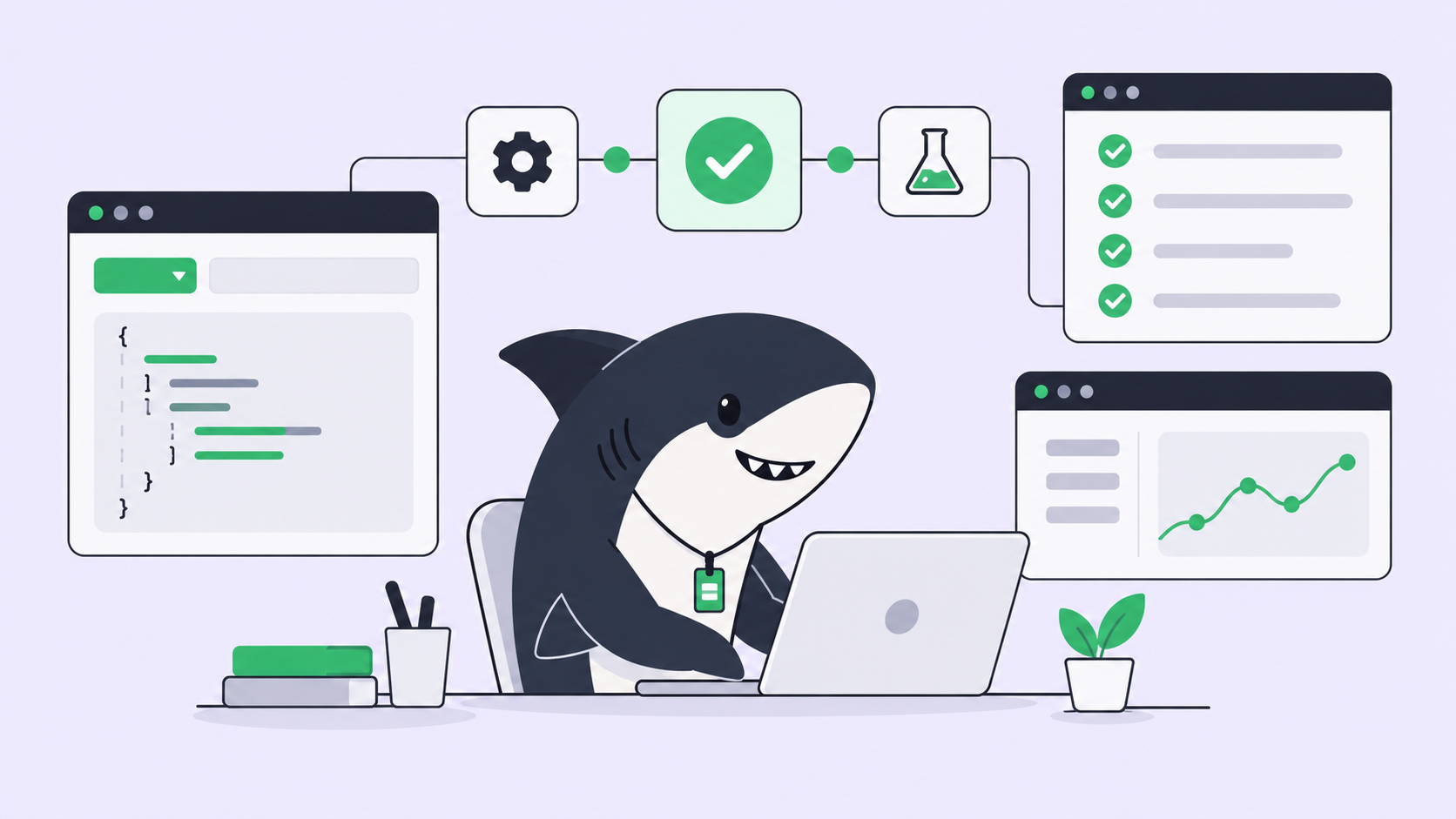
You typed a prompt, read the answer, copied the good parts into your editor, fixed what the model got wrong, and ran the tests yourself. That loop made you faster at writing code. It did not change who was doing the work. You were still the one holding the whole task in your head, moving it forward one paste at a time.
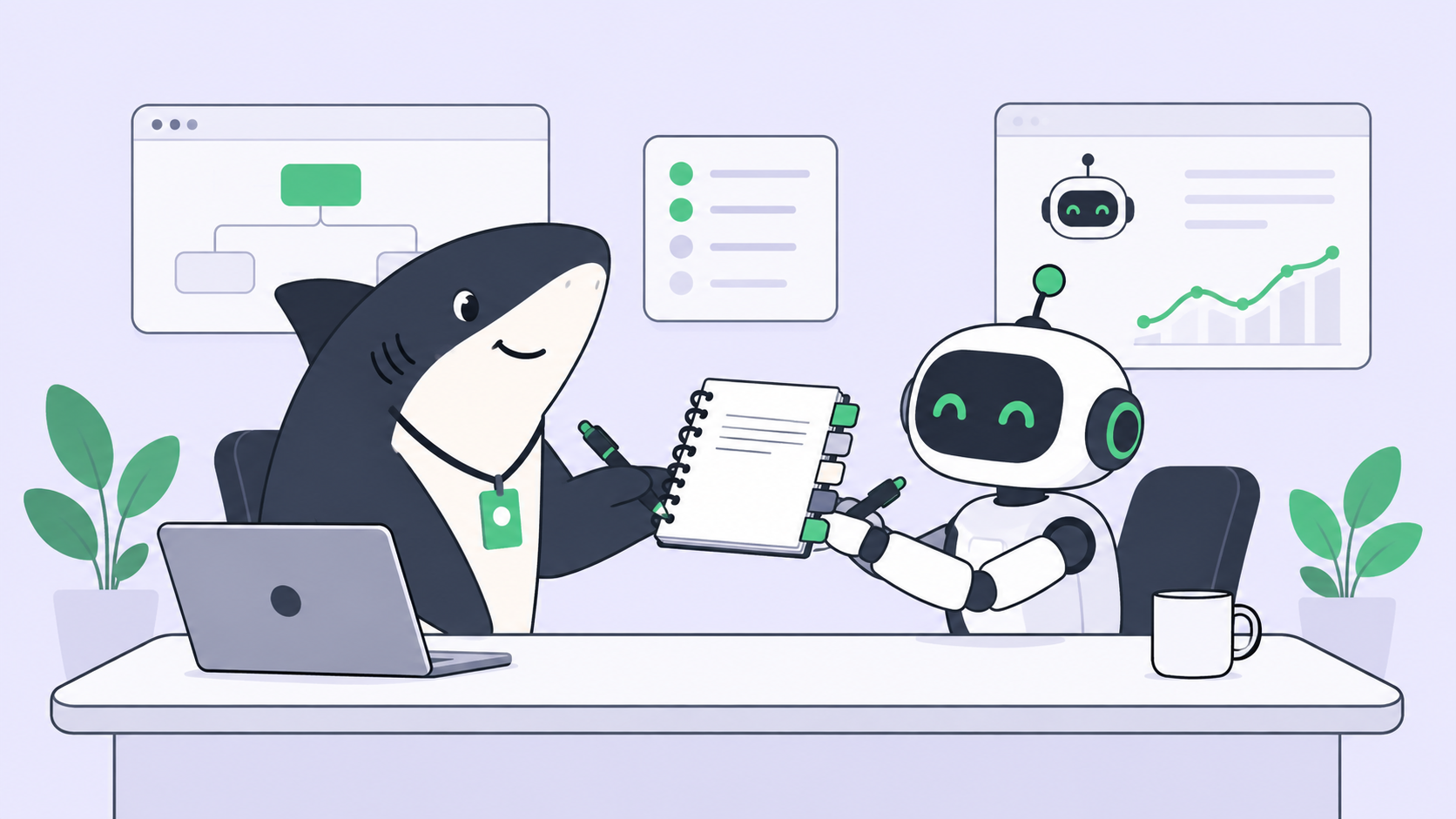
Agentic coding is the point where that changes. Instead of prompting for an answer you paste in, you assign a unit of work and get back a result that has already been researched, executed, tested, and reported. The developer’s job shifts from typing every line to setting direction, granting authority, and accepting or rejecting what comes back. This guide defines agentic coding for working dev teams, walks the maturity ladder from chat assistant to orchestrated Crew, and draws the line the shift depends on: where the human stays.
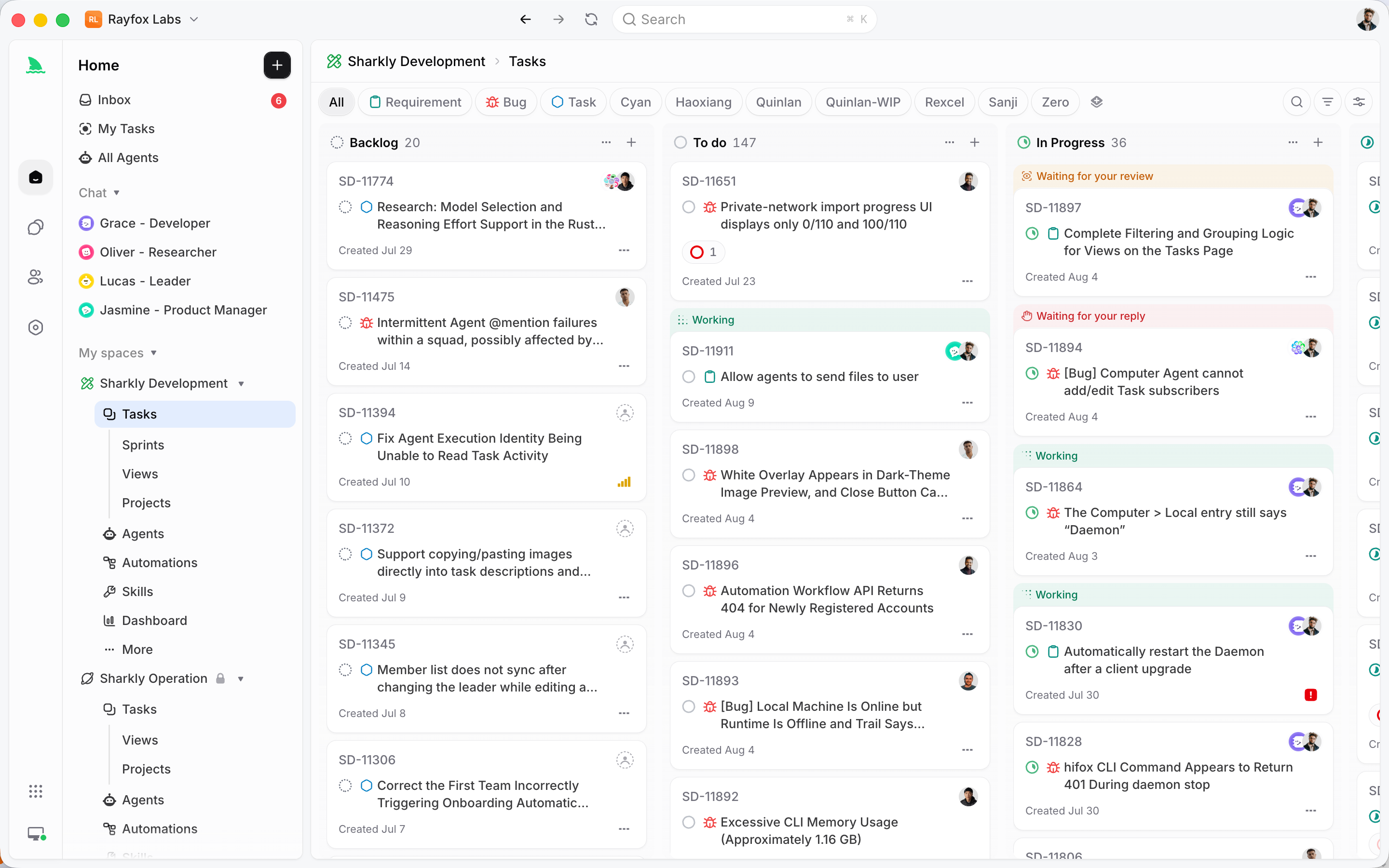
We will use Sharkly as the reference workflow throughout, because the hard part of agentic coding is not the agent writing code. It is coordinating many runs, keeping context in one shared place, and deciding what actually ships. Sharkly is an all-in-one Agent command and management platform: it adds the shared task, Computer, context, control, and review layer around the coding tools your team already runs. That layer is exactly what turns “an agent wrote some code” into agentic coding a team can trust.
TL;DR: what is agentic coding?
Agentic coding is a software development workflow where you assign a scoped unit of work to an AI coding Agent that researches the codebase, makes the change, runs the tests, and reports back with evidence, instead of answering a single prompt. The developer moves from author to director: you set direction, grant authority, and accept the result. It matures in four stages, from a chat assistant that autocompletes, to a single working Agent, to parallel Agents, to an orchestrated Crew coordinated by one leader Agent.
The prompt-and-paste ceiling
Chat-based AI coding hit a ceiling that most teams feel but rarely name. You can only ask one question at a time. Every answer lands back in your lap, where you have to read it, judge it, wire it into the real code, and run the checks. The model does the typing; you do the thinking, the integration, and the verification. Multiply that across a sprint and the assistant is fast at the small step and useless at the large one.
The pain shows up in three predictable places. First, context lives in your head and your private chat history, so a teammate cannot see why the agent made a choice or what it already tried. Second, throughput is capped at one human’s attention: five terminals open, five half-finished agent sessions, and no shared record of which one is actually done. Third, nothing is accountable. The agent’s reasoning, its diff, and its test output scatter across a chat window that no one reviews before the code merges.
Agentic coding answers all three by changing the unit of interaction. You stop trading messages and start assigning work. And once work is the unit, it needs somewhere to live, someone to own it, and a gate before it ships. That is the workflow this article is really about, and it is why a definition that stops at “the agent writes code by itself” misses the point for teams. If you want the orchestration side of the same story, our guide to AI agent orchestration is the companion pillar to this one.
A practical definition of agentic coding
Here is the one-sentence version worth quoting: agentic coding is a development workflow in which a person assigns a scoped Task to an AI coding Agent that researches, executes, tests, and reports the result, while the person keeps direction, authority, and final acceptance.
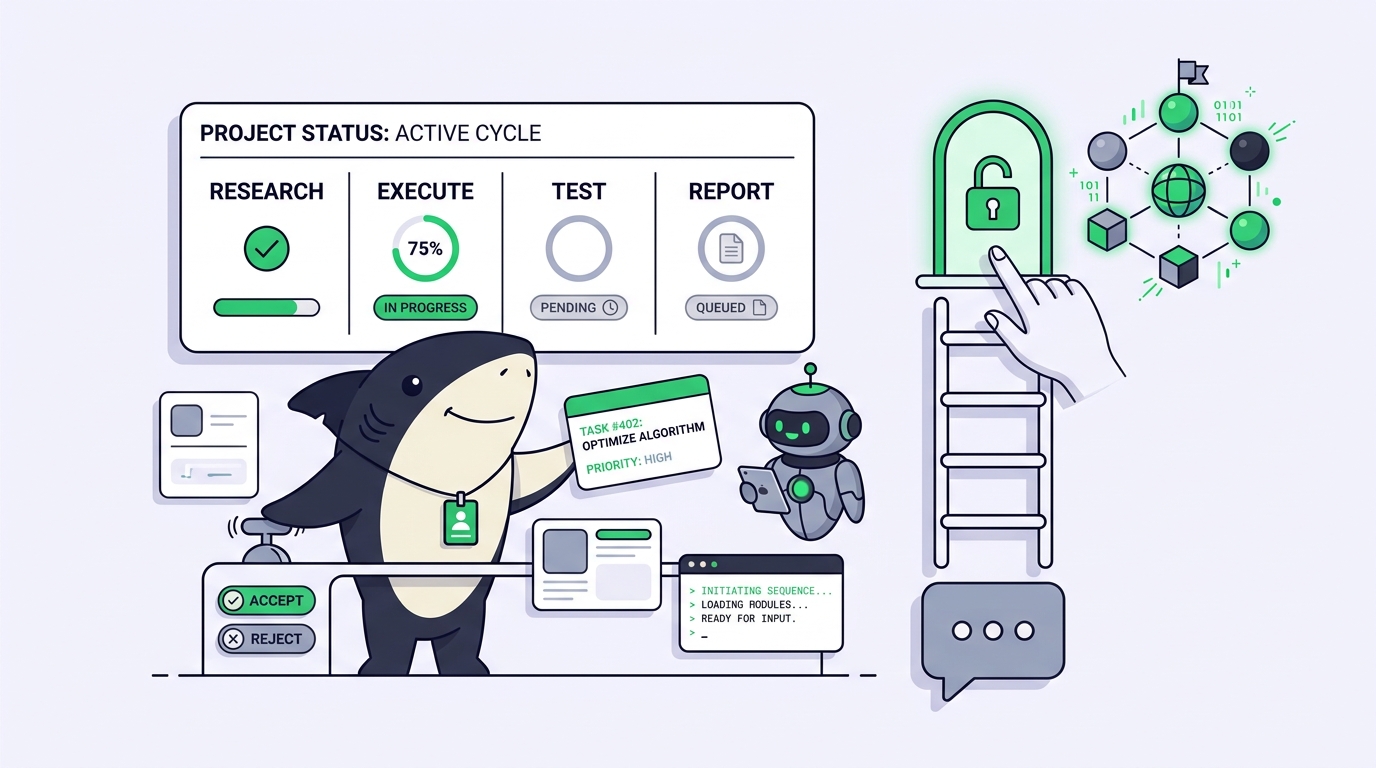
Two halves of that sentence carry the whole idea. The Agent’s half is a loop of verbs: research the codebase and the requirement, execute the change, run the tests and the build, then report back with a summary and inspectable evidence. The person’s half is a shorter loop: set direction, grant authority, accept or reject. Agents research, execute, test, and report. People set direction, grant authority, and accept the result. Automation stops where team judgment is required.
It helps to say what agentic coding is not. It is not the model replacing the developer, and it is not “let the AI run unsupervised and hope.” A coding Agent without a person setting scope and accepting the result is not agentic coding; it is an unowned process. The shift is not about removing the human. It is about moving the human from the middle of every keystroke to the two ends that matter: what to build and whether it is good enough to ship.
That distinction also separates agentic coding from “vibe coding,” where you accept generated code without reading it. Vibe coding drops the human from the acceptance end. Agentic coding keeps that end and automates the middle. One is a shortcut; the other is a workflow you can run a team on.
The maturity ladder: four stages of agentic coding
Teams do not jump straight to autonomous Agents. They climb. Naming the rungs makes it obvious where your team is now and what the next honest step looks like.
Stage 1: the chat assistant
The model completes lines, answers questions, and drafts functions inside your editor. You drive every step. There is no persistent Task, no ownership, and no report; the value is faster typing and quick lookups. This is where most developers started, and for a one-line fix it is still the right tool. Reaching for an Agent here is overkill.
Stage 2: the single Agent
You hand one scoped Task to one Agent and let it run the full loop: read the relevant files, make the change, run the checks, and come back with a diff and a summary. The Agent works from the current state of the code, not from a blank prompt. This is the first real rung of agentic coding, because for the first time the work, not the message, is the unit. A good starting point is a small, low-risk change; our walkthrough on how to assign your first task to an AI coding Agent covers exactly this rung.
Stage 3: parallel Agents
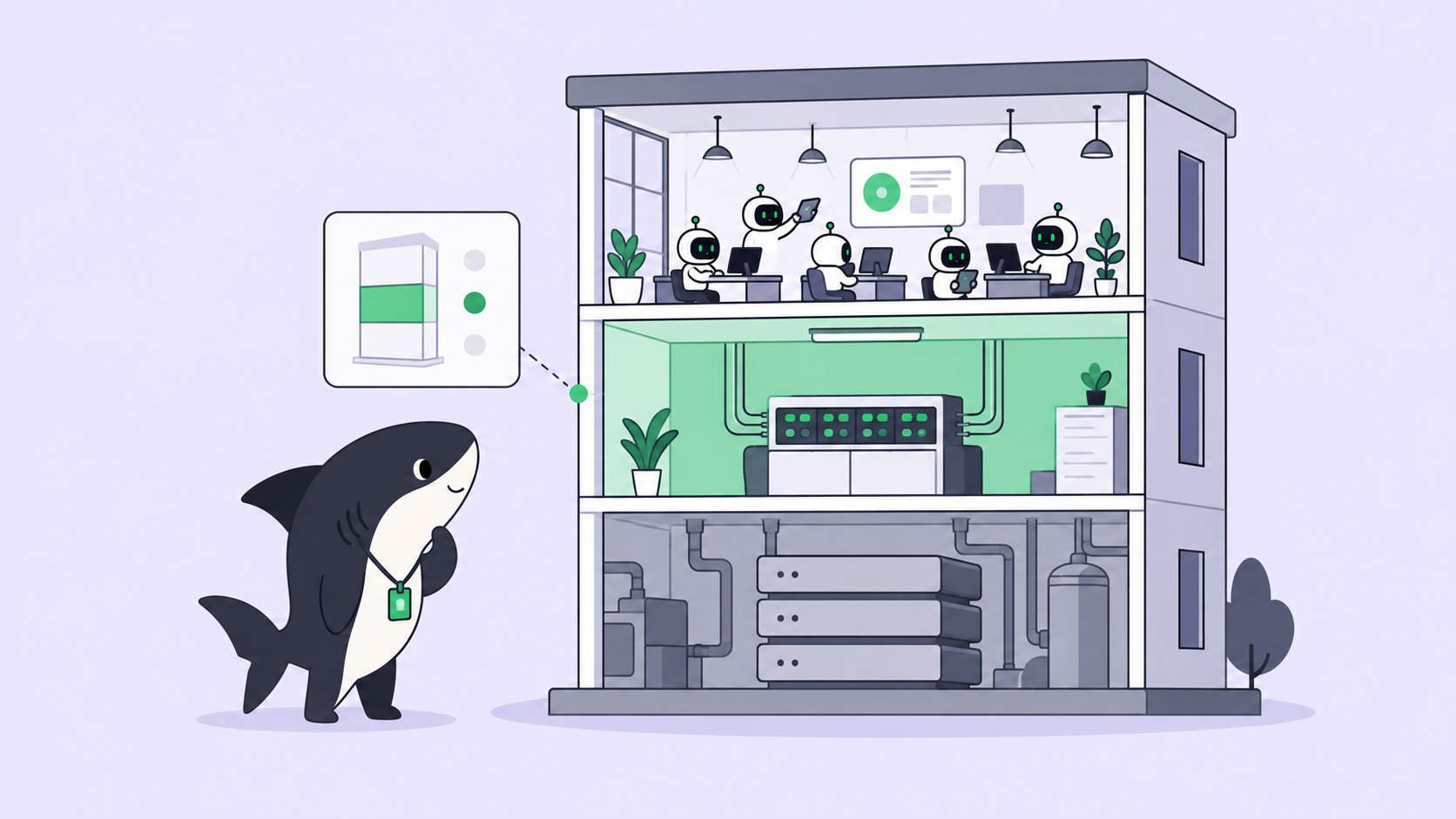
Now you run several Agents at once, each on its own Task, each in an isolated worktree so they do not collide. Frontend work, a backend endpoint, a bug fix, and a batch of test coverage can all move at the same time. Throughput stops being capped by one human’s attention. The catch is coordination: five Agents in five terminals is faster and also chaos, unless something keeps the goals, diffs, and results in one place. This is the rung where teams outgrow tmux and ad-hoc scripts; see how to run multiple Claude Code Agents in parallel for the mechanics.
Stage 4: the orchestrated Crew
At the top rung, one leader Agent interprets a larger goal, breaks it into Tasks, brings in other Agent members, and returns their combined result to a single Task. A Crew is a reusable group of People and Agents coordinated by one leader Agent. You are no longer assigning individual changes; you are assigning outcomes. This is powerful and also the rung where the temptation to skip human acceptance is strongest, which is exactly why the acceptance gate matters most here.
Use a single Agent when the work is small and well-defined. Use a Crew when the leader needs to interpret the goal, involve other Agent members, and bring their results back into one Task. Climbing a rung early, before you have the visibility to review what the Agents did, is the most common way teams get burned.
The agent loop: research, execute, test, report
The verb loop is worth slowing down on, because it is what separates an Agent from a fancy autocomplete.
Research. Before touching code, a capable Agent reads the product context, the codebase, past related Tasks, and the team’s rules, then completes the scope and acceptance criteria. This is the step chat skips entirely. A prompt starts from nothing; an Agent starts from your repository as it is today.
Execute. The Agent makes the change in an isolated worktree, so a half-finished run never contaminates the main branch or another Agent’s work. Git worktrees are the boring, proven mechanism underneath this; they let many branches exist as separate working directories at once.
Test. The Agent runs typecheck, the test suite, and the build, and it attaches the results. This is the difference between “here is some code” and “change that passes.” A report without evidence is just a claim.
Report. Execution, blockers, results, and follow-up discussion return to the Task timeline, not to a private terminal. The change summary, the verification results, and the known limits sit in one place a reviewer can read. Work always returns to the Task.
That last verb is the quiet center of the whole workflow. When results return to a shared Task instead of disappearing into a chat window, agentic coding stops being a solo trick and becomes something a team can see, review, and trust.
Where the human stays: the acceptance contract
The most important sentence in agentic coding is about the parts you do not automate. Agents research, execute, test, and report. People set direction, grant authority, and accept the result. Leave final acceptance and release decisions to people.
Break that into the three places the human stays:
- Direction. A person describes the need and sets the goal. The Agent can shape scope and write acceptance criteria, but the intent starts with you. Garbage direction produces confident, well-tested code that solves the wrong problem.
- Authority. The Agent acts within limits you grant: which repositories it can touch, which Computer it runs on, whether it can open a pull request or must stop before merge. Authority is explicit, not assumed.
- Acceptance. A person reviews the change summary and the evidence, then accepts, requests changes, or decides the merge and release step. This gate never moves to the machine, no matter how good the Agent gets.
This is the contract that makes agentic coding safe to run at team scale. Automation stops where team judgment is required and returns a delivery with complete context and inspectable evidence. Notice that the contract does not slow good Agents down. It gives their output a place to be judged. An Agent that produces a clean diff, green tests, and a clear summary makes acceptance fast. The gate is not friction; it is the point where trust gets earned or withheld on evidence.
Agentic coding as a team workflow with Sharkly
Everything above works for one developer and one Agent. It falls apart for a team unless the work, the context, and the review live somewhere shared. That gap is what Sharkly fills.
Sharkly is not a replacement for Claude Code, Codex, or other execution tools. It adds the shared task, Computer, context, control, and review layer around the tools your team already uses. Claude Code, Codex, and similar tools perform execution. Sharkly manages team-level assignment, connected Computers, Task context, progress, blockers, results, and human review across those tools. You keep the model subscriptions and API keys your team already configured; Sharkly makes the runs assignable and traceable.
Here is how the four-stage ladder maps onto the product:
- A Task is the main unit of work in Sharkly, and it is where a request, the Agent’s diff, the test results, and the review all live. This is the shared record chat never had.
- An Agent defines how work should be handled; a Computer supplies the host and local resources; a Runtime performs the actual agent session; the Task stays the shared record for the team. Each role has one job.
- Running parallel Agents is safe because each works in an isolated worktree on a connected Computer, so concurrent runs do not step on each other.
- A Crew handles the orchestrated rung: a reusable group of People and Agents coordinated by one leader Agent, with the combined result returned to one Task.
The official product-development flow reads as four stages that mirror the agent loop and the acceptance contract exactly: a person describes the need and an Agent researches and creates executable Tasks; Agents claim ready Tasks and develop in parallel; the Agent runs typecheck, tests, and the build, attaches the evidence, and a person accepts or requests changes; the team tracks completion, ownership, dependencies, and blockers in the shared plan. Team leverage does not come from opening more AI chats. It comes from sharing roles, rules, context, and workflows so one good setup becomes a development capability the team reuses.
The practical payoff is a system where context, progress, blockers, results, and human review stay visible request and assign it one low-risk Task.
Common mistakes when adopting agentic coding
A few failure patterns show up again and again. Skip them and the ramp is much smoother.
- Climbing to Crews before you can review a single Agent. If you cannot see and accept one Agent’s work cleanly, five will bury you. Master Stage 2 before Stage 4.
- Handing over vague direction. “Improve the checkout flow” is not a Task. Scope it, or let the Agent draft scope and acceptance criteria and confirm them before it runs.
- Skipping the acceptance gate under deadline pressure. The moment you merge unread agent output because tests passed, you have traded agentic coding for vibe coding. Passing tests are necessary, not sufficient.
- Running parallel Agents without isolation. Concurrent Agents sharing one working directory corrupt each other’s changes. Isolated worktrees per Agent are not optional at Stage 3.
- Letting context live in private chats. If the reasoning behind a change is not on the Task, the next person cannot review it or build on it. Keep the record shared.
Agentic coding compared to related terms
The vocabulary around this space is noisy. Here is how agentic coding sits next to the terms it gets confused with.
| Term | What it means | Where the human sits |
|---|---|---|
| AI autocomplete / chat assistant | Model completes code and answers prompts inside your editor | In the middle of every step |
| AI pair programming | Human and model work turn by turn on the same code | Driving continuously |
| Vibe coding | Accepting generated code without reading it | Removed from acceptance |
| Agentic coding | Assign a scoped Task; Agent researches, executes, tests, reports | Direction and acceptance |
| AI agent orchestration | Coordinating many Agents and runs across a team | Setting the rules and reviewing outcomes |
Agentic coding is the workflow. Orchestration is what you need once you have more than one Agent running it. They are two pillars of the same system, which is why teams that adopt one usually want the other soon after.
Real-world use cases
Backend endpoint under deadline. A developer describes a new endpoint, its inputs, and its acceptance criteria as a Task. An Agent researches the existing route patterns, writes the handler and tests in an isolated worktree, runs the suite, and returns a diff with green checks. The developer reviews and merges. Elapsed hands-on time: a scoping message and a review.
Parallel bug bash. A tech lead files six unrelated bug Tasks before standup. Six Agents claim them, each on its own worktree and Computer. By mid-morning, the Tasks carry six diffs with test evidence, ready for review. One person’s attention no longer caps the throughput of six fixes.
has with a Crew. A larger goal, say a settings page with backend, frontend, and migration work, goes to a Crew. The leader Agent breaks it into Tasks, involves member Agents, and returns the combined result to one Task for a single acceptance decision. The manager sees ownership, dependencies, and blockers in the shared Sprint the whole time.
Conclusion
Agentic coding is not a smarter autocomplete. It is a change in the unit of work, from the prompt you paste to the Task you assign, and a matching change in your role, from author to director. The definition worth keeping is simple:
- Agents research, execute, test, and report; People set direction, grant authority, and accept.
- It matures in four rungs: chat assistant, single Agent, parallel Agents, orchestrated Crew.
- The acceptance gate never moves to the machine, no matter how capable the Agent.
- Parallel work needs isolation; team work needs a shared Task where results return.
- The hard part is coordination and review, which is the layer Sharkly adds around the coding tools you already run.
Start on the lowest useful rung. Download Sharkly, connect one Computer, create one Agent, and assign it something small and boring. Accept the result yourself. That single loop, run once, teaches more about agentic coding than any definition, including this one.
FAQ
What is agentic coding in simple terms? It is a way of building software where you assign a scoped piece of work to an AI coding Agent that researches your codebase, makes the change, runs the tests, and reports back with evidence, instead of trading one message at a time in a chat. You stay in charge of what to build and whether the result is good enough to ship.
How is agentic coding different from using ChatGPT or Copilot to write code? Chat assistants and autocomplete answer a prompt and hand the result back to you to integrate and verify. An Agent takes a whole Task through research, execution, testing, and a reported result. The unit changes from a message to a piece of work, and the Agent starts from your actual repository rather than a blank box.
Is agentic coding the same as vibe coding? No. Vibe coding means accepting generated code without reading it, which drops the human from the acceptance step. Agentic coding keeps acceptance firmly with a person and automates only the middle: research, execution, and testing. One is a shortcut; the other is a reviewable workflow.
Does agentic coding replace developers? No. It moves the developer from typing every line to setting direction, granting authority, and accepting the result. Agents research, execute, test, and report; people decide what to build and whether it ships. Final acceptance and release stay with people.
What tools do I need to start agentic coding? An AI coding tool that can run tasks (Claude Code, Codex, and similar), and a layer to assign work, keep shared context, and review results across a team. Sharkly is that layer; it runs on top of the execution tools and subscriptions you already have. See what Sharkly is for the overview.
How do teams run many coding Agents at once without chaos? Each Agent works on its own Task in an isolated worktree, and every result returns to a shared Task where a person can review it. That combination, isolation for execution plus a shared record for review, is what keeps parallel runs from colliding. Our guide on running multiple Claude Code Agents in parallel covers the setup.
Where does the human stay in an agentic coding workflow? At three points: direction (what to build), authority (what the Agent is allowed to touch), and acceptance (whether the result ships). Everything between those points can be automated; those three stay with people.