Point two AI coding agents at the same checkout and they will eventually destroy an afternoon. One rewrites a file the other is mid-edit on. One switches the branch out from under the other. Both run npm install against the same node_modules and leave you with a lockfile nobody wrote. The failure is quiet until it isn’t, and then you are bisecting a mess neither agent can explain.
Git worktrees are the standard fix. A worktree gives each agent its own working directory and its own checked-out branch on top of one shared repository, so parallel work stops colliding. This guide walks through the real commands, the gotchas that bite in practice, and the cleanup discipline nobody tells you about. Then it shows where hand-rolled worktree scripts stop scaling, and how Sharkly runs every Task in its own worktree automatically so results return to one shared record instead of scattering across terminals.
If you are running one agent, you do not need any of this yet. The moment you run two, isolation stops being optional.
TL;DR
A git worktree is a second working directory attached to the same repository, with its own branch and index. Give each AI coding agent its own worktree and they can edit, build, and test in parallel without overwriting each other or fighting over the current branch. The commands are simple; the operational cost (per-worktree installs, cleanup, disk, coordination) is what grows. Sharkly manages that cost by preparing an isolated worktree for every Task automatically and returning each result to the Task for review.
Why one checkout cannot hold two agents
A normal git checkout has exactly one working directory, one index, and one HEAD. That is fine for one person doing one thing. It falls apart the instant two agents work at once, because all three of those are shared state.
Picture two agents on the same repo. Agent A is refactoring the auth module on a branch called auth-refactor. Agent B is asked to fix a logging bug and runs git checkout -b fix-logging. That single command moves HEAD for the whole checkout. Agent A’s uncommitted changes are now sitting on top of the wrong branch, its next commit lands in the wrong place, and its build starts failing for reasons it will spend twenty minutes “debugging.” Nothing crashed. The state just quietly went wrong.
It gets worse with files. Both agents share one working directory, so when Agent B regenerates a config file or reruns a formatter, Agent A’s open edits get clobbered on disk. Coding agents do not hold a mental model of “the other one is in the middle of something.” They read the file, act, and write it back. Two writers, one file, no lock. You get the classic lost-update problem, except the writers are autonomous and fast.
This is the pain the keyword “git worktrees” keeps surfacing for. People do not search for worktrees because branching is interesting. They search because they tried to run agents in parallel and got burned. If that is you, the parallel-execution side is covered in depth in our guide to running multiple Claude Code agents in parallel; this article is the isolation primitive underneath it.
What a git worktree actually is
Here is the definitional version, the one worth memorizing:
A git worktree is an additional working directory linked to the same repository, with its own checked-out branch, index, and HEAD, sharing one object database.
That last clause is the whole trick. A worktree is not a clone. Clones duplicate the entire object store: every commit, every blob, every tag copied to a second .git. Worktrees share one object store and add only a lightweight second working directory. Your commits are visible from every worktree the moment they land, because there is only one history underneath. What differs per worktree is the checkout: which branch is out, what is staged, what is dirty on disk.
For agents, that maps cleanly onto the problem. Each agent gets a worktree. Each worktree has its own branch and its own files. They cannot overwrite each other because they are literally in different directories, and they cannot yank the branch out from under each other because each worktree pins its own HEAD. Conflicts move to where they belong: merge time, on purpose, under review, instead of mid-edit by accident.
The worktree commands you will actually use
Start in a normal repository. Every command below is run from inside it.
Create a worktree with a new branch. This is the one you will use most:
git worktree add -b fix-logging ../myproject-fix-logging main
That creates a directory at ../myproject-fix-logging, makes a new branch fix-logging starting from main, and checks it out there. Point an agent at that directory and it has a clean, isolated place to work.
Create a worktree for an existing branch:
git worktree add ../myproject-auth auth-refactor
List what you have open:
git worktree list
/Users/you/myproject              9f3c1a2 [main]
/Users/you/myproject-fix-logging  9f3c1a2 [fix-logging]
/Users/you/myproject-auth         3b7e0d4 [auth-refactor]
One line per worktree, with its path, checked-out commit, and branch. When you are running a fleet of agents, this list is your ground truth for who is where.
Remove a worktree when the work is merged or abandoned:
git worktree remove ../myproject-fix-logging
Prune stale metadata after you delete a worktree directory manually (agents and scripts do this more than you would like):
git worktree prune
That is the entire surface area. Five commands. The commands are not where the difficulty lives.
The gotchas that actually bite
The commands are simple. The operational reality is where afternoons go. These are the failure modes that show up once real agents are running in real worktrees.
Untracked and gitignored files do not come along. A worktree checks out tracked files at the branch you asked for. It does not copy your node_modules, your .env, your venv, your build cache, or anything else git ignores. So a fresh worktree for a Node project is not runnable until you run the install in it. Every worktree pays for its own dependency install, its own environment file, its own build. Agents that assume “the repo is set up” will fail their first command in a new worktree until you handle setup explicitly.
You cannot check out the same branch twice. Git refuses to have one branch checked out in two worktrees at once, and it is right to. If two agents both need main checked out, one of them has to branch. This is a feature, not a limitation, but it surprises people who expected worktrees to be free-floating copies.
Disk grows fast. Object storage is shared, so history is cheap. Working directories and their installs are not. Ten worktrees of a project with a 900 MB node_modules is 9 GB of duplicated dependencies. On a laptop running a handful of agents, you feel this by lunch.
Dirty worktrees resist removal. git worktree remove refuses if the worktree has uncommitted changes, which protects you from throwing away work an agent did not finish. When you genuinely want it gone, git worktree remove --force. But now you own the decision of whether that uncommitted work mattered, for every worktree, by hand.
Deleted directories leave ghosts. Delete a worktree folder with rm -rf and git still lists it until you git worktree prune. Scripts that create worktrees faster than they clean them accumulate stale entries, and the entries hold locks that block reusing branch names. Cleanup is not optional; it is just easy to forget until git worktree list is a graveyard.
Nested agent caches are not yours to delete. Some runtimes keep their own worktree caches, for example under ~/.claude/worktrees. Do not point your own cleanup scripts at those. Let the tool that owns a cache manage it.
None of these are hard individually. The problem is that they compound. Two worktrees you manage by hand. Five, you write a script. Twelve running agents across two repositories, and the script is now a small piece of infrastructure with its own bugs, and you are the on-call for it.
Where the scripts stop scaling
The honest arc looks like this. You start with a shell function that wraps git worktree add, drops an agent into the new directory, and runs setup. It works. You add a naming scheme so directories do not collide. You add a cleanup command. Then the requirements pile on.
You want to know which agent is in which worktree right now, and what state its branch is in. Your git worktree list does not know about agents; it knows about directories. You bolt on a mapping file. You want per-worktree dependency installs to not stampede your disk, so you add caching logic. You want an agent’s output, its diff, and its test results to land somewhere a human can review instead of getting trapped in a terminal that closes. Now you are writing a results collector. You want two agents to not both grab the same task off the queue. Now you are writing a lock.
At some point you have reimplemented an orchestration layer out of shell scripts, and it is nobody’s job to maintain it. This is the exact seam the vibe kanban alternative conversation lives on, and it is why teams reach for a real management layer once agent count crosses a threshold. The worktree was never the hard part. Coordinating many isolated runs and getting their results back into one place is.
How Sharkly runs every Task in its own worktree
Sharkly is an all-in-one Agent command and management platform. It does not replace Claude Code, Codex, or the other execution tools your agents already use; it adds the shared Task, Computer, context, and review layer around them. Worktree isolation is built into that layer, so you stop hand-rolling it.
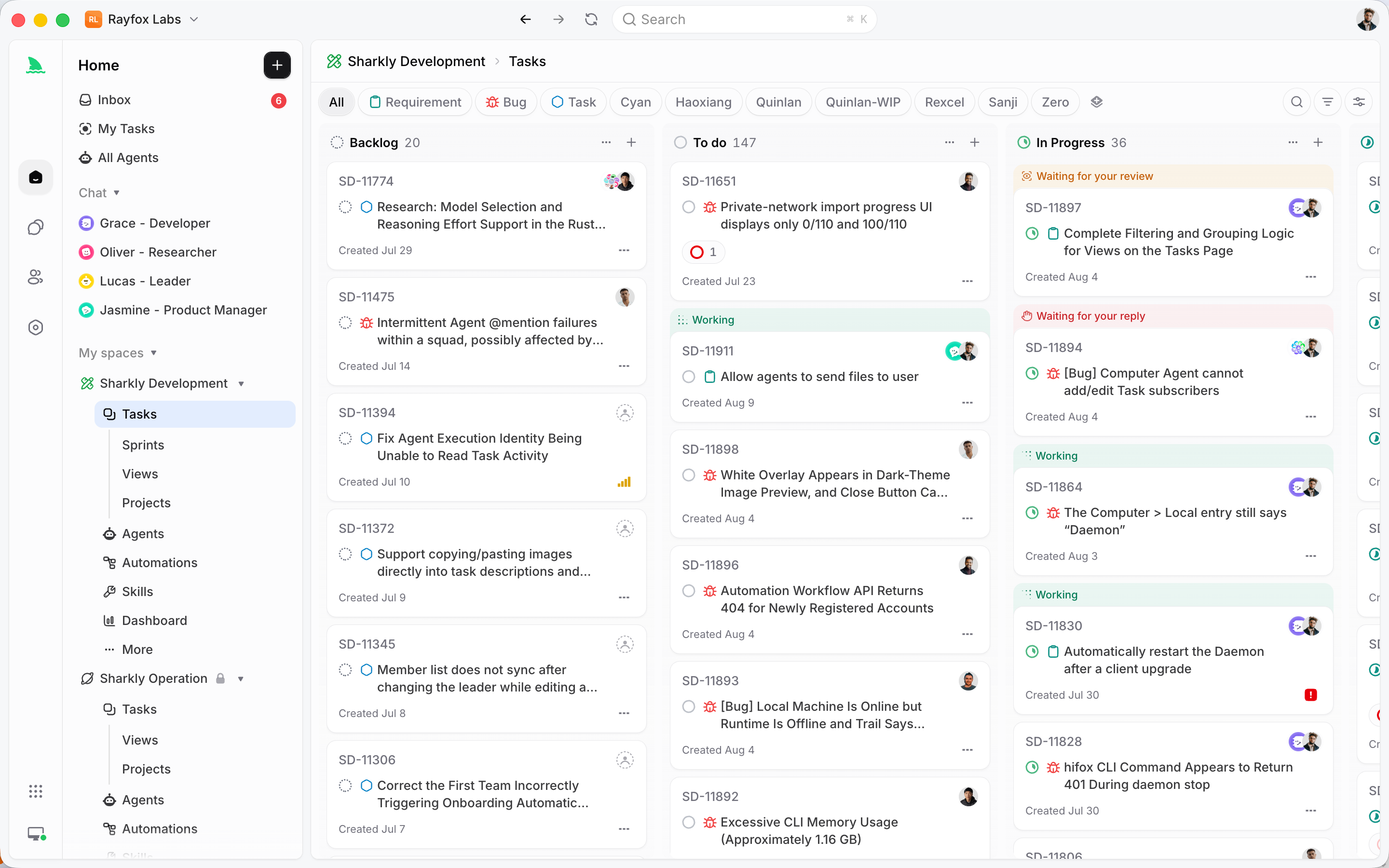
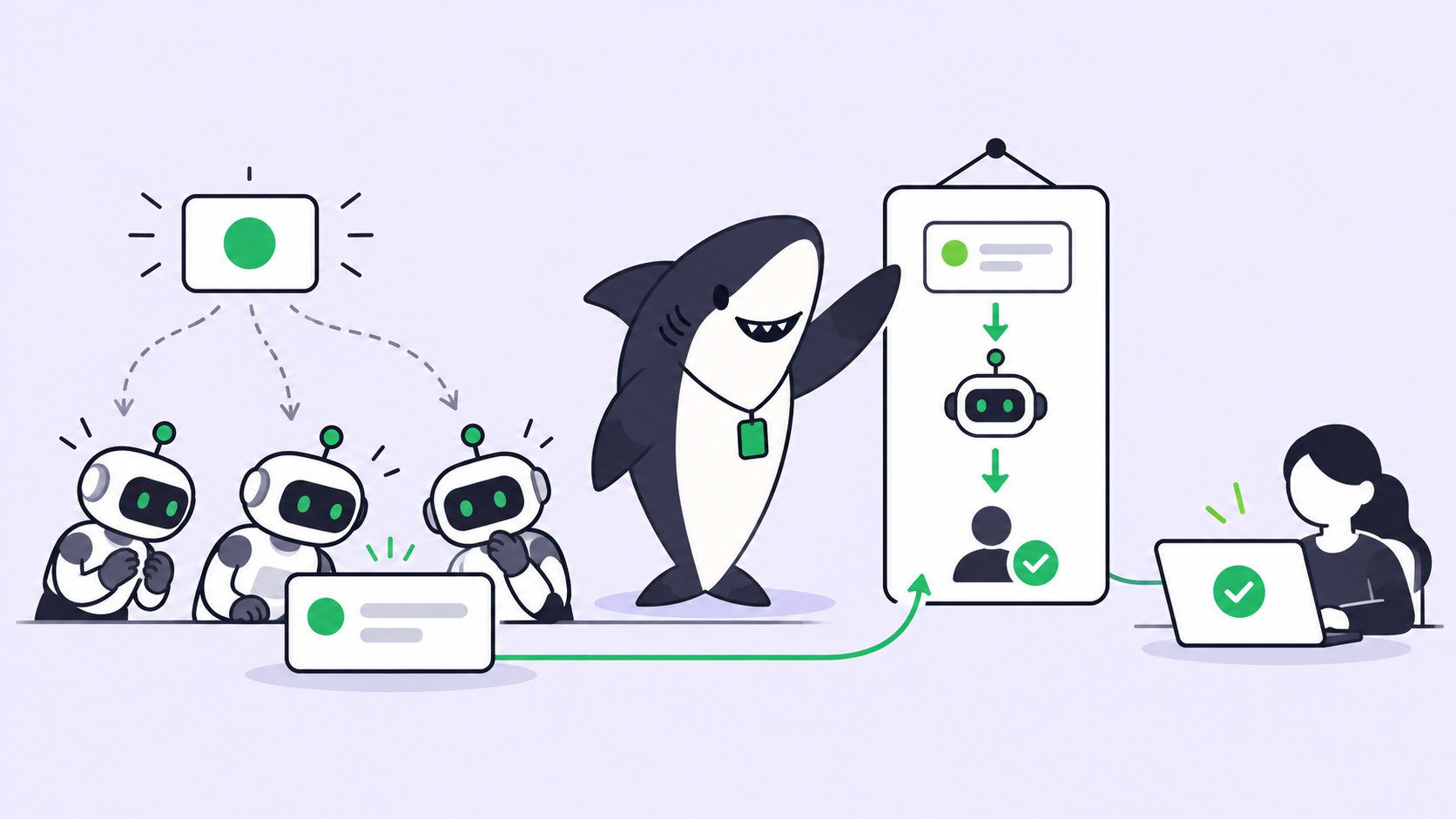
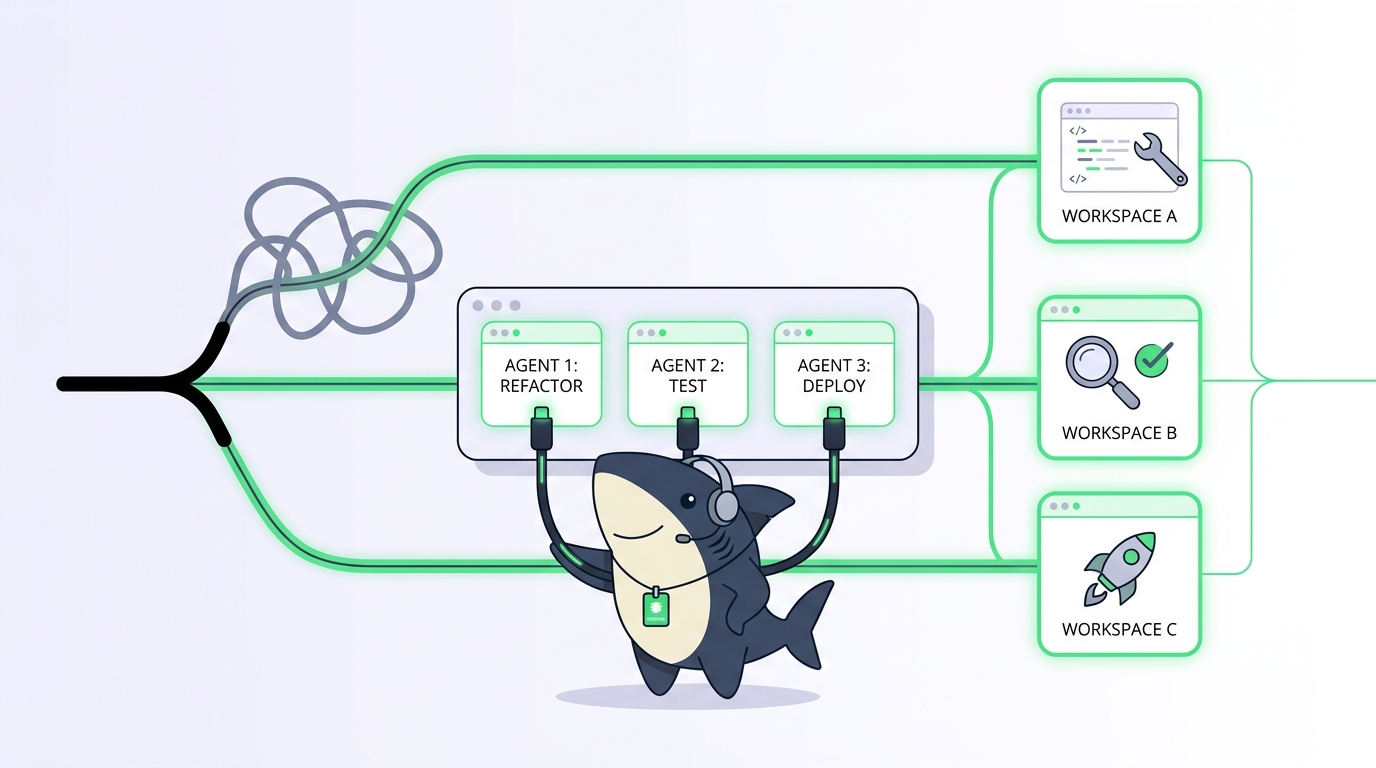
The mechanism is direct. Each Task gets an isolated directory. For repository-backed work, Sharkly prepares a fresh worktree per run from its cached repository data, so several Tasks can work against the same source without ever writing to one shared checkout. You do not run git worktree add. You do not write a naming scheme, a cleanup job, or a mapping file. You assign a Task, and the isolation is already there.
This is the separation of concerns that makes the whole thing calm. The Agent defines how the work should be handled. The Computer supplies the host and local resources. The Runtime performs the actual agent session. The Task stays the shared record for the team. Because each run is in its own worktree, frontend, backend, a bug fix, and new test coverage can all move at the same time without stepping on each other, exactly the parallelism the manual approach was reaching for.
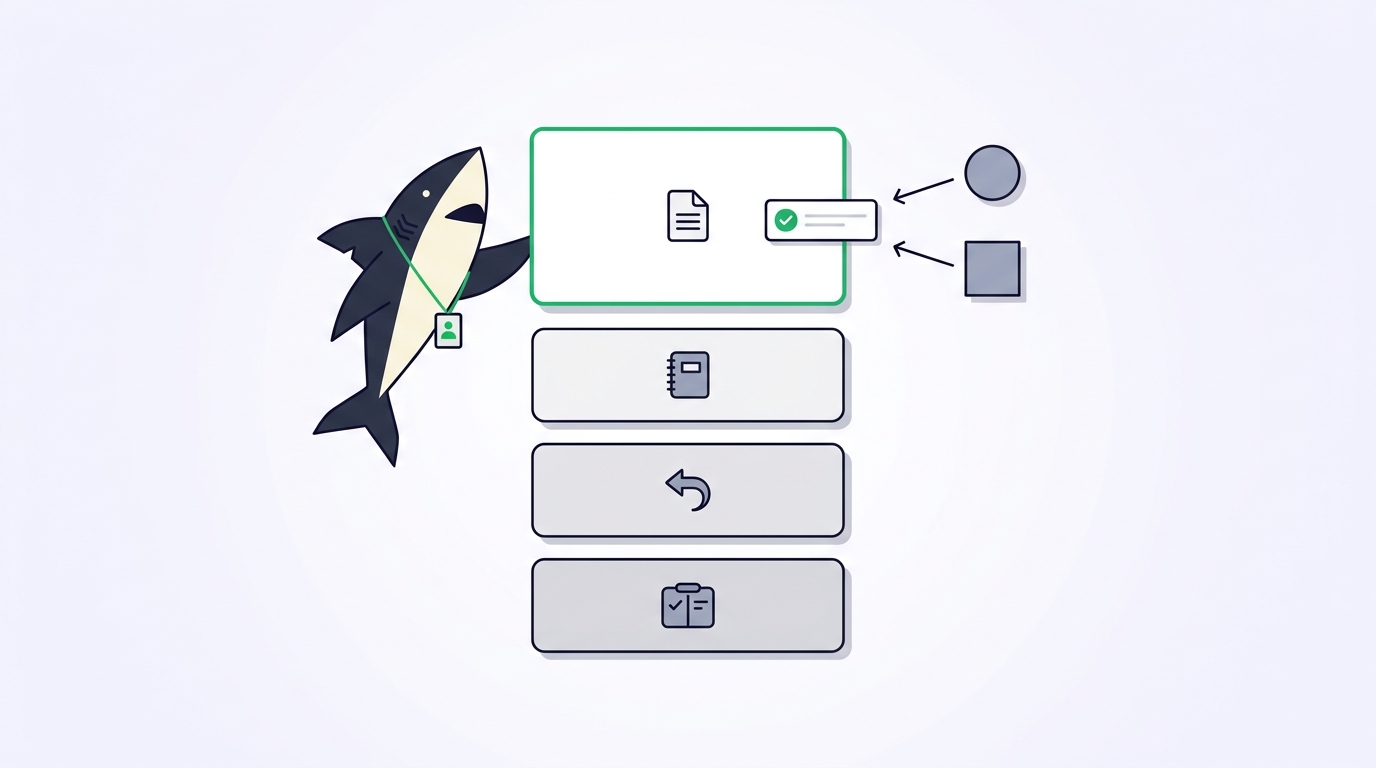
And the results have somewhere to go. Execution, blockers, results, and follow-up discussion all return to the Task timeline. Instead of an agent’s diff living in a terminal you have to remember to check, the change summary, the verification output, and the known limits come back to the Task, where a person accepts them, requests changes, or decides the merge. Context, progress, blockers, results, and human review stay visible from request to release, in one shared place instead of split across private prompts and terminal sessions. If you are new to this model, assigning your first Task to an AI coding agent is the shortest way in.
You keep the tools you already use. Model usage continues through the subscriptions or API keys configured in those tools; Sharkly adds the isolation, coordination, and review around them.
Manual worktrees versus a management layer
Both approaches use the same primitive. The difference is who carries the operational weight.
| Concern | Manual git worktrees | Sharkly-managed worktrees |
|---|---|---|
| Isolation per agent | You run git worktree add per run |
Every Task gets a fresh worktree automatically |
| Per-worktree setup | You script installs and env files | Handled as part of task preparation |
| Cleanup and pruning | Your responsibility, easy to forget | Managed; safe cleanup never touches protected caches |
| Which agent is where | A mapping file you maintain | Visible on the Task, no side file |
| Results and diffs | Trapped in each terminal | Return to the Task for review |
| Task claiming / locks | You write the lock | Tasks are claimed from a shared plan |
| Disk coordination | Manual | Managed across connected Computers |
Use manual worktrees when you are one developer running one or two agents and want full control of the shell. That setup is genuinely fine, and worth learning because the mechanics teach you what any layer above is doing. Use a management layer when the count grows, when more than one person needs to see the work, or when losing an agent’s results in a closed terminal has actually cost you something. This mirrors the honest decision rule in our AI agent orchestration guide: do not add coordination machinery until parallel work is real, and do not keep hand-rolling it once it is.
The human-agent contract still holds
Isolation changes where work happens, not who decides. Worktrees let agents research, execute, test, and report in parallel without collisions. People still set direction, grant authority, and accept the result. Automation stops where team judgment is required. A fresh worktree per agent is what makes that boundary enforceable: each agent’s work arrives as a distinct, reviewable change on its own branch, not as an untraceable edit blended into a shared checkout. You review branches, not chaos. For the broader picture of what this shift means day to day, our explainer on agentic coding sets the context, and What is Sharkly covers the platform end to end.
A few proven approaches for manual worktrees
If you are staying manual for now, these habits prevent most of the pain:
- Name worktree directories after the branch or task, not sequentially.
myproject-auth-refactortells you what it is;myproject-wt3does not. - Keep worktrees as siblings of the main checkout, not nested inside it. Nesting confuses tools that walk the tree and inflates your ignore rules.
- Automate per-worktree setup as one script the agent runs first, so a new worktree is runnable in one step instead of failing on a missing install.
- Prune on a schedule, not on a whim. A daily
git worktree pruneplus a review ofgit worktree listkeeps the ghost entries down. - Never delete a nested runtime cache like
~/.claude/worktreesfrom your own scripts. Let the runtime own it. - Commit or stash before you remove.
--forceis there for when you are sure, not as a default.
Conclusion
Git worktrees are the isolation primitive that makes parallel AI coding agents safe. The core ideas are worth keeping:
- One checkout has one branch, one index, one
HEAD, and cannot hold two agents at once. - A worktree adds a second working directory on the same shared history, so each agent gets its own branch and files.
- The five commands (
add,list,remove,prune, and--forcewhen you mean it) are simple. - The operational cost (per-worktree installs, disk, cleanup, coordination, results collection) is what grows.
- Manual worktrees are right for one or two agents; a management layer earns its place as the count and the stakes rise.
- Sharkly prepares a fresh worktree for every Task automatically and returns each result to the Task for human review.
Learn the manual commands first; they teach you what any layer above is doing. When the bookkeeping starts costing more than the work, Sharkly takes the worktree, the coordination, and the review off your plate. Connect one Computer, create one Agent, and assign it something boring.
FAQ
What is a git worktree in simple terms? It is a second working directory attached to the same repository, with its own checked-out branch and its own staged and unstaged changes. It shares one commit history with the main checkout, so it is far lighter than a clone. For AI agents, it means each agent gets a private place to work without touching anyone else’s files.
Why do AI coding agents need worktrees? Because two agents sharing one checkout will overwrite each other’s files and change each other’s branch. A worktree per agent moves conflicts to merge time, where they are visible and reviewable, instead of mid-edit, where they silently corrupt state. See our guide to running multiple Claude Code agents in parallel for the full parallel setup.
Is a worktree the same as a clone? No. A clone copies the entire object database into a separate repository. A worktree shares one object database and adds only a new working directory and branch checkout. Commits made in any worktree are instantly visible from all of them, and disk use is far lower.
Can two worktrees check out the same branch? No. Git refuses to check out one branch in two worktrees at once, to protect you from conflicting writes to the same branch. If two agents both need that branch as a base, one has to create a new branch from it.
How do I clean up worktrees safely? Commit or stash any work first, then git worktree remove <path>. If you deleted a worktree directory by hand, run git worktree prune to clear the stale metadata. Never point cleanup scripts at a runtime’s own cache such as ~/.claude/worktrees.
When should I stop managing worktrees by hand? When you are coordinating more than a couple of agents, when more than one person needs to see the work, or when a lost result in a closed terminal has cost you time. At that point a management layer that isolates and tracks each run pays for itself. Our AI agent orchestration guide covers when to make that jump.