Conductor is the tool most people name first when the topic is running several coding agents at once. It earned that. A native Mac app, agents in isolated workspaces, clean diffs to review, and none of the tmux gymnastics the pattern used to require.
So the useful comparison is not “which one runs parallel agents.” Both do. It is what happens as the work stops being one developer’s afternoon: when a second person needs to see the run, when someone on Windows joins, when the agent needs a machine that is not a laptop, and when the plan has to live somewhere other than a workspace list. This guide marks those lines and says plainly where Sharkly is the wrong answer.
TL;DR
Conductor runs parallel Claude Code, Codex, and Cursor agents in isolated workspaces on macOS, with a free tier where you bring your own subscriptions and keys, and paid tiers that add Conductor Cloud, an API, live collaboration for teams, and enterprise identity controls. Its documentation states it is not available for Windows or Linux yet. Sharkly runs agents on Computers you connect, including remote servers and containers, on macOS, Linux, and Windows, and wraps them in a work system: Tasks, Projects, Sprints, Crews, and bidirectional Jira sync. If your team is entirely on macOS and wants the most polished native experience, Conductor is a strong answer. If execution needs to leave the laptop or planning needs to live with execution, that is where Sharkly picks up.
What Conductor gets right
Conductor proved something the whole category now assumes: parallel agent work needs isolation and a review surface, and both should be one click away rather than a shell ritual.
Its homepage states the product plainly: “Run parallel Claude Code, Codex, and Cursor agents in isolated workspaces on your Mac.” Each agent gets its own workspace, so two agents editing the same files stop being a merge disaster. Creating a workspace, assigning an agent, and reviewing the resulting diff are interface actions, not commands you have to remember.
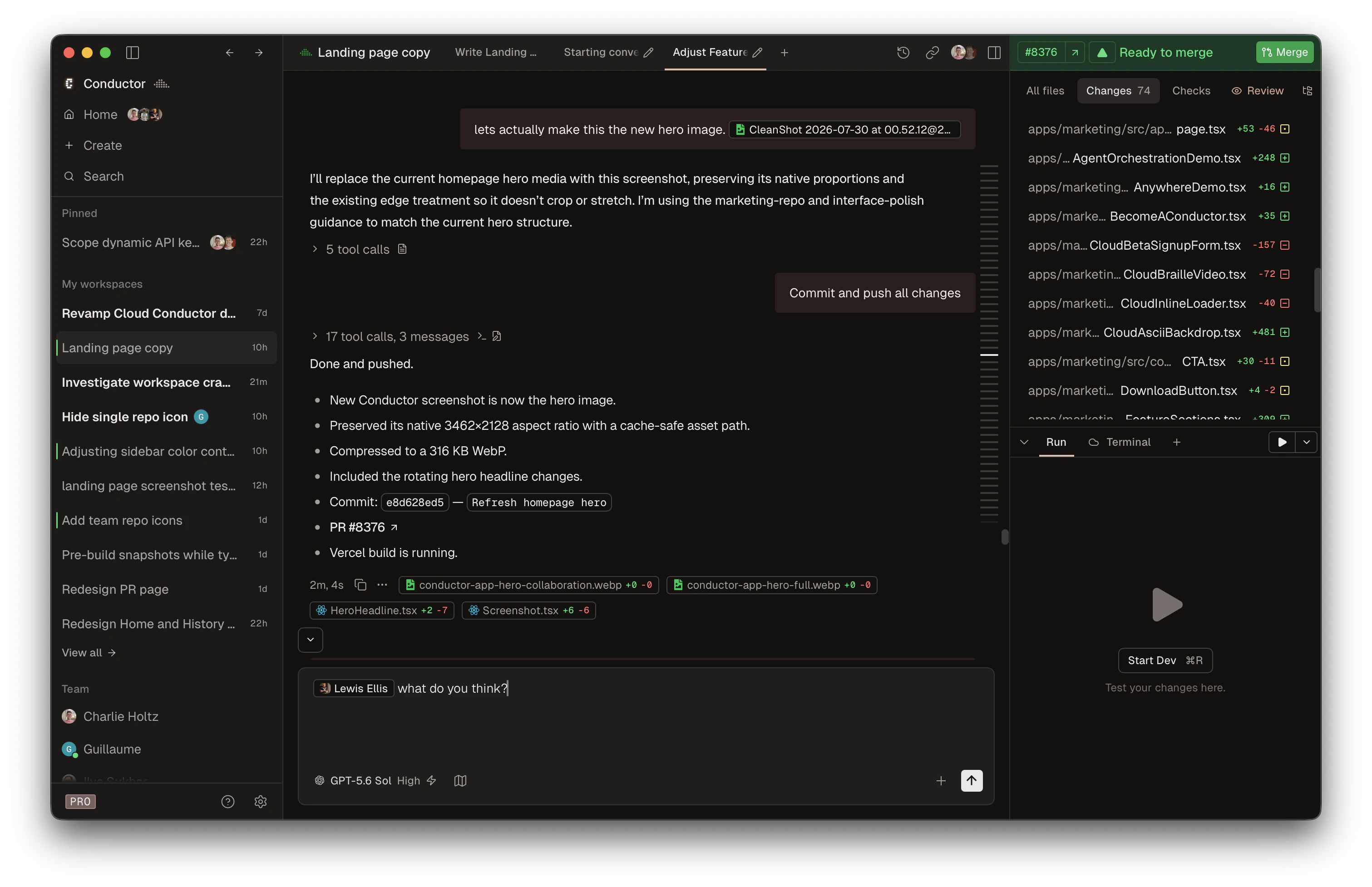
The pricing is honest about the runtime relationship. The free tier says you bring your own subscriptions and keys, which is the correct posture for a layer that does not run the model itself. Paid tiers add Conductor Cloud with cloud workspace hours and a Conductor API on Pro, while the Teams tier adds live collaboration for teams of any size, centralized billing, and an admin portal. Enterprise adds a data processing agreement, SAML SSO, SCIM, and an SLA with dedicated support.
That last part matters for a fair comparison, because the older framing of “Conductor is a solo tool” is out of date. It has a team tier with collaboration and admin controls. Any comparison that skips this is selling you something.
If you want the fuller landscape of local runners, our comparison of Claude Squad, Conductor, and tmux covers how these approaches differ in practice.
Where a Mac-native app reaches its edge
Three limits follow from the design, and only one of them is about features.
Platform. Conductor’s installation documentation states: “Conductor is not available for Windows or Linux yet.” For an all-Mac team that is a non-issue. For a team with a Windows developer, a Linux workstation, or a CI-adjacent build box, it decides the question before any feature comparison starts.
The execution host. Workspaces run where the app runs. Conductor Cloud adds hosted workspace hours on paid tiers, which softens this, but the local model still centers on the developer’s machine. Agent work that needs a machine with a VPN route, a seeded database, or a GPU is a different kind of host, and it is usually not a laptop.
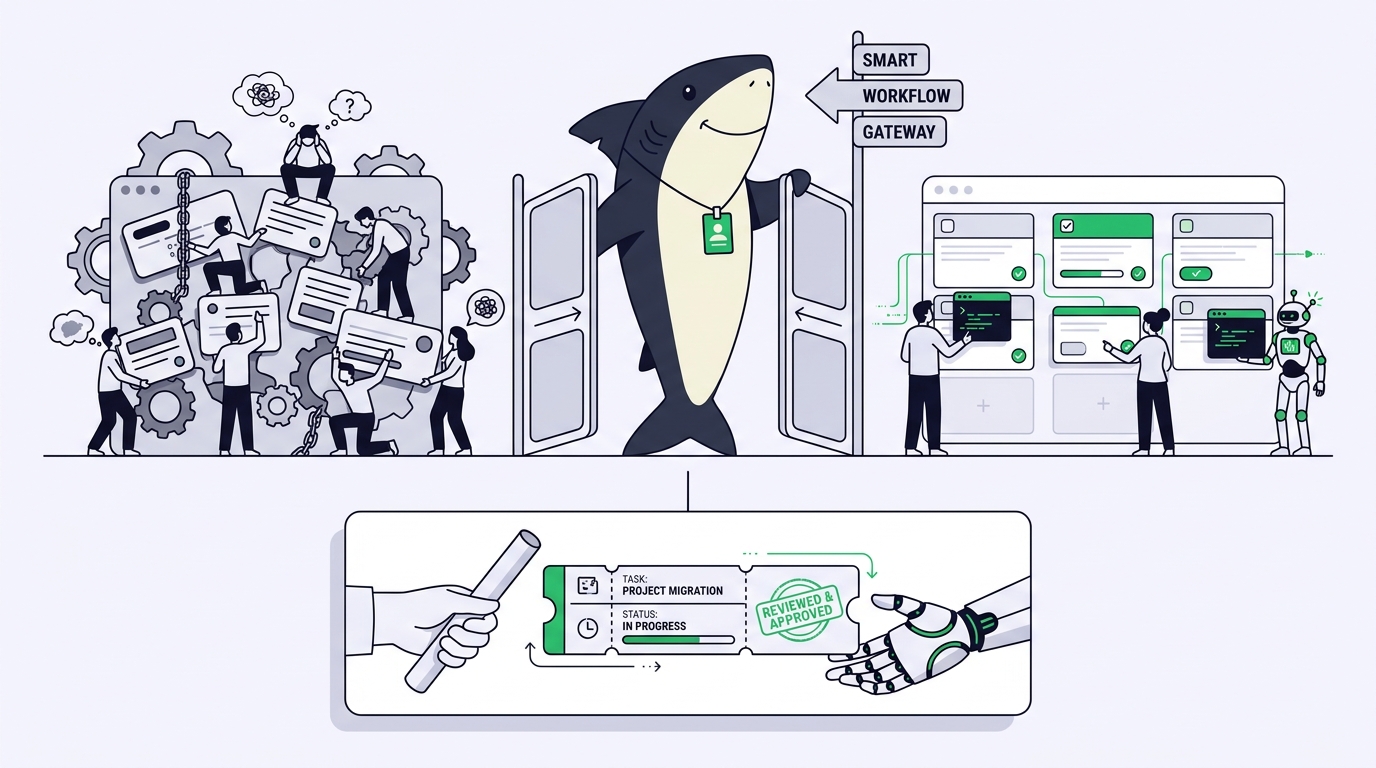
The unit of work. A workspace is a session. It is a good abstraction for “this agent, this branch, this diff.” It is not a backlog item. It does not carry priority, sprint membership, acceptance criteria, a blocker someone else needs to clear, or the history of what a reviewer decided three weeks ago. Teams that need those keep them somewhere else, which means the plan and the execution live in two systems that drift.
None of these are defects. They are the shape of a focused local tool, and focus is why it feels good to use.
The decision pair
Use Conductor when everyone is on macOS, the agents you want are Claude Code, Codex, or Cursor, the work runs fine on developer machines or hosted workspace hours, and your planning already lives in a tracker you are happy with. A native app with live collaboration is lighter than a work system, and lighter is a feature.
Use Sharkly when execution has to happen off the laptop or across mixed platforms, or when the team wants planning, execution, and review in one record.
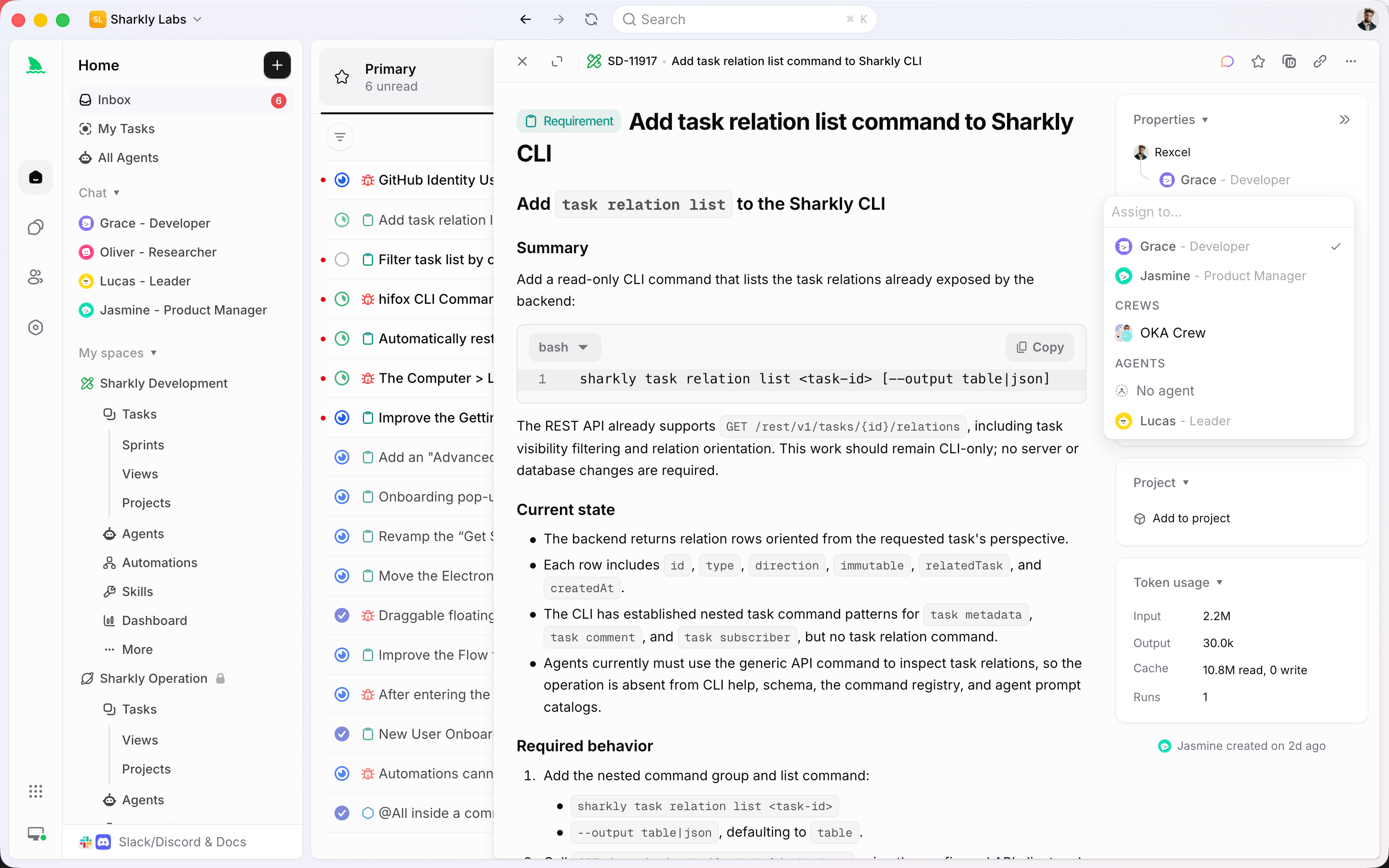
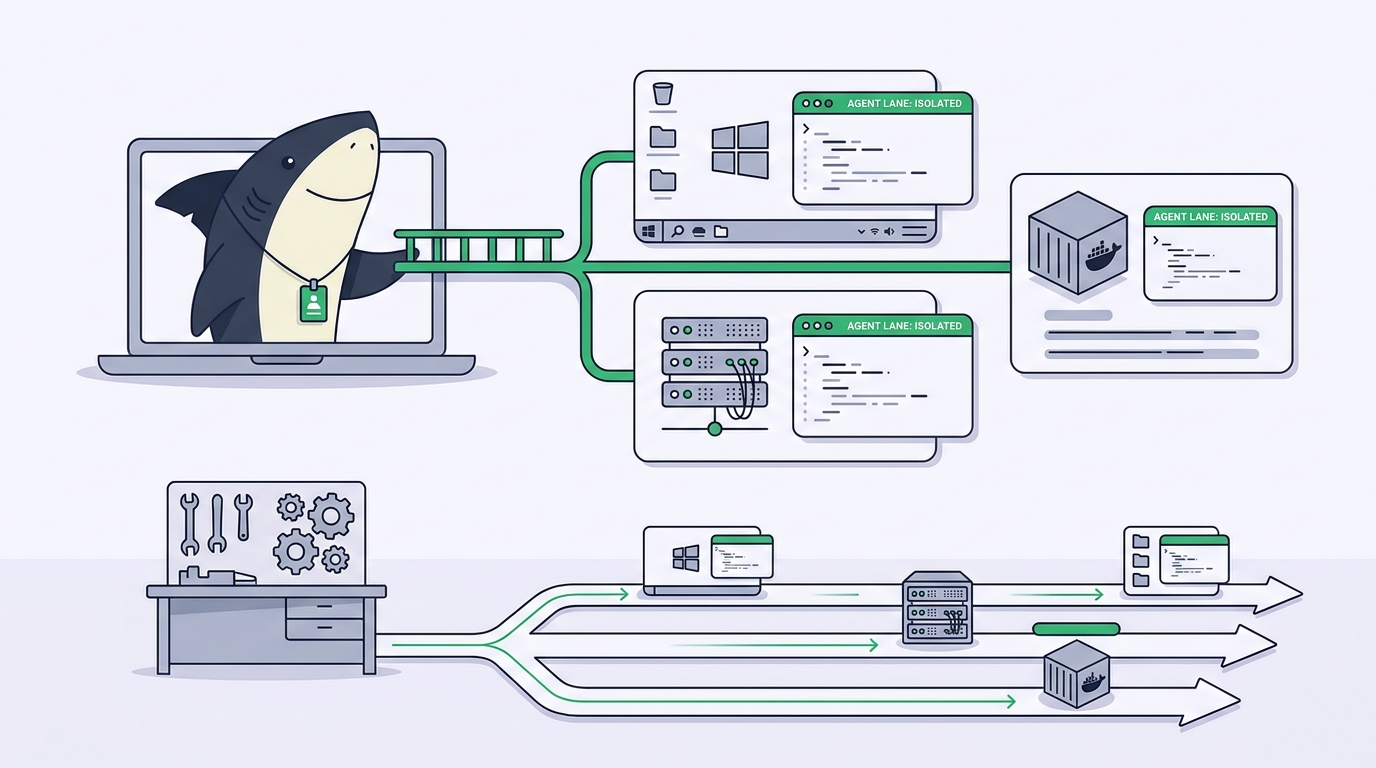
The definition that carries the difference: a Computer in Sharkly provides the execution host for Agent work, and it can be a local computer, a remote server, a container, or a supported cloud host. A small local service connects the Computer to Sharkly, detects available Runtimes, receives work, prepares the task directory, starts the selected Runtime, and streams progress back.
That separation is the whole design. The Agent defines how work should be handled. The Computer supplies the host and local resources. The Runtime performs the actual agent session. The Task remains the shared record for the team.
What the work system adds
If you are already happy with parallel isolation, this section is the only reason to keep reading.
Work has a home that outlives the session. A Task is the main unit of work. It belongs to an Organization and a Space, and it can also belong to a Project or Sprint. It records the goal and description, status, priority, dates, labels, and task type, the person responsible, the Agent or Crew assigned to execute it, comments and attachments, and the Agent execution state, trace, and result. When a run stalls, the stall is on the Task, where the person picking it up tomorrow will find it.
Agent setups become team property. An Agent is a saved working configuration rather than a one-off prompt: instructions, Runtime, Skills, repositories, environment, and run settings. A team can maintain separate Agents for code changes, review, testing, documentation, or operational triage without rewriting the same instructions each time. Our explainer on what a coding agent Skill is covers the reusable-instruction piece.
Coordination has structure when it needs it. A Crew is a reusable group of People and Agents coordinated by one leader Agent, for work that benefits from role-based collaboration, sequencing, or a leader deciding which Agent acts next. Use a single Agent when a single Agent is enough; the Crews guide is explicit about when not to reach for one.
The tracker stays connected. Sharkly’s Jira integration supports Jira Cloud and Jira Server or Data Center, with import, one-way sync, or bidirectional sync linking a Jira project to a Space. Teams that cannot leave Jira do not have to.
Runtimes are extensible. When the local service does not detect the execution capability you want, you can add a custom ACP Runtime from Computer detail: configure the icon, name, and startup command, save, then select Test connection.
A worked example
A twelve-person team ships a web app and an internal data service. Eight developers are on Macs, two are on Windows, and two do most of their work over SSH on a Linux box with the data pipeline.
The eight Mac developers were happy running parallel agents locally. The other four could not join, and that was the actual problem: the tooling described how eight people worked, not how the team worked.
They connected Computers instead of standardizing hardware: several laptops, plus the Linux box that already had the pipeline environment and the network route to staging. Work that needs the pipeline runs there. Work that needs a developer’s local setup runs on that laptop. The Windows developers connect the same way.
Each run still gets an isolated worktree, which is the part they refused to give up. Our guide on running parallel agents in isolated worktrees covers the mechanics that make simultaneous runs safe.
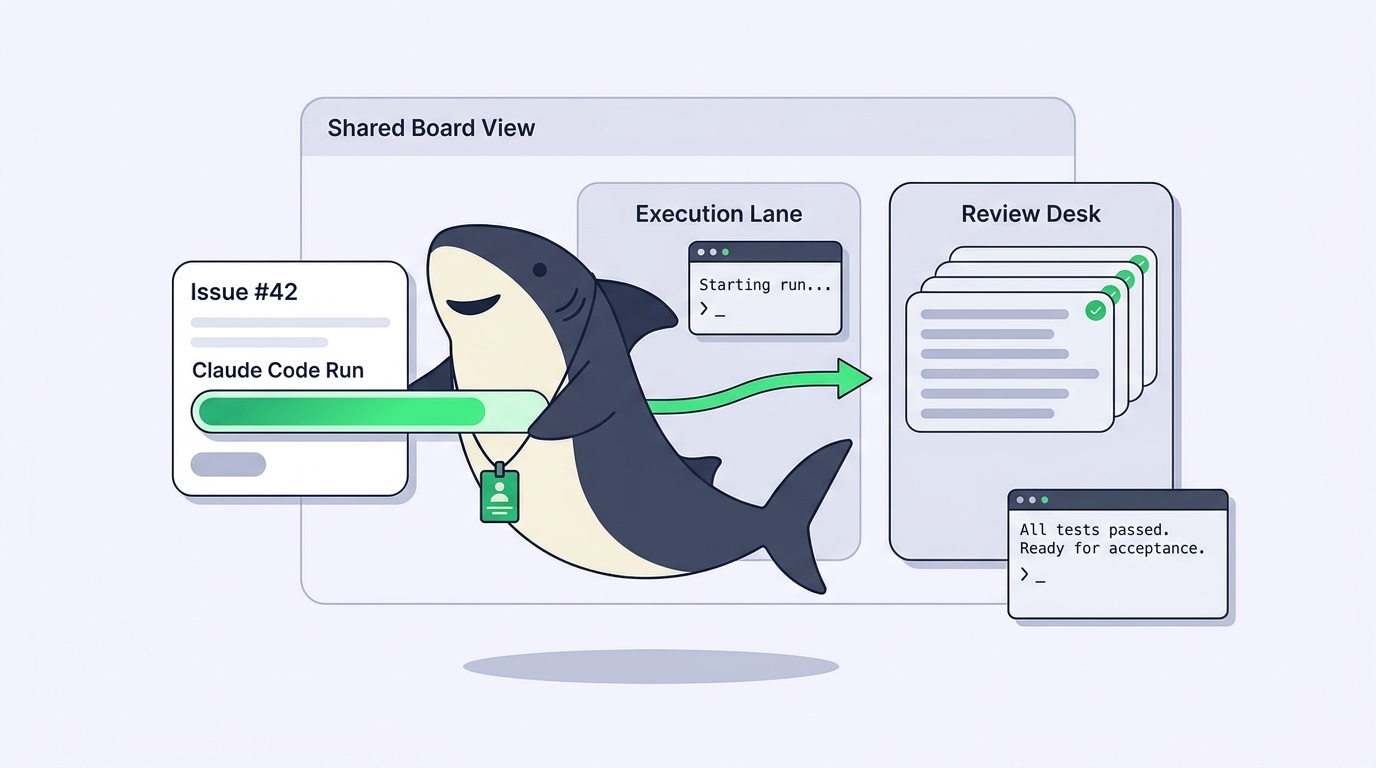
What changed is what a reviewer sees. Instead of a diff appearing from someone’s machine, the Task shows the goal, the Agent that ran it, the Computer it ran on, the trace, the blockers, and the discussion. Standup reads the sprint, not eight separate workspace lists.
Sharkly vs Conductor: a fair comparison
| Conductor | Sharkly | |
|---|---|---|
| Category | Native macOS parallel agent runner | Work management and execution layer for People and Agents |
| Platforms | macOS; documentation states Windows and Linux are not available yet | macOS, Linux, and Windows installers for the CLI and local service |
| Agents | Claude Code, Codex, and Cursor | Runtimes detected on the Computer, plus custom ACP Runtimes you configure |
| Execution host | Your Mac, plus Conductor Cloud workspace hours on paid tiers | Computers you connect: local, remote server, container, or supported cloud host |
| Isolation | Isolated workspaces per agent | Isolated worktrees per run, tied to a shared Task |
| Unit of work | Workspace or session | Task, optionally in a Project or Sprint |
| Team features | Live collaboration, centralized billing, admin portal on Teams; SAML SSO and SCIM on Enterprise | Organizations, Spaces, shared Agents, Crews, and review flow |
| Model billing | Bring your own subscriptions and keys | The subscriptions or API keys already configured in those tools |
| Tracker integration | Works alongside your tracker | Bidirectional Jira sync for Cloud, Server, and Data Center |
Common mistakes
Comparing on parallelism. Both isolate parallel runs well. Deciding on that feature tells you nothing. Decide on platform coverage, execution host, and whether the plan needs to live with the execution.
Using the outdated “solo tool” framing. Conductor has a Teams tier with live collaboration and an admin portal. If someone tells you it cannot serve a team, they have not checked recently.
Adding a work system you do not need. If everyone is on macOS, planning is fine in your tracker, and agents run happily on laptops, a work layer is overhead. Say no to it.
Standardizing hardware to fit the tool. Buying Macs so a tool works is a decision worth examining before you make it, particularly if some of the work belongs on a server anyway.
Conclusion
Conductor is the best version of a focused idea: parallel agents, isolated workspaces, clean review, native on the Mac, with team tiers on top. If your team fits inside macOS and your planning already has a home, that focus is a feature and you should not trade it for something heavier.
Sharkly answers a different question: where does agent work run when it belongs on a server, how does a mixed-platform team join, and how does the plan stay in the same record as the execution trace and the human decision. Sharkly is not a replacement for Claude Code, Codex, or other execution tools. It adds the shared task, Computer, context, control, and review layer around the tools your team already uses.
If your parallel-agent setup works but only for part of your team, that is the gap. Start with Sharkly, connect one Computer that is not a laptop, and assign one Task to it.
FAQ
Does Conductor work on Windows or Linux? Its installation documentation states Conductor is not available for Windows or Linux yet, and invites you to sign up for notification. Check the current docs before deciding.
Does Sharkly run agents in isolated worktrees like Conductor’s workspaces? Yes. Runs are isolated so parallel agents do not collide, with the isolation tied to a shared Task rather than a local workspace list.
Can I keep using Conductor and add Sharkly? Yes, though it is usually cleaner to pick one home per piece of work. A common split is local parallel runs for personal work and Sharkly for work the team needs to see, assign, and review.
Which agents does Sharkly support? Whatever Runtime the local service detects on the connected Computer, and any custom ACP Runtime you configure with an icon, name, and startup command.
Who pays for model usage in each? Both leave that with you. Conductor’s free tier says bring your own subscriptions and keys; Sharkly states model usage continues through the subscriptions or API keys configured in those tools.
Does Sharkly need a dedicated server? No. A Computer can be a laptop. The point is that it does not have to be, so work needing a specific environment can run where that environment already exists.