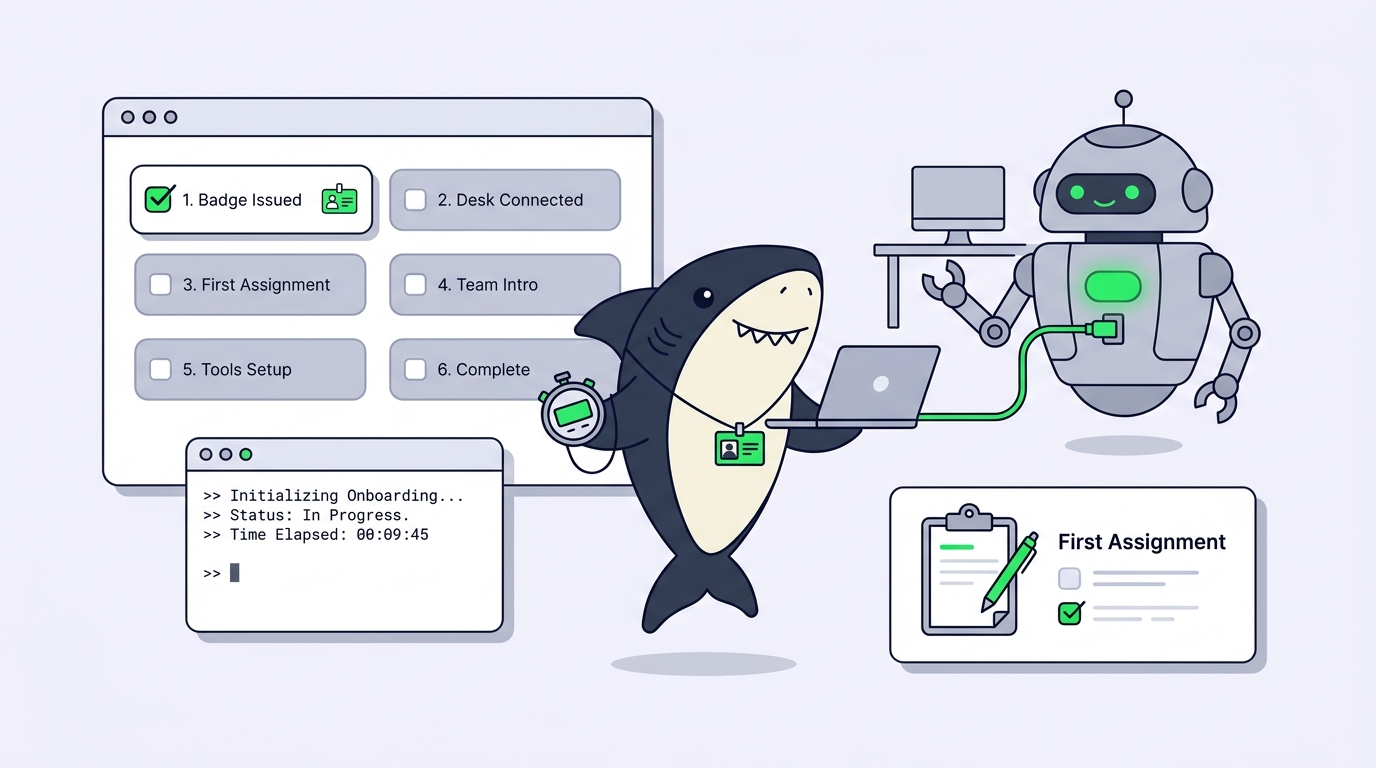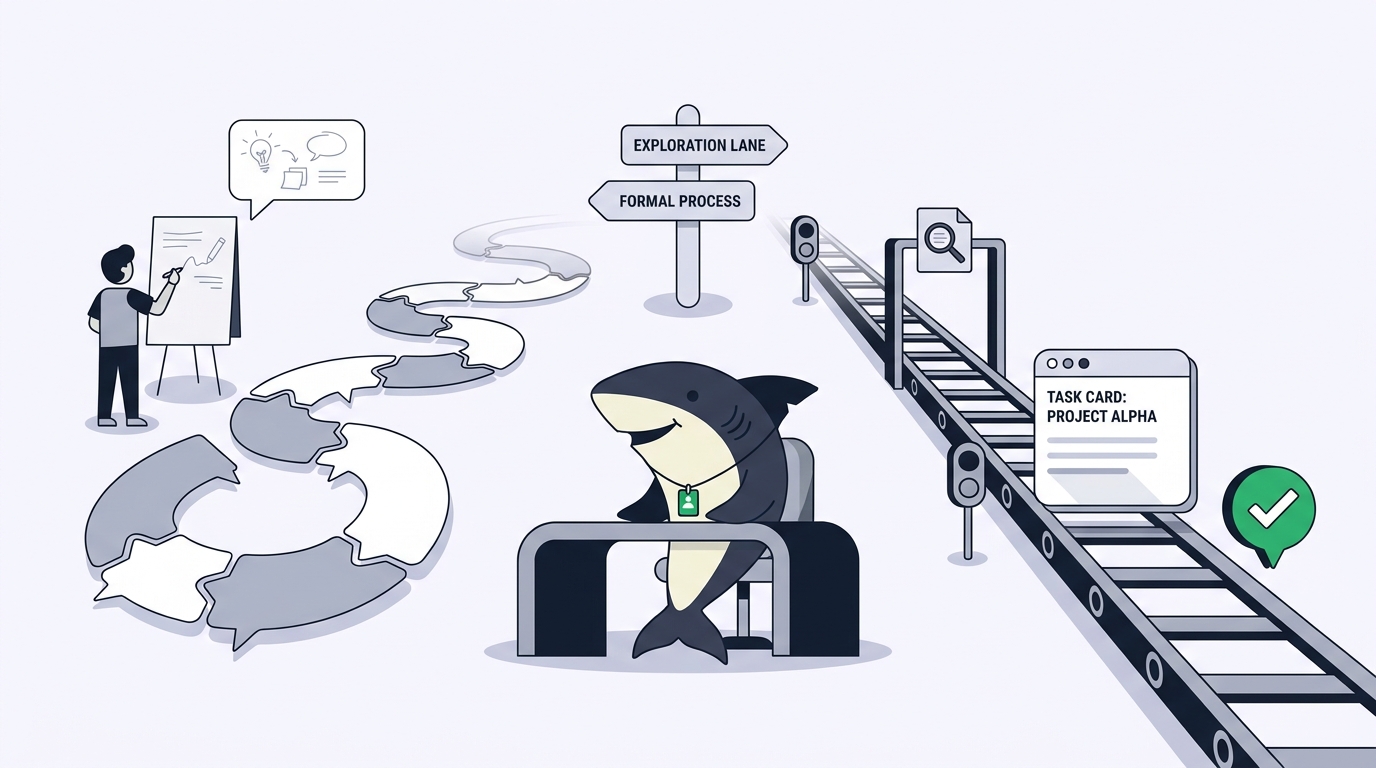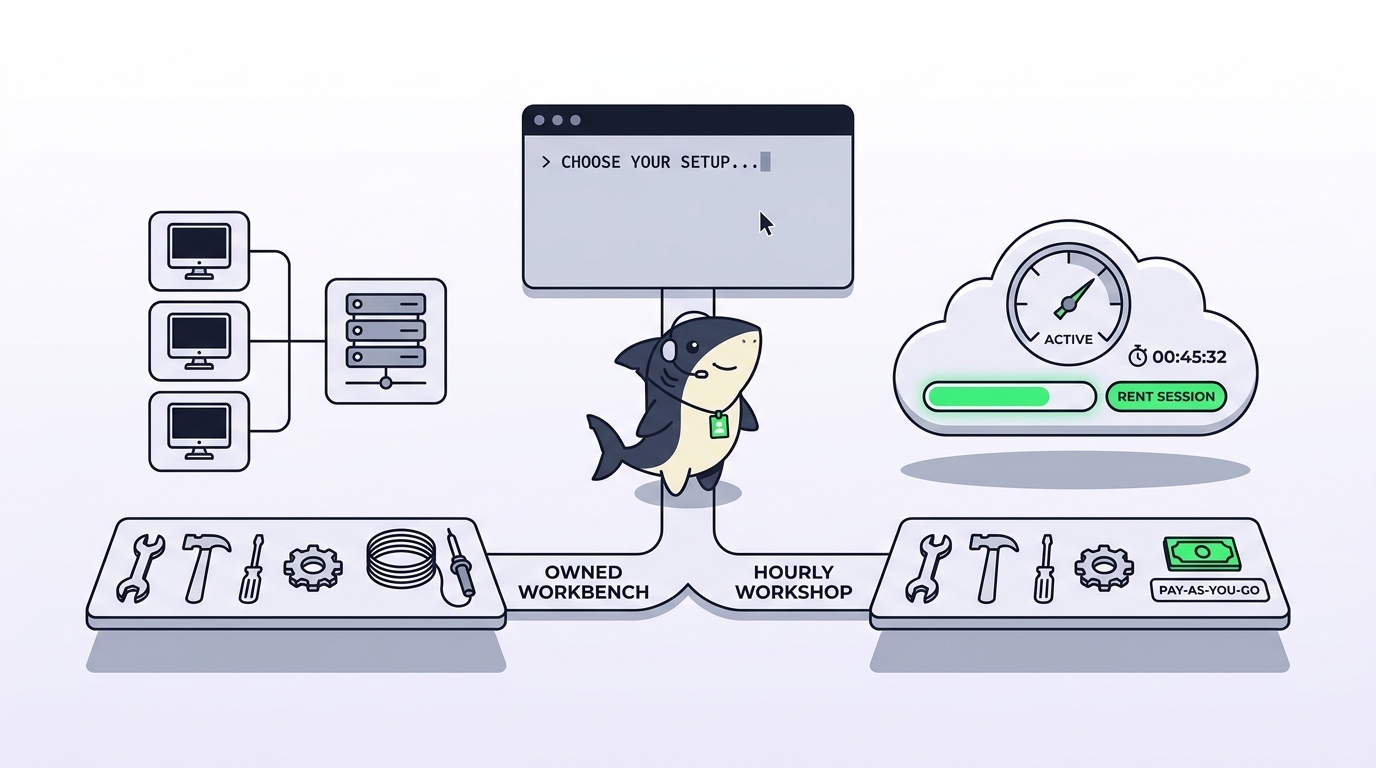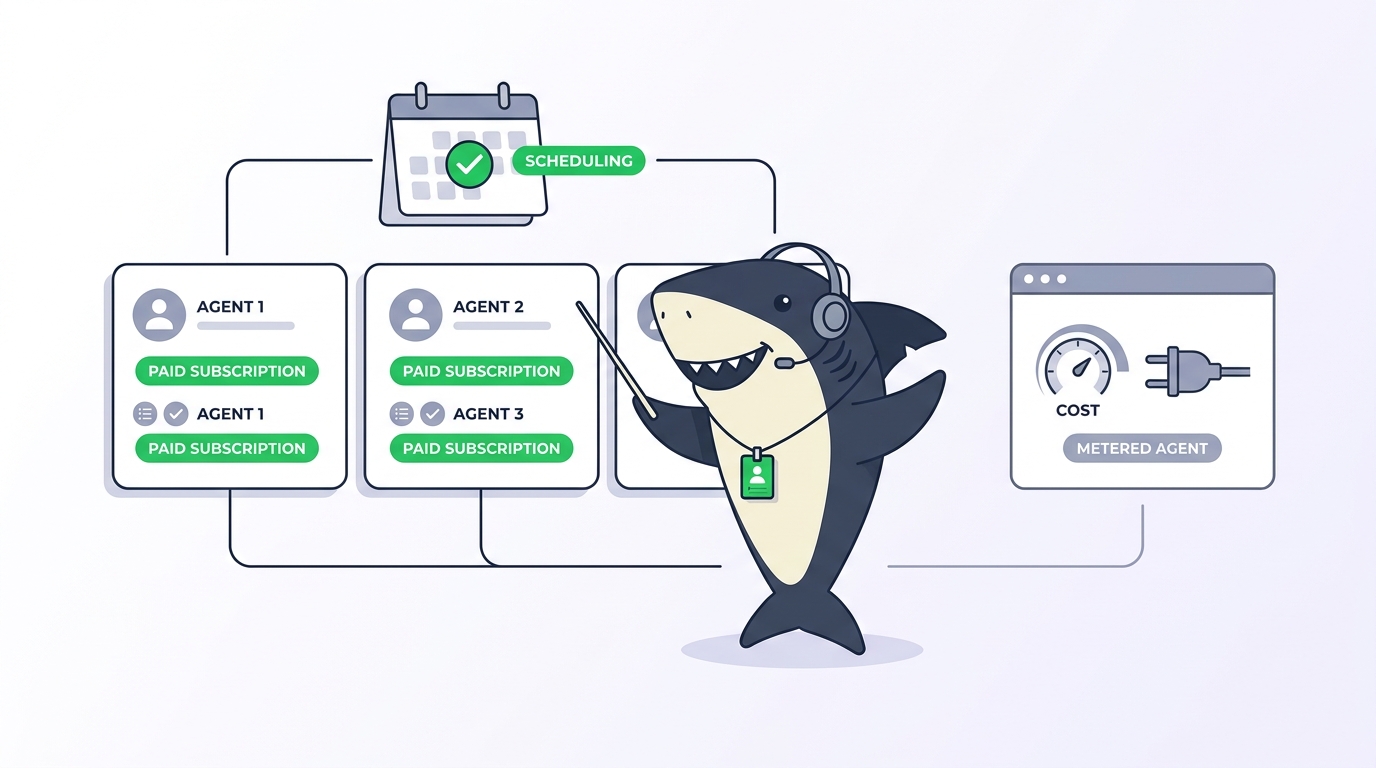
Most teams looking for a Devin alternative are not unhappy with autonomy. They are doing arithmetic.
You already pay for Claude Code seats. Someone on the team has a ChatGPT plan that includes Codex. Maybe there is a Cursor subscription too. Then a second metered agent arrives with its own consumption model, and the question stops being “is this agent good” and becomes “why am I buying agent capacity twice.” That question has a good answer, and it is not always “leave Devin.” This guide covers when Devin is the right tool, what the alternatives actually are, and how Sharkly fits by orchestrating the agents you already pay for instead of adding another one.
TL;DR
Devin is Cognition’s autonomous software engineer, billed through Agent Compute Units that meter the agent’s active working time rather than seats alone. That model fits work you want handed off end to end. It fits less well when your developers already have capable agent subscriptions and the missing piece is coordination, not another agent. Sharkly is the alternative for that second case: it runs the Runtimes your team already has, on Computers you connect, with a shared Task holding the execution trace and the human review. Other real options include Conductor for parallel local runs on macOS, Tembo for hosted sessions reached through your existing tools, and Linear for delegation if your agents are already on its roster.
What Devin is actually good at
An alternatives page that opens by trashing the incumbent is not useful, so here is the case for staying.
Devin is built for end-to-end handoff. You describe an outcome, and the agent plans, writes, runs, debugs, and iterates without a person steering each step. That is a different product shape from a CLI tool you sit next to. When the work is well specified and genuinely delegable, that autonomy is the point, and the alternatives in this article do not replicate it by orchestrating something else.
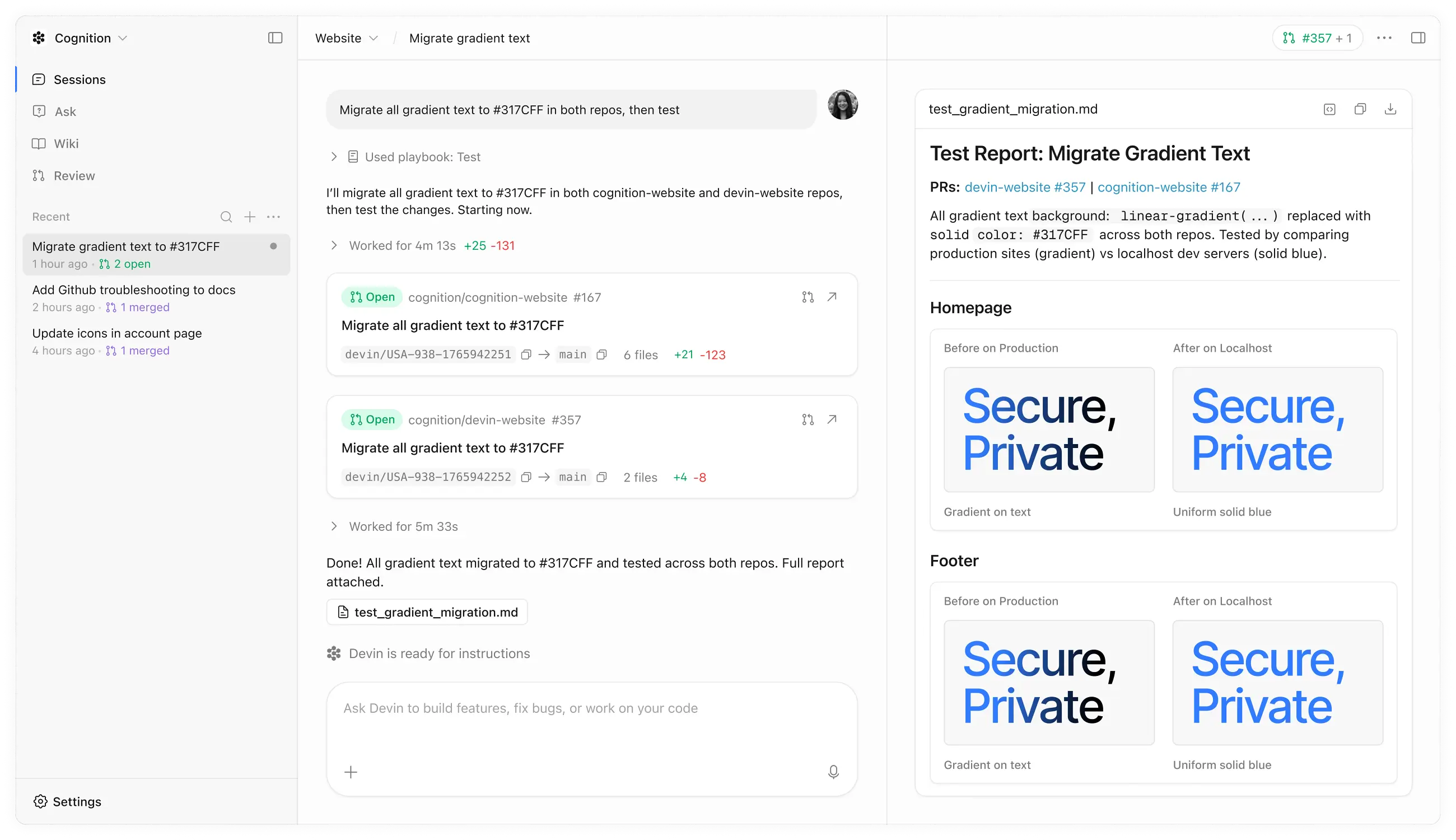
Cognition also meters honestly. Pricing runs on Agent Compute Units, which measure the agent’s active autonomous work rather than pretending a complicated task and a one-line fix cost the same. Cognition publishes current tiers and ACU details on its pricing page, and enterprise arrangements add the deployment and identity controls larger organizations require.
Devin also participates in the wider ecosystem rather than demanding you live inside it. It appears on Linear’s agents roster, so an issue can be delegated to it from the tracker your team already uses.
If your bottleneck is “we have more well-specified work than engineers to start it,” Devin is aimed directly at that. Keep it.
The three reasons teams look for an alternative
Paying twice for agent capacity. This is the most common one. A team with Claude Code and Codex subscriptions already has strong agents installed, authenticated, and configured with local context. Adding a separately metered agent means two budgets for overlapping capability, and the second budget is the variable one.
Consumption that is hard to forecast. Metering by the agent’s working time is fair, and it is also unpredictable when a task goes sideways. A run that retries against a flaky integration test costs more than the same run against a clean one, and the difference shows up after the fact. Teams that need a monthly number they can defend find this uncomfortable.
The gap was never the agent. Plenty of teams discover that their agents are fine and their coordination is the problem. Three developers running agents in three terminals, no shared record of what each one is doing, duplicate work, and a review process that consists of surprise pull requests. Buying a more autonomous agent does not fix that. It multiplies it.
That third reason is the one worth being precise about, because it points at a different category of tool.
The alternative categories, honestly
Another autonomous agent. Factory, Zencoder, and similar products compete for the same handoff-heavy work. If autonomy is what you want and Devin is not the right fit, this is where to look. Switching within the category keeps the metered-agent economics.
A local parallel runner. Conductor runs parallel Claude Code, Codex, and Cursor agents in isolated workspaces on your Mac. It is polished and the free tier lets you bring your own subscriptions and keys. The constraint is platform: Conductor’s documentation states it is not available for Windows or Linux yet.
Hosted orchestration. Tembo runs coding agents in cloud sessions reached through Slack, Linear, GitHub, and Sentry, with a dollar-denominated allowance covering gateway usage and the session VM compute. You stop managing machines and start paying for compute.
Delegation from your tracker. If your agents are already on Linear’s roster, delegating from the issue may be all the layer you need. The human stays the primary assignee and the agent is added as a contributor.
A work system with execution underneath. This is the category Sharkly sits in, and it is the one that fits the “we already pay for agents, we need coordination” case.
Our roundup of the best tools for managing parallel AI coding agents walks through more of these side by side.
How the orchestration answer works
Start with the boundary, because it prevents a wasted evaluation. Sharkly is not a replacement for Claude Code, Codex, or other execution tools. It adds the shared task, Computer, context, control, and review layer around the tools your team already uses. If you want a single vendor to own the whole task end to end, that is Devin’s shape, not this one.
What Sharkly does instead is make the agents you already pay for behave like team members.
A Computer provides the execution host for Agent work: a local computer, a remote server, a container, or a supported cloud host. A small local service connects it to Sharkly, detects available Runtimes, receives work, prepares the task directory, starts the selected Runtime, and streams progress back. The runtime that runs is the one your developer already installed and authenticated, so model usage continues through the subscriptions or API keys configured in those tools.
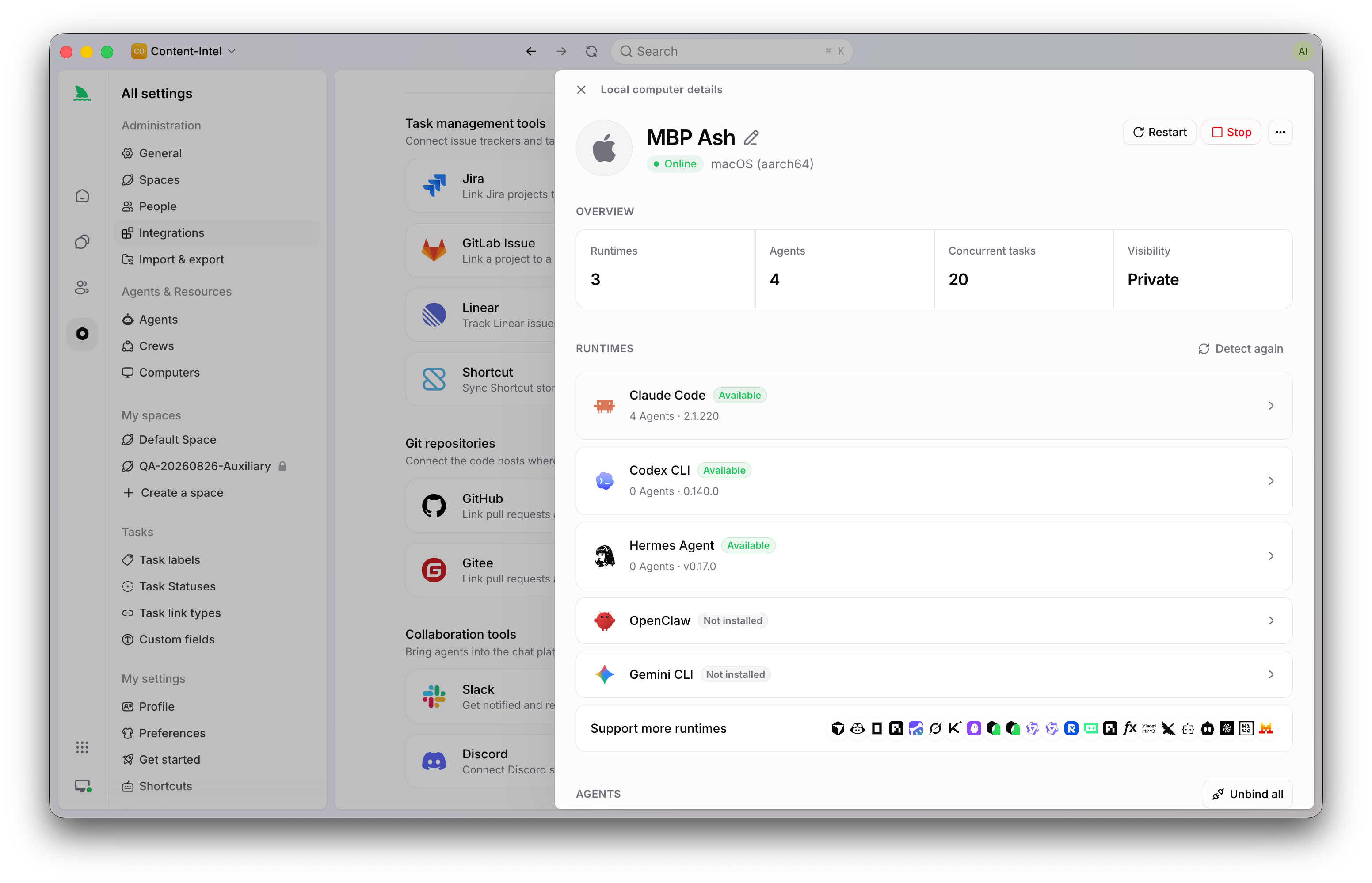
An Agent is a saved working configuration rather than a one-off prompt: instructions, Runtime, Skills, repositories, environment, and run settings. That turns one person’s hard-won prompt setup into something the team can assign to.
A Task is the main unit of work. It carries the goal, the person responsible, the Agent or Crew assigned to execute it, the comments, and the Agent execution state, trace, and result. The review lives next to the evidence rather than arriving as an unexplained pull request.
And when the Runtime you need is not in the selector, you can add a custom ACP Runtime from the Computer detail page by configuring its icon, name, and startup command, then selecting Test connection.
A worked example
A six-person team evaluated Devin for a backlog of well-scoped bug fixes and liked the output. What stopped them was the second budget: five of the six already had Claude Code, and two had Codex through ChatGPT.
Their actual pain, once they described it plainly, was not agent quality. It was that three people were running agents at once with no shared view, two of them had duplicated a fix the week before, and reviews arrived as pull requests nobody had context for.
They connected two Computers: one developer laptop and one shared Linux server with the staging network route. They created three Agents, one for bug fixes, one for test coverage, one for documentation, each with focused instructions and the right repository access. Bug tickets became Tasks assigned to the fix Agent, with each run in an isolated worktree so parallel work stopped colliding. Our guide on running parallel agents in isolated worktrees covers that setup.
The spend did not change, because the runs used subscriptions they were already paying for. What changed was that duplicate work stopped, blockers became visible before standup, and reviewers could read the trace next to the diff.
For the genuinely hand-off-able work, a couple of tickets a month that nobody wanted to start, they kept a Devin seat. That is a reasonable outcome, not a compromise.
Devin vs an orchestration layer: a fair comparison
| Devin | Sharkly | |
|---|---|---|
| Product shape | Autonomous software engineer you delegate to | Work management and execution layer around agents you already run |
| Agent | Cognition’s own | Claude Code, Codex, Gemini CLI, OpenCode, and other Runtimes detected on your Computer, plus custom ACP Runtimes |
| Billing model | Agent Compute Units metering active autonomous work | Model usage stays on the subscriptions or API keys already configured in those tools |
| Where work runs | Cognition’s infrastructure, with enterprise deployment options | Computers you connect: local, remote server, container, or supported cloud host |
| Environment access | Reproduced in the agent’s environment | Whatever the connected Computer already has |
| Coordination | Per-session | Tasks, Projects, Sprints, and Crews with a leader Agent |
| Review record | Session history and resulting PR | Task holding execution state, trace, result, and threaded comments |
| Best fit | Well-specified work you want handed off end to end | Teams with agent subscriptions and a coordination gap |
Common mistakes when switching
Buying an orchestration layer to get autonomy. If what you want is an agent that owns the task without supervision, a coordination layer will disappoint you. These are different products.
Skipping the environment question. The reason a local runtime often outperforms a hosted one on your repository is boring: it can reach the private registry, the seeded database, and the staging route. Whichever tool you pick, decide where the environment lives before you compare output quality.
Counting seats and ignoring runs. Metered agents cost more on hard weeks. Subscription-based runtimes cost the same and hit rate limits instead. Neither is free; they fail differently, and you should know which failure your team can absorb.
Treating a pilot as a decision. Three well-chosen tickets succeed almost everywhere. Run the messy ticket, the one with the flaky integration test, before you sign anything.
Conclusion
The honest version of this comparison: if your problem is that you need work handed off end to end and you are willing to pay for metered autonomy, Devin is built for that and the alternatives in its own category are the ones to look at.
If your problem is that your team already has capable agents and no shared system around them, buying another agent is the wrong purchase. What is missing is the layer that makes agent work assignable, isolated, traceable, and reviewable: Agents as saved configurations, Computers carrying your real environment, and a Task where the plan, the trace, and the human decision live together.
That is what Sharkly is for. Connect one Computer, create one Agent, and assign one small Task before you decide anything larger.
FAQ
Is Sharkly a direct Devin replacement? No. Devin is an autonomous agent. Sharkly is the layer around agents, and it runs the ones your team already uses. Teams that want end-to-end handoff for some work often keep both.
Does Sharkly charge per agent run? Model usage continues through the subscriptions or API keys configured in those tools. Model quota depends on the AI coding tools, plans, and API accounts your team connects.
What does Devin cost? Cognition meters Devin in Agent Compute Units, which measure the agent’s active autonomous work, alongside plan tiers. Check devin.ai/pricing for current numbers, since they have changed more than once.
Which agents can Sharkly run? Whatever Runtime the local service detects on the connected Computer, and any custom ACP Runtime you configure with its own startup command.
Can I run agents on a server instead of laptops? Yes. A Computer can be a local computer, a remote server, a container, or a supported cloud host, and the CLI and local service install on macOS, Linux, and Windows.
What if my team is on Windows? Sharkly’s installers cover Windows, with the current Windows installer being AMD64 only. This is worth checking against alternatives, since some tools in this category are macOS only.