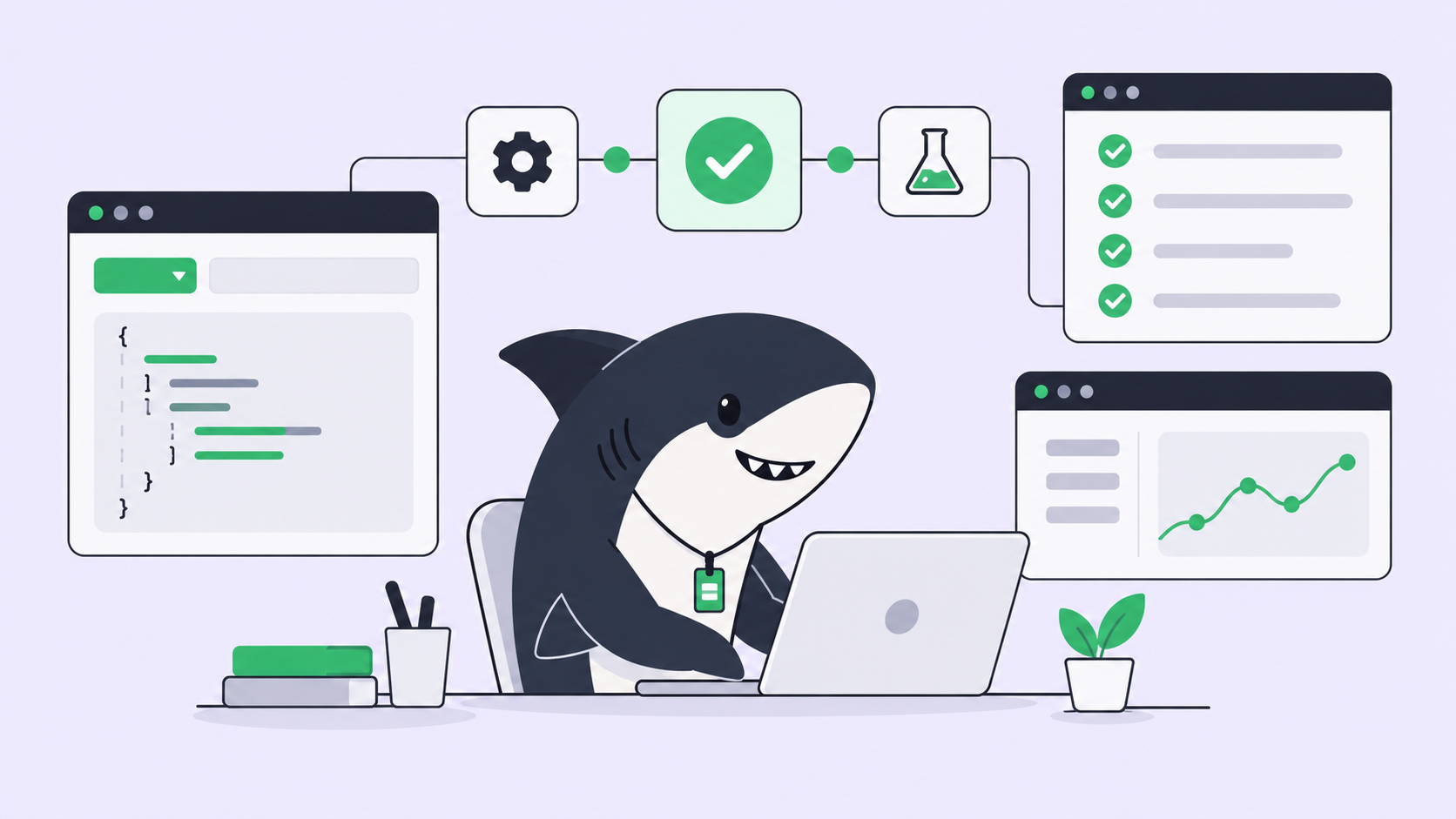
Run two coding agents in the same checkout and you will meet the failure mode within the hour. One agent switches branches while the other is mid-edit. Staged changes vanish into a commit they do not belong to. Tests pass against a file the other agent half rewrote. None of this is the model’s fault. A git working tree is shared mutable state, and two processes mutating shared state without coordination will eventually corrupt it.
The standard remedy is well known: give each agent its own working tree. Git worktrees let one repository serve multiple checked-out directories at once, so parallel branches never touch the same files on disk. Plenty of teams script this by hand; our guide to using git worktrees with AI coding agents walks through that DIY setup.
This post is about the other path: what happens when isolation, directory preparation, concurrency caps, and cleanup are handled by the platform instead of by your shell scripts.
TL;DR
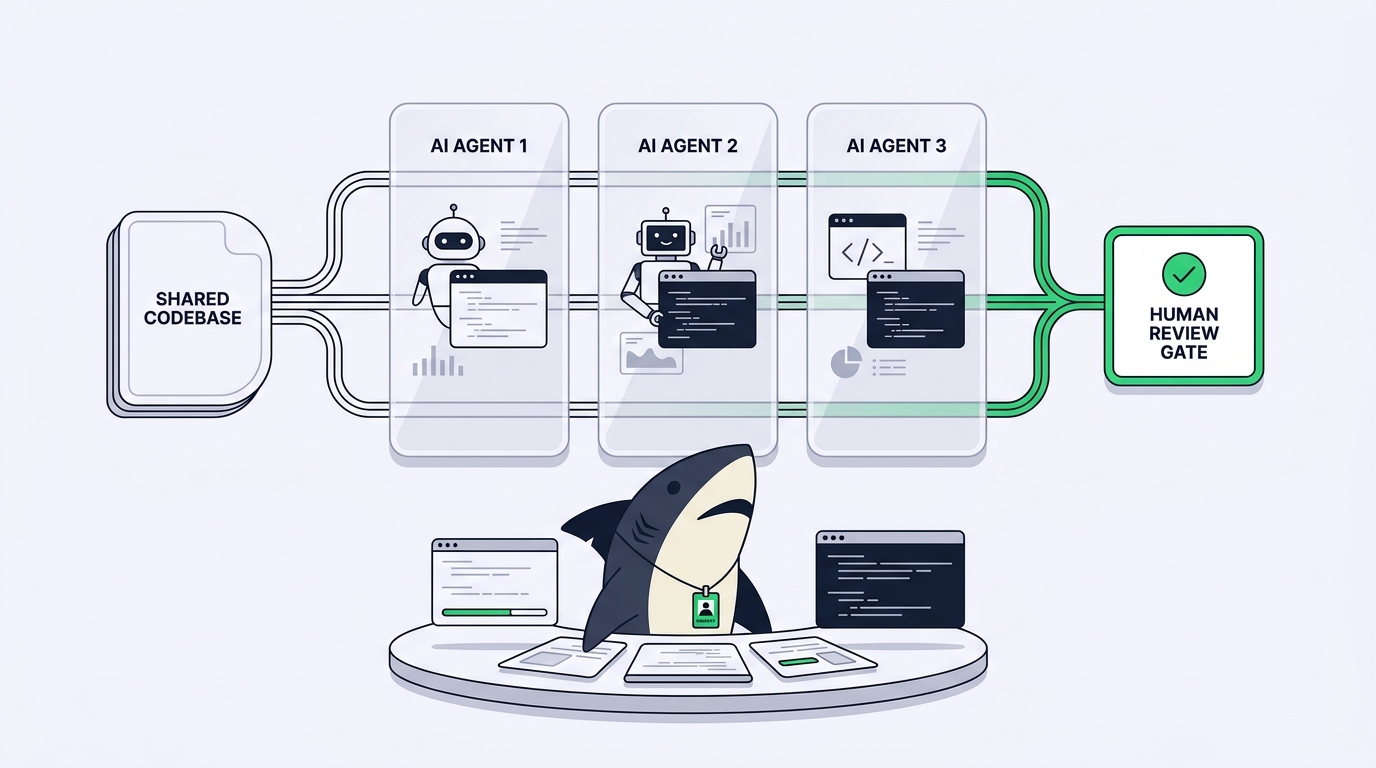
Sharkly runs AI agents in parallel without merge conflicts by giving every Task run its own isolated directory on a connected Computer. A local service on that Computer receives each queued run, prepares the task directory (for repository-backed work, a separate git worktree per run), starts the selected Runtime, and streams progress, trace events, and the result back to the Task. Concurrency limits on the Agent and the Computer cap how many runs execute at once, and nothing merges on its own: the result returns to the Task, where a person reviews the change and decides the merge and release step. Agents never share a working tree, so parallel Tasks cannot clobber each other’s changes.
The failure mode Sharkly is built to prevent
It helps to be precise about what goes wrong when agents share a checkout, because each symptom maps to a piece of the fix.
Branch state is global per working tree, so when agent A checks out its own branch, agent B’s files change under it mid-run. The index is global too, so git add and git commit interleave work from different tasks. Untracked state collides: build outputs and dependency installs from one run contaminate another run’s test results. And cleanup debt accumulates, because every ad-hoc repository copy made to dodge the first three problems sits on disk until a human remembers it exists.
A single shared directory can only ever run one agent safely. If you are juggling this with tmux panes and discipline, our post on running multiple Claude Code agents in parallel covers why that ceiling arrives so quickly.
The execution stack: Agent, Computer, Runtime, Task
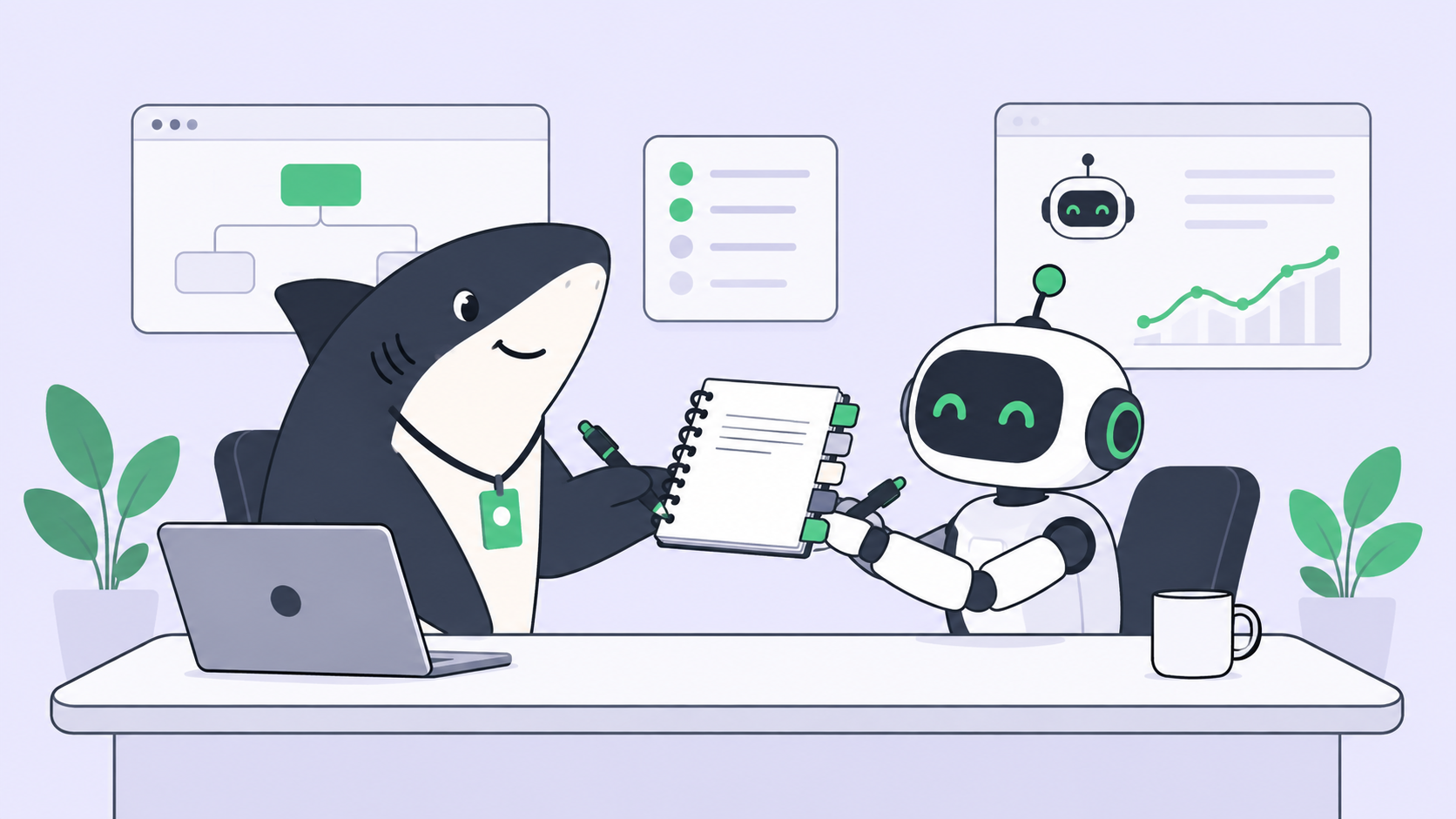
Sharkly is not a replacement for Claude Code, Codex, or other execution tools. It adds the shared task, Computer, context, control, and review layer around the tools your team already uses. That layer position shapes how parallel execution works, because Sharkly’s job is to coordinate runs, not to write code.
Four roles share the work, and each has exactly one job:
- The Agent defines how work should be handled: its instructions, Skills, repositories, and run settings. An Agent is not the execution host.
- The Computer supplies the host and local resources: a local machine, a remote server, a container, or a supported cloud host. The sibling post on Computers in Sharkly covers connecting them.
- The Runtime performs the actual agent session. It is the concrete tool installed on that Computer, such as Claude Code, Codex, or Gemini CLI.
- The Task remains the shared record for the team: goal, status, discussion, execution trace, and result.
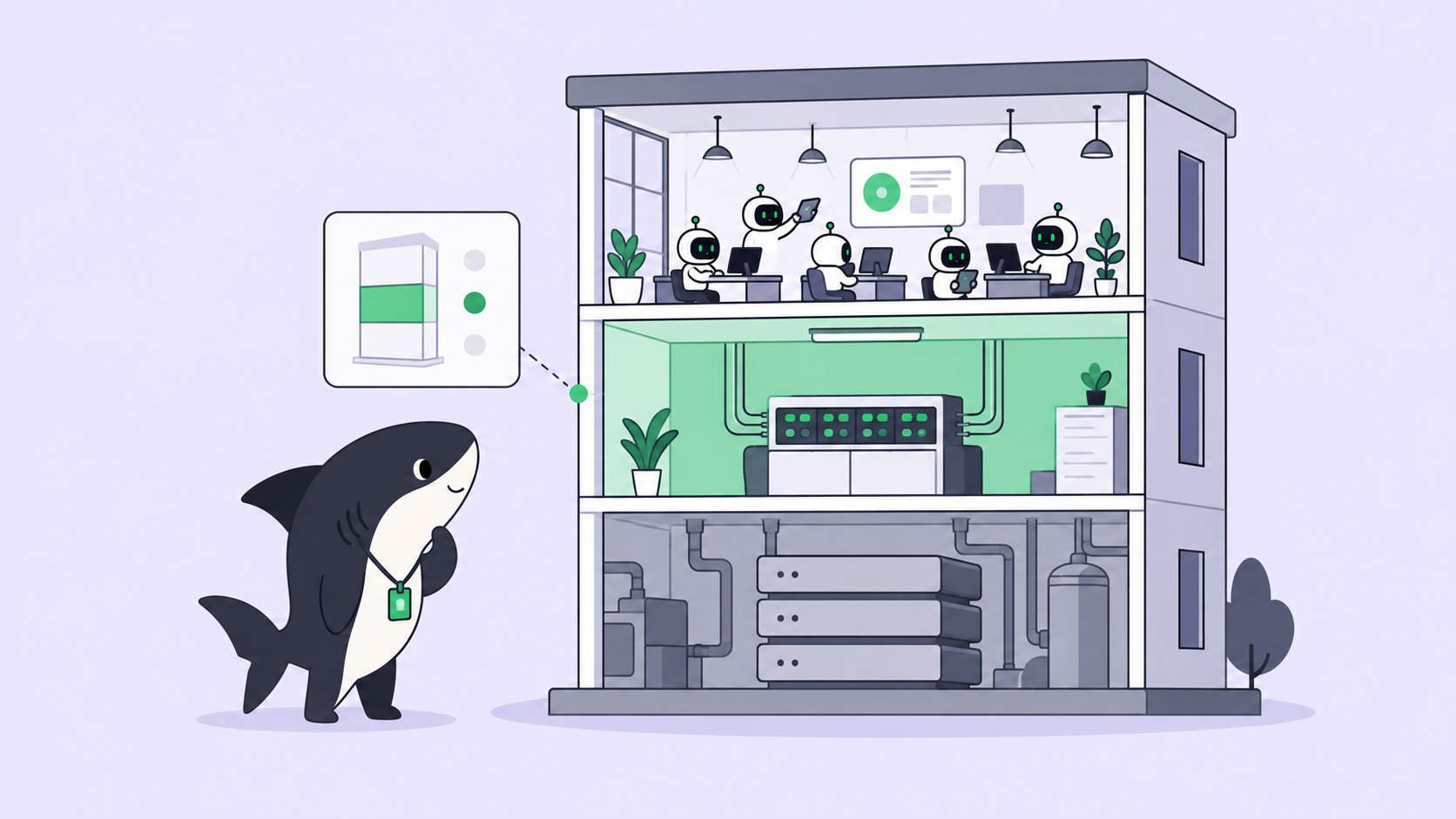
Tying them together is a small local service on the Computer. It registers the Computer, detects installed Runtimes, receives queued runs, prepares the task directory for each run, starts the Runtime, and reports results back. It initiates the connection to the server, so a typical setup needs no inbound port.
That separation is what makes parallelism tractable. Because the working directory is prepared per run by the local service, not chosen by the Agent, two Agents assigned to two Tasks can target the same repository on the same Computer without ever seeing each other’s files. For how Agents are configured, see Agents in Sharkly.
What happens when a run starts
Assign a Task to an Agent and move it out of Backlog, and Sharkly checks execution readiness, queues an eligible run, and dispatches it to the selected Computer. From there the local service takes over. Before the Runtime begins, it may need to wait for concurrency capacity, prepare an isolated temporary directory or wait for a free specified one, fetch the configured repositories, project the allowed environment variables, and construct the Runtime invocation.
Only then does the Runtime start. The run moves through explicit states: Queued, Dispatched, Waiting for local directory, Running, and finally Completed, Failed, or Canceled. Those states appear in the Task’s execution log, so “why has nothing happened yet” has an inspectable answer instead of a guess. A run held in Queued by a full concurrency limit looks different from one held in Waiting for local directory, and the difference tells you which knob to turn.
Note what is absent: at no point does the Agent decide where to run. The Agent brings instructions; the infrastructure brings isolation.
Isolated worktrees: how Temporary mode works
Agents support two working-directory modes, and the mode built for parallel work is Temporary mode. Each Task gets an isolated directory, and for repository-backed work the local service can prepare a separate git worktree for each run from its cached repository data.
That single sentence carries the whole conflict-prevention story. A worktree gives each run its own checked-out directory and its own branch state while sharing the underlying repository objects. The four failure modes above disappear by construction: no shared branch pointer, no shared index, no shared build artifacts, and directories the platform can clean up later. Because worktrees come from cached data rather than a fresh clone, startup cost stays reasonable, though a run may still need network access to refresh the repository.
The docs are direct about when to use this: Temporary mode is recommended for parallel code changes, and for any situation where several Tasks may modify the same codebase at once.
One boundary worth stating plainly: isolation prevents working-tree collisions, not semantic conflicts. If two Tasks both rewrite the same function, both runs complete cleanly in their own worktrees, and a person still reconciles the overlap at review. The fix for that is scoping Tasks so they do not aim at the same code in the same afternoon: a planning decision, not an infrastructure one.
When isolation is the wrong choice: Specified mode
The second mode exists because a fresh directory per run is not free. In Specified mode, the Agent runs inside one configured absolute local directory from its pool, reusing the repository, dependencies, and caches already there. It is available only on local Computers.
The trade has a hard consequence: a specified directory serves one run at a time, and when every configured directory is busy, the next run waits. An Agent that must run several Tasks concurrently in Specified mode needs multiple directories in its pool.
| Temporary mode | Specified mode | |
|---|---|---|
| Directory per run | Fresh isolated directory, worktree for repository work | One configured absolute directory from a pool |
| Parallel safety | Runs cannot touch each other’s files | One run per directory at a time |
| Startup cost | Prepares the directory each run, from cached repository data | Reuses existing code, dependencies, and caches |
| Best for | Parallel code changes, most repository work | Very large repos, expensive local state, directory-bound tooling |
| Availability | Any connected Computer | Local Computers only |
Isolation buys safety at the cost of preparation; reuse buys speed at the cost of serialization. Sharkly makes you choose explicitly per Agent, which beats discovering the trade-off in a corrupted working tree.
Concurrency limits: parallel, but bounded
Unbounded parallelism is its own failure mode. Every concurrent run consumes CPU, memory, disk, model-provider capacity, and repository bandwidth; eight agents thrashing one laptop produce worse results than three running comfortably.
Sharkly bounds concurrency at two levels. The Computer has a task concurrency limit as the host, and each Agent has a maximum number of parallel running Tasks plus a per-Task timeout. Defaults are conservative: in Temporary mode an Agent gets 50 percent of the Computer’s limit; in Specified mode it matches the number of configured directories. Set it higher than the directory count and the product warns that writes may collide across tasks. That warning is the thesis of this post compressed into one dialog box.
The docs’ guidance on raising limits is the sober kind: increase concurrency only after the current Computer and Runtime handle the existing workload reliably.
Progress streaming and review before merge
Isolation would be a liability if it also meant invisibility. Five agents in five hidden directories is exactly how work disappears into private terminals. So everything the run produces flows back to the shared record.
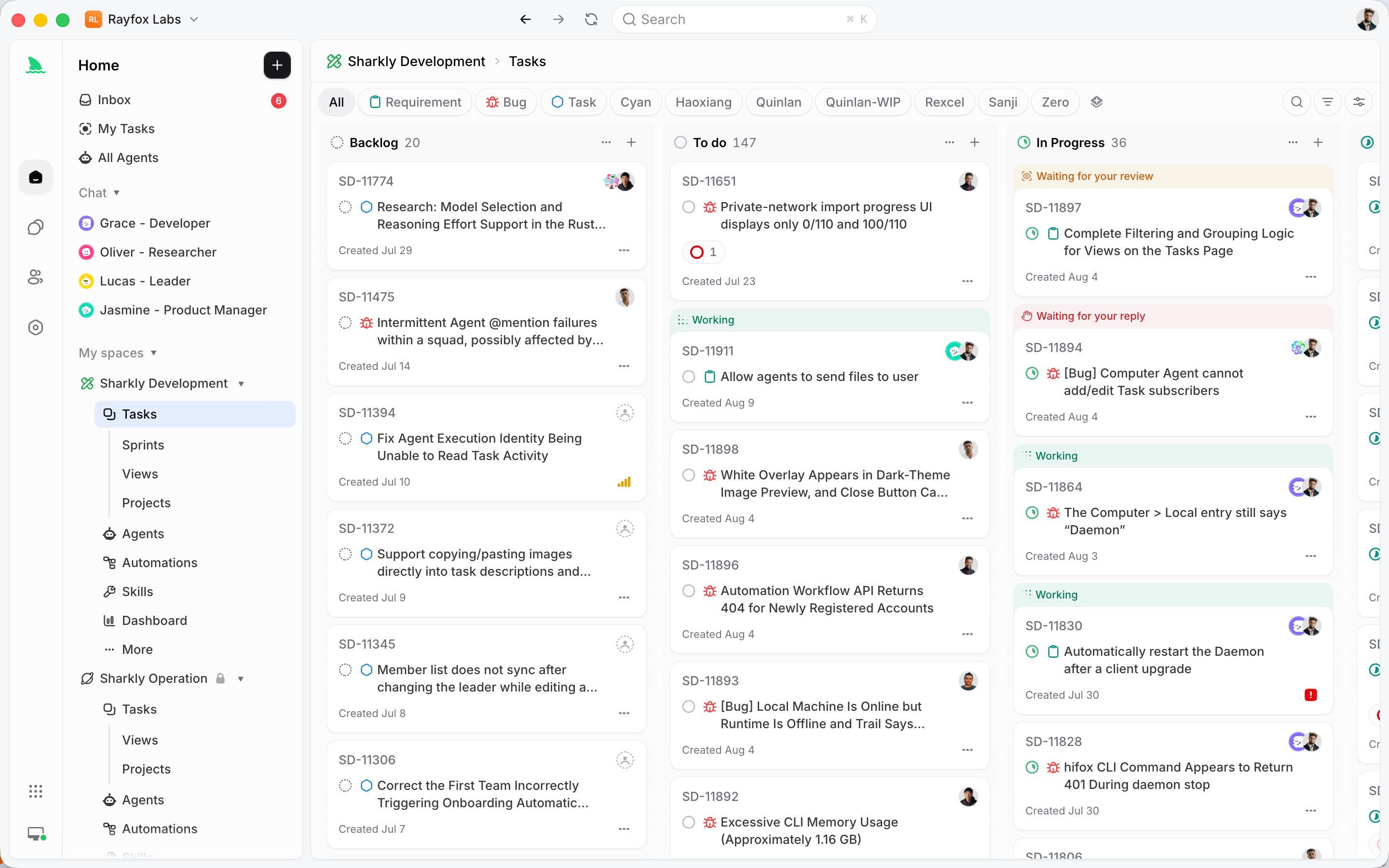
While a run is active, the Task shows its execution state. Activity carries comments and task changes in a timeline; the execution log records when the run started and ended, the tool calls and Runtime events, the trigger source, and any failure details; the Agent’s report is persisted as a comment linked to its execution trace. Context, progress, blockers, and results stay visible from request to release, even though the file edits happened in a directory no human ever opened.
Then comes the gate. Nothing here merges on its own. Agents research, execute, test, and report. People set direction, grant authority, and accept the result. When a run completes, the Agent can leave the Task waiting for human review, which surfaces in the responsible person’s Inbox. Isolated worktrees make parallel execution safe; the review gate makes it trustworthy.
One more piece closes the loop: cleanup. Agent runs leave working directories and artifacts on the Computer, and configurable cleanup reclaims finished runs after a retention window, with a minimum free-space threshold as a backstop. Running or queued work, pinned runs, and failed runs that still need investigation are never touched. This is the chore DIY setups reliably forget until the disk fills.
What Sharkly automates versus the DIY setup
If you have read our DIY worktree guide, the mapping is direct. The git worktree add you script per agent becomes the local service preparing an isolated directory per run. The “how many agents is too many” judgment call becomes explicit concurrency limits with warnings when a setting is unsafe. The git worktree prune you forget becomes retention-based cleanup. And the part no script gives you, a shared record of which run did what and whether a person accepted it, is the Task itself.
The honest decision pair applies here too. A solo developer running two agents on one machine may not need a platform; a worktree script and discipline can carry that far. Reach for Sharkly when the coordination costs more than the typing: multiple people assigning work, multiple Computers, runs that need queueing and review. You keep the Runtimes you already have either way; model usage continues through the subscriptions or API keys configured in those tools.
Starting is deliberately small. Connect one Computer, create one Agent in Temporary mode, and assign it one low-risk Task. The getting started guide walks the first loop in about ten minutes, the Sharkly docs cover each concept in depth, and what Sharkly is fills in the platform around execution.
FAQ
How does Sharkly prevent merge conflicts between parallel agents?
Each Task run gets its own isolated directory on the Computer, and repository-backed runs can each get a separate git worktree prepared by the local service. Agents never share a checkout, an index, or untracked files, so concurrent runs cannot overwrite each other’s work in progress. Overlaps where two Tasks change the same code on purpose still get reconciled by a person at review time.
Do I need to set up git worktrees myself to use Sharkly?
No. In Temporary mode the local service prepares the task directory for every run, including worktrees for repository-backed work. You configure the mode on the Agent once; there are no per-run worktree commands to script. To understand the underlying mechanism, see the git worktree documentation.
How many agents can run in parallel on one Computer?
The Computer has its own task concurrency limit, and each Agent has a maximum number of parallel running Tasks. By default an Agent in Temporary mode gets 50 percent of the Computer’s limit, and one in Specified mode gets one slot per configured directory. Runs beyond the limit wait in the queue.
Does Sharkly merge the agent’s changes automatically?
No. The run’s result, evidence, and trace return to the Task, and a person reviews the change summary before anything ships. The reviewer accepts, requests changes, or decides the merge and release step. Automation stops where team judgment is required.
When should I use Specified mode instead of isolated worktrees?
Use it when preparing a fresh directory per run is genuinely expensive: a very large repository, costly generated state or caches, or tooling bound to one local path. Accept that each specified directory serves one run at a time. For everything else, Temporary mode is the recommended default.