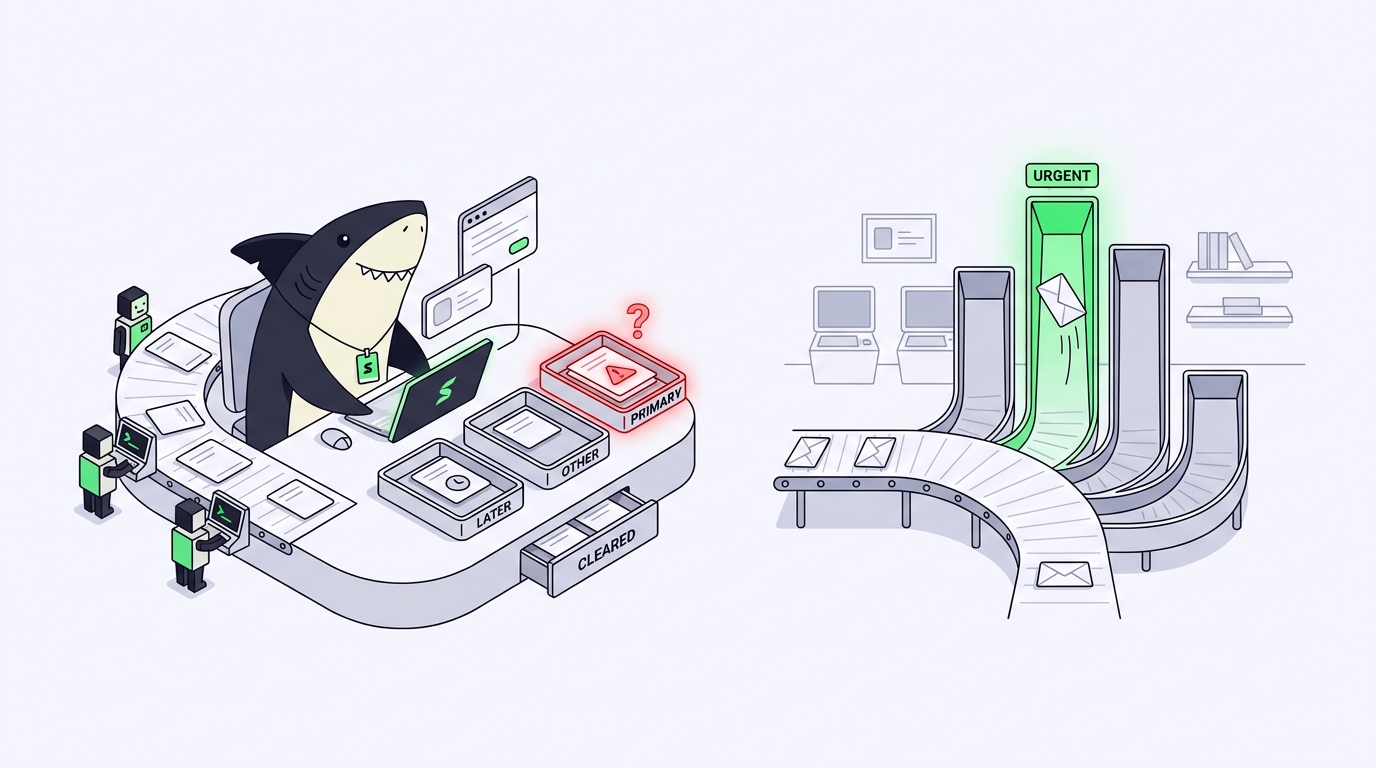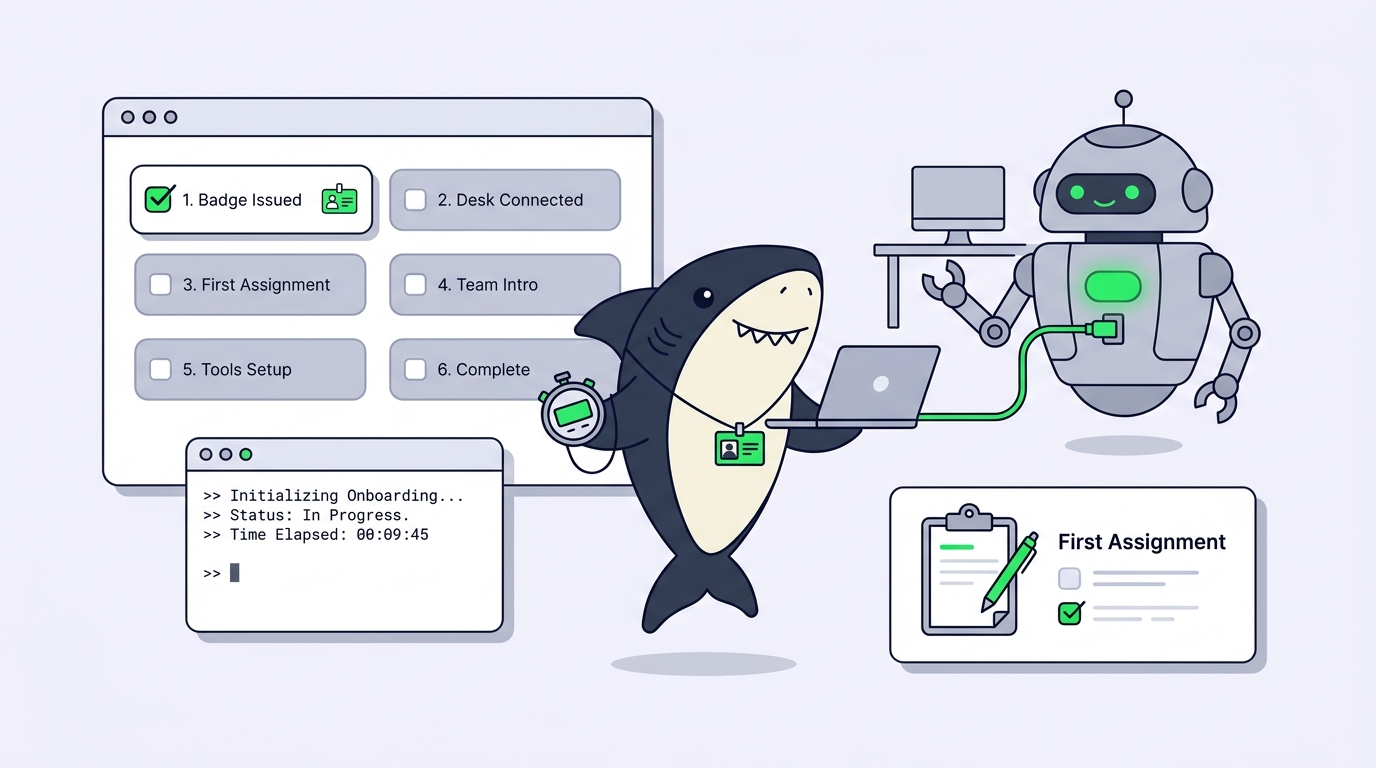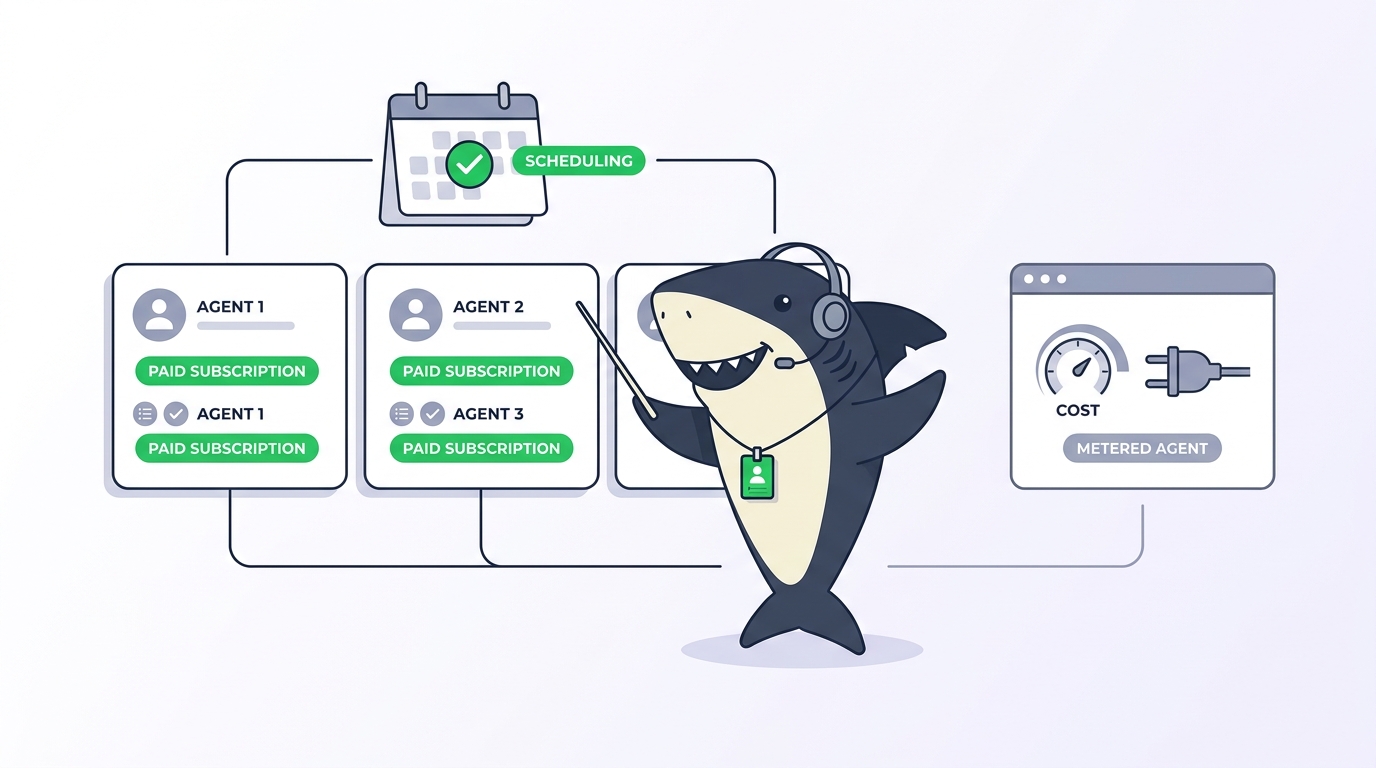
You can chat with an AI agent, or you can assign it a task. Teams that run coding agents every day treat these as two different tools, and the teams that confuse them pay for it later: decisions buried in private chat history, work that finished but never got reviewed, and a teammate asking “where did we agree on that?” three weeks after the session scrolled away.
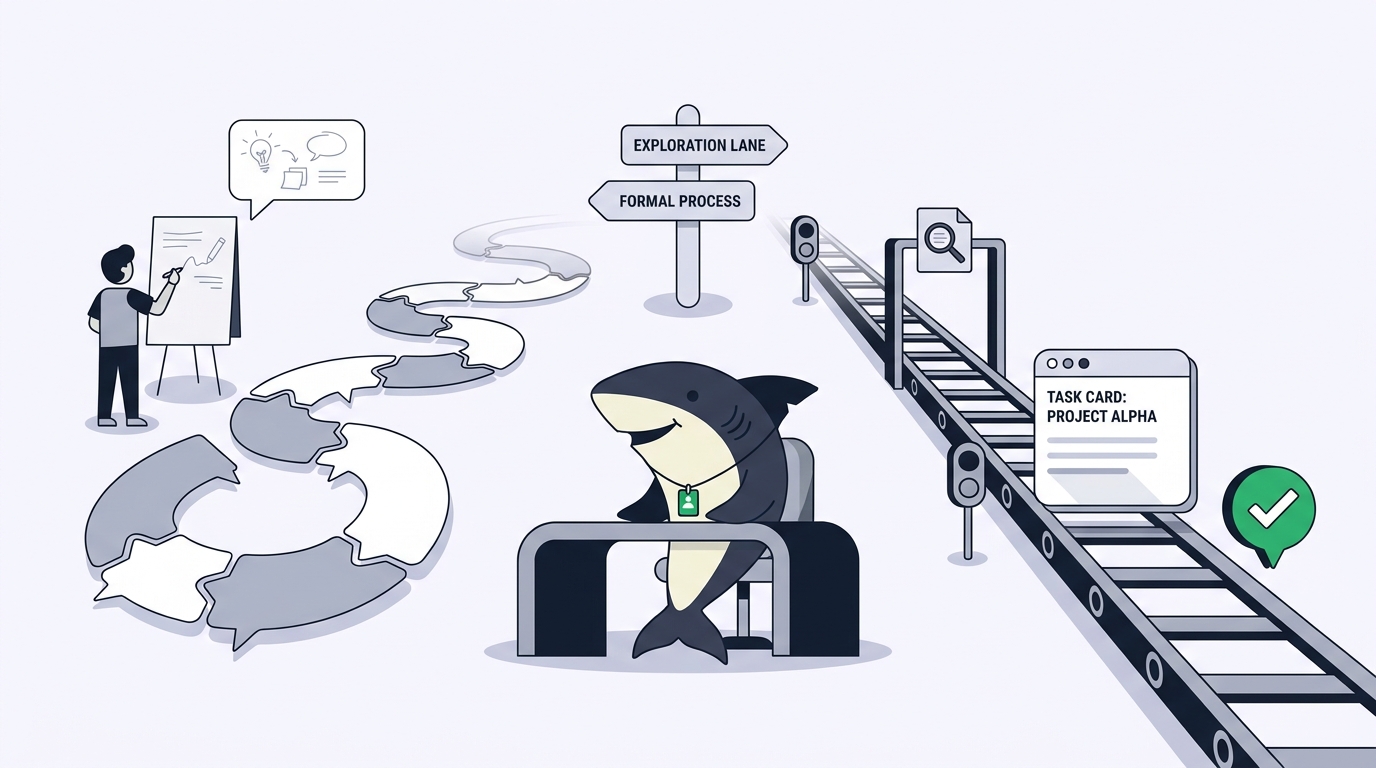
Sharkly builds this distinction into the product. Chat is for exploring, planning, or acting with an Agent before the work needs a tracked record. A Task is for work that needs ownership, status, execution history, and review. Both can start Agent runs. They store different records, and that difference is the whole point.
This guide explains what each surface is for, how Sharkly’s chat modes behave, how to hand a promising chat off to a real Task, and the decision rules that keep your team’s shared record honest.
TL;DR
Chat with an AI agent when you want to ask a question, investigate a topic, or shape a plan without opening a task. Assign a Task when the work needs an Assignee, status, acceptance criteria, review, or a durable record the team can see. Chat messages stay in the session; Task results return to the Task, where People review and accept them.
The problem: one agent, two kinds of work
Anyone who runs Claude Code or Codex in a terminal knows both kinds of work already. Some sessions are questions: what does this module do, why is this test flaky, what would a migration cost. Other sessions are commitments: fix this bug, ship this endpoint, update these docs.
The terminal treats both the same way. Every session is a private transcript on one person’s machine, whether it answered a throwaway question or produced a change the whole team depends on. The question sessions are fine there. The commitment sessions are not, because nobody else can see the goal, the diff, the discussion, or the result.
Most teams discover this the hard way. A developer chats an agent through a production fix, the fix ships, and the reasoning behind it lives in a scrollback buffer that gets cleared on Friday. The opposite failure happens too: a team routes every tiny question through its task tracker, and the board fills with dead tickets titled “ask about caching.”
The fix is not a rule that bans one surface. The fix is knowing what each surface records, and moving work between them deliberately. That starts with understanding what a chat with an AI agent stores, and what it does not.
What is Agent Chat in Sharkly?
Agent Chat is a standalone chat with an Agent or Crew. Use it when you want to ask a question, investigate a topic, shape a plan, or start work without first opening a task. Each standalone chat is backed by its own session and messages, and the session belongs to the person who created it.
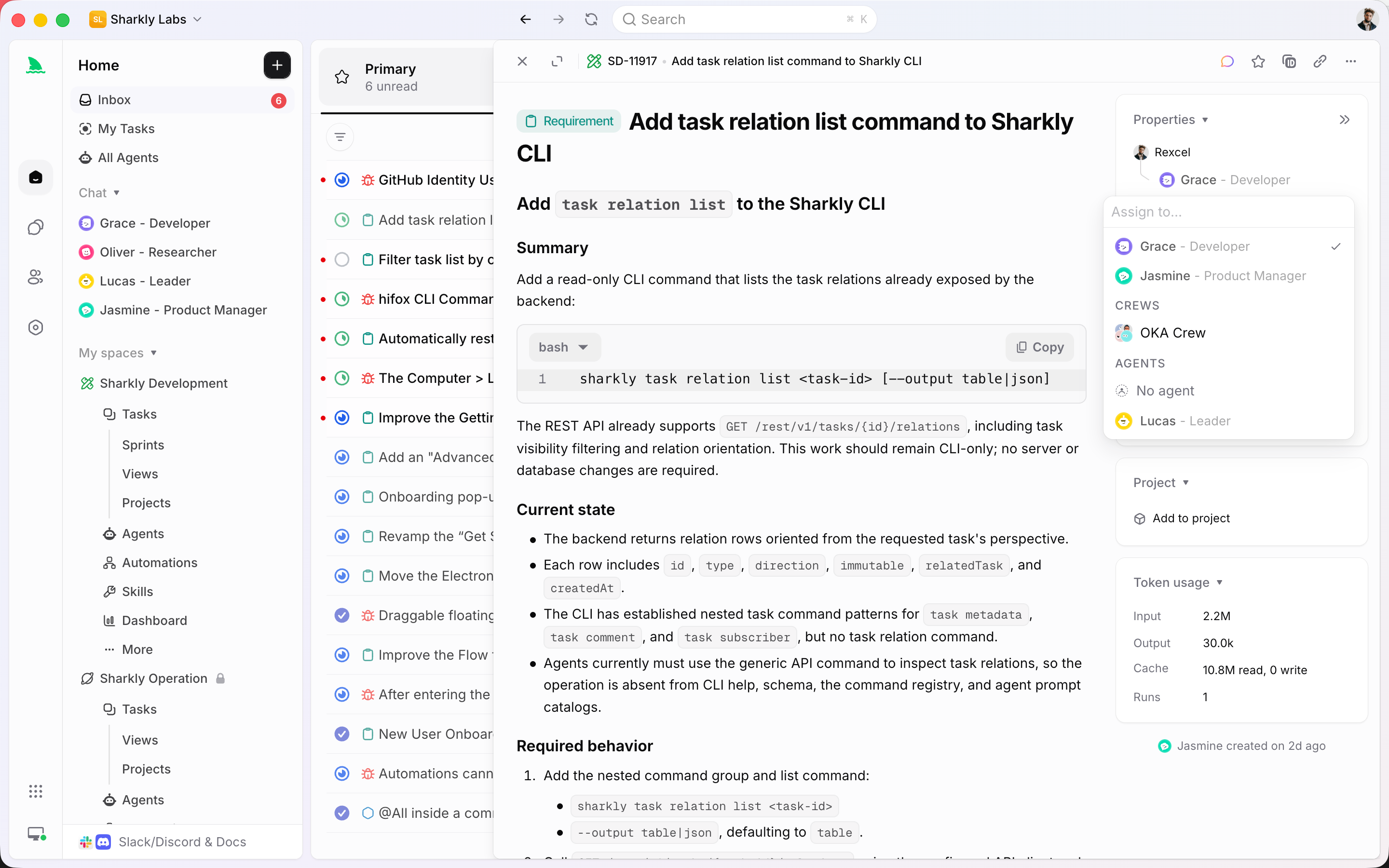
Sharkly has two chat surfaces, and the docs are strict about keeping them separate:
- Standalone Agent Chat lives outside any task. You open an Agent’s chat view, send a message, and a new session starts. It is your workspace with that Agent.
- Agent chat on a task lives on that task. It is not a task comment, and it does not require the task to be assigned to that Agent first.
Three boundaries matter here, because each one is a place where a reasonable person would guess wrong.
Chat is not a comment. Sending a message in Agent Chat does not create a task comment. Sending a message in a task’s Agent chat does not appear in Activity as a comment either. Task comments remain the canonical record for on-task discussion; chat is a separate record on both surfaces.
Chat is not team-visible by default. A standalone session belongs to the person who created it, and other organization members do not receive access to that session through the current chat APIs. On a task, new chat messages notify the Assignee and the people already in that conversation. They are not broadcast to everyone following the task.
Chat does not require assignment. You can open a task and chat with any Agent in the Space about it, whether or not that Agent is the Assignee. Assignment controls execution responsibility, not conversation access.
If you’re new to what an Agent is in the first place (a saved working configuration with instructions, a Runtime, Skills, and repositories), the Agents explainer covers that foundation.
What does a Task give you that chat does not?
A Task is the main unit of work in Sharkly. It carries the goal and description, status, priority, labels, the person responsible, the Agent or Crew assigned to execute, comments and attachments, and the Agent’s execution state, trace, and result. Everything about the work returns to the Task, where anyone with access can inspect it.
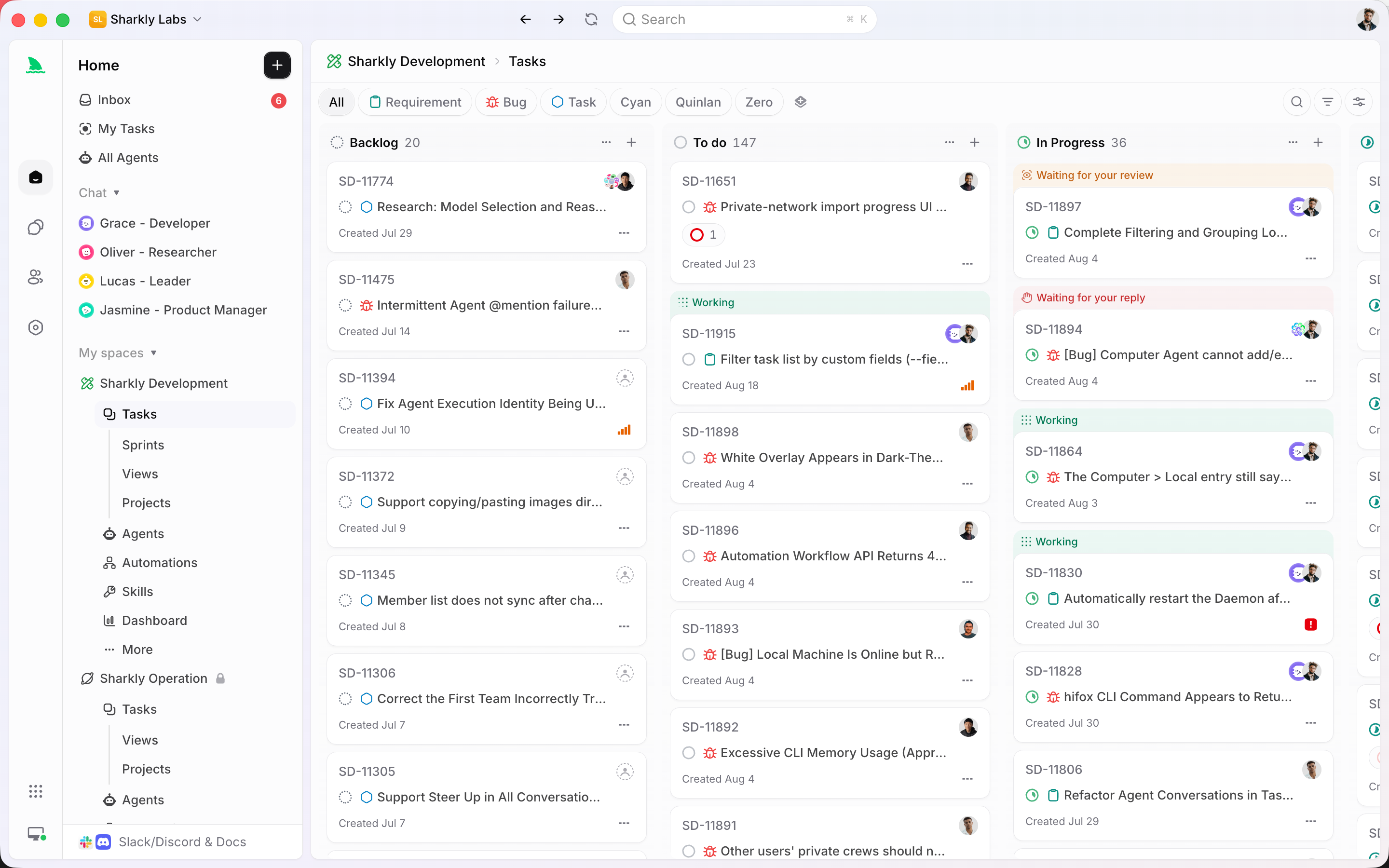
That single sentence hides four concrete guarantees that chat cannot make:
- Ownership. A Task has an Assignee. When something stalls, there is a name on it. A chat session has a participant list and no accountability structure.
- Status. A Task moves through a workflow your team defined: backlog, started, review, done. Anyone can read the board and know where the work stands without asking.
- Execution history. Every run against a Task leaves a trace: when it queued, when it started, which tools it called, why it failed. When a run breaks, you read the execution record instead of reconstructing events from memory.
- Review. An Agent can leave a Task waiting for human reply or human review, and those signals land in the responsible person’s Inbox. Acceptance is a recorded step, not a vibe.
Task-backed execution has structural advantages too. Repository work on a Task runs in an isolated directory, usually a separate git worktree per run, so several Tasks can change the same codebase in parallel without stepping on each other. The mechanics are covered in how Sharkly runs agents in parallel. A follow-up comment on an assigned Task can start another run, and Sharkly coalesces rapid comments so they don’t spawn duplicate work.
Here’s the human-agent contract that makes the Task the right home for real work: Agents research, execute, test, and report on the Task. People set direction, grant authority, and accept the result. A chat session supports the first half of that contract. Only a Task supports the second half.
Agent chat vs task assignment: the decision table
The decision comes down to what the work needs recorded, not how big the work is.
| Question about the work | Chat with the Agent | Assign a Task |
|---|---|---|
| Does anyone need to own it? | No owner needed | Has an Assignee |
| Does the team need to see progress? | Private to participants | Status visible on the board |
| Will anyone review the result? | You read the reply | Review is a recorded step |
| Does it need execution history? | Session transcript only | Full run trace on the Task |
| Is it exploratory or committed? | Exploratory | Committed |
| Will you care about it in a month? | Probably not | The record persists |
Use chat when you’re asking, comparing, investigating, or shaping. Use a Task when the work needs an Assignee, status, acceptance criteria, or a result someone must sign off on.
Two honest counter-rules keep this from becoming dogma:
Don’t create a Task for every question. “What does this module do?” deserves a chat, not a ticket. A board full of question-shaped Tasks is noise that buries the real work, and noise is exactly what a work management system for humans and agents exists to prevent.
Don’t let a chat quietly become a project. The moment a conversation produces something the team must act on, review, or remember, it has outgrown the session. If the team needs to see a conclusion, copy it into a task description or a comment. The original session stays as your private history; the Task becomes the shared record.
The three chat modes: Explore, Plan, Execute
Chat in Sharkly is not one behavior. The composer has three modes, the selected mode is stored with the session, and you can change it before any turn.
Explore is read-only investigation. The Agent inspects, explains, compares, and summarizes without making changes. Keep Explore selected when you want analysis and nothing else. This is the mode for “walk me through the auth flow” and “which of these two libraries does the codebase already depend on.”
Plan lets the Agent propose actions for your review. The Agent drafts a planned task with subtasks, and nothing happens until you confirm. You can edit the proposal, confirm it without starting the work, or confirm it and start immediately. Plan mode is the bridge between a good conversation and a tracked commitment, and it’s the mode that makes the chat-to-Task handoff cheap.
Execute lets the Agent act directly through its configured CLI and return the result in the session. New chats start in Execute unless you set a different default, which is worth knowing on day one: if you want a read-only conversation, switch to Explore before your first message, not after the Agent has started doing things.
The decision pair for modes mirrors the bigger one. Use Explore or Plan while the outcome is still a question. Use Execute in chat only for work you’d be comfortable leaving out of the team record, and use a Task for everything else.
A few behaviors make chat pleasant in practice. Agent output streams into the session while a run is active, and you can stop the run at any point. If you send another message while the Agent is working, Sharkly queues it for the next turn instead of starting a parallel duplicate run. Unsent draft text is retained per conversation when you switch between chats in the same browser. Sessions can be renamed, archived, and reopened from history; archived sessions stay readable but read-only.
How to hand a chat off to a Task
The handoff is where the two surfaces meet, and Sharkly’s docs give it a concrete sequence. When a discussion produces an action worth committing to:
- Summarize the outcome in the chat. Ask the Agent to state the goal, scope, constraints, and acceptance criteria in one message. This is the paragraph the Task needs, and the Agent already holds the context to write it.
- Use Plan mode to draft the Task. Switch to Plan and have the Agent propose the task and subtasks. Review the proposal and edit it before confirming. You can also skip this and create the Task by hand; the point is that a person shapes the commitment.
- Confirm, with or without starting. Confirming creates the planned Task. Confirm and start when the work should begin now; confirm without starting when it should wait for a Sprint or a dependency.
- Assign it. Route the Task to the right person, Agent, or Crew through the Assignee control. A well-scoped chat summary is what makes this assignable at all. For multi-role work, a Crew with a leader Agent can take the whole Task instead of a single executor.
- Move the context, not the transcript. Copy anything the Task must retain into its description or comments. The chat session remains your separate history; don’t rely on it as the team’s memory, because the team can’t see it.
From that point on, feedback follows the Task’s rules. Task-specific back-and-forth continues in the task’s Agent chat; conclusions the whole team should see go in Activity comments; an eligible comment on the assigned Task starts a follow-up run. Results, blockers, and the final response return to the Task, which is what makes later review possible.
One placement note: a Task assigned to an Agent does not start while it sits in Backlog. Backlog is a parking area. Moving the Task out of Backlog starts the assigned Agent when its Computer and Runtime are ready, so you can stage work from chat now and release it when the team is ready. Where that execution physically happens is a separate concern, covered in the Computers explainer.
Quick chats: task context without leaving the task
There’s a third surface worth knowing once the basics are settled. Task detail has quick chats in the header toolbar: saved prompt-plus-Agent combinations that run with the current task as context.
Each quick chat has a name, an optional prompt, a chosen Agent or Crew, and a visibility setting. Private quick chats are visible and triggerable only by their creator. Shared quick chats are visible to everyone in the Space, though only the creator can edit them. Selecting one opens a split view with the task on the left and the chat on the right, and the prompt, the Agent, and the task context are sent together.
This turns recurring questions into one-click operations. A shared quick chat named “Estimate this” that sends the task to a planning Agent, or “Find related code” wired to a repository-aware Agent, becomes something every person in the Space can trigger on any task. It’s the same thesis that drives Skills: the value comes from sharing a good setup, not from each person opening more chats.
Two mechanics to keep straight. Each quick-chat trigger creates its own task-level conversation, and that conversation stays on the Task; it does not reuse the assigned Agent’s ordinary chat. And deleting a quick chat removes the saved configuration, not the conversations already created from it.
What if your stack has no task layer?
Plenty of teams run agents with no orchestration platform at all: raw terminal sessions, tmux panes, shell scripts. That setup handles the chat half of this article’s distinction reasonably well. A terminal session is a private, exploratory conversation with an agent, same as Agent Chat.
What the DIY stack lacks is the other half. There is no Assignee, no status, no run trace a teammate can open, no review step, and no place where results land by default. Every commitment session looks identical to every question session, and the difference only surfaces when something breaks and nobody can reconstruct why. The comparison of Claude Squad, Conductor, and tmux-based setups walks through where each approach stops.
You don’t have to rebuild your process to add the missing half. Sharkly is not a replacement for Claude Code, Codex, or the other execution tools; it adds the shared task, context, and review layer around the tools your team already uses, and model usage continues through the subscriptions or API keys configured in those tools. Keep the terminal for scratch work if you like it there. Route the committed work through Tasks, and if your tickets already live elsewhere, a Jira ticket can go straight to an Agent without your team changing trackers.
Three scenarios, played out
The flaky test. An engineer notices a test failing intermittently. She opens a chat with the team’s Code Reader Agent in Explore mode: “Why would auth_session_test fail under parallel runs?” Ten minutes of reading later, the Agent points at a shared fixture with a race. Now it’s a commitment: she switches to Plan mode, the Agent drafts task SH-341 with the fix scope and an acceptance criterion (“test passes 50 consecutive parallel runs”), she confirms and starts it, and assigns it to the fixer Agent. The investigation stays in her chat history. The fix, the diff, and the review land on SH-341.
The architecture question. A tech lead wants to know what adopting a queue would cost across three services. This is days of reading, but it’s still a question, so it stays in a standalone chat session she renames “queue adoption study.” Over a week she returns to the session, asks follow-ups, and lets the Agent compare options. When leadership says yes, the session’s final summary becomes the description of an epic-level Task, decomposed into subtasks in Plan mode. Nothing was ever half-tracked.
The standup question that kept coming back. A team notices that every morning someone asks an Agent to summarize yesterday’s changes on whatever task they’re reviewing. One person saves it as a shared quick chat called “What changed here?” wired to a repository-aware Agent. The question stops being retyped, and every trigger leaves its conversation on the task it ran against. For summaries on a schedule rather than on demand, that same instinct graduates to Automations.
In all three, the same rule decides the surface: questions stay in chat, commitments get a Task, and the handoff happens the moment the answer implies work.
Conclusion
Chat with an AI agent when you’re exploring; assign a Task when you’re committing. Sharkly keeps the two surfaces deliberately separate so that your board records real work instead of questions, and your questions don’t disappear into a record nobody reads. Chat sessions belong to you. Tasks belong to the team, and context, progress, blockers, results, and human review stay visible on them from request to release.
The distinction costs nothing to adopt because both surfaces are already in front of you. Open a chat with an Agent and ask it something you’d normally dig through the codebase for. The first time that conversation produces something worth committing to, switch to Plan mode and let it draft the Task. Connect one Computer, create one Agent, and try both halves on something boring. The flagship overview covers the rest of the platform when you’re ready.
Frequently asked questions
Can I chat with an Agent about a task without assigning it?
Yes. Open the task and start a chat with any Agent in the Space. Assignment is not a prerequisite for conversation; it controls who executes the task, not who you can talk to about it.
Do chat messages appear in the task’s Activity feed?
No. Comments appear in Activity for the whole team. The Agent chat on a task notifies the Assignee and the people already in that conversation, and it is stored separately from comments on both surfaces.
Can my teammates read my standalone Agent Chat sessions?
No. Each standalone session belongs to the person who created it, and other organization members do not receive access through the current chat APIs. If a conclusion matters to the team, copy it into a task description or comment.
What happens if I message an Agent that’s offline or archived?
An offline Agent is shown as offline rather than thinking or queued, so don’t wait for a reply that isn’t coming. An archived Agent can’t receive new messages: the composer is disabled, though the session history stays readable.
Which chat mode should I start with?
New chats start in Execute unless you change the default. If you want analysis without changes, switch to Explore before sending your first message. Use Plan when you want the Agent to propose a task you’ll review and confirm.
Does chatting with an Agent use my task execution setup?
Yes. Chat runs go through the same Agent configuration: its instructions, Runtime, and Computer. In Execute mode the Agent acts through its configured CLI, the same machinery that powers task runs.
When should a chat become a Task?
The moment the conversation produces work someone must own, review, or remember. Summarize the goal, scope, constraints, and acceptance criteria, draft the Task in Plan mode or by hand, and assign it. Chat history is not a team record.
Can two people share one chat session with an Agent?
Not for standalone sessions, which are single-owner. On a task, the Agent chat notifies the Assignee and prior participants, so a small group can follow one task-level conversation there. For team-visible discussion, use task comments.