Running one AI coding agent is easy. You open a terminal, type a prompt, and watch it work. Running five at once is where the trouble starts. Two agents edit the same file and clobber each other. A third finishes a task and you have no idea, because its output is buried in a tmux pane you closed an hour ago. A fourth went off-script and you only notice when the tests break. The agents got faster, but your ability to see what they are doing, keep them out of each other’s way, and decide which changes ship did not scale with them.
That gap is what this article is about. If you have started running multiple coding agents in parallel and the coordination is now harder than the coding, you need a tool built for the coordination itself, not another faster runtime. Below are seven tools worth knowing in 2026, judged on the jobs that actually matter when agents run side by side. The first one, Sharkly, is the workflow this article walks through, because it treats orchestration as a system rather than a side effect. The rest each earn their place for a specific kind of team.
TL;DR
The best tool for managing parallel AI coding agents depends on how many agents you run and who needs to see the results. For teams that want assignment, isolation, visibility, review, and reusable setups in one shared layer, Sharkly leads because it sits above your existing runtimes instead of replacing them. Cursor background agents and GitHub Agent HQ suit people already living inside those products. Conductor, Claude Squad, and Nimbalyst/Emdash cover the solo-to-small-team local workflow. Factory-class agents fit enterprises that want a managed platform end to end.
The five jobs a parallel-agent tool has to do
Before the list, here is the rubric. A tool for running many agents at once is not judged on how good any single agent is. The agent quality comes from the runtime underneath (Claude Code, Codex, Gemini, and the rest). The orchestration layer is judged on five jobs:
- Assignment. How does work get to an agent? Do you copy-paste a prompt into a terminal, or does a task carry its own context, scope, and acceptance criteria to whichever agent is free?
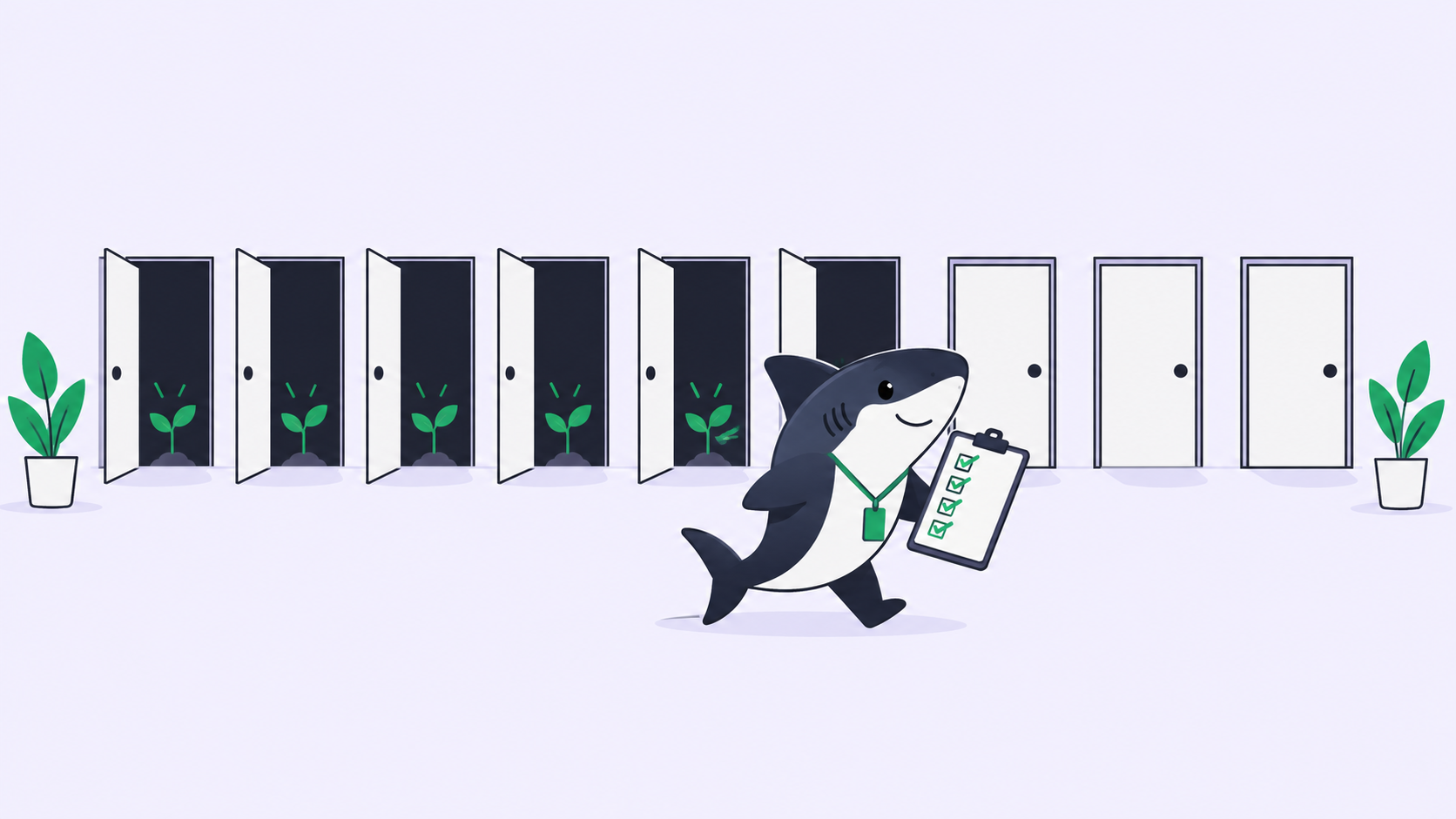
- Isolation. When two agents run at the same time, do their file changes stay apart? Git worktrees are the standard answer, and whether the tool handles them for you is a real dividing line.
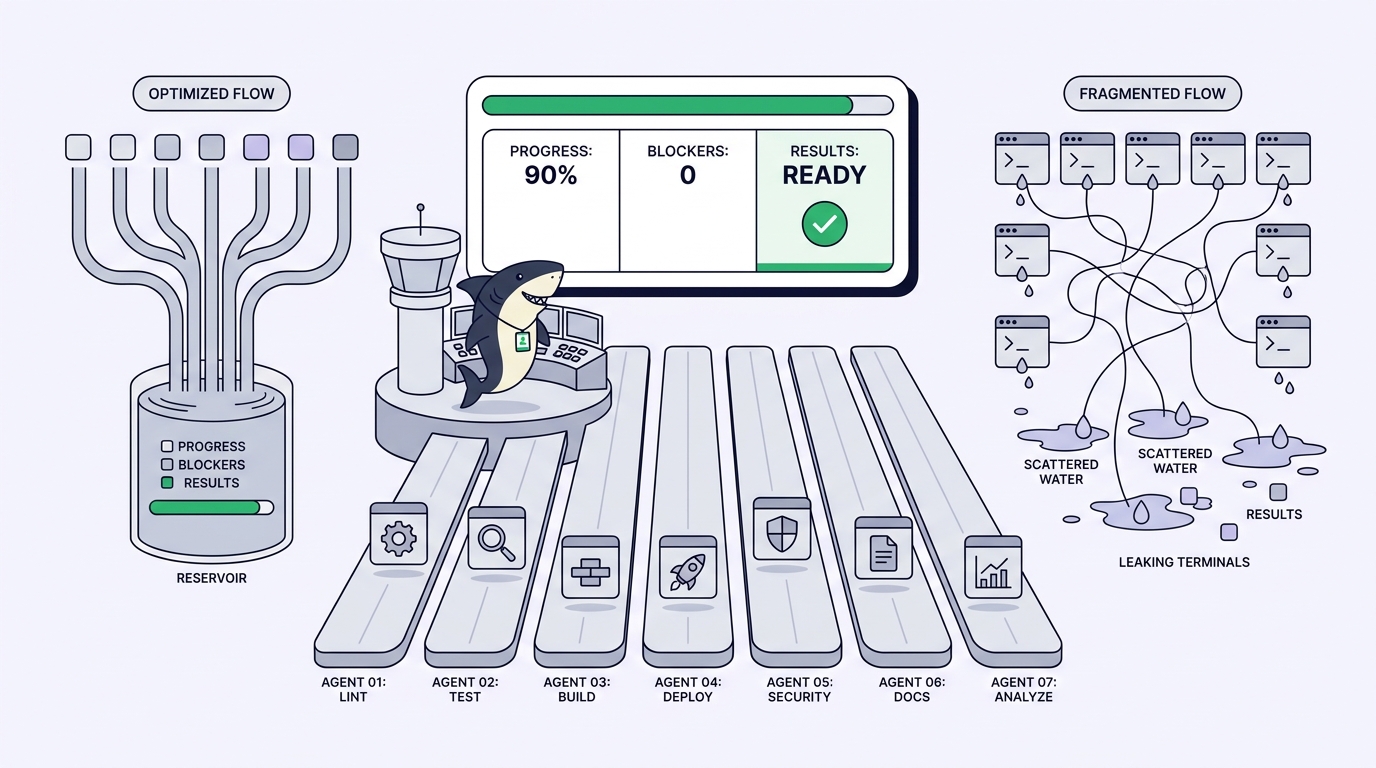
- Visibility. Can you see progress, blockers, and results without walking a row of terminals? For a team, this is the whole game. Private terminal sessions do not scale to a group.
- Review. When an agent says it is done, where does the diff, the test output, and the change summary land so a person can accept it, request changes, or decide the merge?
- Team reuse. Can one good setup (a role, a rule, a workflow) become something the whole team runs, or does every developer rebuild their own scripts from scratch?
Keep those five in mind. Every tool below does some of them well and skips others. The honest differences show up when you line them up against the same five columns.
1. Sharkly
What it is. Sharkly is an all-in-one Agent command and management platform. It is not a replacement for Claude Code, Codex, or other execution tools. It adds the shared task, Computer, context, control, and review layer around the tools your team already uses. That boundary is the reason it sits at the top of this list: it does not compete with your runtime, it coordinates whatever runtimes you already run.
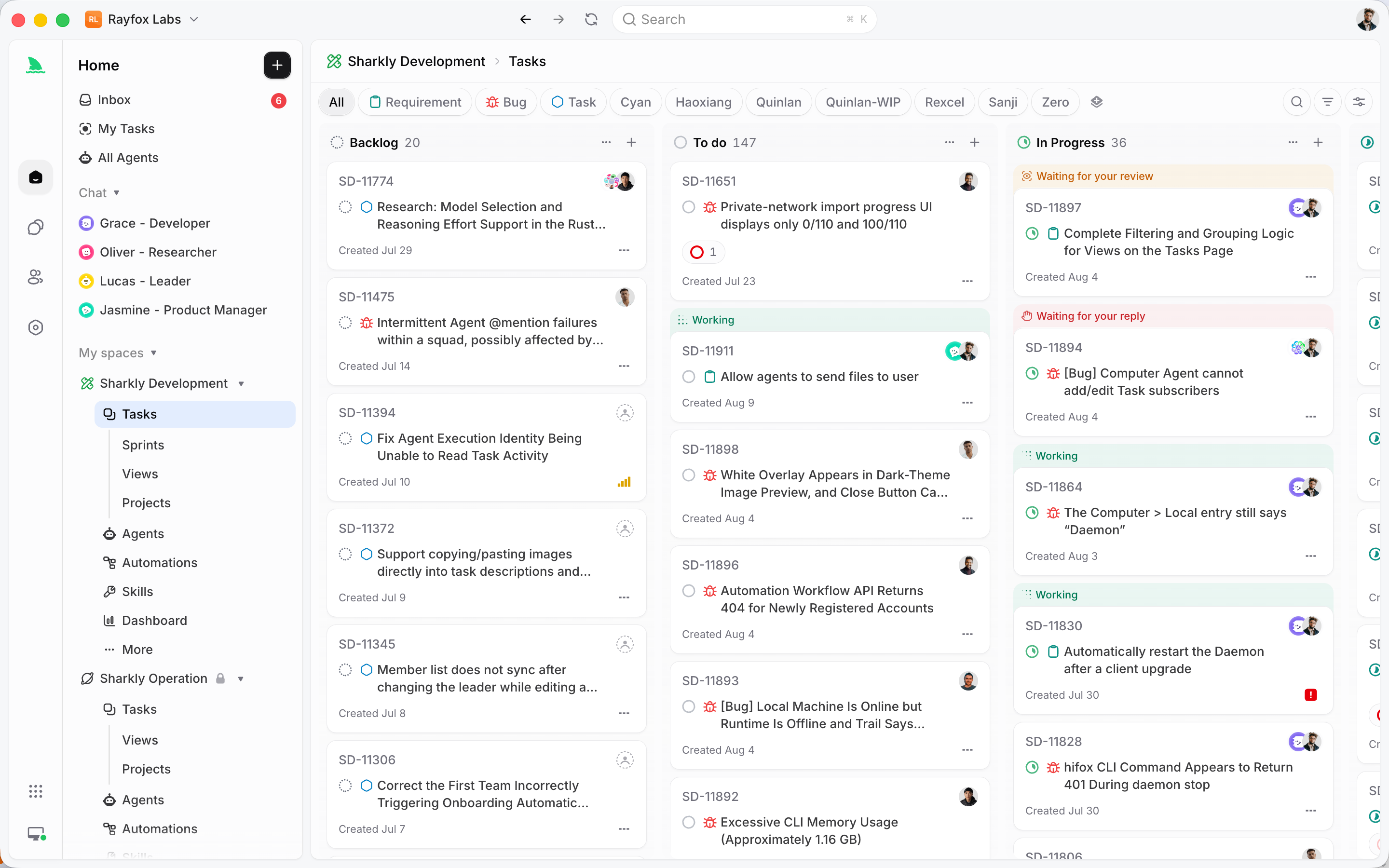
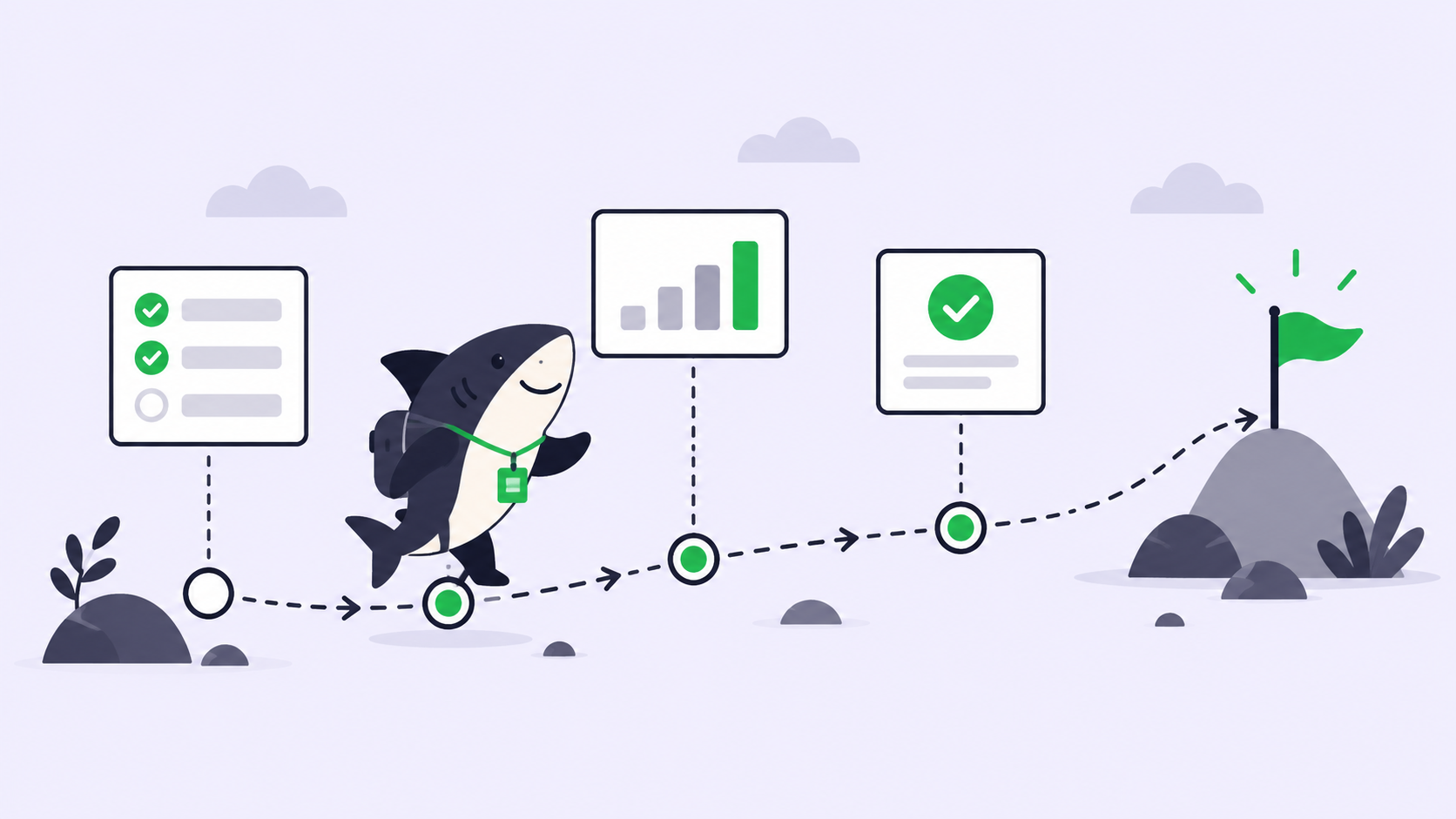
How it does the five jobs. In Sharkly, a Task is the main unit of work, and it carries its own scope and acceptance criteria. You assign a Task to an Agent the way you would assign a ticket to a teammate. Agents claim ready Tasks and work in isolated worktrees, so frontend, backend, bug fixing, and test coverage move at the same time without touching each other’s files. Execution, blockers, results, and follow-up discussion return to the Task timeline, so progress is visible from request to release instead of disappearing into private terminals. When an Agent finishes, it runs typecheck, tests, and the build, then attaches the change summary, verification results, and known limits. A person accepts, requests changes, or decides the merge. That is the human-agent contract in practice: Agents research, execute, test, and report; people set direction, grant authority, and accept the result. Automation stops where team judgment is required.
Why it ranks first, stated not asserted. Two reasons, both structural. First, the neutral layer. Because Sharkly runs on top of your runtimes rather than being one, you keep the tools your team already uses while making runs assignable and traceable. You are not betting the team on a single vendor’s agent. Second, the project-management system is native, not bolted on. Sprints, Projects, ownership, dependencies, and blockers live in the same place the agents work, so agent orchestration and team planning are one system instead of two that you sync by hand. A Crew, which is a reusable group of People and Agents coordinated by one leader Agent, turns one good setup into a capability the whole team can reuse.
Decision pair. Use Sharkly when more than one person needs to see agent work, when you run agents across more than one runtime, or when review and release have to stay a human decision with full context. Do not reach for Sharkly if you are a solo developer running a single agent in one terminal and never need anyone else to see it. At that scale the coordination layer is overhead you will not use yet. Start there when the first task you hand an agent needs to be visible to someone other than you.
Connect one Computer, create one Agent, and assign it something boring. Download Sharkly and route one real requirement through it before you scale to a fleet.
2. Cursor background agents
What it is. Cursor’s background agents let you kick off agent runs that work asynchronously while you keep coding in the editor. Instead of babysitting a single foreground session, you dispatch work and check back. If your team already lives in Cursor, this is the lowest-friction way to get a second and third agent moving. We cover the mechanics in more depth in how Cursor background agents work.
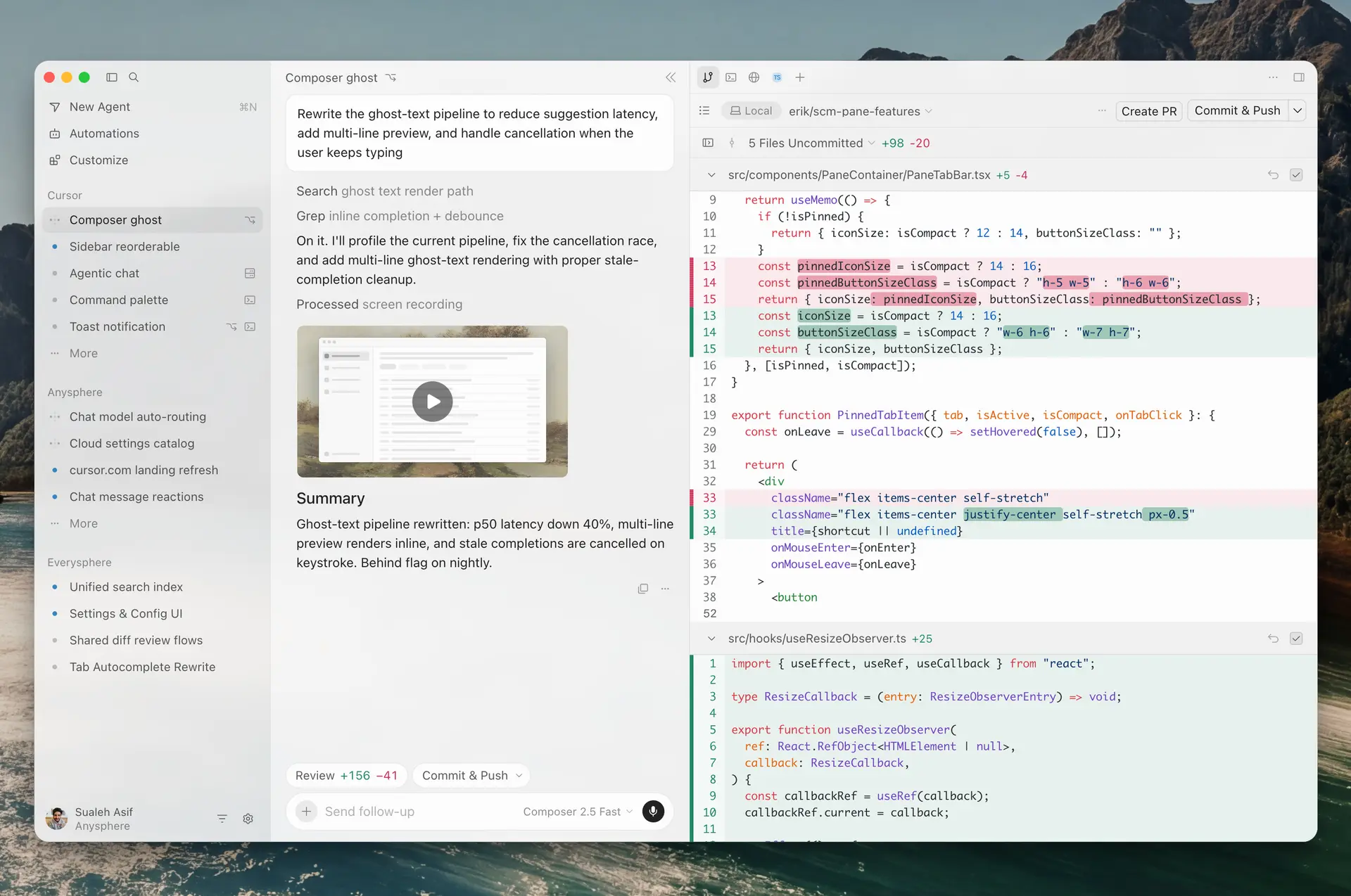
How it does the five jobs. Assignment happens from inside the editor, which is fast if you are already there. Isolation is handled per run so background work does not stomp your active buffer. Visibility is strong for you, the single developer at that machine, and weaker for anyone else, because the work is scoped to your Cursor session. Review is editor-centric: you inspect diffs where you code. Team reuse is limited, since the setup is personal to your editor rather than shared configuration a whole team runs.
Decision pair. Use Cursor background agents when you are an individual developer who wants parallel work without leaving the editor you already trust. Choose a shared orchestration layer instead when the results need to be visible to teammates, a reviewer, or a sprint board, because editor-local runs do not surface to a group on their own. See the official Cursor documentation for current setup details.
3. GitHub Agent HQ
What it is. GitHub Agent HQ is GitHub’s move to bring agent work into the place code already lives: issues, pull requests, and the repo itself. Assign an issue to an agent and let the result come back as a pull request you review like any other. For teams whose entire workflow is already GitHub-native, that continuity is the draw. Our GitHub Agent HQ explainer goes through what it changes for review flows.
How it does the five jobs. Assignment maps onto issues, which is a familiar and durable unit of work. Isolation lands in branches and pull requests, the model every GitHub team already knows. Visibility is good inside GitHub and follows the pull request lifecycle. Review is the strongest part, because pull request review is the muscle your team already has. Team reuse depends on how much your process is standardized in GitHub Actions and repo config rather than in individual habits.
Decision pair. Use GitHub Agent HQ when your review culture is already built on pull requests and you want agent output to arrive as one more pull request. Reach for a runtime-neutral layer instead when you run agents across tools beyond GitHub’s own, or when you want task context, blockers, and cross-project planning to live somewhere richer than an issue thread. Read the GitHub blog for the current rollout state.
4. Conductor
What it is. Conductor is a Mac app for running several Claude Code agents in parallel, each in its own isolated workspace, with a clean interface over what would otherwise be a wall of terminals. It targets the developer who has outgrown a single agent and wants a calmer way to run three or four at once. We put it side by side with two alternatives in Claude Squad vs Conductor vs tmux.
How it does the five jobs. Assignment is per-workspace: you start an agent in its own lane. Isolation is the core feature, since each agent gets a separate workspace so parallel runs do not collide. Visibility is a real upgrade over raw terminals for the person at the machine, with each run laid out clearly. Review happens locally, where you inspect each workspace’s changes. Team reuse is limited by design, because it is a local desktop tool focused on one developer’s parallel runs rather than a shared team system.
Decision pair. Use Conductor when you are a solo developer or a very small team who runs multiple Claude Code agents and wants isolation and a clean local view without standing up shared infrastructure. Move to a team layer when the work needs to be assigned, tracked, and reviewed by more than the person sitting at that Mac.
5. Claude Squad
What it is. Claude Squad is an open-source terminal tool that manages multiple agents (Claude Code, Codex, and others) across separate git worktrees, so several agents can work at the same time without conflicts. It is the scriptable, keyboard-driven option for people who like living in the terminal. It shows up in the same comparison as Conductor for good reason: Claude Squad and Conductor solve overlapping problems with different surfaces.
How it does the five jobs. Assignment is manual and terminal-driven, which power users prefer. Isolation is handled through git worktrees, which is exactly the right primitive for parallel agents. Visibility is a step up from bare tmux because sessions are organized, though it stays local to your terminal. Review is done by inspecting each worktree’s diff yourself. Team reuse is limited to what you can share as scripts and config, not a hosted shared workflow.
Decision pair. Use Claude Squad when you are comfortable in the terminal, want worktree isolation across several agents, and value an open-source tool you can inspect and extend. Graduate to a shared platform when private terminal sessions stop scaling to a group and you need results to return to a place teammates can see. The project lives on GitHub.
6. Nimbalyst / Emdash
What it is. This slot covers the newer wave of lightweight local orchestrators, sometimes shipped under names like Nimbalyst or Emdash, that wrap parallel agent runs in a friendlier local dashboard. They aim at the developer who finds raw terminals too noisy but does not want a full team platform. Treat this category as fast-moving; the specific product you pick matters less than the shape of what it does.
How it does the five jobs. Assignment is usually a simple local queue or board. Isolation is typically worktree-based, following the same standard as the tools above. Visibility is a local dashboard, which is a genuine improvement for one developer over scattered panes. Review stays local and diff-first. Team reuse is minimal, because these tools optimize for one person’s machine rather than shared roles and rules.
Decision pair. Use a lightweight local orchestrator when you want a nicer window onto your own parallel runs and nothing more. Choose a team-grade system instead the moment a second person needs to assign work, watch progress, or sign off on a result, because a local dashboard has no shared record to hand them. Because this category churns, confirm the tool is still maintained before you build habits around it.
7. Factory-class enterprise agents
What it is. Factory and similar enterprise platforms sell a managed, end-to-end agent system: the agents, the infrastructure, and the workflow around them, bought as one product. The pitch is that a large organization can adopt agent development without assembling the pieces itself.
How it does the five jobs. Assignment, isolation, visibility, review, and reuse are all provided by the platform, which is the appeal and also the trade-off. You get a coherent system out of one vendor. You also accept that vendor’s model of how agent work should flow, and you concentrate your runtime choice inside their walls rather than keeping it open.
Decision pair. Use a Factory-class platform when you are an enterprise that wants a single managed system and has the budget and governance needs to justify buying the whole stack. Prefer a runtime-neutral layer like Sharkly when you want to keep the tools your team already uses and add a shared, reviewable coordination layer on top, without rebuilding the process your team already understands. See the Factory site for its enterprise framing.
The seven tools side by side
Here is the same rubric as a table. Read down the columns, not just across the rows. The pattern is clear: the local tools win on isolation and single-developer visibility, and the team layer wins on shared visibility, review, and reuse.
| Tool | Assignment | Isolation | Visibility | Review | Team reuse | Best for |
|---|---|---|---|---|---|---|
| Sharkly | Task carries scope, assigned to an Agent | Automatic worktrees | Shared, returns to the Task | Human acceptance with evidence attached | Crews, Skills, shared Agents | Teams across any runtime |
| Cursor background agents | From the editor | Per run | Strong for you, local | Editor diffs | Personal | Solo devs inside Cursor |
| GitHub Agent HQ | Issue to agent | Branches and PRs | Good inside GitHub | Pull request review | Actions and repo config | GitHub-native teams |
| Conductor | Per workspace | Separate workspaces | Clean local view | Local inspection | Limited | Small teams on Mac |
| Claude Squad | Terminal-driven | Git worktrees | Organized terminal | Diff inspection | Scripts and config | Terminal power users |
| Nimbalyst / Emdash | Local queue or board | Worktree-based | Local dashboard | Local diffs | Minimal | Solo devs wanting a nicer view |
| Factory-class | Platform-managed | Platform-managed | Platform-managed | Platform-managed | Platform-managed | Enterprises buying the stack |
How to pick without regretting it in six months
Start with the question the whole rubric turns on: who needs to see the work? If the answer is only you, a local tool like Conductor, Claude Squad, or a lightweight orchestrator will serve you well and cost you nothing to abandon later. Their isolation is real and their local views beat raw terminals. If the answer is a team, you need shared visibility and human review as first-class features, and the local tools cannot give you that no matter how many you install.
The second question is how many runtimes you run. If your team is happily all-in on one product, the native option for that product (Cursor’s background agents, GitHub’s Agent HQ) removes friction. If you run Claude Code for some work and Codex or Gemini for other work, a runtime-neutral layer stops you from maintaining a separate coordination story per tool. This is the same reasoning behind moving off ad hoc kanban glue once the number of moving parts grows.
The third question is whether review has to be a real gate. If agent output can ship on a developer’s say-so, most tools are fine. If a person must accept the result with the diff, the tests, and the known limits in front of them, you want a tool where that acceptance is built into the flow, not a step you remember to do. Leave final acceptance and release decisions to people, and pick a tool that makes that easy rather than optional.
Team leverage does not come from opening more AI chats. It comes from sharing roles, rules, context, and workflows. Whichever tool you choose, the win is turning one good setup into something the team can run again, not adding one more private terminal to the pile.
Frequently asked questions
What is the difference between an agent runtime and an orchestration tool? A runtime, like Claude Code or Codex, performs execution: it reads code, writes changes, and runs commands. An orchestration tool manages assignment, isolation, visibility, review, and reuse across those runtimes. Sharkly is explicit about this split: it is the layer around the execution tools, not a replacement for them. You keep your runtime and add coordination on top.
Do I need git worktrees to run agents in parallel? Practically, yes. Worktrees give each agent its own checkout of the repo so two agents editing at once do not overwrite each other. Some tools make you set this up by hand; others handle it for you. The concept is worth understanding either way, so see our guide to git worktrees for AI coding agents and the official git worktree documentation.
Can I run agents from more than one vendor at the same time? Yes, if your orchestration layer is runtime-neutral. A tool tied to one product coordinates that product well and leaves the rest out. A neutral layer like Sharkly lets you assign work across Claude Code, Codex, Gemini, and others while keeping a single shared record. Model usage continues through the subscriptions or API keys configured in those tools.
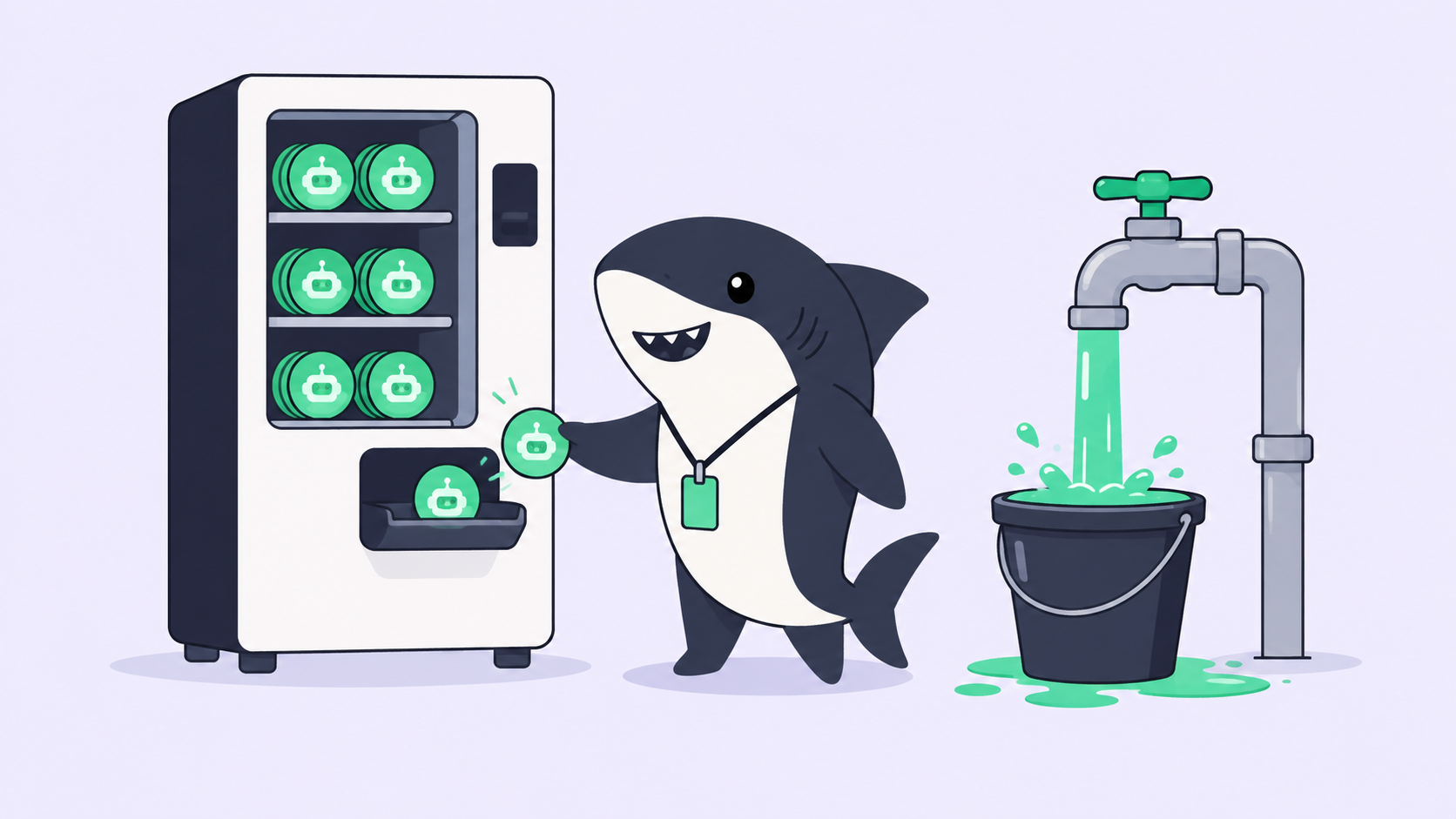
How much does it cost to run these tools? It depends on the tool and, separately, on the models. Most orchestration layers follow a bring-your-own-subscription model: model quota depends on the AI coding tools, plans, and API accounts your team connects, and usage runs through those existing subscriptions rather than through the orchestration layer. Check each product’s own pricing for the layer itself.
Is a terminal tool like Claude Squad enough, or do I need a platform? For one developer running a handful of agents, a terminal tool with worktree isolation is often enough. The moment results need to be visible to teammates or accepted by a reviewer, a private terminal session has no shared record to hand them, and a team platform earns its keep. The switch point is usually the second person, not the tenth agent.
Where do agent results go so I can review them? That is exactly what separates the tools. In a team layer, execution, blockers, results, and the change summary return to a shared Task so a person can accept, request changes, or decide the merge with full context. In a local tool, results live in the worktree diff you inspect yourself. Decide which you need before you pick.
The short version
Running parallel AI coding agents is a coordination problem wearing a coding problem’s clothes. The agents are already fast. What breaks is your ability to assign work cleanly, keep runs isolated, see progress, review results, and reuse a good setup across a team. Judge every tool on those five jobs and the choices sort themselves:
- Solo, one runtime, local review is fine: Conductor, Claude Squad, or a lightweight local orchestrator.
- Already all-in on one product: Cursor background agents or GitHub Agent HQ.
- Enterprise buying the whole stack: a Factory-class platform.
- A team running one or more runtimes that needs shared visibility and human review: Sharkly, because it adds the coordination layer without replacing the tools you already use.
Pick the smallest tool that covers the people who need to see the work. When that circle grows past you, connect one Computer, create one Agent, and assign it one real requirement. Download Sharkly and let the first result return to a Task someone else can actually see.