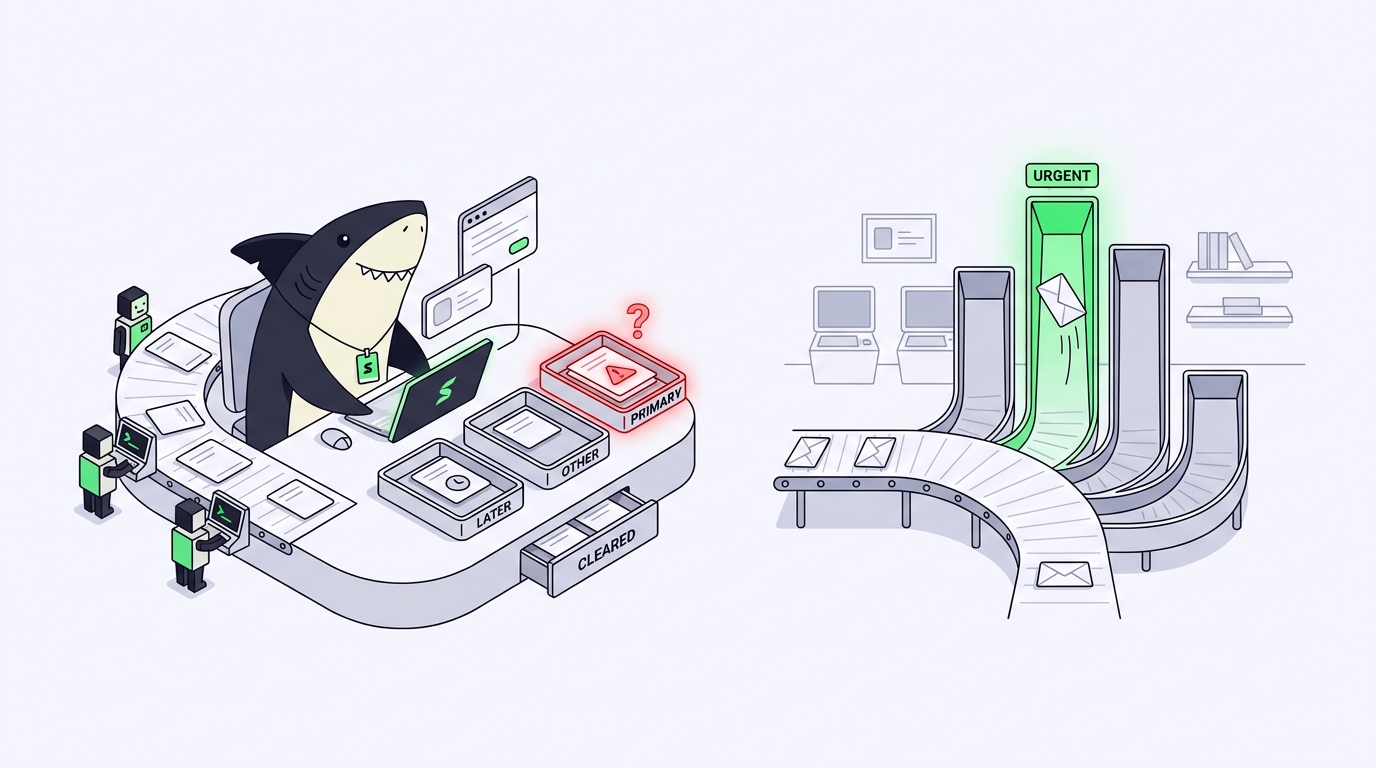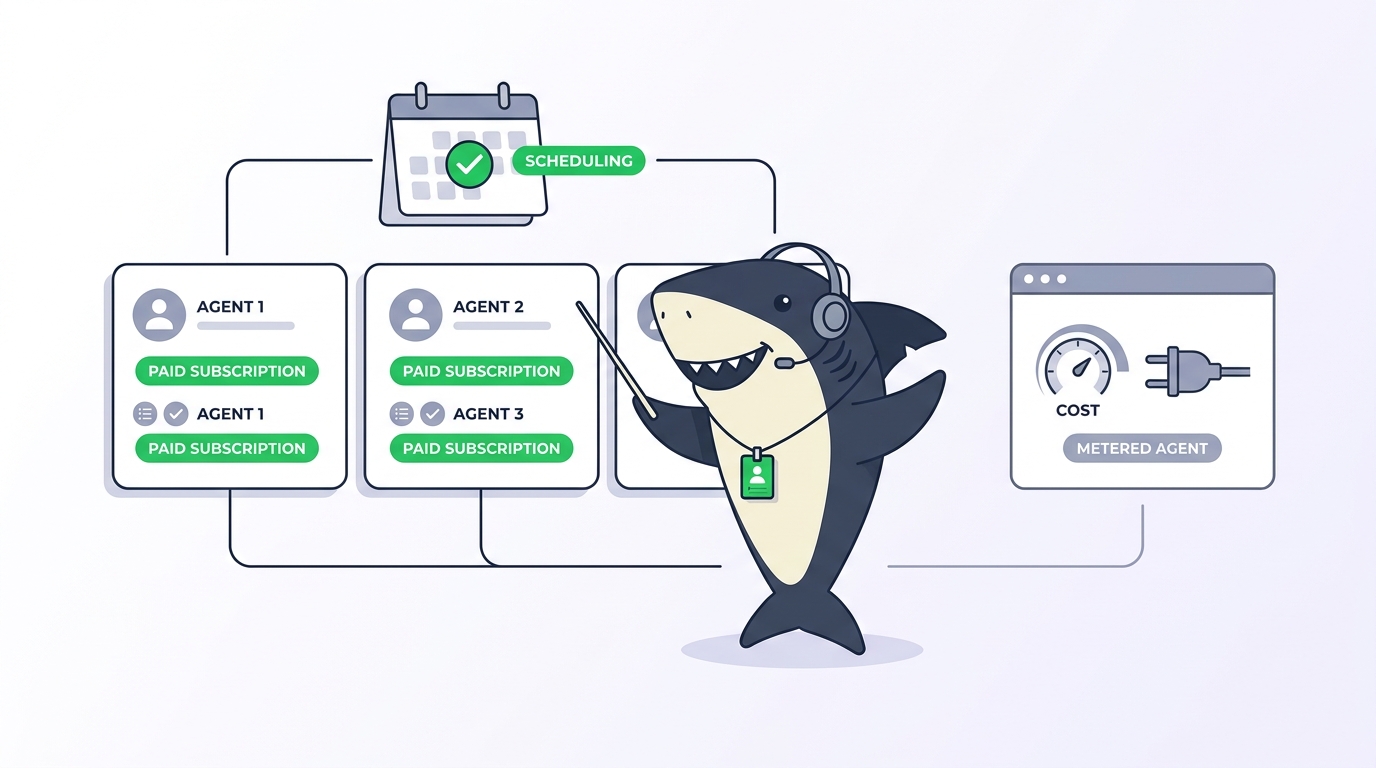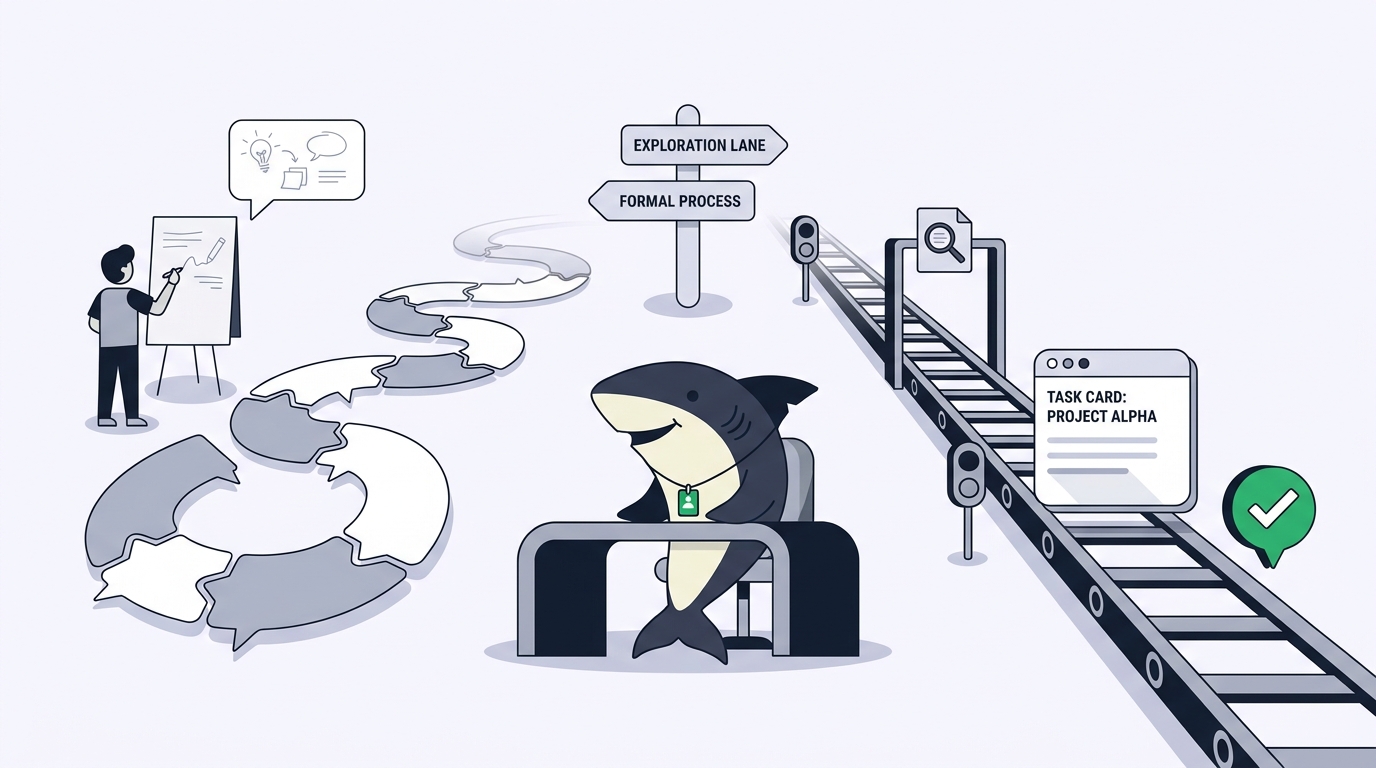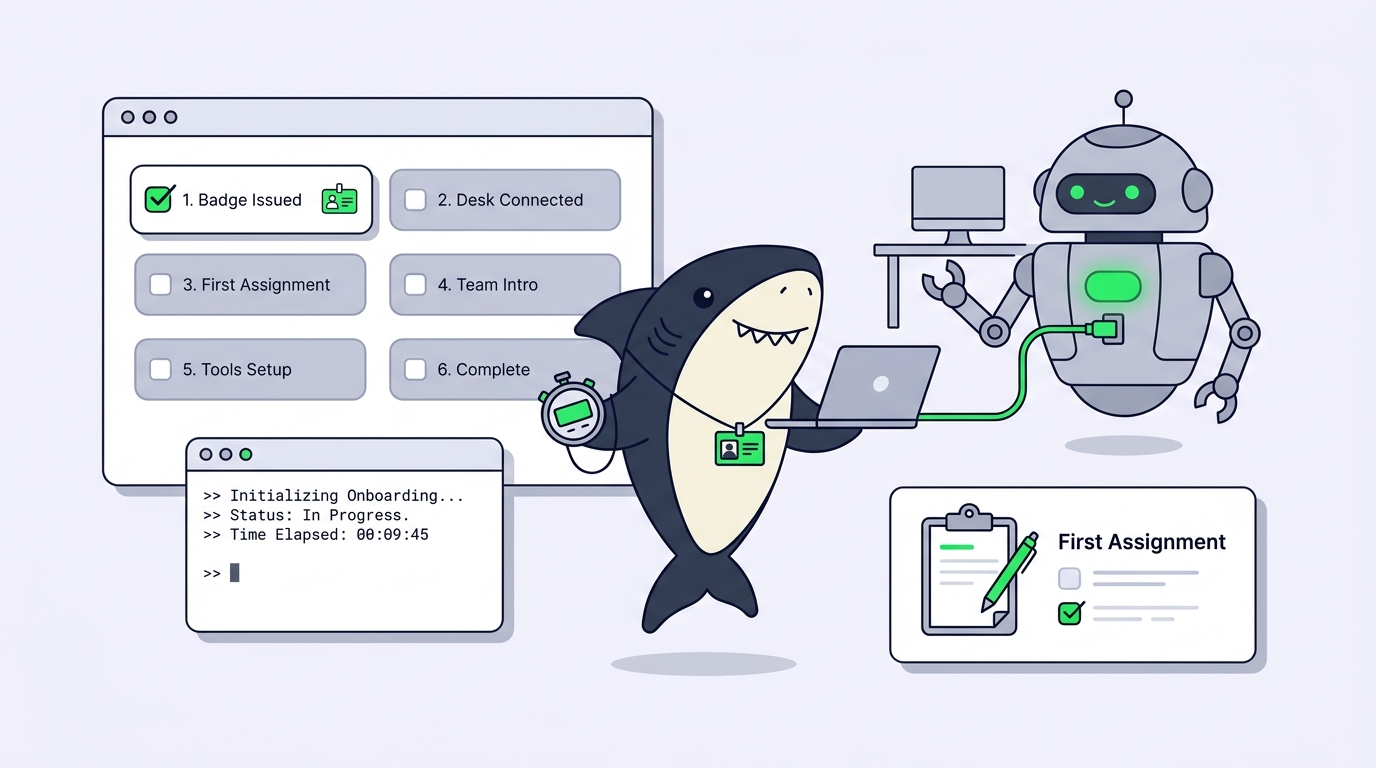
Getting started with Sharkly takes about ten minutes: connect a Computer, create an Agent, and assign one small Task. Sharkly is a work management system for People and Agents. It turns AI coding tools like Claude Code and Codex into assignable teammates inside a shared task system, so execution stops disappearing into private terminals. Here’s the whole first run:
- Sign in and create (or join) an Organization with one active Space.
- Connect a Computer through Sharkly Desktop or the Sharkly CLI.
- Confirm at least one Runtime, such as Claude Code, shows as available.
- Create an Agent with a narrow role and clear instructions.
- Write a small, well-scoped Task and assign it to the Agent.
- Review the result on the Task and reply with a follow-up comment.
The rest of this guide walks each step in order, explains the four concepts behind them, and shows what to check when the first run finishes. By the end you’ll have a working loop you can grow into parallel runs, shared Skills, and Sprints.
Why the first ten minutes with Sharkly matter
Most teams already use AI coding agents. The problem is where that work happens: in one person’s terminal, invisible to everyone else. Someone pastes a Jira ticket into a chat window, runs an agent, pastes the diff back, and the reasoning behind the change lives nowhere. Multiply that by five developers and three different agent tools, and you get results without records.
Sharkly approaches this from the team side. It’s not another coding agent. The official framing is blunt about the boundary: Sharkly is not a replacement for Claude Code, Codex, or other execution tools. It adds the shared task, context, control, and review layer around the tools your team already uses. Those tools perform execution; Sharkly manages assignment, connected Computers, task context, progress, blockers, results, and human review across them.
That’s why the first ten minutes are structured the way they are. You aren’t installing a new AI. You’re connecting the AI you already have to a shared system of record, so every run keeps context, progress, blockers, results, and human review visible from request to release. If you want the broader positioning first, read What Is Sharkly? and come back; this guide stays hands-on.
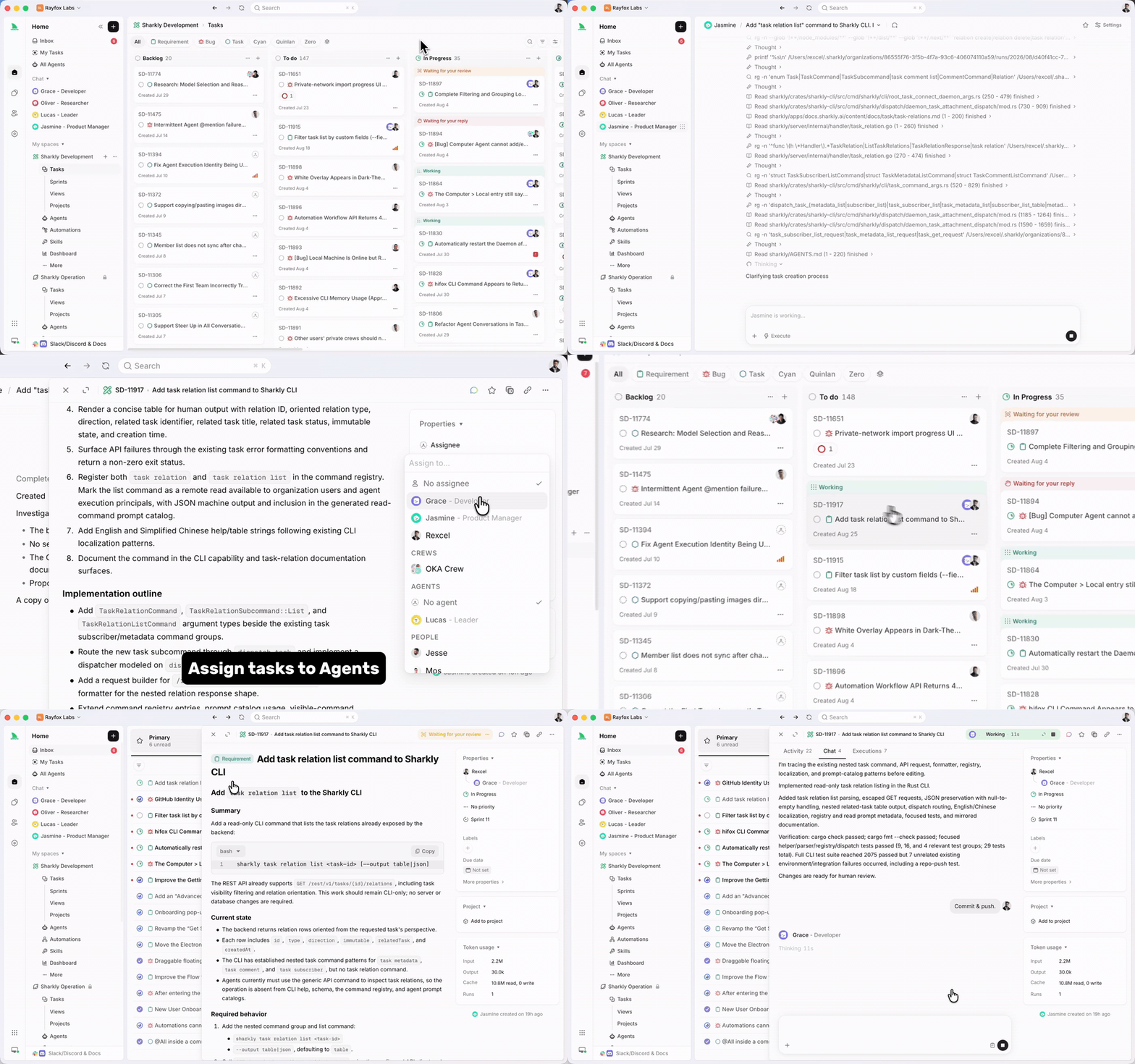
The four concepts behind every Sharkly setup
Four nouns carry the whole model. Get these straight and nothing later will confuse you.
| Concept | What it is | Its one job |
|---|---|---|
| Task | The main unit of work in Sharkly | The shared record: goal, status, discussion, execution trace, review |
| Agent | A saved working configuration for an AI actor | Defines how work should be handled: instructions, Skills, repositories, run settings |
| Computer | A connected device, server, or container | Supplies the host: operating system, files, credentials, tools |
| Runtime | A supported agent tool detected on a Computer | Performs the actual agent session |
A Task is the main unit of work in Sharkly. It records the goal and description, status, priority, labels, the person responsible, the Agent or Crew assigned to execute, comments, attachments, and the full execution state and trace.
An Agent is a saved working configuration rather than a one-off prompt. One person’s careful setup (instructions, bound repositories, environment, timeouts) becomes reusable across the Space when the Agent is shared.
A Computer provides the execution host. A small local service connects it to Sharkly, detects installed agent tools, receives work, prepares the task directory, starts the selected Runtime, and streams progress back. The local service initiates the connection outward, so a typical setup needs no inbound port.
This separation of concerns is the design: the Agent defines how work should be handled, the Computer supplies the host and local resources, the Runtime performs the session, and the Task remains the shared record for the team. Your code and credentials stay on machines you control.
What you need before you start
The prerequisite list is short:
- a Sharkly account and an Organization;
- at least one active Space;
- a computer that can run Sharkly Desktop or the local service;
- a supported Runtime installed and authenticated on that machine, such as Claude Code, Codex, or Gemini CLI;
- Git access on that machine if your first Task touches a private repository.
Two notes on the model side. First, bring your own subscription: model usage continues through the subscriptions or API keys configured in those tools, and your quota depends on the plans and accounts your team connects. Second, the Agent follows the Runtime’s default model. It doesn’t expose a model picker; you change models in the Runtime’s own configuration, not on the Agent.
You can organize Tasks without a connected Computer. An Agent, though, cannot execute work until an eligible Runtime is online, so connecting one is step one for a reason.
If your Organization has no active Space yet, Sharkly guides you through creating one. Pick a work category to seed sensible task types: software development starts with Requirement, Bug, Task, and User Story. The first Space is public to the Organization by default, and you can tighten access later.
Step 1: Connect a Computer
Open Settings, then Computers, and choose Connect Computer. Two paths cover nearly everyone:
- Sharkly Desktop for a supported personal computer. Install it, sign in, and it registers the machine and starts the local service for you.
- Sharkly CLI plus the local service for a remote host or Linux box. Generate a one-time install token in the connection dialog, then run the generated command on the target machine:
sharkly computer register --install-token sit_9f2ka7x1mrq8
The install token is short-lived and single-use. Don’t put it in a reusable image, a script, a Task, or a comment. It also has one narrow job: an install token registers a Computer, and it does not create a human CLI login. Personal access tokens (they start with shk_) handle that separately.
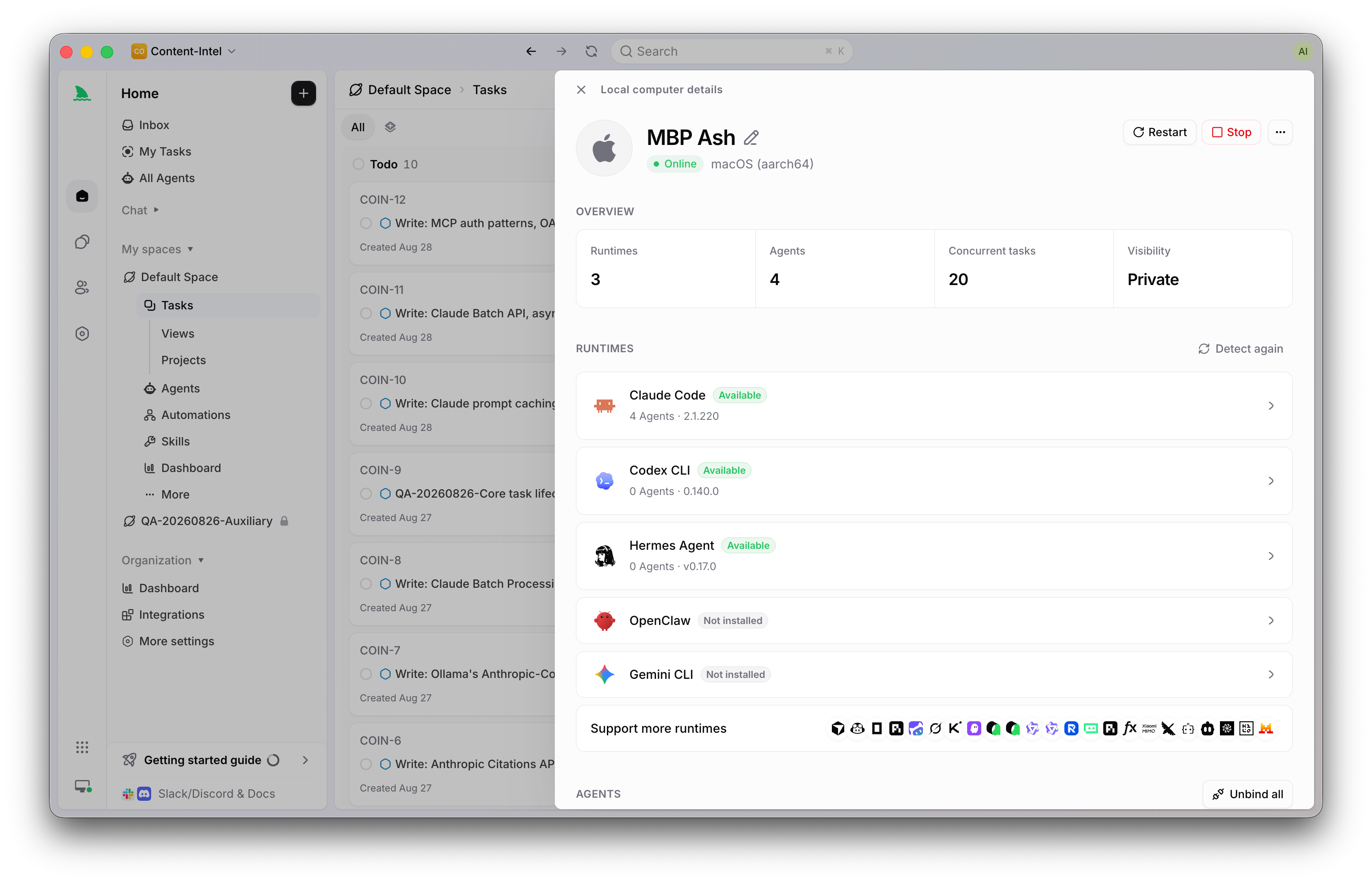
Wait for the Computer to show as connected, then check its detail page. Each detected Runtime reports a capability status: Available, Needs configuration, Not installed, or Unsupported. This distinction saves you the most common early confusion. A Computer being online only means its local service is sending heartbeats. It does not mean your selected Runtime can execute a Task. If a run won’t start later, check the Runtime’s capability status before you troubleshoot the connection.
You can verify from the terminal too:
sharkly computer list
sharkly computer show cmp_4c81d2
sharkly computer ping cmp_4c81d2 rt_claude_code
The Computers documentation covers diagnostics, custom Runtimes, visibility, and cleanup settings in depth.
Step 2: Create your first Agent
Open Agents and select New Agent. Resist the urge to build a do-everything assistant. Start with a narrow role, because a focused description tells People what to assign, while the instructions tell the Agent how to work.
A good first configuration looks like this:
- Name: Code Reader
- Description: Reads a repository, explains the current implementation, and reports risks without changing files.
- Visibility: Personal, or the Space where the Agent will be used
- Computer and Runtime: the connection you verified in step 1
For instructions, the Quickstart’s example is worth copying almost verbatim:
Read the full Task and relevant comments before acting. Keep the scope to the request. For the first Task, do not edit files. Report what you inspected, the evidence for each conclusion, and anything that remains uncertain.
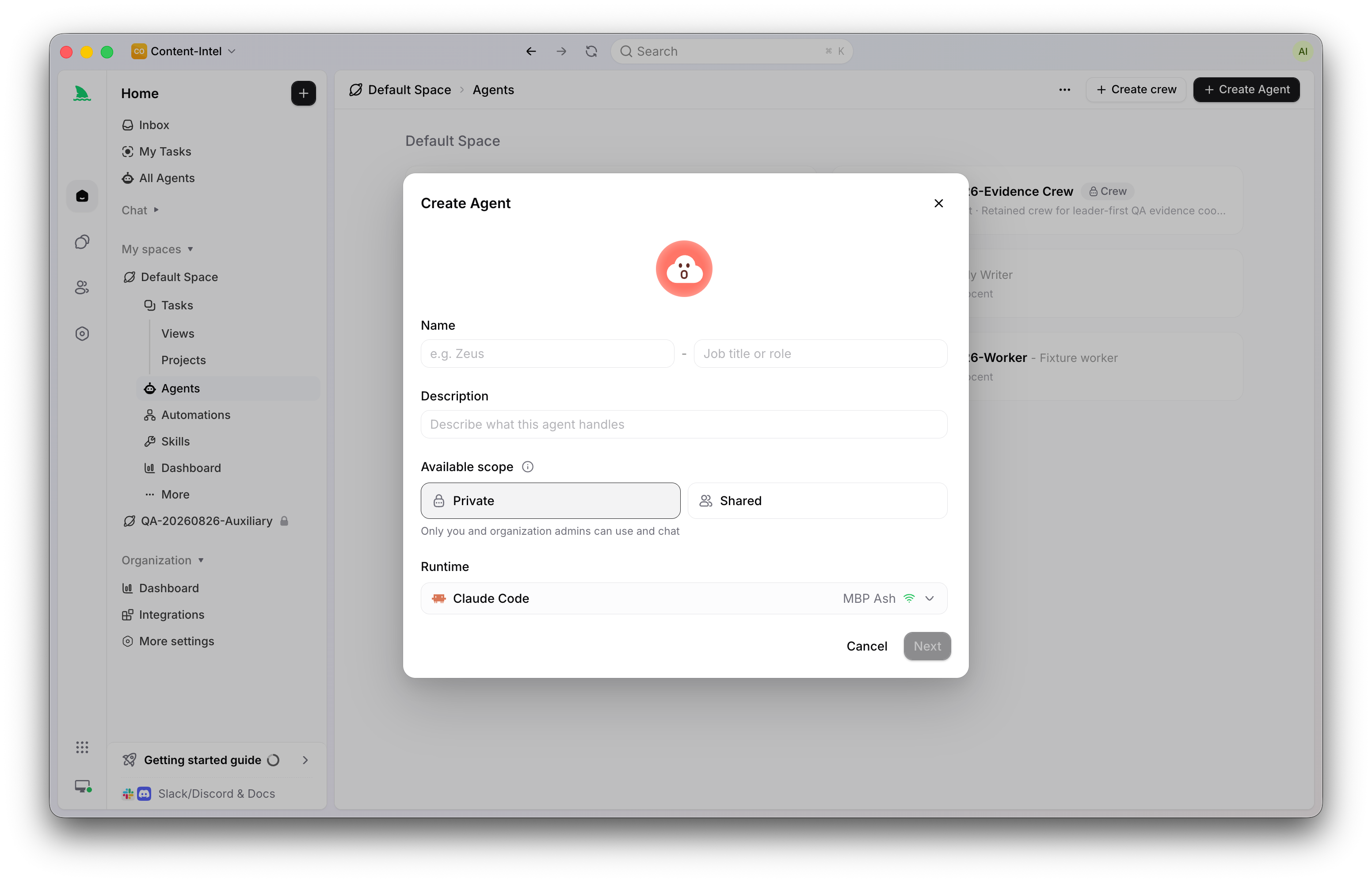
Notice what the instructions cover: scope, how to inspect before acting, and reporting format. That’s the right altitude. Put stable behavior in Agent instructions, put Task-specific requirements in the Task description, and put reusable procedures that several Agents share into a Skill. Keeping those three layers separate is what makes an Agent reusable instead of brittle.
Step 3: Add a repository or working directory
If your Agent will read code, it needs code to read. Two options:
- Bind a Git repository to the Agent (or rely on the repositories configured for the Task’s Space). Repository-backed runs can prepare a fresh git worktree per Task, which is what makes safe parallel execution possible later.
- Configure a specified local directory on a local Computer. Runs reuse the code, dependencies, caches, and tools already sitting there instead of preparing a fresh copy.
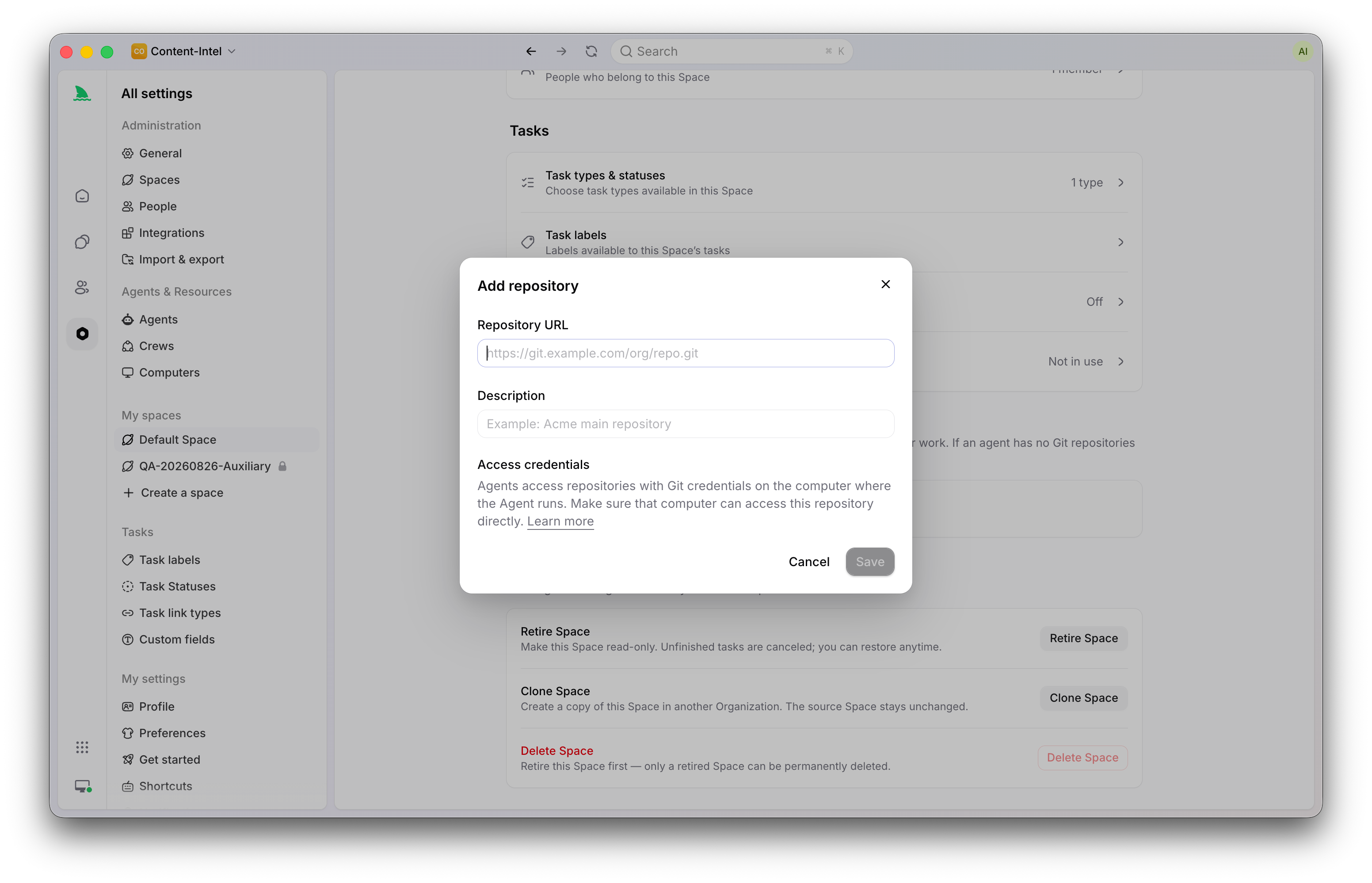
The decision rule: use temporary, worktree-backed directories for most repository work and whenever several Tasks may modify the same codebase in parallel. Use a specified directory when a run needs an environment that’s expensive to rebuild, and remember that a specified directory serves one run at a time. We’ve written a full explainer on how worktrees keep parallel agents from stepping on each other if you want the mechanics.
Step 4: Write a Task an Agent can execute
Create a Task in the same Space. The Quickstart’s sample is deliberately boring, and that’s the point:
Title: Review the authentication error path
Description: Read the current authentication implementation and identify three user-visible failure cases. Do not change files. For each case, cite the relevant file or component and explain the expected behavior. Finish with any question that must be answered before implementation.
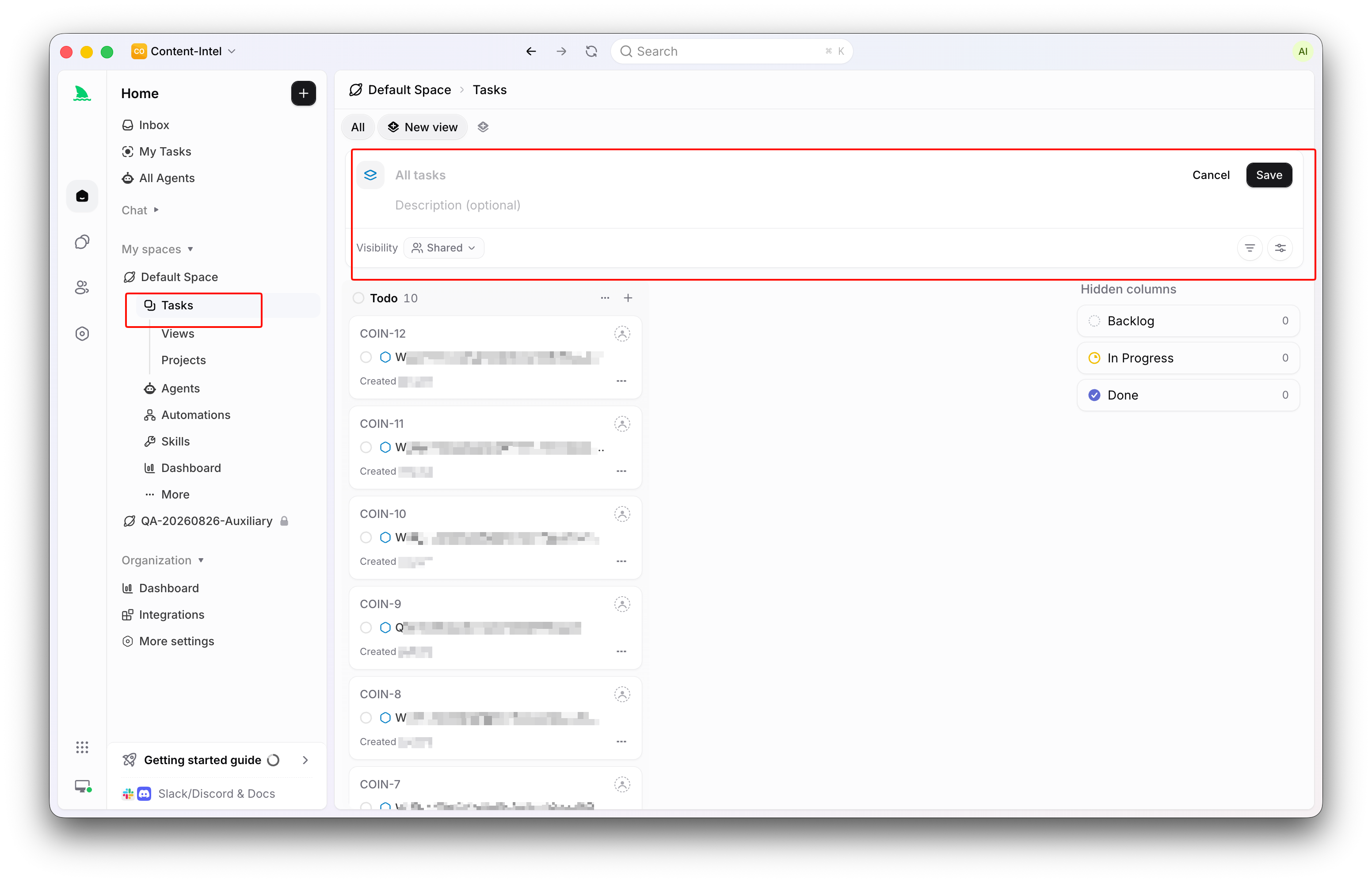
This Task has the three properties every good first Task needs. It has a clear boundary (read, don’t edit). It produces a reviewable result (three cases with evidence). And it’s low-risk, so you can evaluate the Agent’s judgment without risking your codebase. If your repository has no authentication code, swap the subject for any small area that exists, like configuration loading or an empty-state component.
Assigning work to software this way feels different from prompting, and it should. A prompt is a conversation; a Task is a contract with a reviewable outcome. Once this loop works, the same shape scales to real tickets: our walkthrough on assigning a Jira ticket to an AI agent shows the production version.
Step 5: Assign the Task and watch the run
Open the Task’s Assignee control and choose your Agent. People, Agents, and Crews can all be Assignees; selecting an Agent makes it the execution assignee.
One status rule governs when execution starts. A Task assigned to an Agent does not start a run while it sits in Backlog. Backlog is a parking area where work gets prepared. Move the Task to a status that’s ready for work (unstarted or started), and Sharkly queues the run when the Computer and Runtime are ready. Completed, canceled, and duplicate statuses never start an initial run.
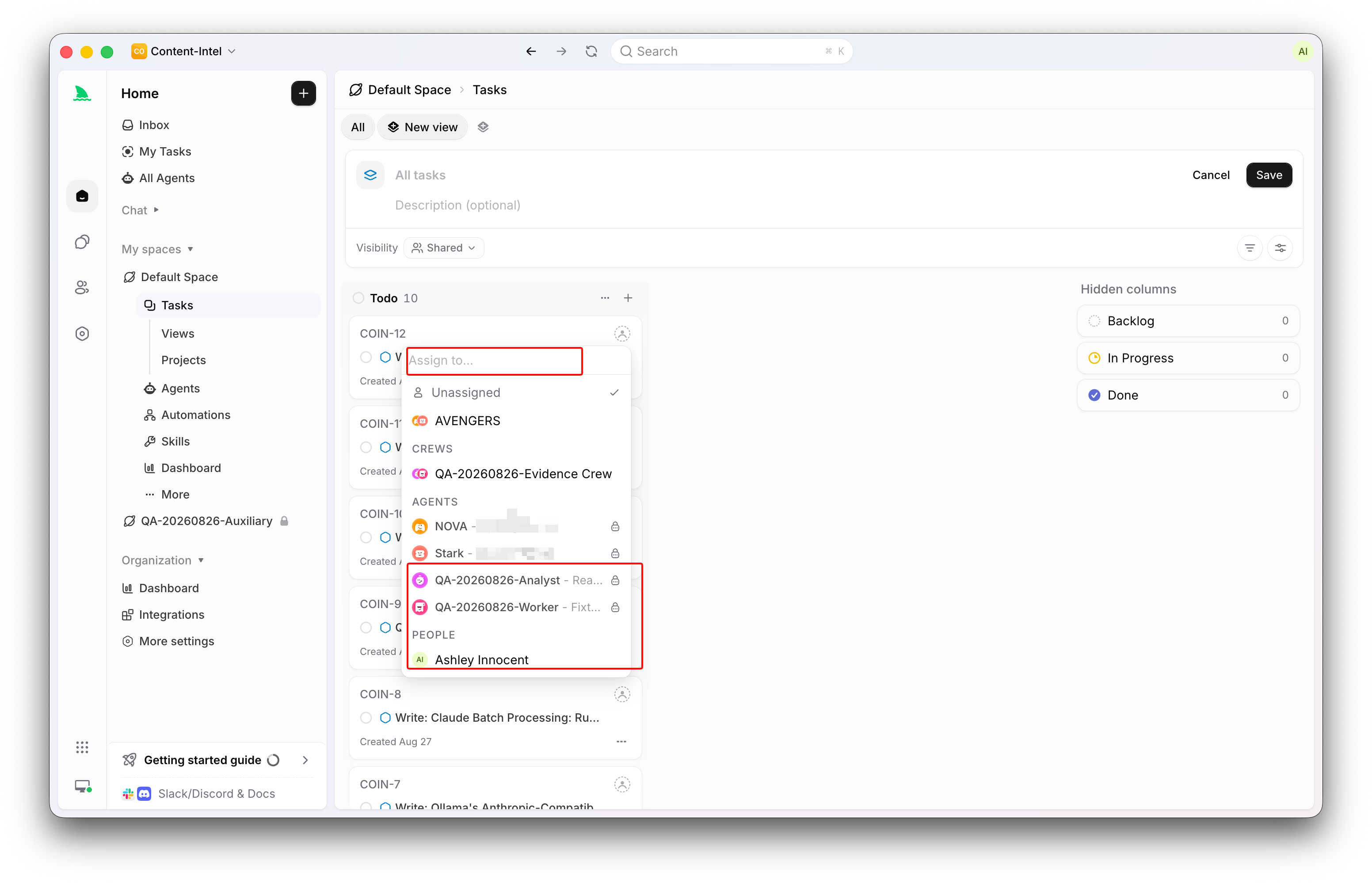
While the run progresses, the Task shows its execution state: queued, dispatched, running, then completed, failed, or canceled. A repository-backed run may spend a moment checking out code and preparing its isolated directory first. You have three views:
- Chat for the comment-style exchange with the Agent;
- Activity for comments and Task changes in one timeline;
- Executions for run history and the full trace: tool calls, Runtime events, trigger source, and failure details.
Run state and Task status are related but separate. A run can be Running while the Task status still says In Progress, because one describes execution progress and the other describes workflow position.
Step 6: Review the result like a reviewer, not a spectator
The Agent’s final response returns to the Task as a comment linked to its execution trace. This is where the human side of the contract starts: Agents research, execute, test, and report. People set direction, grant authority, and accept the result.
Check that the Agent:
- inspected the intended code or source material;
- stayed within the no-edit boundary;
- gave evidence for each conclusion;
- recorded uncertainty instead of guessing;
- left a result on the Task that a teammate could act on.
If it needs another pass, reply with a focused comment. An eligible comment on a Task still assigned to that Agent starts a follow-up run, and rapid comments coalesce so you don’t create duplicate pending runs. If the Agent needs your input or review, that request can surface in your Inbox, which separates items needing your reply from lower-priority updates.
When the result holds up, mark the Task complete. That closes the first loop the setup checklist tracks: Computer connected, Agent created, repository ready, Task created, assigned, and completed.
After the first loop: five ways to grow the setup
The first run proves the plumbing. The next moves each add one dimension.
How do you run more than one Task at once?
Raise concurrency deliberately. With temporary directories, default concurrency is half the Computer’s limit; each Task gets an isolated worktree so parallel runs don’t collide. Watch CPU, memory, and your model-provider capacity before raising limits, and read how teams run multiple Claude Code sessions in parallel for the comparison with DIY setups.
When should you use Agent Chat instead of a Task?
Sharkly keeps two surfaces on purpose. Use Chat to explore, plan, or investigate with an Agent before the work needs tracking. Use a Task when the work needs ownership, status, execution history, or review. If you find a Chat producing something the team must act on, promote it to a Task so the result has a record.
When do you need a Crew?
A Crew is a reusable group of People and Agents coordinated by one leader Agent. For small, well-defined work, assign the Task directly to one Agent and keep the moving parts at zero. Use a Crew when the leader needs to interpret a goal, involve specialist members, and bring their results back into one Task.
When does a Skill beat editing instructions?
When several Agents need the same procedure (a review checklist, a migration pattern, a reporting format), move it into a Skill and bind it where needed. One developer’s craft becomes org infrastructure instead of a private prompt.
What about the rest of the team?
Everything above works solo. The payoff compounds when Tasks live in shared Spaces, Sprints group the work into cycles, and teammates review Agent output in the same views they already use for human work. Sharkly’s project layer (Spaces, Projects, Sprints, kanban and list views) is standard enough that nobody needs retraining.
When Sharkly is the wrong tool for today
An honest boundary saves you time. If you’re one developer running one agent in one repository, a terminal and a branch may be all you need today. The coordination layer earns its keep when runs multiply: more than one agent, more than one person who needs to see results, or work that requires review before merge.
The same logic applies to tooling you’ve built. Homegrown tmux sessions and worktree scripts genuinely work; teams graduate from them when the invisible parts (who ran what, where the diff went, who approved it) start costing more than the scripts save. And if your team lives inside a single vendor’s ecosystem end to end, evaluate that vendor’s own orchestration first. Sharkly’s case is strongest when you’re mixing tools, machines, and people, because it stays neutral across all three. The wider category context is in What Is Agentic Coding? if you’re mapping the space.
What doesn’t change in any of these cases: keep the tools your team already uses. Sharkly’s adoption path is adding a visible, reviewable layer around them, not replacing the workflow underneath.
Three first runs that work in practice
The cautious platform team. A DevEx engineer connects one shared Linux Computer, creates a read-only Code Reader Agent, and lets teammates assign investigation Tasks for a week. Nobody grants write access until the reports prove trustworthy. Adoption spreads because the execution traces make the Agent’s judgment inspectable.
The solo developer scaling up. One developer connects a laptop, creates two Agents (one for implementation, one for review), and starts routing small bugs through Tasks instead of ad hoc prompts. The immediate win isn’t speed; it’s that every fix now has a description, a diff, a trace, and a record of what was checked.
The Jira-centered team. An engineering manager keeps Jira as the source of planning truth and connects Sharkly so tickets become executable Tasks. Developers stop copy-pasting ticket context into terminals. Results, blockers, and review requests return to the Task where the manager can see them.
Your next ten minutes
The smallest useful Sharkly workflow is deliberately small: connect one Computer, create one Agent, and assign one low-risk Task. Every advanced capability (parallel worktrees, Crews, Skills, Automations, Sprints) builds on that loop without changing it.
So run the loop. Connect one Computer, create one Agent, and assign it something boring. Review the result like you’d review a new teammate’s first PR: with attention, a boundary, and a follow-up question. Then decide, on evidence, what to grant next. The Quickstart in the docs mirrors these steps with current screenshots when you’re ready to start.
Frequently asked questions
Which coding agents work with Sharkly?
Sharkly detects supported agent tools installed on a connected Computer and reports each one as a Runtime. Claude Code, Codex, Gemini CLI, and OpenCode are among the tools referenced in the official docs. The Computer detail page shows the currently supported set for your machine, with an installation guide link per Runtime, and you can add a custom ACP Runtime if a tool isn’t auto-detected.
Does Sharkly replace Claude Code or Codex?
No. Sharkly is not a replacement for Claude Code, Codex, or other execution tools. Those tools perform the actual agent session on your Computer. Sharkly adds the shared layer around them: team-level assignment, task context, progress, results, and human review. You keep using the agent tools and accounts you already have.
How much does Sharkly cost?
Sharkly’s model is bring-your-own-subscription: model usage runs through the subscriptions or API keys configured in your agent tools, and your quota depends on the plans your team connects. For current product plans, check sharkly.ai directly, since this article doesn’t track pricing.
Do my code and credentials go through Sharkly’s servers?
Execution happens on Computers you connect: your laptop, your servers, or your containers. The Computer supplies the operating system, files, credentials, and tools, and the local service streams progress and results back to the Task. Repositories are fetched with the Git access configured on that Computer.
Why isn’t my Agent starting a run?
Check three usual causes in order. First, the Task may be in Backlog; assigned Tasks wait there until moved to a ready-for-work status. Second, the Runtime may not be usable; an online Computer only confirms heartbeats, so open Computer detail and check the Runtime’s capability status. Third, capacity may be full; an online Agent can still queue work when concurrency or directory limits are reached.
Can two Agents work on the same repository at the same time?
Yes, with temporary working directories. Each Task gets an isolated directory, and repository-backed runs prepare a separate git worktree per run, which reduces interference between concurrent Tasks. Specified directories are the opposite: one configured path serves one run at a time.
Can I run Sharkly Agents on a remote server?
Yes. Install the Sharkly CLI and local service on the remote host, then register it with a one-time install token from the Computers page. The local service connects outward to Sharkly, so a typical setup needs no inbound port. Remote Computers suit shared team capacity; laptops suit personal experimentation.
What should my first Task be?
Something read-only with a clear boundary and a reviewable output. The docs suggest reviewing an authentication error path and reporting three user-visible failure cases with evidence, without editing files. Any small, real area of your codebase works. Avoid vague first Tasks like “improve the code”; you can’t review what you didn’t scope.