Every team that has adopted AI coding agents has one developer whose prompts just work. Their review requests come back structured the way the team likes. Their test-writing instructions produce tests that match the house style on the first pass. Ask them how, and the answer is usually a scratch file, a dotfiles repo, or a paragraph they paste into a fresh session every morning. The craft is real. The problem is where it lives.
Prompt craft that lives in one person’s head does not scale, does not survive vacations, and does not show up in anyone else’s agent runs. When that developer is out, quality drops. When the team goes from one agent to five, the five disagree about how work should be done.
Skills are Sharkly’s answer to that gap. A Skill packages reusable instructions and supporting files for Agent work, with an owner, a scope, and explicit permissions. If you want the general concept first, what a coding agent Skill is covers the definition and the wider ecosystem. This post is about the workflow inside Sharkly itself.
TL;DR
A Skill in Sharkly packages reusable instructions and supporting files for Agent work: review rules, delivery checklists, writing standards, a team process. You create one from scratch, install a published Skill from a supported public source, import one discovered by a local Runtime, or upload a SKILL.md, .skill file, or zip package. Every Skill has exactly one scope, Organization, Space, or Agent, chosen at creation and fixed for life. Agents bind eligible Skills through their Skills settings, changes apply to later runs, and editing rights stay with the creator, Organization Owners, and Admins. The result: prompt craft stops living in one developer’s dotfiles and becomes shared, permission-controlled team infrastructure.
What changes when prompt craft gets a home
The difference between a good prompt and a Skill is not the text. It is everything around the text.
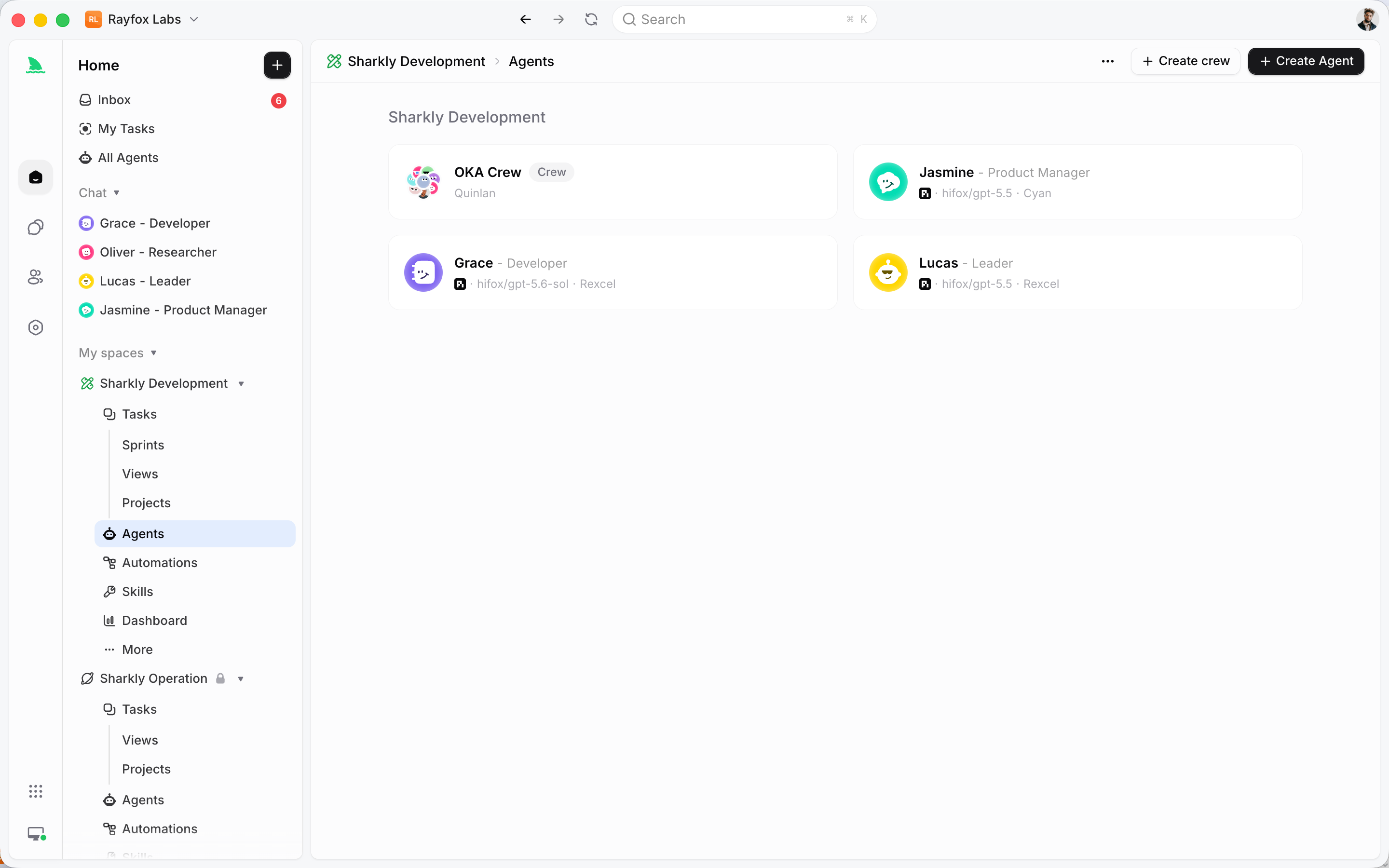
A prompt in a scratch file has no owner, no audience, and no lifecycle. Nobody knows it exists, nobody can tell whether the copy they found in Slack is current, and nobody is accountable for updating it when the process changes. A Skill has all three. It belongs to an organization. Its scope states exactly which Agents may use it. Its edit permissions state exactly who may change it. When the process changes, you update the Skill once, and later runs of every bound Agent pick up the change.
That is the leverage thesis in miniature. Team leverage does not come from opening more AI chats; it comes from sharing roles, rules, context, and workflows. And because Agents return their results to the Task, the output of a Skill-guided run lands in the shared record where the team can review it.
One boundary before the workflow. A Skill is not a Task requirement. Keep one-time requirements in the Task description or comments. If only this Task needs it, it is context. If next month’s runs need it too, it is infrastructure.
Creating a Skill from scratch
A Skill starts with three things: a name, a description, and instructions. The split matters more than it looks.
The description states when the Agent should use the Skill. This is the triggering condition, the sentence that tells an Agent scanning its capabilities that this one applies to the work in front of it. The instructions define the repeatable process and the expected output: the steps, the checks, the format the result should take. A useful test is whether you can say in one sentence when an Agent should reach for this Skill. If you cannot, you are probably looking at two Skills, or none.
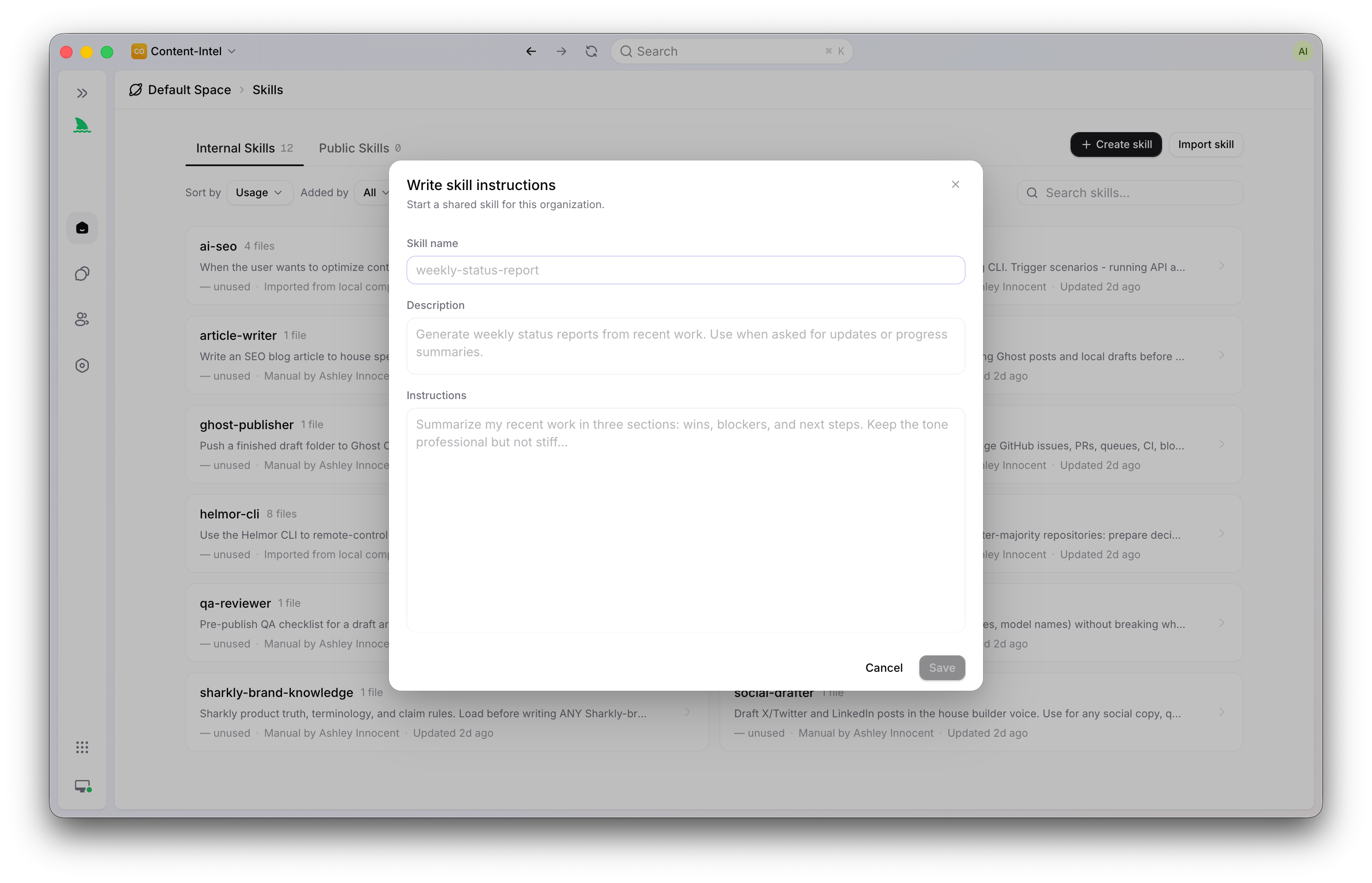
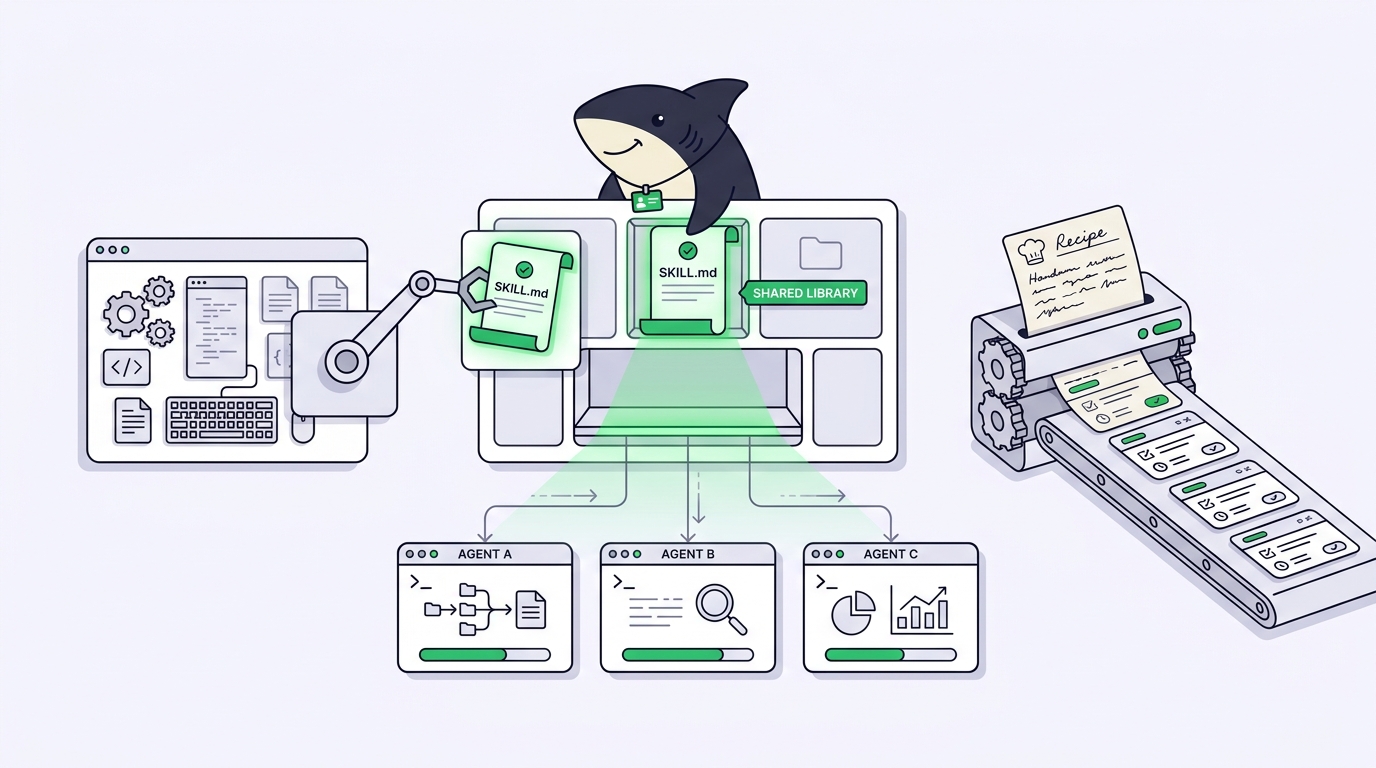
Under the hood, the primary instructions live in a SKILL.md file: YAML name and description fields at the top, followed by the instructions. Supporting files can travel with it to provide templates, examples, or reference data. A delivery-checklist Skill might carry the checklist template; a migration-writing Skill might include two annotated examples. Keep them focused. Large or unrelated file collections add context without improving the Agent’s decisions.
Importing the craft you already have
Most teams do not start from zero. The prompt craft already exists; it is just scattered. Sharkly gives you three import paths.
Install from a supported public source. Sharkly can fetch a published Skill and create a managed copy in the scope you choose. The managed copy matters: you are not linking to someone else’s file, you are taking a snapshot your organization controls. Review the source and the imported content before binding it to any Agent. Treat external instructions as third-party code, not as trusted organization policy.
Import from a local Runtime. This is the path built for exactly the dotfiles problem. An online local Runtime can report Skills discovered in its local Skill directories, which means the craft a developer has been quietly accumulating becomes visible to the organization. Importing copies the Skill into the organization; the original local copy remains separate, so nothing about that developer’s setup breaks. One caveat keeps this honest: local Skills available directly to an Agent’s Runtime do not need to be bound in the product at all. Import one when it should become a managed, reusable Skill with an explicit scope, not just because it exists.
Upload a package. If the Skill lives in a repo or came from a colleague, upload a SKILL.md, a .skill file, or a zip package. Sharkly validates what comes in: file paths must be relative and cannot traverse outside the Skill, and upload and import reject hidden or sensitive paths, unsupported binary content, unsafe archive entries, duplicate paths, and packages over service limits. A Skill is instructions an Agent will follow; it deserves the same scrutiny as a dependency.
Scope: deciding who can use a Skill
Every Skill belongs to an organization and has exactly one scope, chosen at creation. The scope decides which Agents can bind it, and it cannot be changed later.
| Scope | Who can use it | Choose it when | Binding rule |
|---|---|---|---|
| Organization | Eligible Agents throughout the organization | The procedure is genuinely company-wide, like a review standard or security checklist | Bindable by any Agent in the same organization |
| Space | Agents associated with that Space | One team or product area owns the process | An Agent cannot bind it unless the Agent belongs to that Space |
| Agent | One Agent only | The capability defines a single specialist’s role | Bound to its target Agent when created or imported |
The rule of thumb from the docs is the right one: choose the narrowest scope that matches the intended audience. Scope is also a blast radius. A Space-scoped Skill that goes stale confuses one team’s Agents; an Organization-scoped one confuses all of them. A dotfiles prompt has an audience of one, permanently. A Skill’s audience is a deliberate decision, recorded in the system.
Binding Skills to Agents
A Skill does nothing until an Agent carries it. In Sharkly, an Agent is a saved working configuration, and binding a Skill adds a capability to it.
The mechanics are small. Use the Agent’s Skills settings to add or remove eligible Skills, or select Skills while creating the Agent. Eligibility follows the scope rules. Changes apply to later Agent runs, so a binding you add today shapes tomorrow’s work without disturbing anything in flight.
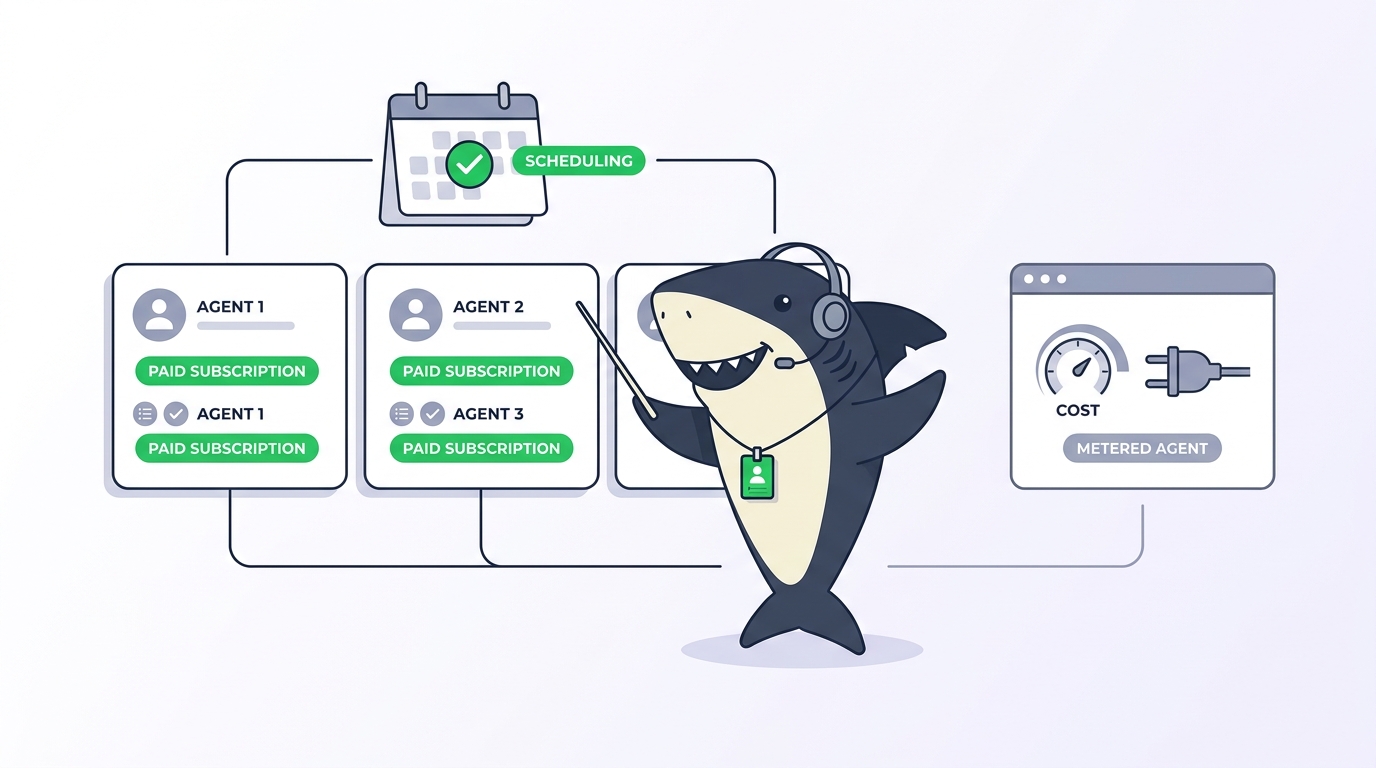
The judgment call is how many Skills one Agent should carry. The docs are blunt: avoid binding many overlapping Skills, because conflicting or redundant instructions make execution less predictable. Two sharp Skills beat six that argue with each other. If an Agent’s Skill list reads like a junk drawer, its runs will too.
There is also a division of labor between the Agent’s own instructions and its Skills. Agent instructions carry stable behavior for that one role: scope, when to ask for human input, reporting format. A reusable procedure that several Agents may share belongs in a Skill. When you find yourself pasting the same paragraph into a third Agent’s instructions, that paragraph wants to be a Skill.
Binding is what makes the rest of the platform compound. The same Agent that carries your review Skill is the one your Automations trigger on a schedule or a status change, so a standard captured once shows up in recurring runs nobody manually launches. Skills are scriptable too: the CLI exposes sharkly skill list and sharkly skill view with JSON output.
Governance: who edits, who deletes, who reviews
Shared capability needs shared control, and this is where Skills diverge hardest from prompt files.
A Skill can be edited or deleted by its creator or an Organization Owner or Admin. A Space-scoped Skill also requires write access to its Space. Creating or importing an Agent-scoped Skill, and changing an Agent’s Skill bindings, requires permission to manage the target Agent. Nobody quietly rewrites the review standard on a Friday afternoon.
Maintenance follows the same one-place principle. When a process changes, update the Skill’s instructions and supporting files, and later runs pick up the new version. Deleting is the operation to slow down on: it removes the Skill from every Agent that uses it, so check current bindings first.
Security rules are short and non-negotiable. Never store passwords, access tokens, private keys, or other secrets in Skill instructions or supporting files. Review every external or locally imported Skill before use. Keep commands and examples least-privileged. And recheck bindings after changing an Agent’s Space associations or a Skill’s contents, because eligibility can shift under a binding.
Through all of this, the human-agent contract holds. Agents load Skills, follow the process, and return results to the Task. People decide which Skills carry team authority. A Skill raises the floor on consistency. It does not remove the reviewer.
When not to create a Skill
Skills are infrastructure, and infrastructure has a carrying cost. The honest decision pair: keep one-time requirements in the Task description or comments; create a Skill when the same capability should be available across future runs.
A few more cases where the right answer is no Skill. If a procedure lives in a local Runtime’s Skill directory and only that Computer’s runs need it, leave it local. If two candidate Skills would overlap heavily on the same Agent, merge or sharpen them before binding either. And if you cannot write the description sentence, the process is not stable enough to capture yet.
Start with one procedure
Pick one procedure your team repeats and quietly depends on one person for. Write it as a single narrow Skill: a name, a description that states when it applies, instructions that define the process and the expected output. Scope it to your Space. Bind it to one Agent, assign that Agent a real Task, and read what returns.
That is the whole loop. The craft that lived in one developer’s head now has a name, a scope, an owner, and one place to update. If you are new to the platform, the Sharkly overview explains how Skills sit alongside Tasks, Agents, and Computers, and getting started with Sharkly walks the first connection end to end. The Skills documentation covers every rule above in full.
FAQ
What is the difference between a Skill and an Agent’s instructions?
Agent instructions define stable behavior for one role: its scope, when to ask for input, how to report. A Skill is a reusable procedure that several Agents may share, packaged with its own supporting files and permissions. If a paragraph is being copied between Agents, it belongs in a Skill.
Can I change a Skill’s scope after creating it?
No. A Skill’s scope is fixed at creation. When the audience needs to change, create a new Skill at the right scope and rebind the Agents that need it. This is why the docs recommend choosing the narrowest scope that matches the intended audience from the start.
Do imported Skills stay in sync with their source?
No. Installing from a supported public source creates a managed copy in your chosen scope, and importing from a local Runtime copies the Skill into the organization while the original local copy remains separate. Your organization controls its copy from then on.
Will binding a new Skill affect an Agent’s currently running Tasks?
No. Changes to an Agent’s Skill bindings apply to later Agent runs. Work already in flight finishes under the configuration it started with, and the next run picks up the updated Skill set.
Are Skills safe to install from public sources?
They can be, with review. Treat every external or locally imported Skill as third-party code or configuration: read the instructions and supporting files before binding, keep commands least-privileged, and never allow secrets into a Skill. Sharkly’s upload validation rejects unsafe paths and archive entries, but the judgment about whether instructions deserve your team’s trust stays with people.