You can already hand a real task to a single AI coding agent. You describe the change, it edits files, runs the tests, and hands back a diff. The workflow feels clean right up to the moment you want a second agent working while the first one thinks. Now you have two terminals, two branches to keep straight, and no shared record of who is doing what. Add a third agent and a teammate who wants to help, and the whole thing turns into private prompts and terminal sessions nobody else can see. The agents are fine. What’s missing is the system around them.
That system is what Sharkly provides. It lets you assign work to AI coding agents the way you assign work to teammates: a task with an owner, context, a place the results come back to, and a review step before anything merges. The agents still do the coding. Sharkly adds the shared task, computer, context, control, and review layer around the tools your team already uses.
TL;DR
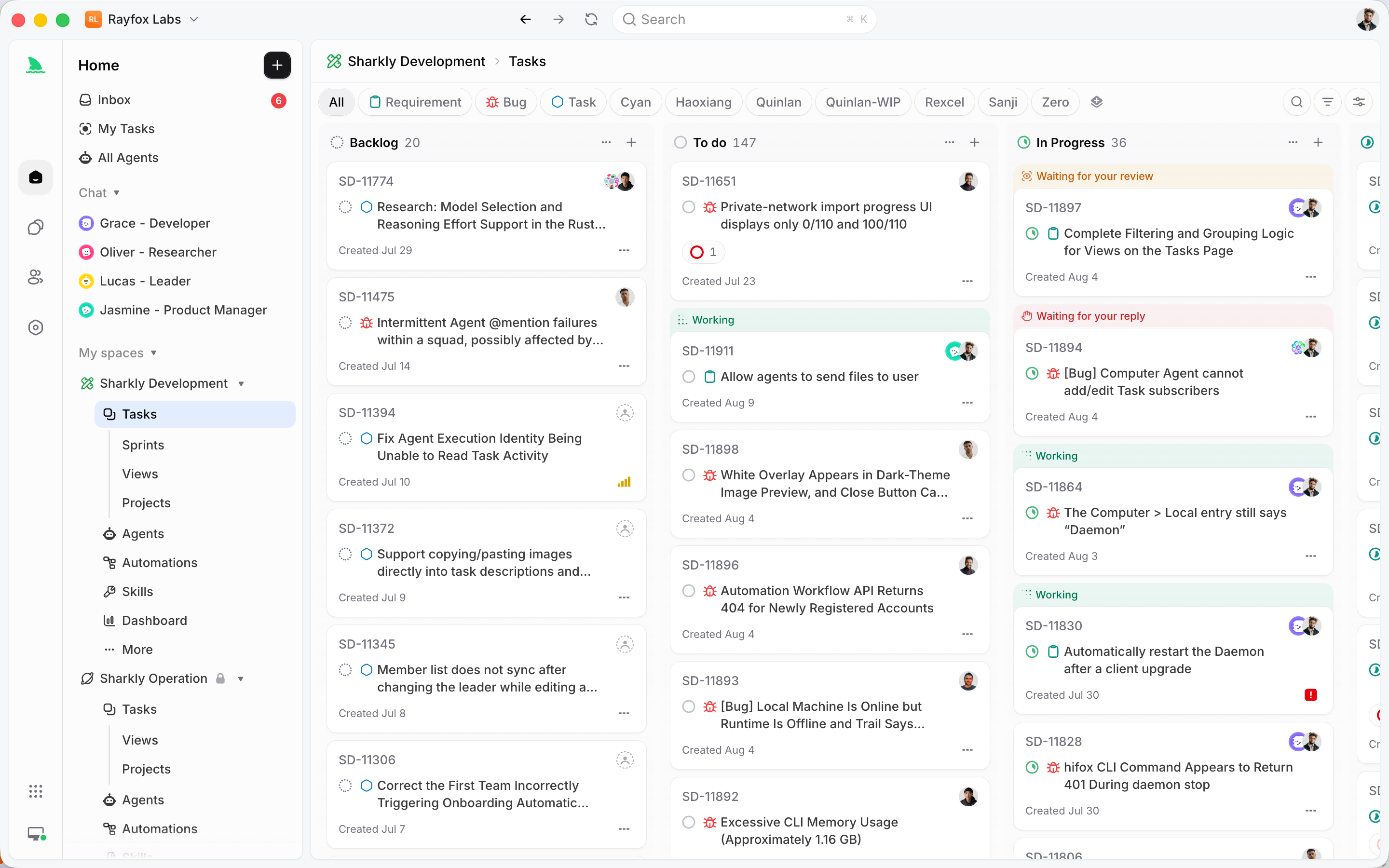
Sharkly is an all-in-one Agent command and management platform. It turns AI coding agents like Claude Code, Codex, and Gemini into assignable, trackable team members inside a real task system: assign a Task, run multiple Agents in parallel on your own computers, and keep context, progress, blockers, results, and human review visible from request to release. It is not a replacement for those coding tools. It is the coordination layer around them.
What is Sharkly?
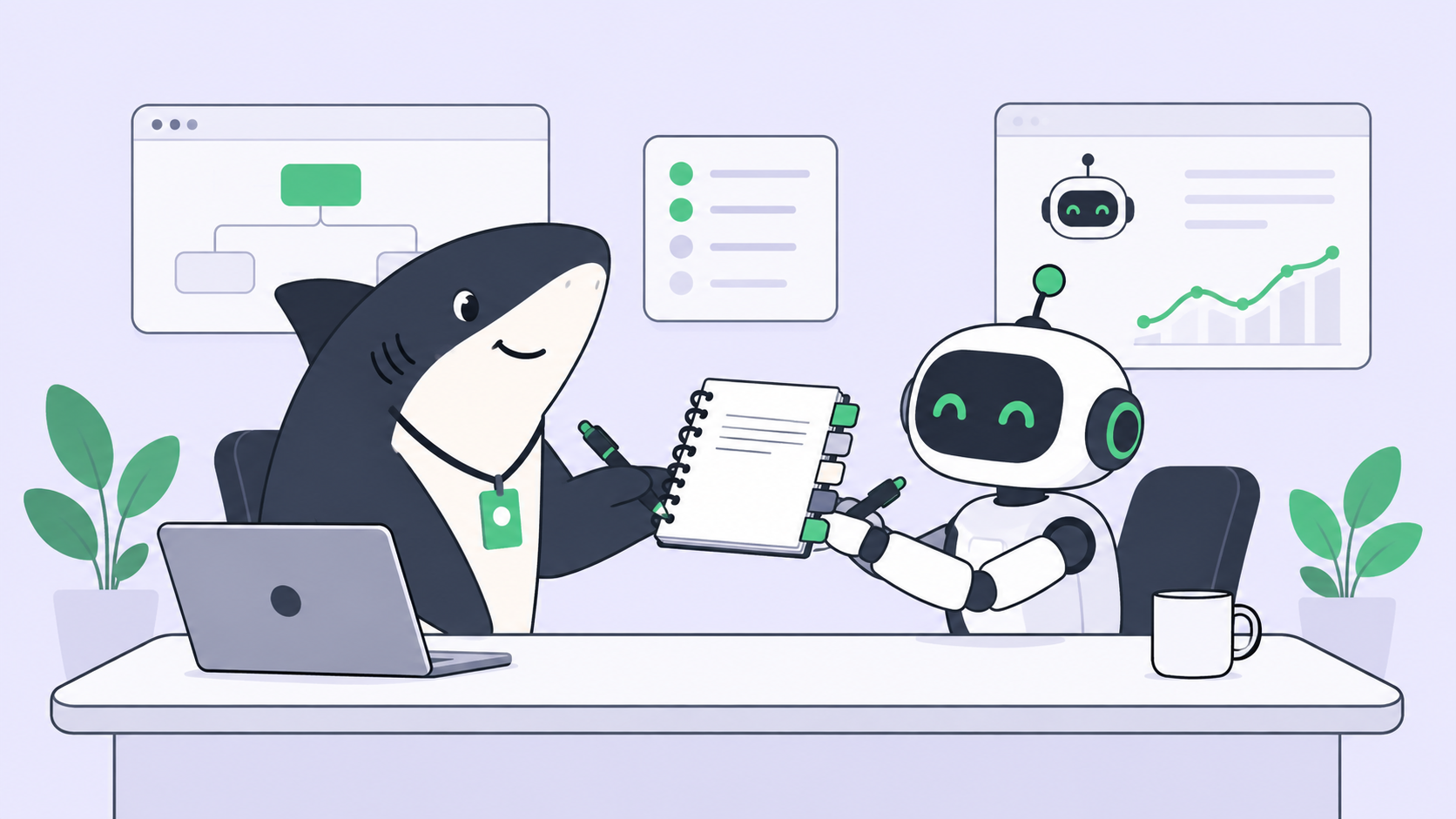
Sharkly is a platform for coordinating people and multiple AI coding Agents in one shared work system. You assign a Task, an Agent researches and executes it in an isolated workspace, and the result returns to that Task for a person to review and accept. The coding tools still run the code; Sharkly manages the assignment, the context, the parallel runs, and the review across all of them.
The clearest way to place Sharkly is by what it does not do. From the product’s own FAQ:
Sharkly is not a replacement for Claude Code, Codex, or other execution tools. It adds the shared task, computer, context, control, and review layer around the tools your team already uses.
So the division of labor is explicit. Claude Code, Codex, and similar tools perform execution. Sharkly manages team-level assignment, connected computers, task context, progress, blockers, results, and human review across those tools. If you already know what AI agent orchestration is, Sharkly is one concrete way to get it without building the rig yourself.
That boundary matters because the most common wrong assumption about a tool in this category is that it competes with your agent. It doesn’t. You keep your Claude Code setup, your Codex config, your subscriptions and API keys. Sharkly sits above them and makes their runs assignable and traceable.
Bring your own subscription
There is no token reselling here. Model usage continues through the subscriptions or API keys configured in the coding tools you connect. Your model quota depends on the AI coding tools, plans, and API accounts your team connects, not on Sharkly. That framing keeps the layer honest: Sharkly earns its place by coordination, not by sitting between you and the model.
The problem Sharkly solves: agents scale, coordination doesn’t
One agent needs a good prompt. Several agents need a manager. That shift is where teams get into trouble, and it happens fast once agents prove useful.
Run a single agent and a terminal is enough. You watch it, review the diff, merge, move on. Run three and three failure modes show up almost at once:
- Collisions. Two agents editing the same repository overwrite each other. Uncommitted work disappears and git state gets tangled.
- Blindness. With agents in six terminal tabs, you can’t tell which task is done, which is stuck, and which is quietly working the wrong approach.
- Lost context. The goal, the diff, the discussion, and the review of each run live in separate private sessions. A teammate can’t pick up where you left off, because there is nothing shared to pick up.
None of these is an agent-quality problem. Each agent might be doing careful work. The failure is coordination, and it is exactly the failure a task system solves for human teams. Sharkly applies the same idea to Agents: give every run an owner, a shared record, and a review gate, so execution becomes part of the team plan instead of disappearing into private terminals.
For a runtime-specific version of this pain, our guide on running multiple Claude Code agents in parallel walks through the same wall from the terminal side.
The core concepts, defined
Sharkly’s vocabulary is small and each word means one thing. Learn these five and the rest of the product reads clearly.
- A Task is the main unit of work in Sharkly. It holds the goal, the assignee, the context, the execution, the results, and the review. Everything returns here.
- An Agent defines how work should be handled: its instructions, its Skills, its coding tool. You assign Tasks to Agents the way you assign tickets to people.
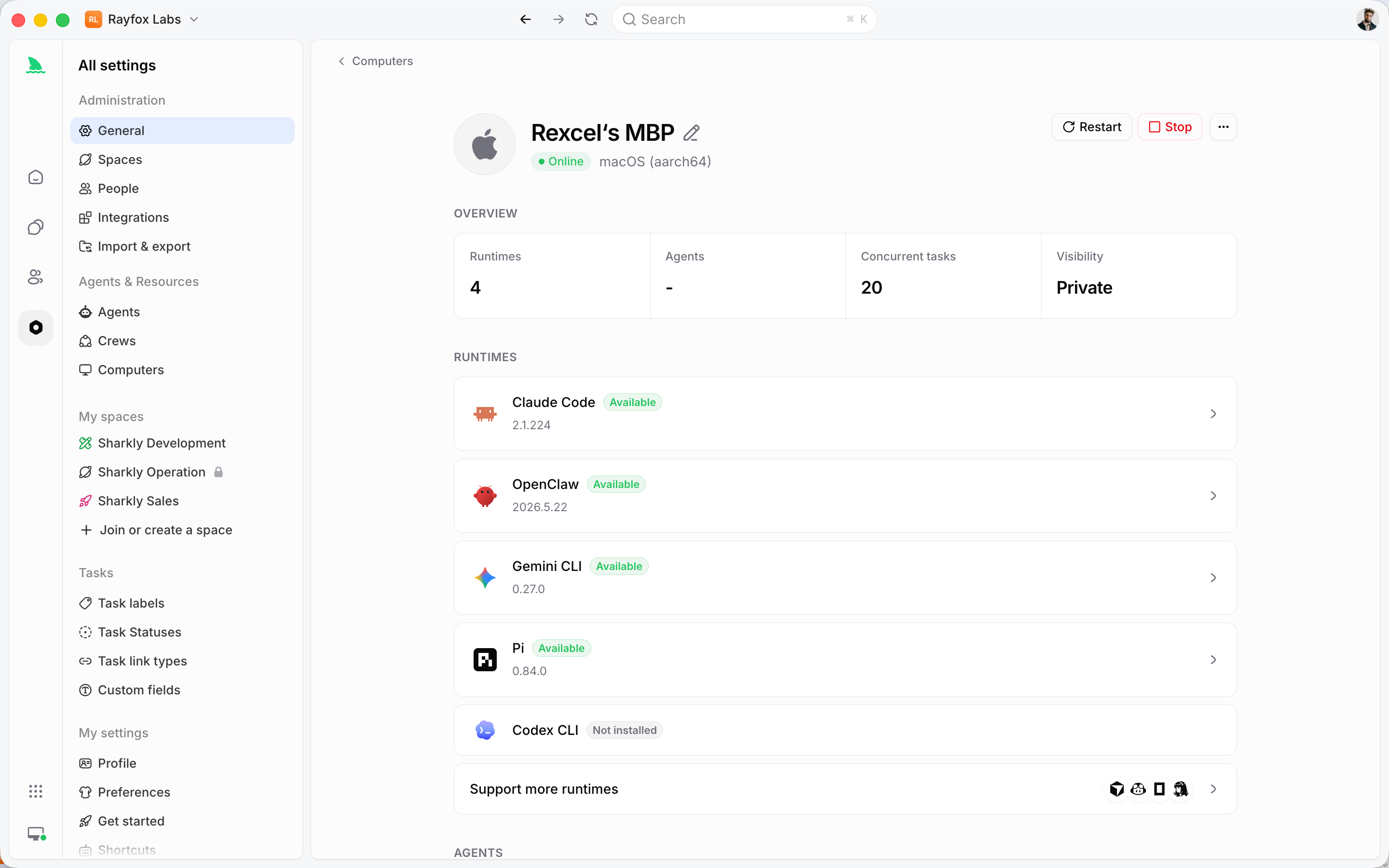
- A Computer supplies the host and local resources where an Agent’s session runs. Connect your own machines, local through Sharkly Desktop or remote through the Sharkly CLI, so code executes where you control it.
- A Runtime performs the actual agent session. Claude Code, Codex, Gemini, and other command-line runtimes plug in here.
- A Crew is a reusable group of People and Agents coordinated by one leader Agent.
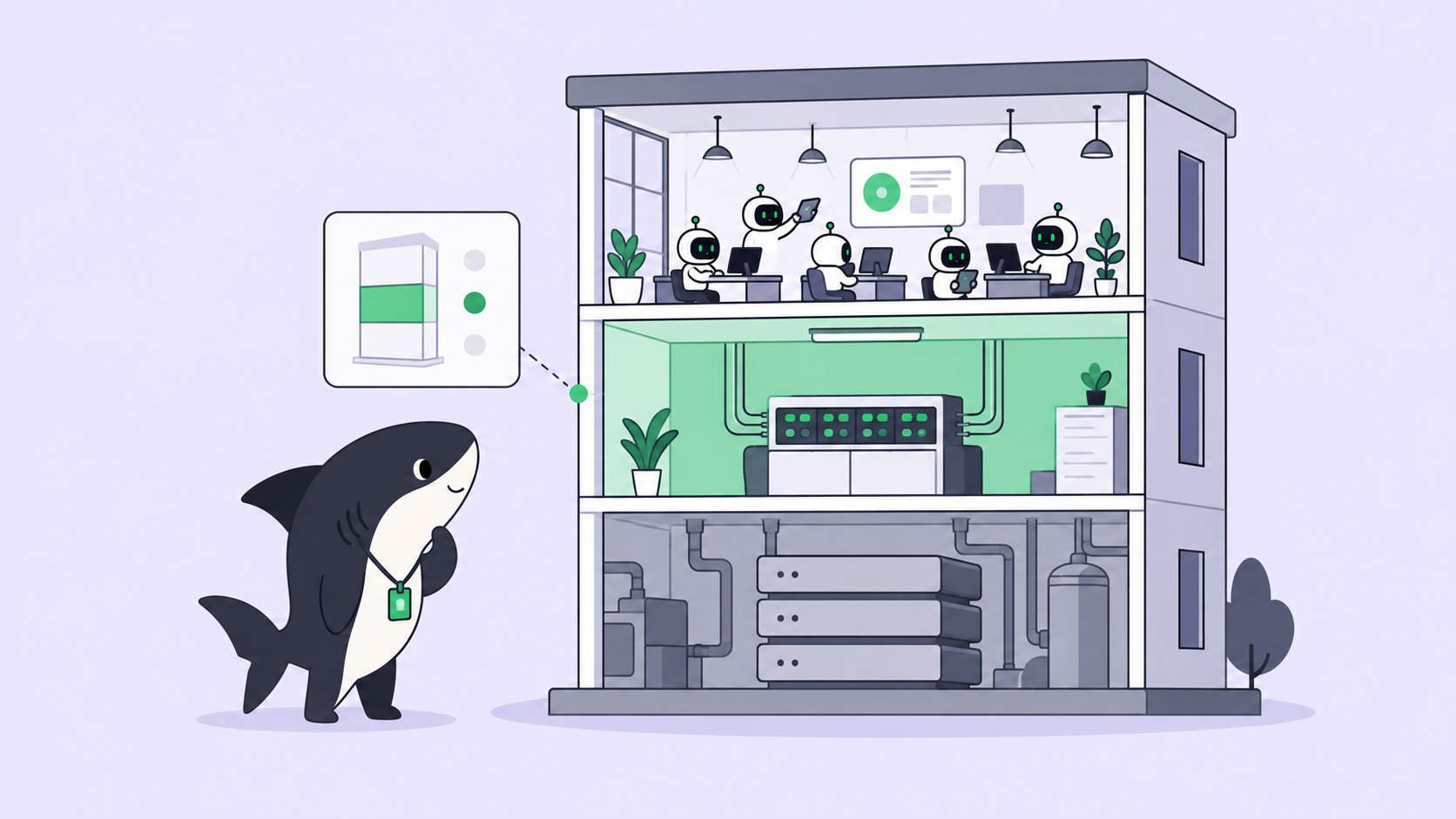
The separation is the point. The Agent defines how work should be handled; the Computer supplies the host and local resources; the Runtime performs the actual session; the Task remains the shared record for the team. Each part has one job, which is what keeps a room full of parallel Agents legible.
When to use a single Agent, and when to use a Crew
Most people get this decision backwards. You do not need a Crew for most work. For small, well-defined work, assign the Task directly to one Agent and keep the moving parts at zero. Use a Crew when the leader Agent needs to interpret a broad goal, involve other Agent members, and bring their results back into one Task. Reach for the simple tool first; graduate to the Crew when a single Agent genuinely can’t hold the whole goal. Your first real Task should go to one Agent, which is exactly what our first-task walkthrough covers.
The workflow: request to release in four stages
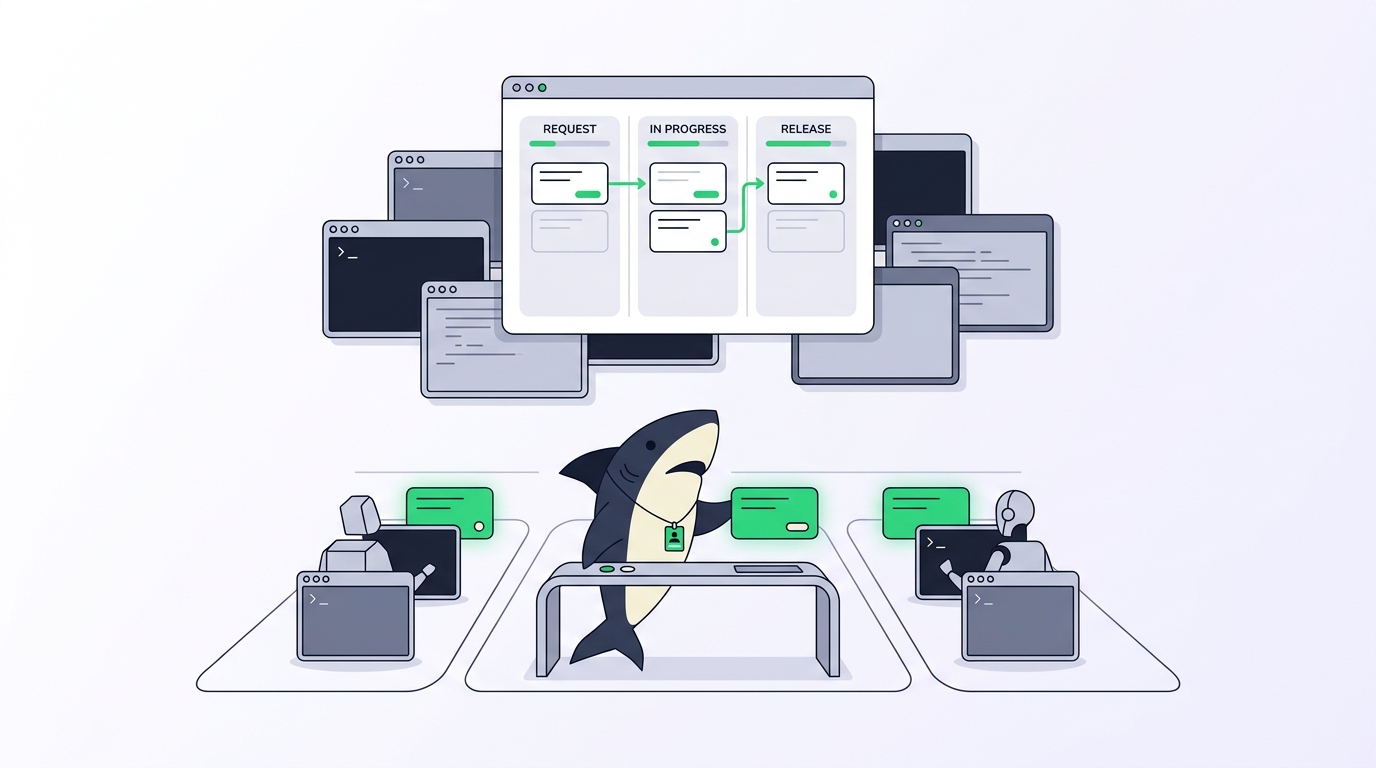
Sharkly frames product work as four stages. This is the spine of the whole platform, and it maps cleanly onto how a team already ships.
Stage 1: describe and research
A person describes the need in natural language. An Agent researches the product, the codebase, the historical tasks, and the team’s rules, then completes the scope and acceptance criteria and creates executable Tasks. The human states intent; the Agent turns it into work that can actually be picked up.
This is where the layer starts paying off. Instead of you translating a vague request into a precise prompt every time, the Agent does the shaping and writes it down as a Task others can see. A task in Sharkly looks like SH-312: a real ticket, not a chat message that scrolls away.
Stage 2: automatic parallel development
Agents claim ready Tasks and work in isolated git worktrees. Frontend, backend, bug fixing, and test coverage move at the same time, each in its own workspace on your own computers. The worktree is what makes parallel safe: a linked working directory that shares one repository’s history but keeps its own branch and files. Five Agents, five worktrees, five branches, zero collisions.
Because the runs happen on computers you connect, a bad change stays contained to its branch and its machine. Nothing touches your main branch by accident. If you want the mechanics of this in depth, see our git worktrees for AI coding agents guide.
Stage 3: test and human acceptance
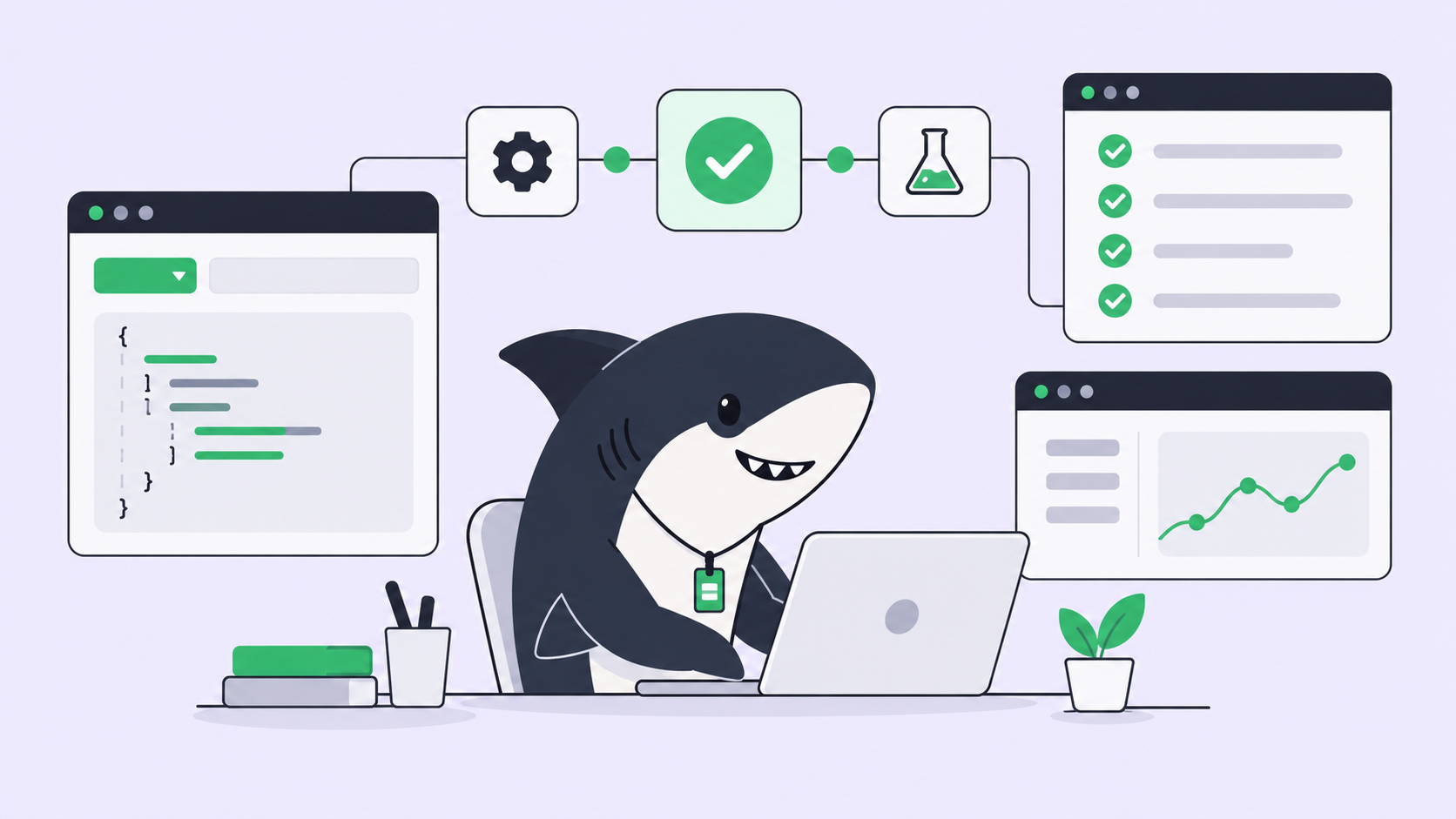
The Agent runs typecheck, tests, and the build, then attaches the change summary, the verification results, and the known limits to the Task. A person accepts, requests changes, or decides the merge and release step. Execution, blockers, results, and follow-up discussion return to the Task timeline, so the review happens against complete context instead of a bare diff.
This is the stage that makes running many Agents safe rather than reckless. Speed without a checkpoint is how you ship five bugs in the time it used to take to ship one. An approval gate keeps the throughput and puts a person back in the loop at the one moment that matters. Leave final acceptance and release decisions to people.
Stage 4: projects and sprints
The team tracks completion, ownership, dependencies, scope changes, and blockers in the shared plan. Agent work lives in the same Projects and Sprints as human work, so a manager reads one board instead of stitching together six terminals and a chat thread. Changes and progress keep returning to the Tasks.
The human-agent contract
Strip Sharkly down to one idea and it’s this. Agents research, execute, test, and report. People set direction, grant authority, and accept the result. Automation stops where team judgment is required and returns a delivery with complete context and inspectable evidence.
That sentence is the whole safety model. It’s also the honest answer to the fear that agent platforms hand your codebase to a machine and step back. They don’t, or they shouldn’t. The valuable version keeps people at the two ends that need judgment, direction at the start and acceptance at the end, and lets Agents own the mechanical middle. Sharkly is built around that shape rather than around the fantasy of full autonomy.
Where team advantage comes from
A quiet claim runs under the whole product, and it’s worth stating plainly: team leverage does not come from opening more AI chats. It comes from sharing roles, rules, context, and workflows.
One developer’s careful prompt craft, captured as an Agent profile plus reusable Skills, becomes something the whole team can assign. Turn one good setup into a development capability the team reuses. That’s the difference between ten people each rediscovering how to make an agent behave and one shared configuration everybody routes work through. Agents don’t just answer questions. They refine work from the current state, move it forward, and return every result to the team.
You don’t have to rebuild your process
Adopting Sharkly is not a migration project. Keep the tools your team already uses while making runs assignable and traceable. Connect a computer, configure Agents, and start routing work without rebuilding the process your team already understands.
If you live in Jira, keep the projects, tasks, statuses, and workflows your team already reads. Connect Sharkly so the existing system stays in place while Agent execution moves work forward inside it. The goal is to add visible, reviewable execution to your current setup, not to replace it with a new one everyone has to relearn.
How Sharkly compares to a DIY rig
Plenty of teams orchestrate agents with their own scripts: a folder of shell wrappers, a few tmux panes, a naming convention for branches. That works, and for a solo developer at low volume it can be the right call. The moment it stops working is predictable.
| Concern | DIY scripts and tmux | Sharkly |
|---|---|---|
| Assignment | You route every task by hand | Assign a Task to an Agent |
| Isolation | You manage worktrees manually | Isolated worktree per run on your computers |
| Visibility | Held in your head across tabs | One board of Tasks, status, and logs |
| Review | Whatever you remember to check | Acceptance gate before merge |
| Team use | Lives on one machine | Shared Agents, Skills, Projects |
The honest read: if you run one or two agents alone and never hand work off, a DIY rig is less to maintain. If you run several, or anyone else needs to see the work, the coordination you’d have to build yourself is the product Sharkly already is. Comparisons to other orchestration layers deserve their own treatment; we go deeper on the trade-offs in our orchestration guide.
Who Sharkly is for
The product aims at product and engineering teams that already use AI coding tools and want to route work, coordinate multiple runs, and review progress and results in one shared workflow. A few concrete fits:
- A backend developer running several agents at once, who needs isolated worktrees so parallel runs don’t collide.
- An engineering manager who needs to see agent work on the same board as everything else, with a review step before merge.
- A tech lead who wants team standards for agent usage, captured as shared Agents and Skills instead of tribal knowledge.
- A solo developer scaling up, who wants more throughput without the chaos of six unlabeled terminals.
If none of those sound like you yet, that’s a real answer too. Sharkly earns its keep when coordination is the bottleneck. Below that, a single agent and a terminal are enough.
Getting started
The smallest useful Sharkly workflow is deliberately modest: connect one computer, create one Agent, and assign one low-risk Task. Let Agents begin with one real requirement, not a rewrite of your whole backlog. Watch one Task go through the four stages, accept the result yourself, and you’ll understand the layer better than any explainer can convey.
From there, add a second Agent to run something in parallel, then bring a teammate onto the board. Each step adds coordination you were doing by hand.
To begin: Download Sharkly, connect a computer, and route your first Task. The docs cover each concept in more depth at docs.sharkly.ai.
Frequently asked questions
What is Sharkly in one sentence? Sharkly is an all-in-one Agent command and management platform that turns AI coding agents into assignable, trackable team members, so you can assign Tasks, run multiple Agents in parallel, and keep context, progress, results, and human review visible from request to release.
Does Sharkly replace Claude Code or Codex? No. Sharkly is not a replacement for Claude Code, Codex, or other execution tools. Those tools perform execution; Sharkly adds the shared task, computer, context, control, and review layer around them.
Do I need to pay for models through Sharkly? No. Model usage continues through the subscriptions or API keys configured in the coding tools you connect. Your model quota depends on the plans and API accounts your team already has.
Where does the agent’s code actually run? On computers you connect, local through Sharkly Desktop or remote through the Sharkly CLI. Each run gets an isolated git worktree, so parallel Agents don’t collide and changes stay contained until you accept them.
When should I use a Crew instead of a single Agent? For small, well-defined work, assign the Task to one Agent. Use a Crew when a leader Agent needs to interpret a broad goal, involve other Agent members, and bring their results back into one Task. Start simple; see the first-task guide for the single-Agent path.
Is this full autonomy? Do agents merge on their own? No. Agents research, execute, test, and report. People set direction, grant authority, and accept the result. Final acceptance and release decisions stay with a person.
Can I keep using Jira? Yes. Keep the projects, tasks, statuses, and workflows your team already uses, and connect Sharkly so Agent execution moves work forward inside the system you already read.