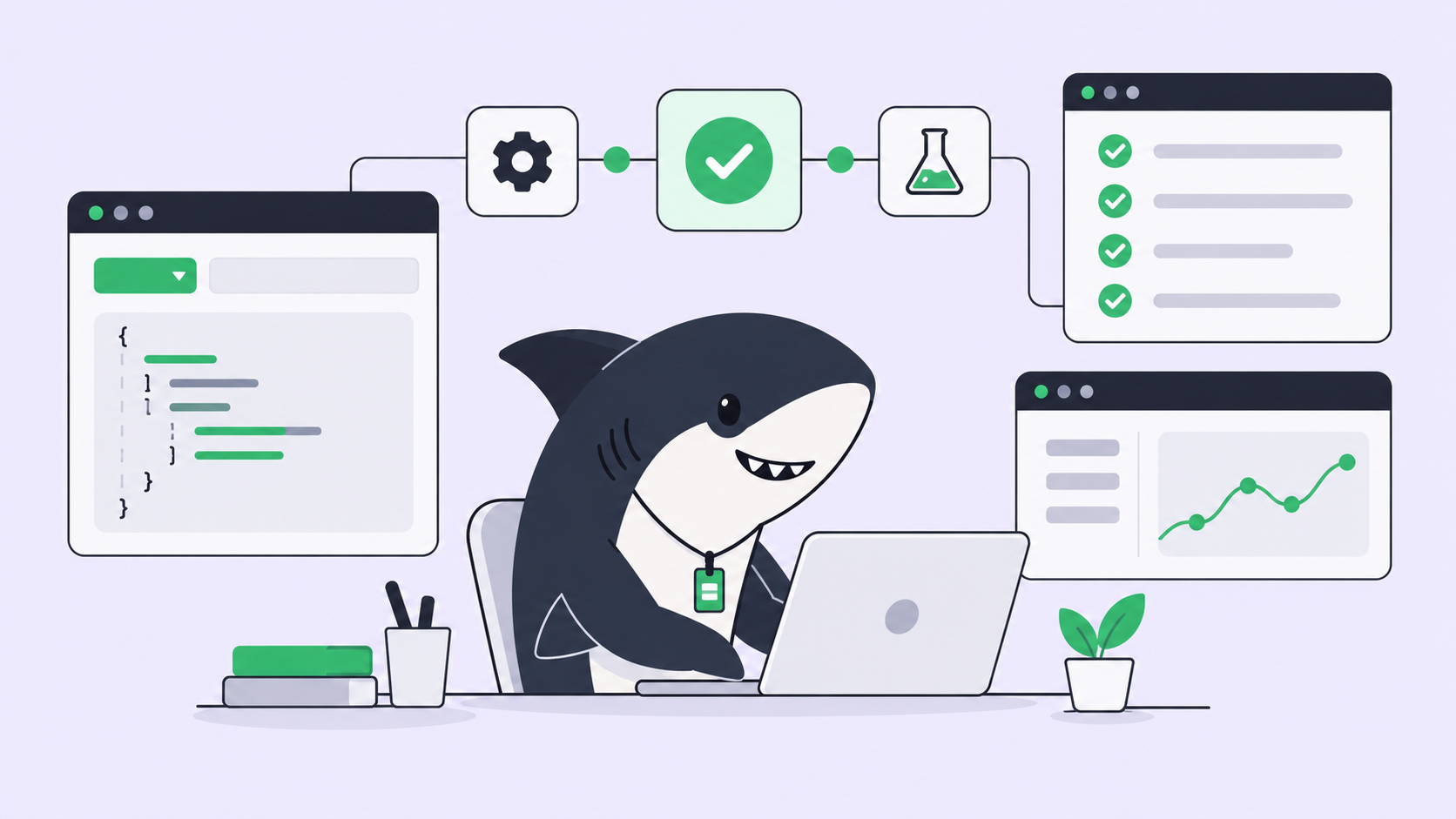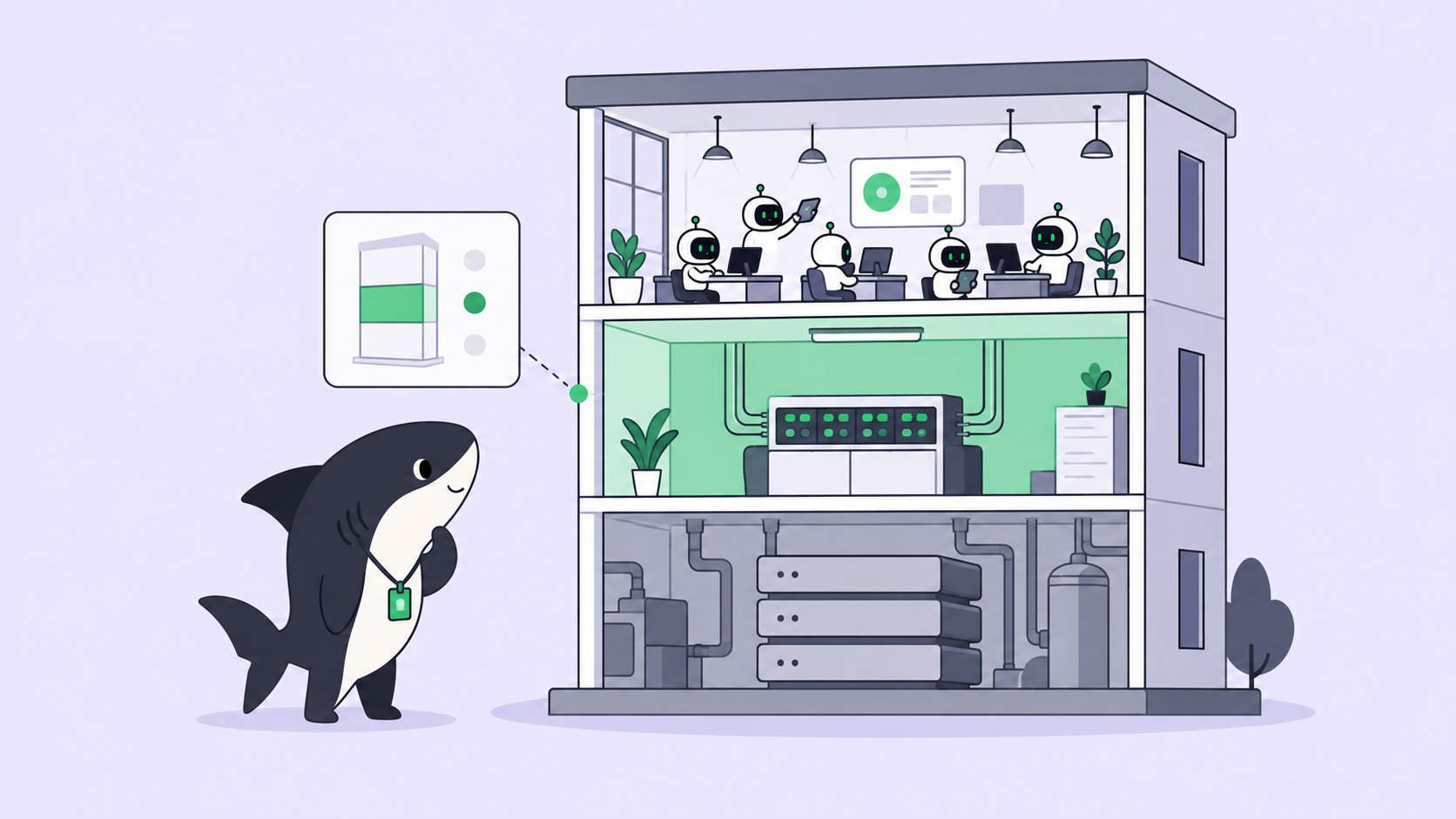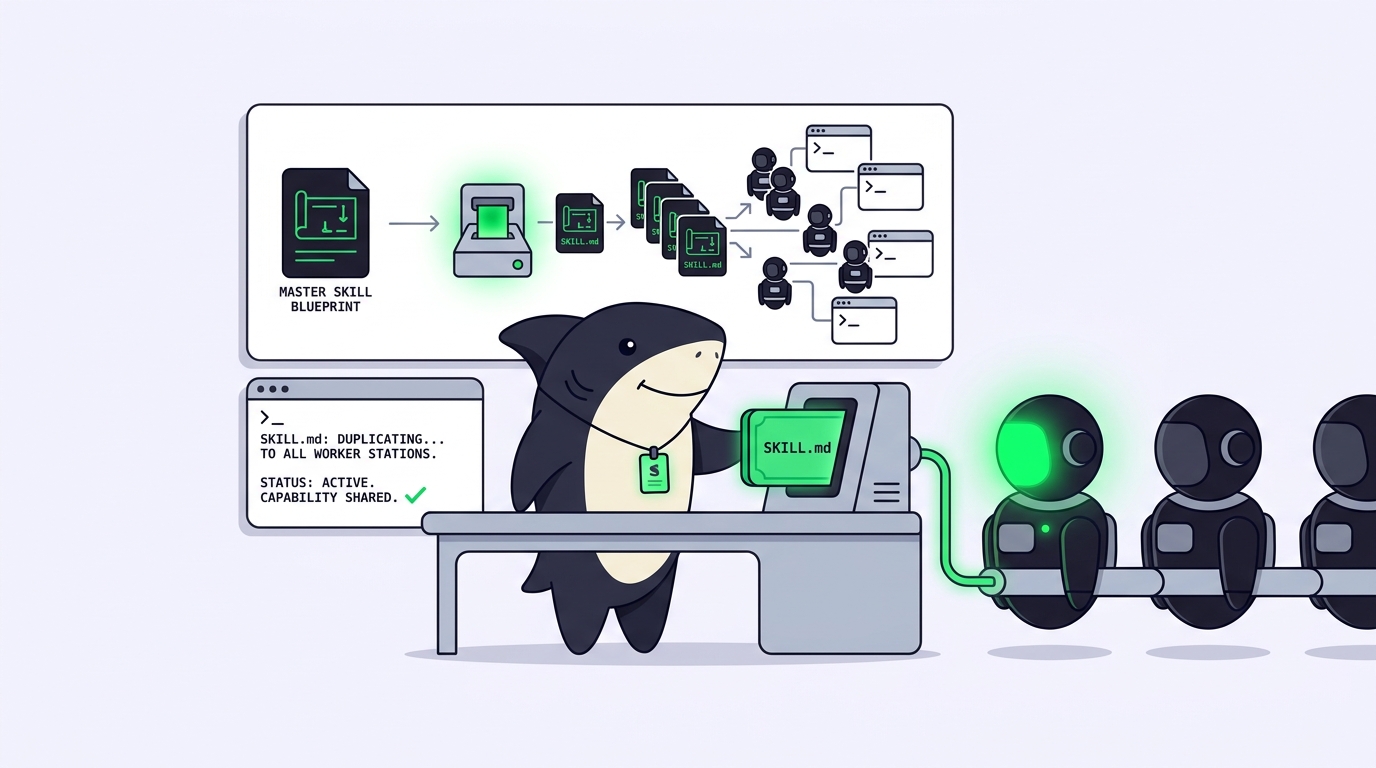
A coding agent Skill is a reusable, shareable package of instructions and supporting files that an agent loads to do a repeatable job the same way every time. Think of your team’s review checklist, your delivery standards, or the exact way you want migrations written. A Skill turns that operating knowledge into something an agent can pick up on demand, instead of something one person carries in their head and pastes into a fresh chat every morning.
That definition matters because most teams meet Skills the hard way. One developer figures out a good prompt for writing tests that match the house style. It works. Two weeks later nobody can find it, the agent writes tests three different ways across three repositories, and the review queue fills with drift. The knowledge existed. It just never left a private terminal. Sharkly, an all-in-one Agent command and management platform, exists to fix exactly that gap: it gives Skills a home where the whole team can create, import, bind, and reuse them. This article walks through what a Skill is, why sharing it beats reopening chats, how Skills work inside Sharkly, and where to find good ones without inheriting someone else’s mistakes.
If you are newer to this space, it helps to have the surrounding concepts straight first. Skills sit on top of agentic coding and become far more useful once you are running more than one agent at a time.
What a coding agent Skill actually is
A Skill packages reusable instructions and supporting files for agent work. Use one for guidance that should apply repeatedly: review rules, delivery checklists, writing standards, or a team process. The primary instructions live in a SKILL.md file, which starts with a short name and description in YAML, followed by the steps the agent should follow and the output you expect. Supporting files can add templates, examples, or reference data the agent pulls in when the Skill applies.
Two boundaries keep this clear. A Skill is not a Task, and it is not model configuration. A Task is the shared record of one piece of work; a Skill is a capability an Agent brings to many Tasks. A Skill also does not run on its own. An Agent loads it when the description says the work calls for it, follows the process, and returns the result to the Task. That last part is the whole point: the output lands somewhere the team can see it, not in a chat window that closes.
One decision saves teams the most confusion. Keep one-time requirements in the Task description or comments. Create a Skill when the same capability should be available across future runs. If you will only ever need it once, a Skill is overhead. If three Agents will need it next month, a Skill is infrastructure.
Why prompt craft keeps evaporating
The pain the keyword points at is real and specific. Good prompt craft is easy to write and almost impossible to keep. It lives in one person’s scratch file, in a Slack message from March, in the muscle memory of whoever set up the last project. When that person is out, the quality drops. When a new hire joins, they reinvent it. When you scale from one agent to five, the five disagree.
Opening more AI chats does not solve this. A better chat produces a better answer once. It does not produce a better answer for your teammate tomorrow. The value you are missing is not more conversations; it is the setup behind the good ones, captured somewhere reusable. This is the same problem that agent orchestration solves for execution, applied one layer up: to the instructions themselves.
The leverage thesis: share the setup, not the chat
Team leverage does not come from opening more AI chats. It comes from sharing roles, rules, context, and workflows. A Skill is the cleanest unit of that sharing. One developer writes the review Skill once; every Agent in the org can bind it and apply the same standard. One good setup becomes a development capability the team reuses, instead of a personal trick that leaves when its author does.
The contract underneath this stays human. Agents load Skills, follow them, and return the result to the Task. People decide which Skills carry team authority, review external ones before they bind, and accept or reject what comes back. Automation handles the repetition; judgment stays with the team. A Skill does not remove a reviewer from the loop. It makes sure the reviewer is checking work that already followed the agreed process, so the review is about substance instead of style drift.
That is why Skills pair naturally with assigning real work to an Agent. The Task says what to do. The Skill says how your team does it. Together they turn a capable-but-generic agent into one that works the way your codebase expects.
How Skills work in Sharkly
Sharkly treats a Skill as a first-class, governed object rather than a loose file. Every Skill belongs to an organization and has one scope, and that scope decides who can use it.
Create, import, or upload
You can add a Skill in several ways, depending on where the knowledge already lives.
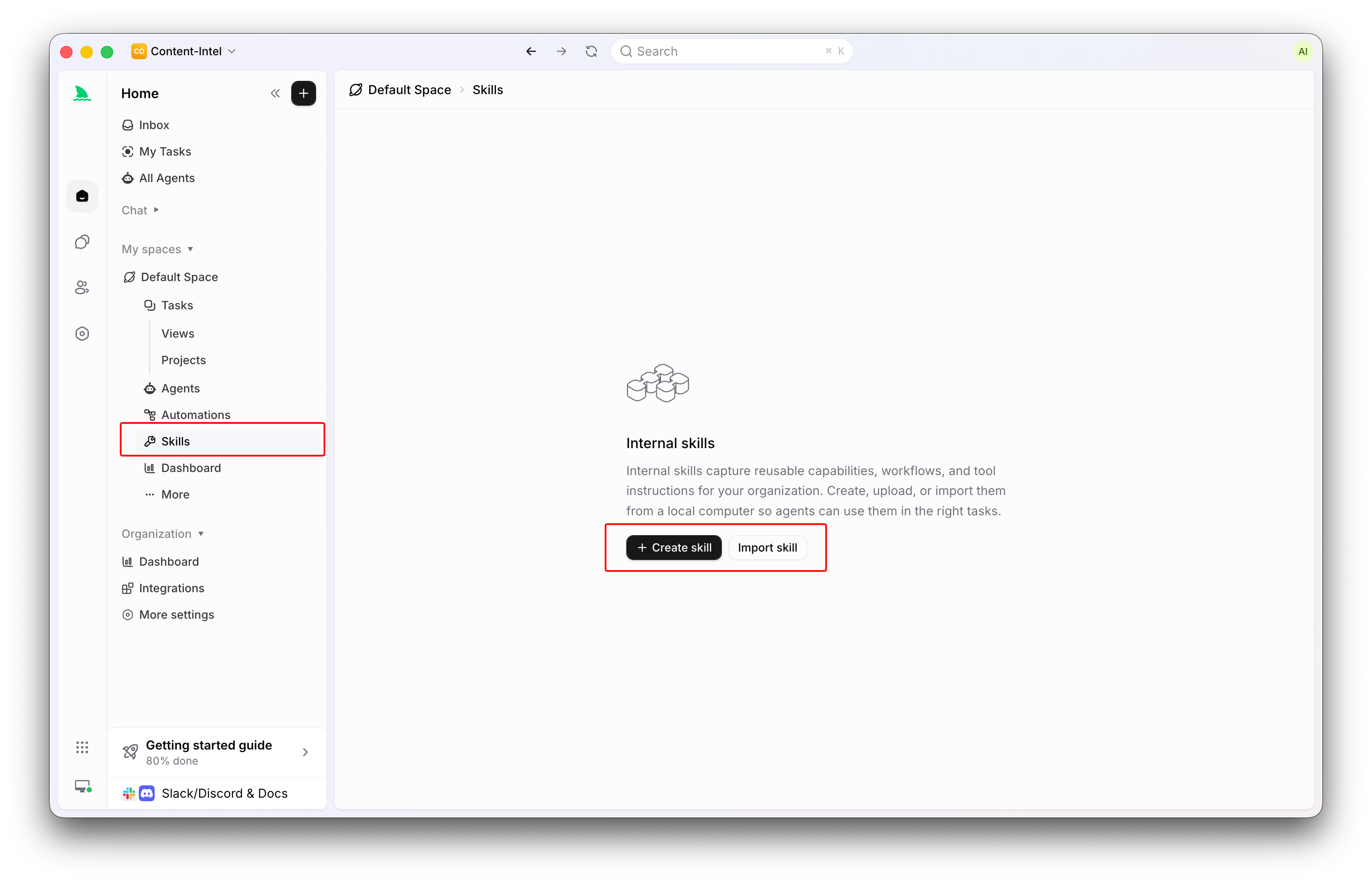
- Create from scratch. Start with a name, description, and instructions. The description should state when the Agent should use the Skill; the instructions define the repeatable process and the expected output.
- Install from a public source. Sharkly can fetch a published Skill from a supported public source and create a managed copy in the scope you choose. Review the source and its content before you bind it.
- Import a local Skill. An online local Runtime can report Skills it finds in its local directories. Importing copies a selected one into the organization as a managed, reusable Skill, while the original local copy stays separate.
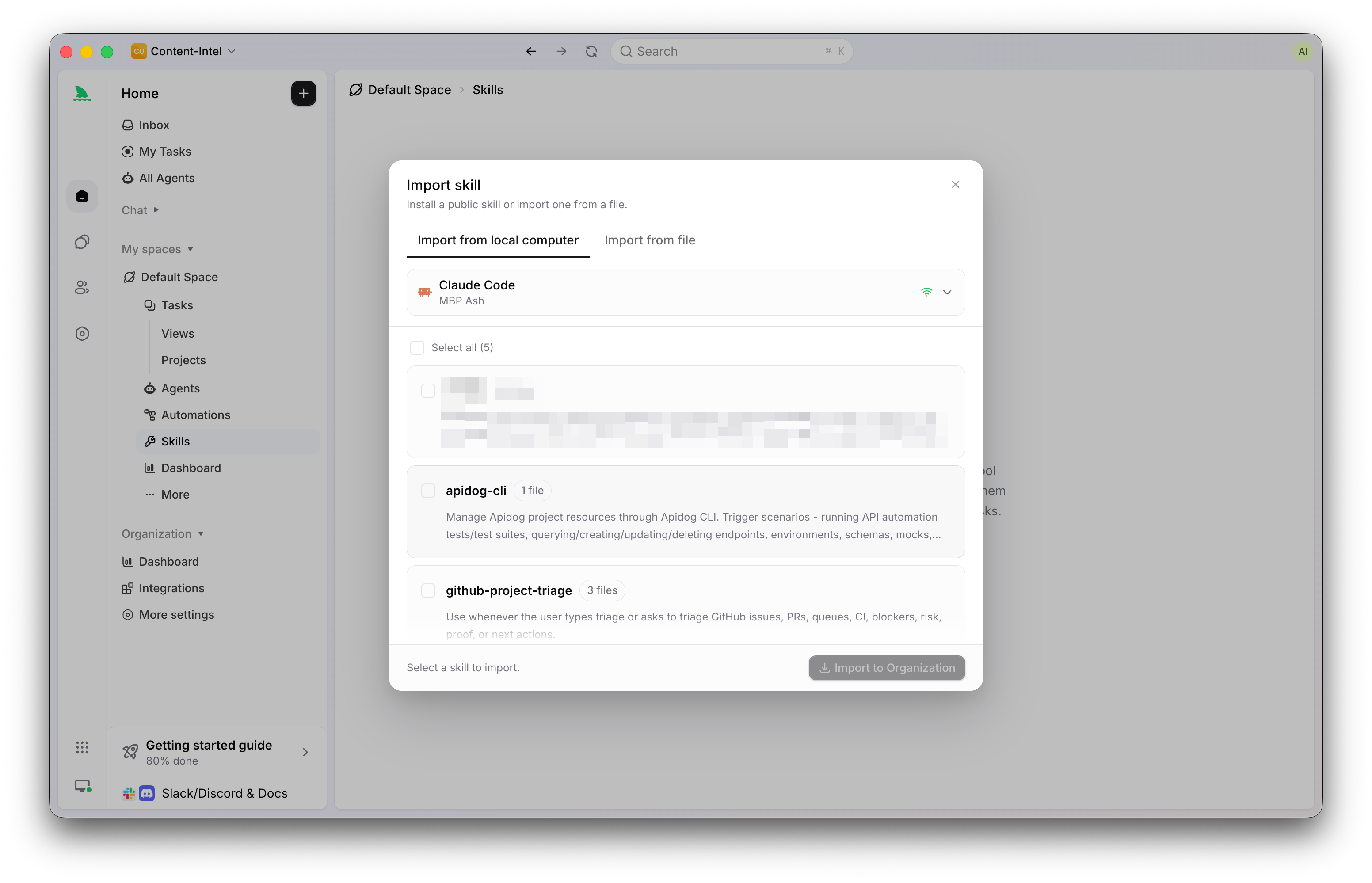
- Upload a package. Provide a
SKILL.md, a.skillfile, or a zip. Sharkly validates the paths and rejects hidden files, unsafe archive entries, duplicates, and anything that tries to traverse outside the Skill.
Scope decides who can use it
Every Skill has exactly one scope, chosen at creation:
- Organization Skills are available to eligible Agents across the whole organization.
- Space Skills are available only to Agents that belong to that Space. An Agent cannot bind a Space Skill unless it belongs to the Space.
- Agent Skills belong to one Agent and are bound to it directly.
Pick the narrowest scope that matches the intended audience. A review standard the whole company shares belongs at the Organization level; a workflow that only one squad uses belongs to their Space. Scope cannot be changed after creation, so when a Skill’s audience needs to change, you create a new one rather than widening the old.
Bind Skills to Agents
An Agent is a saved working configuration: its instructions, Runtime, repositories, environment, and its bound Skills all shape how it handles work. You add or remove eligible Skills from the Agent’s Skills settings, or select them while creating the Agent. Binding follows the scope rules above, and changes apply to later runs. One caution from the docs is worth repeating: avoid binding many overlapping Skills, because conflicting or redundant instructions make execution less predictable. Two sharp Skills beat six that argue with each other.
Permissions stay explicit. A Skill can be edited or deleted only by its creator or an Organization Owner or Admin, a Space-scoped Skill also needs write access to its Space, and changing an Agent’s bindings requires permission to manage that Agent. Deleting a Skill removes it from every Agent that used it, so it is worth checking current bindings first.
Where to find good coding agent Skills
The vocabulary here is settling fast. Public Skill marketplaces, sources like SkillHub, ClawHub, and Skills.sh, now exist the way package registries do, and they are a reasonable place to start when you want a review checklist or a test-writing procedure you would rather not author from zero. Sharkly can install a published Skill from a supported public source directly into the scope you choose.
The important part is what you do before you bind one. Treat every external or locally imported Skill as third-party code or configuration, not as trusted organization policy. That means reading the instructions in full, checking the supporting files, and confirming the Skill does what its description claims before any Agent runs it. A few rules keep this safe:
- Never store passwords, access tokens, private keys, or other secrets in Skill instructions or supporting files.
- Review every external or imported Skill before use, the same way you would review a dependency.
- Keep commands and examples least-privileged and specific to the intended task.
- Do not include sensitive organization data unless every user allowed by the Skill’s scope may access it.
Good Skills share a shape. They are narrow, they state clearly when they apply, their instructions are specific enough to produce consistent output, and they carry only the supporting files they actually need. Large, unfocused file collections add context without improving the Agent’s decisions. If you cannot say in one sentence when an Agent should reach for a Skill, it is probably two Skills or none.
When you don’t need a Skill
Skills are not free complexity, and the honest guidance is to skip them when the work is genuinely one-off. If a requirement applies to a single Task, put it in the Task description or comments and move on. If a Skill already lives directly in an Agent’s local Runtime and only that Runtime needs it, it does not need to be bound in the product at all; import it only when it should become a managed, reusable capability with an explicit scope. Reach for a Skill when the same procedure should outlive the run that needed it, and not before.
Frequently asked questions
Is a coding agent Skill the same as a prompt? No. A prompt is one instruction to a model in one moment. A Skill is a named, reusable package (a SKILL.md plus optional supporting files) that any eligible Agent can load across many runs, with a scope and permissions attached. A prompt disappears when the chat closes; a Skill stays and returns its results to the Task.
What is the difference between a Skill and a Task? A Task is the shared unit of work: the goal, the progress, the review, all in one record. A Skill is a capability an Agent applies to Tasks. You often use both together, with the Task saying what to do and the Skill saying how your team does it. Getting comfortable with assigning a first Task to an Agent is the fastest way to see the split.
Can I share one Skill across a whole team? Yes. Give it Organization scope and every eligible Agent in the org can bind it. For a single squad, use Space scope. For one Agent, use Agent scope. Choose the narrowest scope that fits the audience, because scope is fixed once the Skill is created.
Are Skills safe to install from public marketplaces? They can be, if you review them first. Sharkly imports a public Skill as a managed copy in your chosen scope, but you should read the instructions and supporting files and treat them as third-party configuration before binding them to any Agent. Never trust an external Skill with secrets or sensitive data.
Do Skills replace human review? No. Agents load Skills, follow them, and return results to the Task. People still decide which Skills carry authority, review external ones, and accept or reject the output. A Skill raises the floor on consistency; it does not remove the reviewer.
Where this leaves you
A Skill is the difference between one developer knowing how your team writes tests and every Agent knowing it. The definition is small: reusable instructions and supporting files an agent loads to do a job the same way each time. The payoff is not. Captured as a Skill and scoped to the right audience, one good setup becomes something the whole team reuses, review after review, instead of prompt craft that evaporates when its author logs off.
If you want to try it, the smallest useful move is concrete. Pick one procedure your team repeats, write it up as a single narrow Skill, scope it to your Space, and bind it to one Agent. See how the next few runs land in the Task, then widen from there. Sharkly gives that Skill an organization, a scope, and a review gate so it stays useful as the team grows. The platform overview covers how Skills, Agents, and Tasks fit together, and the docs go deeper on each.