Linear made delegating to an agent feel normal. You open an issue, hand it to Cursor or Codex, and the work comes back as a pull request with progress updates on the issue itself. No terminal, no worktree bookkeeping, no wondering which tab the agent was running in.
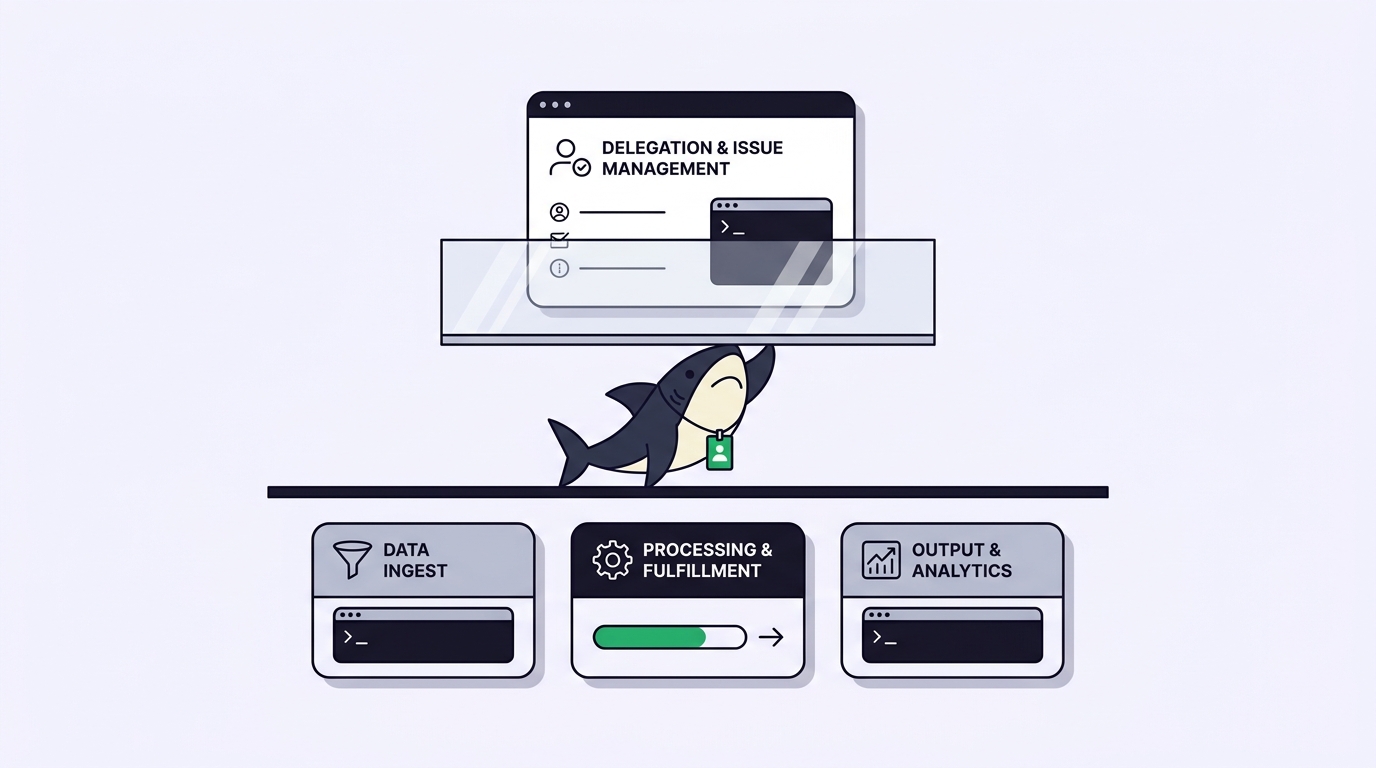
That experience is genuinely good, and it raises a sharper question rather than settling one. Delegation is an interface. Execution is infrastructure. Linear owns the first with real polish. The second happens somewhere else, on someone’s machines, under someone’s account. This guide is about where that line falls, and when it matters enough to add Sharkly underneath it.
TL;DR
Linear for Agents is a delegation layer: you assign an issue to an agent, the human stays the primary assignee, the agent becomes a contributor, and the work runs on that agent vendor’s infrastructure. As of August 2026, Linear’s agents page lists Linear Agent, Cursor, OpenAI Codex, Devin, Sentry, ChatPRD, Oz by Warp, Factory, Charlie, Ranger, and Tembo, and there is an Agent API for building your own. Sharkly is the execution side of that split: Agents you configure, running the Runtime installed on a Computer you connect, with the trace and review living on a shared Task. If the agents you want are already on Linear’s roster, Linear is enough. If your agents are the CLI tools your developers run locally, with your environment and your subscriptions, that work needs a host, and that is the gap Sharkly fills.
What Linear gets right
Start with the parts worth copying, because there are several.
The delegation model is careful about accountability. Linear’s own framing is explicit: “When an issue gets delegated to an agent, the human user remains the primary assignee, while the agent is added as a contributor.” That single design choice avoids the failure mode where a board fills with tickets owned by nobody. A person still answers for the outcome. The agent is credited for the work, not handed the responsibility.
The visibility framing is equally deliberate. Linear says agents “act on your behalf, but never in the dark,” with the intent that you can understand every change at a glance or inspect the underlying reasoning. That is the correct instinct. An agent whose work you cannot audit is a liability regardless of how good its output is.
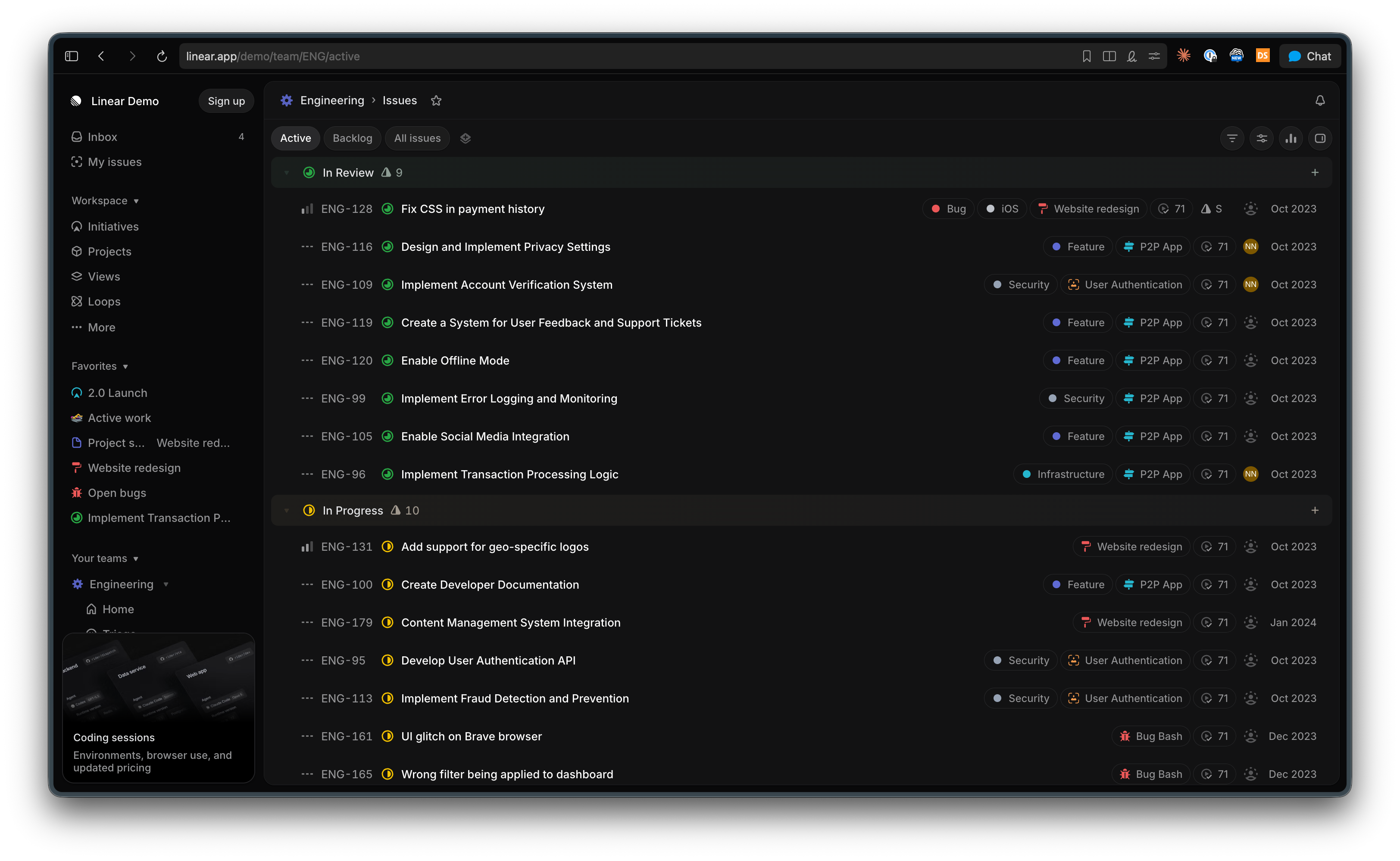
The integration surface is real, not a checkbox. Cursor agents can take on coding tasks, open pull requests, and update progress back in Linear. Codex can be added to a workspace, with your ChatGPT account connected the first time you delegate an issue to it. And for anything not on the list, Linear ships an Agent API so teams can build their own integration rather than waiting for one.
Finally, Linear is fast and opinionated in a way engineering teams like. If your team already runs on it, the cost of delegating one more issue is close to zero. That matters more than any feature comparison.
Where the delegation layer ends
Every agent on that roster brings its own execution environment. Cursor runs Cursor’s agents. Codex runs in OpenAI’s environment against your ChatGPT account. Devin runs on Cognition’s infrastructure. Tembo runs sessions on cloud VMs. Linear coordinates them; it does not host them.
For a team whose agents are all vendor-hosted SaaS, that is a clean architecture and there is nothing to fix. The friction shows up in three situations.
Your agents are local CLI tools. A large share of real agent work in 2026 happens in Claude Code, Codex CLI, Gemini CLI, OpenCode, and similar runtimes that developers already have installed and authenticated. Those sessions run on a developer’s machine, against a subscription that developer pays for, with the environment that actually builds the repo. A delegation UI can point at a vendor-hosted agent, but pointing at your teammate’s laptop is a different problem, and it is an infrastructure problem.
The environment is the hard part. Agent output quality depends on what the agent can reach: the private package registry, the seeded local database, the VPN route to staging, the environment variables that are not in the repo. Teams discover this the first time an agent’s change passes in a clean container and fails on a real branch.
Execution history is thinner than task history. Linear records that an agent contributed and links what it produced. What it read, which runtime version ran, which machine it ran on, where it stalled and retried, and what a reviewer decided about that stall is a different kind of record. Once several agents run in parallel, that trace is what makes a failure diagnosable instead of mysterious.
The decision pair
Use Linear alone when your agents are on its roster or reachable through the Agent API, execution on the vendor’s infrastructure suits your security posture, and your repositories and environments are reachable from that vendor’s cloud. Adding an execution layer under a setup that already works is a cost with no return.
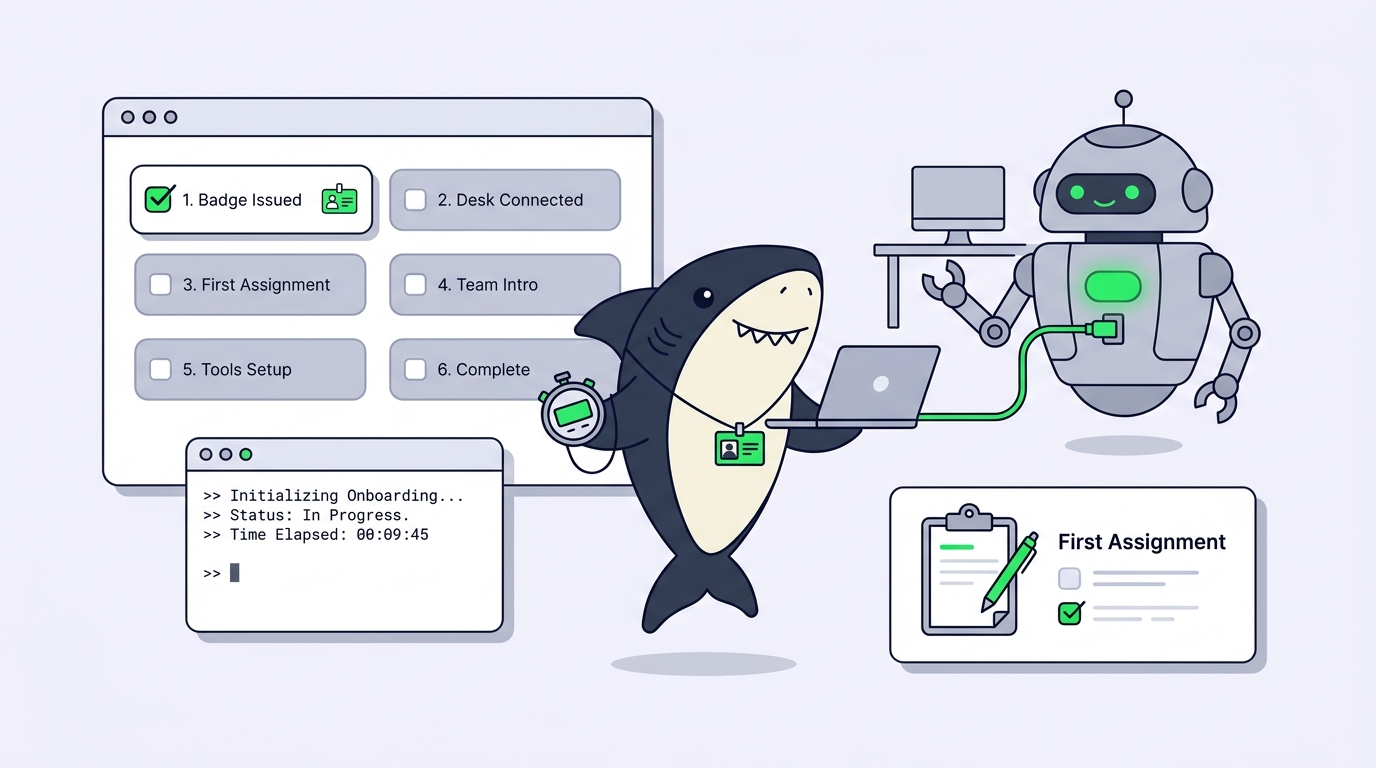
Add Sharkly when execution has to happen on hardware and runtimes you control. A Computer in Sharkly provides the execution host for Agent work, and it can be a local computer, a remote server, a container, or a supported cloud host. A small local service connects it, detects available Runtimes, receives work, prepares the task directory, starts the selected Runtime, and streams progress back.
Two definitions make the difference concrete. An Agent in Sharkly is a saved working configuration rather than a one-off prompt: its instructions, Runtime, Skills, repositories, environment, and run settings shape how it handles work. A Task is the main unit of work, holding the goal, the person responsible, the Agent or Crew assigned to execute it, the comments, the execution state, the trace, and the result.
The practical consequence is that a working practice one developer figured out becomes reusable by the team. The person who worked out exactly how to prompt a migration agent, with which repository access and which run settings, saves that as an Agent instead of keeping it in their shell history.
Custom runtimes: the part that decides most cases
There is a specific capability worth calling out because it settles the “will this run my stack” question.
Sharkly’s Computer detail page exposes a Runtime selector with an official installation guide link for each supported Runtime. When the local service does not detect an execution capability you need, you can add a custom ACP Runtime: configure the icon, name, and startup command, save it, and select Test connection. When an ACP adapter lacks a compatible Node.js environment, Sharkly first reuses an existing compatible environment, and if none is available it can prepare a product-managed isolated environment for that adapter alone. It does not modify system-wide Node.js or npm, shell configuration, the project directory, or your version manager configuration.
That is the difference between a supported-vendor list and a connector you can extend. If your team standardized on something that is not on anyone’s roster, you configure a startup command instead of filing a feature request.
For the broader landscape of tools in this category, our roundup of the best tools for managing parallel AI coding agents covers where each one sits.
A worked example
A ten-person product team runs Linear. Two engineers already delegate small issues to Cursor and are happy with it.
The work that does not fit is a database migration across three services. It needs the local seeded database, credentials that are not leaving the network, and a developer’s Claude Code setup with a Skill the team wrote for their migration conventions. Delegating that to a cloud agent is not a security argument, it is a practicality one: the agent cannot reach what it needs.
In Sharkly, that work becomes a Task assigned to a migration Agent: focused instructions, the three repositories, Claude Code as the Runtime, running on a connected Computer that already has the database and the network route. A second Agent handles the test updates in an isolated worktree, so both move at once without touching the same files. Our guide on running parallel agents in isolated worktrees covers why that isolation stops being optional past two agents.
The team keeps delegating simple issues in Linear. The work that needs their machines runs in Sharkly. Both kinds of work end up as pull requests in the same repositories, reviewed by the same people. Nobody had to pick a side.
Sharkly vs Linear: a fair comparison
| Linear for Agents | Sharkly | |
|---|---|---|
| Primary role | Issue tracking with agent delegation | Work management and execution layer for People and Agents |
| Assignment model | Human stays primary assignee, agent added as contributor | Person records responsibility, Agent or Crew is the execution assignee |
| Where agents run | On each agent vendor’s infrastructure | On Computers you connect: local, remote server, container, or supported cloud host |
| Agent roster | Vendor integrations plus the Agent API for custom builds | Runtimes detected on the Computer, plus custom ACP Runtimes you configure |
| Local CLI runtimes | Reachable by building against the Agent API | First-class: the local service detects and starts them |
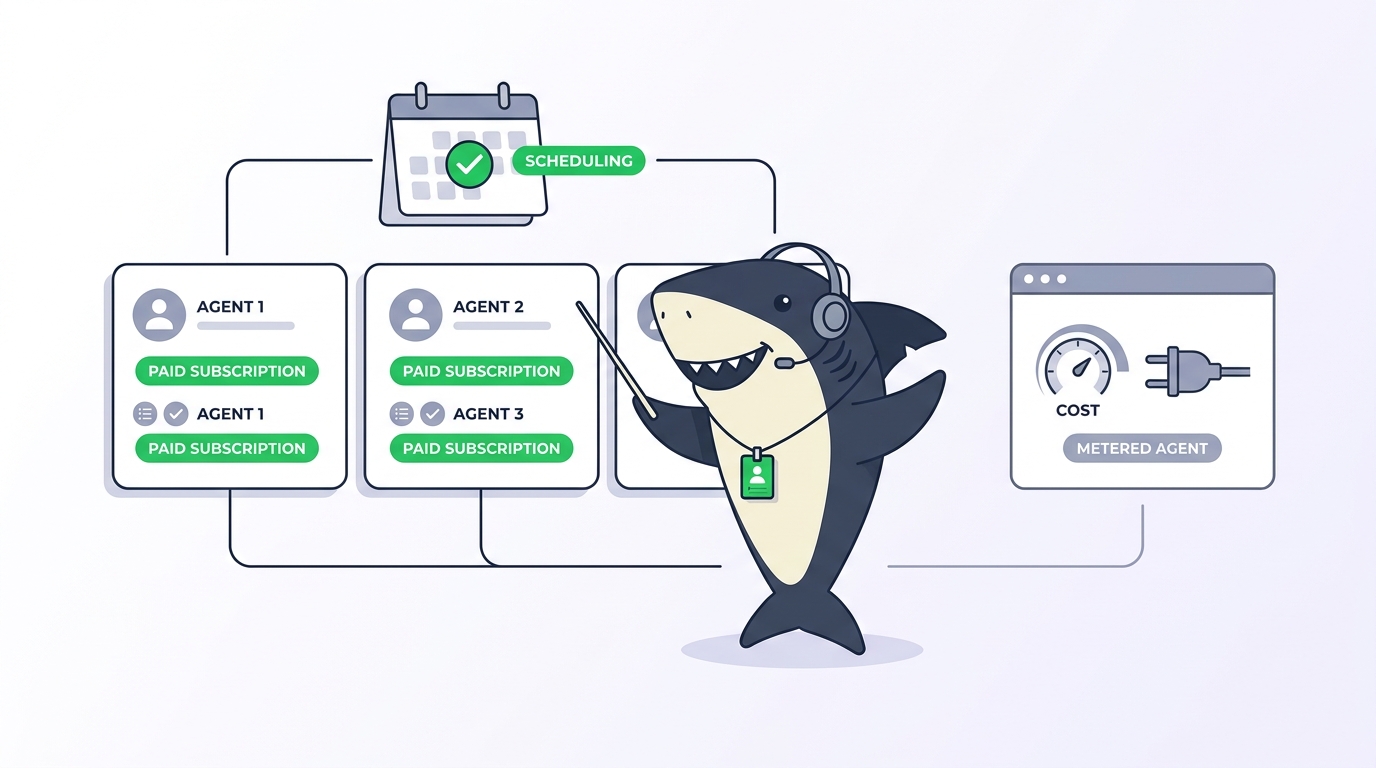
| Model billing | Through each agent vendor’s account and plan | Through the subscriptions or API keys already configured in those tools |
| Reusable configuration | Per-integration settings | Agent as a saved working configuration, shareable in a Space |
| Multi-agent coordination | Agents work across issues independently | Crews: a leader Agent coordinating other Agents and People |
| Execution record | Agent contributions and linked output on the issue | Task with execution state, trace, result, and threaded comments |
Common mistakes
Assuming the roster is the ceiling. Linear ships an Agent API precisely because the built-in list is not meant to be exhaustive. Before concluding a tool cannot participate, check whether building the integration is a day of work.
Confusing delegation with execution. A tidy assignee field does not tell you which machine ran the job, which runtime version, or what it could reach. When output quality gets inconsistent, that is usually where the answer is.
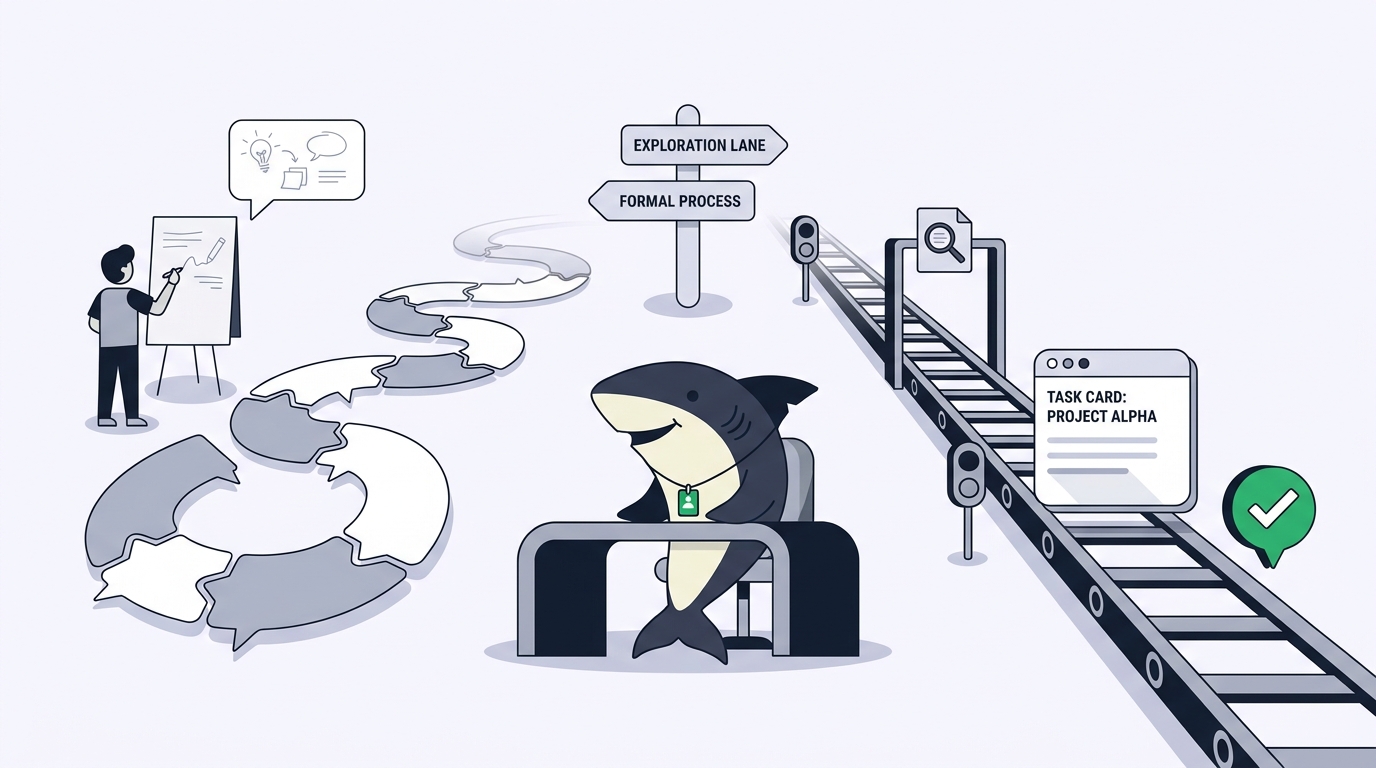
Running both layers on the same issues. Pick one home per piece of work. Duplicating a task across two systems produces two half-updated records and a review that misses one of them.
Skipping agent-ready acceptance criteria. This holds everywhere. An issue that says “clean up the migration” gives a bad run on any platform. Our overview of AI agent project management covers what changes about ticket writing when the assignee is not a person.
Conclusion
Linear solved delegation with a model worth respecting: the human stays accountable, the agent gets credit, and the work stays visible on the issue. If the agents you want are already there, you have a complete answer.
Sharkly is not competing for that slot. It is the layer underneath: Agents as saved configurations, Computers as real hosts with your environment and your credentials, custom ACP Runtimes when the built-in list falls short, and a Task that keeps the trace next to the review. Sharkly is not a replacement for Claude Code, Codex, or the other execution tools. It adds the shared task, Computer, context, control, and review layer around them.
If your delegation story is solid but your execution story is “it runs on whoever’s laptop had it open,” that is the gap. Start with Sharkly and connect one Computer.
FAQ
Can Sharkly and Linear be used together? Yes. Teams commonly keep issue tracking where it is and run the work that needs their own machines and runtimes in Sharkly. Both produce pull requests in the same repositories.
Which agents does Linear support? As of August 2026 its agents page lists Linear Agent, Cursor, OpenAI Codex, Devin, Sentry, ChatPRD, Oz by Warp, Factory, Charlie, Ranger, and Tembo, with an Agent API for custom integrations. Check Linear’s current page, since the roster grows.
Where does Sharkly run agents? On a Computer you connect, which can be a local computer, a remote server, a container, or a supported cloud host. The CLI and local service have macOS, Linux, and Windows installers.
What if my runtime is not in Sharkly’s selector? Add a custom ACP Runtime from the Computer detail page: configure the icon, name, and startup command, save, then select Test connection.
Who pays for the model usage? Model usage continues through the subscriptions or API keys configured in those tools. Model quota depends on the AI coding tools, plans, and API accounts your team connects.
Does the human stay accountable in Sharkly too? Yes. People, Agents, and Crews can all be assigned work. A person records human responsibility, while an Agent or Crew is the execution assignee.