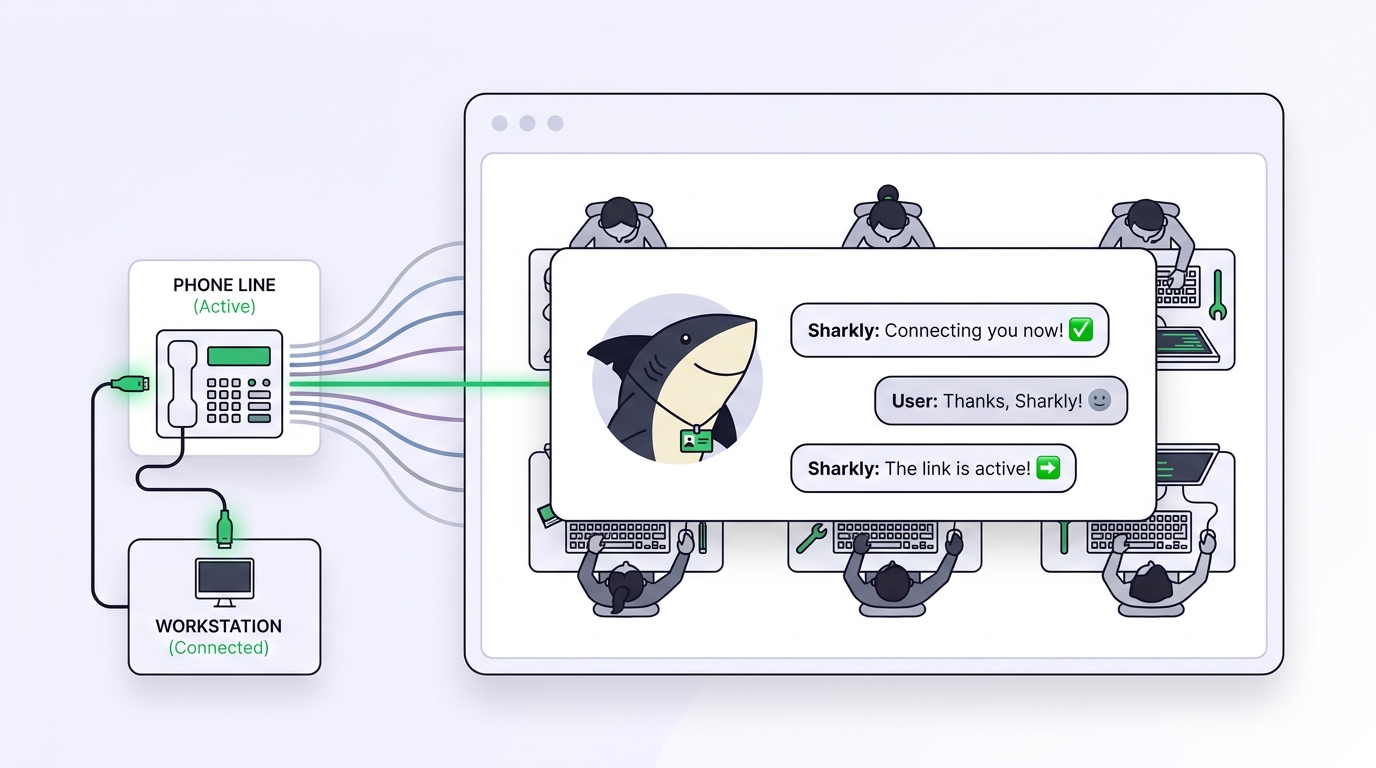
You open a pull request, then wait. Somewhere in the cloud, an agent you kicked off ten minutes ago is cloning your repo, running your test suite, and pushing commits to a branch while you keep typing in another file. That is the promise of Cursor background agents, and for a certain kind of work it delivers. The trouble starts the moment your team runs more than one coding tool. This guide explains what background agents are, what they genuinely do well, and the one boundary that decides whether they are enough on their own: they orchestrate Cursor, not the rest of your stack.
If your team already mixes runtimes, Claude Code in one terminal, Codex in another, a Gemini agent on a teammate’s laptop, the honest answer is that you need a layer that sits above all of them. That layer is Sharkly, an all-in-one Agent command and management platform. We will walk through where background agents shine, where they stop, and how a neutral layer keeps the whole fleet visible from request to release.
TL;DR
Cursor background agents are cloud-hosted coding agents that run asynchronously in an isolated remote environment, launched from the Cursor editor or Slack, and land their work as a branch or pull request. They are excellent when your whole team lives inside Cursor. They orchestrate Cursor’s own agent, so they do not coordinate Claude Code, Codex, Gemini, or agents running on other machines, and they do not give a mixed-runtime team one shared review layer. Use background agents when Cursor is your single tool. Use a neutral layer like Sharkly when the team runs several runtimes and needs shared assignment, context, and human review across all of them.
What Cursor background agents actually are
A Cursor background agent is a coding agent that runs asynchronously in a remote environment Cursor provisions for it, instead of in your local editor session. That one sentence carries the whole idea. A normal Cursor agent works in your editor, on your machine, while you watch. A background agent leaves your machine, clones your repository into a sandboxed cloud environment, and works on its own while you do something else.
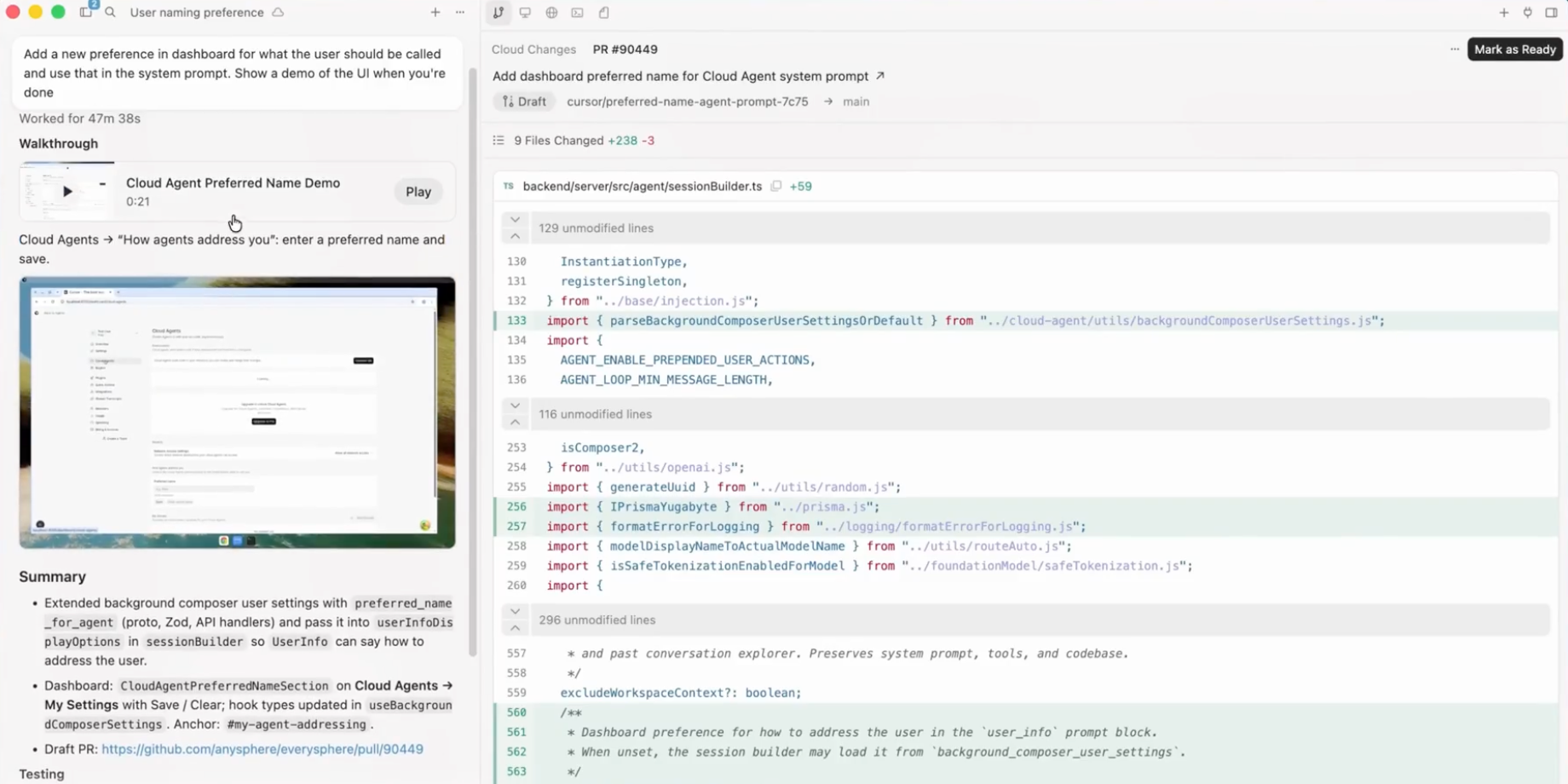
You start one from inside Cursor, or by mentioning the agent in Slack so a teammate can trigger it without opening the editor. The agent reads the task, makes changes across files, runs terminal commands, installs dependencies, executes tests, and pushes its work to a branch. When it finishes, you get a branch or a pull request you can review, and you can jump into the agent’s environment to take over by hand if you want to finish the last mile yourself.
The point of “background” is throughput. You are not blocked while the agent works. You can fire off three of them against three separate issues and keep coding on a fourth. If you have read our explainer on what agent orchestration means, this is orchestration in its single-vendor form: one tool, one cloud, many parallel runs.
What background agents do well
Assume the best version of the feature, because it is a strong one. Here is where background agents earn their place.
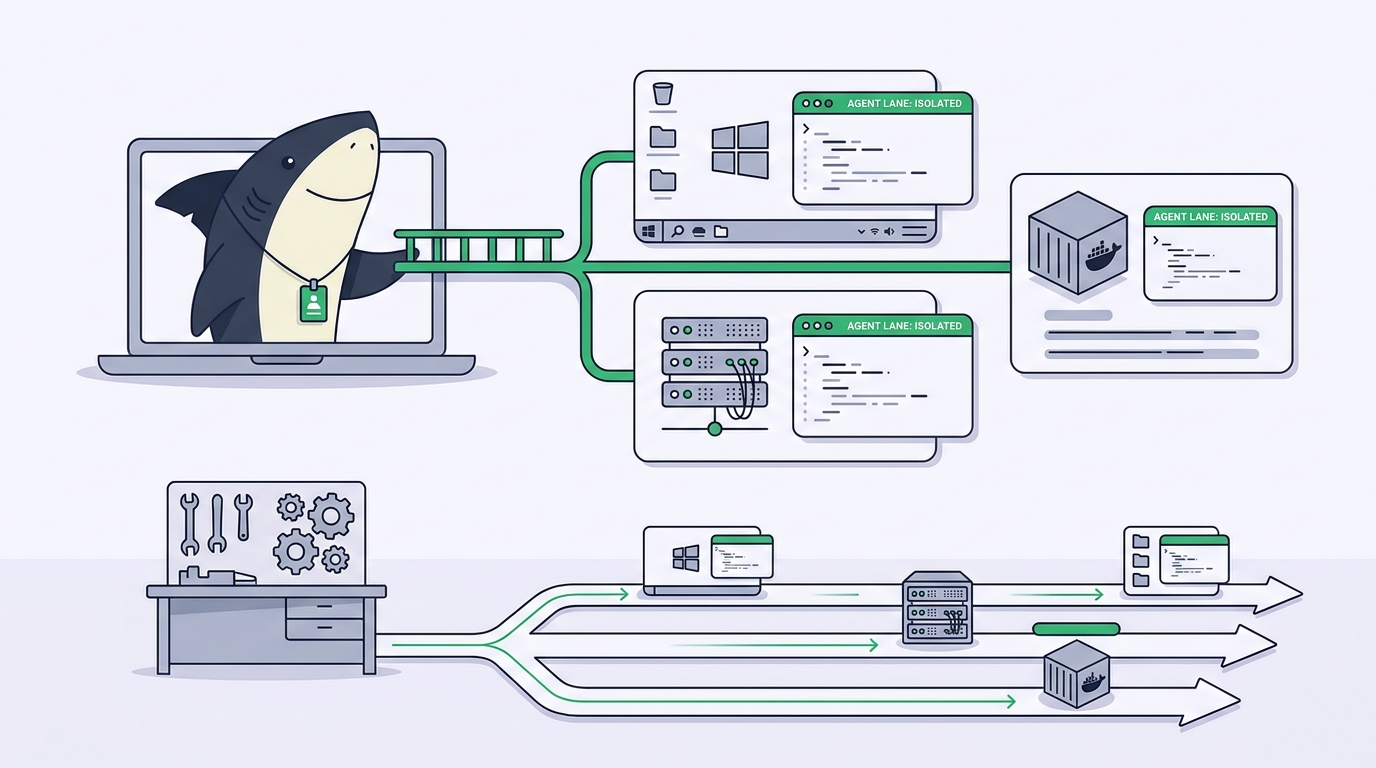
Async parallelism without local pain. Running several agents at once on your own laptop means juggling terminal tabs, git worktrees, and CPU. Background agents move that load into Cursor’s cloud, so the parallelism costs you nothing locally. For teams that used to wire this up by hand, our guide on running multiple Claude Code agents in parallel shows how fiddly the DIY version gets. Background agents remove that setup inside Cursor entirely.
Isolated environments per run. Each background agent gets its own environment, so two agents editing overlapping files do not corrupt each other’s state. This is the same safety principle behind git worktrees for coding agents, applied in the cloud. You configure the environment once, install commands, base image, secrets, and every future run inherits it.
A launch surface where the work already happens. Because you can trigger a background agent from Slack, a product manager or a teammate who never opens Cursor can still start one. “Fix the broken link on the pricing page” becomes a message, and a branch comes back. That is a real reduction in friction.
A clean handoff into review. The output is a branch or a pull request, which slots straight into the GitHub review flow your team already trusts. No new place to look. The agent’s diff shows up where diffs always show up.
For a team that has standardized on Cursor top to bottom, this is a tidy, powerful loop. Describe work, spawn agents, review pull requests, merge. If that is you, background agents may be all the orchestration you need, and you can stop reading here with a clear conscience.
The honest boundary: they orchestrate Cursor, not your other tools
Here is the line the marketing rarely draws for you. Background agents orchestrate Cursor. They run Cursor’s agent, in Cursor’s cloud, controlled from Cursor or Slack, landing in your Git host. Every part of that sentence is a Cursor part. That is not a flaw. It is the design. But it sets a hard limit the day your team’s reality stops being “everyone uses Cursor.”
A background agent does not run Claude Code, Codex, Gemini, or OpenCode. It runs the Cursor agent. If half your team has moved to Claude Code in the terminal because it fits their workflow, those runs live in a completely separate world. There is no shared timeline where a Cursor background agent’s work and a Claude Code run sit side by side.
A background agent does not give you one review layer across tools. Its work returns to a GitHub pull request, which is fine, until you also have agents running elsewhere whose progress, blockers, and results never reach the same place. Now your “single source of truth” is three sources of truth.
A background agent does not manage team-level assignment across runtimes. It has no concept of “this Task belongs to this person, running on that Computer, with this Agent, and here is its acceptance criteria.” It knows about a repo and a prompt. The coordination layer your team needs, who owns what, what is blocked, what is waiting on human review, lives outside its scope.
None of this is a knock on Cursor. State what a tool is not, plainly, at the spot where a reader would otherwise assume wrongly: background agents are a single-vendor orchestration feature, not a neutral coordination layer for a mixed fleet. If you only ever run Cursor, the boundary never bites. The moment you run two runtimes, it does.
The decision pair: single-vendor orchestration or a neutral layer
The choice is not “good tool versus bad tool.” It is “which shape of orchestration matches your team.” Here is the honest decision pair.
Use Cursor background agents when you live entirely in Cursor. One editor, one agent, one cloud. The whole team writes code in Cursor, reviews in GitHub, and has no plan to add other runtimes. In that world, background agents are the shortest path from idea to reviewed branch, and adding another layer would be overhead you do not need.
Use a neutral layer when the team mixes runtimes and needs shared review. The second you have Claude Code in one place, Codex in another, and a Cursor user or two in the mix, the thing you are missing is not more agents. It is a shared record. You need one Task that holds the goal, the diff, the discussion, and the human review, no matter which runtime did the work. That is a job for a layer that sits above every tool, not inside one of them.
This is the same fork developers hit when they outgrow a local board, which we covered in the Vibe Kanban alternative guide. Single-vendor orchestration is comfortable right until the vendor is no longer the whole story.
Where Sharkly fits: the neutral layer around every runtime
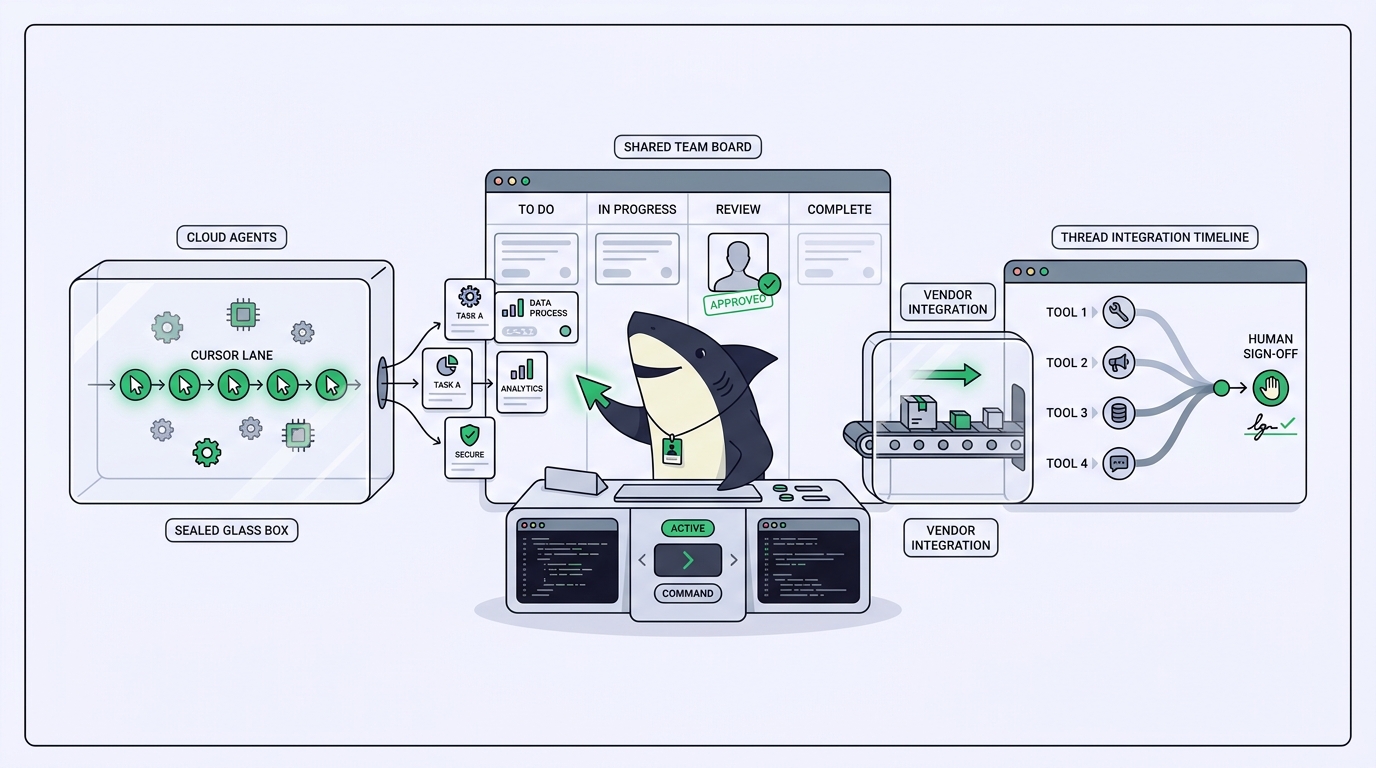
Sharkly is not a replacement for Cursor, Claude Code, Codex, or other execution tools. It adds the shared Task, Computer, context, control, and review layer around the tools your team already uses. That sentence is the entire relationship, so read it twice. You keep Cursor. You keep its background agents where they fit. Sharkly is what coordinates the fleet when the fleet is bigger than one vendor.
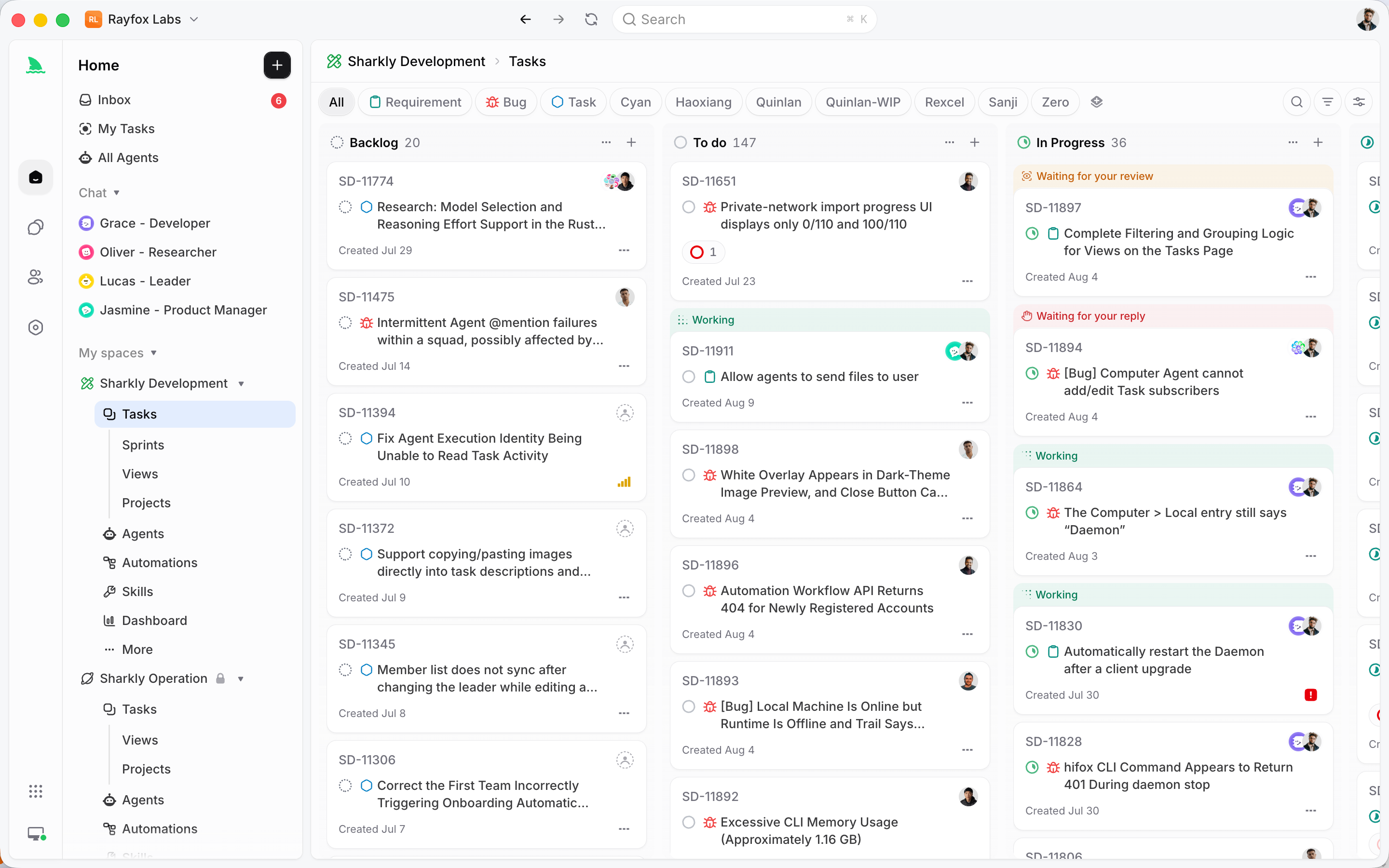
The division of labor is clean. Cursor, Claude Code, Codex, and similar tools perform execution. Sharkly manages team-level assignment, connected Computers, Task context, progress, blockers, results, and human review across those tools. Agents research, execute, test, and report. People set direction, grant authority, and accept the result. Automation stops where team judgment is required.
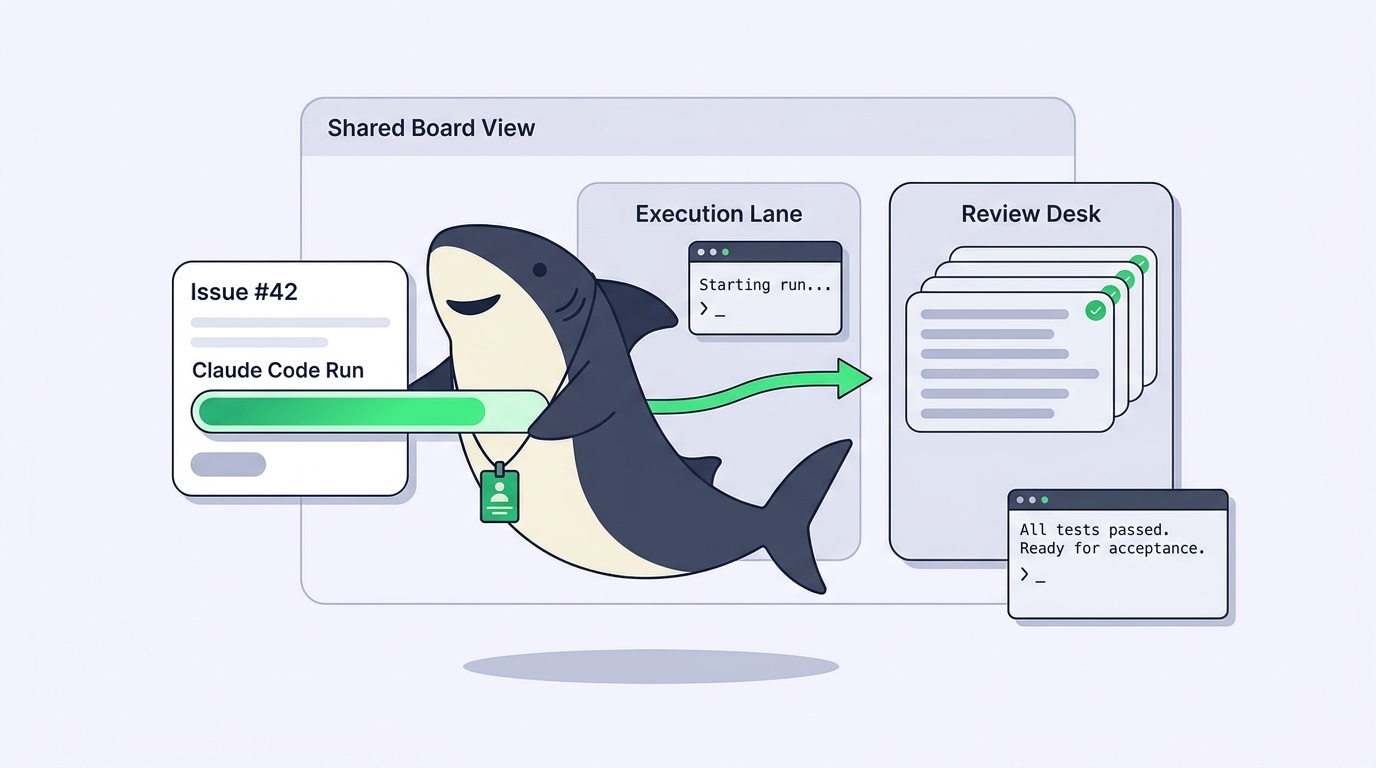
Concretely, a Task in Sharkly is the main unit of work, and it holds everything about a piece of work in one place. You assign it to an Agent running on a Computer you control, with the Runtime of your choice. Execution, blockers, results, and follow-up discussion return to the Task timeline, instead of scattering across private terminals, one vendor’s cloud, and a Slack thread. The goal, the diff, the discussion, and the review of every run stay together, whether that run used Claude Code or Codex or something you adopt next year.
And it does not ask you to rebuild anything. Keep the tools your team already uses while making runs assignable and traceable. Model usage continues through the subscriptions or API keys configured in those tools, so you bring your own subscription and Sharkly adds the coordination on top. If you are new to the platform, meet Sharkly walks through the core ideas, and the first-task walkthrough shows the smallest useful version end to end. You can download Sharkly and connect one Computer to try it against real work.
A worked example
Say your team picks up ticket SH-312: “add rate limiting to the public API and cover it with tests.” Watch how the two shapes handle it.
With background agents alone, a Cursor user spawns a background agent, it works in Cursor’s cloud, and a pull request comes back. Good, as long as that Cursor user is the one doing it. But your backend lead runs Claude Code and wants to take the tricky middleware part. Now SH-312 has a Cursor pull request and a separate Claude Code session with no shared home. Whoever reviews has to stitch the two together by memory.
With Sharkly, SH-312 is one Task. The middleware Agent runs on the lead’s Computer under Claude Code, the test-coverage Agent runs under a different Runtime, and both return their work to the same Task. The reviewer opens one place and sees the full picture: what each Agent did, what is blocked, what passed typecheck and tests, and what is waiting on a human decision. Frontend, backend, and test coverage move at the same time, which is the parallel-development pattern we describe in what agentic coding really means. The person accepts, requests changes, or decides the merge. The runtimes stayed exactly what they were. The coordination is what got added.
Common mistakes to avoid
- Assuming “background” means “unsupervised.” It does not. Both background agents and any orchestration layer still need human acceptance. Leave final acceptance and release decisions to people, and read every diff before you merge.
- Adopting one vendor’s orchestration as if it were your whole strategy. If you standardize on background agents today and add Claude Code next quarter, you have quietly split your review surface in two. Decide early whether you are a single-runtime shop or a mixed fleet.
- Skipping the environment config. A background agent is only as good as the environment you set up for it. Vague setup means flaky runs. Pin your base image, install commands, and secrets so every run starts from the same known state.
- Treating pull requests as the coordination layer. Pull requests are a review surface, not an assignment and context layer. Who owns the Task, what it depends on, and why it is blocked do not fit in a diff.
Cursor background agents vs a neutral orchestration layer
Read this as a division of labor, not a scoreboard.
| Dimension | Cursor background agents | Neutral layer (Sharkly) |
|---|---|---|
| Runs which agent | Cursor’s agent | Claude Code, Codex, Gemini, OpenCode, and others |
| Where work runs | Cursor’s cloud environment | Computers your team connects and controls |
| Launch surface | Cursor editor, Slack | Task assignment, CLI, REST API |
| Shared record across tools | Per-run branch or PR | One Task holding context, progress, blockers, results |
| Cross-runtime review | Single vendor only | Human review across every connected runtime |
| Best fit | Teams fully standardized on Cursor | Teams mixing runtimes who need shared review |
| Relationship | An orchestration feature inside one tool | A layer around the tools you already use |
Neither column is “wrong.” If your row-by-row answer lands mostly in the left column, background agents fit. If it drifts right, especially on the shared-record and cross-runtime rows, you have outgrown single-vendor orchestration.
Key takeaways
- Cursor background agents are cloud-hosted, asynchronous coding agents launched from the editor or Slack, landing work as a branch or pull request.
- They do this well: async parallelism with no local cost, isolated environments per run, a low-friction launch surface, and a clean handoff into GitHub review.
- Their boundary is by design: they orchestrate Cursor’s agent, not Claude Code, Codex, or Gemini, and they do not give a mixed-runtime team one shared review layer.
- Use background agents when your whole team lives in Cursor. Use a neutral layer when you run several runtimes and need shared assignment, context, and review.
- Sharkly runs alongside Cursor, not instead of it: keep your tools, bring your own subscription, and let every run return to one Task from request to release.
The next step is small on purpose. Connect one Computer, create one Agent, and assign it something boring. The docs cover each concept in more depth at docs.sharkly.ai.
FAQ
What is a Cursor background agent in one sentence? It is a coding agent that runs asynchronously in a remote environment Cursor provisions, launched from the editor or Slack, that clones your repo, makes changes, runs commands, and returns its work as a branch or pull request.
How are background agents different from the normal Cursor agent? The normal agent works in your local editor session while you watch. A background agent leaves your machine and works on its own in the cloud, so you stay unblocked and can run several at once.
Can Cursor background agents run Claude Code or Codex? No. Background agents run Cursor’s own agent. If your team uses Claude Code or Codex, those runs happen separately, which is why a mixed-runtime team needs a neutral layer above every tool. See our guide on running multiple Claude Code agents for that side of the fleet.
Do I have to replace Cursor to use Sharkly? No. Sharkly is not a replacement for Cursor or any execution tool. It adds the shared Task, context, and review layer around the tools you already use, so Cursor and its background agents keep working exactly as before.
When should I not add an orchestration layer on top? If your entire team lives in Cursor and has no plan to add other runtimes, background agents may be all the orchestration you need. Add a neutral layer only when you run several tools and need one shared record across them.
Does Sharkly change how I pay for models? No. You bring your own subscription. Model usage continues through the subscriptions or API keys configured in your connected tools, and model quota depends on the plans and API accounts your team connects.
How do I try the neutral-layer approach without a big migration? Start with the smallest useful workflow: connect one Computer, create one Agent, and assign one low-risk Task. The first-task walkthrough covers it step by step.