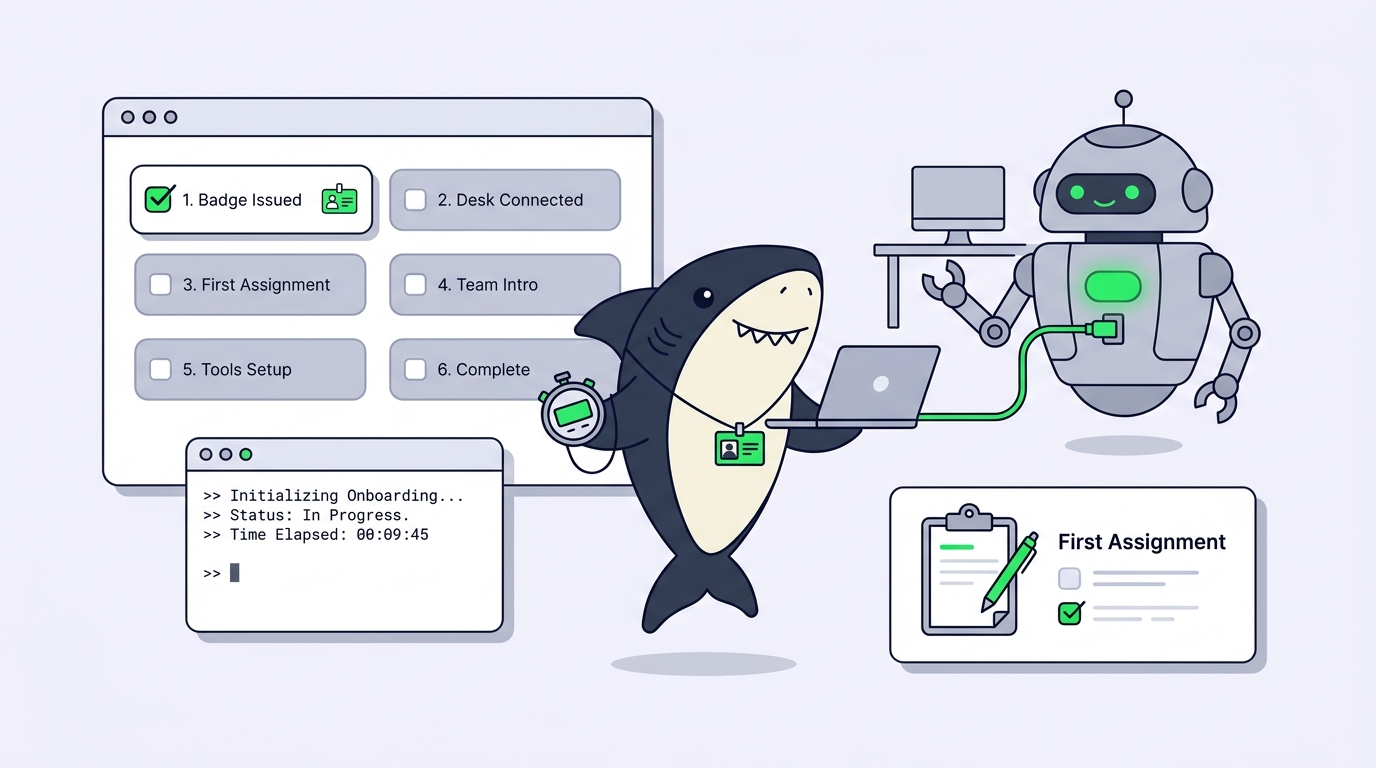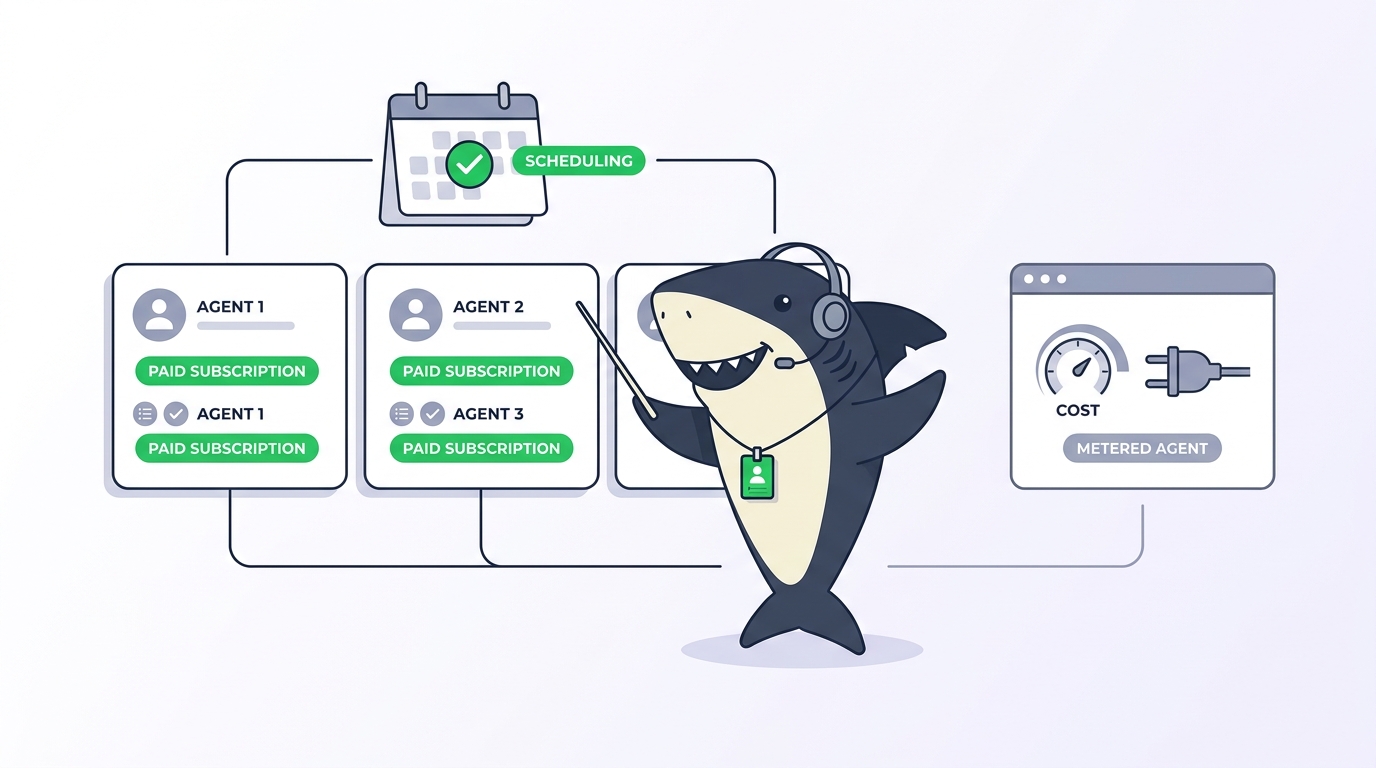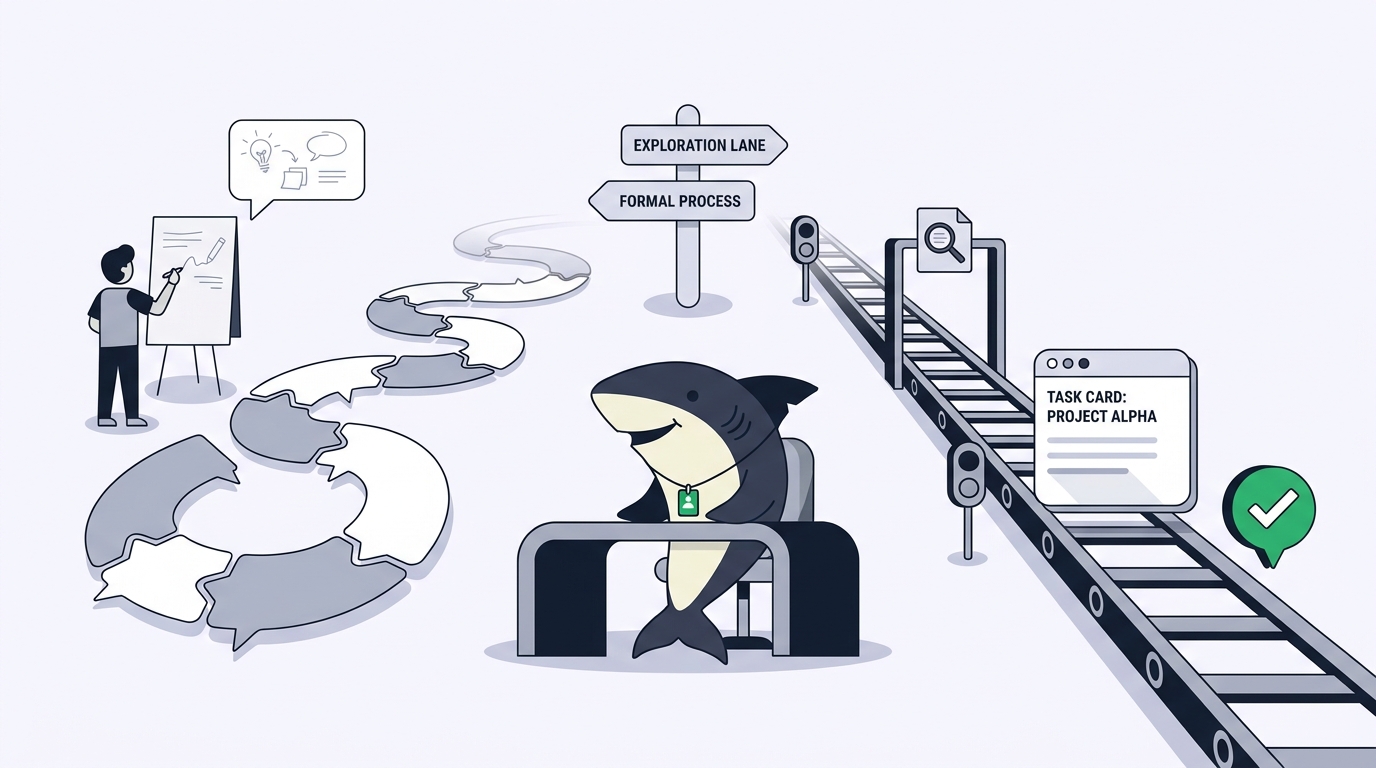
Nobody trusts a new teammate because of their resume. Trust comes from structure: a scoped responsibility, work that happens where the team can see it, and review before anything ships. Strip any of those away and even a brilliant colleague becomes a liability. The same holds for AI agents as teammates. The question is never “is the model smart enough.” It is “do I know what this thing is allowed to touch, can I see what it did, and does anything ship without a person saying yes.”
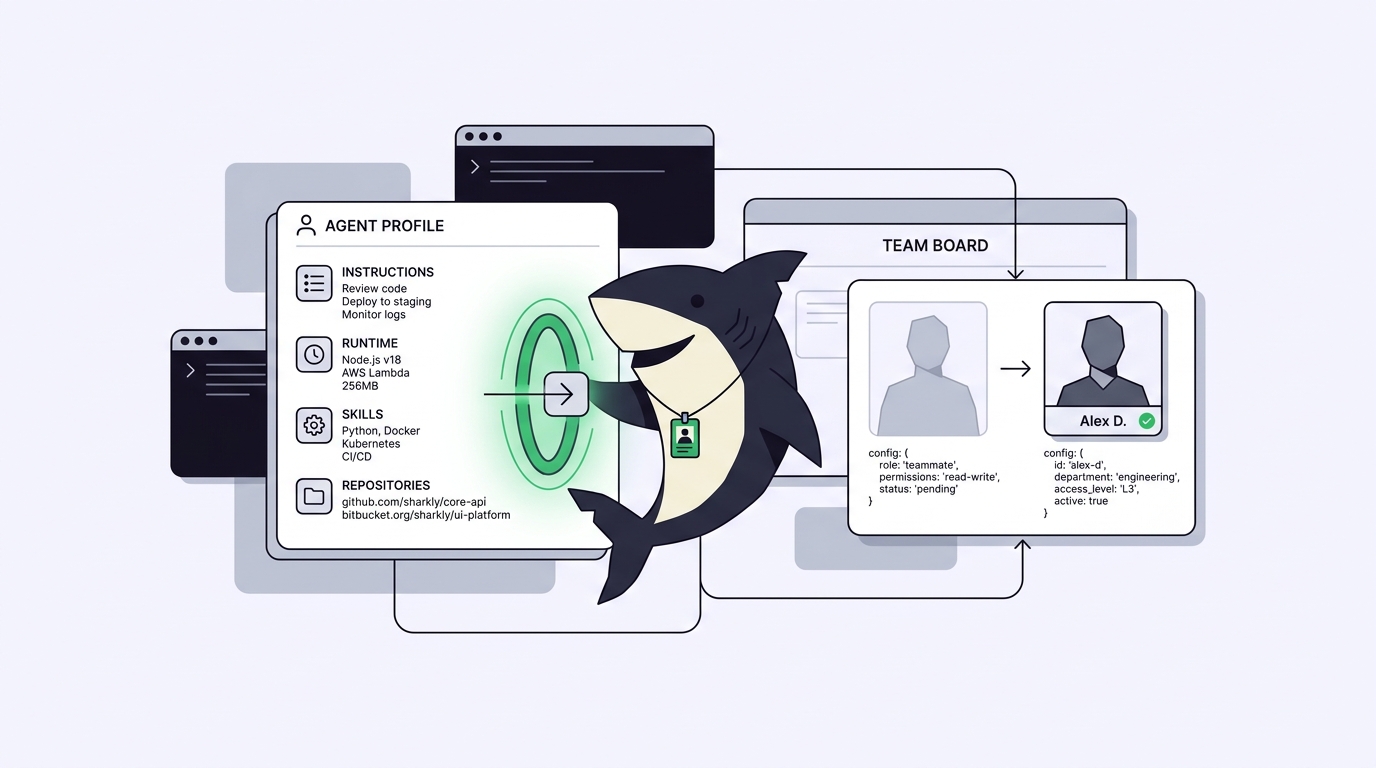
Sharkly answers that with configuration rather than promises. An Agent in Sharkly is a saved working configuration rather than a one-off prompt: its instructions, Runtime, Skills, repositories, environment, and run settings shape how it handles work. A prompt disappears when the terminal closes. A configuration is inspectable, shareable, and stable across every run.
If you want the platform overview first, start with what Sharkly is and come back.
TL;DR
An Agent in Sharkly is a saved, reusable working configuration for an AI actor: operating instructions, a Computer and Runtime binding, attached Skills, Git repositories, environment variables, and run settings like concurrency, timeouts, and working-directory mode. You trust it the way you trust a teammate, through structure rather than faith: its scope is explicit in the configuration, its execution states and trace are visible, and its results return to the Task where a person reviews and accepts them. Agents research, execute, test, and report. People set direction, grant authority, and accept the result.
What an Agent is (and is not)
An Agent is an AI actor configured to handle work in Sharkly. It can receive assigned Tasks, write comments, update Task state through the available workflow, and produce an execution trace. Because the configuration is saved, a team can maintain separate Agents for code changes, review, testing, documentation, or operational triage without rewriting the same instructions for every Task.
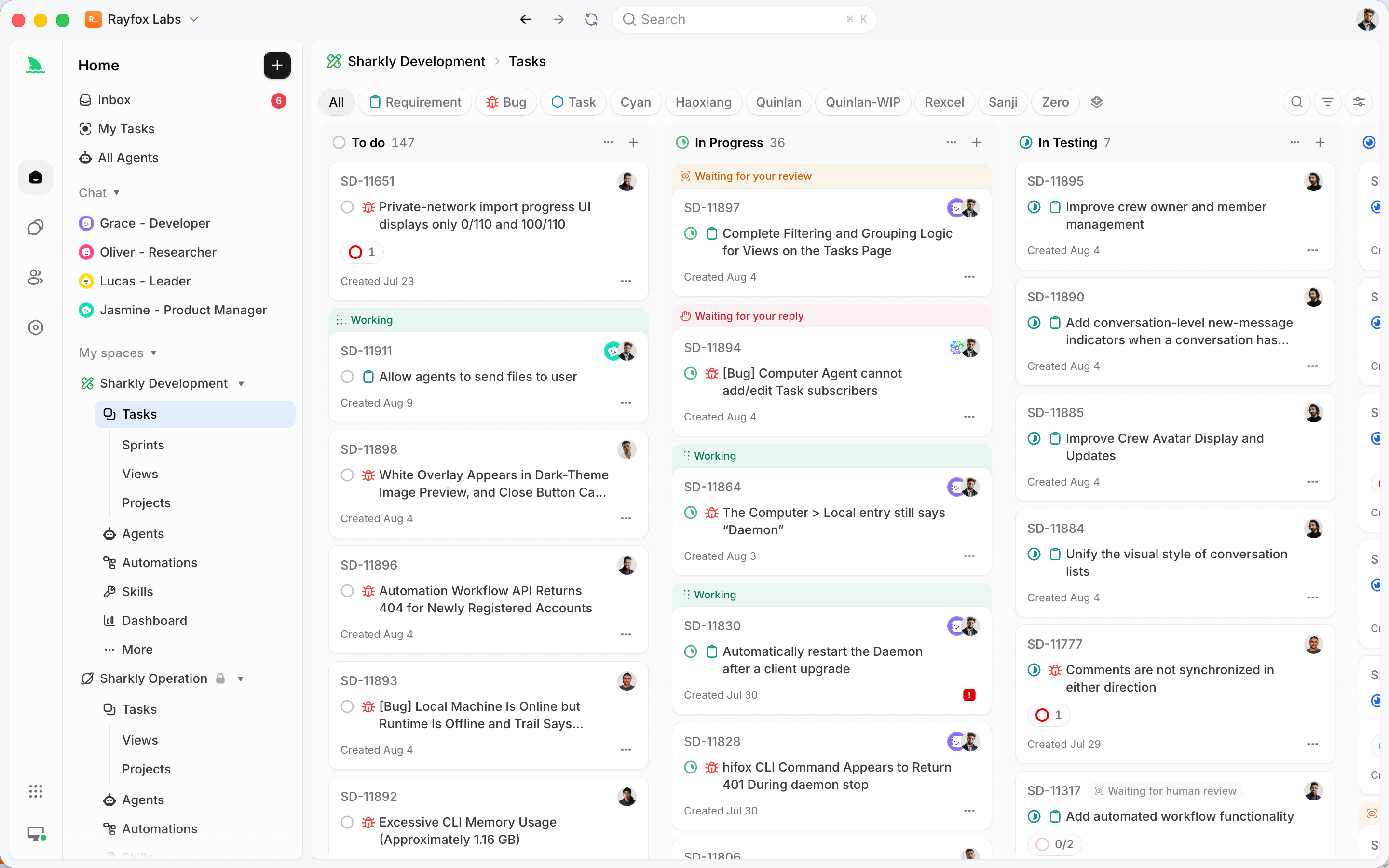
Two boundaries matter up front.
An Agent is not the execution host. Its work runs through a selected Runtime on a connected Computer. The Agent defines how work should be handled; the Computer supplies the host; the Runtime performs the actual session; the Task remains the shared record. Each role has one job, which is why a single Computer can serve several Agents.
An Agent does not pick its own model. It follows the Runtime’s default model, with no model picker or thinking-depth control on the Agent. To use a different model, change it in the Runtime or Computer tool configuration, for example in Claude Code or Codex itself.
Trust is a property of the system, not the model
Here is the argument this article rests on: an agent is trustworthy when its work is scoped, visible, and reviewable. Not when the model is impressive.
Scoped means the Agent’s authority is written down before it runs: which repositories it can touch, which Computer it executes on, what its instructions permit, how many Tasks it may run at once, and how long a run may last. Visible means run states, trace events, and results return to the Task where anyone can inspect them, instead of disappearing into a private terminal. Reviewable means a person sits at the end of the loop: an Agent can leave a Task waiting for a human reply or waiting for human review, and those signals land in the responsible person’s Inbox.
That is the human-agent contract in practice. Automation stops where team judgment is required. If you are still weighing the workflow itself, our primer on agentic coding covers the shift from prompting to assigning work.
The Agent configuration surface
An Agent can include a name, description, avatar, and owner; operating instructions; visibility and Space placement; a Computer connection and Runtime provider; assigned Skills; Agent-specific Git repositories; plain and secret environment variables; additional Runtime arguments; Task Working Directory settings; and a maximum for parallel running Tasks plus a per-Task timeout. Each piece is a lever of trust.
Instructions are included in each run. Use them for behavior that should hold across every Task: scope and role, how to inspect a Task before acting, when to ask for human input, expected checks, and reporting format. The docs draw a useful three-way line: Task-specific requirements go in the Task description or comments, a reusable procedure several Agents may share goes in a Skill, and the Agent’s own instructions carry its stable identity. “Read the Task description and recent comments before editing. Keep changes limited to the requested behavior. Run the closest relevant checks and report failures without hiding them” belongs on the Agent, because it should be true on Monday and still true in March. The description serves a different reader: it tells People what to assign, while the instructions tell the Agent how to work.
Visibility is Personal, available only to its current owner, or Space, available to People who can access the Agent’s Space. It also controls who may assign the Agent, start Agent Chat with it, or trigger it through a comment or mention. Start Personal while tuning; move to Space when the configuration is worth sharing. That promotion is the moment one developer’s working practice becomes team infrastructure.
Computer and Runtime combine into the execution target. A Computer being online only means its local service is sending heartbeats; it does not mean the selected Runtime can execute a Task. If the Computer is offline, new runs normally wait for it to reconnect; if the selected Runtime is gone, choose another eligible one. The full setup story is in Computers in Sharkly.
Skills package reusable instructions and supporting files: review rules, delivery checklists, a team process. Local Runtime Skills remain available automatically on that Computer; shared Space Skills must be assigned explicitly. One caution worth repeating: avoid binding many overlapping Skills, because conflicting instructions make execution less predictable. See Skills in Sharkly for the deep dive.
Repositories are the cleanest scoping lever you have. Attach them to the Agent when it needs a narrower code scope than the Space default; with no bindings, Sharkly falls back to the repositories configured for the Task’s Space. A documentation Agent bound to the docs repository has no path to your payment service.
Environment and run settings bound what a run can consume. Plain and secret environment variables, plus additional Runtime arguments, let a run carry configuration without anyone pasting credentials into a Task. Never put repository tokens, private keys, or install tokens in a Task description, comment, Agent instruction, or Skill. Task Run Settings control parallel Tasks, maximum run duration, and the working-directory mode:
| Temporary mode | Specified mode | |
|---|---|---|
| What a run gets | An isolated directory per Task; repository-backed runs can prepare a fresh worktree | One configured absolute local directory from the Agent’s directory pool |
| Concurrency | Safer parallel execution; default is 50% of the Computer limit | One run per directory at a time; default matches the directory count |
| Availability | Any connected Computer | Local Computers only |
| Best for | Most repository work, and any time several Tasks may modify the same codebase in parallel | Very large repositories, expensive local caches, or Tasks tied to local services |
Set a manual concurrency value higher than the directory count and the product warns that writes may collide. The isolation mechanics are the subject of how Sharkly runs Agents in parallel without merge conflicts.
Conversations vs Tasks: two surfaces, one rule
Agent Chat is a standalone conversation for asking a question, investigating a topic, or shaping a plan before anything needs a tracked Task. Chat supports three modes: Explore for read-only investigation, Plan for proposals you review and confirm before Sharkly creates the planned task and subtasks, and Execute for direct action through the Agent’s configured CLI. Each session belongs to the person who created it.
A Task is where work goes when it needs ownership, status, execution history, or review. The decision pair: use Chat to explore, plan, or act before the work needs a tracked Task; use the Task when the work needs an Assignee, status, acceptance criteria, or a durable record.
One boundary keeps teams from losing context. Sending a message in Agent Chat does not create a task comment, and messages in a task’s Agent chat do not appear in Activity as comments. If the team needs to see a conclusion, copy it into the task description or a comment. Trust depends on the shared record, and the shared record is the Task.
What the status states tell you
Visibility here is a specific set of states you can read, not a dashboard slogan.
A Task run moves through queued, dispatched, waiting for local directory, running, completed, failed, and canceled. Run states are separate from the Task’s workflow status: a run can fail while the Task stays open for another attempt. The execution log records why a run was queued, when it started and ended, tool calls and Runtime events, the trigger source, and failure details.
Agent availability is a third, separate signal. An online Agent may still have queued work because concurrency or directory capacity is full. And Backlog acts as a parking area: a Task assigned to an Agent waits while it is in Backlog, and moving it to a status ready for work is what starts the run. Assigning an Agent never fires work by surprise.
Your first Agent: a walkthrough you can trust
The fastest way to build trust is the smallest useful loop from the Sharkly docs: connect one Computer, create one Agent, and assign one low-risk Task.
- Connect a Computer. Open Settings, then Computers, and choose Connect Computer. Wait until it shows as connected with at least one available Runtime.
- Create the Agent with a narrow role. Name: Code Reader. Description: reads a repository, explains the current implementation, and reports risks without changing files. Visibility: Personal.
- Write instructions that enforce the scope: “Read the full Task and relevant comments before acting. Keep the scope to the request. For the first Task, do not edit files. Report what you inspected, the evidence for each conclusion, and anything that remains uncertain.”
- Bind the code. Attach a Git repository or configure a specified local directory that already contains it. Skills can wait.
- Create a small, text-only Task: review the authentication error path, identify three user-visible failure cases, cite the relevant file for each, change nothing.
- Assign and start, using a status that is ready for work rather than Backlog. Watch the run state move from queued to running, then read the result on the Task.
- Review like you mean it. Check that the Agent inspected the intended code, stayed within the no-edit boundary, gave evidence, and recorded uncertainty instead of guessing.
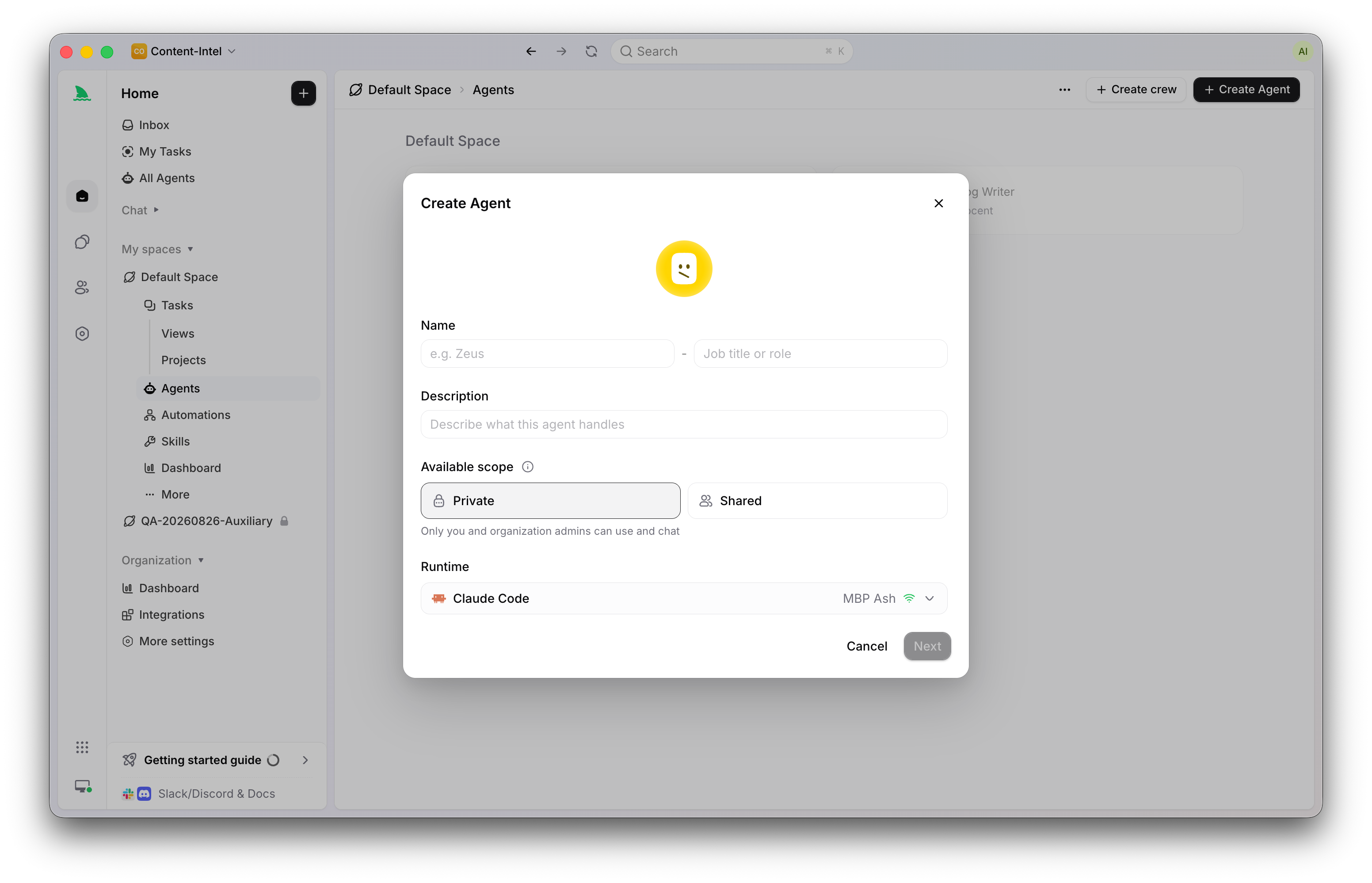
That last step is the whole point. A read-only first Task lets the Agent earn authority before it holds any. Once the loop works, widen the scope deliberately. The full assignment mechanics are in how to assign your first Task to an AI coding Agent.
And if an Agent stops earning that trust, revocation is clean. Archiving removes it from assignment and mentions and cancels its running work, while its prior Tasks, comments, and run history remain available. A teammate you can offboard without losing the record of their work is a teammate you can afford to onboard.
FAQ
What exactly is an Agent in Sharkly?
An Agent is an AI actor configured to handle work in Sharkly: a saved configuration of instructions, a Computer and Runtime binding, Skills, repositories, environment variables, and run settings. It can receive assigned Tasks, write comments, update Task state, and produce an execution trace. Because the configuration is saved, one person’s working practice becomes reusable when the Agent is shared to a Space.
Which model does a Sharkly Agent use?
The Agent follows the default model of its selected Runtime, such as Claude Code or Codex, and does not display or promise a specific model name. There is no model picker or thinking-depth control on the Agent. To change models, update the Runtime or Computer tool configuration.
What is the difference between chatting with an Agent and assigning it a Task?
Agent Chat is a standalone conversation for exploring, planning, or acting before the work needs a tracked record. A Task is the shared unit of work, with an Assignee, status, execution history, and review. Chat messages do not become task comments, so team-visible conclusions belong on the Task.
How do I limit what an Agent can do?
Scope is set in configuration: instructions define role and caution rules, repository bindings limit which code the Agent sees, and Task Run Settings cap parallel Tasks and run duration. Temporary working-directory mode adds isolation by giving each Task its own directory. Final acceptance still belongs to a person.
Why does my assigned Task not start?
Check three things. A Task in Backlog waits by design; move it to a status ready for work. A Computer being online only means heartbeats are arriving, so confirm the selected Runtime shows as available. And an online Agent may still queue work when its concurrency or specified directories are full.