Your team’s project board has a quiet assumption baked into it: every assignee is a person. Every status change was clicked by someone. Every “Done” means a human did the work and another human glanced at it. That assumption held for twenty years of project management software, and it strains the day your team starts assigning real work to AI coding agents.
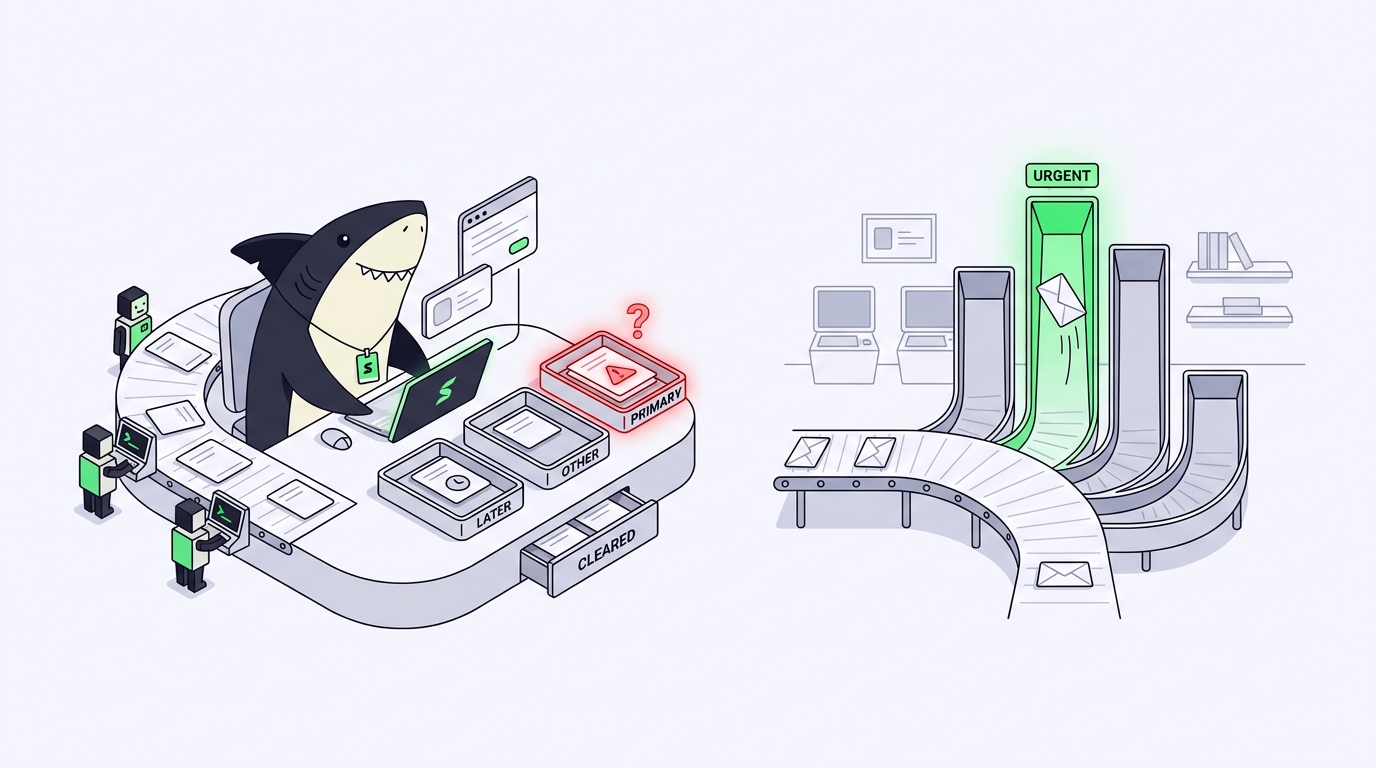
Agents do not behave like the assignees your board was built for. They work at 2 a.m. They finish in minutes and then wait, silently, for someone to notice. They produce a diff, a test run, and a summary rather than a standup update. If your tracker cannot represent any of that, agent work happens off the board: in private terminals, private chats, and private judgment calls. The work gets done, but nobody can see it, own it, or accept it.
Closing that gap is a discipline with a name: AI agent project management. This guide defines it, separates it from the terms it gets tangled with, walks through its operating loop, and shows what changes in each familiar PM primitive. We will use Sharkly as the reference implementation, the same way our AI agent orchestration guide does: category first, product second.
TL;DR: what is AI agent project management?
AI agent project management is the practice of assigning, tracking, and reviewing work performed by AI agents alongside people, so that every agent task has an owner, a status, complete context, and a human who accepts or rejects the result. It treats agents as assignees inside a shared work system rather than as tools inside private terminals. It is distinct from agent orchestration, which makes agents run; agent PM makes their work visible, owned, and accepted. You need it when agent work becomes team work: multiple agents, multiple people, and results that matter enough to review.
The definition, unpacked
AI agent project management is the discipline of managing work whose assignees include AI agents: defining tasks agents can execute, assigning them to the right agent or person, keeping the context and execution record in one shared place, and routing every result through human review and acceptance.
Five words in that sentence carry the weight:
- Assignment. An agent can be given a task the way a teammate is, with the goal, constraints, and acceptance criteria attached, not pasted into a prompt that disappears when the terminal closes.
- Tracking. Agent work has a status the whole team can see, from queued to running to waiting for review, alongside the human work in the same plan.
- Context. The agent reads its task the way a new teammate would: description, comments, linked code, prior decisions. And its output lands back in that same record.
- Review. A person reads what the agent produced before it counts.
- Accountability. Every agent task has a human who answers for it. The agent executed; a person owns the outcome.
If your setup delivers those five things, you are doing AI agent project management, whatever the tooling. If it delivers none of them, you have agents, but you do not have management.
What AI agent project management is not
Three neighboring terms get collapsed into this one, and the collapse causes real confusion when teams shop for tools.
Not traditional project management with agents bolted on
Jira, Linear, and their peers were built on the human-assignee assumption: one kind of assignee, statuses modeling human working rhythms, and no data-model distinction between who is responsible and what is executing. Some have moved toward agents (Linear can delegate an issue to a connected coding agent, which reports progress and a diff back on the issue), but the execution still happens inside whichever vendor’s hosted agent you connected, on that vendor’s terms. What you do not get is a neutral layer for running your own mix of runtimes on machines you control, with one shared record of every run. We compare how far the traditional trackers stretch in our guide to Jira alternatives for human-agent teams.
Not agent orchestration
This is the distinction that matters most, because the two disciplines are adjacent and complementary. Agent orchestration is about execution: routing a task to an agent, isolating each agent’s workspace so parallel runs do not collide, and keeping the machinery running. Agent project management is about the work itself: who asked for it, what it must achieve, what state it is in, who reviews it, and whether it was accepted.
A clean way to hold the two apart: orchestration makes agents run; agent PM makes their work visible, owned, and accepted. A team can have excellent orchestration and no agent PM, which looks like ten agents running smoothly in parallel while nobody can say what they are working on or who signs off.
Not an agent framework
Frameworks such as LangGraph or the multi-agent patterns in agent SDKs are code libraries for building agent applications. They concern developers constructing an agent. Agent PM concerns teams using agents, most often off-the-shelf coding runtimes like Claude Code or Codex, who need that work to fit into a team plan. You can adopt agent project management without writing a line of framework code. If delegating coding work to autonomous tools is new to you, start with our primer on what agentic coding is.
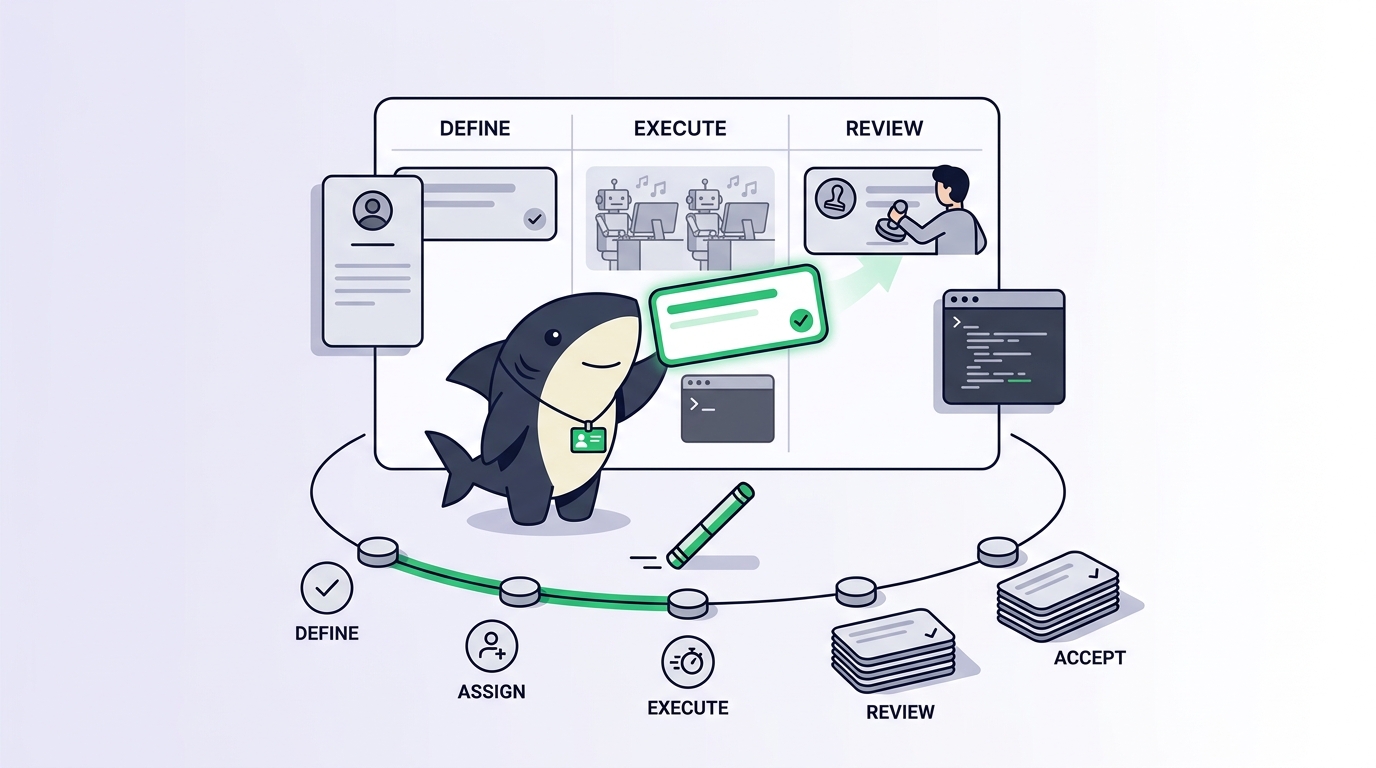
The operating loop: define, assign, execute, review, accept
Strip any agent PM setup down to its skeleton and you find the same five-stage loop. Each stage has a human half and an agent half, and the loop only works when both are explicit.
1. Define. A person writes the task: the goal, why it matters, what is in and out of scope, and how completion will be judged. This matters more with agents than with people, because an agent cannot absorb hallway context. A teammate who receives a vague ticket asks a clarifying question at lunch; an agent either asks in a comment or guesses.
2. Assign. The task goes to an assignee, and here the primitive splits in two. Responsibility goes to a person: the human who owns the outcome. Execution goes to an agent, or to a person for work agents should not touch. Keeping those as separate fields, rather than one overloaded “assignee,” is the single most important data-model change in agent PM. It preserves accountability while letting execution move to software. Our walkthrough of assigning a Jira ticket to an AI agent and getting a PR back shows the stage end to end.
3. Execute. The agent reads the task, inspects the code, makes changes, runs checks. This is the stage orchestration owns, and agent PM asks only one thing of it: that progress, blockers, and results return to the task rather than scrolling away in a terminal. Execution that leaves no shared record is execution the team cannot manage.
4. Review. The agent stops and a person reads: the diff, the test results, the agent’s own summary of what it did and what remains uncertain. Review is where agent speed meets human judgment, and the honest version of this stage includes rejection. A reviewer who can only click “approve” is a rubber stamp, not a gate.
5. Accept. The responsible person makes the call: accept, request changes, or reassign. Acceptance is distinct from review the way merging is distinct from reading a pull request. It is the moment accountability cashes out, and it is deliberately human. Agents research, execute, test, and report. People set direction, grant authority, and accept the result.
Then the loop feeds itself: accepted work defines the next task, and rejected work returns to define with sharper criteria.
What changes in each PM primitive
The vocabulary of project management survives the arrival of agents. The mechanics underneath almost all change.
| Primitive | Traditional PM assumption | Agent-native PM |
|---|---|---|
| Task | Written for a human who can ask around for context | Self-contained brief with goal, scope, links, and checkable acceptance criteria |
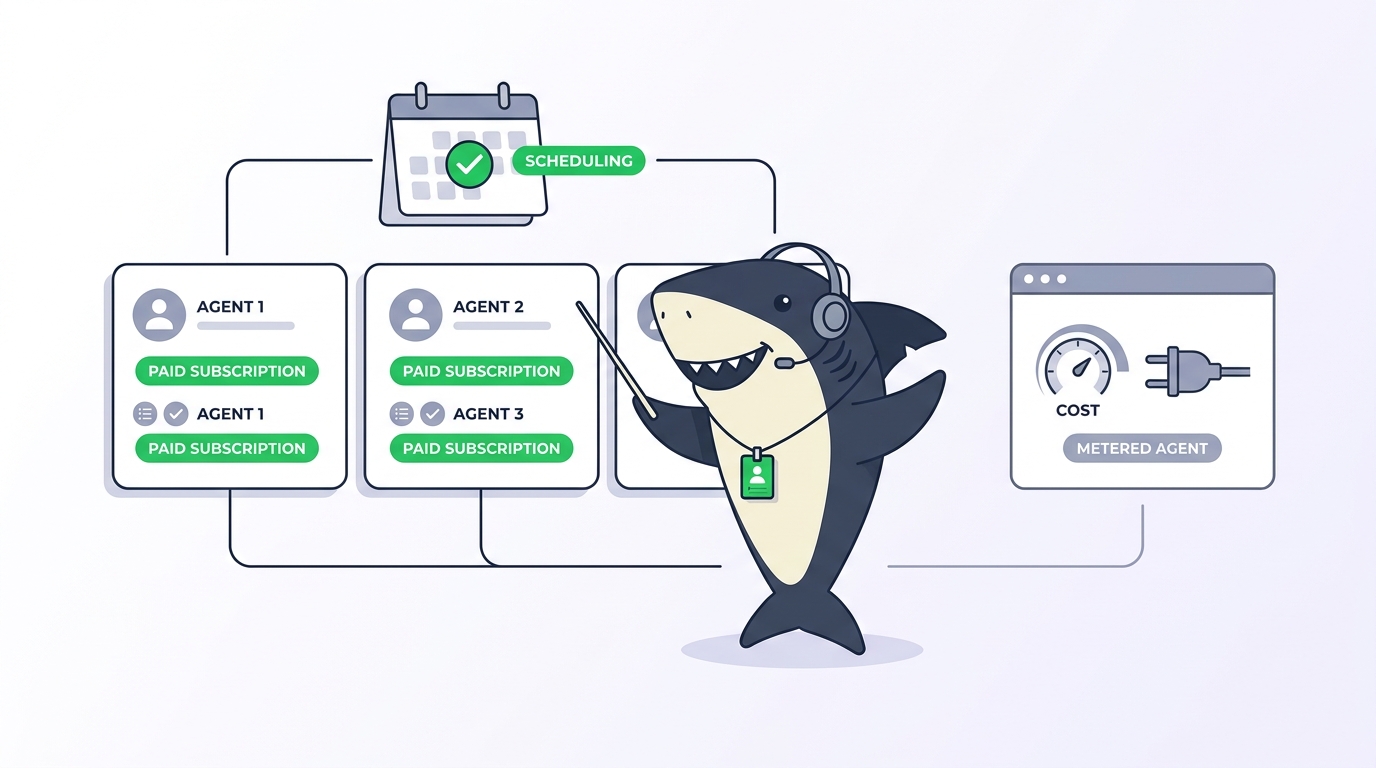
| Assignee | One field, always a person | Two fields: a responsible person plus an executing agent or person |
| Status | Hand-moved through human rhythms (days) | Workflow status plus a live execution state (queued, running, failed) that updates in minutes |
| Sprint | Scoped to human availability | Mixed scope; agent throughput bounded by machine capacity and review bandwidth |
| Capacity | Headcount and hours | People hours plus agent concurrency, with human review as the real ceiling |
| Audit trail | Comments and manual status history | Execution logs, traces, diffs, and agent reports attached to the task record |
Tasks stop being reminders and become briefs. A human assignee tolerates ambiguity; an agent converts it into confident wrong answers. Writing tasks with explicit scope and acceptance criteria, long preached and rarely practiced, becomes load-bearing.
Status splits into two layers. The workflow status still describes where the work stands for the team. Underneath it, agent execution has its own states: queued, running, completed, failed, canceled. A task can sit In Progress while its agent run has failed and nobody noticed. Agent-native tooling surfaces both layers and routes the “waiting for your review” and “run failed” moments to the responsible person instead of hoping someone checks.
Sprints keep their shape and change their physics. A sprint is still a time-boxed scope with a goal. But when part of the scope executes in minutes instead of days, planning shifts from “what can the people finish” to “what can the people define and review.” We cover the mechanics in how Sprints work in Sharkly.
Capacity becomes a two-sided number. Agent-side capacity is machine and concurrency math. Human-side capacity is review bandwidth: how many agent results your team can read carefully. The second number is almost always the smaller one, and pretending otherwise is how teams end up merging work nobody read.
The audit trail goes from optional hygiene to core requirement. When a person did the work, you can ask them what happened. When an agent did, the only honest answer is the execution record: the task, the trace, the checks it ran, and the report it left.
When you do not need agent project management
An honest guide includes the cases where the answer is “not yet.” Skip the agent PM layer when you are a solo developer running one agent, when agent volume is a few tasks a week that can live as ordinary tickets, or when the work is throwaway prototyping that will never be reviewed or maintained. Process should follow volume, not precede it.
Adopt it when the signals flip: more than one person needs to see agent work, more than one agent runs at a time, or an unreviewed agent change has already caused a mess. Use a shared system when agent work becomes team work, and not before.
What agent PM looks like in practice: Sharkly
The category is tool-agnostic; the mechanics are easier to see in a concrete system. Sharkly is a work management system for People and Agents. It is not a replacement for Claude Code, Codex, or other execution tools. It adds the shared task, context, control, and review layer around the runtimes your team already uses, with model usage continuing through the subscriptions or API keys configured in those tools.
The Task is the unit of record: goal, description, status, priority, comments, and the Agent’s execution state, trace, and result, all in one place. Assignment implements the split described above: a person records human responsibility while an Agent or Crew is the execution assignee, and a Task can carry both at once. Backlog acts as a parking state, so assigning an Agent does not start a run until the Task moves to a status ready for work.
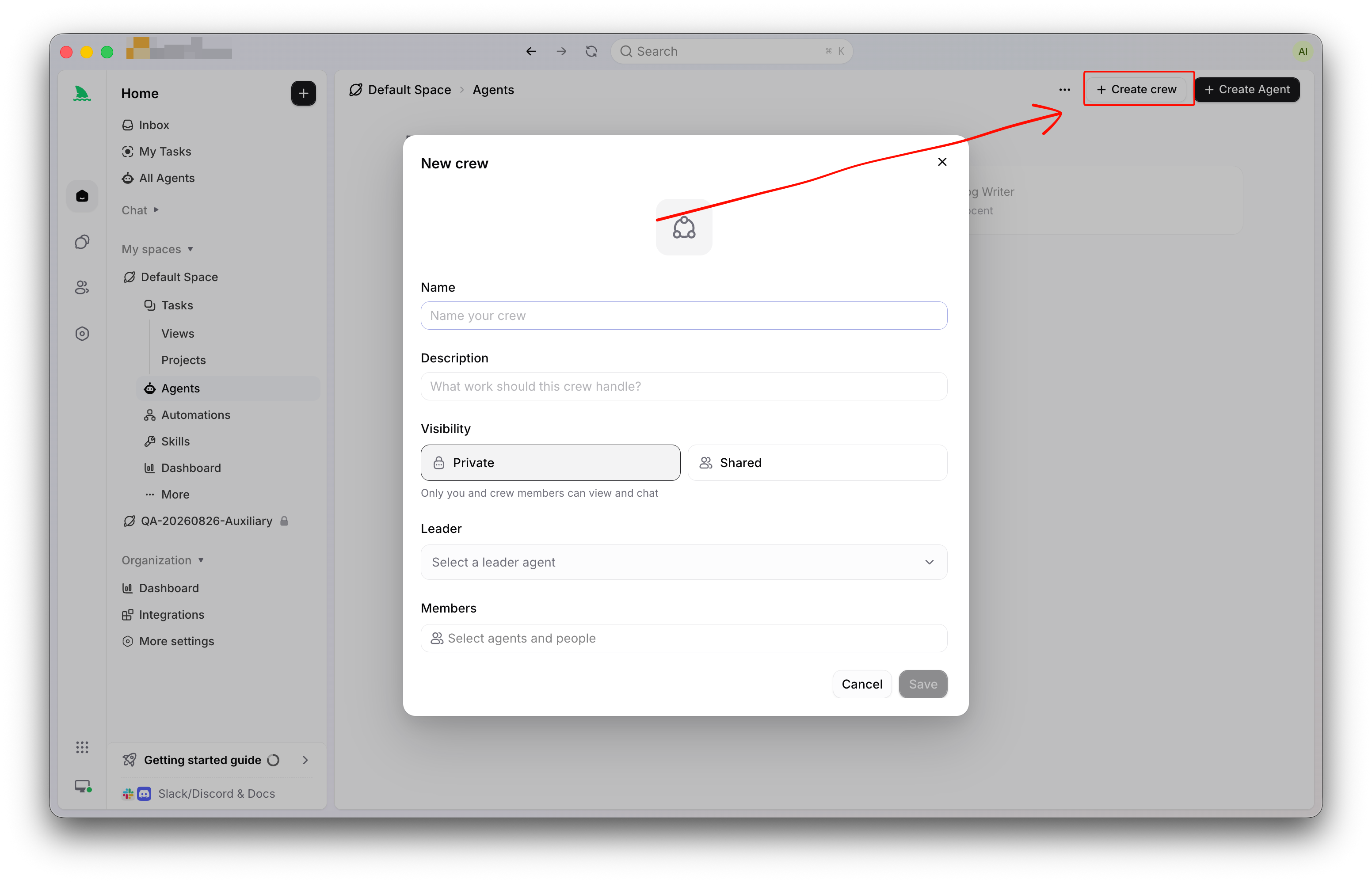
While an Agent works, run states stay separate from the Task’s workflow status, and both are visible on the board. Results, blockers, and follow-up discussion return to the Task: the Agent’s report is stored as a comment linked to its execution trace, and the Inbox routes “waiting for your review” moments to the responsible person. Acceptance stays human. The Sharkly docs cover each concept in more depth.
The bottom line
Project management earned its keep by making human work visible, owned, and reviewable. AI agent project management extends the same contract to assignees that happen to be software: define the work clearly, assign responsibility and execution separately, let results return to a shared record, and keep acceptance in human hands. Orchestration will make your agents fast. This is the discipline that makes their output trustworthy. Start small: take one recurring piece of agent work that lives in a terminal today, give it a task with real acceptance criteria, and run it through the loop once.
FAQ
What is AI agent project management in one sentence?
It is the practice of assigning, tracking, and reviewing work performed by AI agents alongside people, so every agent task has an owner, a status, complete context, and a human who accepts the result. In short, it treats agents as assignees inside a shared work system instead of tools inside private terminals.
How is AI agent project management different from agent orchestration?
Orchestration makes agents run: routing, workspace isolation, parallel execution, machine capacity. Agent PM makes their work visible, owned, and accepted: tasks, statuses, review, and accountability. They are complementary layers, and a complete setup needs both. Our orchestration guide covers the execution side in depth.
Can I do AI agent project management in Jira or Linear?
Partially. You can represent agent tasks as tickets, and some trackers now delegate issues to connected coding agents. What they do not give you is a neutral execution layer across your own mix of runtimes and machines, with one shared record of every run. See our comparison of Jira alternatives for human-agent teams.
Who is accountable when an AI agent does the work?
A person, always. In agent PM the responsible human and the executing agent are separate fields on the same task: the agent executes, and the person owns the outcome, reviews the result, and decides acceptance. An agent is never the final answer to “who signed off on this.”
What should I look for in an AI agent project management tool?
Four things map to the operating loop: assignment that carries full task context to the agent, live tracking that shows both workflow status and execution state, an audit trail where traces and results return to the task, and a built-in human review and acceptance step. Add hybrid Sprint planning if you run agents inside a team cadence.