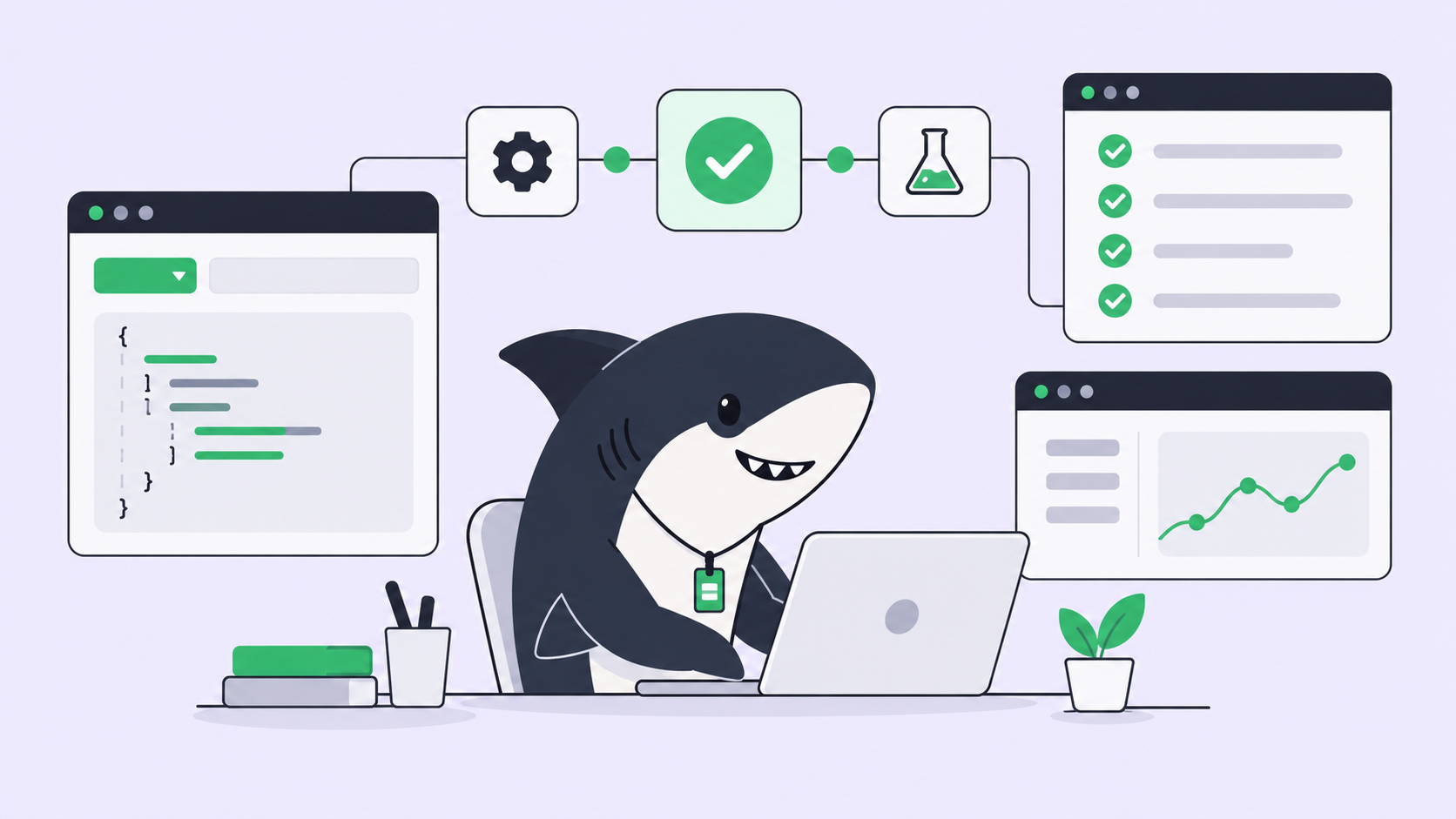
The ticket is already written. It has a title, a description, acceptance criteria, and a place in the sprint. The one thing standing between it and a diff is a person who opens a terminal, pastes the ticket into a coding agent, watches the run, and then copies the result back into Jira by hand. The work and the record of the work live in two different windows, and keeping them in sync is somebody’s afternoon.
Assigning a Jira ticket to an AI agent means closing that gap: the issue becomes a unit of work an agent can pick up, execute against your repository, and hand back as a reviewable change, without leaving the tracker your team already runs on. You don’t move the team off Jira. You add a layer where the ticket can actually be worked.
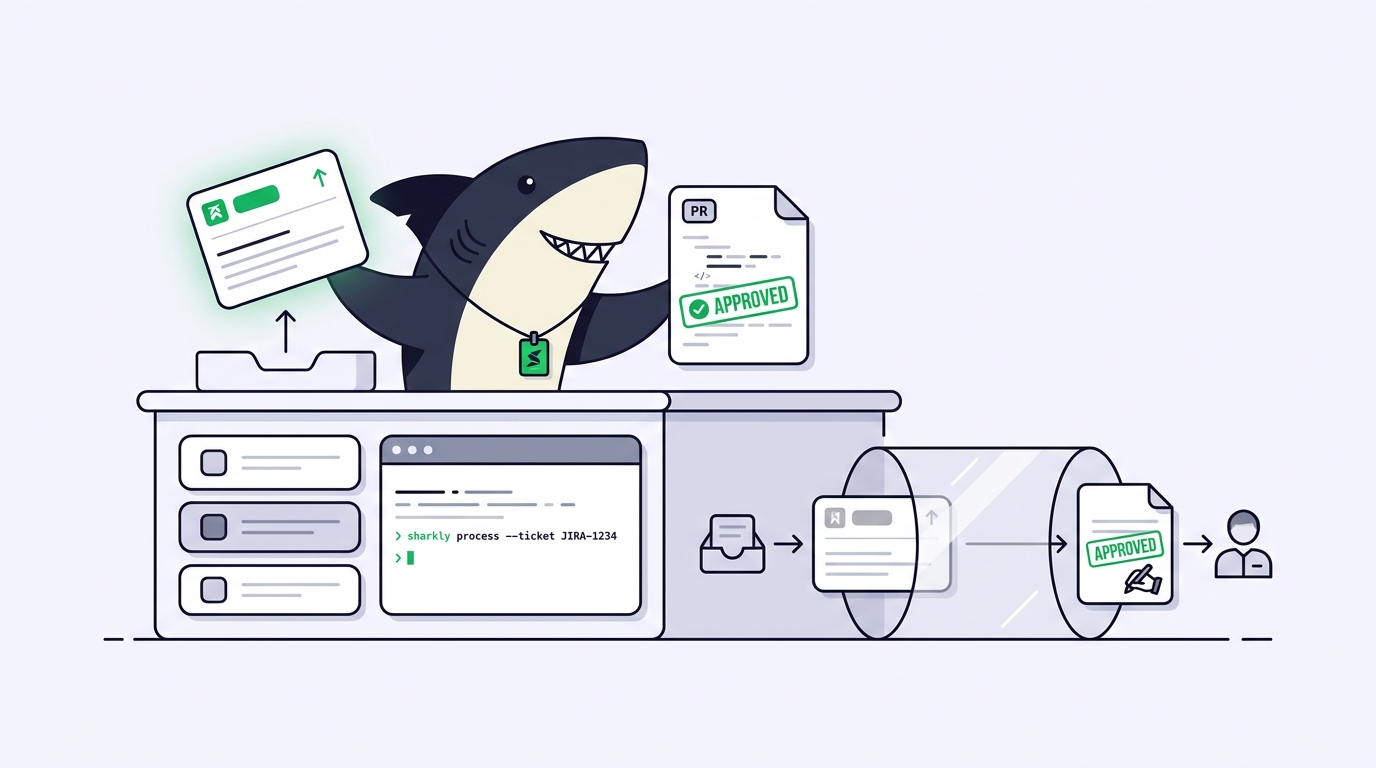
That layer is Sharkly, an all-in-one Agent command and management platform. It connects to Jira, turns issues into assignable Tasks, routes them to your coding agents (Claude Code, Codex, Gemini, and other command-line tools), runs each one in isolation, and returns the result to the Task. This guide walks the whole loop: ticket in, Agent assigned, work in an isolated worktree, pull request and discussion back on the record.
The loop in one sentence
A Sharkly Task is the shared record for a piece of work, and when you connect Jira, each Jira issue becomes one of those Tasks. From there the contract is simple: Agents research, execute, test, and report; people set direction, grant authority, and accept the result. The rest of this article is just the mechanics of that sentence.
Keep Jira, add the execution layer
Sharkly is not a replacement for Jira. It adds the shared Task, connected Computer, execution, and review layer around the tracker your team already uses. Nobody has to learn a new board or migrate a backlog to get started.
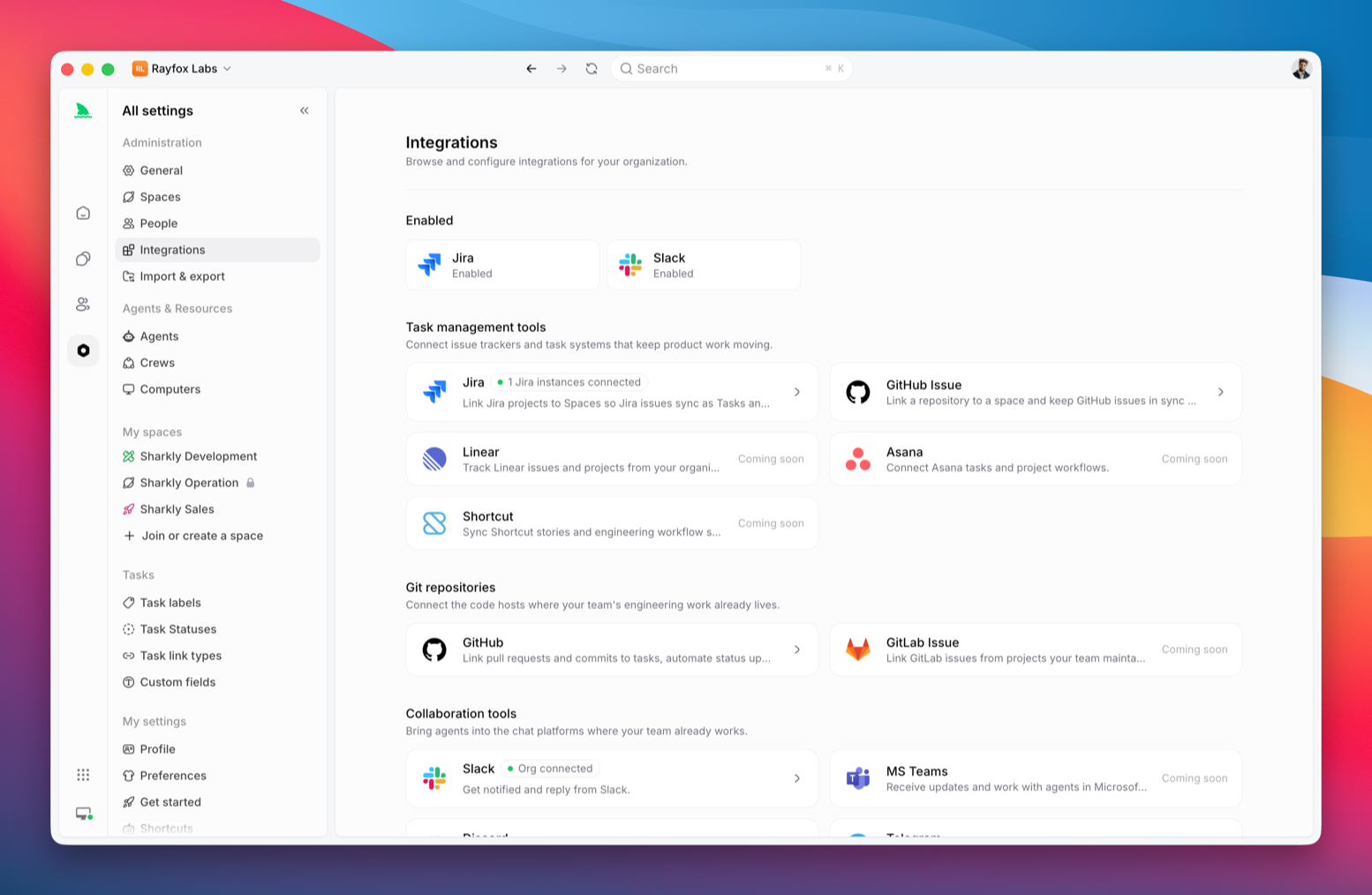
You connect the two with a sync link. Open the Jira integration, connect the account (Jira Cloud uses your *.atlassian.net host, account email, and an Atlassian API token; Server and Data Center use the base URL, username, and a personal access token), then pair one Jira project with one Sharkly Space. The core mappings are what you’d expect:
- Jira issue becomes a Sharkly Task
- Jira epic becomes a Sharkly Project
- Assignee, status, comments, and attachments carry across
Here’s the honest decision pair. Use sync when you want a live project to stay connected, so changes flow between Jira and Sharkly from here on. Use import when you want to copy historical issues in for a controlled migration; sync alone does not backfill a project’s past. Most teams starting out want a bidirectional sync link on one active project and nothing more. The full setup, including the webhook step a Jira admin handles once, is in the Sharkly docs.
Assign the ticket to an Agent
Once the project is linked, the issue shows up as a Task in the Space. Assigning it to an Agent works the same way assigning it to a colleague does: you pick the Agent instead of a person.
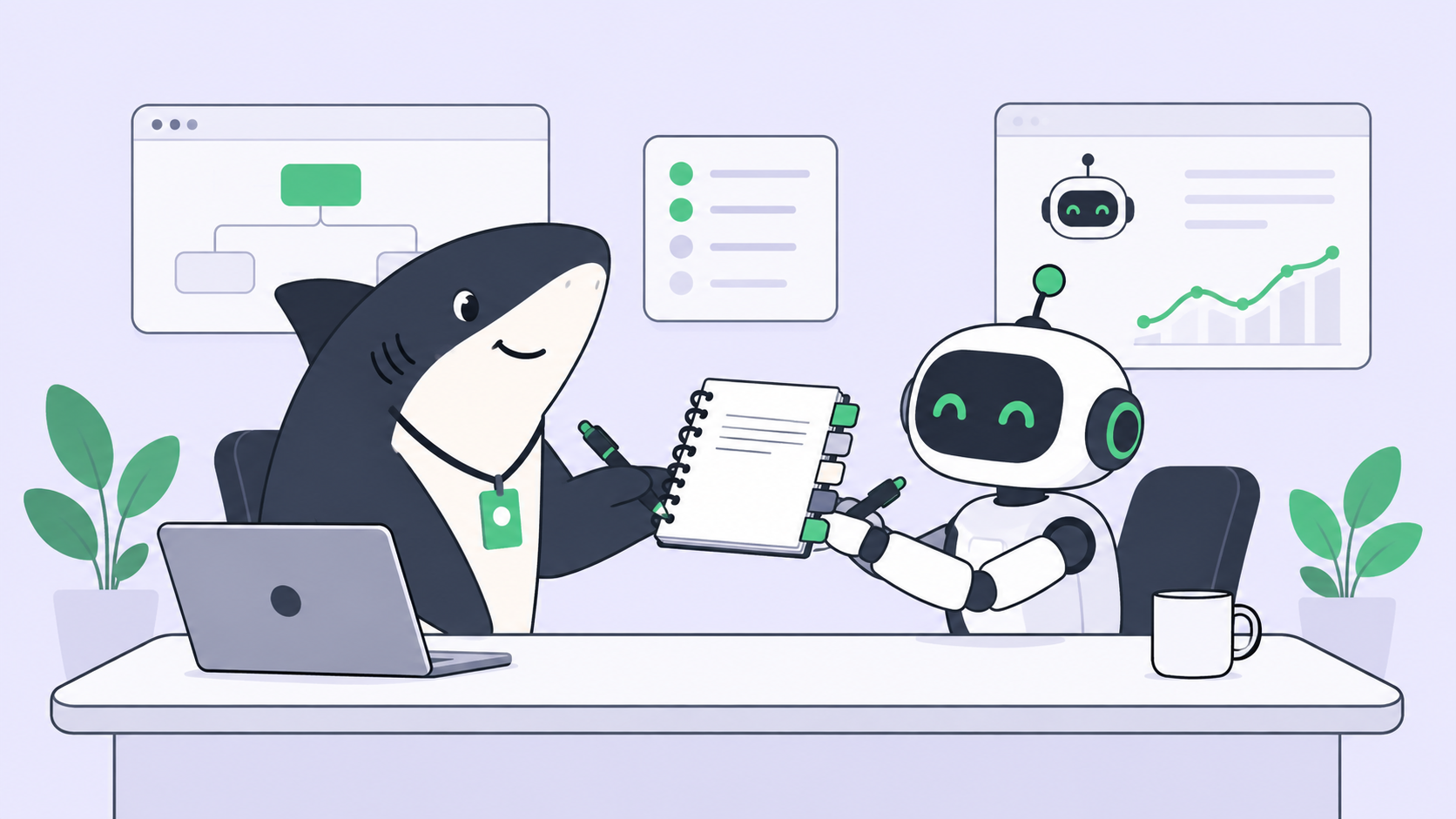
An Agent is more than a model choice. Its instructions, Runtime, repositories, and run settings define how it handles work, the same way a role description shapes what a new hire does. The Runtime is the engine underneath: Claude Code, Codex, or whichever CLI agent your team already runs. Model usage continues through the subscriptions or API keys configured in those tools, so your agent access and your code stay on your own hardware. Sharkly coordinates the assignment; it does not take custody of your credentials.
If this is your first run, keep the scope small and the boundaries explicit. Writing a task an agent can actually execute is its own skill, and it’s worth getting right before you point an Agent at anything load-bearing. A tight ticket with a clear definition of done produces a tight diff; a vague one produces a vague one.
Execution in an isolated worktree
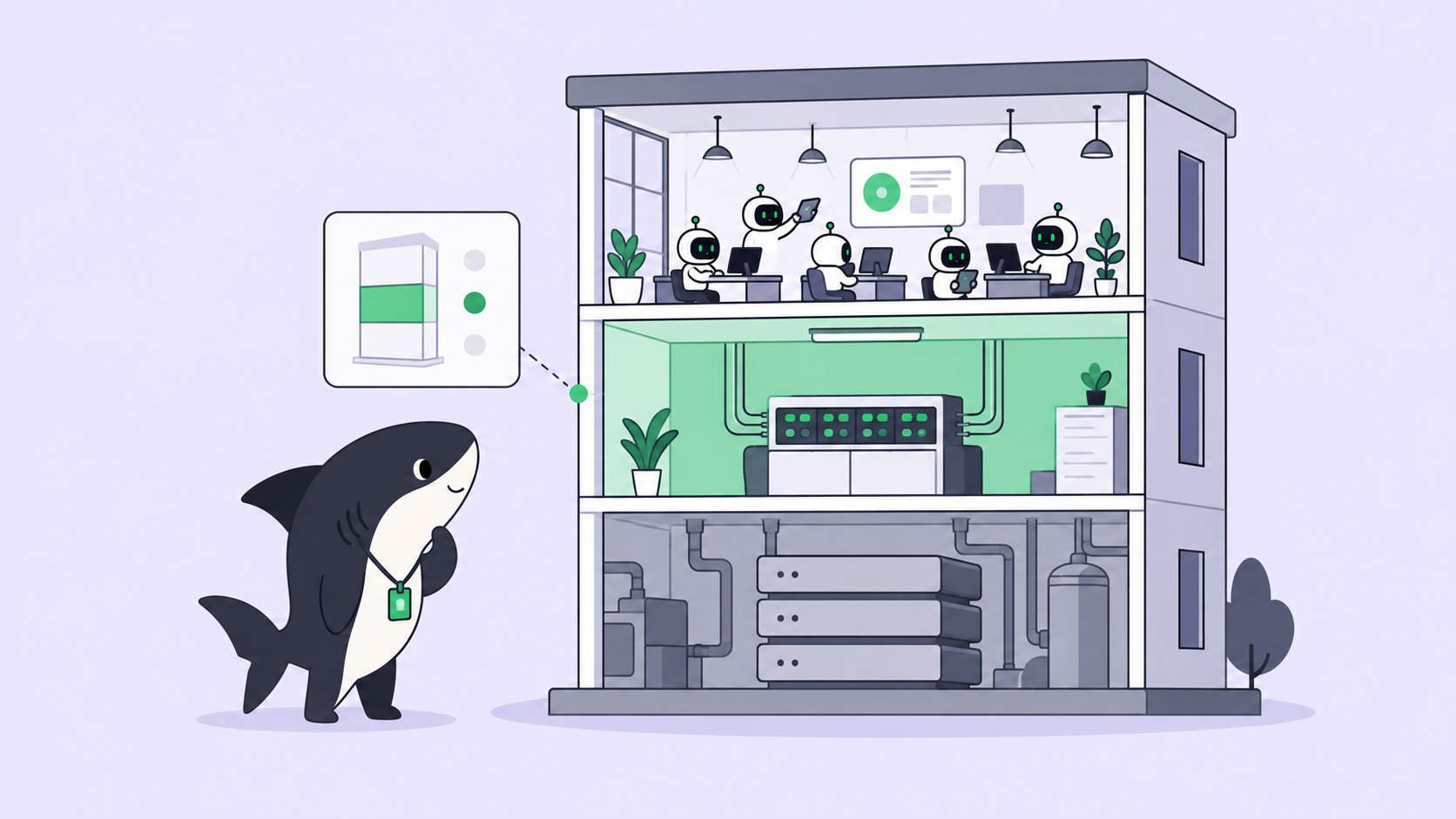
When the Agent starts, the run happens on a connected Computer inside its own isolated worktree. That isolation is the part that makes this safe to repeat. Each run gets a fresh working directory, so two Agents working two tickets against the same repository never overwrite each other’s files or fight over a branch. It’s the same discipline you’d use with git worktrees for AI coding agents by hand, handled for you and repeatable across every Task.
This is also what lets the workflow scale past one ticket. The moment isolation is automatic, running multiple agents in parallel stops being a juggling act, because the thing that usually breaks (shared state on disk) is designed out. If you’re new to the whole model, assigning your first task to an AI agent is the gentler on-ramp before you wire up Jira.
Get the PR back on the record
The Agent’s work returns to the Task: the conversation, the execution logs, blockers, and the resulting change all land in one place instead of scattering across a terminal and a chat thread. When the Agent opens a pull request, you connect it to the Task by writing the Task ID into the branch name, the PR title, or the PR body. Sharkly’s GitHub integration sees the ID, links the pull request to the Task, and can leave a linkback comment so anyone on the ticket can jump straight to the code.
Because the Jira sync link is bidirectional, that activity keeps flowing toward the original issue too. The person who filed the ticket sees the work move without opening a single terminal. This is the payoff of routing work through a shared Task instead of a private prompt: context, progress, blockers, results, and review all stay visible from request to release.
The honest boundary: a human accepts
Nothing merges on its own. This is deliberate, and it’s worth stating plainly because a reader might assume otherwise: merging a pull request does not change the Task status, and it never happens automatically. Automation stops where team judgment is required.
The division of labor holds all the way to the end. The Agent runs the work, opens the PR, and reports what it did, what it verified, and where it’s unsure. A person reads the diff against the original acceptance criteria, requests changes or accepts, and makes the merge and release call. An agent will happily fill silence with initiative, so the review step is not ceremony; it’s the control that makes the automatic part worth trusting. Final acceptance and release decisions stay with people.
That’s the full loop. A Jira ticket goes in, an Agent picks it up, the work runs isolated and returns to the record as a pull request you can read, and you decide whether it ships. For a wider view of how this fits a team of agents rather than a single run, see what AI agent orchestration means for dev teams, or the Sharkly overview for the whole platform.
To try it on one real ticket: download Sharkly, sign in at app.sharkly.ai, connect a Computer, and link one low-risk Jira project.
Frequently asked questions
Does Sharkly replace Jira? No. Sharkly adds the execution and review layer around Jira. Your issues, epics, statuses, and workflows stay where they are; the sync link keeps them connected while Agents move the work forward.
Which Jira versions work? Both. Jira Cloud connects with your host, account email, and an Atlassian API token. Jira Server and Data Center connect with the base URL, username, and a personal access token.
Do I have to migrate my backlog first? No. A sync link connects a live project and keeps future changes flowing without importing history. Run a separate import only when you specifically want past issues copied in.
Will merging the pull request close the ticket? No. Merging a PR does not change the Task status, by design. A person accepts the result and decides the merge and release step. See assigning your first task to an AI agent for how the review loop works.
Where does my code and model access live? On your own hardware. Agents run on a Computer you connect, using the subscriptions or API keys already configured in your coding tools. Sharkly coordinates assignment, context, and review; it does not host your repository or your model quota.