Write work that can be acted on
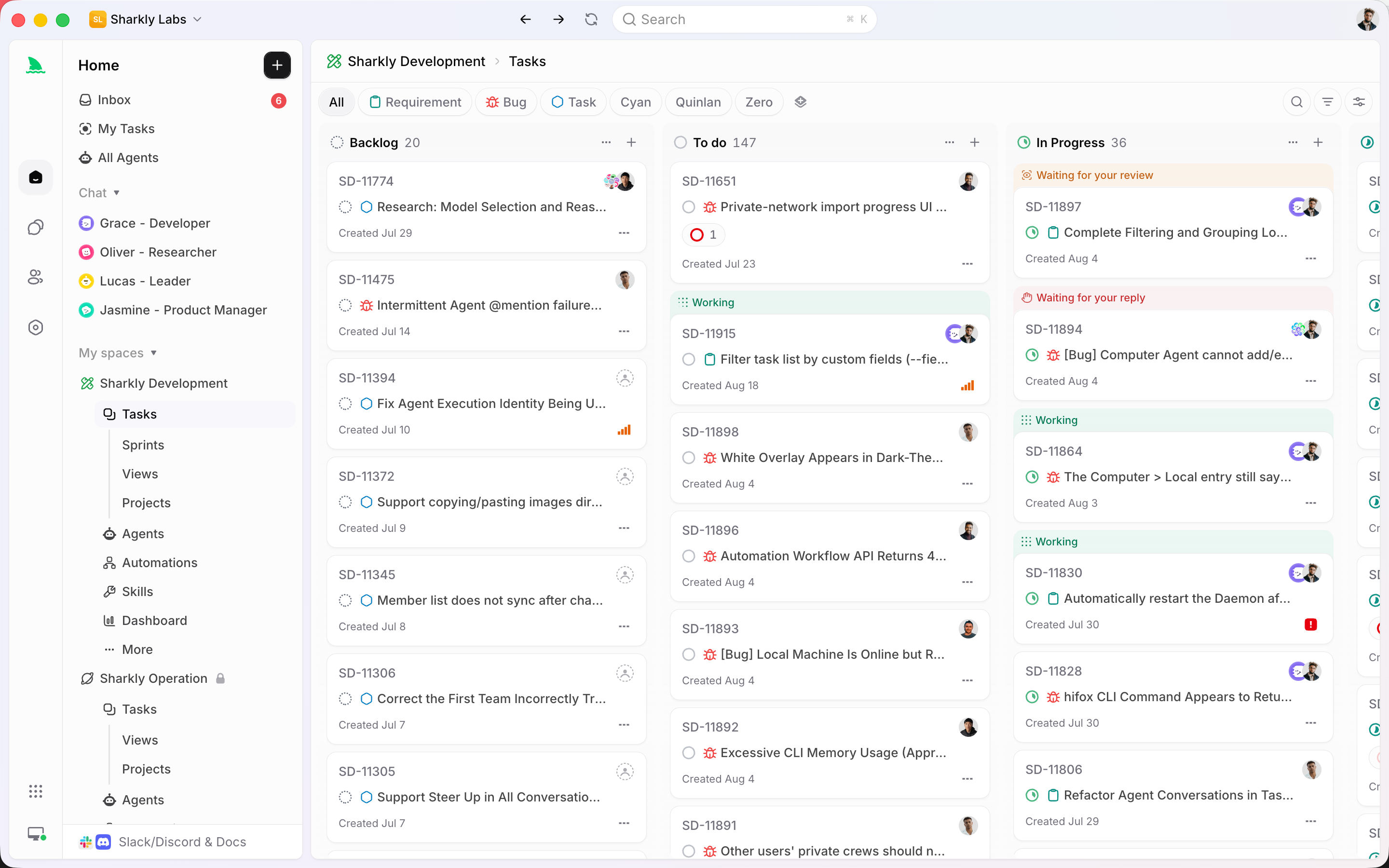
Title the outcome. Put scope, constraints, and acceptance in the description. Status, priority, dates, type, and fields travel with the Task.
A Task is the system of record. It belongs to an Organization and a Space, can sit in a Project or Sprint, and can be assigned to people and to an Agent or Crew.
Used by teams at






Record, assign, review
Private sessions lose context. A Task keeps the goal, the people responsible, the Agent that executed, and the comments that followed.
Title the outcome. Put scope, constraints, and acceptance in the description. Status, priority, dates, type, and fields travel with the Task.
Human assignees record responsibility. An Agent or Crew is the execution assignee. Both use the noun Assignee. Never Delegate.
Comments are the record for on-task discussion. Activity logs state changes. Agent traces stay linked from the comment that produced them.
Everything the Task carries
The Task is not a ticket that Agents happen to mention. It is where assignment, conversation, Workflow, Projects, and execution meet.
A Task can include title, description, Space, type, status, priority, dates, people, execution assignee, Project, Sprint, labels, custom fields, comments, and history.

A Space can allow one person or several people as human assignees. The execution slot is an Agent or a Crew. Mixed lists still say Assignee.
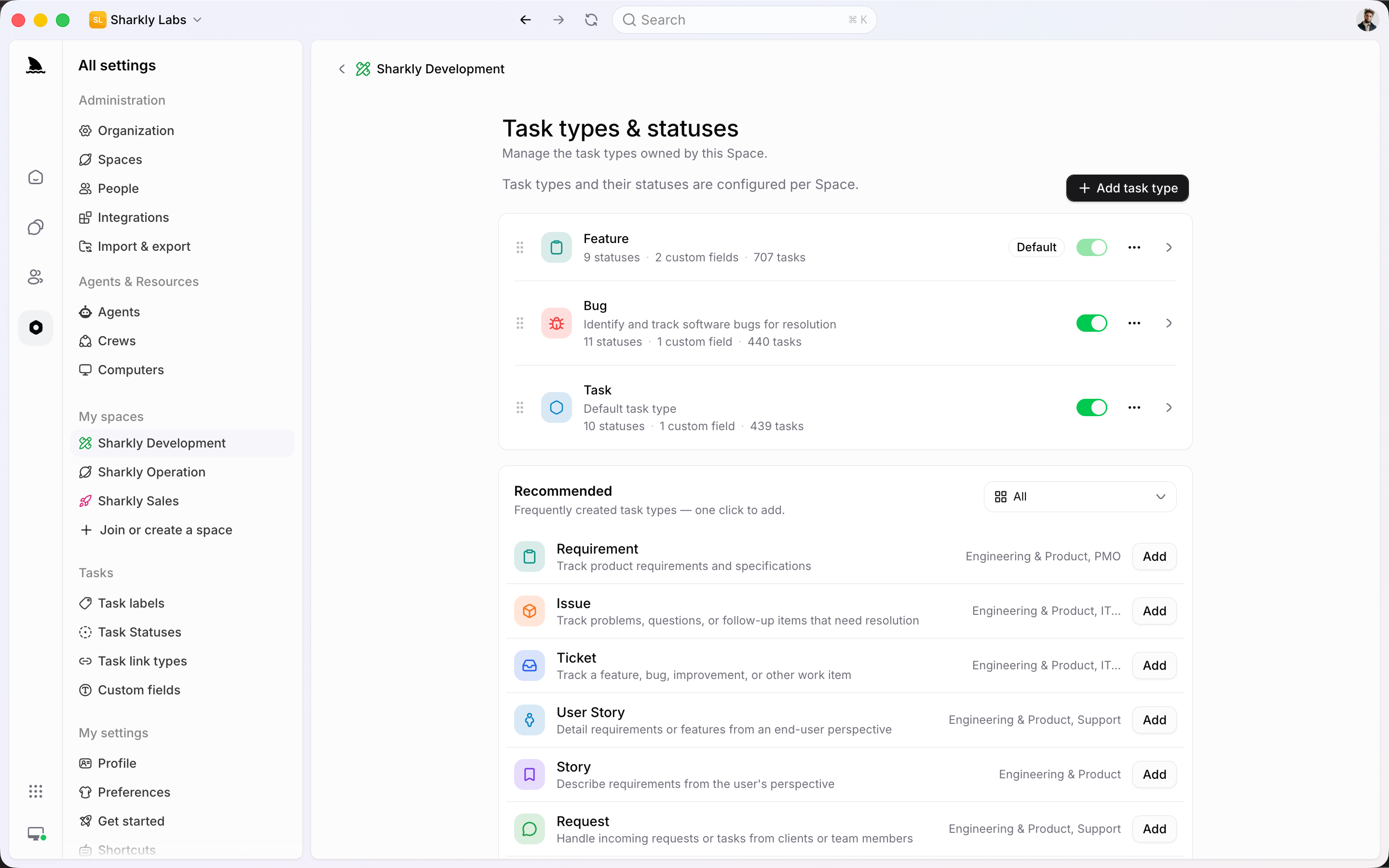
A Bug, a Feature, and a Request do not need the same form. Each Space-owned type binds custom fields and a bounded Workflow of statuses.
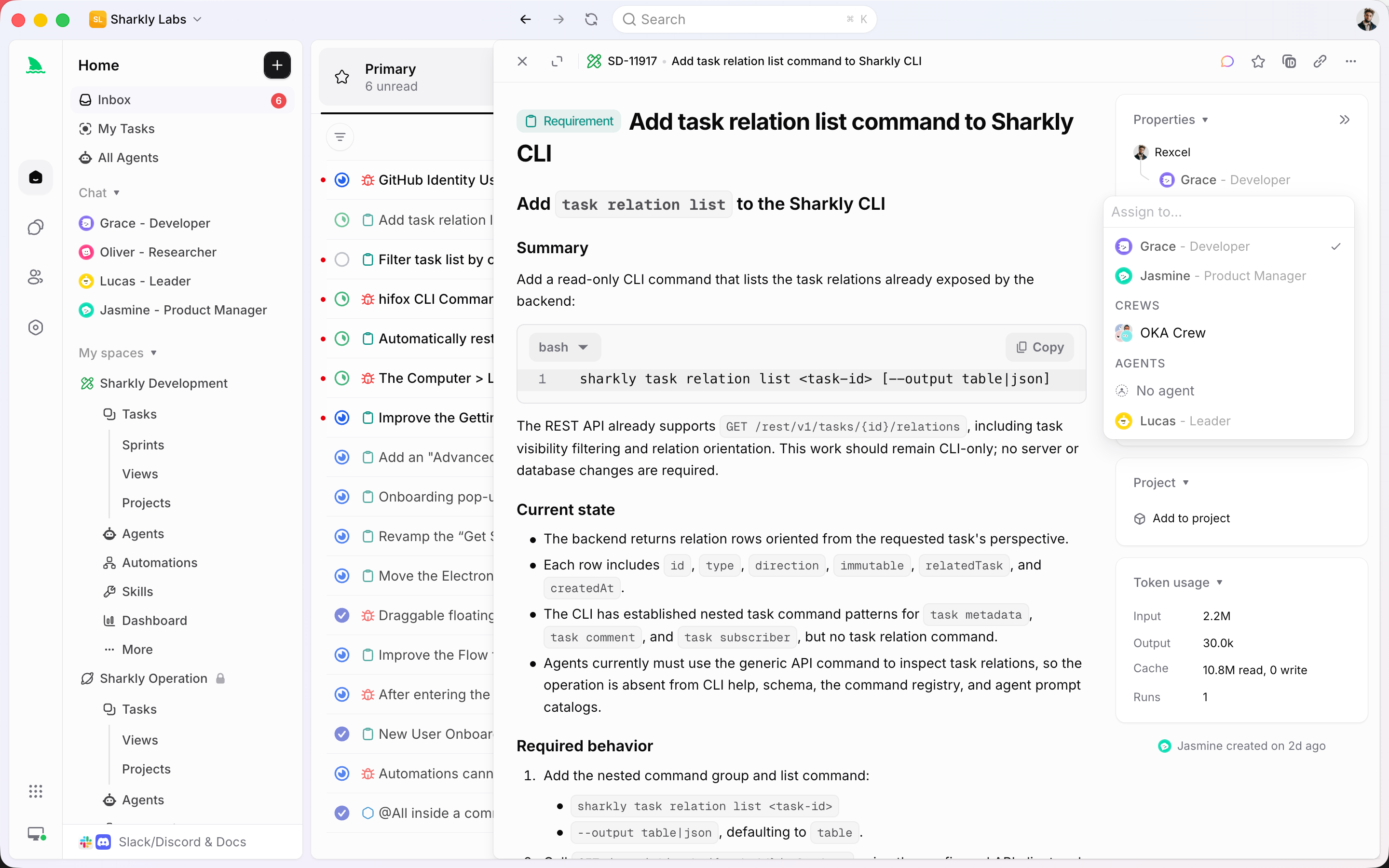
Conversation is how you work with an Agent without leaving the Task. Send a comment, start a run, and keep the reply, trace, and result on the same record.

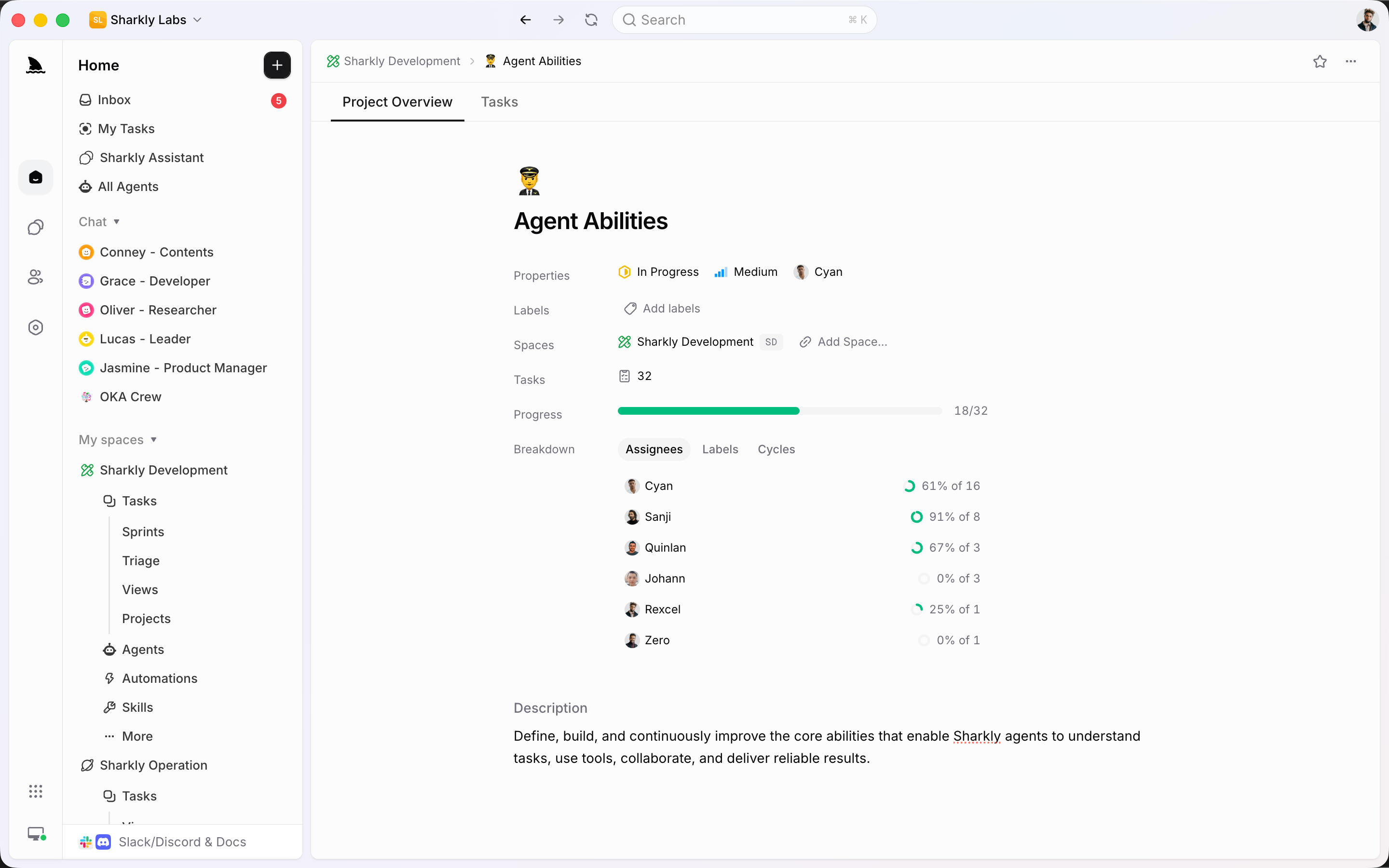
A Project is the larger goal. Tasks stay the place where people, Agents, comments, and runs live. The Project gives those Tasks a shared outcome, owner, and progress.
Inbox is a personal queue of Task activity, grouped by Task. It is not a second tracker and not the Space Triage queue. Open a row to open the Task.

The Task system
If a field, a comment, or a run cannot attach to the Task, it is not part of the work system yet.
The unit of work: goal, type, status, people, execution assignee, and history.
People for responsibility, Agent or Crew for execution. One noun for every handler type.
Space-owned classification bound to custom fields and a bounded set of statuses.
On-task dialogue with the assigned Agent. Eligible comments start or continue a run.
Optional grouping for related Tasks around one outcome, owner, and progress.
A personal queue of Task activity. Snooze or clear without changing the Task.
Bring the Task from where it started
Existing trackers can still create or sync work. Once it is a Task, people and Agents share the same record.
Connected features
Plan, Triage, Agents, and Automations all write back to the same work item.
Quality of life, built in
Work only stays reviewable if the conversation and the run cannot leave the item.
Write the outcome, assign people and an Agent, and keep the conversation on the same record.
Start
Pick a Space, give the work a type, assign a person and an Agent, then keep review in comments.
Name the outcome, add enough context for a new person or Agent, and choose the type that owns the Workflow.
Put a person on the Task for responsibility. Assign an Agent or Crew when something should actually run.
Ask follow-ups on the Task. Eligible comments continue the Agent. Results stay attached to the same item.
FAQ
Yes. People are the human assignees. An Agent or Crew is the execution assignee. Responsibility and execution are both first-class, and both use the noun Assignee.
Put the goal, scope, and acceptance criteria in the description. Use comments for decisions, follow-ups, and Agent dialogue as the work proceeds.
No. Triage is a Space intake queue for Accept, Decline, mark duplicate, or Snooze. Inbox is your personal queue of Task activity. Clearing Inbox does not change the Task.
No. Current Automations start an Agent or Crew run directly and keep history on the Automation. Use a Task when the request needs an owner, status, and review.
Onto the Task: comments, activity, and the execution trace. The team should not have to reconstruct what happened from a private session.
No. Every Task belongs to one Organization and one Space, and to one Space-owned task type. Sharkly does not use a separate personal inbox of unscoped work items.