TL;DR
Businesses in ChatGPT is a beta from OpenAI, announced November 10, 2026, that lets a business claim its profile in ChatGPT, keep its details and product feed current, and see aggregated insights through Business Hub. Eligible US ecommerce and online service businesses can also publish a Business Agent. For a small team, it adds a recurring job, not a new tool.
What Businesses in ChatGPT is
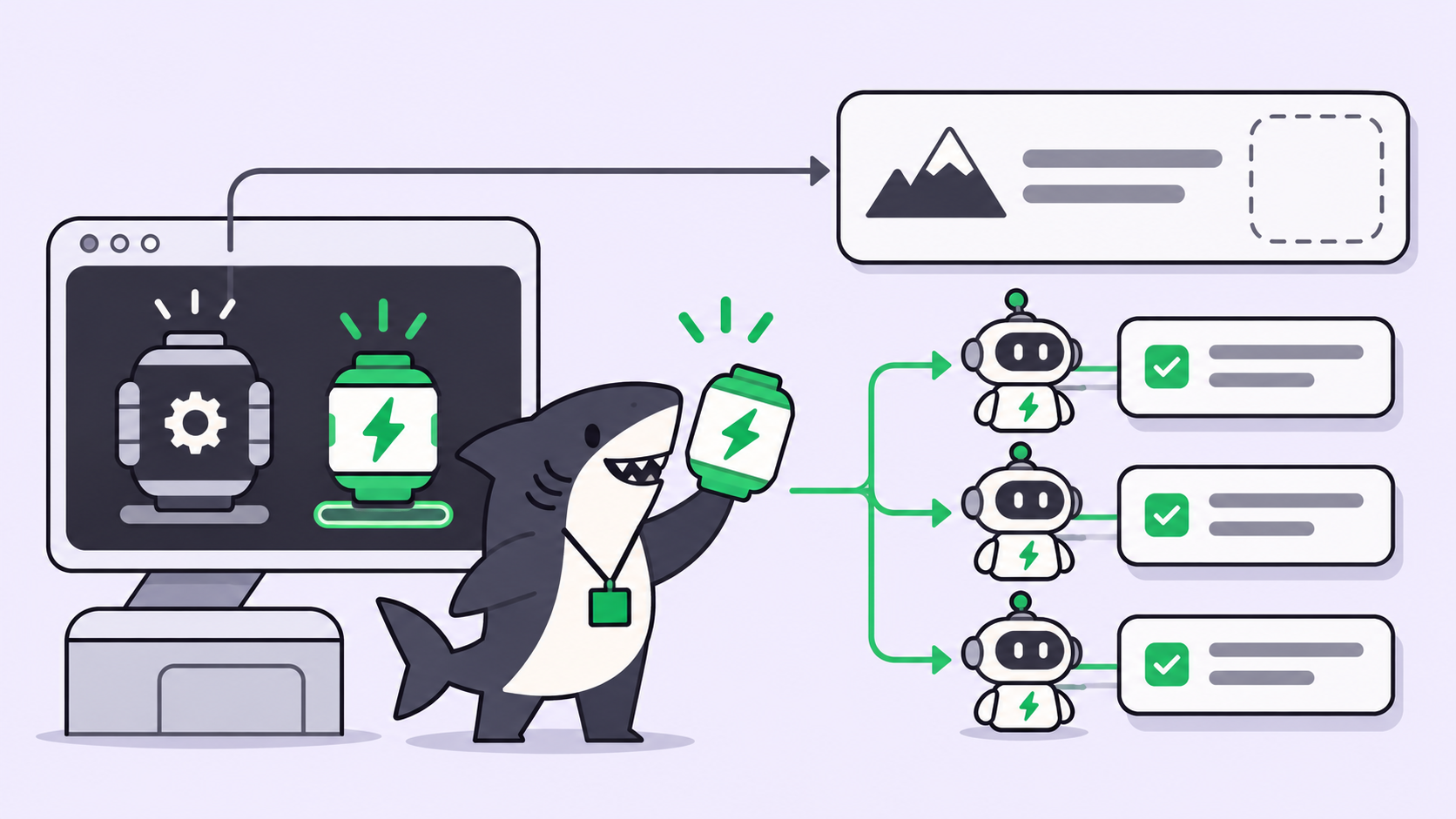
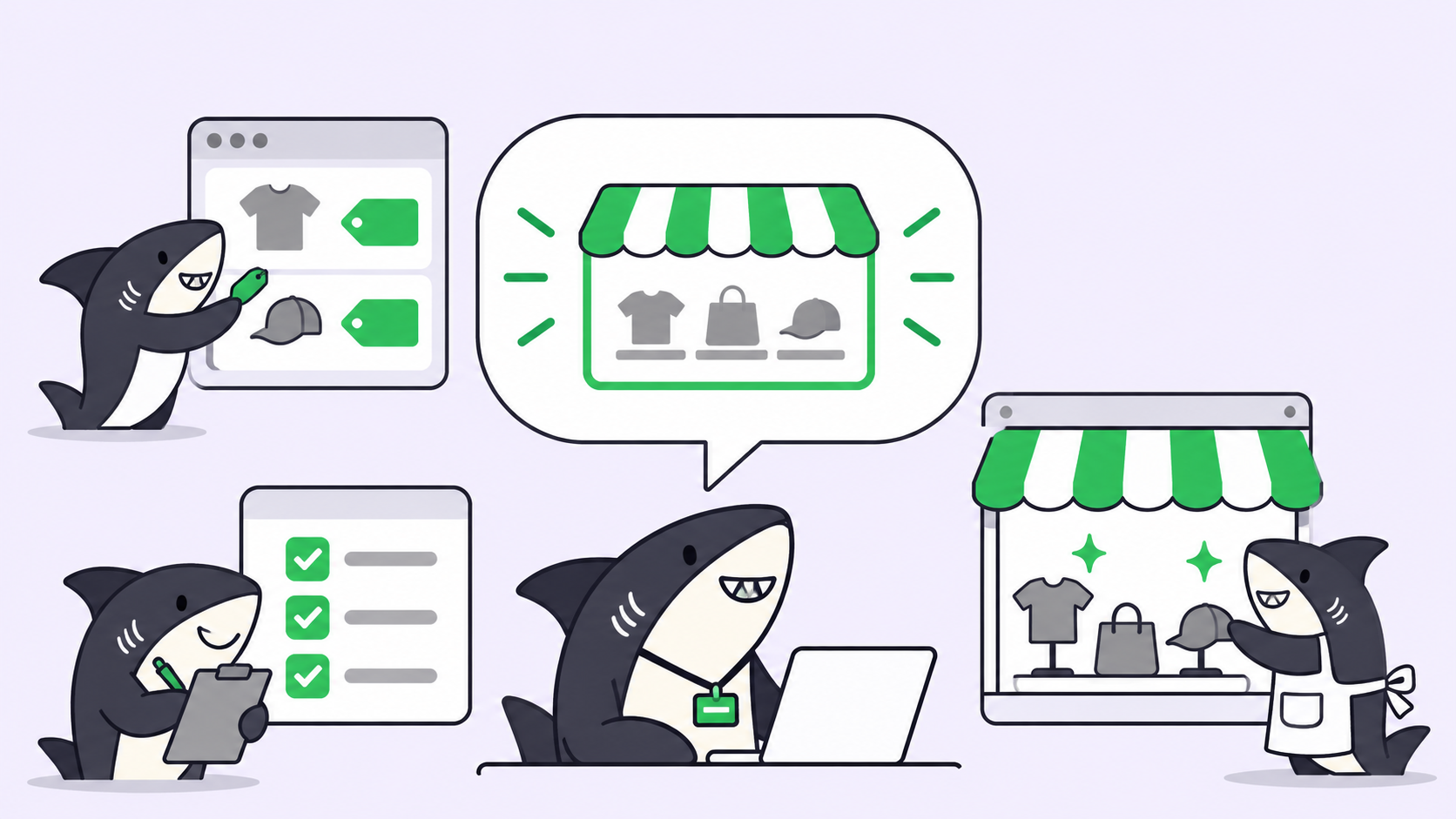
Businesses in ChatGPT is OpenAI’s program for companies to manage how they appear inside ChatGPT. You claim and verify your business in Business Hub, update key details, upload product feeds with pricing and availability, and read aggregated engagement insights. Eligible businesses can then build, test and publish a Business Agent that talks to customers.
OpenAI’s launch post frames the reach plainly: ChatGPT has 1.2 billion weekly users, and the beta gives businesses “a new way to connect” with them. The program has three parts, and they don’t have the same eligibility rules.
| Part | What you do | Who can use it today |
|---|---|---|
| Claim your business | Verify ownership, update details, add product feeds | Eligible businesses with a website, wherever ChatGPT is available |
| Insights | Read mentions, website clicks, discovery topics | Claimed businesses, once enough conversations meet OpenAI’s thresholds |
| Business Agent | Build, test, publish a customer-facing agent | Eligible ecommerce and online service businesses in the US |
A claimed profile gets a blue check. Shopify merchants can connect a store from Business Hub or the Shopify admin, and OpenAI says eligible Shopify products are already in ChatGPT through Shopify Catalog. If you already work with an OpenAI account executive or run ChatGPT Ads, OpenAI routes you through that contact instead.
If you run a small team that already uses coding agents, read this as a work-management question as much as a marketing one. That’s the lens we use at Sharkly, and it’s the lens for the rest of this post.
What it costs a small team
Neither OpenAI’s launch post nor the Businesses in ChatGPT page states a price for claiming a business, using Business Hub, or publishing a Business Agent. Treat the program as unpriced in public, not as free, until OpenAI says otherwise.
One part clearly costs money. Businesses can sponsor their Business Agent and use it as the destination for ChatGPT Ads. OpenAI says sponsored placements are labeled and kept separate from ChatGPT’s own answers. Budget for that only if you already buy ads and want ChatGPT in the mix.
The bigger cost is time. OpenAI’s FAQ is direct about it: “Claiming does not guarantee higher placement or sales.” ChatGPT keeps making independent recommendations. What you buy with your hours is accuracy, and accuracy decays every time your prices, stock or policies change.
What changes in your team’s week
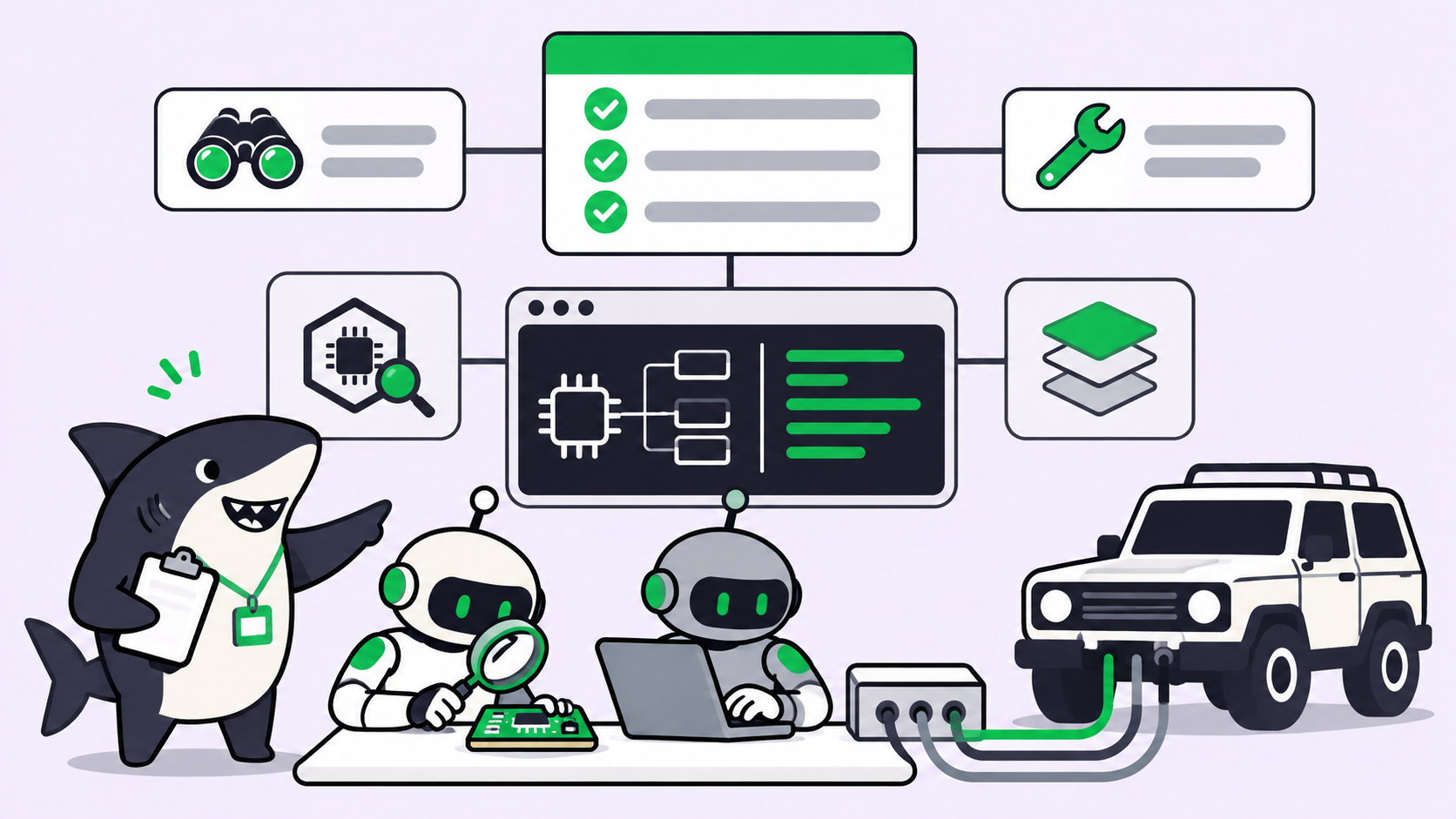
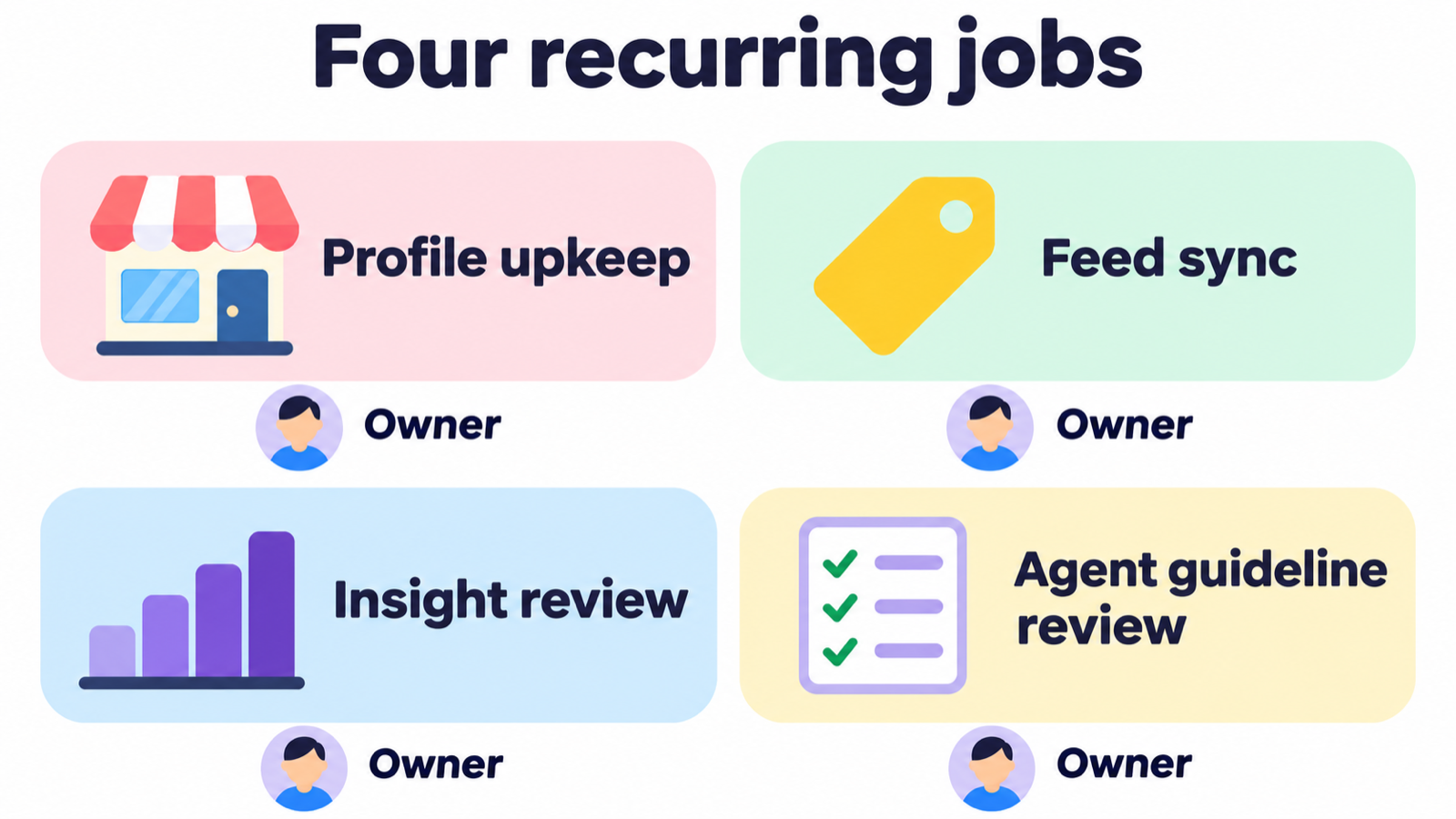
The launch adds four kinds of recurring work. None of them is hard. All of them get skipped when nobody owns them.
Who keeps the business profile current?
Someone has to verify the claim, then update key details whenever they change. The Business Agents policy asks that information “truthfully represent the business and be kept current.” A stale return policy in your profile is now your problem, not a model hallucination.
How do product feeds stay in sync with your site?
Retailers can upload a feed with pricing and availability, and ChatGPT may use it to answer customer questions. If your prices live in a repo, a CMS and a feed file, you now have three places to change on every price update. Write down which one is the source and which ones copy it.
What do discovery topics tell you?
Business Hub reports how often your business is mentioned, how many website clicks you get, and discovery topics: common themes across conversations where your website is cited. OpenAI says conversations are never shared and insights only appear above privacy thresholds. A small business may see thin data for a while. Schedule a monthly read anyway, because a new topic is a cheap content brief.
Who writes and reviews the Business Agent’s guidelines?
A Business Agent answers with “product and policy information, using guidelines you control.” The policy rules apply when you create the agent and every time you update it. That makes every edit to its instructions a reviewable change, the same way a pull request is.
The agent you publish vs the agents you run
A Business Agent faces customers. It lives inside ChatGPT, in a labeled conversation separate from the customer’s own chat, and OpenAI reviews it against its policy. It doesn’t fix your checkout bug, update your feed script, or tell you which pricing page is out of date.
The agents doing that work are the ones you already run: Claude Code, Codex, Gemini CLI, or another runtime on someone’s laptop. Businesses in ChatGPT gives them new chores. That raises the question this blog keeps coming back to: where does that work get assigned, and who reviews it before it reaches customers? We covered the same problem from the other direction in ChatGPT can now watch your project board.
Here’s the split in one view:
| Work | Lives in | Owned by |
|---|---|---|
| Answering a customer’s product question | Business Agent in ChatGPT | OpenAI’s platform, under your guidelines |
| Updating the feed after a price change | Your repo or store, via a coding agent | Your team |
| Checking the profile matches your site | Your board, on a schedule | Your team |
| Approving a change to agent guidelines | Your review process | A named person |
The Business Agent is the visible part. The rows below it are where small teams slip, because the work is small, recurring and easy to forget until a customer quotes your old price back to you.
How a small team can run the upkeep
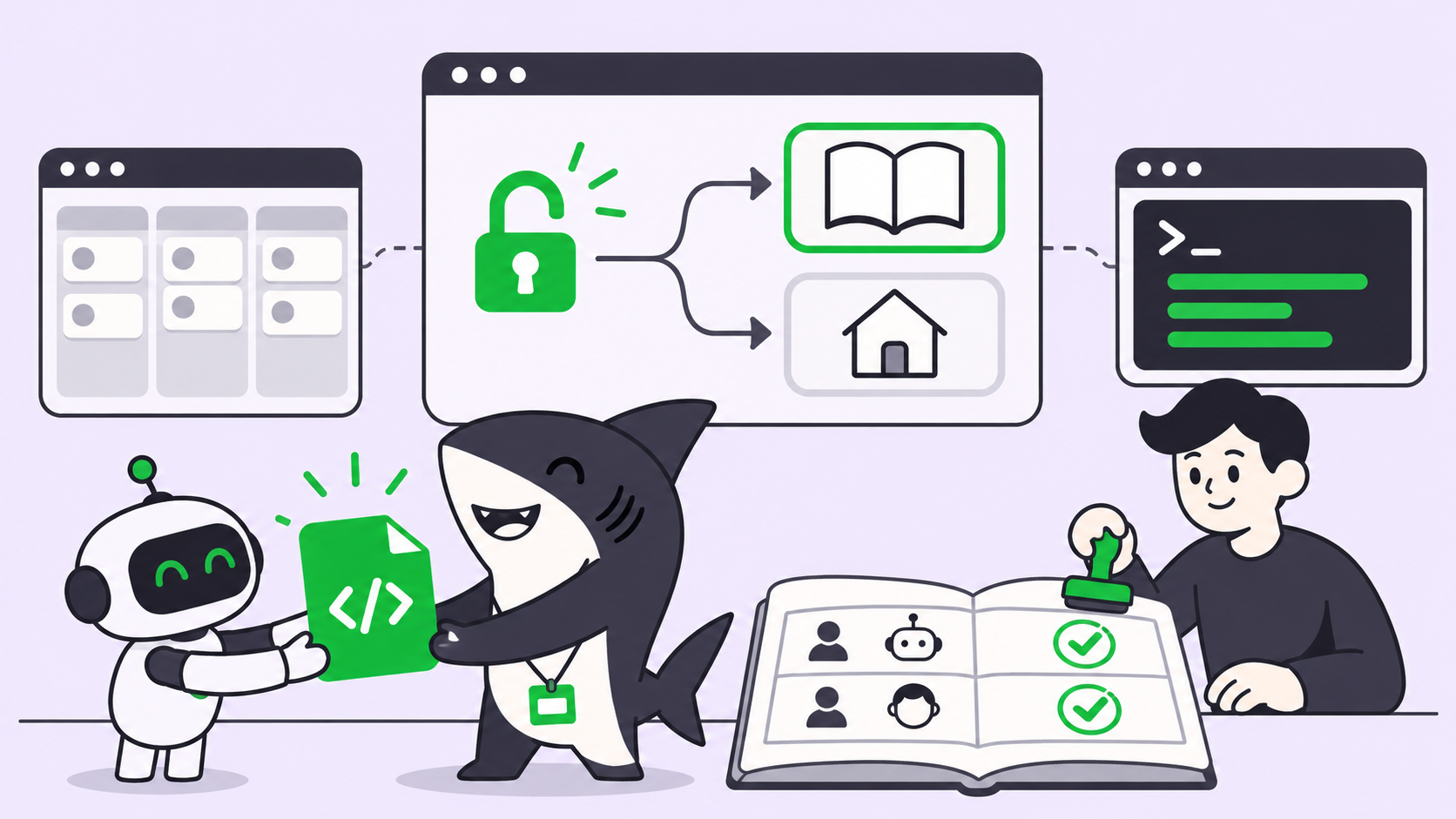
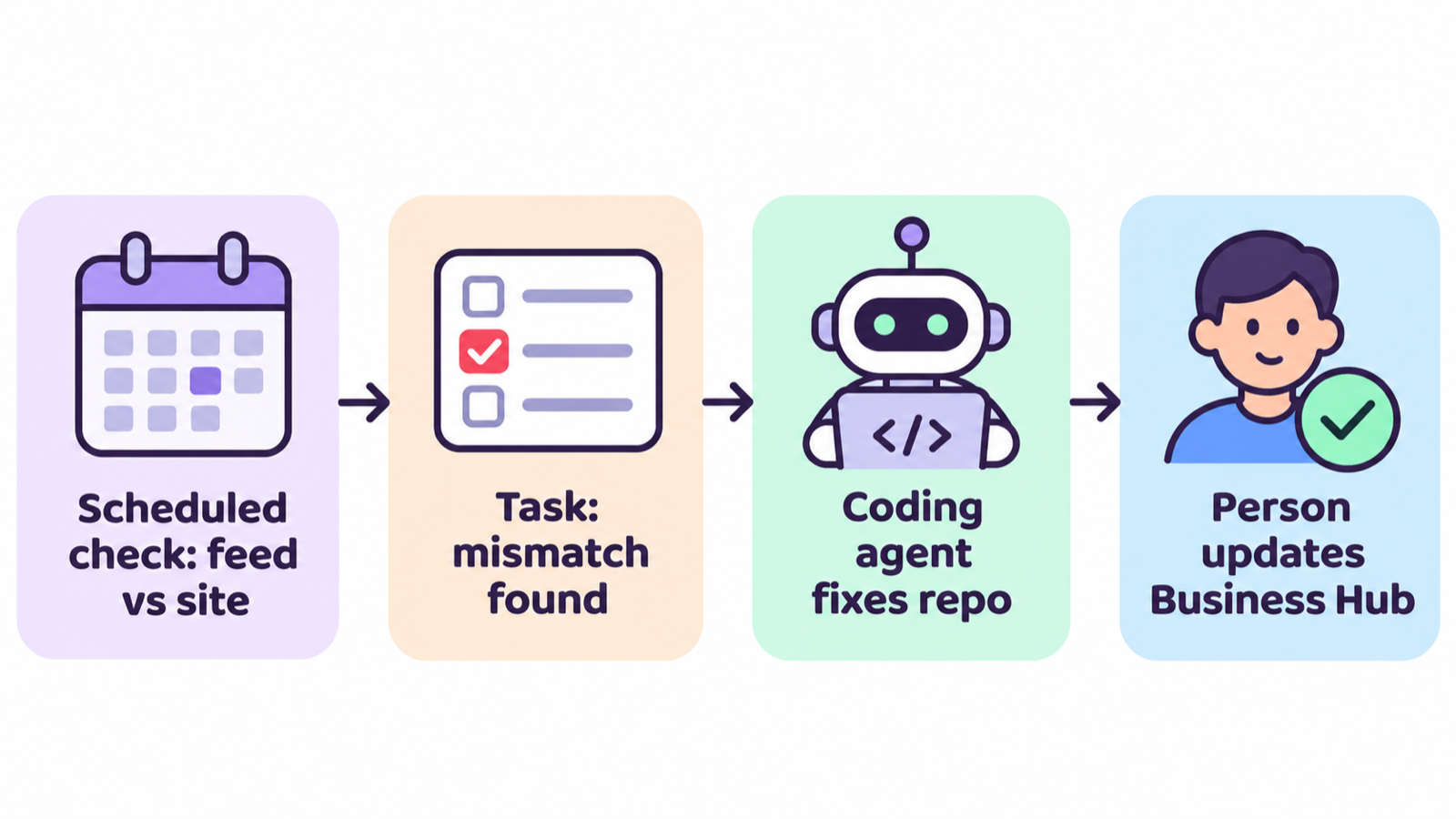
You can run this with a shared doc and a calendar reminder. If your coding agents already take tasks from a board, put the chores there instead, so a person still approves anything a customer will see.
In Sharkly, the recurring parts fit an Automation: a Space-owned rule with instructions, an Agent or Crew as the assignee, and one or more triggers. A schedule trigger takes a standard five-field cron expression plus a timezone. Here’s what instructions for a weekly feed check could look like:
Name: Weekly ChatGPT profile and feed check
Trigger: schedule, 0 9 * * 1 (Mondays 09:00, Asia/Singapore)
Assignee: the Agent that owns the storefront repo

Outcome: a short diff report, nothing changed automatically.
Inputs: pricing page source, products/feed.csv, return policy page.
Steps:
  1. Compare every price and stock flag in feed.csv with the pricing page.
  2. List any mismatch with file, line and both values.
  3. Flag any policy page edited in the last 7 days.
Allowed changes: none. Report only.
Human decision: a person updates Business Hub and approves feed edits.
That follows the docs’ own advice: start with work that is “observable and reversible,” and review several runs before you widen the scope. Automations start Agent runs directly, without creating a Task per run, so read the run history to see what each check found.
For one-off work, use Tasks. Claiming the business, writing the first agent guidelines, and fixing a feed mismatch each become a Task with an assignee, comments and a review step. If a mismatch needs code, assign the Task to the Agent that works in that repo, and keep the Business Hub update with a person. Sharkly is free to start, and model usage runs on the subscriptions or API keys your runtimes already use.
A 30-day starter plan
- Week 1: claim and verify your business in Business Hub, and name one owner for the profile.
- Week 1: write down the single source of truth for prices, stock and policies.
- Week 2: upload or connect your product feed, then check five products by hand in ChatGPT.
- Week 2: set up a weekly comparison of feed versus site, report only.
- Week 3: if you’re eligible, draft Business Agent guidelines and have a second person review them against the policy.
- Week 4: read the first insights, if your volume clears the thresholds, and turn one discovery topic into a page or post.
- Ongoing: treat every guideline edit as a reviewed change, never a quick tweak.
When to wait
If you aren’t a US ecommerce or online service business, you can’t publish a Business Agent yet. OpenAI says it plans to expand to more markets and categories, so claim the profile now and leave the agent for later.
If your catalog changes rarely, a monthly manual check beats any automation. Don’t build a scheduled job for a price list that moves twice a year.
If you sell regulated services, read the policy before you draft anything. It bars advice that “legally requires a professional license” and high-stakes decisions without human review. Those limits shape what your agent can say.
Conclusion
Businesses in ChatGPT gives small teams a verified profile, a product feed, aggregated insights, and for eligible US businesses, a customer-facing agent. OpenAI hasn’t published a price for the core program, and claiming won’t buy you placement. What it does guarantee is new upkeep: profile, feed, insights and guidelines, each needing an owner.
Pick the owner first, then the tooling. If your coding agents already take work from a board, put the weekly check and the fix-up Tasks there. Start a Sharkly Space and make the feed check your first Automation.
FAQ
Is Businesses in ChatGPT free?
OpenAI hasn’t published a price for claiming a business, Business Hub, or Business Agents. Sponsoring a Business Agent runs through ChatGPT Ads, which is paid advertising. Check the Businesses in ChatGPT page before you budget.
Who can claim a business in ChatGPT?
Eligible businesses located where ChatGPT is available, initially those with a website. Eligibility depends on industry, location, and OpenAI’s verification and integrity checks. You must own the business or be authorized to act for it.
Do I need a Business Agent to appear in ChatGPT?
No. OpenAI says ChatGPT may show information about your business whether or not you have an agent. The agent adds a labeled conversation where customers can ask follow-up questions.
Can businesses see what customers asked ChatGPT?
No. OpenAI says it doesn’t share users’ conversations or Business Agent chats. Insights are aggregated, and they only appear once there are enough conversations to meet its thresholds.
Does claiming my business improve my ranking in ChatGPT?
No. OpenAI states that claiming “does not guarantee higher placement or sales,” and ChatGPT keeps making independent recommendations and comparisons.
Can a Business Agent complete a purchase for a customer?
Not on its own authority. The policy forbids submitting a form, booking or purchase on a user’s behalf without explicit authorization through an approved feature. The agent can share a relevant link the user chooses to visit.