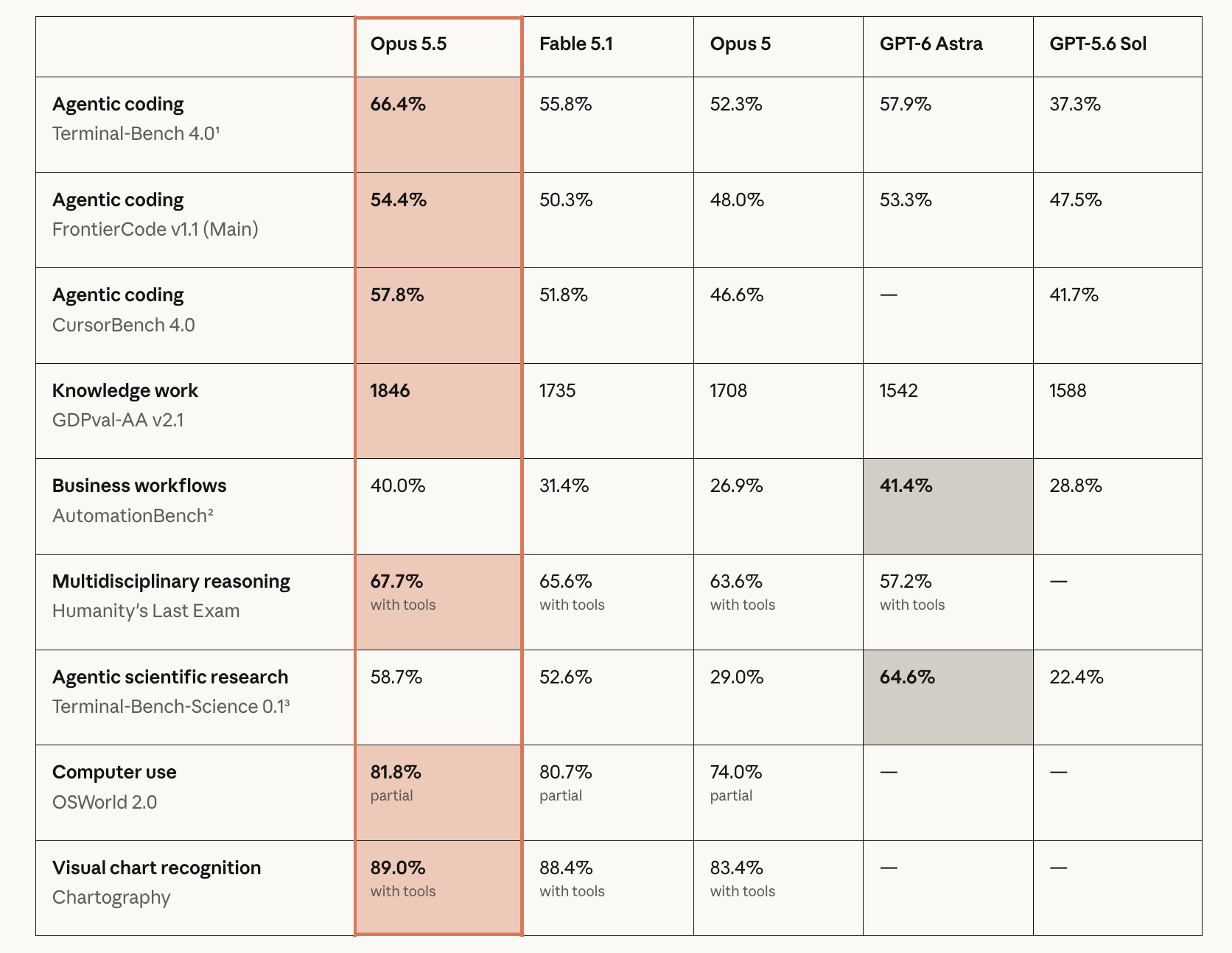
Anthropic shipped Claude Opus 5.5 on September 22. The parts that matter to a team already running several coding agents are not in the benchmark table. They are these: Anthropic states it costs 40% less to run than Opus 5, produces output about 30% faster, and stays on task for 18 hours or more. List price is $4 per million input tokens and $20 per million output, against $5 and $25 for Opus 5.
A cheaper model that works longer without stopping does not simplify your week. It means more finished runs arriving in front of the same number of reviewers. Putting Opus 5.5 on the board is a ten minute job; deciding what the board does with the extra throughput is the real work. This guide takes the smallest useful path through the first part and is honest about the second: put Opus 5.5 in Claude Code on one Computer, create one Agent, assign one real Task.
TL;DR
Set claude-opus-5-5 as the model in Claude Code on a connected Computer, confirm the Runtime reads Available, create an Agent with a per-Task timeout that matches how long Opus 5.5 will actually work, keep the working directory Temporary, and assign one Task. Sharkly will not display the model name. It will show the run, the log, the questions, and the result on the Task. Agents research, execute, test, and report. People set direction, grant authority, and accept the result.
Where the model setting lives
Sharkly does not pick models. The Agents documentation says so directly: “The Agent follows the Runtime’s default model. It does not promise or display a specific model name. Change models in the Runtime or Computer tool configuration, not on the Agent.”
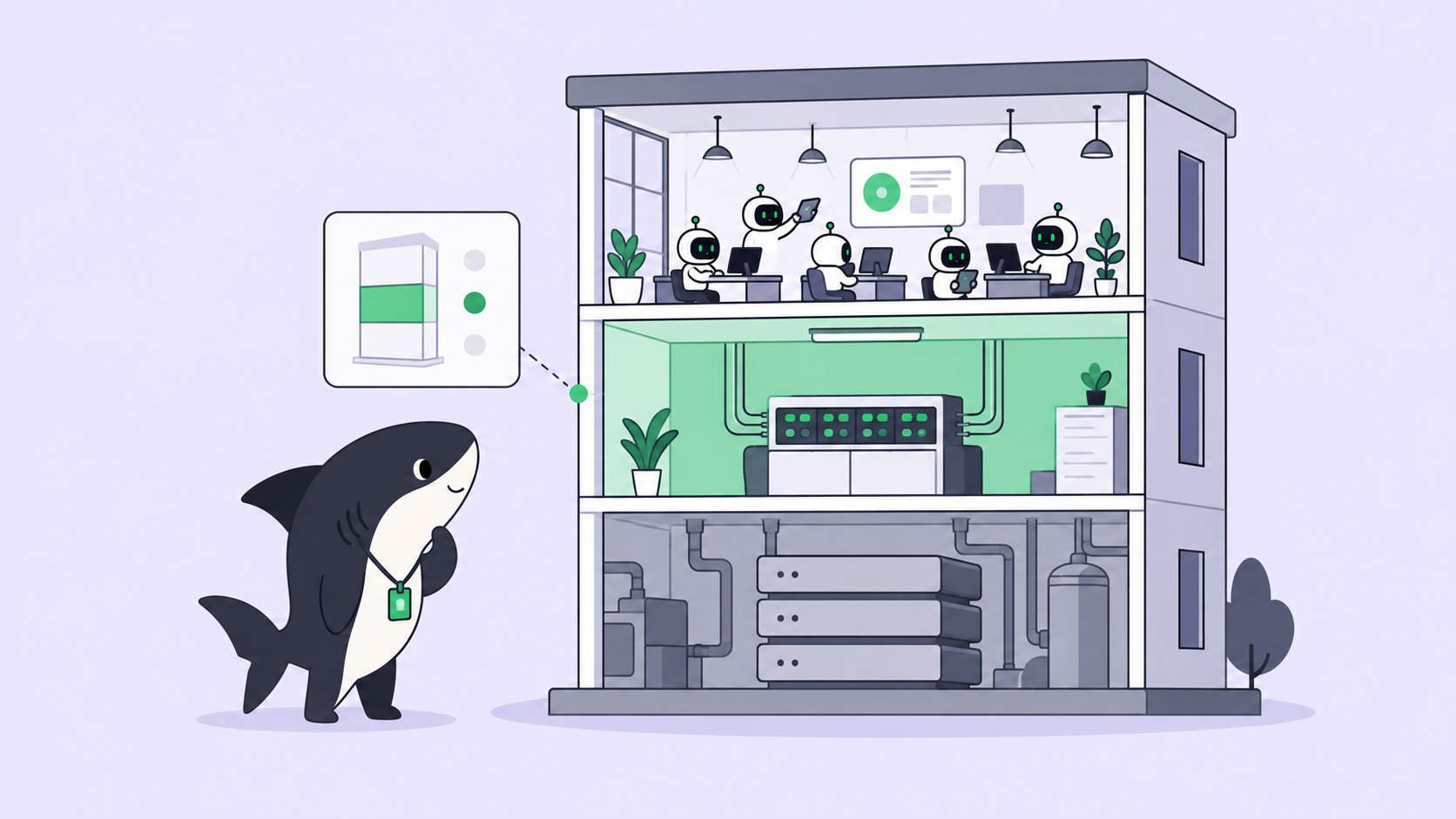
That is a boundary worth stating before you go looking for a dropdown that does not exist. Four roles, one job each. The Agent defines how work should be handled. The Computer supplies the host and local resources. The Runtime performs the actual agent session, and Claude Code is the Runtime here. The Task remains the shared record for the team. Opus 5.5 reaches Sharkly the way every model does: through the tool that runs it, configured on the host that runs the tool.
Step 1: put Opus 5.5 in Claude Code on the Computer
On the Computer that will run it, update Claude Code and sign in with an account or API key that has Opus 5.5 access. Anthropic lists the model on the Claude Platform, Amazon Web Services, Google Cloud, and Microsoft Azure, so a team on a cloud provider points Claude Code there instead. If claude --model claude-opus-5-5 starts a session in a plain terminal on that host, Sharkly can use it.
Then set the default so every run on this Computer picks it up:
// ~/.claude/settings.json
{
  "model": "claude-opus-5-5"
}
Confirm the exact settings key and the minimum Claude Code version against the current Claude Code configuration reference before you roll this to a shared Computer. [VERIFY]
Back in Sharkly, open Computer detail and run the rescan or connection test. The Claude Code Runtime should read Available. A Computer showing online only means its local service is sending heartbeats. The Runtime capability status is what tells you a run can start.
One Computer, two model tiers. An Agent has no model picker, but it does carry plain and secret environment variables and additional Runtime arguments, and those reach the Runtime invocation. That is how you keep a cheap default on the Computer and put Opus 5.5 only on the Agent that needs it, instead of paying leader rates for every triage run. Test it on one Agent before standardizing. [VERIFY]
Step 2: build the Agent around how Opus 5.5 behaves
Open Agents, select New Agent, choose the Computer and the Claude Code Runtime. Then set three things that matter more for this model than for the last one.
Per-Task timeout. Anthropic states Opus 5.5 stays on task for 18 hours or more. A timeout tuned for a 20 minute defect fix turns that into a truncated run and a confusing log. Raise it selectively rather than everywhere: a long timeout on the Agent that handles migrations and large refactors, the short one on the Agent that fixes small frontend defects. A long timeout on a narrow Agent mostly buys slower failures.
Working directory. Temporary mode. Each Task gets an isolated directory, and repository-backed runs prepare a fresh worktree, so two Opus 5.5 runs on the same repository cannot write over each other. For temporary directories, default concurrency is 50% of the Computer limit. Leave it there until the Computer has handled a few real runs.
Output size. Opus 5.5 supports up to 128k tokens of output in one response. A run allowed to work for hours and answer at that length returns a diff nobody reads carefully. Scope the Task so the result is reviewable, not so the model is busy.
Instructions stay stable and short:
Read the Task description and recent comments before editing.
Keep changes limited to the requested behavior.
Ask a question only when different interpretations would
materially change the result; otherwise proceed with a stated
assumption and record it in your report.
Run the closest relevant checks and report failures without hiding them.
Stop and ask before anything destructive or outside the repositories
attached to this Agent.
Step 3: assign one Task, then point a Crew at it
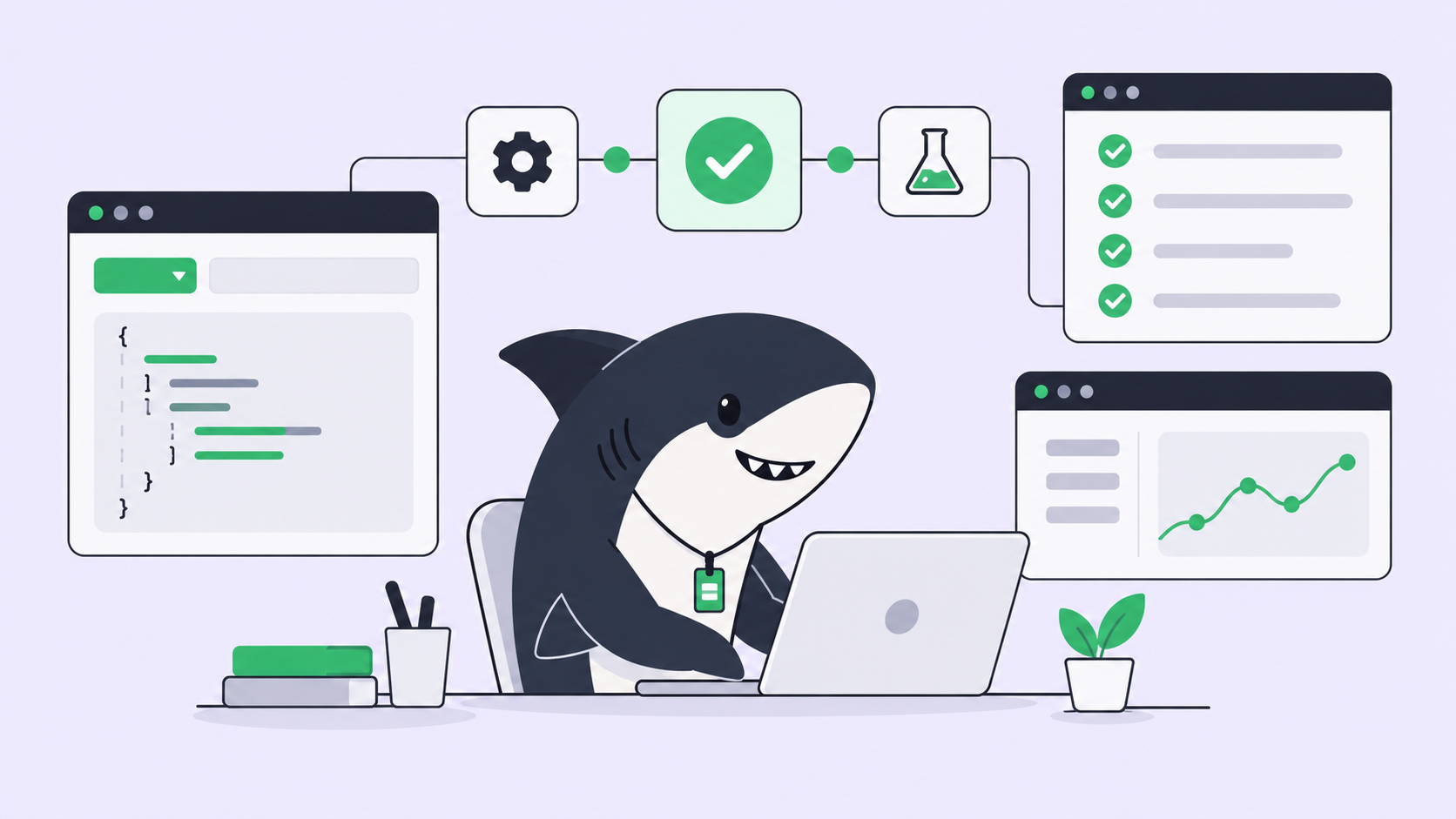
Pick a Task with a clear acceptance criterion. Select the Agent as Assignee and move the Task out of Backlog into a status whose category is ready for work; a Task assigned in Backlog waits. The run moves through queued, dispatched, and running, and the Executions tab streams the log.
Use a single Agent for that first Task. A Crew is a reusable group of People and Agents coordinated by one leader Agent, and it earns its place when the leader has to interpret a goal and bring several members’ results back into one Task. For a bounded change, one Agent is the right call and the moving parts stay at zero.
When a Crew does make sense, Opus 5.5 is a more defensible leader than it was a price tier ago. A leader mostly reads, plans, assigns, and reviews, the shape of work that was hardest to justify at the top of a price list:
| Runtime model | API id | Input / output per 1M | Where it fits on a Crew |
|---|---|---|---|
| Claude Opus 5.5 | claude-opus-5-5 |
$4 / $20 | Leader, reviewer, long migrations |
| Claude Opus 5 | claude-opus-5 |
$5 / $25 | The previous default it replaces |
| GPT-6 Sol | gpt-6-sol |
$2 / $10 | A second Runtime for routine members |
Cached input reads on Opus 5.5 are $0.20 per million and cache writes are $5, which is what decides whether a long session re-reading the same repository prefix is cheap or expensive. A fast mode exists at $8 and $40 when latency matters more than cost. Model usage continues through the subscriptions or API keys configured in those tools, so these rates land on your provider bill, not on Sharkly.
What actually changes on the board
Three things, and only one of them is about the model.
Runs get cheaper, review does not. Twenty percent off the token rate, and 40% less to run than Opus 5, means the same monthly budget buys more agent runs this week than last. Nothing in that sentence adds reviewer hours. The constraint on a multi-agent team was never model cost; it was how many finished diffs one person can actually accept in a day. Cheaper models tighten that constraint. Plan around review capacity, not model choice.
Long runs change what supervision means. An agent holding a task for most of a day cannot be supervised by watching a terminal. You need a status readable at a glance, a question that reaches a person instead of scrolling past, and a place the result lands. In Sharkly a question returns to the Task as a comment, the Task shows waiting for human reply, and that routes to your Inbox.
Fewer successful boundary circumventions is progress, not a guardrail. Anthropic reports 85% fewer successful boundary-circumvention attempts than Opus 5. That is a real improvement in behavior and it is not a permission system. The Agent’s attached repositories, its environment variables, and the human acceptance step are what bound a run. Let the model’s improvement be a second layer, never the only one.
When a run stops early
A run that ends early is not lost. Open the execution log, read the title and the technical details, and re-run from the Task with a narrower scope. The directory and the Task record persist, so the next attempt starts from evidence instead of memory. Keep Tasks small enough that a stop costs minutes.
That is the part worth keeping steady. The model changed this week, and the assignment, context, progress, blockers, results, and human review stayed where the team can see them. If you are already running several coding agents, connect one Computer, create one Agent, and assign it something boring.