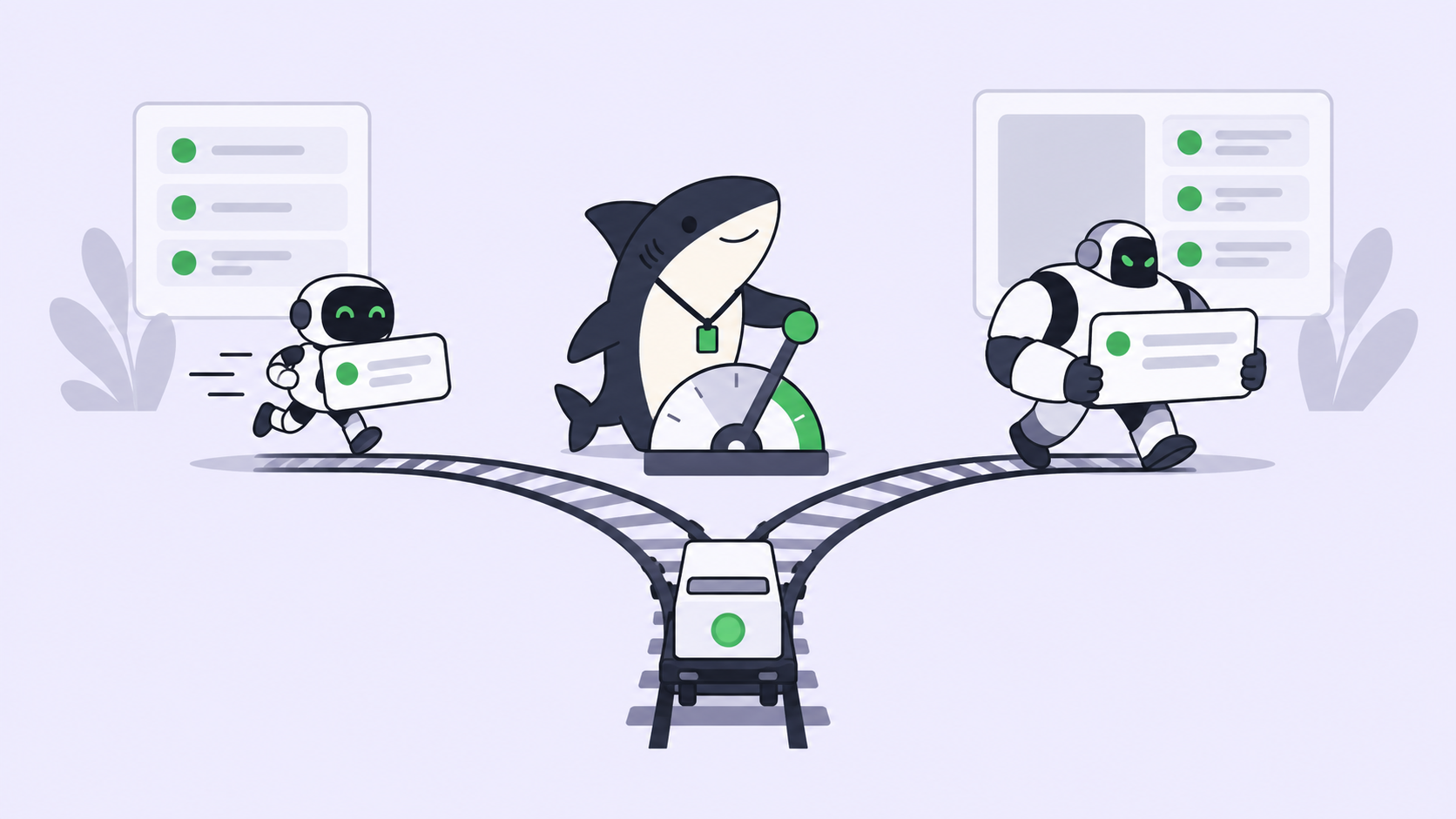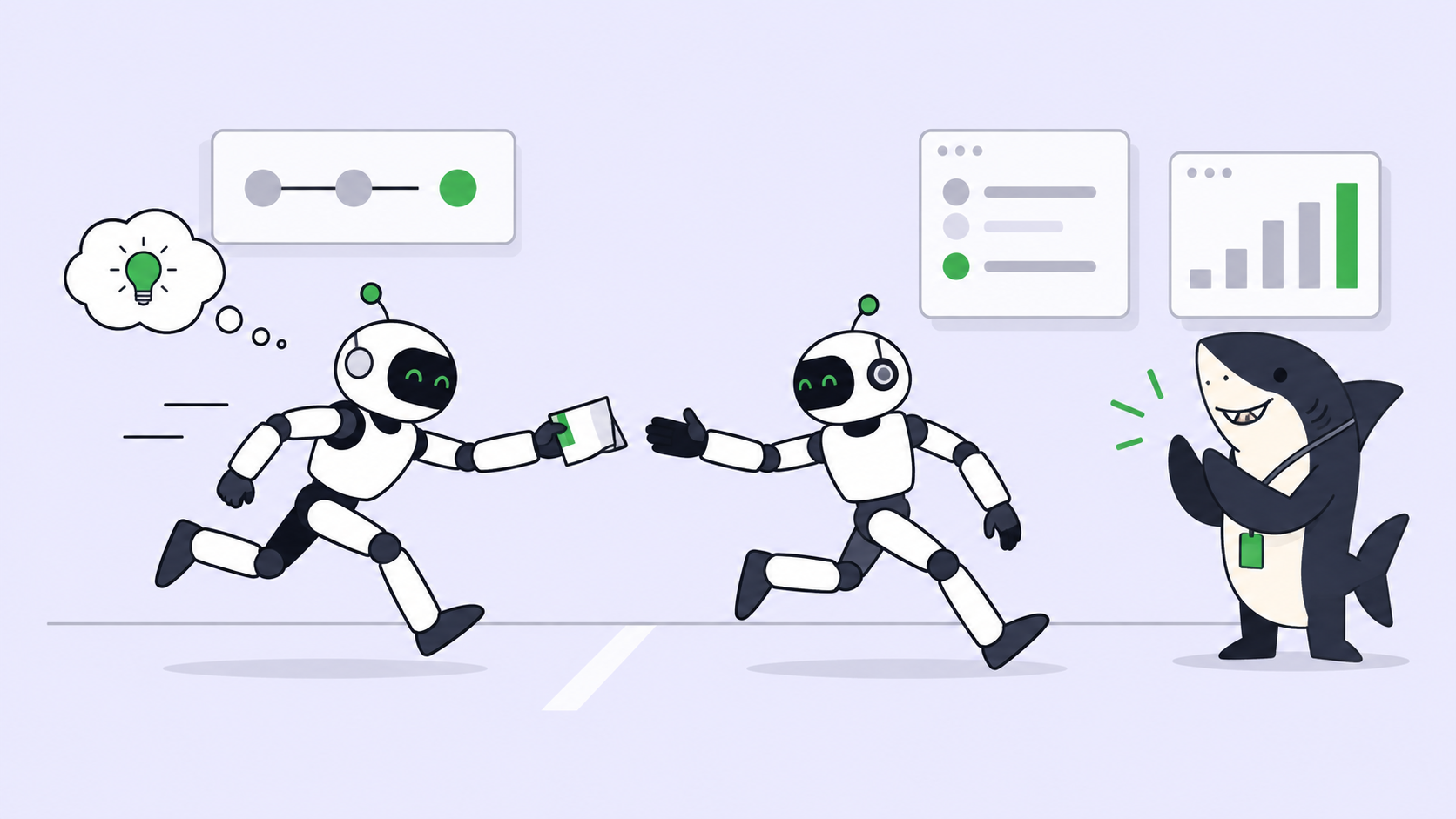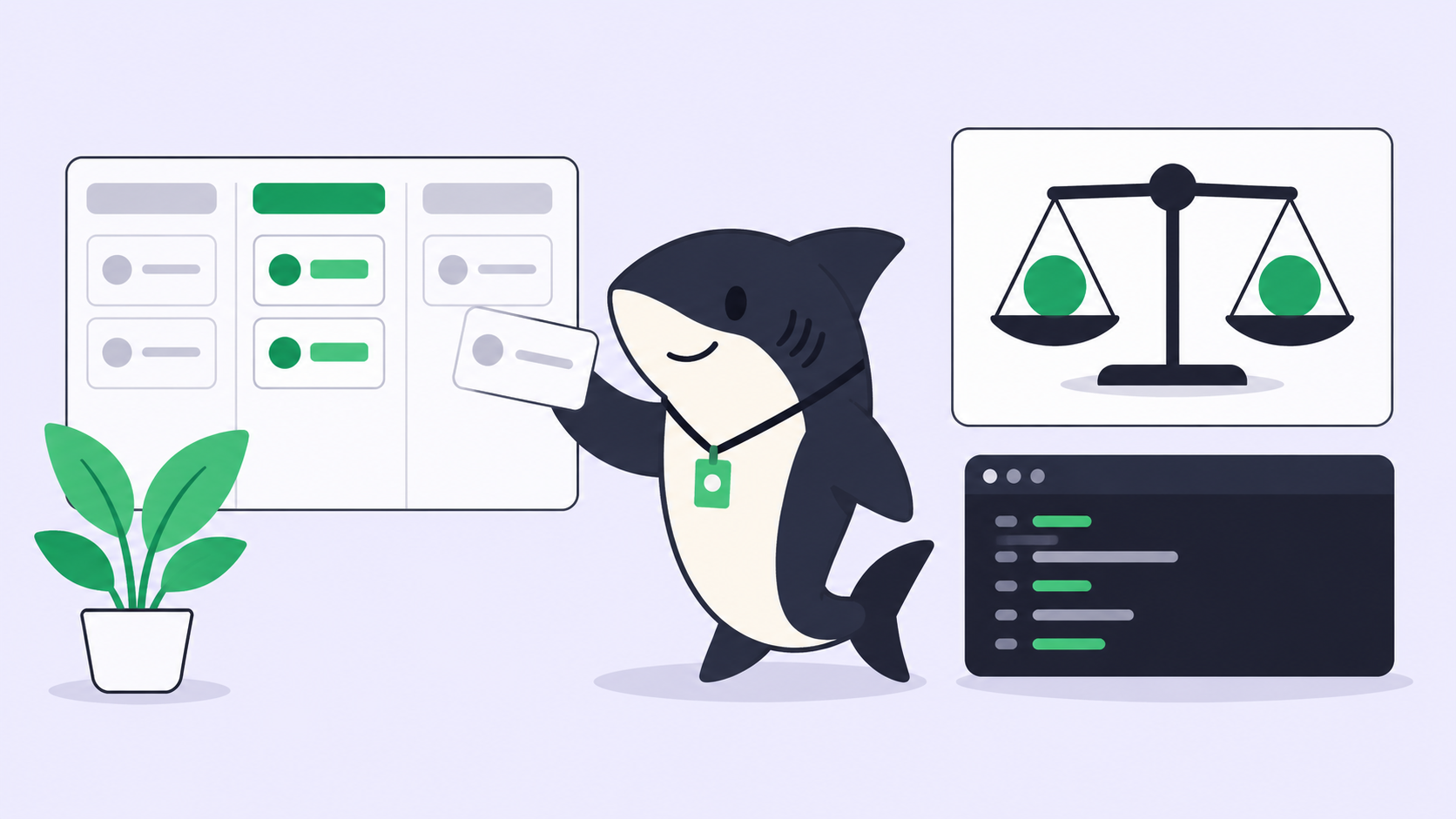
Human-in-the-loop coding agents are usually described as a setting: the mode where the tool asks before it edits. That is one loop, and it is the smallest one. It runs inside one developer’s terminal, for one session, and it evaporates when the session ends. A team that thinks it has human oversight because everyone left Claude Code in Manual mode has oversight of keystrokes, not of outcomes.
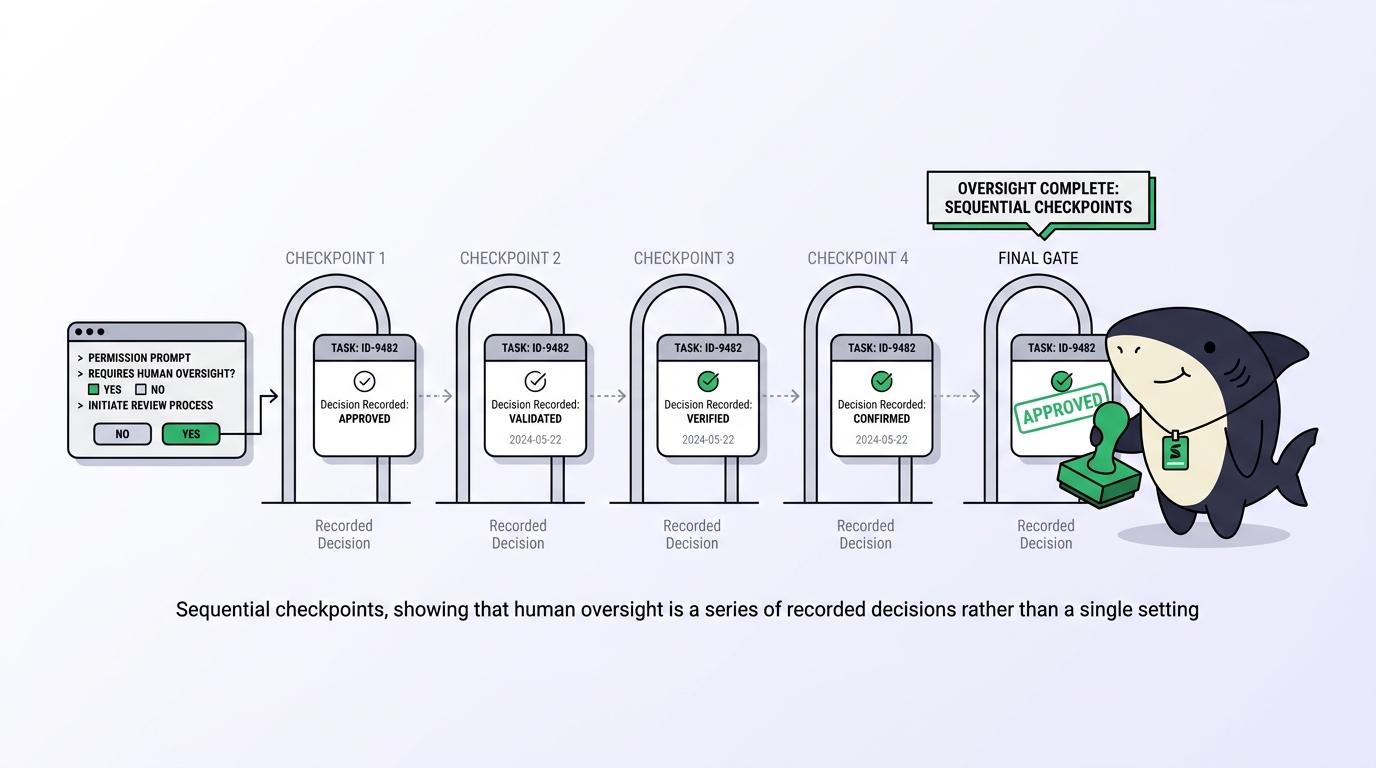
This guide lays out the review workflow as five gates, from the permission prompt inside the runtime to the acceptance decision on the shared record, and says who decides at each one and where that decision is written down. The runtime gates come from the tools’ own documentation. The team gates use Sharkly, because it records them on the Task rather than in someone’s scrollback. If you want the definition of the practice first, our guide to AI agent project management covers the loop this workflow lives in.
TL;DR
A human-in-the-loop review workflow for coding agents has five gates: the runtime’s permission mode, plan confirmation before work becomes Tasks, the execution boundary that decides when a run may start, the attention signal that routes review to a named person, and acceptance recorded as a status change by that person. Only the first gate is a tool setting. The other four are team decisions, and they need a shared record to be real. Agents research, execute, test, and report. People set direction, grant authority, and accept the result.
Gate 1: The permission mode inside the runtime
Every serious coding agent ships an approval dial. Claude Code’s permission modes run from default, labeled Manual, which asks before edits, shell commands, and network access, through acceptEdits, plan, and auto, where a second model called the classifier reviews actions instead of you, to bypassPermissions for isolated containers only. Switch with Shift+Tab or --permission-mode. Codex exposes the same idea through its /permissions command, which sets when it may edit files or run commands without asking.
This gate is necessary and insufficient. It is per session and per developer, it protects the machine rather than the requirement, and it leaves no record a teammate can read. On Pro, Max, and Team plans, Claude Code now starts in auto mode by default, which is a reasonable choice precisely because the classifier is faster and more consistent than a tired human clicking yes. The lesson is not to fight the dial. It is to stop treating the dial as the review.
Gate 2: Plan confirmation
The first team-level gate happens before any code exists. In Sharkly’s Agent chat, Plan mode lets the Agent propose actions for your review, and the planned Task and sub-tasks are created only after a person confirms the proposal. You can confirm without starting, or confirm and start.
This is where scope gets decided, and it is cheap: editing a proposed sub-task costs a minute, reviewing an unrequested refactor costs an afternoon. Keep Explore selected when you want analysis only. Use a Crew when a leader needs to interpret the goal and involve other Agent members; use a single Agent, and skip the ceremony, when one role covers the work. Our guide to chat with an AI agent or assign a Task covers the three modes.
Gate 3: The execution boundary
A Task assigned to an Agent does not start while it is in Backlog. Moving it to a status whose category is ready for work is what starts the run, and completed, canceled, and duplicate categories never start an initial run. The status category is therefore a gate a person operates on purpose, and it is visible on the board.
Two things make this gate more than a formality. Each run gets an isolated directory, and repository-backed runs prepare a fresh worktree, so an approved run cannot damage a run nobody approved. And the run carries the Task description, recent comments, and the Task type Workflow, which constrains the statuses the Agent may select. An Agent cannot mark its own work accepted if the Workflow does not give it that status. Our piece on Git worktrees with AI coding agents explains the isolation.
Gate 4: The attention signal
An Agent ends a run in one of two useful places: with a result, or with a question. Sharkly names both. An Agent can leave a Task waiting for a human reply or waiting for human review, and failed or blocked work surfaces as an attention item. Those signals land in the Inbox, in the Primary section, for the responsible person, and run failures go to the assigned person rather than every subscriber.
The gate here is routing, and it is the one most teams get wrong by accident. Review that goes to a channel goes to nobody. Review that goes to the human assignee, on the Task, with the execution log one click away, goes to someone who can be asked about it later. Our guide to the AI agent inbox covers the queue mechanics.
Replying is also how work continues. A member comment on a Task with a ready Agent assignee can enqueue another run, so review feedback continues the same work rather than starting a second process. Mentioning a person, or using an all-mention, does not by itself start an Agent, which keeps a human-to-human exchange from waking the Agent.
Gate 5: Acceptance on the record
Acceptance is a person changing the Task status after reading the evidence. Read in this order: the acceptance criteria in the description, the Agent’s comment naming the checks it ran and what remains uncertain, the execution log, then the diff. The log records why the run was queued, when it started and ended, tool calls and Runtime events, the trigger source, and failure details; it is the difference between reviewing a change and reviewing a story about a change.
Two rules protect this gate. Merging a linked pull request does not change the Task status, so a merge is never mistaken for acceptance. And a completed Automation run describes the run, not a promise that every downstream outcome was correct. Both come straight from the product documentation, and both exist because teams kept confusing finished with correct.
The workflow in one table
| Gate | Question it answers | Who decides | Where it is recorded |
|---|---|---|---|
| Permission mode | May this session touch that? | The developer | Nowhere shared |
| Plan confirmation | Is this the right breakdown? | A person, on the proposal | The confirmed sub-tasks |
| Execution boundary | May this Task run now? | Whoever moves it out of Backlog | Status change in Activity |
| Attention signal | Who must look, and at what? | Sharkly routes it to the assignee | Inbox Primary and the Task |
| Acceptance | Is the outcome correct? | The human assignee | Status change by a named person |
When to open the gates wider
Not every Task deserves five stops, and pretending otherwise is how review becomes theater. Read-only work such as a repository audit needs gate 1 and gate 5. Reversible work in an isolated worktree, like a dependency bump with tests, can skip plan confirmation. Automations that run on a schedule should have their instructions state when a person must review or decide, and should be run manually and inspected before anyone depends on the schedule; our guide to Automations in Sharkly covers that.
Keep all five for anything that changes a public interface, touches data, or cannot be reverted with one command. And keep one rule everywhere: a named human assignee on every Agent Task. Sharkly separates human responsibility from Agent execution on purpose, so a Task can have people assigned and an Agent assigned at the same time. Accountability does not delegate, and the record should show who holds it.
What human-in-the-loop is not
It is not a person watching a terminal. It is not a permission prompt with a fatigued reviewer behind it. And it is not a status that says Completed. Automation stops where team judgment is required and returns a delivery with complete context and inspectable evidence. That sentence is the whole workflow; the gates are just where it is enforced. Sharkly is not a replacement for Claude Code, Codex, or other execution tools; it is the layer that writes these decisions down.
FAQ
Does auto mode in Claude Code remove the human from the loop? It removes the human from the permission prompt. The classifier reviews actions against your request; it does not review whether the outcome met the requirement. Gates 2 through 5 still belong to people.
How do I stop an Agent mid-run? A queued or running execution can be canceled. Moving a Task to a Canceled or Duplicate status also stops active runs; moving it to Completed does not, so cancel first if the Agent is still working.
Who should be the reviewer? The human assignee on the Task. Sharkly sends waiting-for-review and failure signals to that person, which is why every Agent Task should name one. Our guide to Agents in Sharkly explains the two assignment slots.
Can review feedback go back to the Agent without a new Task? Yes. A comment on the Task can enqueue a follow-up run for the assigned Agent, and rapid comments are coalesced so they do not create duplicate runs.