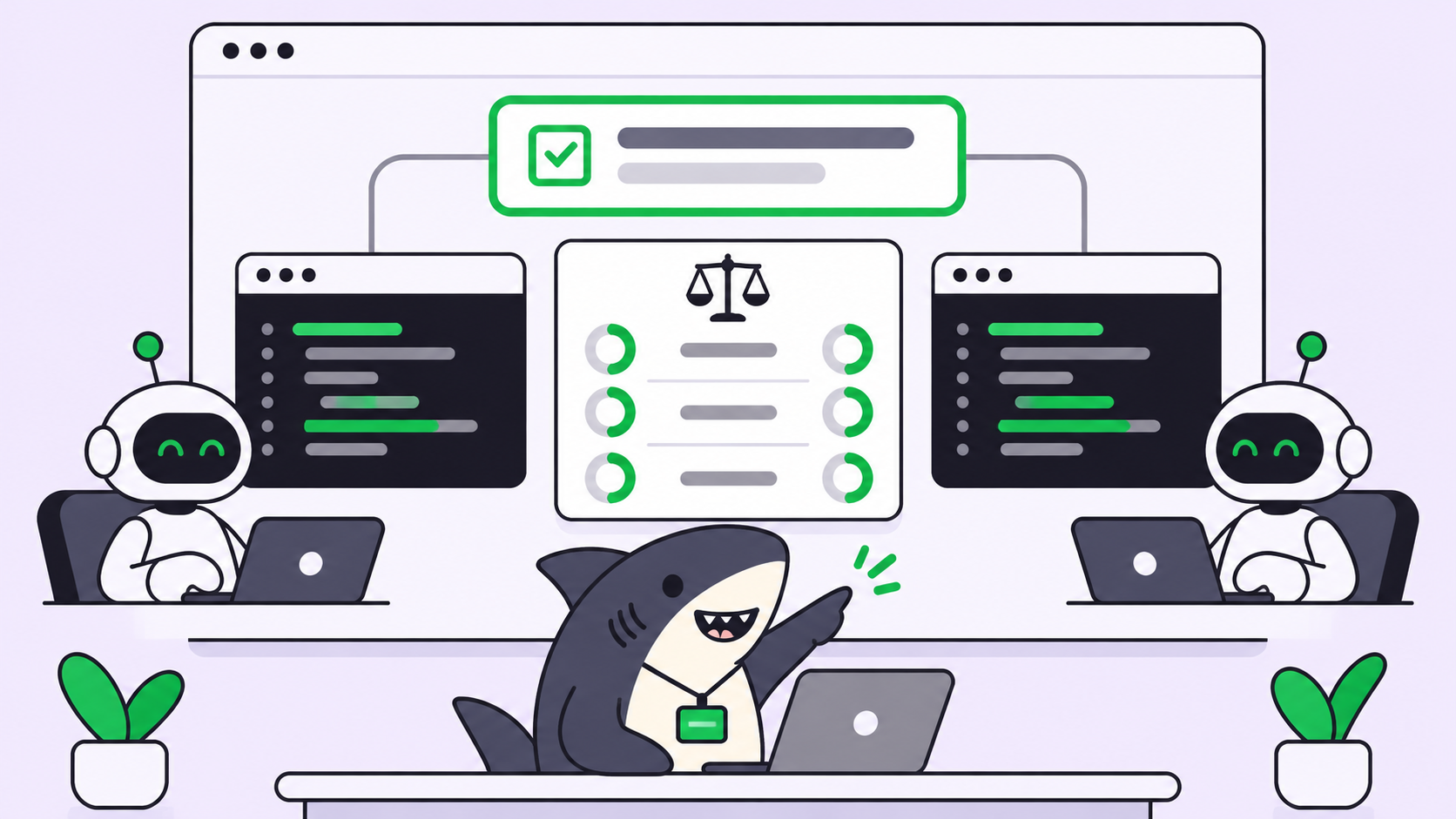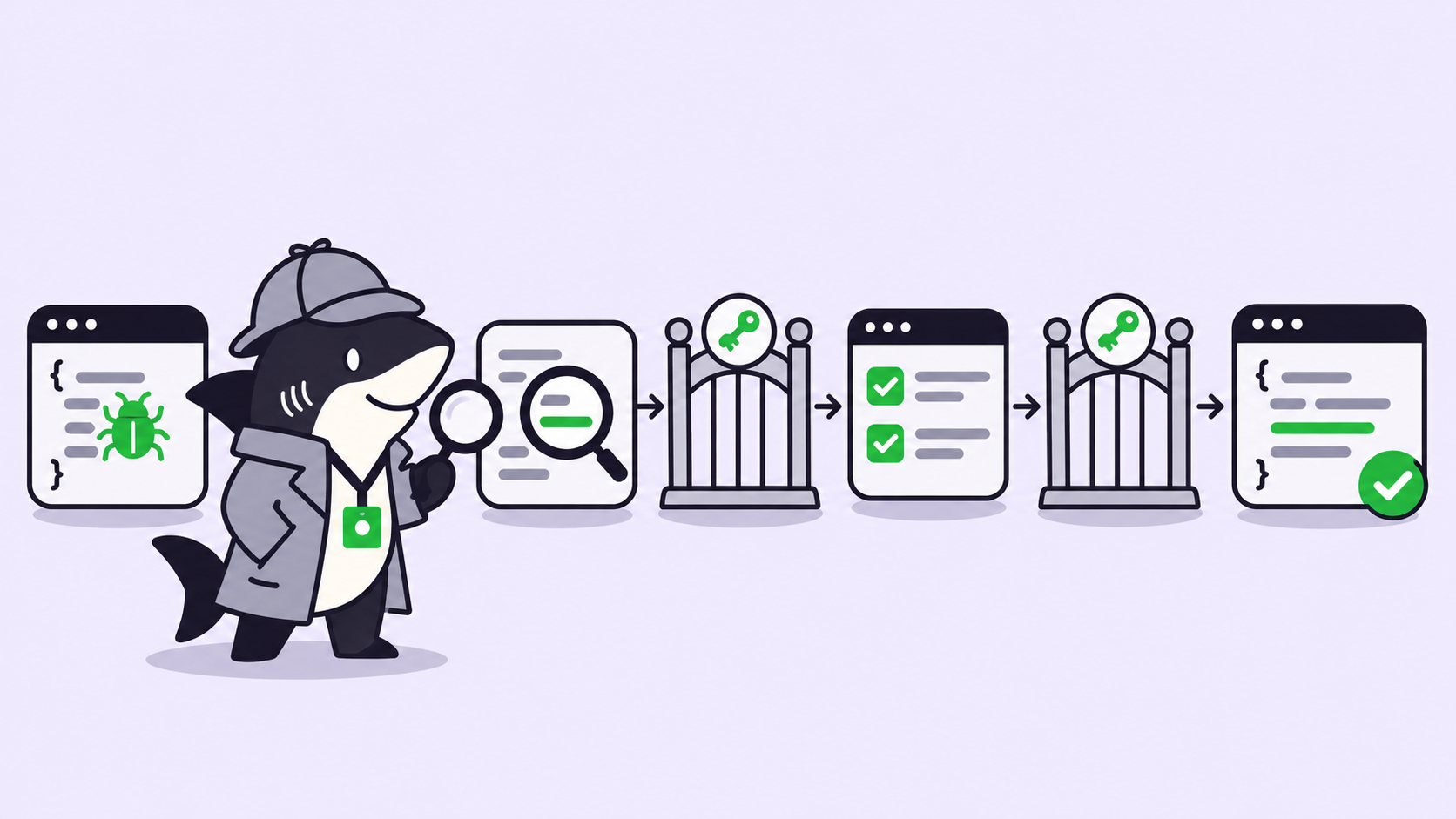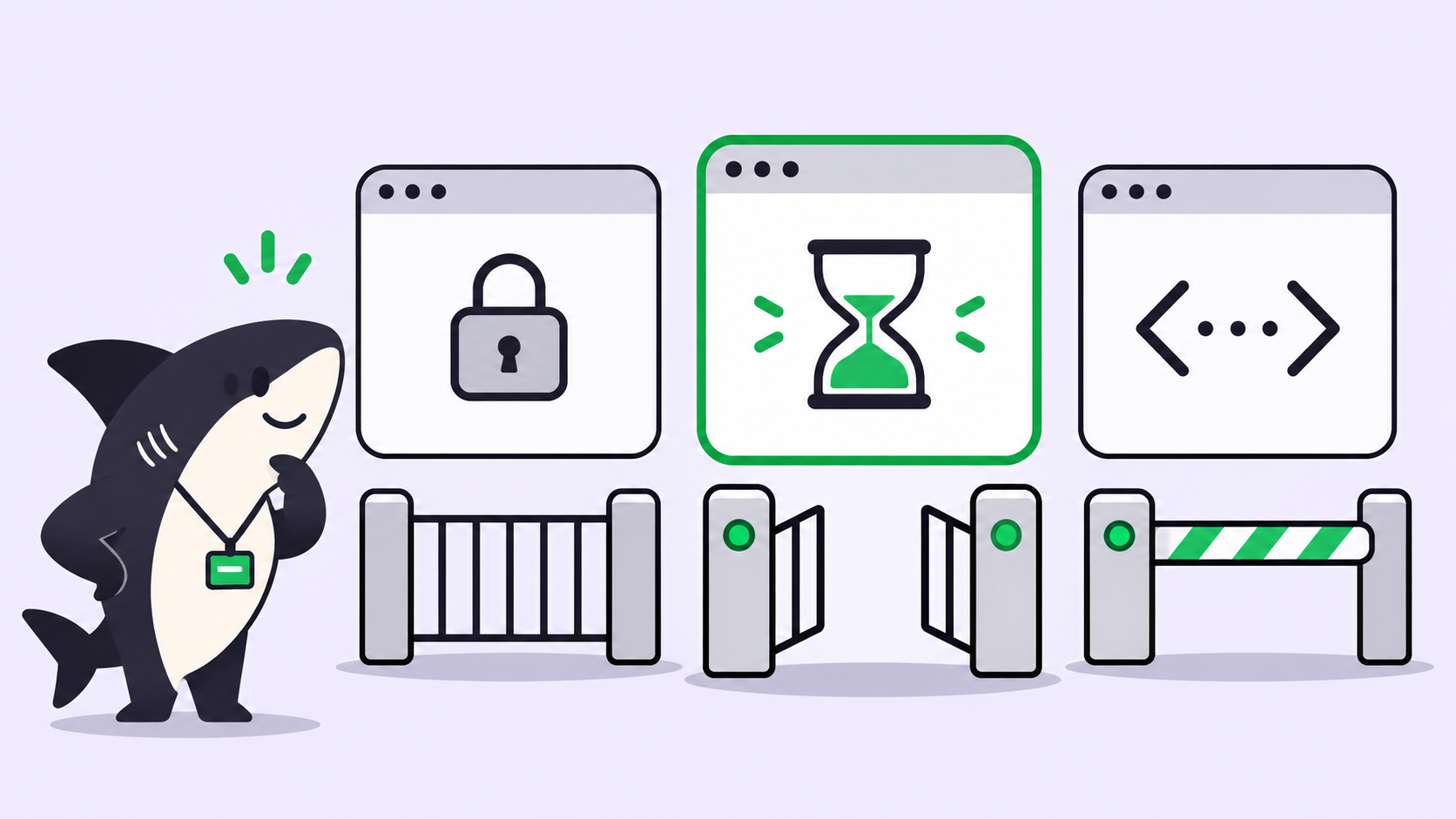
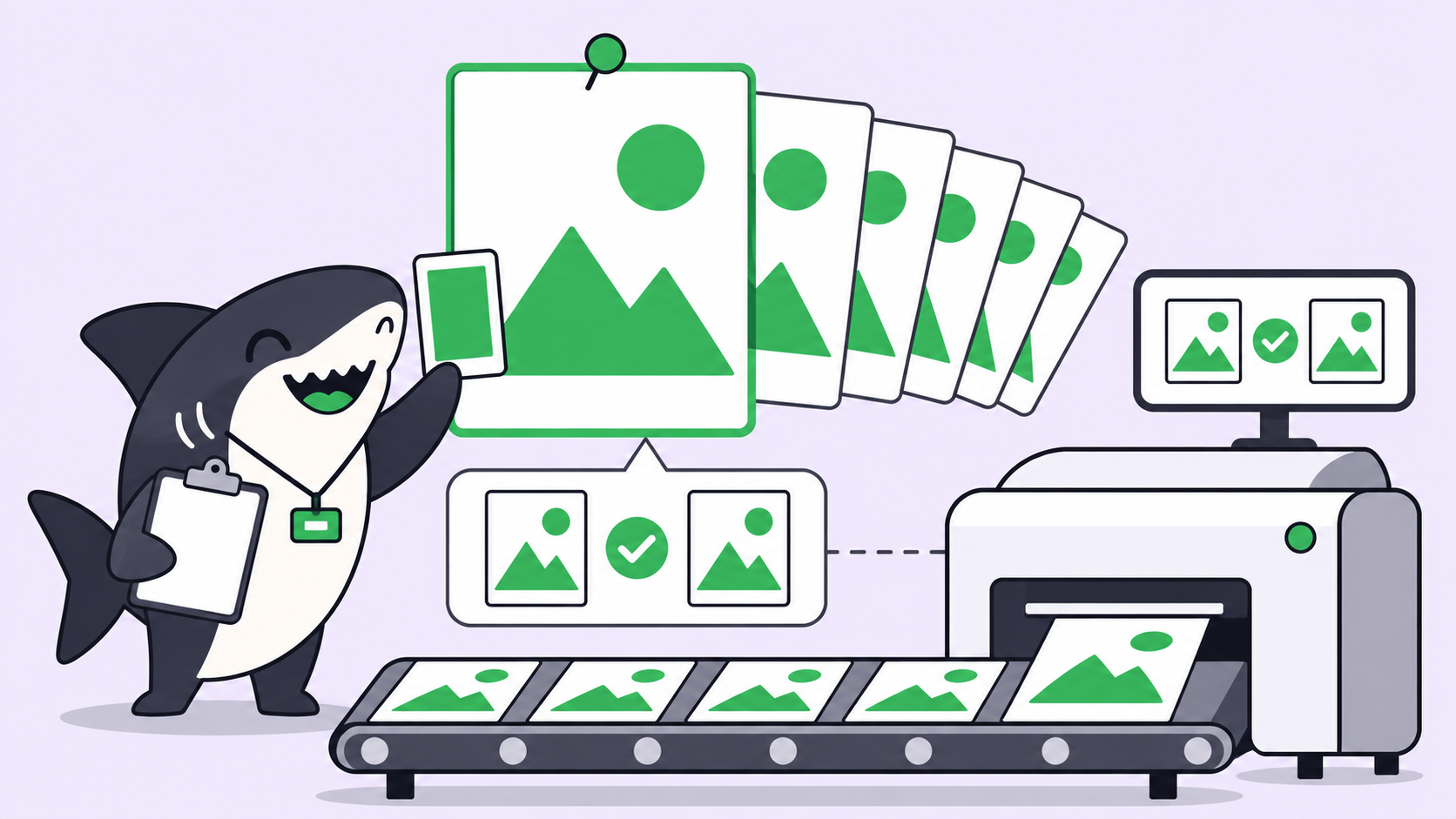
Quick answer: To keep brand visuals consistent with AI agents, give every run the same reference set and a brief that lists what must not change. Edit from the approved master, never from the last output. Then have a person compare each result against that master. In our test, chained edits drifted more than five times further.
Why brand visuals drift when agents make them
Brand drift is the gradual change in a logo, mascot, color, or layout across generated versions when nobody asked for that change. One edit rarely shows it. The tenth does.
Better models help. OpenAI’s Images 2.6 launch post says the release keeps “characters, products, and brand details consistent as you edit”, and that people now create 4 billion images per week across ChatGPT, Codex, and the API. That still doesn’t settle which file is the master, who wrote the brief, or who said yes.
An agent adds its own risks. Each run starts from whatever it was handed, so two runs with two prompts produce two versions of your brand. If you already run several agents, Sharkly gives that work one shared place, and we show the setup below.
Where agents drift
Most drift comes from the workflow around the model, not the model alone.
| Where it slips | What you see | Fix |
|---|---|---|
| Chained edits | Colors fade, outlines soften | Edit from the master |
| Private prompts | Two agents, two styles | One shared brief |
| Stale references | An old logo returns | One versioned reference set |
| Unpinned model | The look shifts after a release | Name the model in the brief |
| Unstated limits | A “small” edit moves the layout | List what must stay |
| No visual review | Drift ships unnoticed | Compare against the master |
Step 1: Build a brand reference set
A brand reference set is the small, versioned bundle of approved files an agent must use for visual work. Keep it short enough that a person can check it in a minute:
- One master image per asset: logo, mascot, product shot
- Exact hex values for your palette
- Typeface names and the exact wording of any fixed text
- Two or three approved examples of finished work
- A do-not list: effects, styles, and elements you never want
Give the set a version name, such as brand-refs-v3. When a logo changes, you bump the version, and every brief points at the new one.
Step 2: Write one shared brief
OpenAI’s image prompting guide puts the core habit plainly: separate changes from constraints. Say “change only X”, then list the details to preserve. A shared brief makes that habit the default for every agent:
Asset:        Spring campaign poster, 1024x1024
References:   brand-refs-v3 (master: mascot-master.png)
Model:        gpt-image-2.6-sunburst, quality high, complexity low

Change only:  background color to #DFF3E4
Preserve:     mascot shape, proportions, outlines, and colors
              body #40455D, badge position
              headline "SHIP TOGETHER", exact wording and position
Never add:    extra text, new logos, watermarks, gradients

Start from:   mascot-master.png, not a previous output
Done when:    a person has compared the result with the master
Step 3: Edit from the master, not the last output
We tested this on November 6, 2026, with a poster of our shark mascot. We ran six background color edits two ways, using the same “change only” prompt. One chain fed each output into the next edit. The other group started every edit from the master.
We measured the mean color difference on the mascot and headline pixels, on a 0 to 255 scale:
| Edit | Chained | From master |
|---|---|---|
| 1 (same file in both) | 4.7 | 4.7 |
| 2 | 9.6 | 3.9 |
| 3 | 15.1 | 6.2 |
| 4 | 17.5 | 5.5 |
| 5 | 21.5 | 4.7 |
| 6 | 23.8 | 4.2 |
The chain’s mascot body moved from #40455d to #535c7b. The master group ended at #404860, which is close enough that you’d miss it side by side.
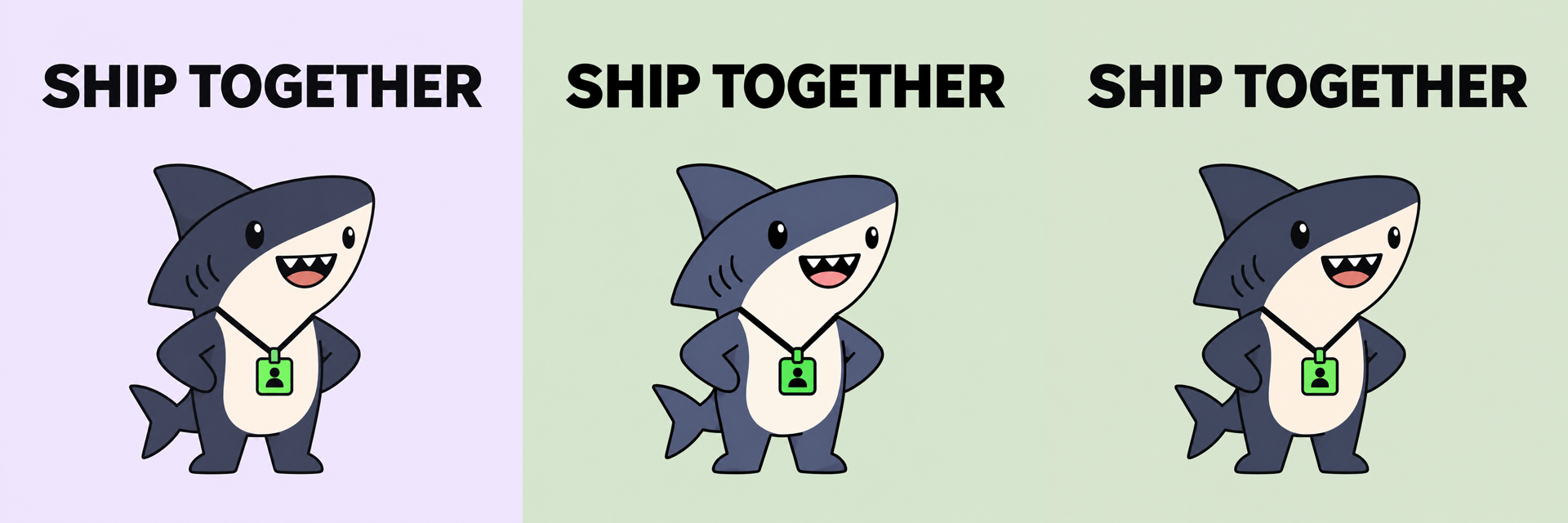
Two limits apply. This was one run of one image, so read it as a direction, not a benchmark. It also used gpt-image-2, because Images 2.6 wasn’t available on our gateway, so we can’t say how far Sunburst narrows the gap.
OpenAI’s guide does suggest passing the previous output into the next edit when you refine one image, and that’s fair. Use a chain when you’re still shaping a single draft. Use the master when you’re producing a set of variants.
Step 4: Set the model controls on purpose
If your agents use the API, four settings matter most. These come from OpenAI’s image generation guide and the launch post:
| Control | Use it for | Watch out for |
|---|---|---|
gpt-image-2.6-sunburst |
Consistency across edits at medium or high quality | Needs medium or high quality for that gain |
gpt-image-2.6-flare |
Fast drafts and layout exploration | Pick one model per campaign |
complexity |
low for focused edits, medium or high for dense scenes |
It defaults to high, which can introduce unwanted changes |
markup |
Pinpointing where a change goes | Applies to the first input image; can’t combine with mask |
The complexity default is the easy one to miss. An agent that omits the field runs every small edit at high. The guide lists no separate fee for adjusting it.
Masks need care too. OpenAI’s guide says masking is prompt-based, and the model may not follow the exact shape. Treat a mask as guidance, and check the edges.
For cost, the pricing page lists both 2.6 models at $8 per million image input tokens and $30 per million image output tokens. Cached image input is $2.
Step 5: Add exact brand elements after generation
Some elements shouldn’t be redrawn at all. Your registered logo, legal lines, and prices need to be exact, so place them in a design tool after generation. That’s the boundary: a generated image is a draft of the scene, not the source of truth for your mark.
SVG output has a limit worth planning around. The API can generate SVG, but the edit endpoint can’t return it, and an SVG can’t go in as a raster input. Keep your approved vector logo as a file, not a prompt.
Step 6: Review every asset against the master
A person should accept brand work, because “close enough” is a judgment call. Open the result beside the master and check:
- Palette: do the main colors match your hex values?
- Shape: are the proportions and outlines unchanged?
- Text: is every word spelled right and placed correctly?
- Scope: did anything change that the brief didn’t ask for?
- Inputs: did the run use the current reference version?
If a result fails, reject it and rerun from the master with a sharper constraint. Don’t patch the failed output, because that starts a chain.
Run brand visual work as a team workflow on Sharkly
You already have agents. Sharkly turns them into a team, and it isn’t an image model: your Runtime and model do the generating. Sharkly holds the work around them.
- A Task holds the brief. Attach the reference set and the brief to one Task, so every run starts from the same inputs.
- An Agent does the work. It runs on a connected Computer through a Runtime. Our guide to assigning your first task to an AI agent covers the setup.
- A person accepts the result. The Agent can leave the Task waiting for human review, and the request appears in that person’s Inbox.
Agents generate, compare, and report. People set direction, hold the master, and accept the result.
Decide where each rule lives. Put campaign details in the Task. Use a Skill for rules that apply every time, such as your do-not list and review checklist, because a Skill packages reusable instructions and supporting files for Agent work.
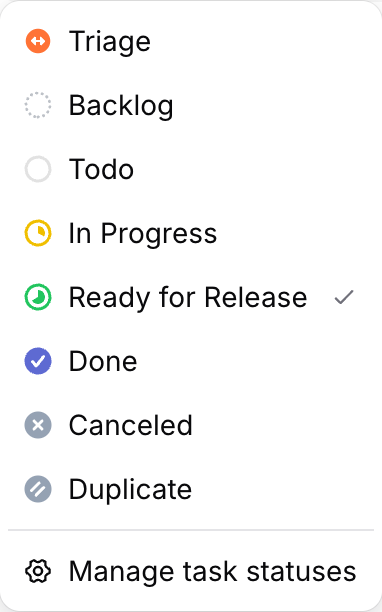
Results return to the Task, so the brief, the output, and the decision stay together. Your statuses show where work stopped:
Sharkly is free to start: the Free plan covers organizations of up to 5 people, and Agents don’t take a seat. Model usage stays on the plan or API key you connect.
When a template beats an agent
Use an agent when each asset needs a new scene, a new background, or new art direction. Use a fixed design template when only the text and images swap, because a template can’t drift.
A mixed approach often works best. Agents draft the scene, and a template locks the logo, margins, and type on top.
Real-world uses
- Campaign variants: one master poster, many backgrounds, all edited from the same file.
- Product imagery: new settings for one product shot, with its shape and label on the preserve list.
- Mascot motion: a looping GIF, covered step by step in how to animate your brand mascot. For the basics, see making GIFs with Images 2.6.
Conclusion
Consistency comes from three habits: one reference set, one brief with its limits written down, and one person comparing against the master. In our test, editing from the master held drift near 4 while the chain reached 23.8.
Pick one asset you regenerate often. Write its brief, put it in a Task in a free Sharkly workspace, and have a person approve the first result. The Sharkly docs cover setup.
FAQ
How do I keep AI images on brand?
Give the model approved reference images, exact hex values, and a list of what must not change. Then review each result against your master file.
Why do my AI images change a little with every edit?
Small differences can add up when one output feeds the next, as our test showed. Start each variant from the master.
Can AI reproduce my logo exactly?
Don’t rely on it. Place your approved logo file after generation, in a design tool.
Should I use Sunburst or Flare for brand work?
OpenAI positions Sunburst for detail and consistency across edits, and Flare for speed and layout. Draft in Flare if you like, then finish in one model.
Does the Images 2.6 API return a finished GIF?
Yes, according to OpenAI’s guide. Set output_format to gif and the response contains the finished animation, with 2 to 16 frames. We haven’t tested this through the API ourselves.
Do I need a person to review every asset?
For anything public, yes. An agent can run checks and flag differences, but accepting brand work is a judgment call.