
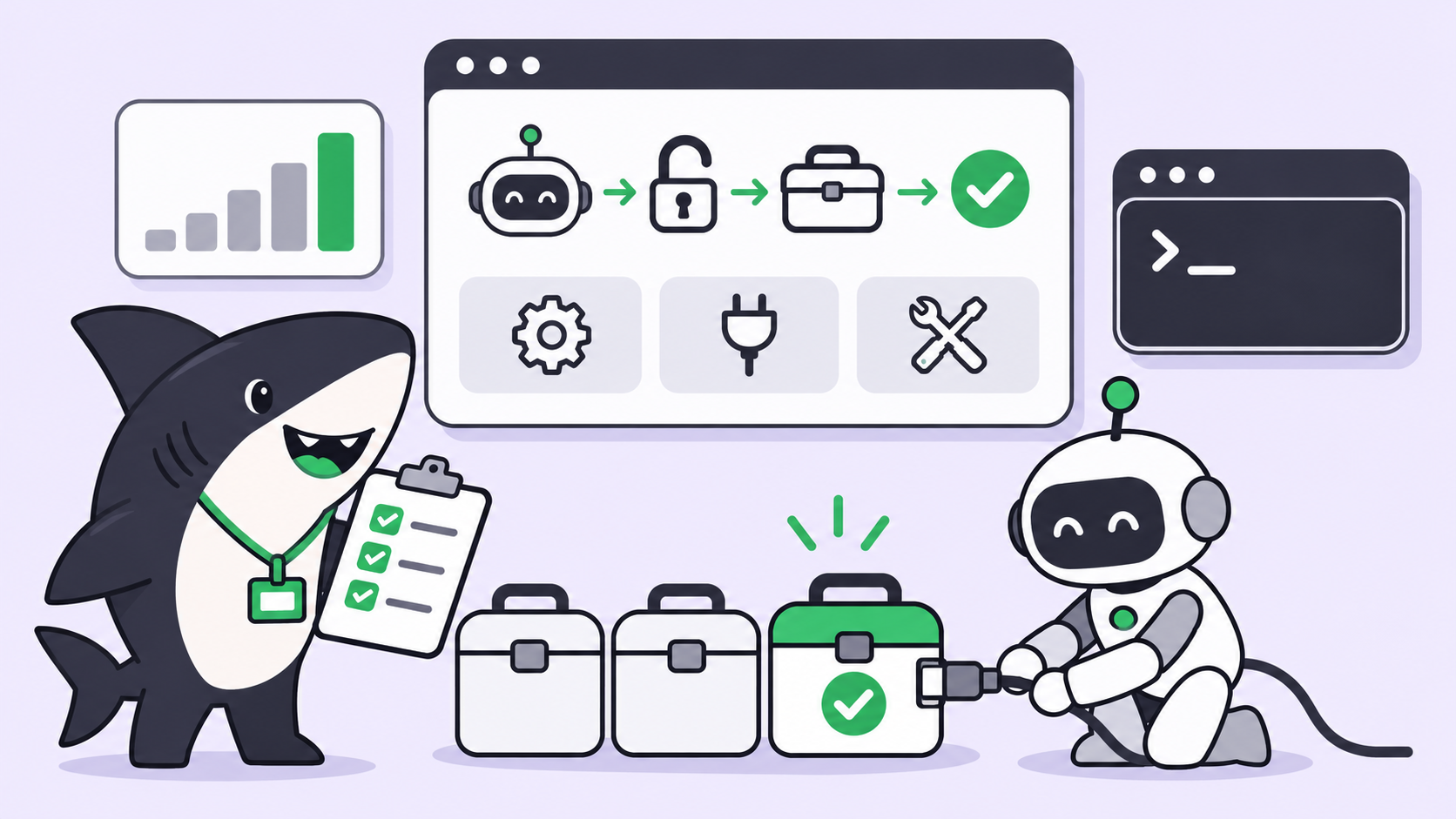
TL;DR: Your team’s tools are ready for AI agents when an agent can do five things without a human in the loop: find the tool, authenticate once, read docs it can parse, call it and get typed values back, and recover when a call fails. Score each internal service on those five checks, then fix authentication and error output first.
Why tools ready for AI agents matter now
Coding agents now spend a growing share of each run calling things your team built for people: internal admin panels, deploy scripts, wikis, ticket systems, staging APIs. Most of those were designed for a human with a mouse and the patience to read a paragraph. An agent has neither.
When a tool isn’t ready, the agent doesn’t stop. It guesses, burns turns on screenshots, or waits for someone to type a password. If you already route work to Claude Code or Codex through a shared board like Sharkly, you see this as runs that sit idle or results a reviewer can’t trust.
This guide gives you a five-check audit to run on your own tools this week, a scoring table, and a fix order.
What an agent hits when a tool isn’t ready
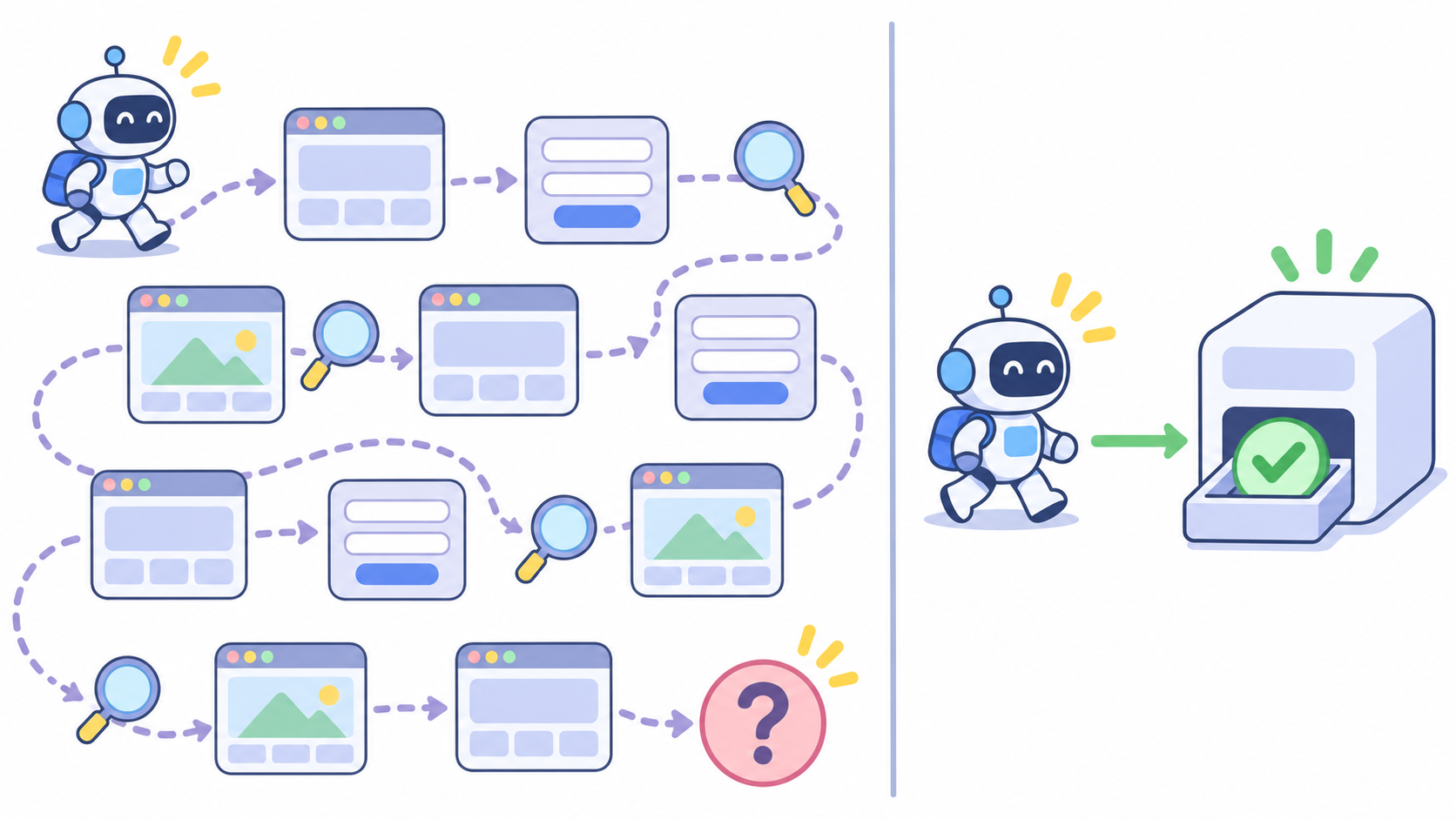
Postman developer advocate Anthony Viard published a useful field report on November 3, 2026: he pointed one agent Skill at three travel providers to book a short trip. Two had no API and no MCP server, so the agent drove a browser. The third published a Model Context Protocol (MCP) server, a standard way to expose typed tools to an agent.
His numbers, which he labels one run and “a testimony, not a benchmark”:
| Provider path | Tool calls | Screenshots | Rough wall clock |
|---|---|---|---|
| Browser, provider A | ~33 | ~10 | 5 to 7 min |
| Browser, provider B | ~32 | ~19 | 5 to 7 min |
| MCP server | ~15 | 0 | ~65 sec |
Speed wasn’t the headline. Four of the five listings on the browser shortlist had no readable pet policy, and his top pick came back pets_allowed: false once the typed endpoint answered. The agent had done nothing wrong; the page never said it. You can read the full write-up on the Postman blog.
His conclusion is the one to keep: the protocol matters less than whether a fact arrives as a type or as a sentence somebody has to interpret. A REST API with an accurate spec, a CLI with predictable output, or an MCP server can all get you there.
The five-check audit for agent-ready tools
Run these five checks against every tool an agent touches in your workflow. Give each check a 0, 1, or 2.
- Find: can the agent discover the tool and what it does without a human pointing at it?
- Authenticate: can it get credentials once, at setup, without a browser prompt mid-run?
- Read: are the docs available as plain text or Markdown the agent can load?
- Call: does the tool return typed, documented fields instead of prose?
- Recover: do errors say what went wrong and what to try next, with a stable exit code?
Can an agent find your tool?
Discovery fails quietly. The tool exists, but no instruction file mentions it, so the agent writes its own script or asks you.
Fix it with a pointer the agent loads every run. An AGENTS.md file at the repo root, a short “tools” section listing each internal CLI and endpoint, and one line on when to use each. For docs sites, an llms.txt index gives an agent a map of pages in one fetch.
## Internal tools
- `deployctl` : deploy a service to staging. Run `deployctl --help` first.
- `GET https://flags.internal.example.com/v2/flags` : read feature flags (JSON, OpenAPI at /openapi.json).
- Never use the admin web panel; it needs SSO in a browser.
Score 2 if the agent finds the right tool unprompted on a test task.
Can it authenticate without a human?
This is where most runs stall. SSO redirects, CAPTCHAs, and expiring browser sessions turn a two-minute task into an idle run waiting on a person.
Viard’s framing is the right test: setup friction is paid once, interactive friction is paid on every run. A token issued at setup and stored in a secret field passes. A login page that appears mid-task fails.
Give agents their own scoped credentials: a service account or short-lived token with only the permissions the task needs. Never reuse a person’s session. We cover scoping in more depth in coding agent permissions: what an agent should and shouldn’t do.
Can it read your docs?
A docs page rendered by client-side JavaScript can come back empty to a plain HTTP fetch. A PDF runbook is worse.
Check by fetching your own docs the way an agent would: curl the page and read what comes back. If it’s a script bundle and no text, publish a Markdown version. Sharkly’s own docs show the pattern: every page on help.sharkly.ai has a Markdown twin, plus an llms.txt index and an llms-full.txt bundle.
Write the docs for a literal reader too. State units, enum values, and required fields. “Price” that might be per person, per room, or per stay is a guess waiting to happen.
Does it return typed values?
This is the modelling problem no protocol solves for you. You can ship a clean API and still answer “does this account have billing enabled?” with a free-text notes field.
Look for three smells: booleans hidden in prose, numbers without units, and fields that appear in responses but not in the OpenAPI specification. Each one becomes “not specified” in an agent’s output, or worse, a confident wrong answer.
For CLIs, add a JSON output flag and keep it stable. The Sharkly CLI, for example, supports a global --output flag across its subcommands, so sharkly task list --output json returns fields an agent can parse instead of a formatted table. See the Sharkly CLI docs.
Can it recover from errors?
An agent that gets Error: something went wrong retries the same call, then improvises. An agent that gets a structured error fixes its input.
Use RFC 9457 problem details for HTTP APIs, and distinct exit codes for CLIs:
{
  "type": "https://flags.internal.example.com/errors/unknown-environment",
  "title": "Unknown environment",
  "status": 400,
  "detail": "Environment 'stage' not found. Valid values: dev, staging, prod.",
  "retryable": false
}
That detail line does more for an agent than any retry policy. It names the bad input and lists the valid ones.
Score your tools and pick what to fix first
Put every tool in one table. Ten points is fully agent-ready; anything under 6 will cost you idle runs.
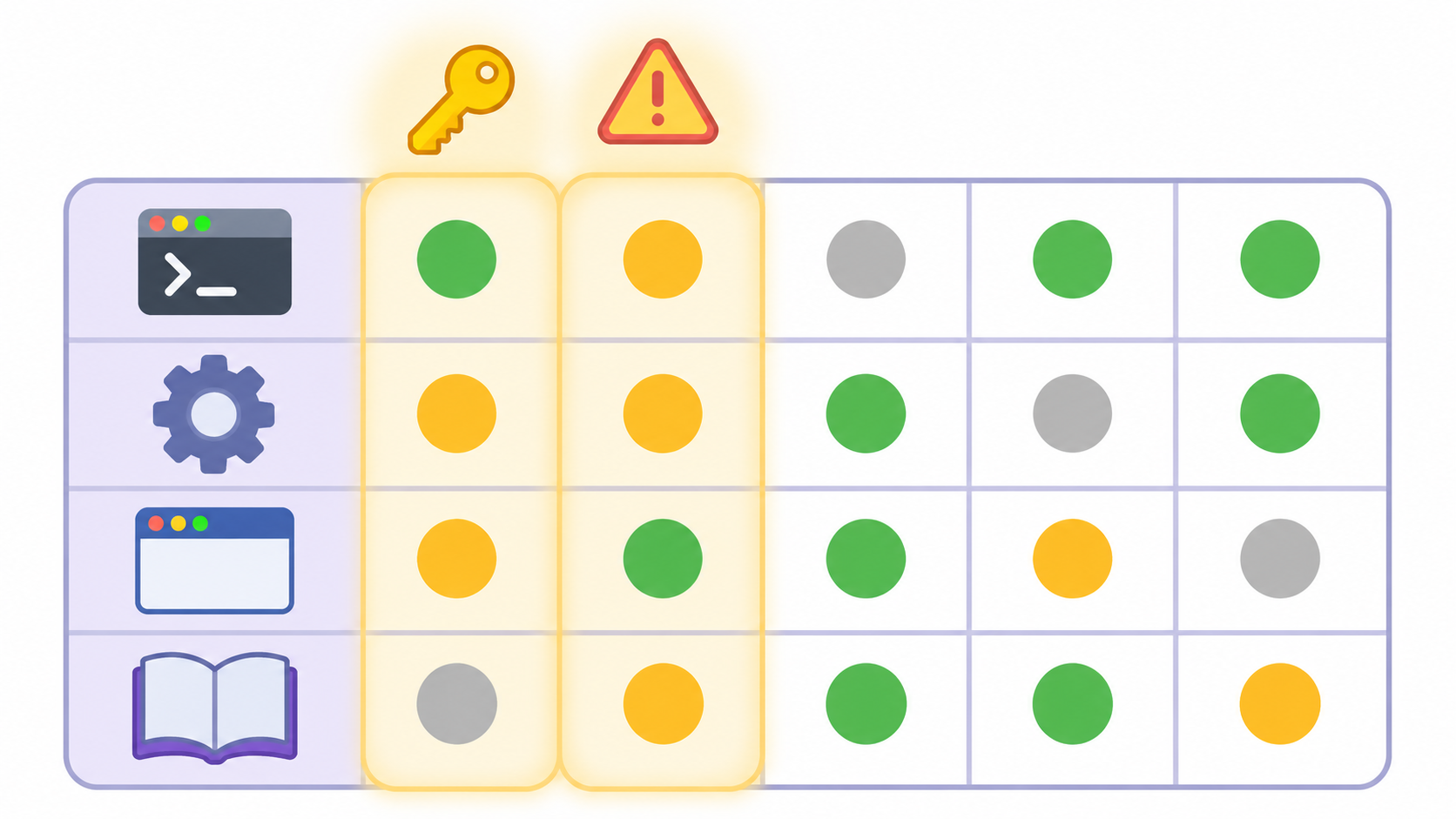
| Tool | Find | Auth | Read | Call | Recover | Total |
|---|---|---|---|---|---|---|
| deployctl CLI | 2 | 2 | 1 | 1 | 0 | 6 |
| Feature flag API | 1 | 2 | 2 | 2 | 1 | 8 |
| Admin web panel | 0 | 0 | 0 | 0 | 0 | 0 |
| Internal wiki | 1 | 0 | 1 | 0 | 0 | 2 |
Fix in this order:
- Authentication first. A tool that needs a human to log in mid-run blocks everything after it.
- Error output second. Clear errors turn failed runs into self-corrected ones.
- Typed output third. This is where wrong answers come from.
- Docs and discovery last. They’re cheap, so batch them into one afternoon.
For a tool that scores 0 everywhere, like an admin panel, don’t automate the browser. Wrap the one or two actions agents need behind a small CLI or endpoint and score that instead.
How Sharkly fits around agent-ready tools
Sharkly doesn’t make your tools agent-ready; your team does. What it gives you is one place to wire the fixes in so every agent run picks them up.
- Skills package reusable instructions and files, scoped to an organization, a Space, or a single Agent. Your “internal tools” guide becomes a Skill every relevant Agent loads, instead of a paragraph copied into prompts. See the Skills docs and our explainer on what a coding agent Skill is.
- Secret environment variables on an Agent hold the scoped tokens from check 2, so credentials live in fields built for them, not in task descriptions.
- Connectors in a Space’s Skills area manage MCP connections with personal, Space, or organization visibility.
Runs execute on your own Computers, not a cloud sandbox. Sharkly’s security guide recommends a dedicated account and least credentials on any shared Computer, which lines up with check 2. Our team checklist for coding agents leaking secrets goes further.
Alternatives and trade-offs
Not every fix needs MCP. Pick by who maintains the tool.
- MCP server: best when many agents and Runtimes call the same service. The MCP specification defines typed tool schemas an agent can list before calling.
- REST API plus OpenAPI: best when the API already exists. Tighten the spec and error bodies.
- CLI with JSON output: best for internal scripts. Cheapest to build, easy to test in CI.
- Browser automation: last resort. Expect more turns, more screenshots, and fields the page never shows.
Run the audit this week
Pick the five tools your agents touched most last week. Score them, fix authentication on the worst one, and rerun a real task to compare.
If your agents already run through Sharkly, put the audit itself on the board: one task per tool, assigned to an Agent that tries the five checks and reports a score. Start at sharkly.ai and connect a Computer from the quickstart.
FAQ
What makes a tool ready for AI agents?
An agent can find it, authenticate once at setup, read its docs as text, get typed values back, and recover from errors without a human. Protocol choice matters less than those five properties.
Do I need an MCP server for every internal tool?
No. A REST API with an accurate OpenAPI spec or a CLI with stable JSON output gives an agent the same typed values. MCP helps most when many agents share one service.
Why do agents fail on internal tools built for people?
They hit logins mid-run, docs rendered only in a browser, and answers buried in prose. The agent then guesses or waits.
How should coding agents authenticate to internal services?
With their own scoped, short-lived credentials stored in a secret field, never a person’s browser session or personal token.
What is llms.txt?
A Markdown file at a site’s root that lists its key pages with short descriptions, so an agent can load a map of your docs in one request.
How do I test whether my docs are agent-readable?
Fetch a page with curl and read the raw response. If you see a script bundle instead of text, publish a Markdown version.