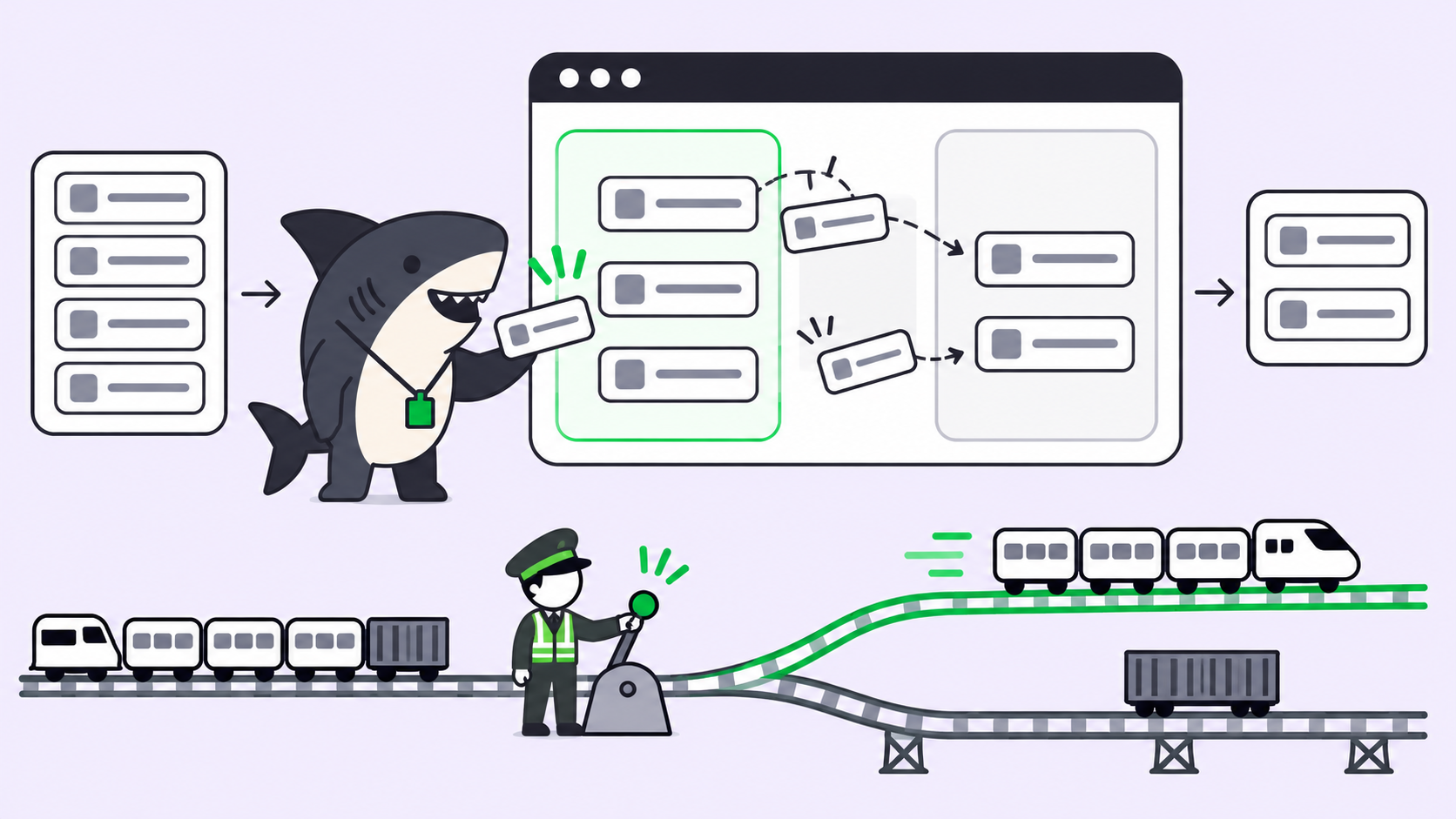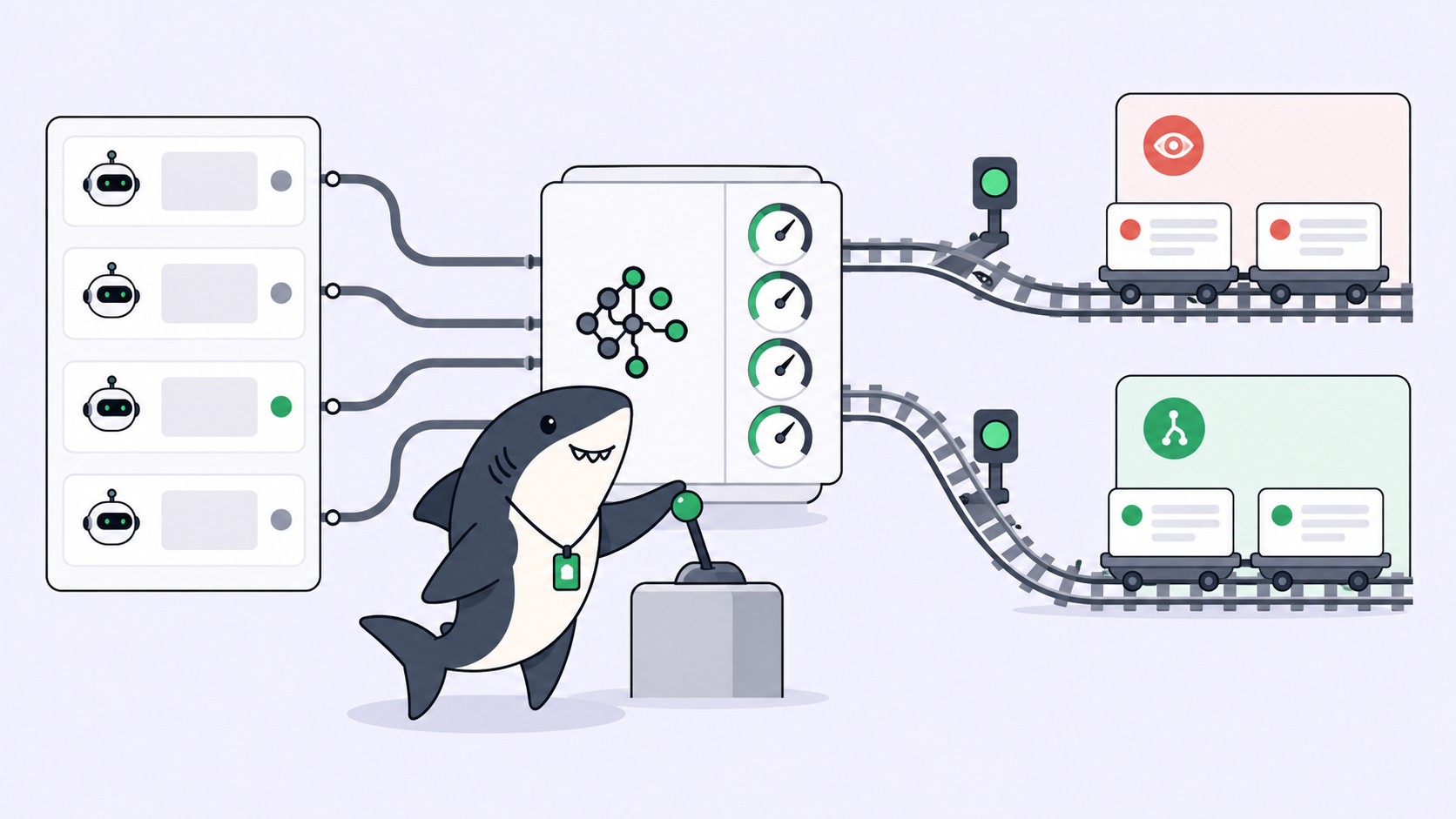
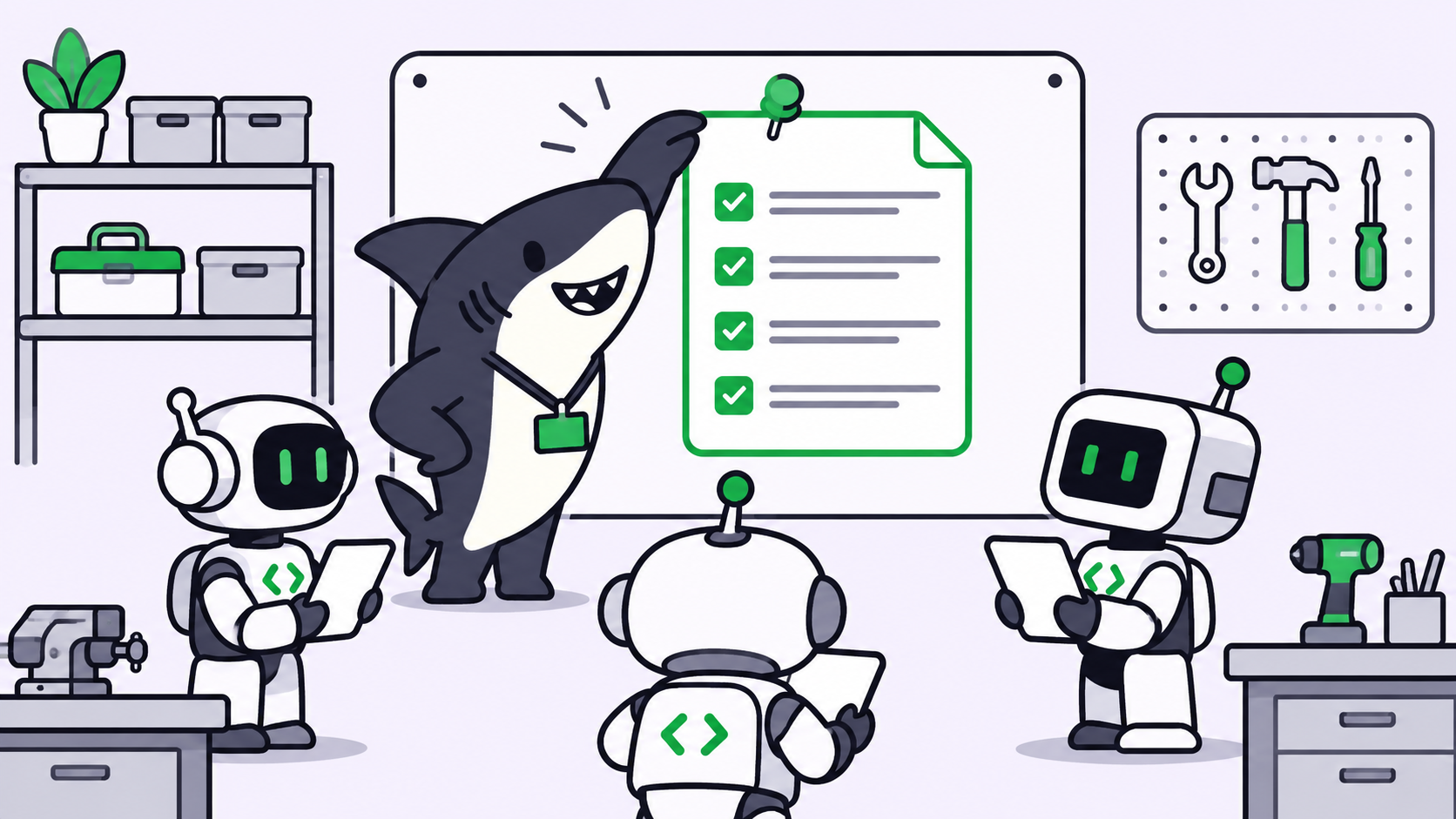
TL;DR: AGENTS.md is a plain Markdown file at the root of a repository that tells coding agents how to build, test and change the project. Codex, Cursor, Jules, Factory, Aider, Zed, GitHub Copilot’s coding agent and 20+ other tools read it. Claude Code reads it when no CLAUDE.md exists, or through a one-line @AGENTS.md import. Write one file, point every agent at it, and keep it short.
What is AGENTS.md?
AGENTS.md is an open format for giving coding agents project instructions. It’s a Markdown file, usually at the repository root, that holds the setup commands, test commands, code style and conventions an agent needs before it edits code. The official site calls it “a README for agents.” There are no required fields and no schema.
A README explains a project to people. AGENTS.md explains it to the agent: which package manager to use, how to run one test file, which directories are generated, what a pull request needs before review. Keeping that in a separate file stops agent instructions from cluttering the README.
If your team already runs several coding agents, Sharkly is where you assign their work and review what comes back; we’ll come back to how it sits next to AGENTS.md.
Why one instruction file matters for teams mixing agents
Before AGENTS.md, each tool asked for its own file. Claude Code read CLAUDE.md, Gemini CLI read GEMINI.md, Cursor read its rules, and Aider read a conventions file. A team running three agents kept three copies of “use pnpm, run pnpm test, never edit generated/,” and the copies drifted.
Drift is where the cost shows up. One agent learns the new test command, another keeps running the old one, and the reviewer can’t tell which instructions produced which change. One shared file removes that whole class of problem. If you already move tasks between agents, our guide on keeping context when switching between coding agents covers the rest of the handoff.
Where the AGENTS.md standard came from
The format came out of joint work across the agent ecosystem. The agents.md site credits OpenAI Codex, Amp, Google’s Jules, Cursor and Factory. Factory announced that it joined the collaboration OpenAI convened, would contribute to the draft specification, and would support AGENTS.md across its products.
The format is now stewarded by the Agentic AI Foundation under the Linux Foundation, according to agents.md. The same site says more than 60,000 open-source projects use the file. OpenAI’s own main repository held 88 AGENTS.md files when the site was written, which shows how far the nested pattern scales.
Which coding agents read AGENTS.md
Most agents read the file natively. A few need one setting or an import line.
| Agent | Reads AGENTS.md | How |
|---|---|---|
| Codex | Natively | Walks from the project root to the working directory and concatenates every AGENTS.md it finds |
| Claude Code | Natively (v2.1.277+) when no CLAUDE.md exists | Otherwise add @AGENTS.md as the first line of CLAUDE.md |
| Cursor | Natively | Listed as compatible on agents.md |
| GitHub Copilot coding agent | Natively | Listed as compatible on agents.md |
| Jules, Factory, Amp, Zed, Warp, Devin, Windsurf, Junie, opencode | Natively | Listed as compatible on agents.md |
| Gemini CLI | With a setting | "context": { "fileName": "AGENTS.md" } in .gemini/settings.json |
| Aider | With a setting | read: AGENTS.md in .aider.conf.yml |
Google’s Gemini CLI docs now carry a banner saying Antigravity CLI replaced Gemini CLI on June 18, 2026. Check that your installed CLI still honors context.fileName before you rely on it.
What to put in AGENTS.md
Put in the facts an agent can’t guess and would get wrong. Leave out what the code already says. A useful file covers:
- Setup: the install command and the package manager.
- Tests: how to run the whole suite and how to run one file.
- Lint and type checks the agent must pass before it reports done.
- Code style rules that differ from the language default.
- Paths the agent must not edit, such as generated code or vendored packages.
- What a pull request needs: title format, changelog entry, linked issue.
- Security notes, such as “never print values from
.env.”
Here is a compact example for a TypeScript service:
# AGENTS.md

## Setup
- Use pnpm 9. Install with `pnpm install --frozen-lockfile`.

## Tests
- Full suite: `pnpm test`
- One file: `pnpm vitest run src/billing/invoice.test.ts`
- Run `pnpm lint && pnpm typecheck` before you report a task as done.

## Conventions
- Named exports only. No default exports.
- Money is integer cents (`amountCents: number`), never floats.

## Do not edit
- `src/generated/` (rebuilt by `pnpm codegen`)
- `vendor/`

## Pull requests
- Title: `<area>: <change>`, for example `billing: round tax per line item`
- Add an entry to `CHANGELOG.md` under "Unreleased".
The agents.md FAQ says an agent will try to run the test commands you list and fix failures before it finishes. That makes the Tests section the highest-value part of the file.
How to use one AGENTS.md across Claude Code, Codex and Cursor
Here’s the setup that keeps one source of truth for every agent on the repo:
- Write
AGENTS.mdat the repository root with the sections above. - For Claude Code, create a
CLAUDE.mdwhose first line is@AGENTS.md, then add only Claude-specific notes below it. Claude Code’s memory docs say it reads the imported file first, then the rest. - For Gemini CLI and Aider, add the one-line settings from the table and commit them.
- Delete the old per-tool copies, or reduce each to a pointer, so nobody edits the wrong file.
- Review AGENTS.md changes in pull requests like code. An agent follows this file without asking, which is also why a malicious AGENTS.md can hijack a coding agent.
@AGENTS.md

## Claude Code only
- Use the `/review` command before opening a pull request.
Claude Code also accepts a symlink (ln -s AGENTS.md CLAUDE.md). Its docs warn that Edit and Write refuse to write through a symlink and that Windows clones may check the link out as a plain text file, so the import line is the safer default.
How do nested AGENTS.md files work in a monorepo?
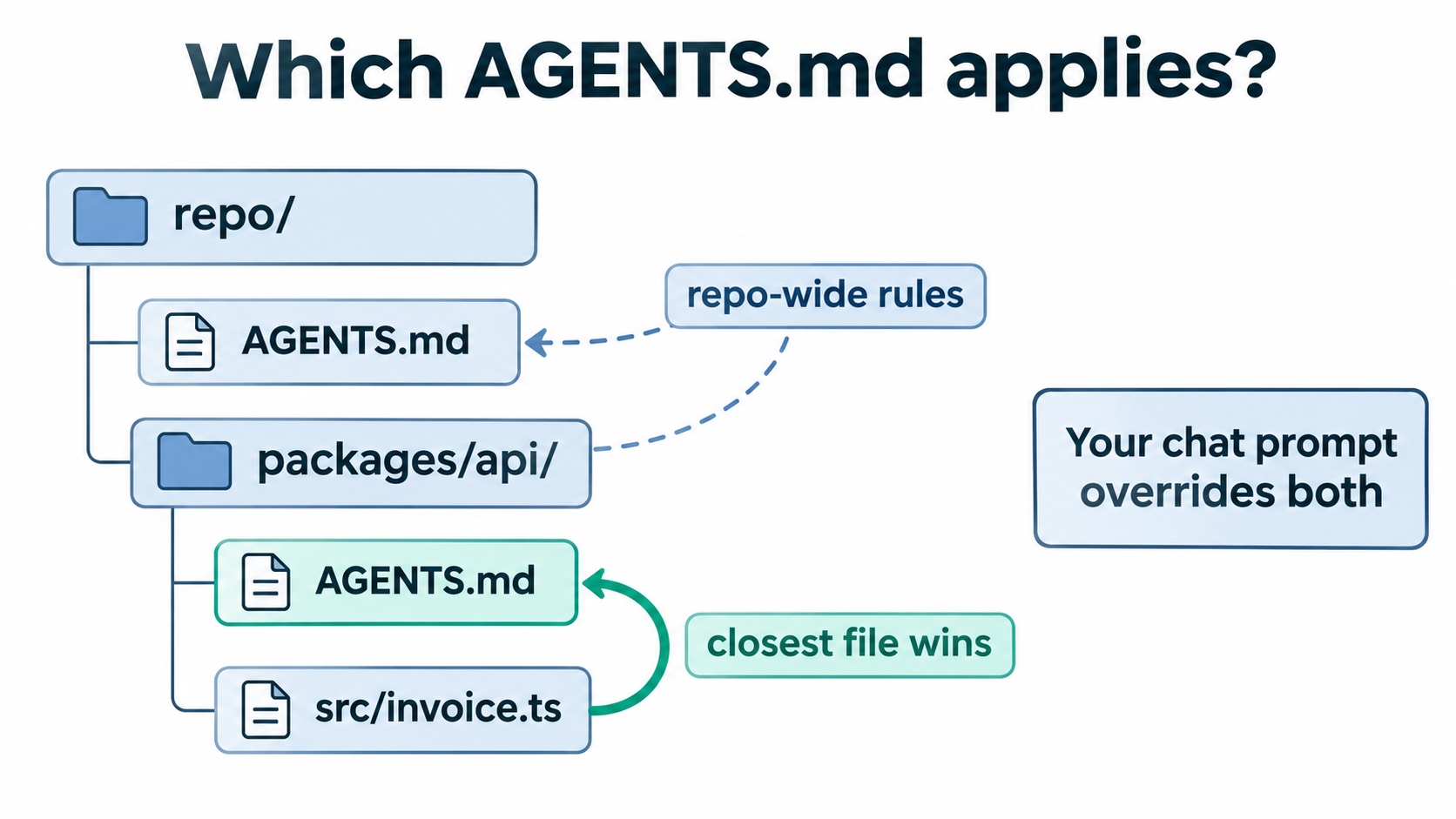
Put a root file for repo-wide rules and a smaller file inside each package for package rules. The agents.md FAQ says agents read the nearest file in the directory tree, so the closest one wins. Codex concatenates files from the root down, which places the closest file last in the prompt.
AGENTS.md vs CLAUDE.md: which one does Claude Code read?
By default, Claude Code reads AGENTS.md only when no CLAUDE.md exists in the working directory or above it. Change that under Project instructions in /config: claude-md-and-agents-md loads both. A personal ~/.claude/CLAUDE.md doesn’t count for this check.
How big can AGENTS.md get?
Codex stops adding instruction files once their combined size reaches project_doc_max_bytes, 32 KiB by default, per its AGENTS.md guide. Content past the cap doesn’t load. Keep the root file well under that and move package detail into nested files.
Where AGENTS.md stops
AGENTS.md describes the repository. It doesn’t decide which agent works on what, track who ran which task, or hold a change until a person approves it. Each agent session reads the file, does its work, and ends. Nothing in the file records that three agents touched the same module this week.
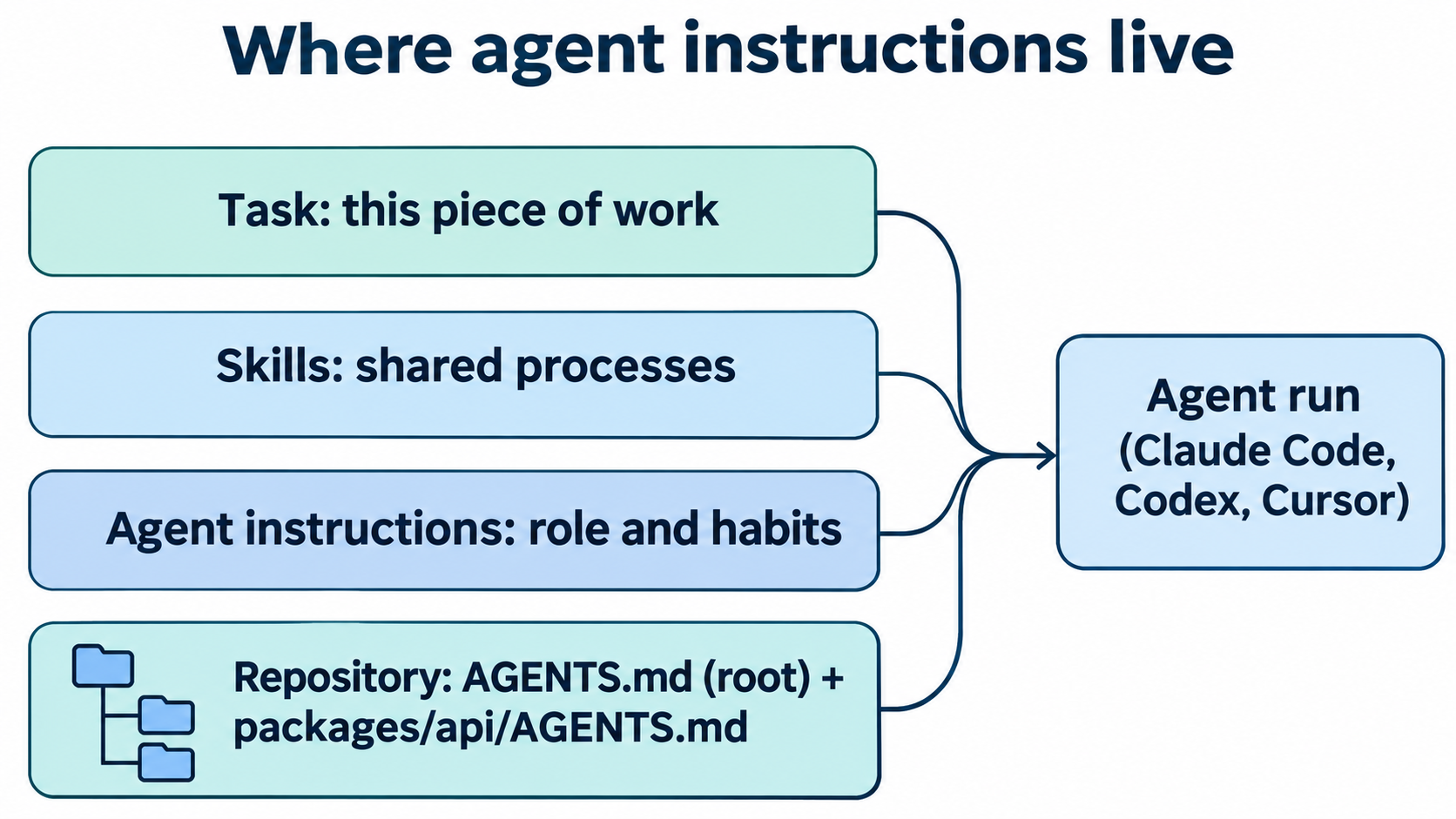
That’s the layer Sharkly adds around the agents you already use. You assign Tasks to Agents the way you’d assign them to people. In Sharkly, Agent instructions are included in each run, alongside the Task description, recent comments and any assigned Skills. The run executes on your own Computer through a Runtime such as Claude Code or Codex, so that Runtime still reads the repository’s AGENTS.md.
Split instructions by what they describe:
| Layer | Holds | Example |
|---|---|---|
| AGENTS.md | Facts about one repository | “Run pnpm test. Don’t edit src/generated/.” |
| Agent instructions in Sharkly | The Agent’s role and working habits | “Read the Task and recent comments before editing. Report the checks you ran.” |
| Skill | A repeatable process several Agents share | A review checklist or a release procedure |
| Task | This piece of work | “Round tax per line item on invoices over $10,000.” |
With that split, a repo change edits one file, a role change edits one Agent, and nobody copies test commands into prompts.
Conclusion
AGENTS.md is the shared instruction standard for coding agents: one Markdown file, read natively by Codex, Cursor, Copilot’s coding agent and 20+ others, and by Claude Code through a one-line import. Keep it short, put the test commands first, nest files in monorepos, and review changes like code.
Then decide where the rest of the team’s instructions live. Start with one repository: write AGENTS.md, add the @AGENTS.md import for Claude Code, and assign your next three agent tasks through Sharkly so the work and the review sit on one board. The Sharkly docs cover connecting a Computer and creating your first Agent.
FAQ
What is AGENTS.md used for?
It gives coding agents project instructions: setup and test commands, code style, paths not to edit, and pull request rules. Agents load it automatically when they start in the repository, so you don’t repeat those rules in every prompt.
Does Claude Code support AGENTS.md?
Yes. Claude Code v2.1.277 and later reads AGENTS.md when no CLAUDE.md exists in the working directory or above it. If you keep a CLAUDE.md, put @AGENTS.md on its first line to load the shared file.
Is AGENTS.md the same as README.md?
No. README.md is for people: what the project is and how to start. AGENTS.md is for agents: the exact commands, constraints and conventions they need to change code safely. Many repositories keep both.
Where do I put AGENTS.md?
At the repository root. In a monorepo, add smaller AGENTS.md files inside packages that need different rules. The nearest file to the code being edited takes precedence.
Do explicit prompts override AGENTS.md?
Yes. The agents.md FAQ says explicit user chat prompts override everything, and the closest AGENTS.md to the edited file wins over files higher up.
Is AGENTS.md safe to trust?
Treat it like code. Agents follow it without asking, so a planted or edited file can steer an agent into harmful actions. Review every change in a pull request and never start an agent in a folder you don’t control.