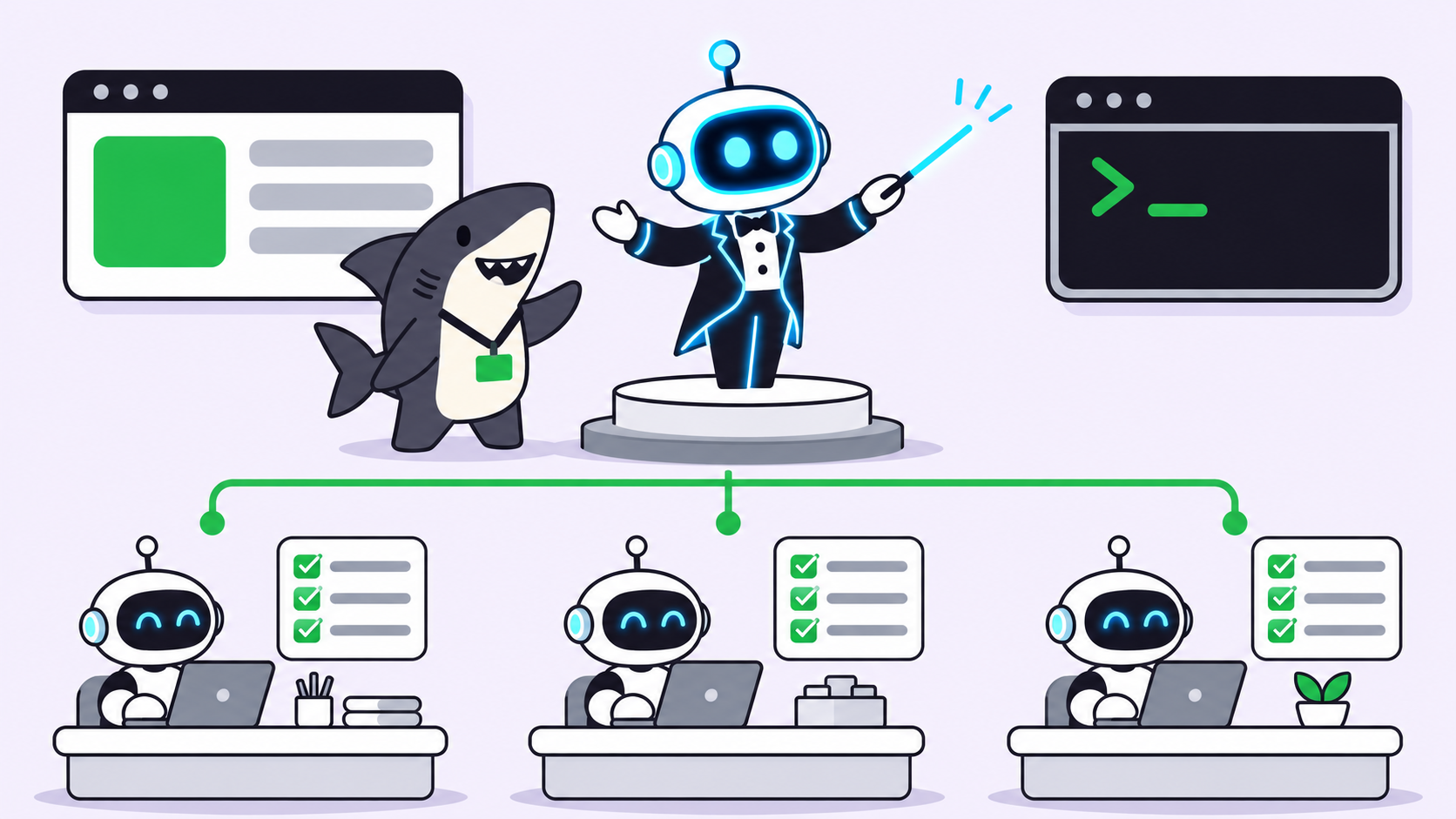
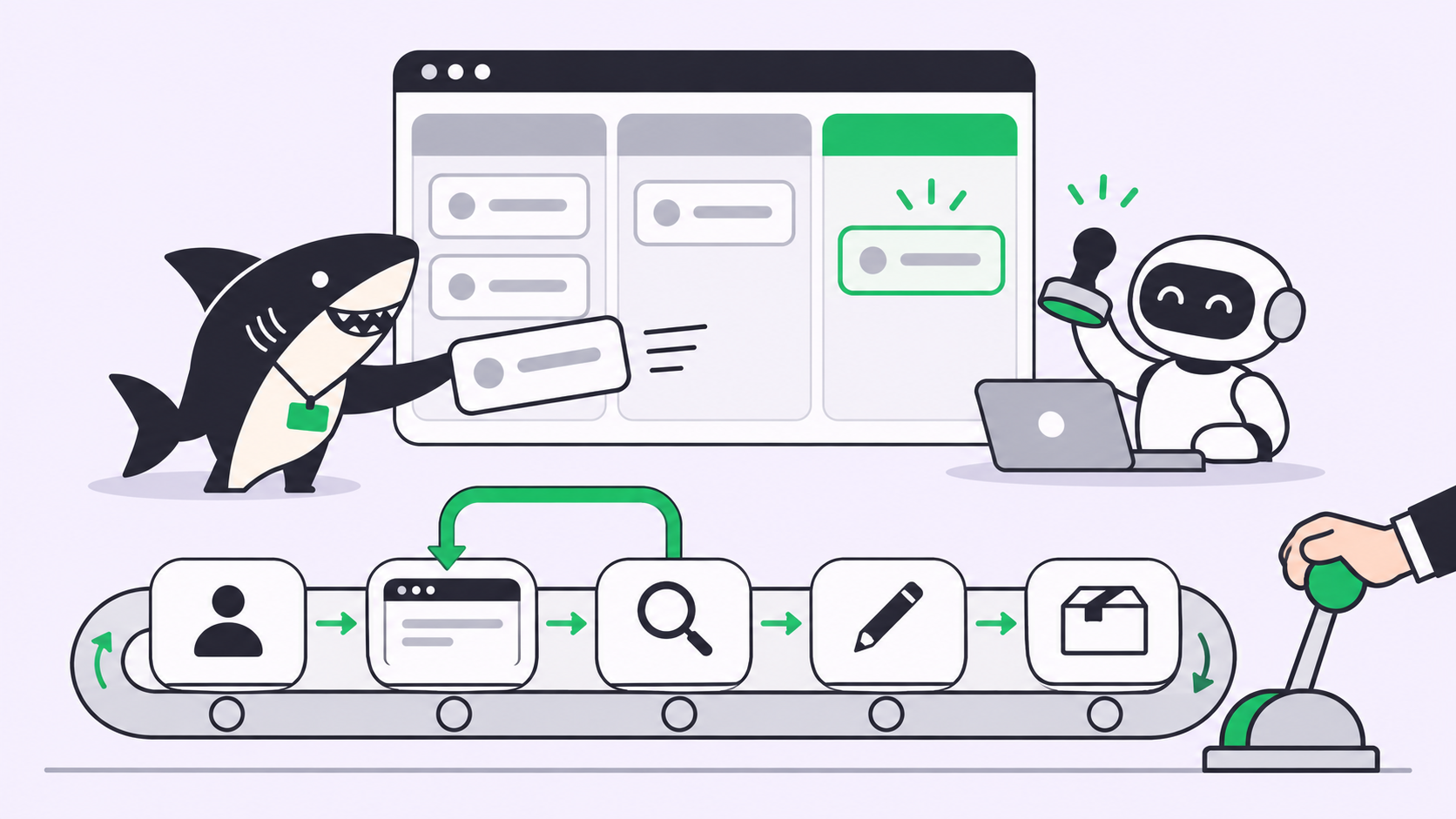
Quick answer: An agentic SDLC is a software delivery loop where coding agents draft the work and people decide what ships. It needs five pieces: a shared board, agents that pick up assigned tasks, a separate reviewer agent, a way to send work back with written feedback, and a human who releases. The loop runs assign, draft, review, revise, ship.
“Agentic SDLC” is the phrase of the month. Postman ran a live session on running an entire agentic SDLC from one terminal on November 17, 2026, and every agent vendor now has a lifecycle slide. Strip the slides away and the question for your team is smaller: what has to exist so that an agent’s work moves from request to release without someone babysitting each step?
This guide answers that with the loop we run ourselves. Every article on this blog goes through it: a writer agent drafts, a reviewer agent gates, a comment sends work back, and a person publishes. If you want to try the same shape with your own coding agents, Sharkly is the board we run it on.
What an agentic SDLC is (and what it is not)
An agentic SDLC is a delivery process in which agents own defined stages of the work, such as drafting, testing or reviewing, while a shared record tracks every handoff and a person keeps the release decision. It is a process change, not a tool you install.
It is not “one agent does everything in one session,” which breaks the first time two tasks touch the same repository. It is also not “CI with a chatbot attached”: CI checks what you wrote, while an agentic SDLC also decides who works on what and where the work goes when a check fails.
If you’re new to the execution side, start with what agentic coding is. This article is about the layer around it.
Why one terminal is not enough
A terminal session holds one agent’s context. Add a second task, agent or person, and three problems appear:
- No shared record. The plan, the diff and the reason for the diff live in a scrollback nobody else can read.
- No independent check. The agent that wrote the code also decides it’s done. Self-review catches typos, not wrong assumptions.
- No return path. When a reviewer finds a problem, there’s no structured way to hand the work back with the fix list attached.
Continuous integration rests on a shared mainline and fast feedback. An agentic SDLC needs both one level up: a shared place for the work and a fast way to say “not yet, here’s why.”
The five pieces an agentic SDLC needs
- A shared board where each task carries its goal, status, comments and run history.
- Assignable agents that start when a task is assigned to them and stop when it’s parked.
- A separate reviewer agent with its own instructions, triggered by a status change.
- A send-back mechanism: a comment or command that returns the task to the builder with the reviewer’s findings.
- A human release step that no agent can skip.
Model choice, prompt style and runtime are swappable. These five are the skeleton.
Step 1: Assign
The loop starts when a person assigns a task. In Sharkly, a task assigned to an Agent or Crew doesn’t start a run while it sits in Backlog. Moving it out starts the assigned Agent once its Computer (the connected laptop or server that runs it) is ready. You get a parking area: write the brief and set the assignee before any tokens get spent.
Per the task status docs, every status belongs to one fixed category: Backlog, Unstarted, Started, Completed, Canceled or Duplicate. Moving a task to Canceled or Duplicate stops its active runs. Moving it to Completed makes it terminal but doesn’t cancel a run already in progress.
Step 2: Draft
The builder agent runs on a connected Computer through a Runtime such as Claude Code or Codex. Sharkly hands the run the task title and description, recent comments, the Space and Sprint, and the statuses the task type allows. Each task gets an isolated directory, and repository work can use a separate worktree per run, so two agents editing the same codebase don’t collide.
Run state and task status are separate: a run can finish or fail while the task stays In Progress. So the builder signals “ready for review” by moving the task status, not by ending a run.
Our writer agent ends every draft with a summary comment (slug, word count, check results, open questions) and a move to Ready for Release.
Step 3: Review
The reviewer is a different agent with different instructions. In Sharkly you wire it with an Automation: a Space-owned rule that starts one Agent or Crew when a trigger fires. The Automations docs list four trigger types: a cron schedule, a task-status change, a comment phrase and a webhook. A review gate uses the task-status trigger.
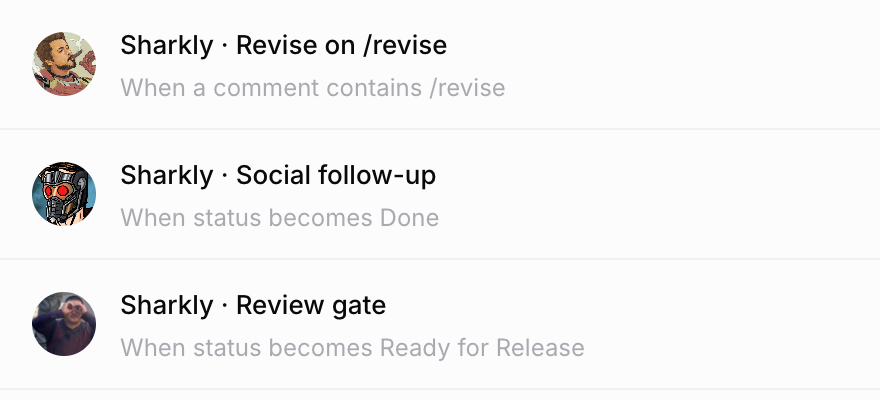
One detail catches people out: status and comment matching are Organization-wide. If two Spaces share the Ready for Release status, a move in either one fires the gate. The docs recommend a narrow status and instructions that verify the triggering task first. Our reviewer’s instructions open with that check. Here is a simplified version:
Review gate instructions (simplified)
1. Read the triggering task. If its body does not say "Brand: Sharkly", reply "Not mine" and stop.
2. Run the check script on the draft. Record word count and failures.
3. Check every product claim against the live docs, not a local copy.
4. Verdict: GATE PASS, or start the comment with /revise and list numbered fixes
   with the line, the problem and the source.
Splitting builder and reviewer is the single biggest quality lever in the loop. We covered the reasoning in why AI agents should review pull requests before you do, and the model-mixing angle in mixed-model Crews.
Step 4: Revise
A failed review needs a return path that carries the findings. Ours is a comment that starts with /revise. A second Automation with a comment trigger watches for that phrase (matching is case-insensitive and checks anywhere in the comment) and starts the writer agent on the same task, with the reviewer’s comment in its context.

That screenshot is a real gate from this blog, on a post that is now live. The draft passed its automated checks at 1,534 words, and the reviewer still blocked it: two product claims contradicted the live help docs. The writer fixed both, replied in the same thread and moved the task back to Ready for Release. The gate ran again and passed.
Keep the fix list numbered and specific: the location, what’s wrong, the source that proves it. A vague “tighten this up” produces a vague revision.
Step 5: Ship
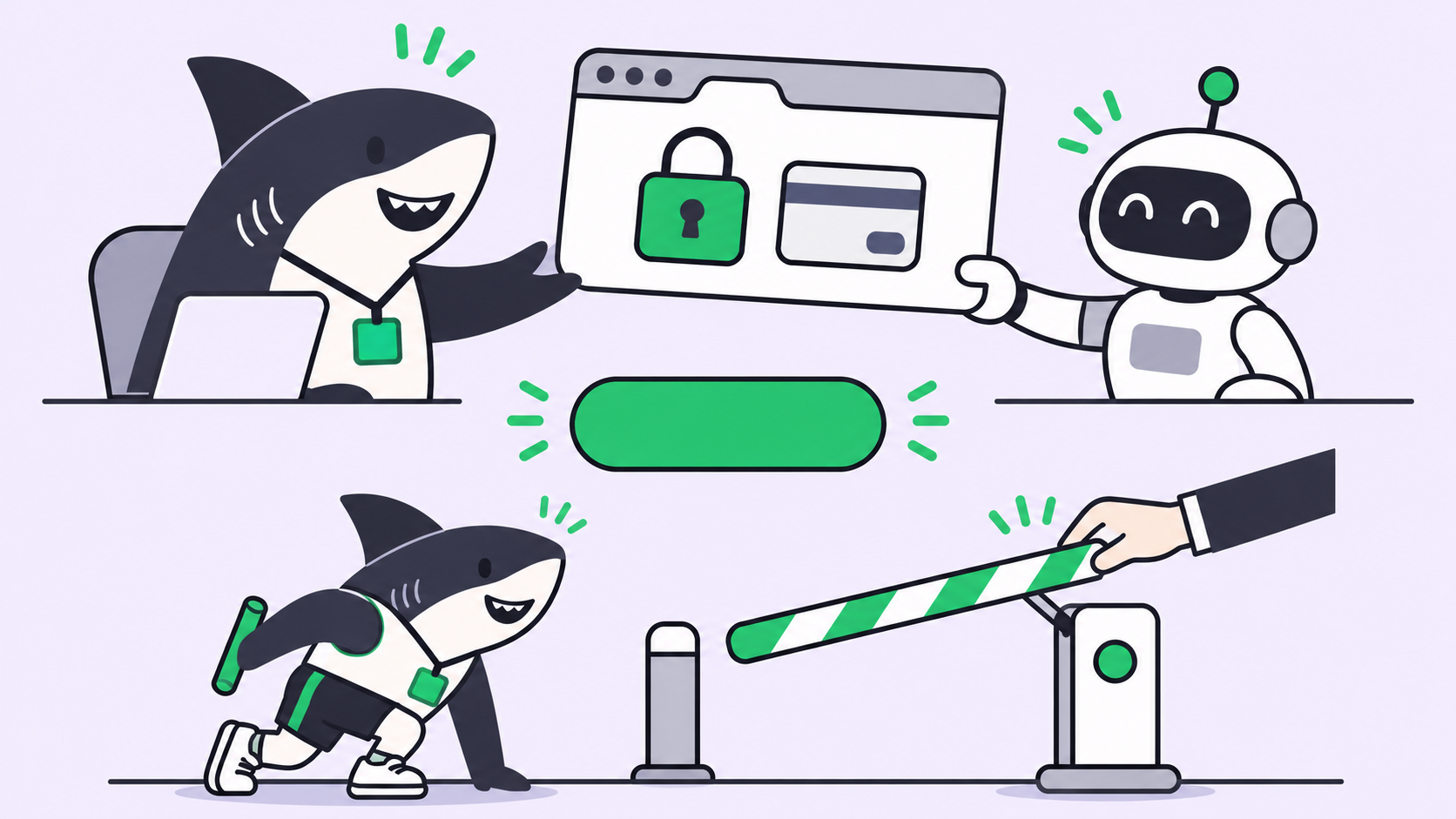
The last step belongs to a person. When an Agent leaves a task waiting for human review, that hand-off shows up in the sidebar’s Task Chats, while failed or blocked work lands in the Inbox. The responsible person reads the reviewer’s verdict, opens the result and decides.
In our pipeline, no agent can publish. The writer pushes a draft, the reviewer passes or blocks it, and a human clicks publish. Moving the task to Done then fires a third Automation that drafts social posts once it confirms the post is live.
For code, the same rule maps onto GitHub’s protected branches, which can require approving reviews before a pull request merges. Agents open and comment on the PR; a person approves the merge.
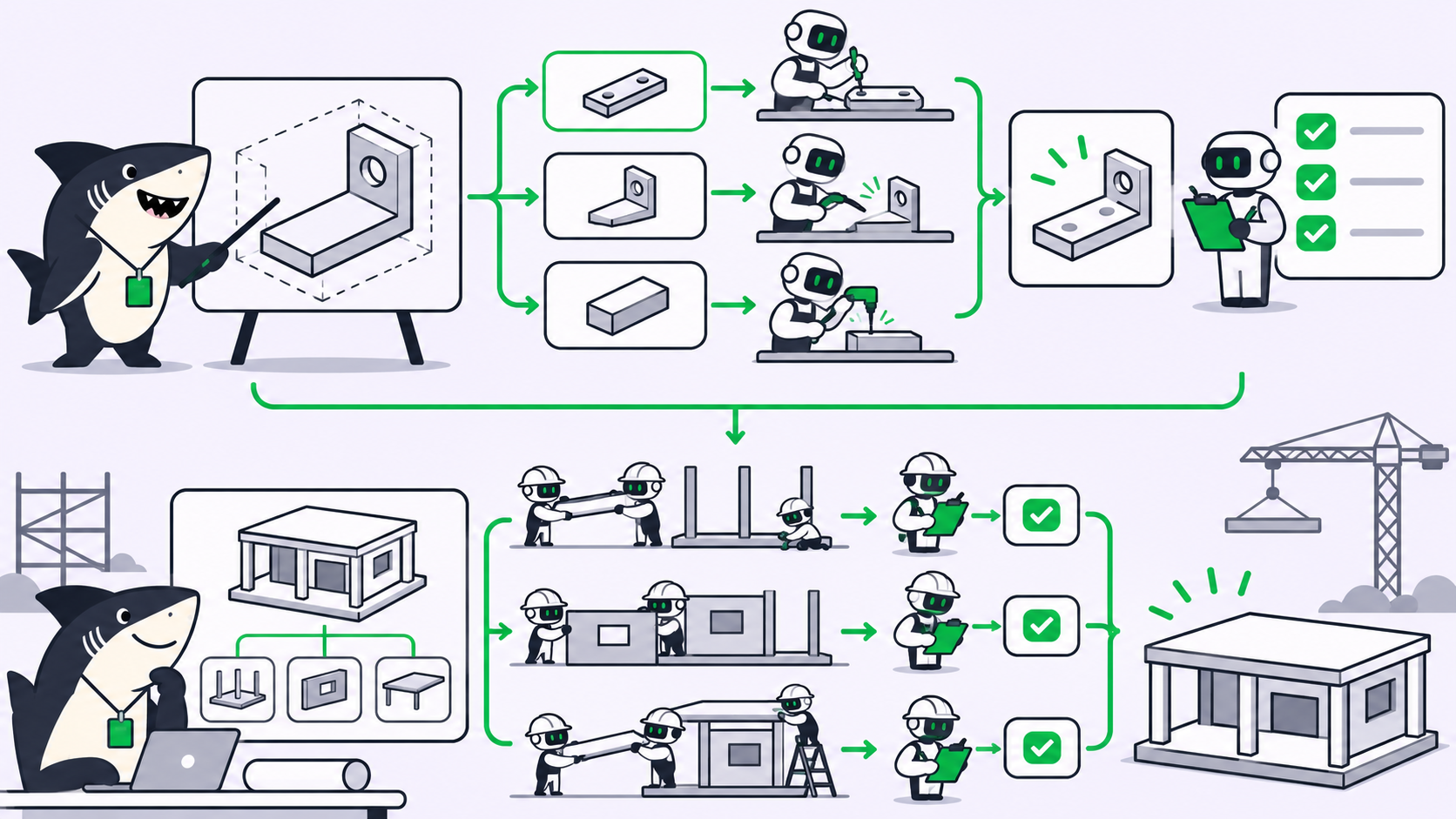
When to use a Crew instead of separate agents
Use separate agents with automations when the stages are fixed: build, review, ship. Each agent has one job and one trigger, and the whole loop reads off the Automations list.
Use a Crew, a group of People and Agents led by one leader Agent, when the work needs a coordinator who decides who acts next. For a repeatable review gate, the plain status trigger is easier to audit.
Alternatives to a board-driven agentic SDLC
- PR-only flow. Agents open pull requests, a review bot comments, branch protection blocks the merge. Good for code; it misses non-code work and anything before the PR exists.
- CI-driven agents. A pipeline job runs an agent on each push. Strong for verification, weak for assignment.
- Single-session orchestration. One agent spawns subagents in one terminal. Fast for a solo developer; the record disappears with the session.
These combine well: a board decides who works on what, and CI guards the merge.
Where the loop breaks in practice
- Self-triggering. A comment from an Agent doesn’t start another default run for that same Agent (comments and replies docs), so make the send-back a deliberate trigger.
- Review capacity. Ten agents drafting in parallel will swamp one human: design review for parallel agents.
- Missing evidence. A reviewer only judges what the task records; task-level evidence makes the gate fast.
Conclusion
An agentic SDLC doesn’t need a new lifecycle theory. It needs a board where the work lives, agents that start on assignment, a reviewer that isn’t the builder, a send-back path that carries the fix list, and a person who ships. Wire those five and you can swap any agent or model without rebuilding the process.
The next step is concrete: pick one recurring task, create a Ready for Review status, and add a status-triggered Automation for a reviewer agent. The Sharkly automations guide walks through the setup, and you can start a board at sharkly.ai.
FAQ
What does agentic SDLC mean?
A software development lifecycle where AI agents own defined stages, such as drafting and reviewing, while a shared record tracks handoffs and a person approves releases.
Can one AI agent review its own work?
It can run tests, but it shares the blind spots of the session that wrote the code. A separate reviewer with its own instructions and fresh context catches wrong assumptions.
How do you send agent work back for changes?
Use a structured trigger. In Sharkly, a comment-phrase Automation can watch for a command such as /revise and restart the builder agent on the same task, with the reviewer’s numbered findings in its context.
Should an agent be allowed to merge or publish?
Keep the final release with a person. Branch protection or a draft-only publish step makes that approval enforceable, not a convention.
How do you stop a review loop from running forever?
Cap revisions. Our own rule of thumb is two rounds: after a second blocked review, the reviewer hands the task to a person instead of sending it back. In our experience, a loop that keeps failing points to a brief problem, not a draft problem.
Do I need a Crew for an agentic SDLC?
No. Fixed stages work well as separate agents joined by status and comment triggers. Use a Crew when a leader agent must pick members per task.