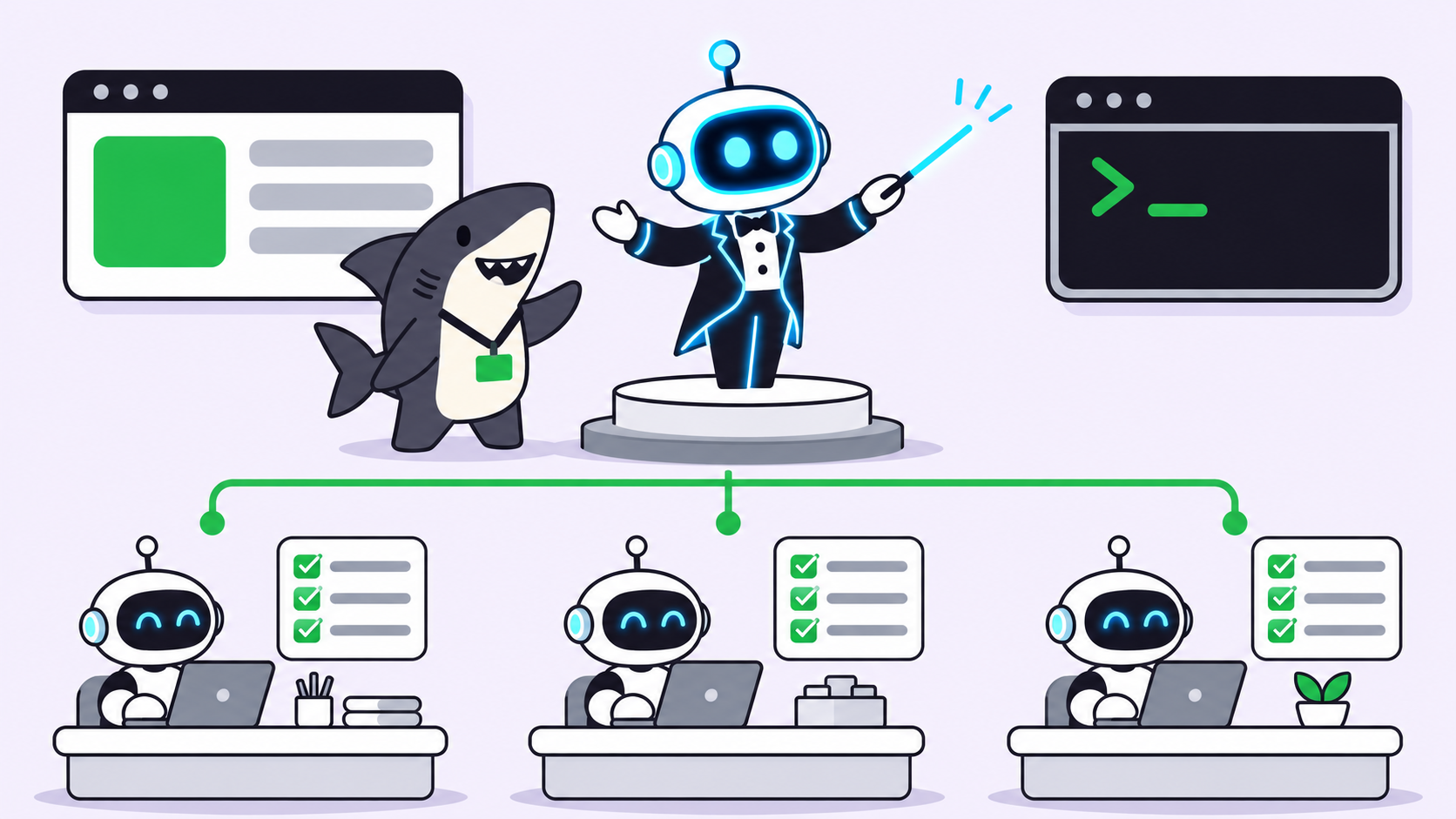
Human in the loop for AI agents means the agent stops at defined points and waits for a person. There are two kinds of stop: steps only a person can do (a login, a 2FA code, a payment) and steps a person should judge (merging, publishing, sending). Good handoffs name the step, keep the agent waiting instead of guessing, and resume only on a real human action.
Human in the loop AI agents are easy to describe and hard to build well. Most teams start with one rule (“a person reviews before merge”) and discover the gaps later: the agent that stalls on a 2FA prompt at 2 a.m., or the one that clicks through a payment page because nothing told it to stop.
OpenCode’s Browse, a browser tool for coding agents, ships a small handoff design that gets the first kind of stop right. This guide walks through what it does, where it ends, and how to carry the same pattern onto a shared task board in Sharkly, where the second kind of stop lives.
What human in the loop means for AI agents
Human in the loop (HITL) for AI agents is a design where an agent pauses at named checkpoints, hands control or a decision to a person, and continues only after that person acts. The checkpoint is part of the workflow, not an exception. The agent knows it exists, the person knows they own it, and the system records who acted.
The security community treats this as a control, not a courtesy. The OWASP entry on excessive agency recommends human-in-the-loop control “to require a human to approve high-impact actions before they are taken.”
Two kinds of human checkpoints
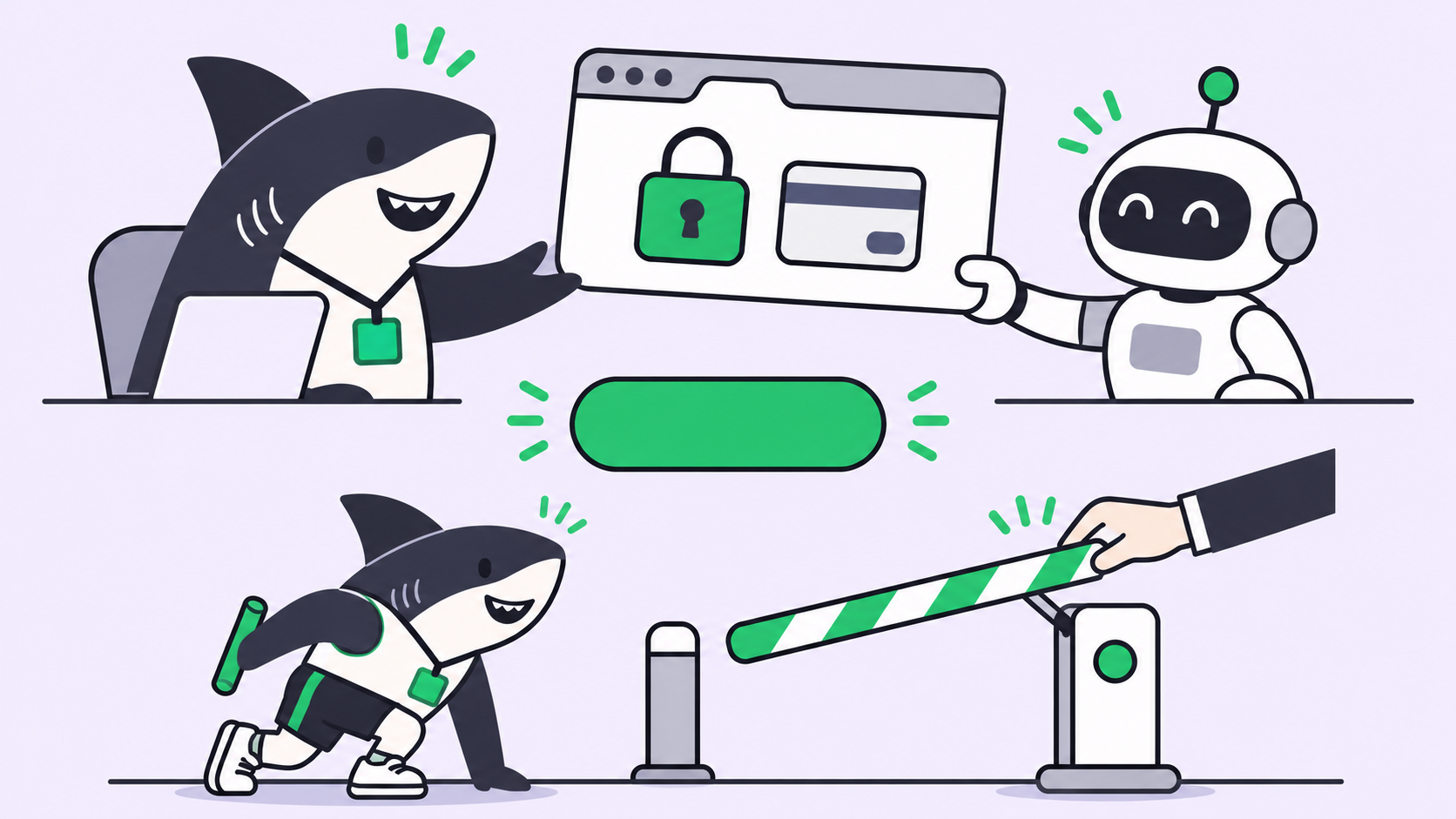
Not every pause is a review. Mixing the two kinds makes HITL setups feel slow and still miss things.
| Only-a-person step | Judgment step | |
|---|---|---|
| Examples | Login, 2FA prompt, captcha, payment, consent screen | Merge a PR, publish a post, send an email, close a ticket |
| Why a human | The agent lacks the credential, or should never hold it | The agent can act, but the outcome needs a person’s call |
| When it happens | Mid-run, often unpredictably | At the end of a run, or before an irreversible action |
| How long it takes | Seconds | Minutes to a day |
| What resumes the work | The person finishes the step, then signals continue | The person approves, rejects or asks for changes |
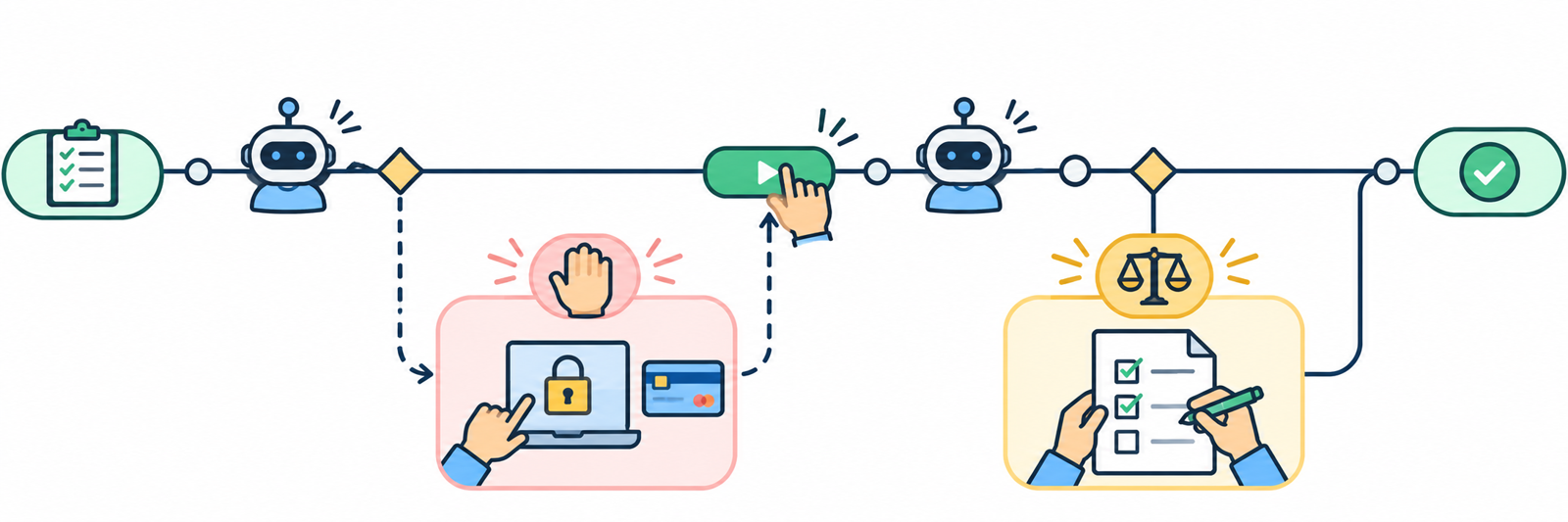
The first kind needs speed and a precise signal. The second needs context and a record.
What Browse’s handoff gets right
Browse is “an MCP server and a Chromium extension” that lets coding agents use your real browser, with your tabs and logins. Its source repository carries an MIT licence. When an agent hits a login, a 2FA prompt or a payment, it hands the tab back to you and continues once you click Continue.
Six design choices in that handoff are worth copying:
- The step is scoped to one tab and one site. The handoff card on the page shows the site’s origin, so you know exactly where you’re acting.
- The agent asks instead of guessing. After a navigation, Browse reports captcha walls and “access denied” pages and tells the agent to hand interactive ones to you. Per the README, “It never solves them.”
- Only a real human action resumes the run. “Only a real click on the card or the toolbar button finishes a handoff, so a page can’t fake it.” A malicious page can’t click Continue on your behalf.
- State is visible at a glance. The toolbar badge reads RUN while an agent works and WAIT when it needs you.
- The person can take control back at any moment. Clicking the toolbar button while an agent runs takes the tab back.
- Limits are labeled honestly. The README calls
allowedOriginsandreadOnly“guardrails, not a data boundary,” and says plainly what they don’t filter.
Point 3 matters most. A handoff that a page can complete is not a human checkpoint; it’s a prompt-injection target. If you build your own HITL step, the resume signal has to come from a channel the agent and the content it reads can’t reach. The prompt injection and agent guardrails post covers why that boundary holds better than any model-side fix.
Where an in-browser handoff stops
Browse’s handoff solves the only-a-person step for one person at one desk. It doesn’t decide whether finished work should ship, and it doesn’t tell a teammate your agent is blocked while you’re away. That’s a boundary, not a flaw: the judgment step needs a shared record outside the browser.
Map the handoff onto a task board
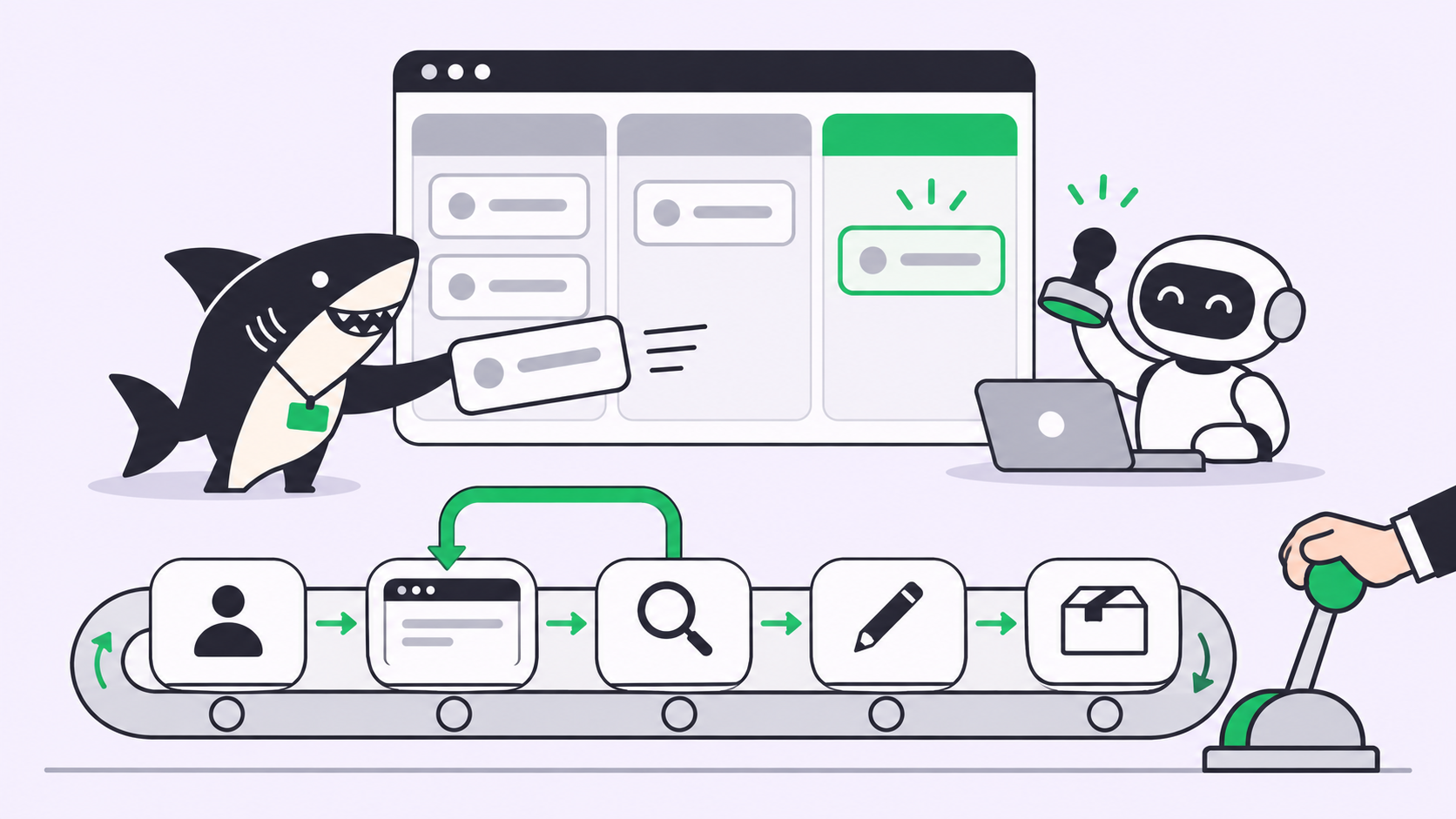
A task board gives the handoff pattern a place to live when the person isn’t at the screen. In Sharkly, a Task is the shared record for People and Agents, and every task conversation carries a state: Working, Queued, Needs your reply, Needs your review, Exception, Completed or Aborted. Per the Chat with an Agent docs, a handoff reads “Needs your…” only to the person it waits on, and everyone else sees the neutral “Needs reply” or “Needs review.”
The two Sharkly states line up with the two kinds of checkpoint:
- Needs your reply is the mid-run handoff. The agent is blocked on input only a person has: a decision, a credential, a missing file.
- Needs your review is the judgment step. The work is done and waits for acceptance.
Both surface in the sidebar’s Task Chats module, and the conversation owner still gets a desktop banner and a Slack notification. That’s the team-scale version of Browse’s WAIT badge.
The task’s workflow status is a separate layer. According to the Agent task execution docs, the task type’s workflow constrains which statuses an Agent can select, and run states such as queued or running don’t imply a task status.
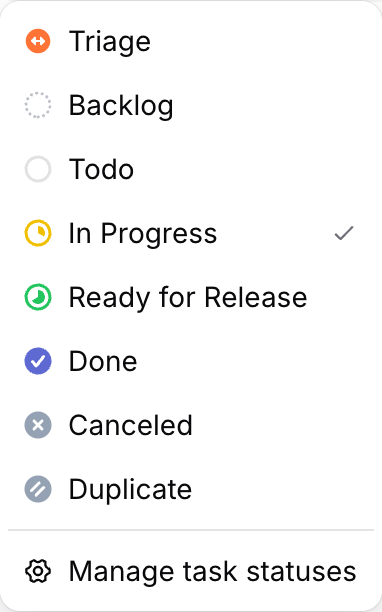
That gives you a third checkpoint for free. Add a status like Ready for Release that an agent can move work into but can’t move work out of, and a person owns the last step by design.
An agent running on a connected Computer can set the handoff state itself from the sharkly CLI:
# Blocked on something only a person can do: ask, and wait
sharkly task edit COIN-142 --session-status waiting_human_reply

# Work finished: hand it back for acceptance, never mark it done
sharkly task edit COIN-142 --session-status waiting_human_review
Use a mid-run reply state when the agent can’t continue without a person. Use the review state when the agent could continue, but the outcome needs a person’s judgment.
How to design your own human checkpoints
Five steps cover most teams running more than one coding agent:
- List every only-a-person step. Logins, 2FA, payments, production credentials, legal consent. The agent should hand these off, never hold them.
- List every irreversible action. Merge, deploy, publish, send, delete. Each one gets a judgment checkpoint before it, owned by a named person.
- Pick one resume signal per checkpoint. A button click, a status change, a reply in the task conversation. It must come from a person, not from content the agent reads.
- Make waiting visible. A WAIT badge for one person, a “Needs your reply” row for a team. A blocked agent nobody sees is a silent outage.
- Write the boundary into the agent’s instructions. “Stop and ask at login pages” belongs in the agent’s instructions, not in someone’s memory.
The approval gates for coding agents guide goes deeper on step 2, and Human review is the bottleneck covers what happens when reviews pile up.
Common mistakes with human-in-the-loop agents
- Reviewing everything. If every action needs approval, people approve without reading. Reserve checkpoints for steps that are irreversible or need a credential.
- Letting the agent solve the gate. An agent that fills a captcha or retries a 2FA prompt has turned a checkpoint into an obstacle course.
- Resume signals inside the content. If a web page, an email or a file can say “approved,” a prompt injection can too.
- No owner. “Someone will review it” means nobody. Each checkpoint needs a named person.
Conclusion
Human in the loop works when the loop has two clearly different doors: one for steps only a person can do, one for decisions a person should make. Browse’s handoff shows the first door done well: scoped, visible, and resumable only by a real click. A shared board carries the second door and makes both visible to the team.
If your agents already work across browsers and repos, put their handoffs where your team can see them. Start with Sharkly, assign one task to an Agent, and watch how often it lands on Needs your reply before you add more gates. For the agent-to-agent side of the same problem, read AI agent handoffs.
FAQ
What is human in the loop in AI agents?
It’s a workflow where an agent pauses at defined points and waits for a person to act or decide before continuing. The points are designed in advance, owned by named people, and resumed only by a human signal.
When should an AI agent hand control back to a human?
At any step that needs a credential the agent shouldn’t hold (login, 2FA, payment) and before any irreversible action (merge, deploy, publish, send). Everything else can usually run without a stop.
Can an AI agent solve captchas or 2FA prompts on its own?
It shouldn’t. Browse, for example, reports captcha walls and tells the agent to hand interactive ones to the user, and its README says it never solves them. Treat these as only-a-person steps.
What’s the difference between a handoff and an approval gate?
A handoff is mid-run: the agent can’t continue until a person does something. An approval gate sits before an outcome: the agent could continue, but a person decides whether it should.
How do I stop a web page from faking human approval?
Take the resume signal out of the content’s reach. Browse accepts only a real click on its card or toolbar button. On a board, use a status change or reply from a person’s account.