A task written for a person can be three words long. “Fix the login bug” works because the person will ask you what you meant. A task written for an agent cannot borrow that conversation, and the difference shows up as wasted runs, results nobody reviews, and a board where the status column no longer means what people think.
AI agent task management is the discipline of writing, assigning, and closing work that an agent executes and a person accepts. This guide covers the three parts that decide whether it holds together: what an agent-ready task contains, how assignment splits between people and agents, and how status and review actually behave once runs are involved. Examples follow how Sharkly implements it, and the same rules transfer to any system that treats agents as executors.
TL;DR
An agent-ready task states an outcome, scope, context, and how completion will be reviewed. Assignment has two slots: people are responsible, and one agent or crew executes. Status categories drive execution, so a parked backlog state prevents a run, moving out of it can start one, and canceled or duplicate states stop active runs while completed does not. Task status and agent run state are separate, and review is a named state that has to reach a person rather than an intention someone gets to later.
What an agent-ready task contains
The description is the interface. Everything the agent knows about your intent comes from it, plus whatever the task carries in its fields.
A useful task names the outcome rather than the topic, and its description adds what a new person or agent would need to proceed:
- why the work matters;
- what is in and out of scope;
- relevant files, links, examples, or observed behavior;
- constraints and decisions already made;
- how completion will be reviewed.
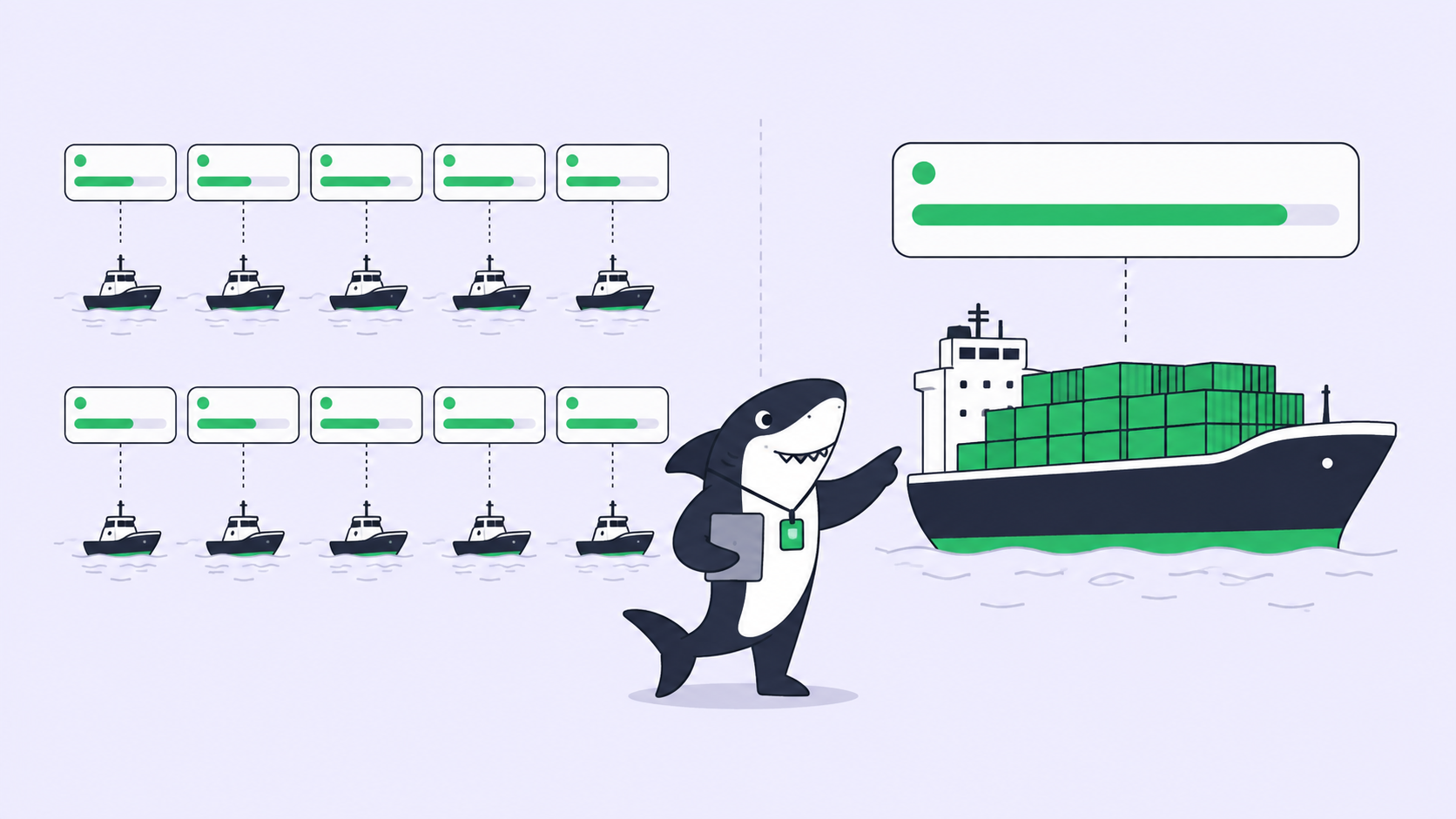
That last line does more work than the rest combined. It is the difference between a result you can accept in two minutes and a result you have to reverse engineer. Start small and refine as the work is investigated; a task description is allowed to improve.
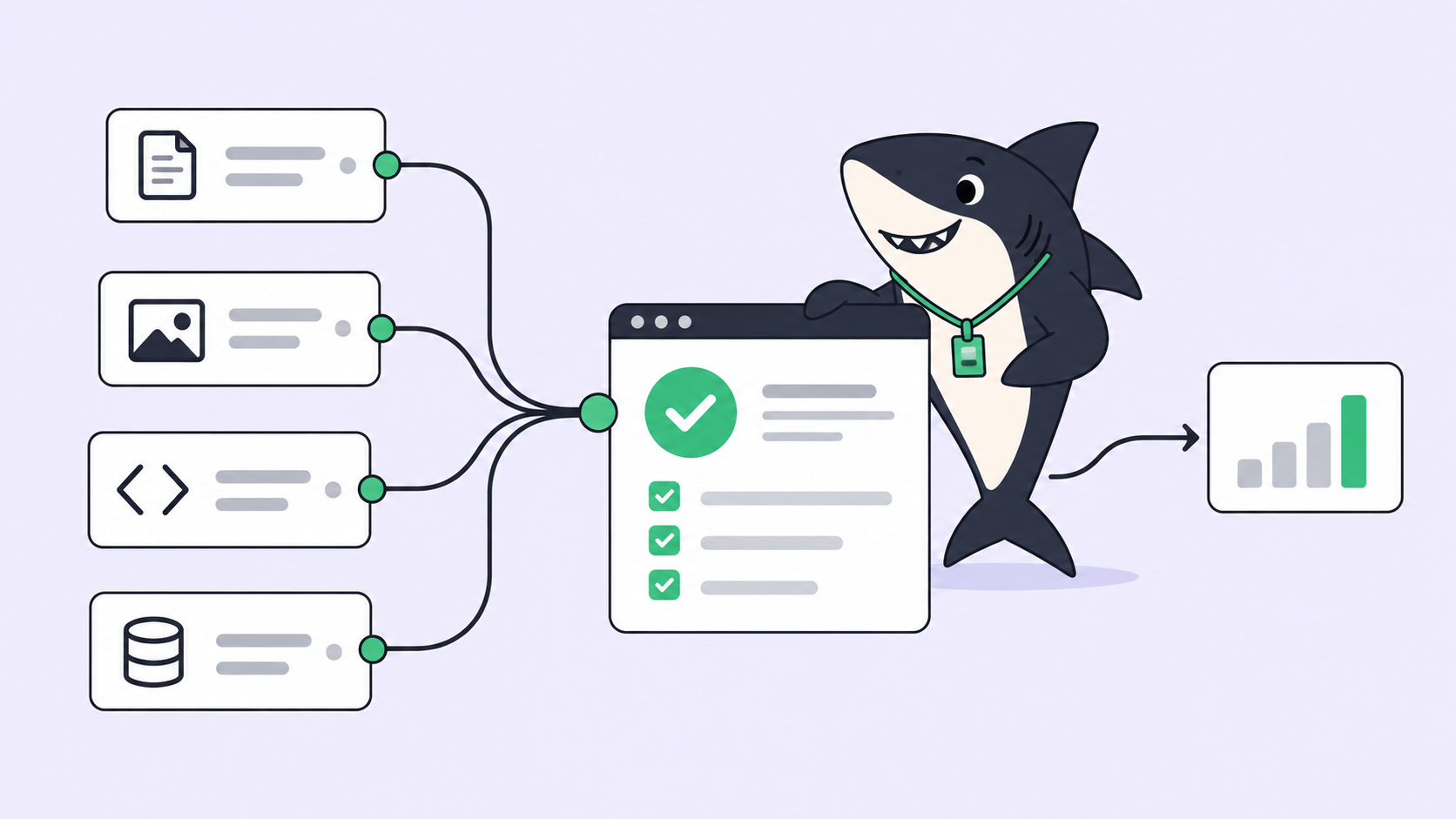
Fields carry the rest: type, status, priority, dates, labels, and a project or sprint for planning context. A run assembled for the agent can include the title and description, current status and priority, space and sprint context, recent comments including the comment that triggered it, the agent’s instructions and skills, repositories, environment, and run settings. Thin descriptions are not compensated for by good models.
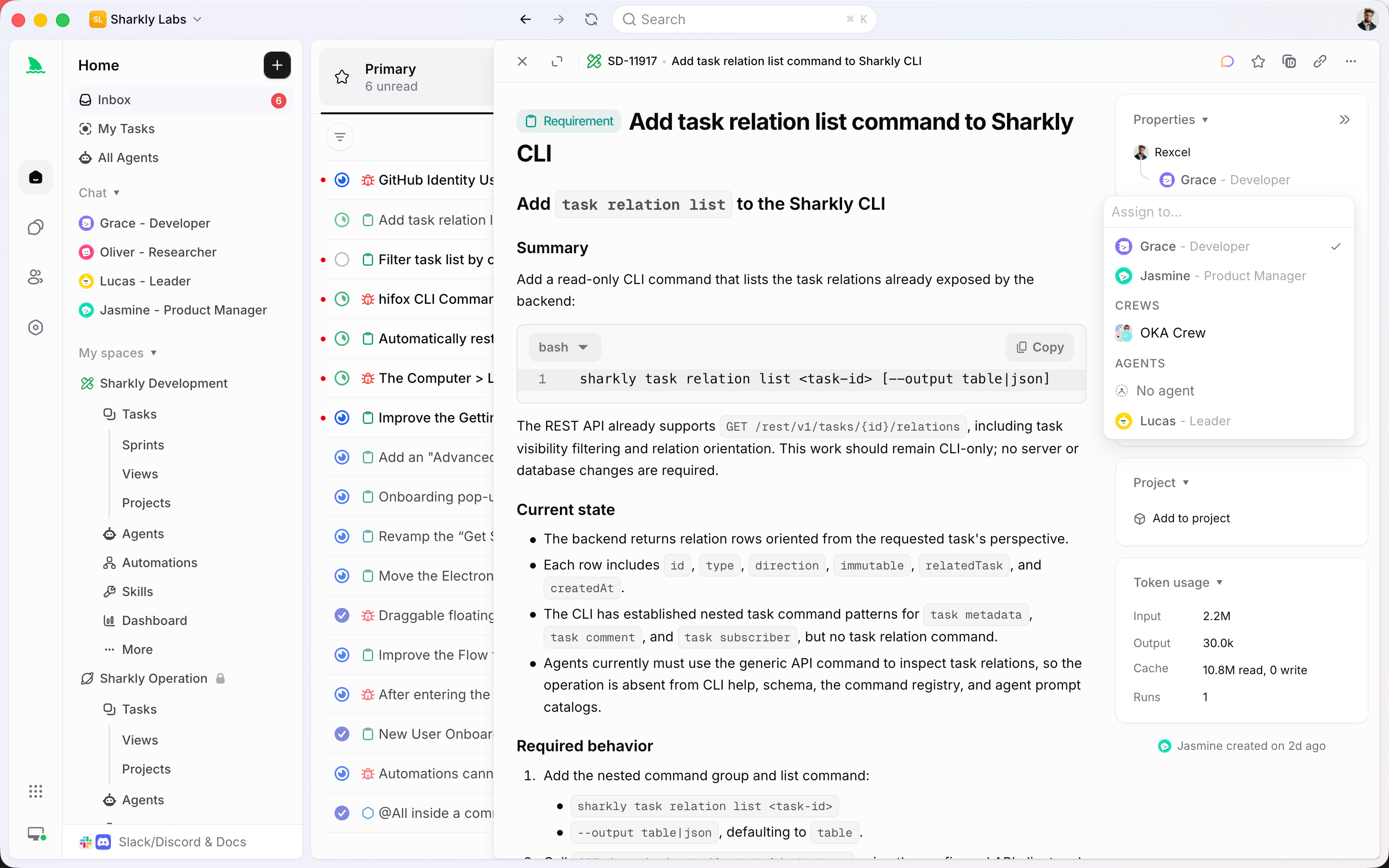
Assignment: two slots, not one
The single most common design mistake in agent task management is one assignee field.
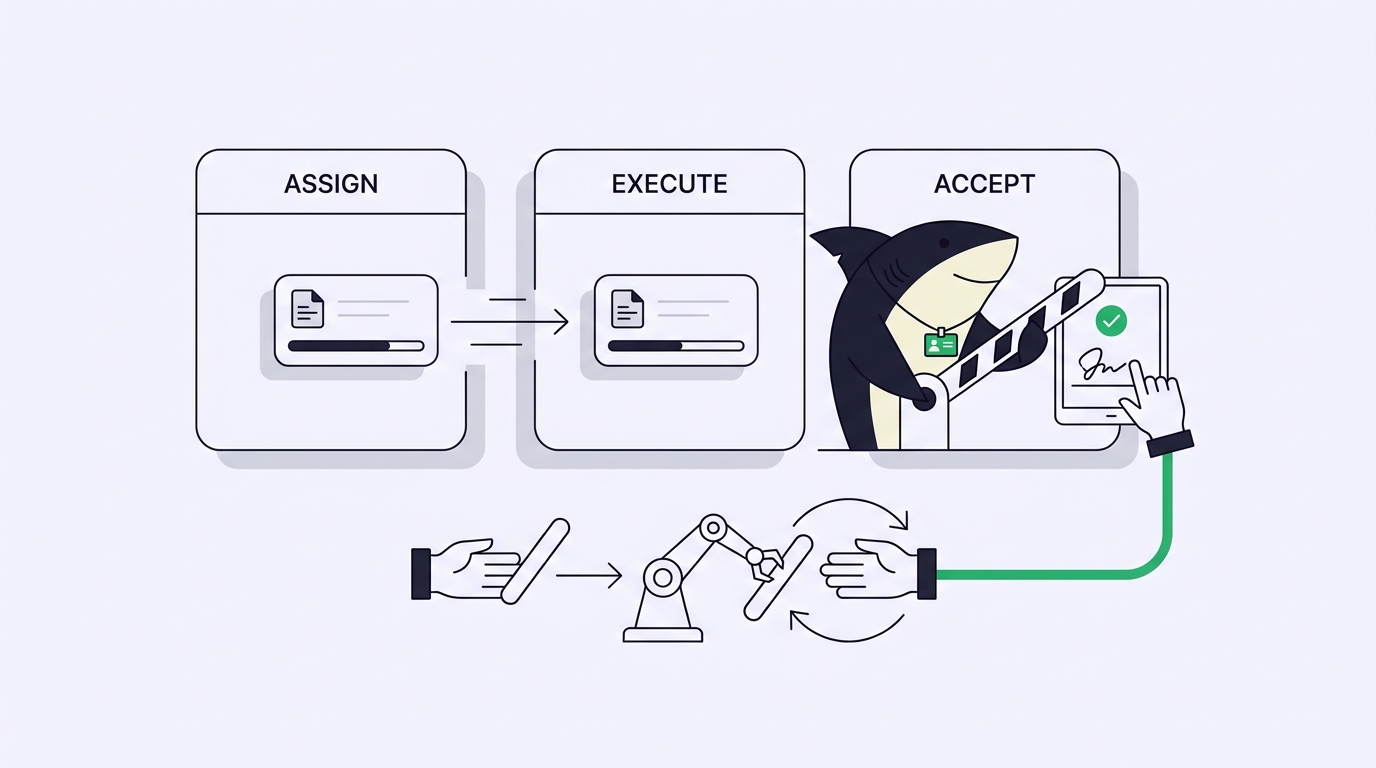
Keep them separate. People are assigned for responsibility, and a space can allow one or several. An agent or crew is assigned to the execution slot, which stays single-select. A task can have both at once, and changing the people set does not change the executor while assigning an agent does not replace the people.
The payoff is that no task is ever owned by a bot. When a result needs a decision, there is a name attached. When an agent gets it wrong, the review conversation has a participant. Our walkthrough of Claude Code project management shows the same split on a single task from issue to merge.
Crews go in the same execution slot, and execution is leader-first: the leader agent starts, reads the context, then involves members as needed. Use one agent for well-defined work and a crew when the work needs coordination.
Status: the part that controls execution
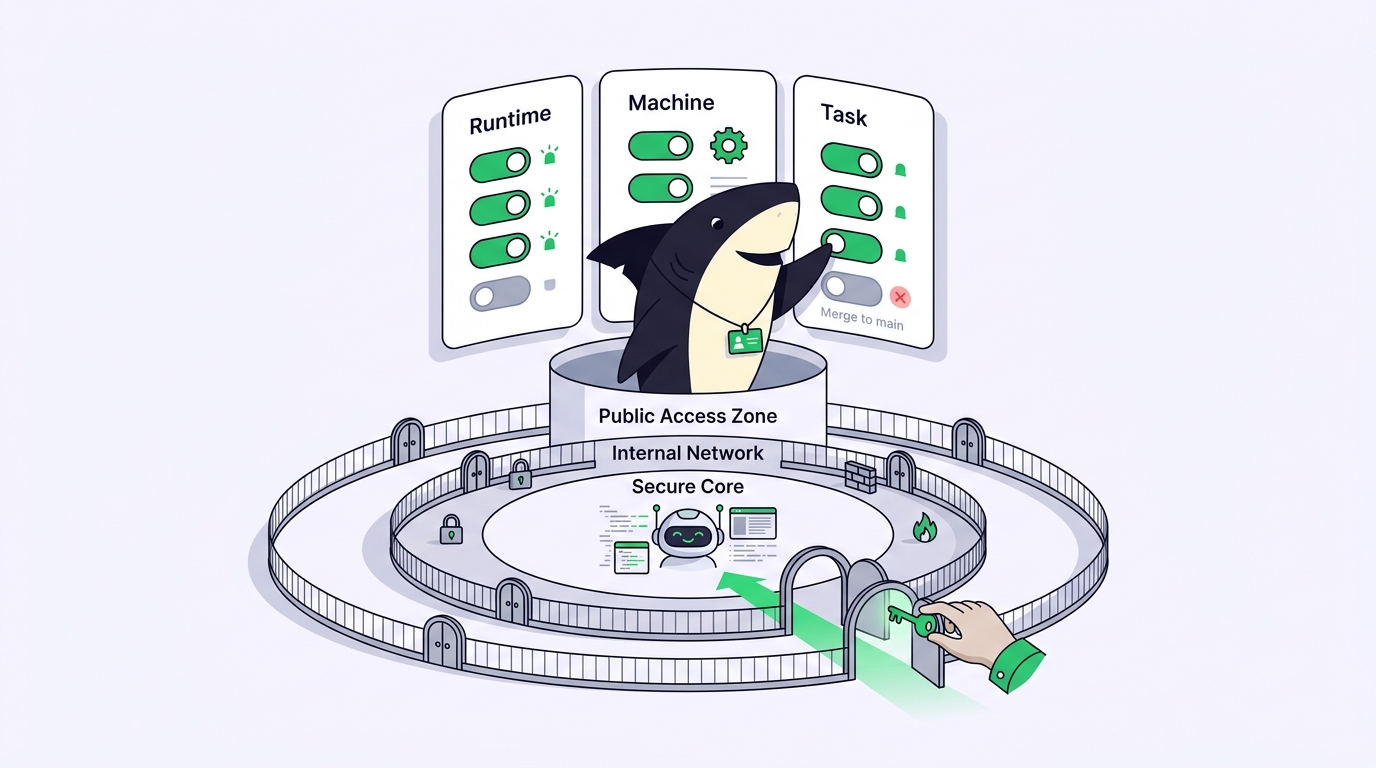
Status is not decoration once agents are involved. Each visible status belongs to a category, and the category carries system meaning.
| Status category | What it means | Effect on agent runs |
|---|---|---|
| Backlog | Parked, not ready | Creating or assigning here does not start a run |
| Unstarted | Ready, not started | Moving here from backlog can start the assigned agent |
| Started | In progress | Runs proceed; several statuses can share this category |
| Completed | Done, terminal | Terminal, but does not cancel an already active run |
| Canceled | Will not continue | Stops runs started for the task |
| Duplicate | Represented elsewhere | Stops runs started for the task |
Two consequences are worth internalizing. Backlog is a real staging area: prepare the task, attach the agent, and nothing happens until you move it. And marking something complete is not the same as stopping it, so cancel a run you actually want stopped.
The second rule is that lifecycle status and agent working state are separate. A task can sit in a started status while the agent is working, waiting for a human reply, waiting for human review, or reporting an error. Run states such as queued, dispatched, running, completed, failed, and canceled describe execution progress and do not automatically move the task. Reading one as the other is how a board looks healthy while three results sit unread.
Review: making the handoff explicit
Agents end runs in one of two useful places: with a result, or with a question. Both need to reach a person.
Waiting for a human reply, waiting for review, and failed or blocked work are attention signals. They feed a personal queue, and in Sharkly that is the agent inbox, where the responsible person can open the task, answer in context, review the result, or decide to retry or reassign the work.
Comments are the durable conversation on the task. Use them for new context, review findings, and decisions, and keep the stable goal and acceptance criteria in the description so the current requirement stays easy to find. A member comment on a task with a ready agent assignee can enqueue another run, which is what makes review feedback continue the work rather than start a second process. Mentions change that: mentioning a person or using an all-mention does not by itself start an agent run, and a comment that mentions other targets without the assignee suppresses the default run.
Before accepting, read the evidence and not only the diff. The execution log shows why a run was queued, when it started and ended, tool calls and runtime events, the trigger source, and failure details. Acceptance is a person deciding the outcome is correct, which no run state can do for you. Download Sharkly if you want these states wired together rather than assembled by hand.
A task template worth copying
Teams that write agent tasks well usually converge on the same skeleton. Keep it in a snippet and fill it in; the whole thing takes about three minutes and saves a wasted run.
Outcome: <what is true when this is done>

Context:
- Why this matters now
- Observed behavior, with the exact error or reproduction steps
- Files, links, or examples that are relevant

Scope:
- In: <the change you want>
- Out: <adjacent work the agent should not touch>

Constraints:
- Decisions already made, conventions to follow, things not to change

Review:
- How completion will be checked, and by whom
The out-of-scope line earns its place fastest. Agents that are given a narrow goal and no boundary tend to improve things you did not ask about, and every one of those improvements costs review time. Naming what to leave alone is cheaper than reviewing what it touched.
Five mistakes worth avoiding
- One assignee field. Responsibility and execution collapse, and ownership disappears.
- Treating a completed run as a completed outcome. The run finishing says nothing about whether the change was right.
- Retrying failed runs reflexively. Open the log first. Similar-looking vendor errors often need opposite fixes.
- Letting review pile up. Unreviewed agent results are debt that compounds faster than unmerged pull requests.
- Writing tasks for the person who already knows. If the acceptance criteria are in your head, the agent is guessing.
FAQ
Can an agent change a task’s status? Within limits. The task type’s workflow constrains which statuses are available, so an agent can only select statuses that workflow allows.
What happens if I comment while a run is active? An eligible comment can be queued for the next run cycle rather than starting a parallel duplicate, and rapid comments are coalesced so they do not create duplicate pending runs.
Do I need a separate task type for agent work? Usually not. Use a separate type when the work needs a meaningfully different field set or workflow, and labels when you only need lightweight classification.
How does this differ from ordinary project management? The primitives are the same; the strictness is not. Our guide to AI agent project management covers what changes in each primitive when an executor cannot ask a clarifying question in the hallway.