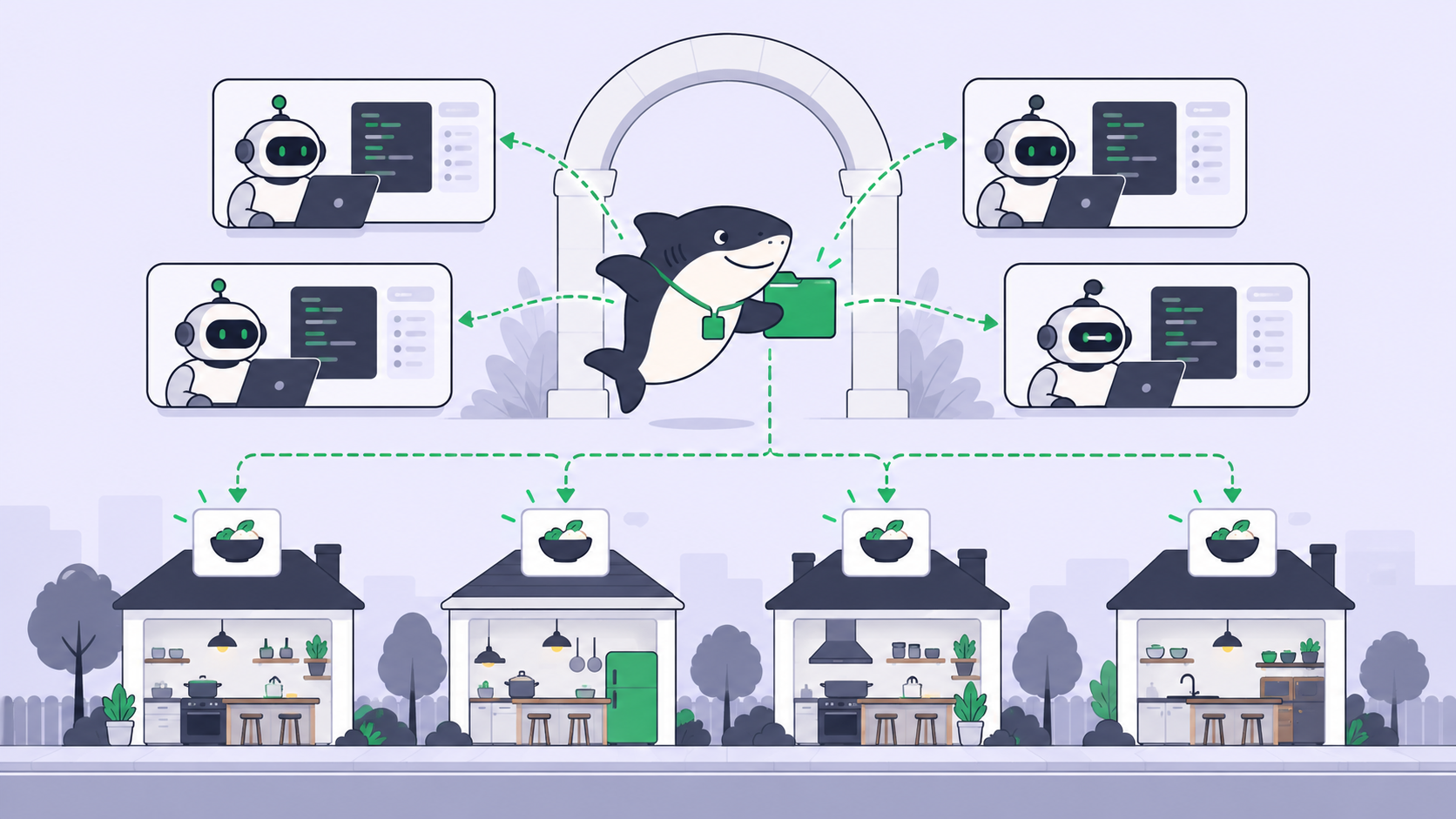
GPT-6.1 Terra agents cost half of what GPT-6.1 Sol agents cost per token, and OpenAI says they run more than three times faster. OpenAI released the model on October 26 with the API id gpt-6.1-terra at $1 per million input tokens, $0.05 cached and $5 output. It replaces GPT-5.6 Terra as the middle of the family, between GPT-6.1 Sol above and GPT-6 Luna below. There is no GPT-6 Terra; this is the first Terra since 5.6.
For a team that runs several coding agents, the price is the easy part. The harder part is deciding which Agents move, which stay on Sol, and how anyone on the board can tell the difference a week later. This guide covers the setup in Sharkly, the effort level to start at, the work Terra suits, and what the halved rate buys a Crew. It follows the same shape as our GPT-6.1 Sol guide, so it only repeats what changed.
TL;DR
Update Codex to 0.159.0 or later on the Computer and confirm codex -m gpt-6.1-terra starts in a terminal. In Sharkly, create a variant of an existing Agent, set its model to gpt-6.1-terra in Custom arguments or the Default model row, and name it for its lane. Start at medium effort, drop to low or none for short mechanical loops, and keep the hardest coding and the Crew leader on Sol or Astra. Agents research, execute, test, and report. People set direction, grant authority, and accept the result.
GPT-6.1 Terra at a glance
| GPT-6.1 Terra | GPT-6.1 Sol | |
|---|---|---|
| API id | gpt-6.1-terra |
gpt-6.1-sol |
| Input / cached / output per 1M | $1 / $0.05 / $5 | $2 / $0.10 / $10 |
| Effort levels | none to max, medium default |
low to max, medium default |
| Knowledge cutoff | June 1, 2026 | April 30, 2026 |
Terra’s context window is 1,050,000 tokens, with up to 922K input and 128K output. GPT-6 Luna, the tier below, lists at $0.10 input and $0.50 output.
Three pricing details matter on long agent runs. Batch and Flex cost half the list rate, and Fast mode costs double ($2 / $10). Any request with more than 272K input tokens is billed at 2x input and cache rates and 1.5x output for the whole request. Cache writes cost $1.25 per million for a 30-minute cache. The full rate card is on OpenAI’s pricing page.
Where the model setting lives now
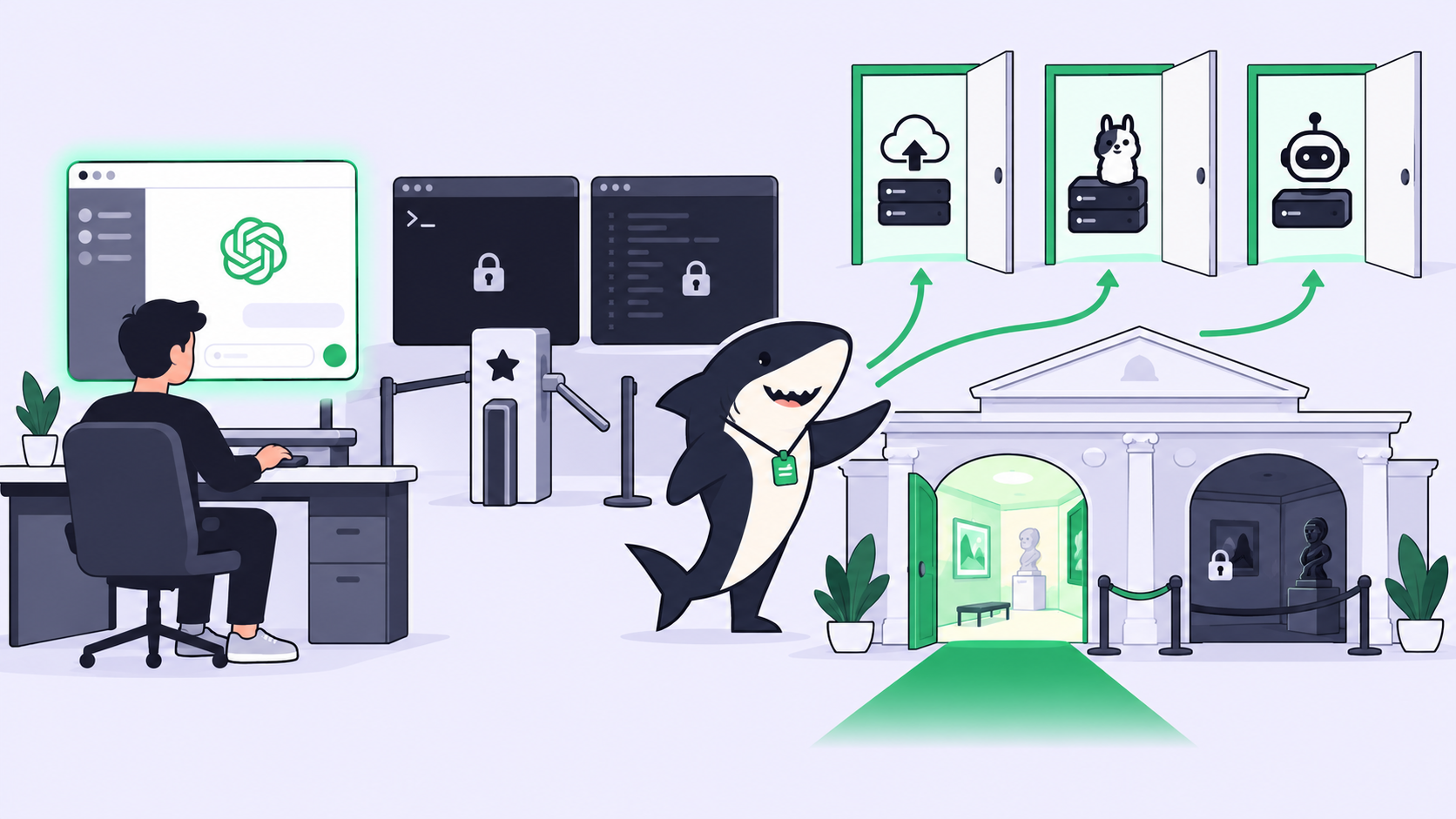
Sharkly’s agent settings changed since our earlier model guides, and the change helps here. The Agents documentation now says an Agent “follows the Runtime’s model by default, and the Model row lets you pick another one from the catalogue that Runtime reports.” The row is read-only when the Runtime pins a model in its launch arguments. You can also name the model in Custom arguments on the Agent or Runtime, which is what the row reads from when that argument is set.
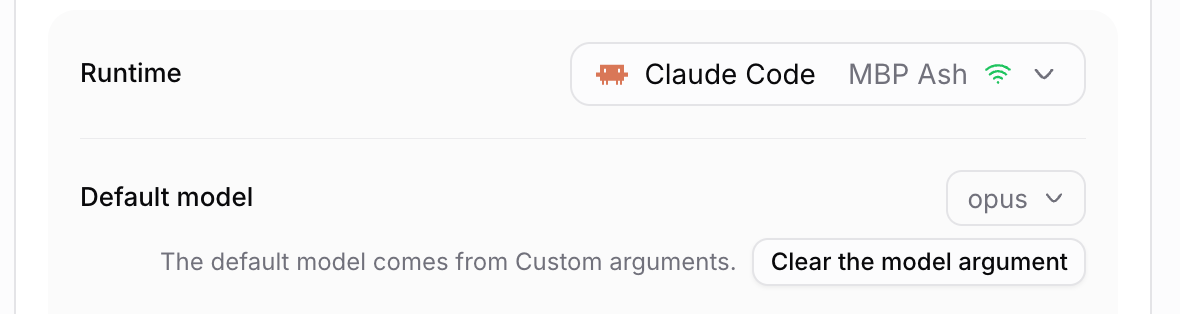
Two more controls sit close by. The same row shows a thinking depth choice when the model publishes one. And when you assign a Task, the task execution docs describe a model icon on each Agent row in the Assignee picker, which picks a model for that one run without changing the Agent’s default.
Step 1: get Terra running on the Computer
Sharkly does not sell tokens. A run bills against the Codex plan or API key already attached to the Runtime on that Computer. So the first check happens in a terminal on the Computer, not in Sharkly:
codex --version          # needs 0.159.0 or later
codex -m gpt-6.1-terra   # should open a session on Terra
If you sign in with a ChatGPT plan, OpenAI’s launch note makes Terra “available to all Plus, Pro, Enterprise, and Edu users in ChatGPT Work and Codex.” Free and Go plans do not get it, and there is no free API tier. On an API-key Computer, you pay the per-token rates above.
Back in Sharkly, open Computer detail, run the rescan or connection test, and confirm the Codex Runtime reads Available. A Computer marked online only means its local service is sending heartbeats. Computers in Sharkly covers how Runtimes are detected.
Step 2: make a Terra variant instead of editing your Sol Agent
The tempting move is to open your Sol Agent and change one argument. Resist it. Every Task that Agent ran on Sol would then sit on the board next to Tasks it ran on Terra, with nothing to tell them apart.
Use an Agent variant. The docs list “use a different default model” as a reason to create one: the variant keeps the original’s instructions, Skills and repositories, and you override the model alone. In the variant’s Computer & Runtime settings, add a Custom arguments row:
Runtime:           Codex on <your Computer>
Custom arguments:  --model gpt-6.1-terra
The Default model row then reads from that argument, as in the screenshot above. Name the variant for the lane, such as “Codex, routine lane”, and write the model and effort into its description. A reviewer reading a diff should not need a shell on someone’s Computer to learn which model wrote it.
A decision pair. Use a variant when more than one person assigns work to that Agent, or when you want a week of Terra results to compare against Sol on the same instructions. Use the per-run pick in the Assignee picker when you want to try Terra on one Task without creating anything.
Step 3: pick the effort to start at
GPT-6.1 Terra accepts none, low, medium, high, xhigh and max, with medium as the default. none is back: GPT-6.1 Sol dropped it, so a Sol config moved from none to low can move back.
Start at medium for routine coding, then adjust by what you see on the Task:
noneorlowfor short loops with obvious success: renames, lint fixes, dependency bumps, changelog entries.mediumfor bounded changes, bugs with a reproduction, and writing tasks such as docs or release notes.highormaxfor computer-use runs and long many-step loops, where one wrong step wastes the steps after it.
Set the level on the Model row’s thinking depth choice when it appears, or with model_reasoning_effort in the Computer’s ~/.codex/config.toml. Sharkly’s docs say a Runtime that rejects the chosen depth fails the run with a clear error rather than quietly running at the default, so a typo shows up in the execution log on the first run.
What half of Sol’s price buys a team
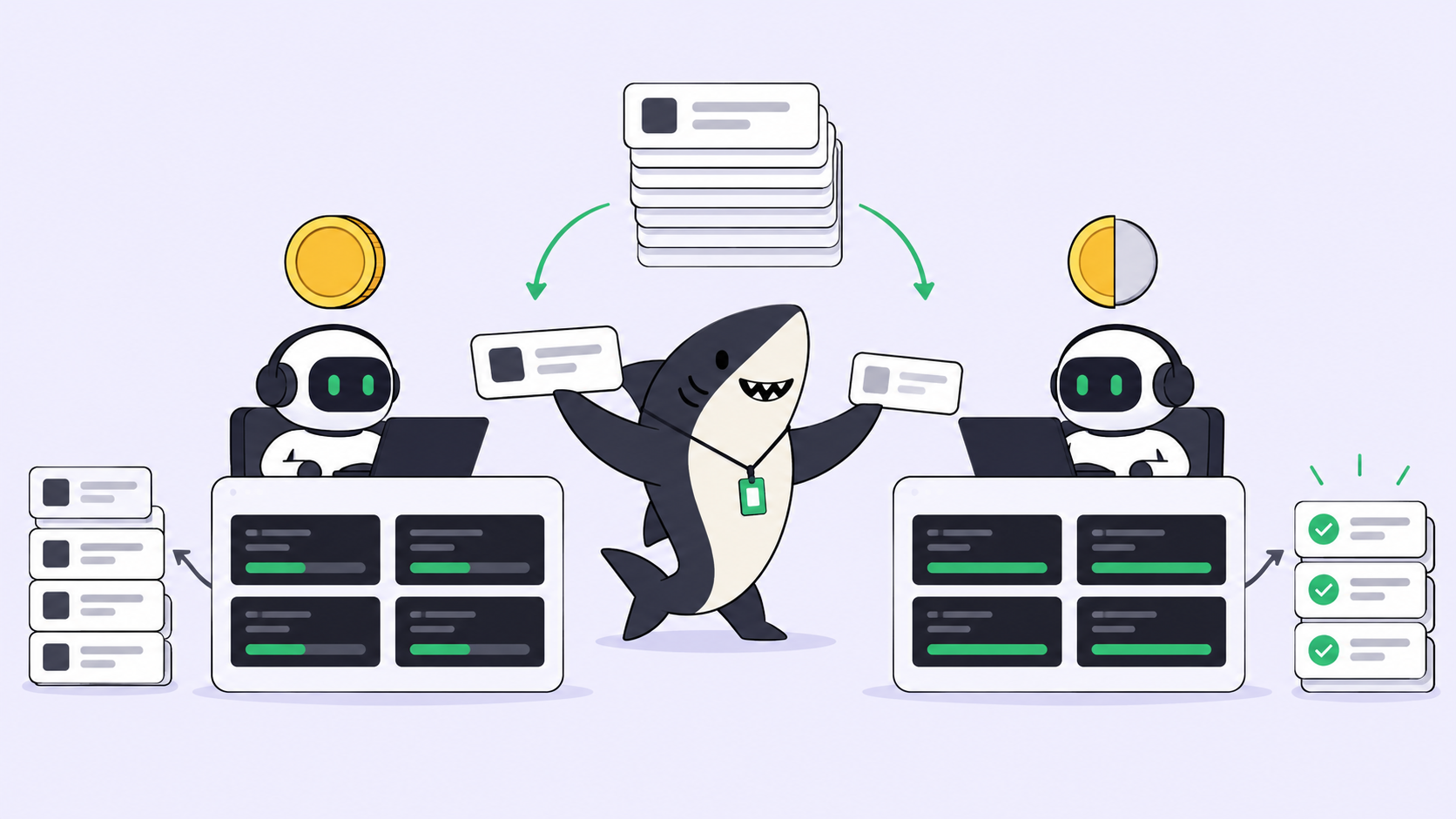
The rate is exactly half of Sol’s on every line, so the arithmetic is simple. Take an illustrative agent run that sends 2M input tokens, 80% of them cached, and returns 100K output tokens:
| GPT-6.1 Terra | GPT-6.1 Sol | |
|---|---|---|
| 400K uncached input | $0.40 | $0.80 |
| 1.6M cached input | $0.08 | $0.16 |
| 100K output | $0.50 | $1.00 |
| Per run | $0.98 | $1.96 |
| 40 runs a day | $39.20 | $78.40 |
That excludes cache-write charges and assumes API-key billing. On a ChatGPT plan, the saving shows up as more runs before you hit plan limits rather than as dollars.
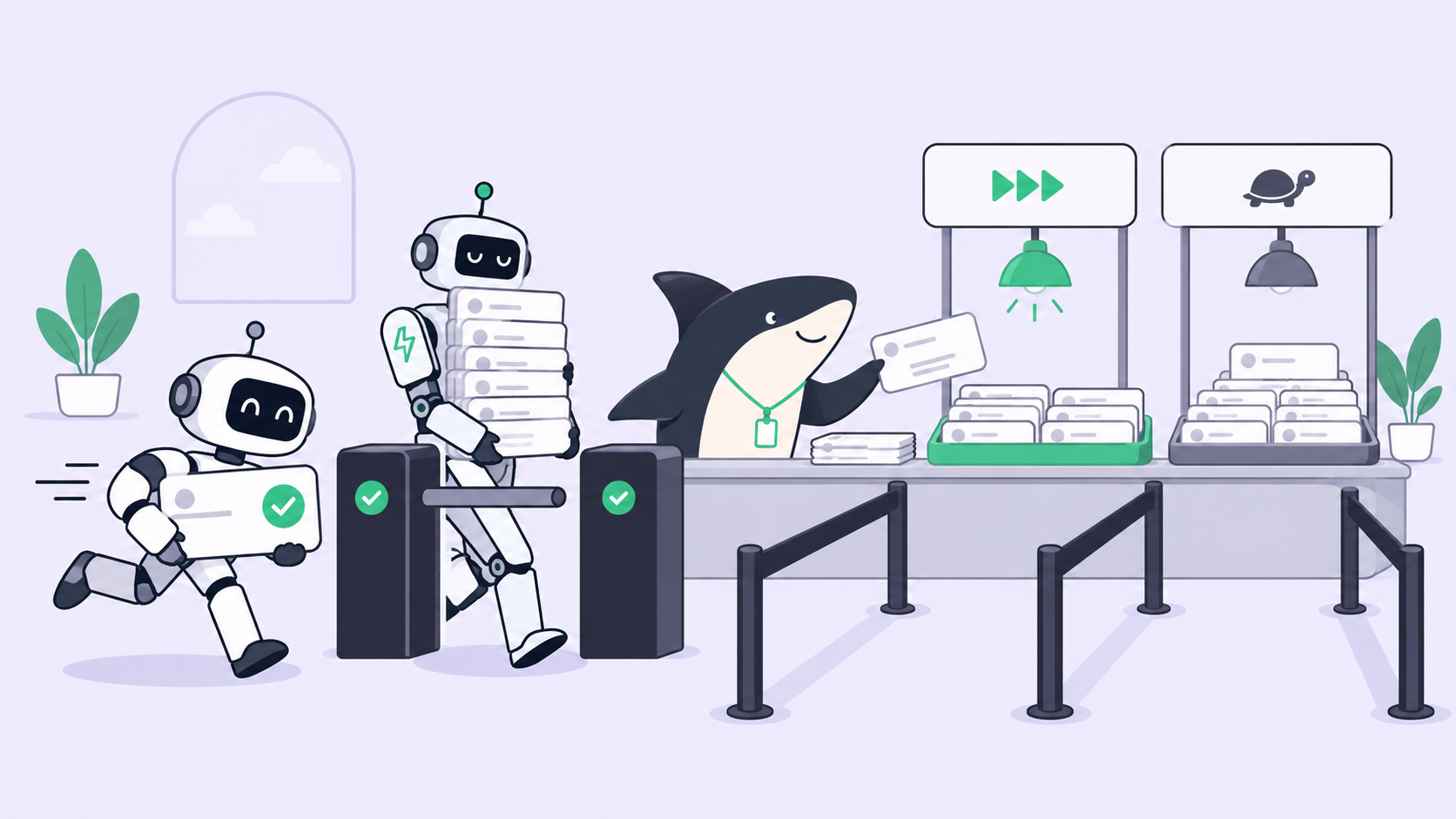
Price is half the story. Speed is the other half: OpenAI says Terra is “over 3x faster on average than both Astra and GPT-6.1 Sol.” For a Crew, that means more runs finish inside the per-Task timeout, and queued work starts sooner. Artificial Analysis, a third party, measured Terra’s cost per task at max effort at $0.40, against $1.40 for GPT-5.6 Terra.
Which agents should run on Terra
OpenAI built Terra for computer use, writing and visual understanding, and it still recommends Sol or Astra for the most complex coding. The third-party numbers line up. On Artificial Analysis’s Coding Agent Index, Terra scores 48, GPT-6.1 Sol 54 and GPT-6 Luna 31. Its hallucination rate on AA-Omniscience fell to 38%, from 88% for GPT-5.6 Terra.
A starting rule to test on your own Tasks:
| Crew role | Start on | Move it when |
|---|---|---|
| Leader interpreting an ambiguous goal | GPT-6.1 Sol or GPT-6 Astra | Plans stay routine for a whole Sprint |
| Members on routine coding and refactors | GPT-6.1 Terra, medium |
A class of Task fails twice; a person escalates it |
| Computer-use and browser tasks | GPT-6.1 Terra, high |
Results need rework more often than Sol’s did |
| Docs, release notes, PR descriptions | GPT-6.1 Terra, low or medium |
Reviewers start rewriting the output |
| Triage and labels | GPT-6 Luna | Verdicts get overturned |
The leader row stays on the top tier for the reason in our Crew leader guide: a leader’s mistake points every member at the wrong goal. If you want the routing rule written down with a manual escalation path, model routing for Crews walks through it, and the GPT-6 Luna guide covers the lane below.
What a cheaper Runtime does not change
Terra lowers the cost of producing a change. It does not lower the cost of accepting one. Twice the runs for the same money means twice the diffs waiting for a person, so check your review queue before you double the Crew. Human review is the bottleneck covers that side.
Sharkly keeps context, progress, blockers, results and human review visible from request to release, whichever model ran the Task. It is currently free for organizations of up to 5 people, per the pricing page. Your next step: update Codex on one Computer, create one Terra variant, and assign it three routine Tasks you would have given Sol.
FAQ
Is GPT-6.1 Terra free?
No. There is no free API tier, and ChatGPT Free and Go plans do not include it. Plus, Pro, Enterprise and Edu users get it in ChatGPT Work and Codex. Our post on running GPT-6.1 Sol without an API key explains how plan usage differs from per-token billing.
Is there a GPT-6 Terra?
No. GPT-6.1 Terra replaces GPT-5.6 Terra directly.
Can I switch an existing Agent from Sol to Terra?
Yes, but a variant keeps the history readable. Change the original only if nobody needs to compare old runs with new ones.
Does Sharkly show which model ran a Task?
The Default model row shows what the Agent is set to. Sharkly cannot always tell which model a Runtime is using, so name the model in the Agent’s description too.