Quick answer: Gemini Omni 1.2 Flash pricing is about $0.07 per second of 720p video on the Gemini API, or roughly $1.04 for a 15-second clip. Rates run from $0.023 per second at 360p to $0.209 at 4K. A team should budget per finished clip, which comes to about $6 in the worked example below.
Google announced Gemini Omni 1.2 Flash on November 5, 2026, and the headline number is easy to multiply. Fifteen seconds at $0.07 looks like $1.05. Google’s own figure is about $1.04, because billing runs on tokens and $0.07 is a rounded rate.
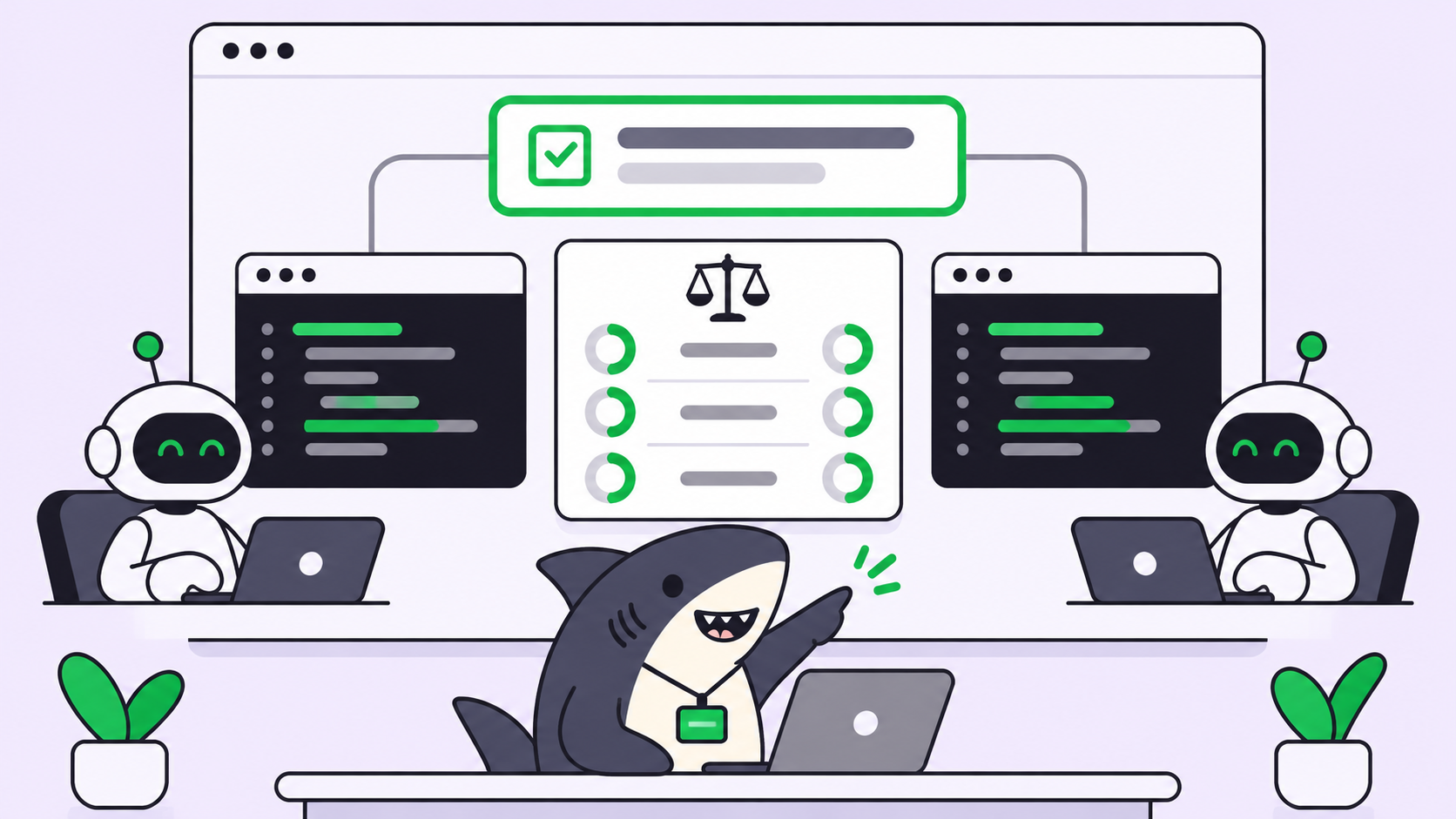
That one-cent gap doesn’t matter. The gap between one clip and the attempts behind it does. When agents generate drafts, edits, and variants in volume, the rate card stops being your budget. If you run those agents across a team, Sharkly gives you one place to track the work and put a person in front of each expensive step.
Gemini Omni 1.2 Flash pricing by resolution
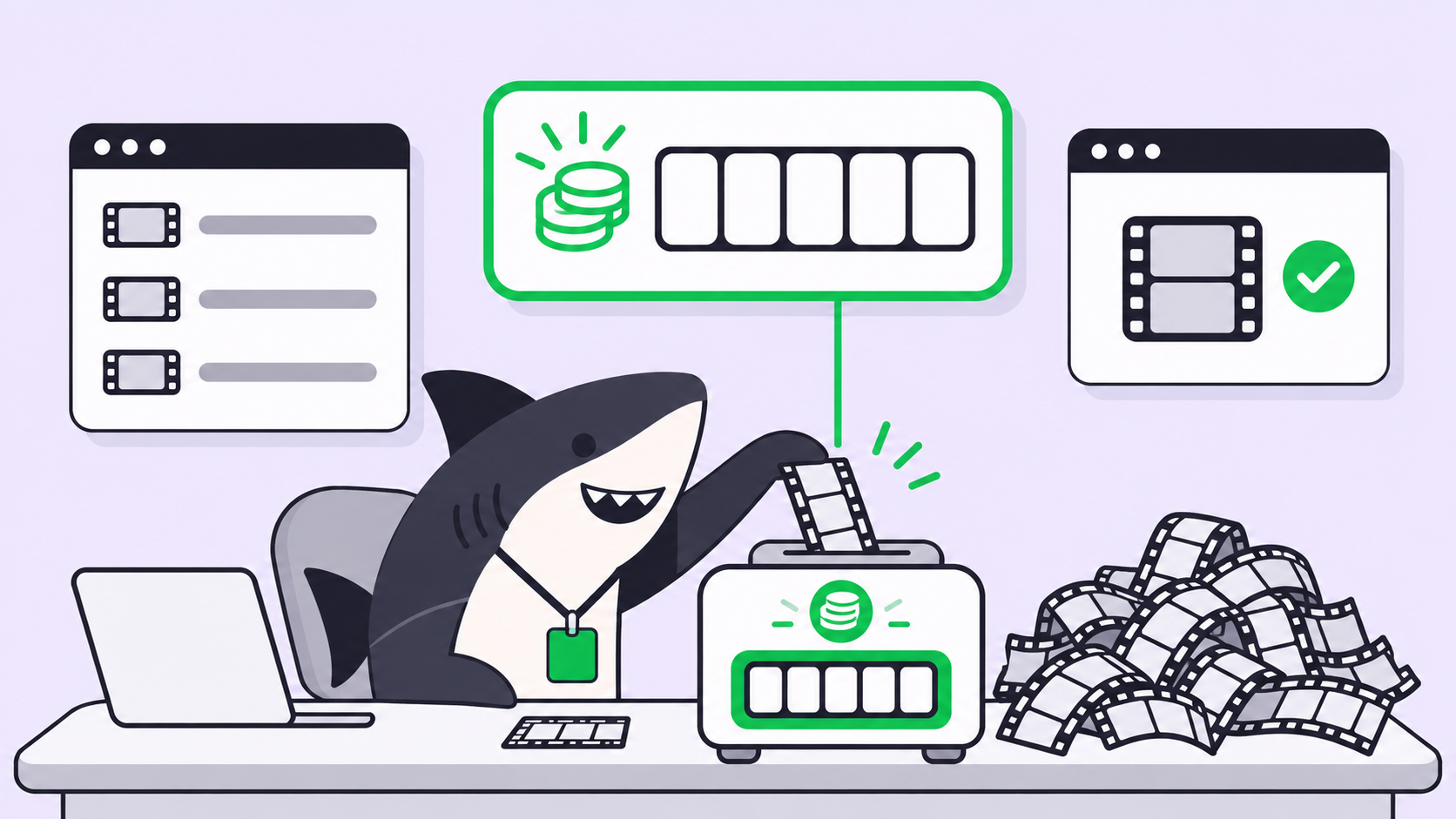
Gemini Omni 1.2 Flash bills video by output tokens at $12.00 per million on the Standard paid tier. Each resolution burns tokens at a fixed rate per second, so cost depends on two choices you control: output resolution and clip length. These figures come from the Gemini API pricing page, read on November 6, 2026.
| Resolution | Tokens per second | Price per second | 10-second clip | 15-second clip |
|---|---|---|---|---|
| 360p | 1,931 | $0.023 | $0.23 | $0.35 |
| 720p | 5,792 | about $0.07 | about $0.70 | about $1.04 |
| 1080p (upsampled) | 8,688 | $0.104 | $1.04 | $1.56 |
| 4K (upsampled) | 17,376 | $0.209 | $2.09 | $3.13 |
Google publishes the per-second rates and the 720p clip totals. We computed the other clip totals from those rates.
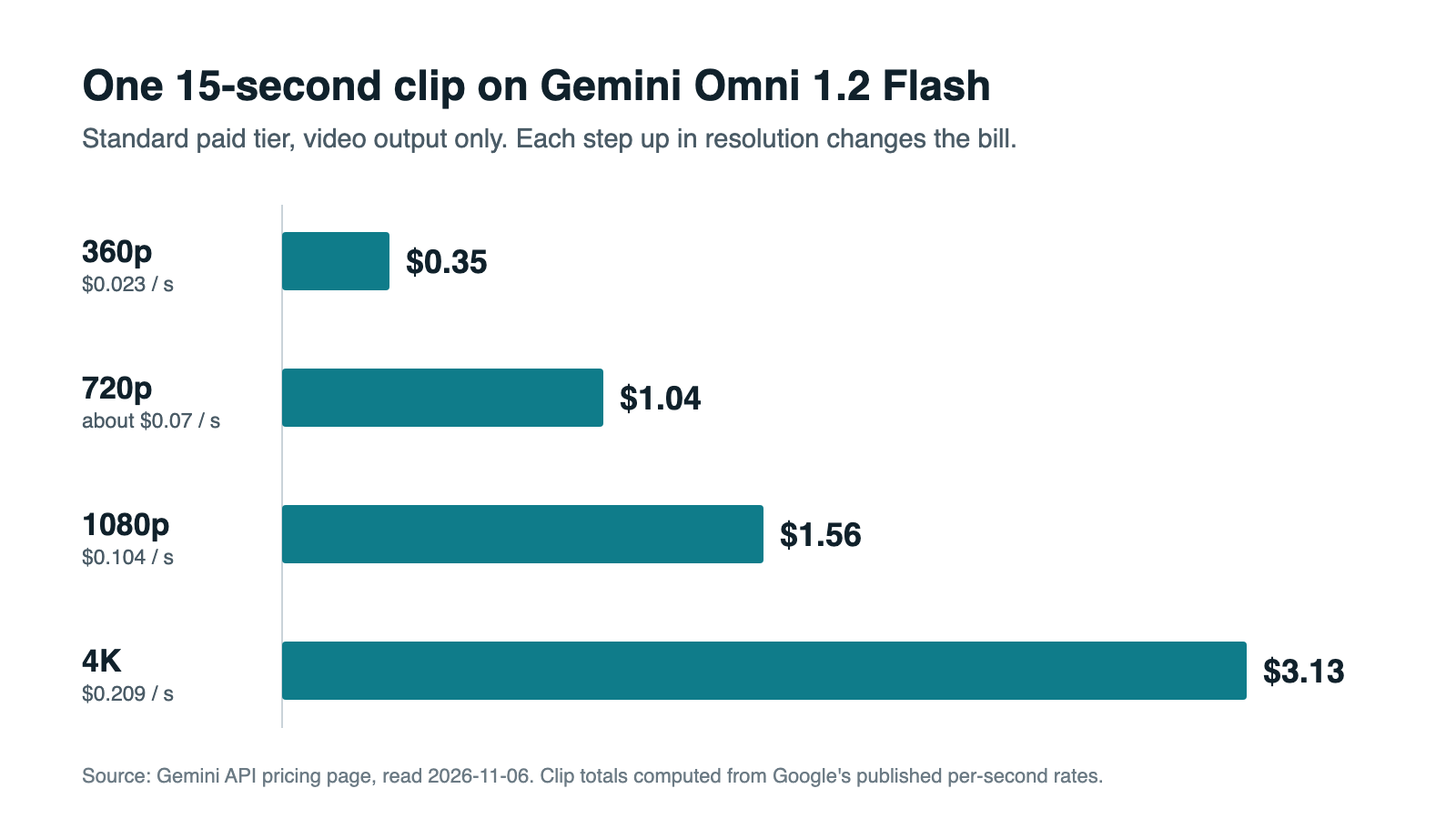
Three other facts shape the budget:
- No free tier on the API. The pricing page marks Omni 1.2 Flash as not available on the free tier.
- No Batch discount listed. The Omni section shows a Standard tab only.
- The old model moves on December 3, 2026. Requests to
gemini-omni-1.1-flashroute to 1.2 and bill at 1.2 rates. Video output drops from $17.50 to $12.00 per million tokens, which lines up with the 30% cut Google announced.
Why the per-second price undersells a team budget
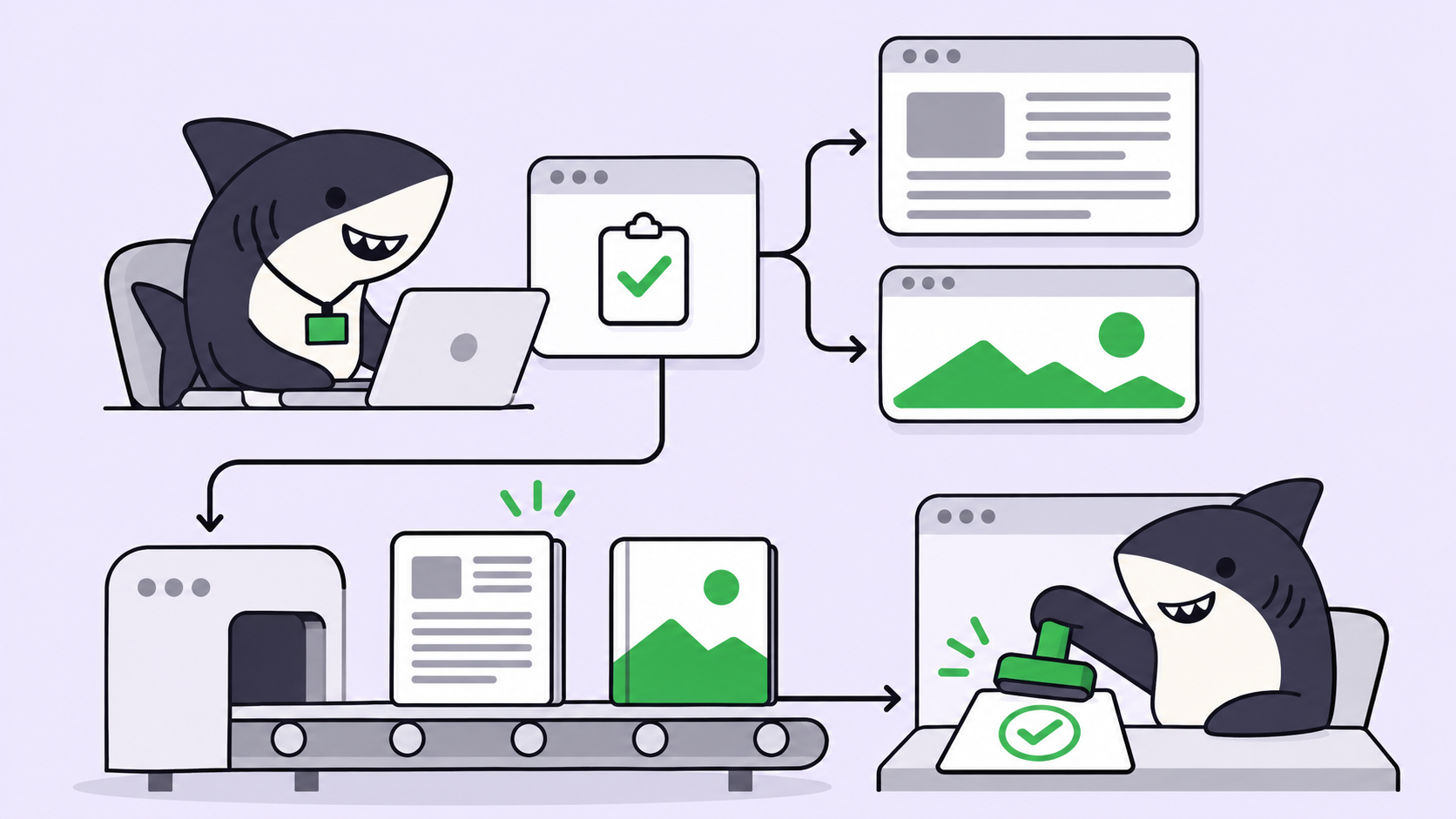
The rate prices a clip. Your team pays for accepted clips, and those take several attempts. This is the same trap coding teams hit with models: the useful unit is cost per accepted result, not cost per call.
Agents widen the gap. A person stops after a good take. An agent told to “try a few variants” runs until its instructions say stop, and each run bills as output. Nothing on the rate card shows that multiplier, so you have to model it yourself.
How edits and upscales bill
Google’s docs answer part of this question, and the part they skip decides the budget.
Edits. The Omni docs say “each turn in the conversation produces a new video,” and the pricing page says billing is based on total output tokens. Neither says an edit bills only the changed portion. Until Google says otherwise, budget each edit as a new clip of the same length and resolution.
That changes the case for editing. An edit probably costs the same as a fresh generation, so the saving comes from needing fewer attempts. Editing keeps the parts you already approved, while a regeneration rolls the dice on all of them.
Input tokens. Input is $1.50 per million tokens for text, image, and video. Google doesn’t publish an input token rate for video on these pages. If a 15-second input counted at the 720p output rate, it would add about $0.13 per turn. That’s our assumption, and it’s why the budget below carries a 10% buffer.
Upscales. The pricing page lists 1080p and 4K “with upsampling” and shows no separate upscale fee. Google Cloud’s model page names standalone upscaling as a capability without pricing it. Budget an upscale at the target resolution’s full rate.
You can settle both questions for under $4. In a test project, generate one 15-second 720p clip, edit it once, and upscale it to 1080p. Then compare the usage against the table.
Worked example: what a finished clip costs
Here’s a monthly model with its assumptions stated, so you can swap in your own numbers. Every clip runs 15 seconds and ships at 1080p.
| Stage | Passes | Resolution | Cost per pass | Subtotal |
|---|---|---|---|---|
| Draft concepts | 4 | 360p | $0.35 | $1.40 |
| Conversational edits | 3 | 720p | $1.04 | $3.12 |
| Final upscale | 1 | 1080p | $1.56 | $1.56 |
| Per finished clip | 8 | $6.08 |
That’s about 3.9 times the $1.56 you’d get from the rate card. It’s also less than half of the $12.48 you’d pay running all eight passes at 1080p.
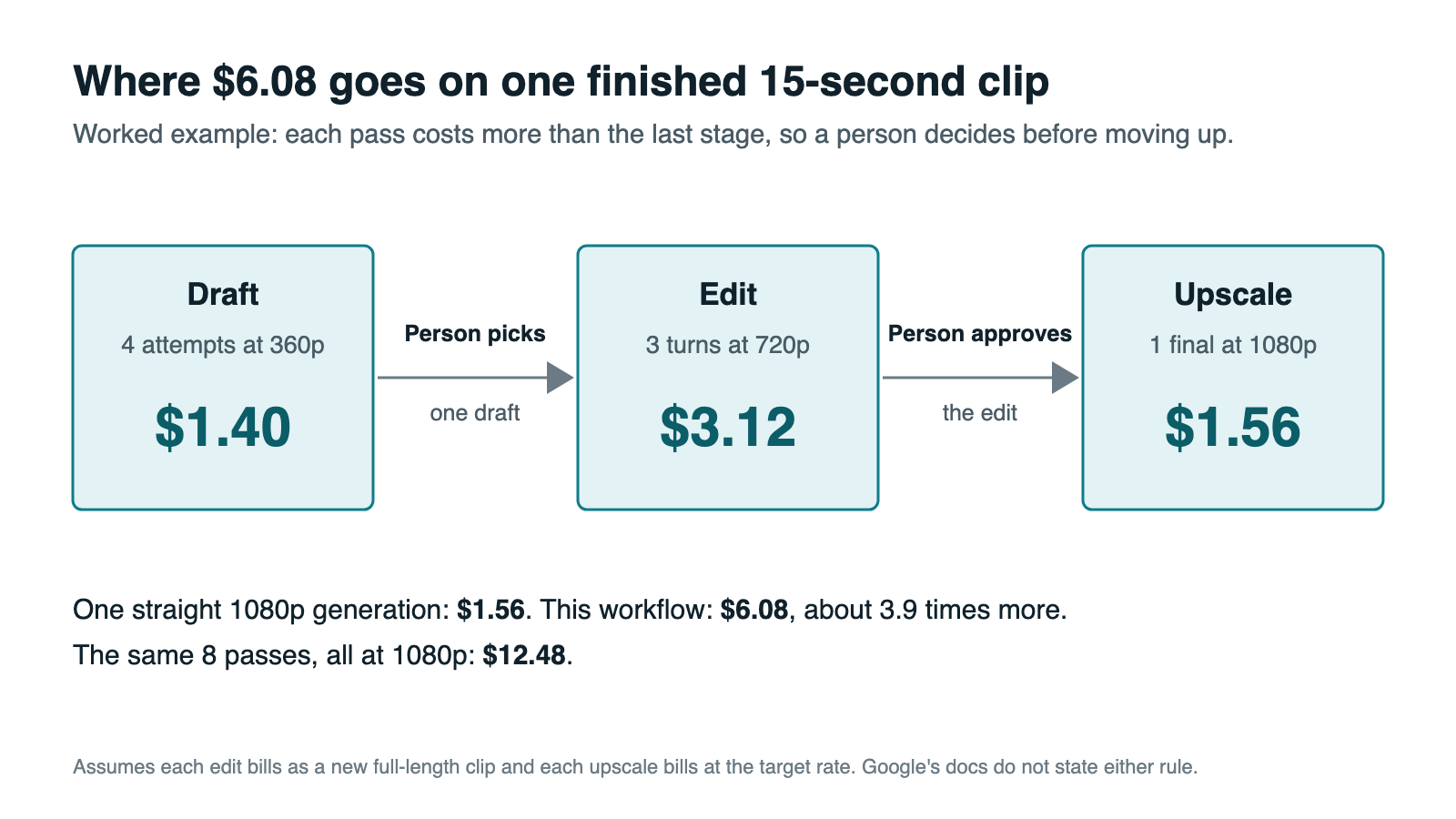
Scale that to a month:
| Team output | Finished clips per month | Rate-card math | Workflow cost | With 10% buffer |
|---|---|---|---|---|
| Small team, one channel | 40 | $62 | $243 | $268 |
| Growth team, weekly campaigns | 200 | $312 | $1,216 | $1,338 |
| Agent-run variants across markets | 500 | $780 | $3,040 | $3,344 |
This script reproduces the table with your own pass counts:
TOKENS_PER_SECOND = {"360p": 1931, "720p": 5792, "1080p": 8688, "4k": 17376}
USD_PER_OUTPUT_TOKEN = 12.00 / 1_000_000

def clip_cost(seconds, resolution):
    return round(seconds * TOKENS_PER_SECOND[resolution] * USD_PER_OUTPUT_TOKEN, 2)

def monthly_budget(clips, seconds=15, drafts=4, edits=3, final="1080p", buffer=0.10):
    per_clip = (
        drafts * clip_cost(seconds, "360p")
        + edits * clip_cost(seconds, "720p")
        + clip_cost(seconds, final)
    )
    return round(per_clip, 2), round(clips * per_clip * (1 + buffer))

print(monthly_budget(200))  # (6.08, 1338)
How to control Gemini Omni video costs
Six rules take most of the risk out of the bill:
- Set
durationon every request. The default is 10 seconds, and values run from 3 to 15 in whole seconds. - Set
resolutionon every request. The default is 720p, three times the cost of 360p. Use 360p to judge concepts. - Cap attempts in the agent’s instructions. Write “four drafts, then stop,” never “keep trying until it looks right.”
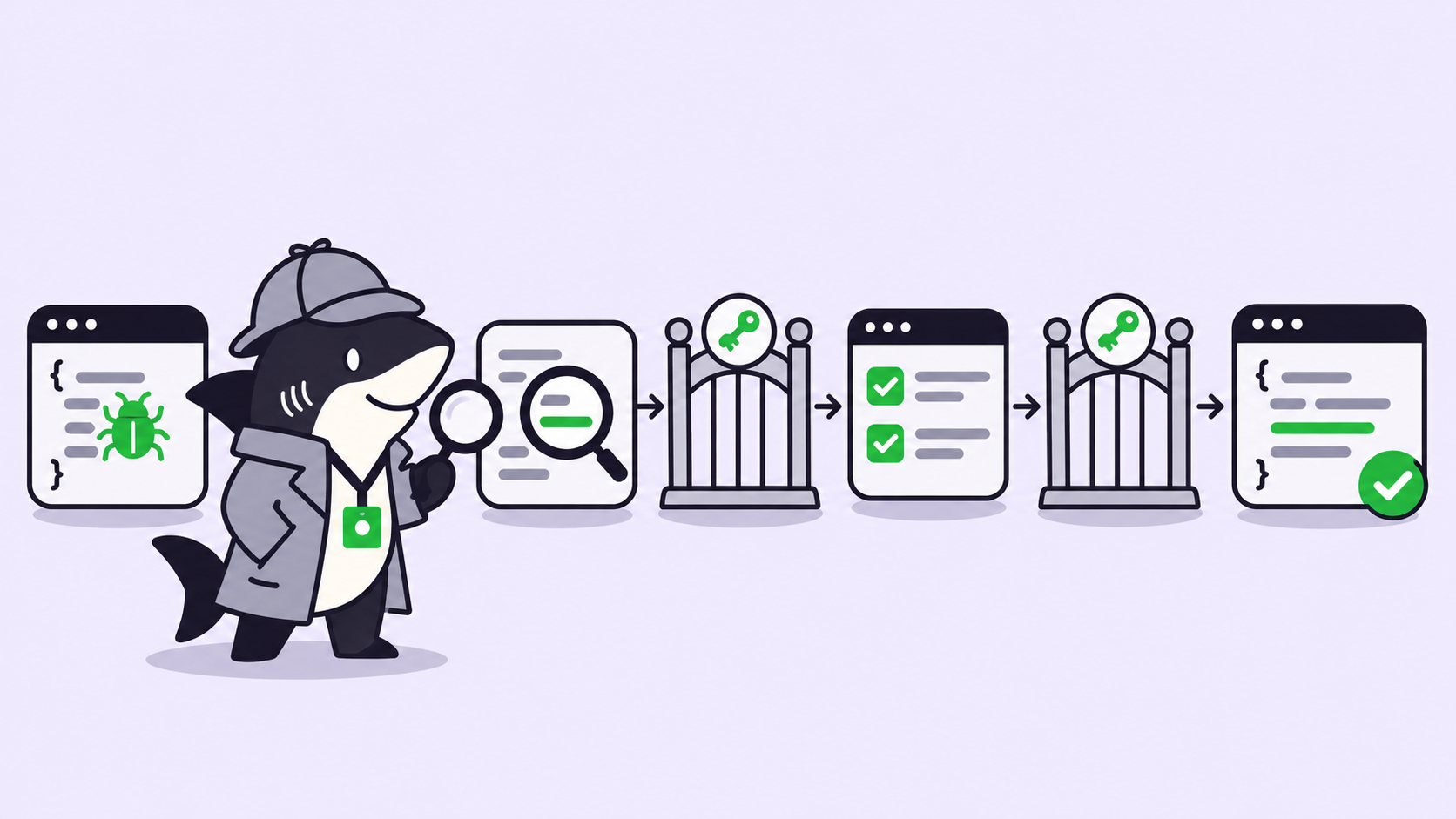
- Gate each step up in resolution. A person picks the draft and approves the upscale.
- Keep clips you plan to edit stored. With
store=false, a clip can’t be edited throughprevious_interaction_id, so a change means starting over. - Save 4K for the deliverable. At $3.13 per clip, 100 unattended retries cost about $313.
Which Omni route fits your team
Your route changes what you pay. Use the Gemini API when agents generate video from code and you want pay-as-you-go billing. Use Google Cloud when you need reserved capacity: Google lists Provisioned Throughput there, while the Gemini API docs say it isn’t supported. Use Google Vids when people make occasional clips by hand. Google says it includes 15-second clips at no additional cost with a Google account or Workspace subscription.
Where Sharkly fits in a video budget
Sharkly doesn’t meter Gemini spend. It doesn’t sell tokens either, so every Omni call bills to the Google account your team already pays for. Set spend limits there, and track spend across agents separately.
Sharkly manages the work that creates the spend. A Task carries the brief, the attempt cap, and the target resolution, so the limit sits with the job. A Skill packages rules like “drafts at 360p, four at most” for every Agent that needs them.
The gates in the diagram map to Agent states. An Agent can leave a Task waiting for human review, and the request shows as “Needs review” in the Task Chats module, per the Inbox docs, so a person approves the upscale before it runs. That’s the same idea as approval gates for coding agents, applied to a paid render.
Your seat count doesn’t grow with your agent count, since Agents and Computers don’t occupy seats on Sharkly’s plans.
Your next step
Pick one real campaign and count last month’s finished clips. Multiply by $6.08, add the 10% buffer, then run the test above and replace our assumptions with your measured numbers. If agents will run this work, put the attempt cap and review step on a Sharkly Task before the first batch starts.
FAQ
How much does Gemini Omni 1.2 Flash cost per second?
About $0.07 per second at 720p on the Standard paid tier. Google lists $0.023 at 360p, $0.104 at 1080p, and $0.209 at 4K.
How much is a 15-second Gemini Omni video?
About $1.04 at 720p, per Google’s pricing page. At the listed rates, the same clip costs about $0.35 at 360p, $1.56 at 1080p, and $3.13 at 4K.
Does a follow-up edit cost the same as a new video?
Google doesn’t state this directly. Its docs say each turn produces a new video and billing follows output tokens, so budget each edit as a full clip until your own test shows otherwise.
Is there a free tier for Gemini Omni 1.2 Flash on the API?
No. The pricing page lists it as not available on the free tier. Google Vids is a separate route with 15-second clips at no additional cost.
What does upscaling to 4K cost?
Google lists 4K with upsampling at $0.209 per second and shows no separate upscale fee. Budget about $3.13 for a 15-second clip.
What happens to Gemini Omni 1.1 Flash pricing?
From December 3, 2026, requests to gemini-omni-1.1-flash route to 1.2 and bill at 1.2 rates.