You started with one coding agent. Now Claude Code runs in one terminal, Codex in another, and Gemini CLI in a third. Each one bills on its own terms: a subscription here, a metered API key there, a free tier that quietly rolled over into paid usage last week. At the end of the month you have three invoices and no answer to a simple question. What did last week’s feature actually cost to build?
Coding agent cost management is the practice of attributing agent spend to the work that caused it, then keeping that spend visible and reviewable across every tool your team runs. The hard part is not the per-token price of any single agent. Prices change, and each vendor publishes them. The hard part is that spend fragments across separate billing systems the moment you run more than one agent, so nobody can tie a dollar figure to a task, a repo, or a person.
This article walks through where each tool’s cost actually comes from, the levers you control, and how a management layer like Sharkly keeps per-task spend visible without asking you to leave the tools you already use. Sharkly sits above the agents. You keep your Claude Code, Codex, and Gemini subscriptions, and the record of each run returns to the Task it belongs to.
What cost management means when you run three agents
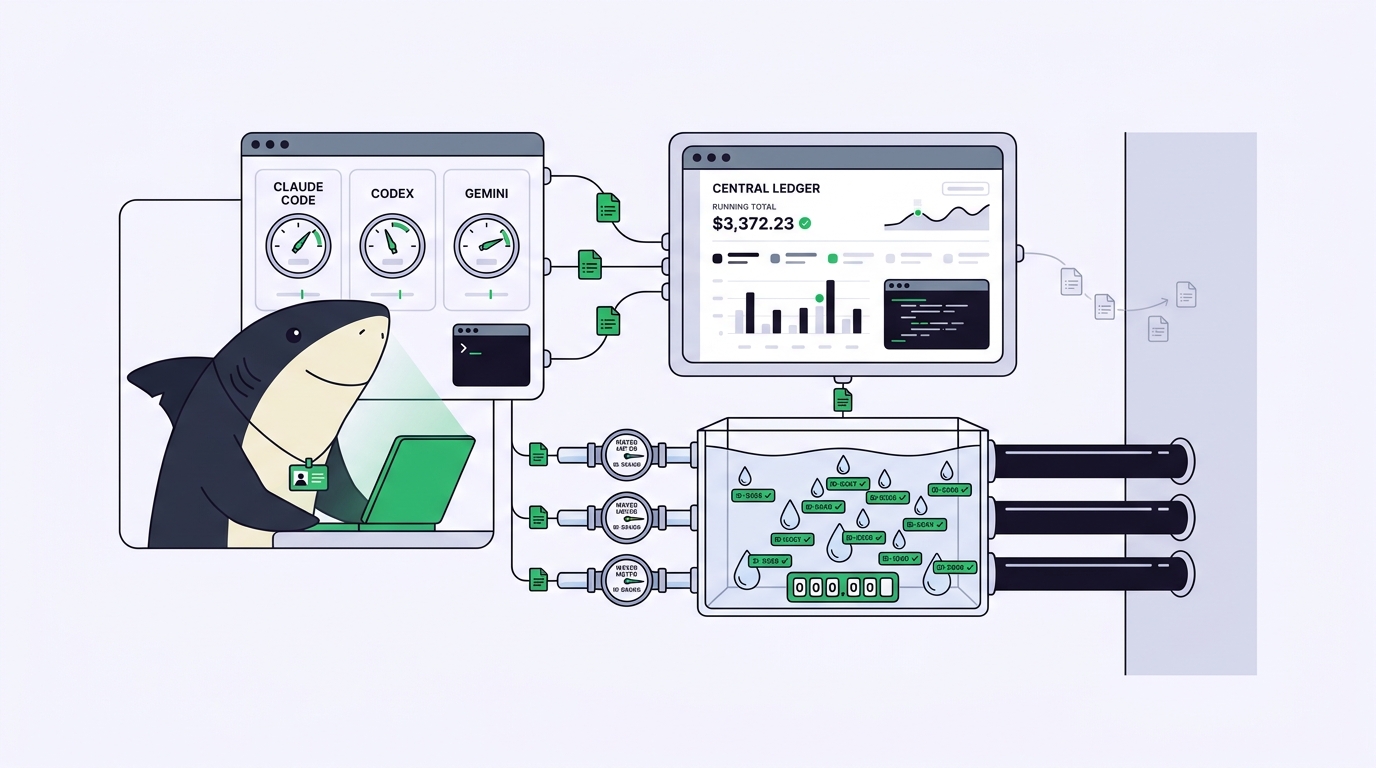
With one agent, cost is a number you can read off one dashboard. With three, cost becomes a coordination problem. The spend is real, but it lives in three places that never reconcile: Anthropic’s Claude Code usage, an OpenAI billing page for Codex, and a Google Cloud project for Gemini.
Here is the boundary worth stating plainly. Cost management is not the same as cost reduction. Reducing spend means using fewer tokens. Managing spend means knowing where the tokens went and deciding whether that was worth it. You can run an expensive month on purpose, shipping three features in parallel, and still be in control, as long as you can attribute the spend and a person signed off on it.
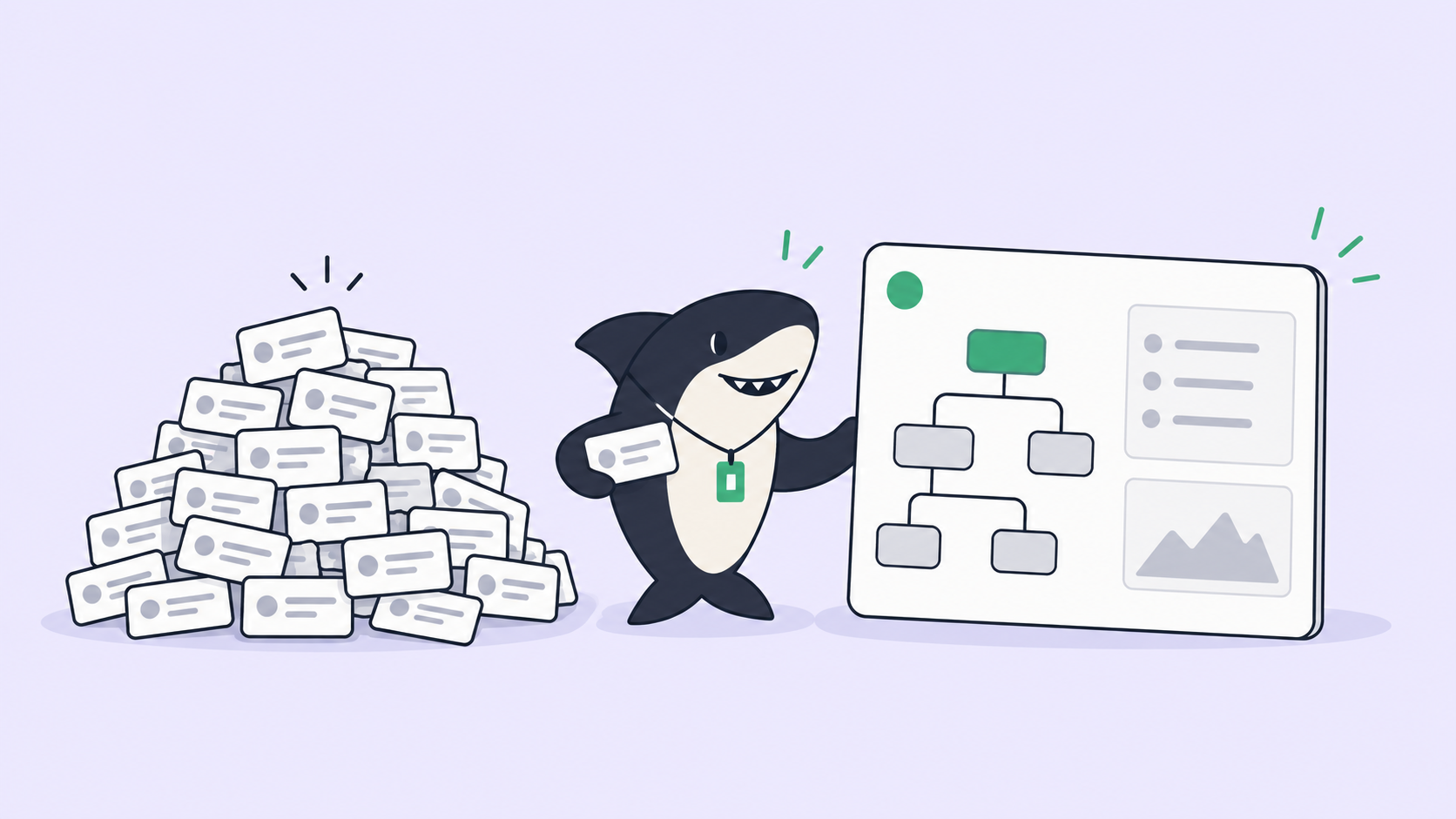
That attribution is the missing layer. Most teams running several agents can tell you their total AI bill and nothing more granular. They cannot say which repo, which engineer, or which task drove it. When spend is invisible at the task level, cost conversations turn into guesswork, and the usual reaction is to cap the tool that happens to be easiest to see rather than the one actually burning budget.
Where the three tools’ costs actually come from
Each agent charges for roughly the same thing, tokens in and tokens out, but the billing model differs enough to change how you budget. Compared at their best, none is simply cheaper than the others. They are cheaper for different shapes of work.
| Tool | Common billing model | What drives the bill up |
|---|---|---|
| Claude Code | Subscription plan or Anthropic API key | Long agentic sessions, large context windows, repeated file reads |
| Codex | Subscription plan or OpenAI API key | Reasoning-heavy tasks, high concurrency, tool-call loops |
| Gemini CLI | Free tier, then a Google Cloud API key | Large-context tasks once past the free allowance, image and multimodal calls |
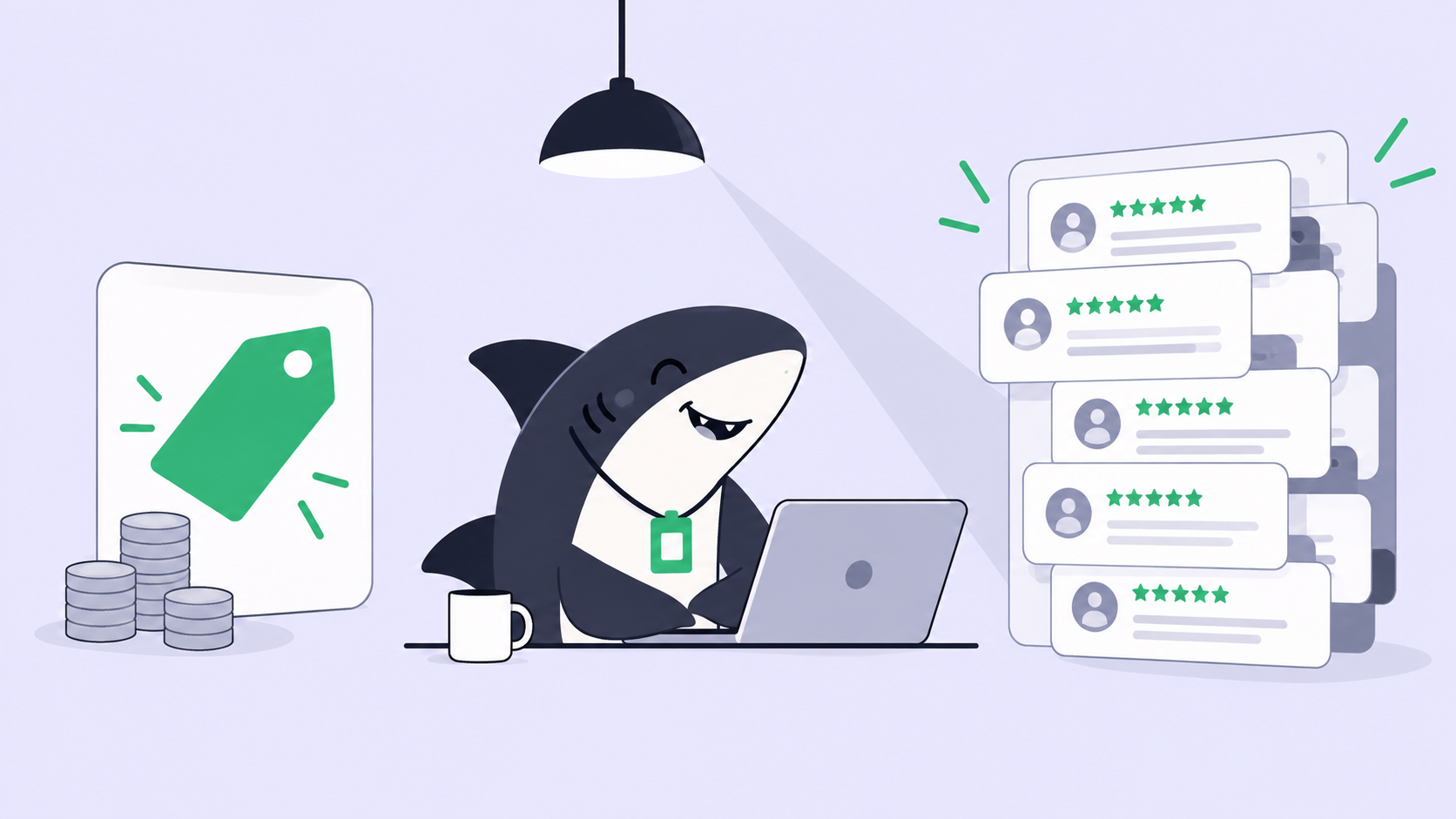
The subscription models hide marginal cost. A flat monthly plan feels free at the margin, so engineers reach for it constantly, and the real question shifts from “what did this cost” to “are we hitting the plan’s limits.” The metered API-key models do the opposite: every run has a visible price, which makes budgeting cleaner but tempts teams to under-use a capable agent to save pennies.
Use a subscription plan when one or two people run an agent steadily through the day and predictable billing matters more than per-task detail. Use a metered API key when you need to attribute spend precisely, run in automation, or spread work across a team where someone has to answer for the total. Many teams end up with both, which is exactly why a single reconciled view matters. If you are choosing which agent handles which job, matching models to tasks does more for your bill than switching vendors.
The three levers you actually control
Vendor prices are not a lever; you cannot negotiate them from a terminal. Three things are genuinely in your hands, and they matter more than the sticker price.
Context discipline. The largest avoidable cost is re-sending context the agent already had. An agent that re-reads the whole codebase on every turn pays for that codebase every turn. Persisting context between runs, so the agent starts from the current state instead of rebuilding it, is usually the single biggest saving. This is the same mechanism behind codebase memory and its token cost: what you keep, you don’t re-buy.
Model-to-task matching. Routing a one-line rename to a heavy reasoning model wastes money, and routing an architectural refactor to a small fast model wastes an afternoon. The saving comes from matching the model to the task rather than defaulting every job to your most capable agent.
Parallelism boundaries. Running agents in parallel is where the real output gain lives, and also where spend compounds fastest. Five agents working at once cost roughly five times as much per unit of wall-clock time. That is fine when five tasks are ready and worth it, and expensive when three of them were speculative. The lever is not “run fewer agents.” It is deciding, before you launch, which work is worth a parallel slot. Monitoring agents running in parallel is what turns that decision from a guess into a call you can defend.
A decision table by team size
The cost equation changes with how many people and agents you are coordinating. What is fine for a solo developer becomes a liability for a platform team.
| Team shape | Where cost lives | What to optimize for |
|---|---|---|
| Solo developer, one or two agents | One or two dashboards you can read directly | Predictable billing; a subscription plan is usually enough |
| Small team, several agents | Fragmented across per-person subscriptions and keys | Attribution: knowing which work drove the spend |
| Platform or engineering team | Many repos, many agents, shared budgets | Visibility, review, and per-task cost that rolls up to an owner |
If you are solo and comfortable in one terminal with one agent, you do not need a management layer to control cost. Your dashboard already tells you what you need. The equation changes when spend outgrows a single view: multiple agents, multiple repos, and a budget somebody other than you has to answer for. At that point the question stops being “which agent is cheapest” and becomes “who can see the whole picture and decide.”
Making per-task spend visible
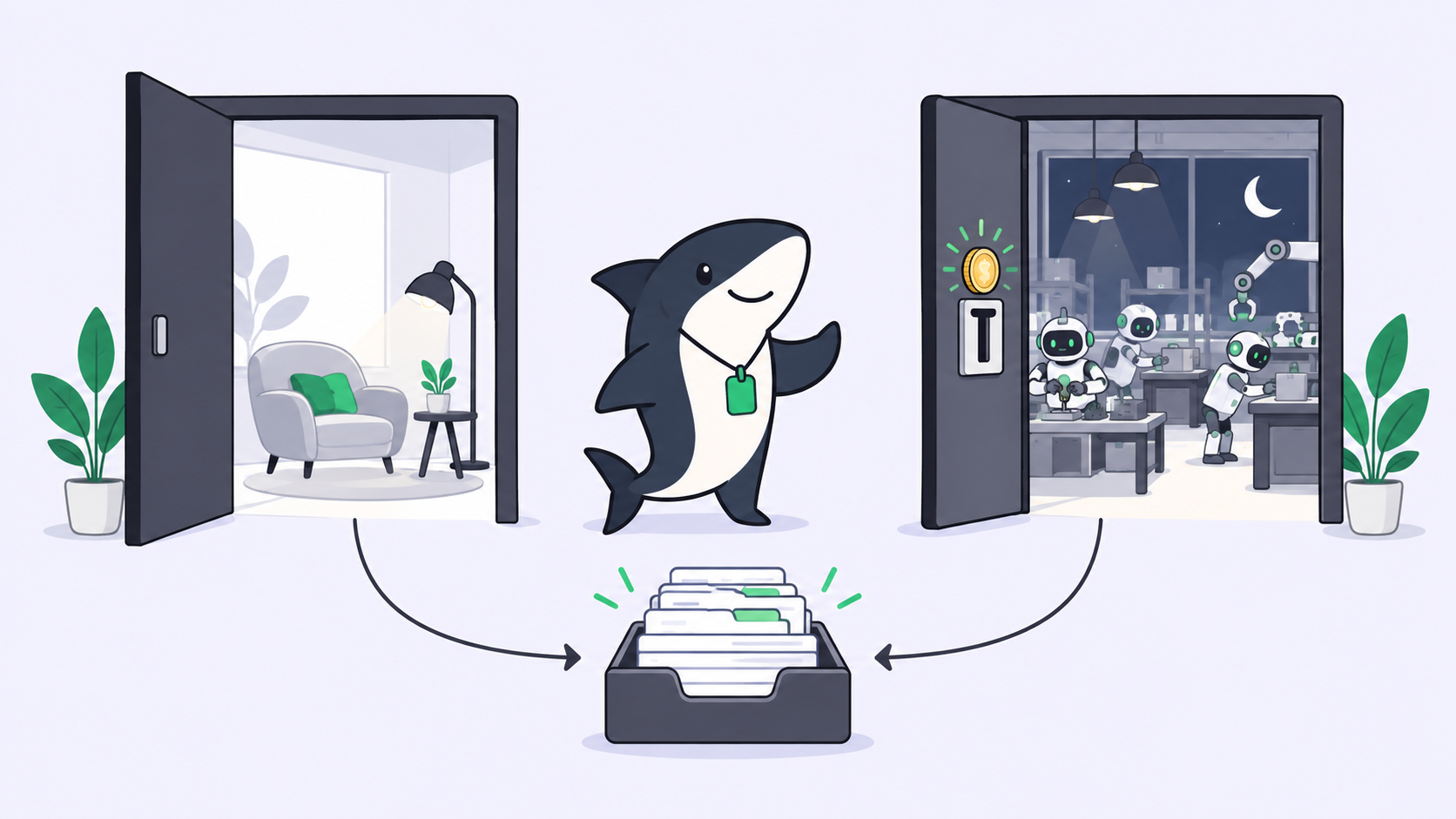
This is the layer Sharkly is built for, and it is worth being precise about what it does and does not do. Sharkly is not a billing tool, and it does not replace Claude Code, Codex, or Gemini. Model usage continues through the subscriptions or API keys configured in those tools; you bring your own subscription. What Sharkly adds is the shared record around them: every agent run happens inside a Task, and the execution, progress, blockers, and results return to that Task where the team can see them.
That shared record is what makes cost legible. When each run is attached to a Task with an owner and a repo, spend stops being one anonymous monthly total and starts being a set of decisions you can point at. You can see which work is running, on whose Computer, and against which budget, from request to release. A coding agent dashboard that shows you what is running is the difference between managing spend and discovering it after the invoice.
The human-agent contract holds here too. Agents research, execute, test, and report. People set direction, grant authority, and decide whether the spend was worth the result. Automation stops where team judgment is required, which for cost means a person, not a script, decides that a parallel run of five agents is justified before it starts.
If you want to keep using multiple coding agents rather than committing to one ecosystem to simplify billing, that is the problem Sharkly is designed around. Run your existing coding agents through Sharkly and let the cost of each run return to the task that caused it.