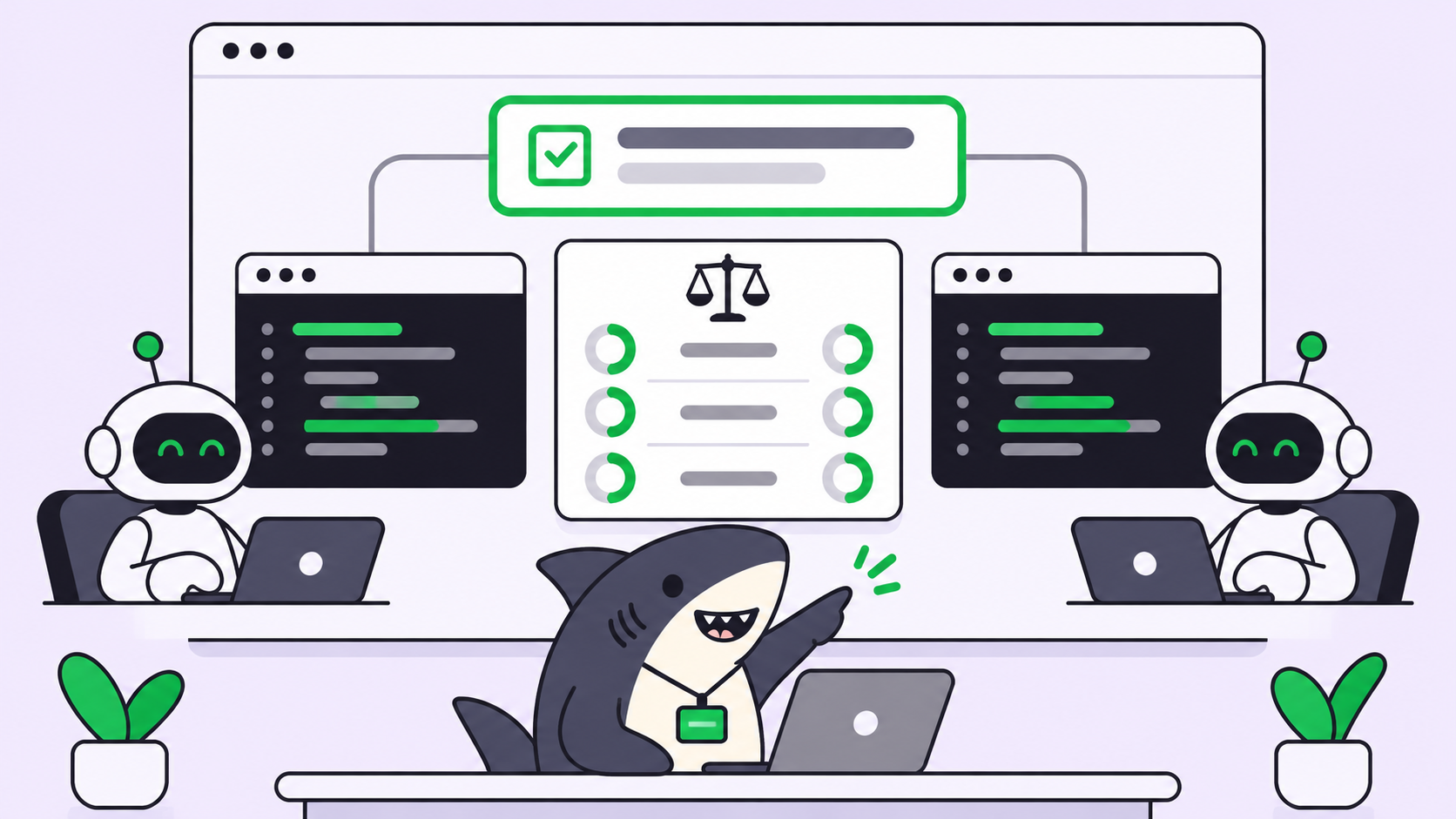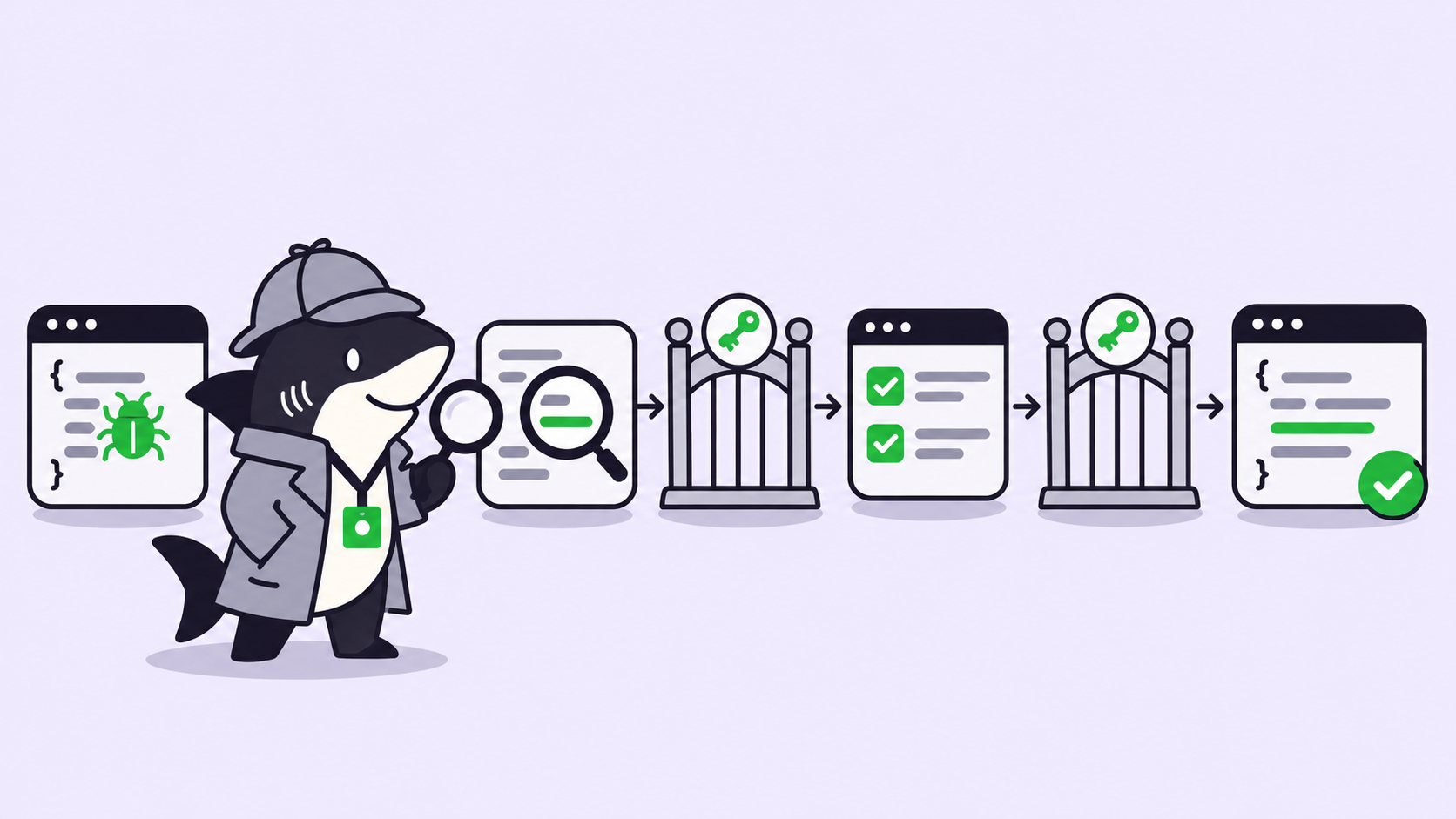
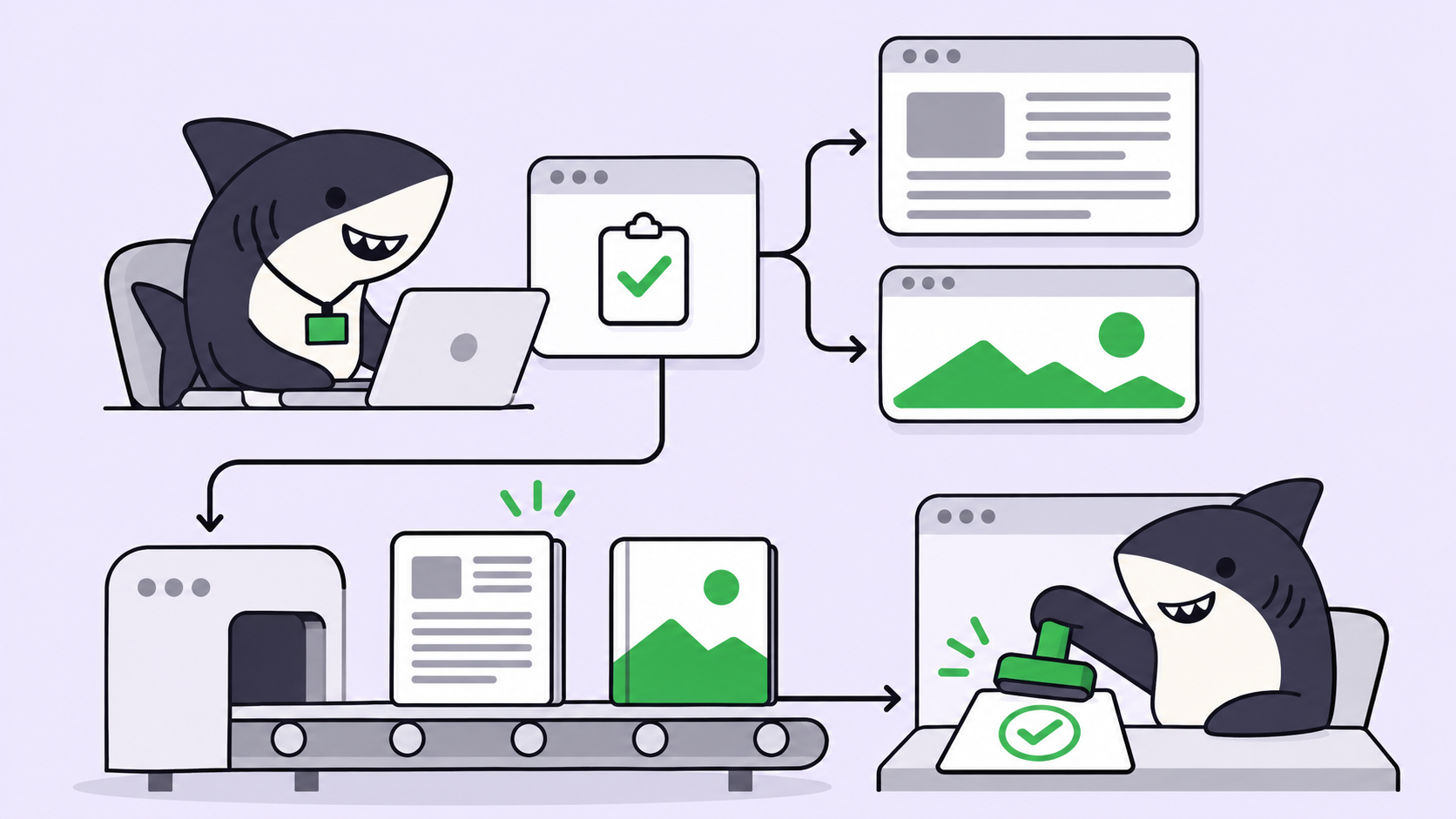
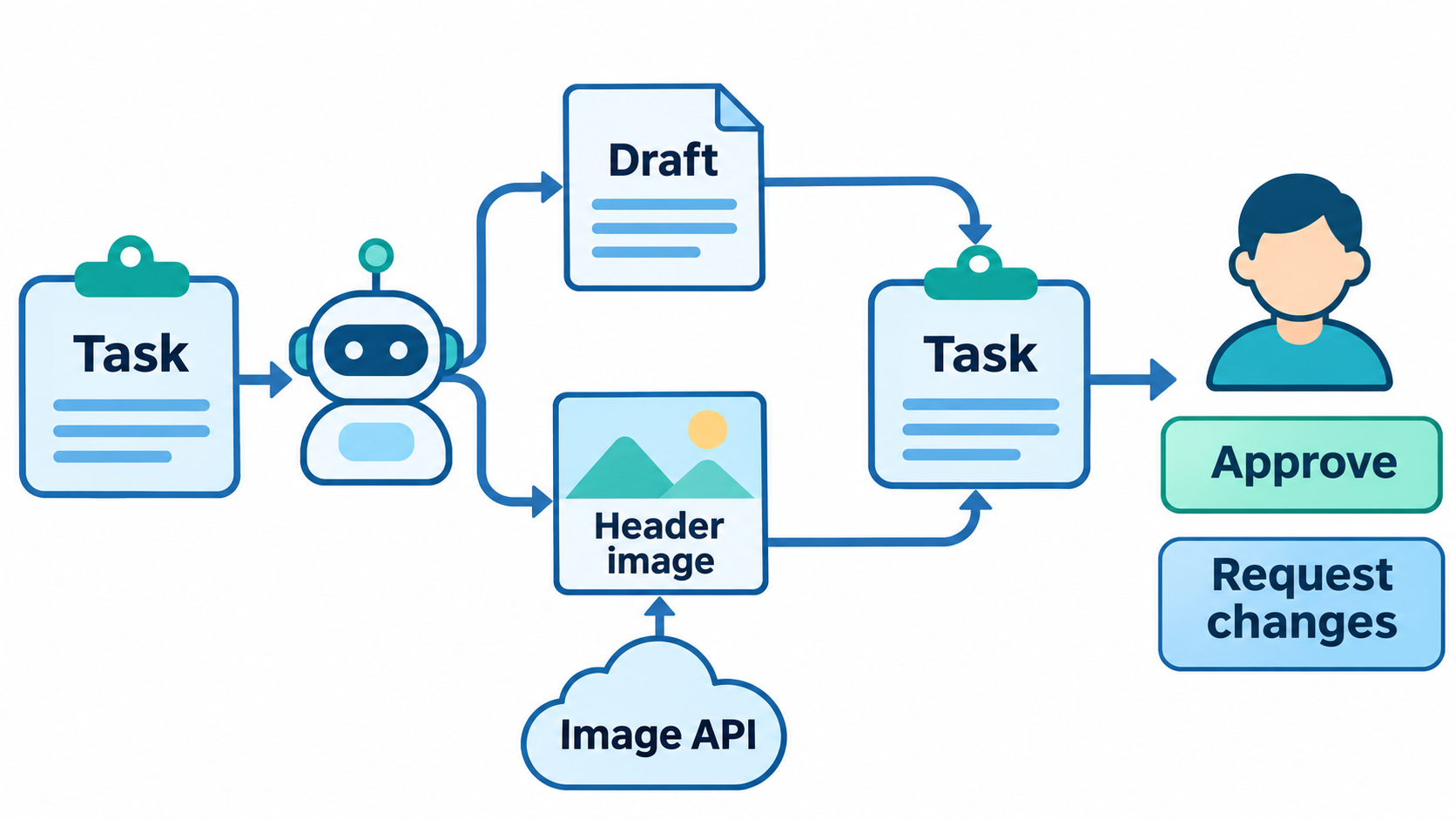
Quick answer: To generate blog images with AI agent tasks, put the brief, the image spec, and the review owner in one Task. The Agent drafts the post, calls an image API such as MiniMax H3-Image with a key from its environment, attaches both files back to the Task, and stops at review. A person approves or requests changes.
You can generate blog images with AI agent runs today without building a content platform. The model side got easier this week: on 2026-11-10 MiniMax released H3-Image, an open-weight image model that returns 16-megapixel images, which MiniMax says takes about 10 seconds. The hard part was never the API call. It’s keeping the draft, the image, the prompt that made it, and the decision about both in one place.
This guide shows that workflow on one Task. You’ll see what the brief should say, where the API key goes, the script the Agent runs, and what the reviewer checks. If you already assign coding work to agents, Sharkly gives this content work the same Task, run, and review loop.
Why one agent should do both jobs
When the writer and the image maker are separate steps, the header drifts from the post. The writer changes the angle on the third draft; the image still shows the first one. Someone pastes a prompt into a web app, downloads a file, renames it, and drops it in a shared folder. Nobody can say later which prompt made which image.
One Task fixes that by giving both outputs one owner and one record:
- The Agent reads the final draft before it writes the image prompt, so the header matches the post that ships.
- The prompt, the model ID, the size, and the cost land in the same Task as the draft.
- The reviewer sees text and image together and decides once.
- A revision request reaches the Agent with full context, not a fresh chat.
The human-agent contract stays simple. The Agent drafts, generates, attaches, and reports. People decide, edit, and publish.
What MiniMax H3-Image gives you
H3-Image is MiniMax’s text-to-image and image editing model. One checkpoint handles both modes, and the edit mode accepts 1 to 16 reference images. These are the numbers MiniMax publishes in its image generation guide and model card:
| Item | Value (per MiniMax, read 2026-11-11) |
|---|---|
| Model IDs | MiniMax-H3-Image, MiniMax-H3-Image-Highspeed |
| Endpoints | POST /v1/images/generations, POST /v1/images/edits |
| Size options | aspect_ratio plus area (1K, 2K, 4K), or exact WIDTHxHEIGHT |
16:9 at 2K |
2720 x 1536 |
| Images per request | 1 to 10 |
| Output formats | jpeg (default), png, webp |
| Not supported | Masked edits, transparent backgrounds |
| Example cost, 2K text-to-image | $0.02333 per image |
| Example cost, 4K text-to-image | $0.06879 per image, $0.03439 during the launch discount |
The launch discount is 50% off when the delivered image has at least 16,600,000 pixels. MiniMax’s pricing page says it runs until November 17, 2026 at 16:00 UTC. A blog header rarely needs 16 megapixels, so 2K at 16:9 is the sensible default.
Should you self-host the open weights?
For most teams, no. The weights carry the MiniMax-H3-Image Community License, not a standard open-source license. Read the license yourself: it excludes several regions from the licensed territory, and it requires separate written authorization above US$1 million in annualized revenue or for any hosted service. The download is also large: 66.28 GB for the diffusion transformer plus 66.7 GB for the text encoder. The API is the practical path for a blog workflow.
Step 1: write the brief as a Task
The Task description is the brief. Everything the Agent needs to finish without asking goes here. A good one looks like this:
**Post:** How we cut CI time by 40% with test sharding
**Audience:** platform engineers
**Length:** 1,400 words
**Header image:** 16:9, 2K, MiniMax-H3-Image
**Image direction:** abstract, no text in the image, brand blues
**Deliver:** article.md + header.jpg + prompt.txt attached to this Task
**Reviewer:** Maria (approves both before anything is published)
Keep one-off details in the Task. Move the rules that repeat on every post, such as tone, image style, and file names, into a Skill. In Sharkly, a Skill packages reusable instructions and supporting files, and an Agent loads its assigned Skills on every run. Our explainer on what a coding agent skill is covers the format.
Step 2: give the Agent the image API key
The run needs MINIMAX_API_KEY in its environment. Sharkly’s Agent settings hold plain and secret environment variables, and a task-backed run receives the configured variables and secret bindings when it starts.
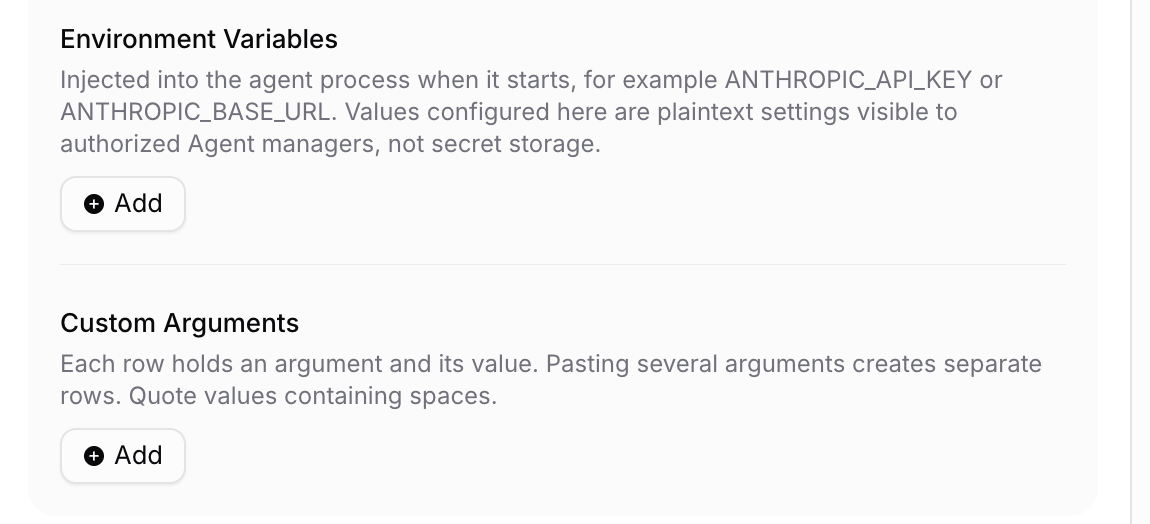
Read the note in that panel. Plain values are visible to authorized Agent managers and are not secret storage, so an API key that bills your account belongs in the secret configuration. Never put a key in the Task description or a comment. Our secrets checklist for coding agents covers the rest.
There’s no built-in MiniMax image connector in Sharkly. The Agent calls the API the same way it calls any HTTP service: from a script on the Computer where it runs. Sharkly does list MiniMax Code (mcode) as a Runtime since its 2026-10-26 changelog, so teams already on MiniMax Code can run the Agent there. Test image generation from a headless run before you depend on it.
Step 3: the script the Agent runs
Ship this script in the Skill so every run uses the same request. It follows the request shape in MiniMax’s guide:
# make_header.py: generate one 16:9 header with MiniMax H3-Image
import os, sys, json, requests

prompt = open(sys.argv[1]).read().strip()   # prompt.txt written by the Agent
resp = requests.post(
    "https://api.minimax.io/v1/images/generations",
    headers={"Authorization": f"Bearer {os.environ['MINIMAX_API_KEY']}"},
    json={
        "model": "MiniMax-H3-Image",
        "prompt": prompt,
        "aspect_ratio": "16:9",
        "area": "2K",
        "n": 1,
        "response_format": "url",
    },
    timeout=600,
)
resp.raise_for_status()
result = resp.json()
item = result["data"][0]
if "error" in item:
    sys.exit(f"Image failed: {item['error']['message']}")

with open(f"header.{result['output_format']}", "wb") as f:
    f.write(requests.get(item["url"], timeout=120).content)

json.dump({"size": item["size"], "revised_prompt": item["revised_prompt"]},
          open("image-meta.json", "w"), indent=2)
Three details matter in a team setting:
- No automatic retries. MiniMax’s guide warns the call is not idempotent, so a retry can bill a second image. Let the Agent report the failure instead of looping.
- Keep
revised_prompt. Prompt enhancement is on by default, and the response returns the prompt it used. Save it, and the reviewer can ask for a tweak without guessing. - Download the file. The guide tells you to download images and store them yourself, so don’t hand reviewers the returned URL.
Step 4: attach both files and stop at review
When the draft and the image exist, the Agent attaches them to the Task and reports what it did. The Sharkly CLI handles both in one command:
sharkly task comment "$TASK_ID" \
  --body-file run-summary.md \
  --attachment article.md \
  --attachment header.jpg \
  --attachment image-meta.json
The summary lists the word count, the model ID, the image size, the usage block from the response, and anything it could not verify. Then the Agent hands the conversation back as needing review. That hand-off lands in the Task Chats module of the sidebar, so it does not sit unseen.
Results return to the Task. The reviewer doesn’t hunt through a terminal, a downloads folder, and a chat log.
Step 5: review the post and the image together
The reviewer opens one Task and checks both outputs against the brief:
- Does the header match the final angle of the post, not an earlier draft?
- Is there any generated text in the image? Image models still misspell words, so the brief asks for none.
- Does the image show a real product screen? If so, replace it with a real screenshot. A generated UI is a mockup.
- Do the post’s facts match the sources it cites?
To ask for changes, comment on the Task. The Agent picks up the thread with the draft, the image, and the saved prompt in context. For more on where people step in, see our guide to human-in-the-loop coding agents.
When not to use this workflow
Skip it for one-off images. If you need a single picture for a slide, opening the web app is faster than writing a brief.
Skip generation entirely for product screenshots, charts with real data, and photos of real people or events. Those need real sources. Generation fits concept art, abstract headers, and diagrams you redraw by hand anyway. For keeping a look consistent across many posts, read how to keep brand visuals consistent with AI agents.
Conclusion
The image model is the easy part. MiniMax H3-Image makes a 2K header for about two cents, per its own pricing table. The work that saves time is the structure around it: one Task, one brief, one Agent run, one review.
Set it up once. Connect a Computer, create an Agent with the image key in its secret configuration, give it the Skill and the script above, and assign it next week’s post. Sharkly is free to start; see sharkly.ai for the current plans.
FAQ
Can an AI agent generate blog images by itself?
Yes, if the run has an image API key and a script or tool that calls the API. The Agent writes the prompt from the draft, calls the endpoint, saves the file, and attaches it to the Task for review.
What is MiniMax H3-Image?
H3-Image is MiniMax’s open-weight model for text-to-image and image editing, released on 2026-11-10. It outputs images of about 16 megapixels and accepts up to 16 reference images in edit mode.
How much does an H3-Image header cost?
MiniMax’s pricing page lists $0.02333 for an example 2K text-to-image generation and $0.06879 for 4K. Real costs vary with prompt length, because enhanced prompt tokens are billed too.
Does Sharkly have a built-in MiniMax image integration?
No. Sharkly runs your Agent on your Computer, and the Agent calls the MiniMax API with your key. MiniMax Code is available as a Sharkly Runtime, which is not the same as an image connector.
Where should the API key live?
In the Agent’s secret configuration. Sharkly’s plain environment variables are visible to Agent managers, and Task descriptions and comments are visible to anyone who can open the Task.
Should the Agent publish the post too?
No. Keep publishing with a person. The Agent drafts and attaches; the reviewer approves and publishes.