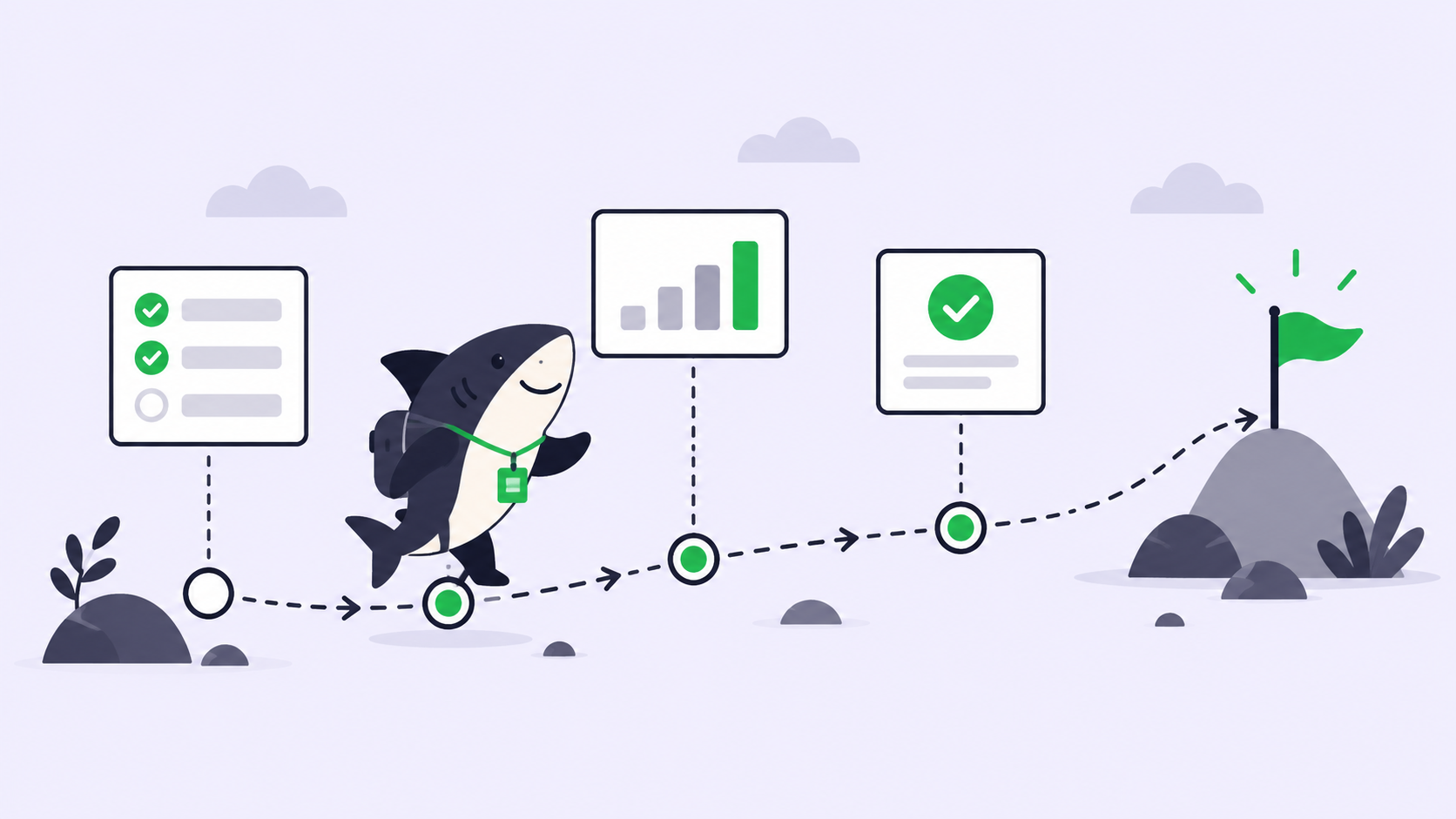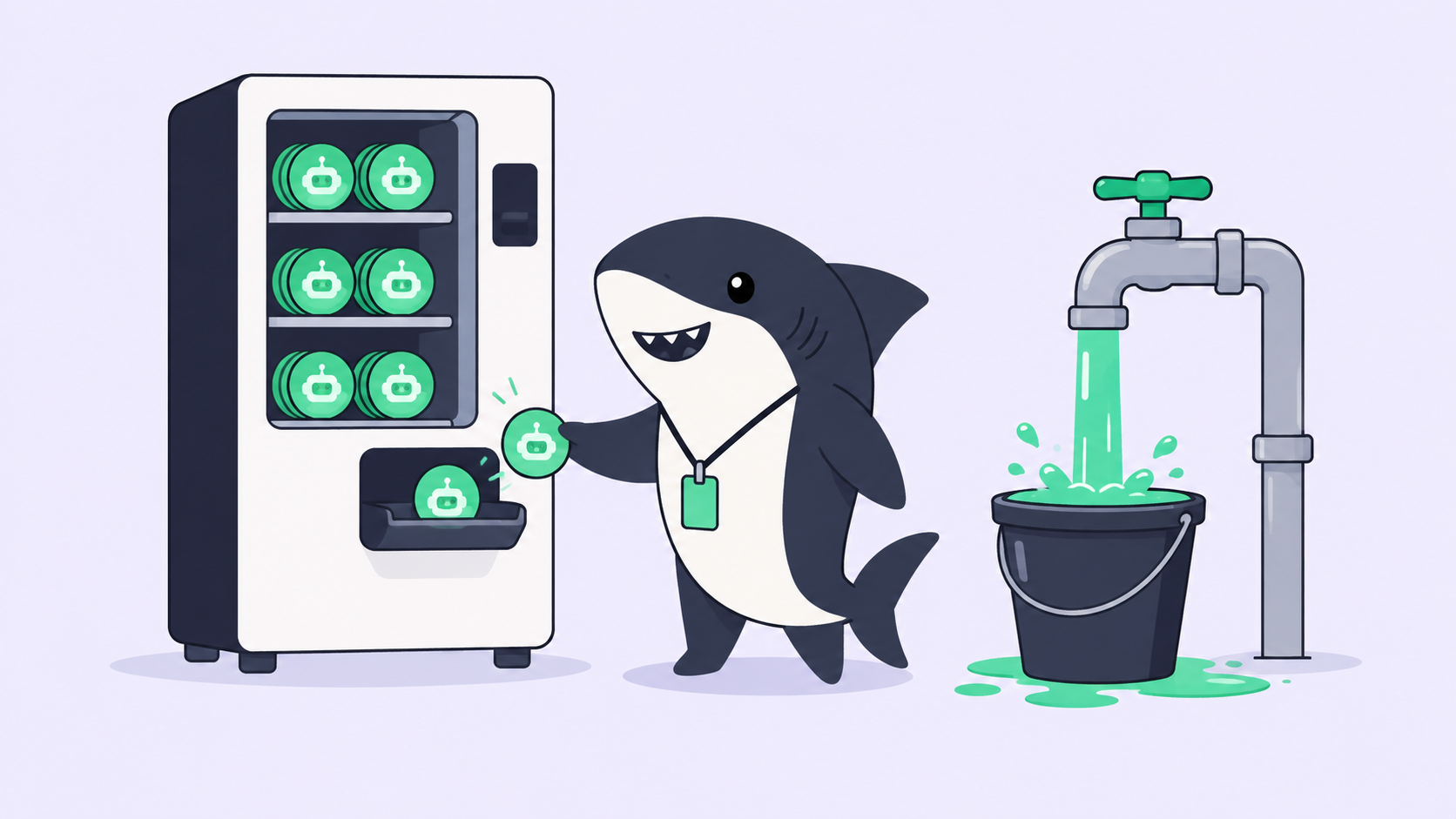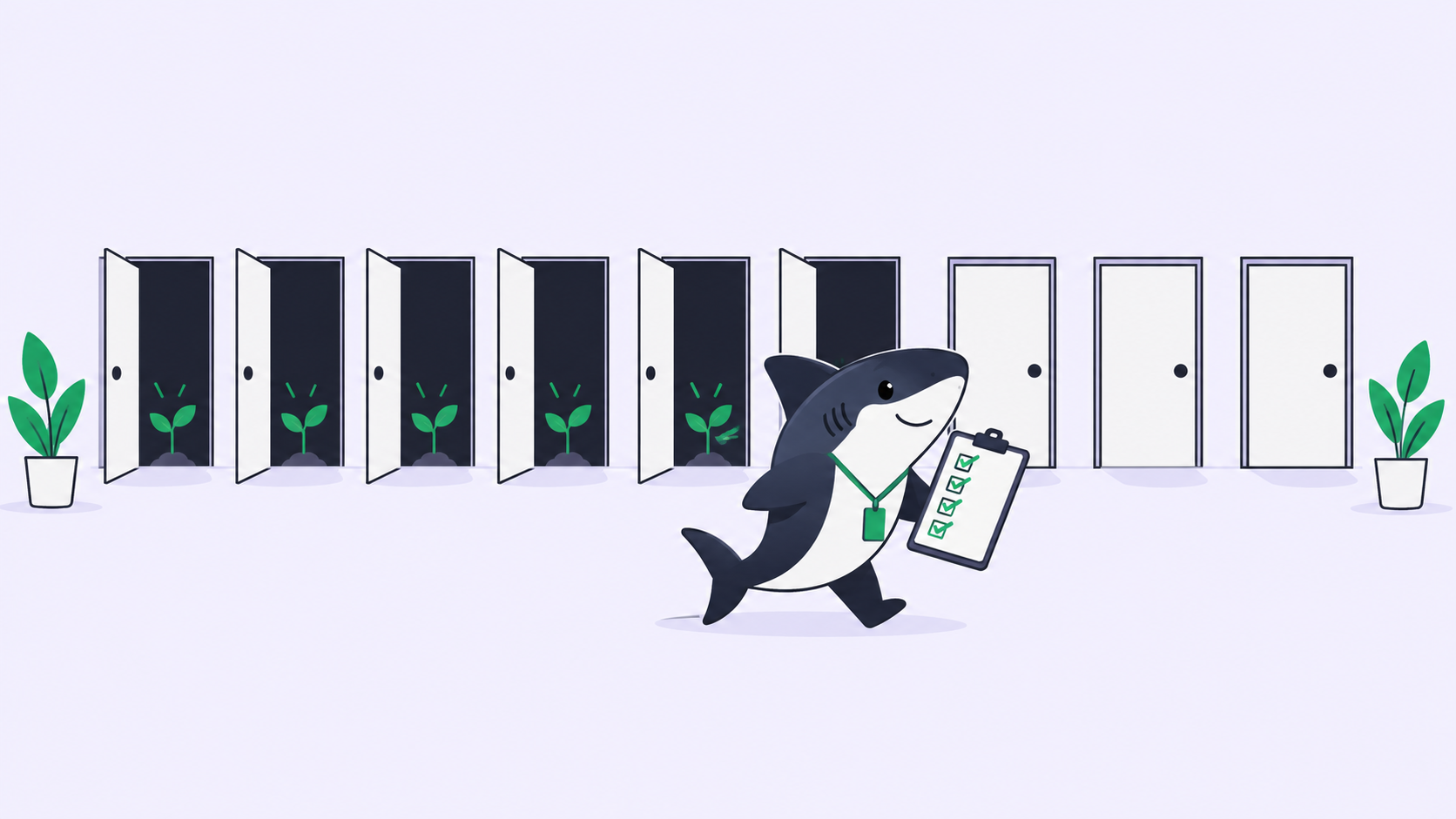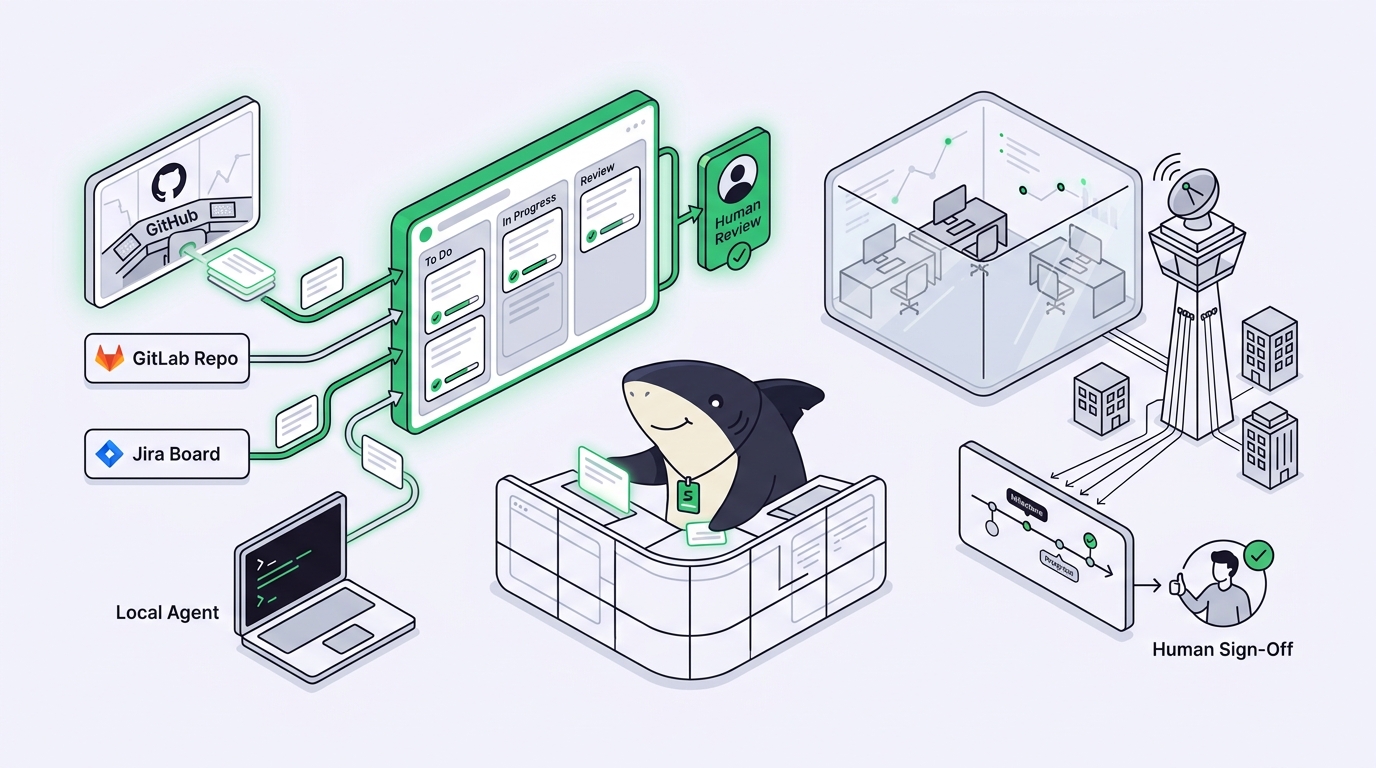
You describe a feature, hand it to a coding agent, and walk away while it opens a pull request. Then you do it again with a second agent, and a third. Before long the real problem is not spawning agents, it is keeping track of them. GitHub Agent HQ is GitHub’s answer to that mess: a mission control that gathers coding agents from several vendors into one command center inside GitHub. It is a genuinely strong idea, and this guide covers what it is, who it fits, and the one line it draws that most write-ups skip: Agent HQ coordinates work that lives inside the GitHub ecosystem, not the tools that live outside it.
That boundary matters the moment your team is not all-in on GitHub. If your tracker is Jira, your repos are on GitLab, or half your agents run on laptops and terminals that never touch GitHub’s cloud, you need a layer that sits above every tool, not inside one of them. That layer is Sharkly, an all-in-one Agent command and management platform. This article walks through where Agent HQ shines, exactly where its edge is, and how a neutral layer keeps a mixed fleet visible from request to release.
We will assume the best version of Agent HQ throughout, because it deserves it. Then we will draw the boundary plainly, so you can tell in about two minutes whether Agent HQ is enough on its own or whether you have already outgrown a single-ecosystem hub.
TL;DR
GitHub Agent HQ is a control plane inside GitHub, branded Mission Control, for assigning, steering, and tracking coding agents from multiple vendors (Claude, Codex, Google, Cognition, xAI) as part of a paid GitHub Copilot subscription. It is agent-agnostic on models and excellent when your work already lives in GitHub repos, pull requests, and Actions. Its boundary is the ecosystem, not the agent vendor: it coordinates agents working inside GitHub, so it does not manage runs on GitLab, a Jira board, Bitbucket, or agents running locally on Computers outside GitHub’s cloud. Use Agent HQ when you are an all-in GitHub shop. Use a neutral layer like Sharkly when your team mixes trackers, hosts, and runtimes and needs one shared record with human review across all of them.
What GitHub Agent HQ actually is
GitHub Agent HQ is a command center inside GitHub for assigning, steering, and tracking coding agents from several vendors, delivered through a paid GitHub Copilot subscription. That one sentence carries the whole idea. Instead of each agent living in its own tool with its own launch surface, Agent HQ pulls them into a single place GitHub calls Mission Control, reachable from GitHub itself, VS Code, the mobile app, and the command line.
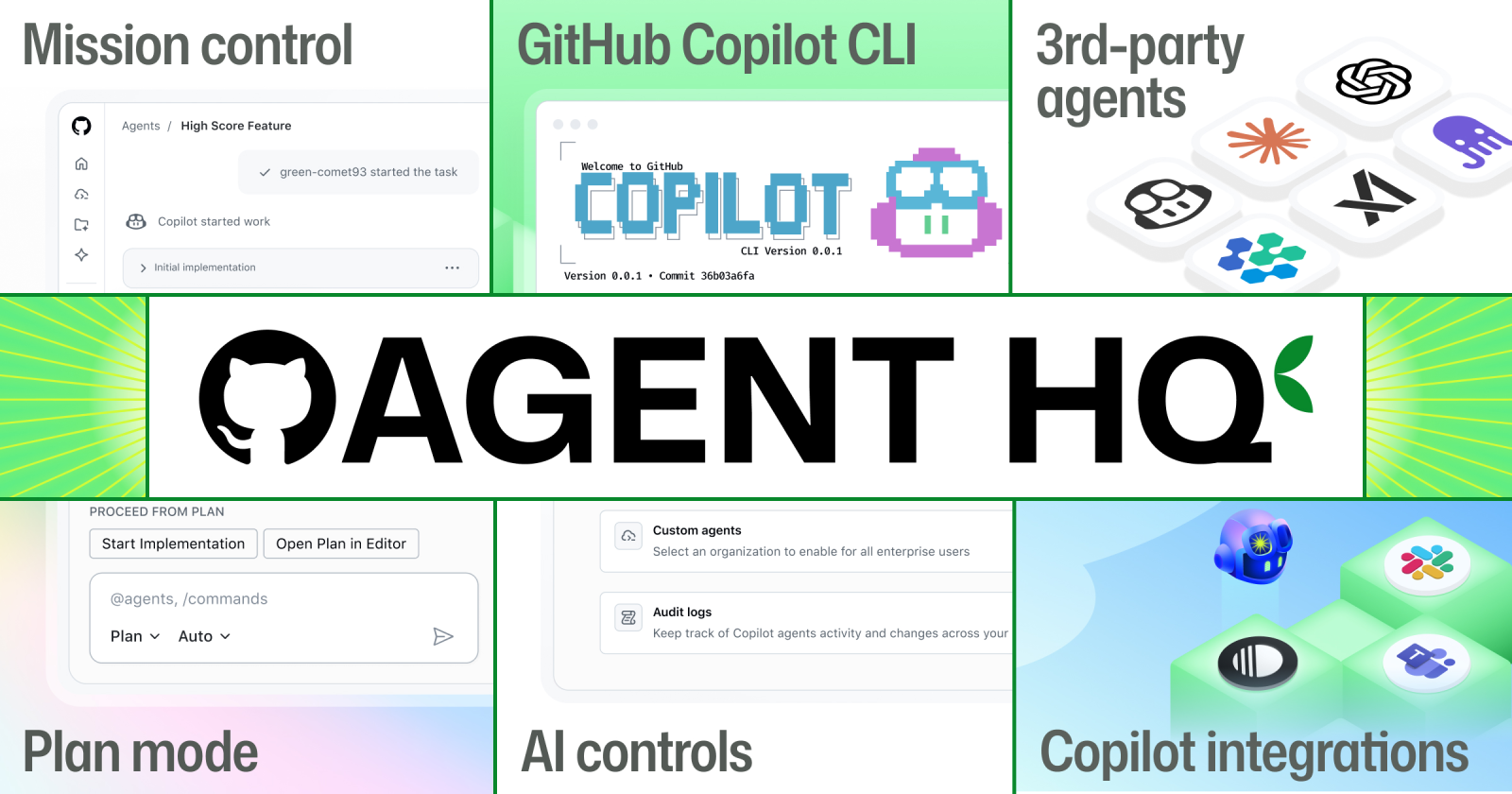
The pivot worth naming is that Agent HQ is not one vendor’s agent. GitHub opened it to coding agents from Anthropic, OpenAI, Google, Cognition, and xAI, so you can pick Claude for one step and Codex for another without leaving the hub. You assign a task to an agent, it works on a branch in GitHub’s environment, runs your checks, and returns a pull request you review the way you already review code. Mission Control is where you watch several of those runs at once, and features like Plan Mode help you shape the work before an agent starts.
The point of the hub is coordination. You are not hopping between five separate agent tools trying to remember which one is doing what. If you have read our explainer on what AI agent orchestration means, Agent HQ is orchestration in its single-ecosystem form: many agent vendors, one platform, and that platform is GitHub.
What Agent HQ does well
Take the feature at its best, because the best version is strong. Here is where Agent HQ earns its place.
Vendor-neutral agent choice. Most agent hubs lock you to one model maker. Agent HQ does not. You can run Claude, Codex, and others side by side and move from idea to implementation using different agents for different steps without switching tools or losing context. That is a real answer to model lock-in, and it is the feature the launch leads with for good reason.
One command center across surfaces. Mission Control gives you a single view of agent activity from GitHub, VS Code, mobile, and the CLI. You assign, steer, and track from wherever you already are. For a team that used to juggle parallel runs by hand, our guide on running multiple Claude Code agents in parallel shows how fiddly the do-it-yourself version gets. Agent HQ removes that juggling inside GitHub.
Work that lands where review already happens. Agents work on branches and return pull requests. The output slots straight into the GitHub review flow your team trusts, with the same code review, checks, and merge rules you already run. No new place to look for a diff.
Native to the platform teams already live in. If GitHub is your home, Agent HQ is not a bolt-on. It shares your identity, your permissions, your Actions, and your repos. Custom agent instructions and controls sit next to the code they act on, so setup is close to the work instead of stranded in a separate console.
For a team standardized on GitHub top to bottom, this is a tidy, powerful loop. Describe the work, pick an agent, review the pull request, merge. If that is you, Agent HQ may be all the orchestration you need, and you can stop reading here with a clear conscience.
Who Agent HQ is for
Agent HQ is built for the all-in GitHub shop, and it serves that shop well. The clearest fit looks like this: your source lives in GitHub repositories, your CI runs on GitHub Actions, your team reviews and merges through GitHub pull requests, and you hold a paid Copilot subscription. Everything an agent needs to read, change, test, and ship is already inside one platform, so a hub inside that platform has full reach over the work.
The value compounds for that team as the rollout continues through 2026. Every new agent vendor and every new Mission Control feature lands in the place your work already sits. You are not integrating anything. You are turning on more of a platform you already run. For a GitHub-centric engineering org, that is the shortest path from a described task to a reviewed, merged change.
The question is not whether Agent HQ is good at this. It is whether your team’s reality fits inside GitHub, all of it. That is where the boundary comes in.
The honest boundary: it orchestrates the GitHub ecosystem, not your other tools
Here is the line the announcements rarely draw for you, and it is not the one people expect. The limit is not the agent vendor. Agent HQ is refreshingly open there. The limit is the ecosystem. Agent HQ coordinates agents that work inside GitHub: GitHub repos, GitHub pull requests, GitHub Actions, GitHub identity, under a GitHub Copilot subscription. Every part of that is a GitHub part. That is not a flaw. It is the design. But it sets a hard edge the day your team’s work stops living entirely in GitHub.
Agent HQ does not manage work on GitLab or Bitbucket. If some of your repositories or pipelines live outside GitHub, the agents Agent HQ coordinates do not reach them. Those runs live in a separate world with no shared timeline.
Agent HQ is not your project tracker. It coordinates agents against code and pull requests. If your team plans and assigns work in Jira or Linear, the question of who owns a task, what it depends on, and what is blocked lives in a system Agent HQ does not run. A pull request is a review surface, not an assignment and context layer.
Agent HQ does not coordinate agents running outside its cloud. If a teammate runs Claude Code in a local terminal, or Codex on their own Computer, or an agent on a runtime you host yourself, that work does not appear in Mission Control. The hub sees the agents it launches inside GitHub, not the ones your team runs elsewhere.
None of this is a knock on GitHub. State what a tool is not, plainly, at the spot a reader would otherwise assume wrongly: Agent HQ is a single-ecosystem control plane, not a neutral coordination layer across every tracker, host, and runtime your team uses. If your whole stack is GitHub, the boundary never bites. The moment part of it is not, it does.
The decision pair: all-in GitHub shop or mixed-tool team
The choice is not “good hub versus bad hub.” It is “which shape of coordination matches your team.” Here is the honest decision pair.
Use GitHub Agent HQ when you are an all-in GitHub shop. Repos, Actions, pull requests, and Copilot subscriptions, with no meaningful work outside that ecosystem. In that world, Agent HQ is the shortest path from a task to a reviewed branch, and adding another layer would be overhead you do not need. The hub has full reach because the work has one home.
Use a neutral layer when your team mixes trackers, hosts, and runtimes. The second your reality includes a Jira board, a GitLab repo, or agents running on Computers you control outside GitHub’s cloud, the thing you are missing is not more agents. It is a shared record. You need one Task that holds the goal, the diff, the discussion, and the human review, no matter which host, tracker, or runtime did the work. That is a job for a layer that sits above every tool, not inside one of them.
This is the same fork developers hit with any single-vendor hub, which we cover for the editor case in Cursor background agents, explained, and for local boards in the Vibe Kanban alternative guide. Single-ecosystem orchestration is comfortable right until the ecosystem is no longer the whole story.
Where Sharkly fits: the neutral layer around every runtime and tracker
Sharkly is not a replacement for GitHub, Copilot, Claude Code, Codex, or other execution tools. It adds the shared Task, Computer, context, control, and review layer around the tools your team already uses. That sentence is the entire relationship, so read it twice. You keep GitHub. You keep Agent HQ where it fits. Sharkly is what coordinates the fleet when the fleet is bigger than one ecosystem.
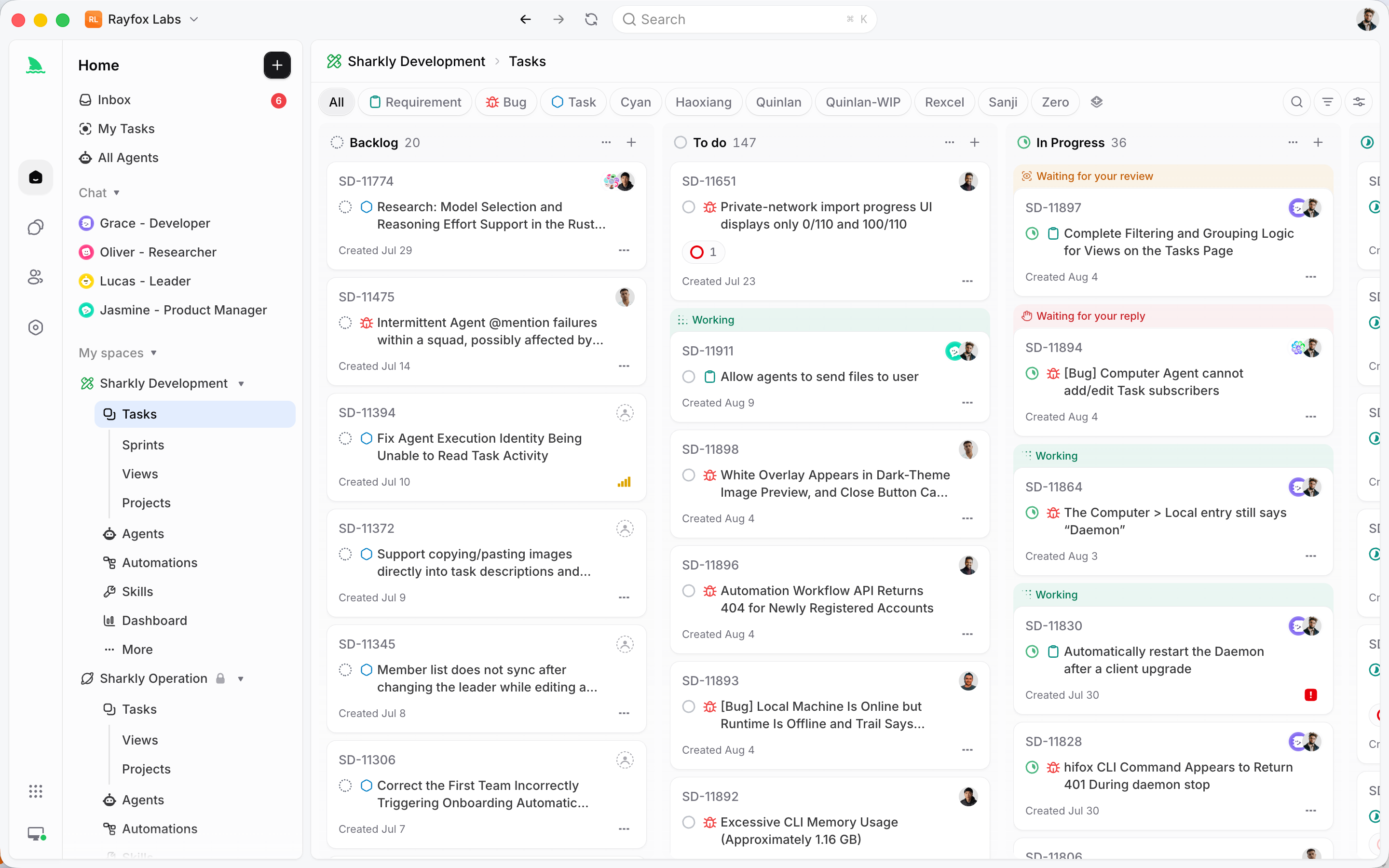
The division of labor is clean. GitHub, Copilot, Claude Code, Codex, and similar tools perform execution. Sharkly manages team-level assignment, connected Computers, Task context, progress, blockers, results, and human review across those tools. Agents research, execute, test, and report. People set direction, grant authority, and accept the result. Automation stops where team judgment is required.
Concretely, a Task in Sharkly is the main unit of work, and it holds everything about a piece of work in one place. You assign it to an Agent running on a Computer you control, with the Runtime of your choice. Execution, blockers, results, and follow-up discussion return to the Task timeline, instead of scattering across one platform’s cloud, a separate tracker, and a handful of private terminals. The goal, the diff, the discussion, and the review of every run stay together, whether that run happened through Agent HQ inside GitHub, through Claude Code on a teammate’s Computer, or through something you adopt next year.
And it does not ask you to rebuild anything. Keep the projects, tasks, statuses, and workflows your team already understands, connect Sharkly to the trackers and hosts you already run, and start routing work without rebuilding the process your team already uses. Model usage continues through the subscriptions or API keys configured in those tools, so you bring your own subscription and Sharkly adds the coordination on top. If you are new to the platform, meet Sharkly walks through the core ideas, and the first-task walkthrough shows the smallest useful version end to end. You can download Sharkly and connect one Computer to try it against real work.
Common mistakes to avoid
- Assuming “vendor-neutral” means “tool-neutral.” Agent HQ is open on which agent runs the work, and that is a real strength. It is not open on where the work lives. The agents still operate inside GitHub. Read the boundary as ecosystem, not model maker.
- Adopting one ecosystem’s hub as if it were your whole strategy. If you standardize on Agent HQ today and keep a GitLab repo or a Jira board alive next quarter, you have quietly split your coordination surface. Decide early whether you are truly all-in on GitHub or a mixed-tool team.
- Treating pull requests as the coordination layer. Pull requests are a review surface, not an assignment and context layer. Who owns the Task, what it depends on, and why it is blocked do not fit in a diff.
- Forgetting the agents that never touch the hub. Any run started outside GitHub, in a local terminal or on a Computer you host, will not appear in Mission Control. Count those runs before you call one hub your single source of truth.
GitHub Agent HQ vs a neutral orchestration layer
Read this as a division of labor, not a scoreboard.
| Dimension | GitHub Agent HQ | Neutral layer (Sharkly) |
|---|---|---|
| Runs which agent | Claude, Codex, Google, Cognition, xAI | Claude Code, Codex, Gemini, OpenCode, and others |
| Where work lives | GitHub repos, Actions, pull requests | Any host and tracker your team connects |
| Where agents run | GitHub’s cloud environment | Computers your team connects and controls |
| Command surface | Mission Control across GitHub, VS Code, mobile, CLI | Task assignment, CLI, REST API |
| Tracker | GitHub-native | Connects to Jira, Linear, and the tracker you already use |
| Shared record across tools | Inside the GitHub ecosystem | One Task holding context, progress, blockers, results |
| Best fit | Teams fully standardized on GitHub | Teams mixing hosts, trackers, and runtimes |
| Relationship | A control plane inside one ecosystem | A layer around the tools you already use |
Neither column is “wrong.” If your row-by-row answer lands mostly in the left column, Agent HQ fits. If it drifts right, especially on the where-work-lives, tracker, and shared-record rows, you have outgrown single-ecosystem orchestration.
Key takeaways
- GitHub Agent HQ is a control plane inside GitHub, branded Mission Control, for assigning, steering, and tracking coding agents from several vendors as part of a paid Copilot subscription.
- It does this well: vendor-neutral agent choice, one command center across GitHub, VS Code, mobile, and CLI, and work that lands in the pull request review flow you already trust.
- Its boundary is the ecosystem, not the agent vendor: it coordinates agents working inside GitHub, so GitLab repos, Jira boards, and agents running outside GitHub’s cloud sit outside it.
- Use Agent HQ when you are an all-in GitHub shop. Use a neutral layer when your team mixes hosts, trackers, and runtimes and needs one shared record with review across all of them.
- Sharkly runs alongside GitHub, not instead of it: keep your tools, bring your own subscription, and let every run return to one Task from request to release.
The next step is small on purpose. Connect one Computer, create one Agent, and assign it something boring. The docs cover each concept in more depth at docs.sharkly.ai.
FAQ
What is GitHub Agent HQ in one sentence? It is a command center inside GitHub, branded Mission Control, that assigns, steers, and tracks coding agents from multiple vendors as part of a paid GitHub Copilot subscription, with the agents working on branches and returning pull requests.
Which agents can run in Agent HQ? GitHub opened it to coding agents from Anthropic, OpenAI, Google, Cognition, and xAI, so you can pick Claude for one step and Codex for another without leaving the hub. The exact lineup grows as the rollout continues through 2026.
Is GitHub Agent HQ free? No. It is delivered through a paid GitHub Copilot subscription, with availability tied to plans like Copilot Pro+ and Copilot Enterprise. Check GitHub’s own pages for current plan details, since they change as it rolls out.
Does Agent HQ work with GitLab or Jira? Agent HQ coordinates agents working inside the GitHub ecosystem: GitHub repos, Actions, and pull requests. Work on GitLab or Bitbucket, and planning in Jira or Linear, sits outside it. A neutral layer above every tool is what connects those. See our Cursor background agents explainer for the editor-bound version of the same boundary.
Do I have to replace GitHub to use Sharkly? No. Sharkly is not a replacement for GitHub or any execution tool. It adds the shared Task, context, and review layer around the tools you already use, so GitHub, Copilot, and Agent HQ keep working exactly as before.
When should I not add an orchestration layer on top of Agent HQ? If your entire stack is GitHub, repos, Actions, pull requests, and Copilot, with no meaningful work elsewhere, Agent HQ may be all the orchestration you need. Add a neutral layer only when you run several hosts, trackers, or runtimes and need one shared record across them.
Does Sharkly change how I pay for models? No. You bring your own subscription. Model usage continues through the subscriptions or API keys configured in your connected tools, and model quota depends on the plans and API accounts your team connects.
How do I try the neutral-layer approach without a big migration? Start with the smallest useful workflow: connect one Computer, create one Agent, and assign one low-risk Task. The first-task walkthrough covers it step by step, and running multiple Claude Code agents in parallel shows the fleet side.