Yes, under the same condition as DeepSeek V4.1 Flash a day earlier. On October 16, 2026, OpenCode announced “GLM 5.3 Flash is now free in OpenCode.” The model is opencode/glm-5.3-flash-free, and the OpenCode Zen docs call it free “for a limited time.” The free tier only answers OpenCode. Call the same endpoint from anything else and it returns HTTP 403 with “OpenCode’s free tier can only be used from within OpenCode.”
Two boundaries before you plan around it. The free model is GLM-5.3-Flash, not the full GLM-5.3, which still costs $1.40 per 1M input tokens on Zen. And “free” doesn’t mean fast. We tested the model in a clean OpenCode install on October 16: every answer was correct, but the same one-line question took anywhere from 7 to 196 seconds. That changes which Tasks you give it. We haven’t run it inside a Sharkly Task yet, so the setup below ends with the smoke test that tells you whether your Runtime can use it.
TL;DR
Put the free model on an Agent whose Runtime is OpenCode; no other Runtime can reach it. Refresh OpenCode’s model list on the Computer, set the model in OpenCode’s config, smoke-test it in a terminal, then assign one small Task. Limits: 200K tokens of context and 32K of output, PDF attachments rejected, no published end date. Response times were slow and uneven in our tests, so give it background work, not Tasks someone is waiting on. If you already run DeepSeek V4.1 Flash Free, the two models split the work by turnaround.
Two free models on one Runtime
A Runtime is the agent tool on a Computer that performs the session. OpenCode’s free tier checks where a request comes from, so the rule from our DeepSeek V4.1 Flash version of this question holds here: an Agent on an OpenCode Runtime is built to reach the free model, and Agents on Claude Code, Codex or Gemini CLI are not.
What’s new is that one OpenCode Runtime now offers two free models from different families. They share limits and differ in behavior:
| GLM-5.3-Flash Free | DeepSeek V4.1 Flash Free | |
|---|---|---|
| Free since | October 16, 2026 | October 15, 2026 |
| Context / max output | 200K / 32K | 200K / 32K |
| Paid version’s limits | 1M / 131K | 1M / 384K |
| One-line question, our runs | 7 to 196 s (11 runs) | 4 to 15 s (3 runs) |
| Small write-and-run task, our runs | 13 to 109 s (5 runs) | 16 to 36 s (3 runs) |
| Image input | Worked in our test | Listed in OpenCode’s metadata |
| PDF attachment | Rejected: “only text and image_url are” supported | Off in OpenCode’s metadata |
| Provider data terms, per Zen docs | Zero retention, no training | Zero retention, no training |
Limits come from the model metadata OpenCode ships (opencode models opencode --verbose). The timings are ours, taken on launch day with OpenCode 1.19.2, and they swung widely between runs. Setting --variant low didn’t make the GLM model reliably faster: one low-effort run took 196 seconds for a question other runs answered in 11. The delay looks like load on the free endpoint, not reasoning depth.
Set up a free GLM-5.3-Flash Agent
1. Get OpenCode onto the Computer. Install it with the official script, or use One-click install where the Runtime’s detail page offers it:
curl -fsSL https://opencode.ai/install | bash
Re-detect Runtimes on the Computer’s detail page and confirm the OpenCode Runtime reads Available. A Computer being online doesn’t make a Runtime usable.
2. Refresh the model list. OpenCode caches its model catalog. Our fresh install listed nine free models without GLM until we refreshed it. Run this as the same user the local service runs as:
opencode models opencode --refresh | grep glm-5.3-flash-free
3. Set the model once, on the Computer. An Agent follows its Runtime’s model by default, and OpenCode’s global config sets that default for every OpenCode session on the Computer. Save this as ~/.config/opencode/opencode.json:
{
  "$schema": "https://opencode.ai/config.json",
  "model": "opencode/glm-5.3-flash-free"
}
If the Runtime’s catalogue lists the model, you can pick it on the Agent’s Model row instead. The Model row overrides the Runtime’s default for that Agent only, which is how two OpenCode Agents on one Computer run different free models.
4. Smoke-test in a plain terminal, then assign one Task.
opencode run "Reply with the word ok."
The first line of output names the model in use; you want glm-5.3-flash-free, then ok. Allow a few minutes on a slow run before you call it a failure. Once the terminal test passes, assign one small Task with a clear finish line and check the execution log to confirm which model ran it.
Slow runs change how you assign work
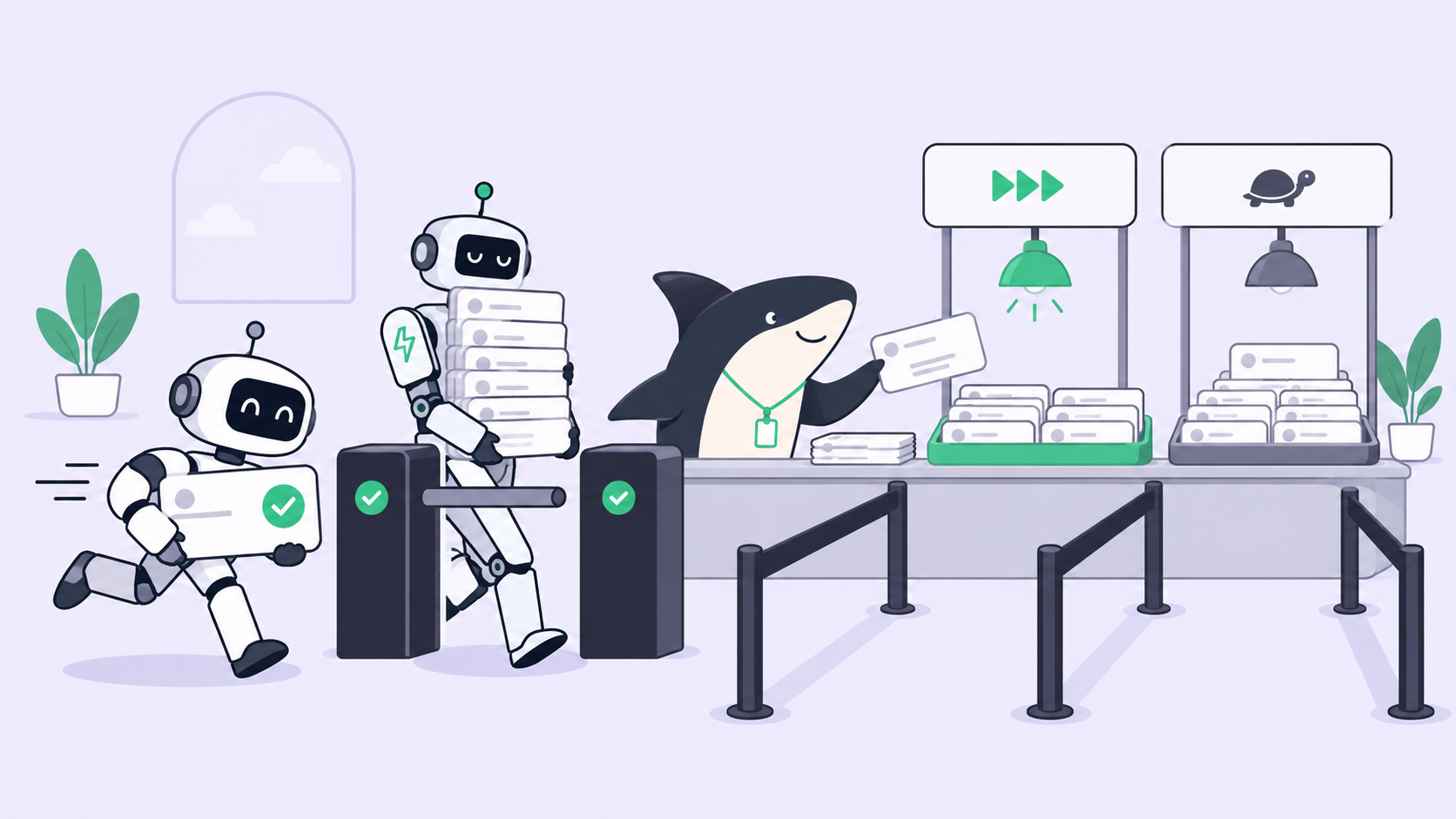
A free model with uneven response times is still useful. It needs Tasks where a three-minute pause costs nothing.
Use the GLM Agent for background work. Backfilling tests for one module, a lint fix across a package, a README update after an API change, a dependency bump: Tasks nobody watches until the result lands for review. Keep a faster Agent on Tasks someone is blocked on. If a teammate is waiting on a fix, the DeepSeek Agent’s 4-to-15-second answers, or a paid model, fit better.
Start at low concurrency. A slow run holds its assigned Task until it finishes. Leave the Agent’s Max concurrency (assigned tasks) at 1, and raise it only after a few days of clean runs. Sharkly’s guidance is the same: increase it “only after the current Computer and Runtime handle the existing workload reliably.” Parallel Tasks against a loaded free endpoint mostly add queue time.
Images help; PDFs don’t. In our test the model read a screenshot of an API spec and wrote a valid OpenAPI file from it. It also typed one limit as 300,000 instead of 30,000, which passed JSON validation. So review what it extracts from images like any other diff. If a Task’s input is a PDF, convert the pages to images first; the free endpoint rejected the PDF outright.
Review stays the real cost. Free tokens don’t make a change cheaper to accept. When a cheaper model costs more prices runs per accepted change, the number that tells you whether this Agent earns its slot. Mixed-model Crews covers keeping a stronger reviewer behind cheap workers, and a $0 worker fits the same pattern.
When the promotion ends
This model has been free once before. From August 20, 2026, an anonymous model called Ox Alpha sat in OpenCode’s free list with a 1M-token window. On August 26, Z.ai revealed it as GLM-5.3-Flash, and the free run ended after six days. OpenCode’s earlier free GLM models, glm-4.7-free and glm-5-free, are marked deprecated in the models.dev catalog OpenCode reads.
Plan for the same ending. Runs on the Agent will start failing with a model error, and failed work surfaces in the execution log and in Inbox, where someone decides what happens next. The model lives in one config file, so the switch is one edit:
- OpenCode Zen, paid
glm-5.3-flash: $0.15 per 1M input tokens and $0.50 per 1M output, with the full 1M window. - OpenCode Go: $10 a month, with a $60 monthly usage limit for this model; OpenCode’s Go docs estimate about 31,580 requests a month.
- Z.ai’s own API: the same $0.15 and $0.50, with cached input at $0.03.
- Move the work: reassign those Tasks to an Agent on another Runtime, and the board keeps their history.
What it costs to run an agent Crew on free and cheap tiers compares these routes across models.
What a team pays for this Agent
Two bills, and “free” applies to each separately. Seats: Sharkly’s pricing is free for organizations of up to 10 people and $7 per person billed yearly after that, and Agents and Computers don’t take seats (details). Models: Sharkly doesn’t sell tokens; usage runs through the accounts configured in each Runtime, which is bring-your-own-key. While the promotion lasts, the OpenCode Agent’s model line is $0.
The short answer
GLM-5.3-Flash is free for coding agents that are OpenCode, and for nobody else. Refresh the model list, set it on the Computer, smoke-test it with patience, and give it the background Tasks your other Agents shouldn’t spend paid tokens or anyone’s waiting time on. When the promotion ends, the Tasks, their history and the review trail stay on the board, and the Agent needs one config edit. If you’re already running several agents, Sharkly gives you one place to assign their work and review what comes back.