Quick answer: The Gmail MCP server is Google’s hosted endpoint (https://gmailmcp.googleapis.com/mcp/v1) that lets an AI agent search threads, read messages, manage labels and filters, and create or update drafts. Google’s reference page also lists send_message, reply and forward, but coverage from November 26, 2026 reports those three are gated to partners. Build on drafts, and keep a human on Send.
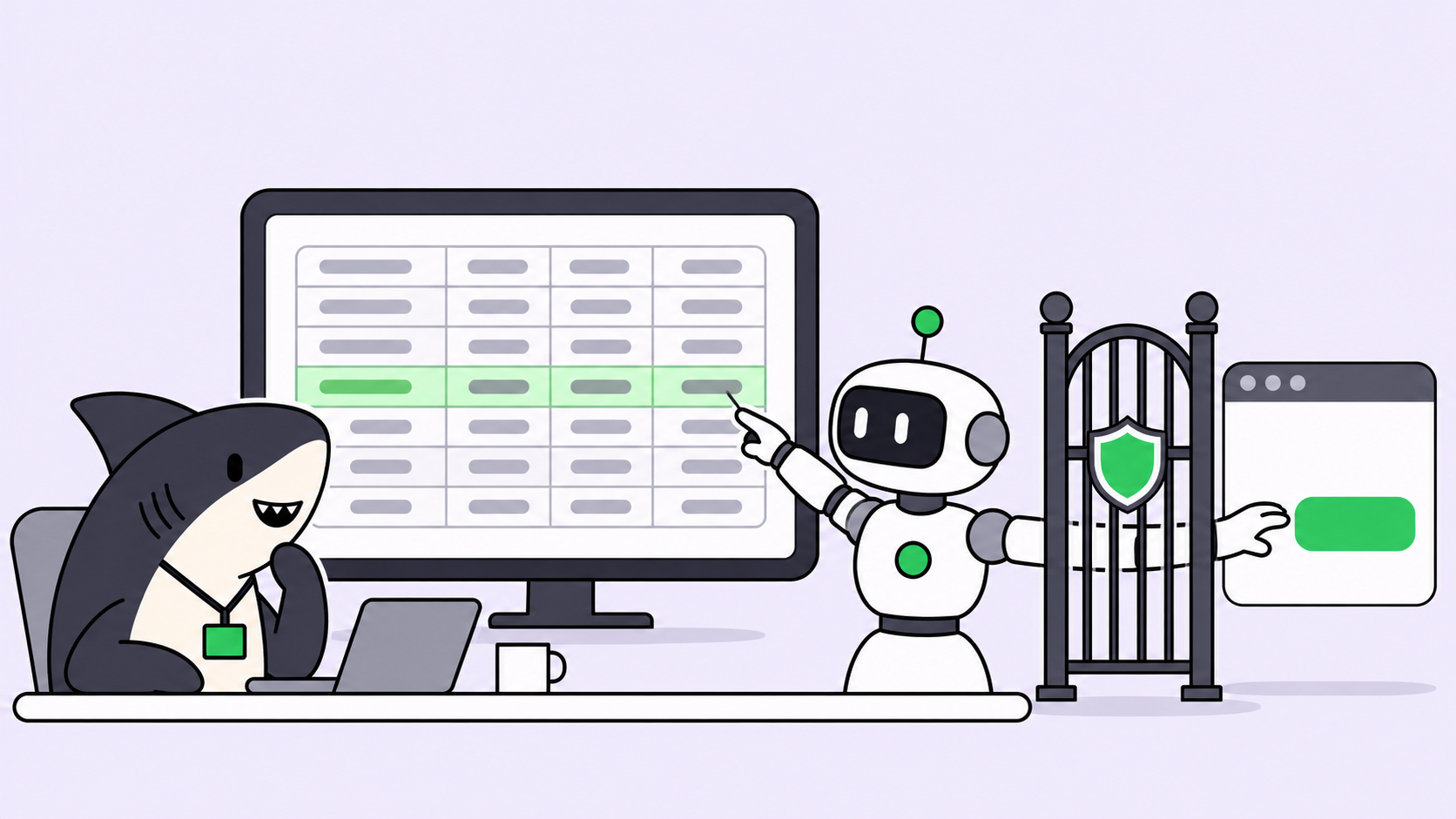
A Hacker News thread this week carried a blunt headline: Google will make AI agents use its MCP servers, and the Gmail one can’t send email. If your team runs agents that touch an inbox, that claim decides whether you build a draft-first workflow or wait. This guide checks it against Google’s own pages and shows where the line between agent work and human work should sit.
You’ll get the tool list as Google documents it, the February 1, 2027 rule that drives all of this, and a review loop you can copy. If your agents already run on a board, Sharkly gives each one a task, a run log and a review step, which is where an email draft belongs.
What is the Gmail MCP server?
The Gmail MCP server is a Google-hosted Model Context Protocol endpoint for Gmail. An agent connects over Streamable HTTP, signs in with OAuth 2.0, and calls named tools such as search_threads or create_draft instead of raw REST calls. Google ships it as one of the generally available Workspace MCP servers.
MCP, the Model Context Protocol, is the open standard an agent uses to call tools that live outside it. Each server publishes a list of tools with names and input schemas, and the agent picks which one to call.
Google runs one server per product. The Workspace MCP overview lists Gmail, Drive, Docs, Sheets, Slides, Calendar, Chat, Tasks and the People API as generally available, with Classroom and Universal Search in Developer Preview. Each has its own endpoint.
Gmail MCP server tools: what an agent can do
Google’s Gmail MCP reference lists two endpoints. /mcp/v1 shows 30 tools. /mcp/v1self shows 25: it drops send_message, reply, forward and the two apply_sensitive_* tools. Grouped by what they let an agent touch:
| Job | Tools on /mcp/v1 |
Risk if the agent is wrong |
|---|---|---|
| Find and read | search_threads, get_thread, get_message |
Reads mail it didn’t need |
| Organize | label_message, label_thread, create_label, update_label, create_filter, list_filters |
Mislabels or hides mail |
| Clean up | trash_*, untrash_*, mark_*_spam, unmark_*_spam |
Moves real mail out of sight |
| Draft | create_draft, update_draft, get_draft, list_drafts |
A bad draft nobody sent |
| Send | send_message, reply, forward |
Mail leaves your domain |
The last column carries the argument of this article. Every row above Send can be undone by a person who notices. A sent email can’t.
Which OAuth scopes does it need?
The setup guide lists gmail.readonly, gmail.compose, gmail.modify, and gmail.settings.basic, which is needed only for create_filter. The OAuth client must have Use this client for an AI-powered agent checked under Google Auth Platform > Clients. That checkbox is how Google tells agent traffic apart from ordinary apps.
Can the Gmail MCP server send email?
The answer depends on who you ask, so here is what each source says as of November 27, 2026.
Google’s pages say the tools exist. The reference lists send_message, reply and forward on /mcp/v1 with no restriction marker. The setup guide describes the server as able to “Send, reply to, and forward emails” and says form elicitation (a confirmation prompt the client shows the user) protects sending.
Secondary coverage says they are partner-only. Write-ups of a November 26 analysis, including Flavio Copes’ summary, quote a quota-page footnote saying send, reply and forward “require partner access and aren’t generally available.” We read Google’s Gmail quotas page and did not find that wording. Google may have edited the page, or the gate may show up only at call time. [VERIFY: call tools/list and send_message on a test account before you build on sending.]
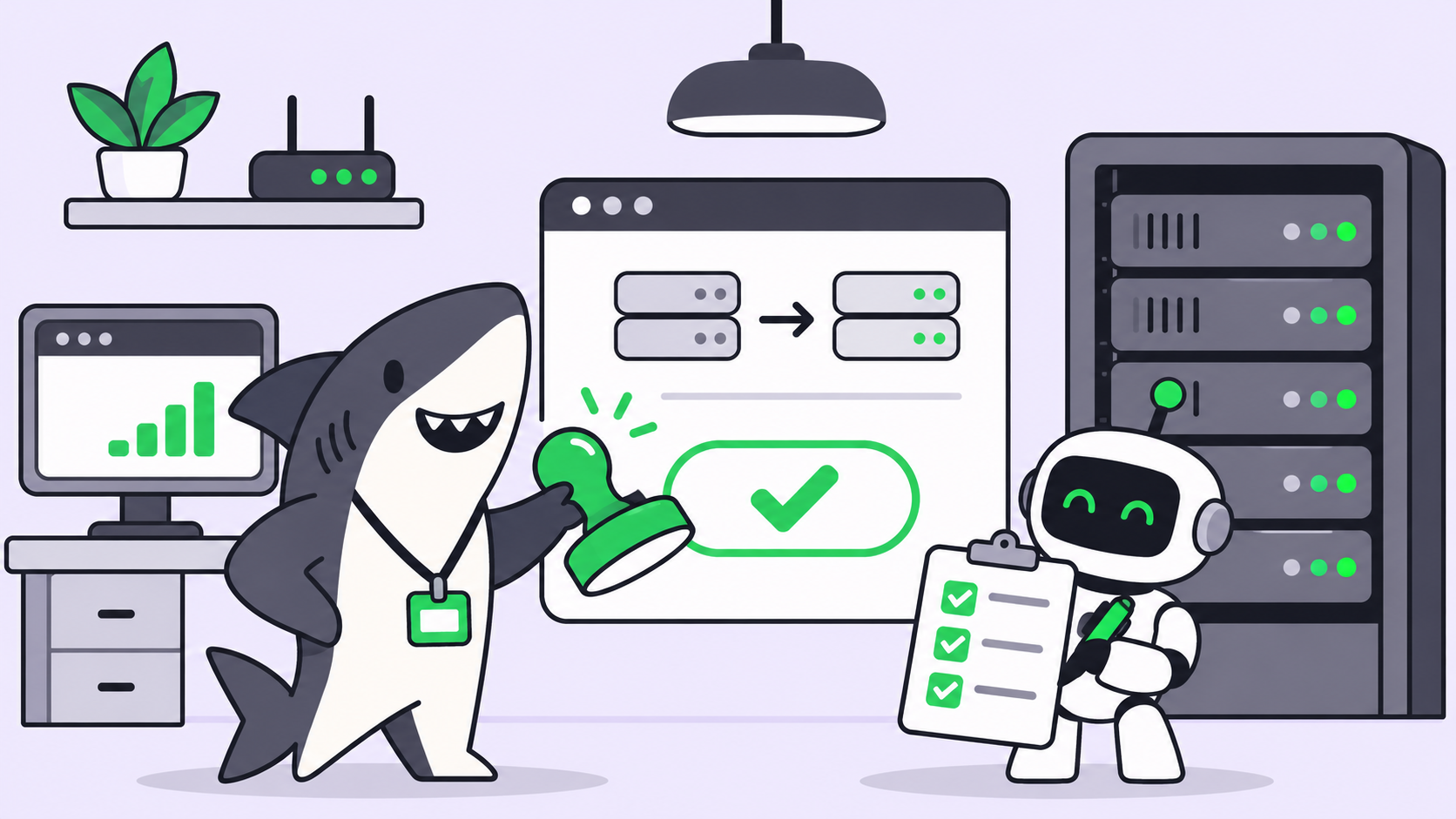
Both readings lead to the same design. If sending is gated, your agent can’t send. If sending works, you still don’t want a model holding the button on mail that leaves your domain. Treat Send as a human action either way.
The February 1, 2027 rule behind the headline
The reason this matters now sits in Google’s Workspace AI Tools Addendum, last modified November 24, 2026. Clause 1 says a tool “must use a Google MCP where the GWS Access Tool is or is driven by an AI Agent, an AI Harness or an AI model.” The quotas page adds the date: enforcement starts February 1, 2027, and agents “must use Google Workspace MCP servers or the Google Workspace CLI.”
Four details change how you plan:
- Direct REST is off the table for agents. A coding agent that calls the Gmail API with a script counts as an AI harness. Route it through MCP or the CLI.
- Standard Tier allows 5,000 requests per day per project.
search_threadsandlist_draftseach count as 10 units, so a triage loop burns through the limit faster than the raw number suggests. - Derived data has a 30-day cap. Clause 2(b) bars storing Google Technical Information for more than 30 days, which rules out a long-lived inbox index.
- Pricing rolls out April 1, 2027. Budget for it now if an agent runs inbox work on a schedule.
What to delegate to agents, and where a human sends
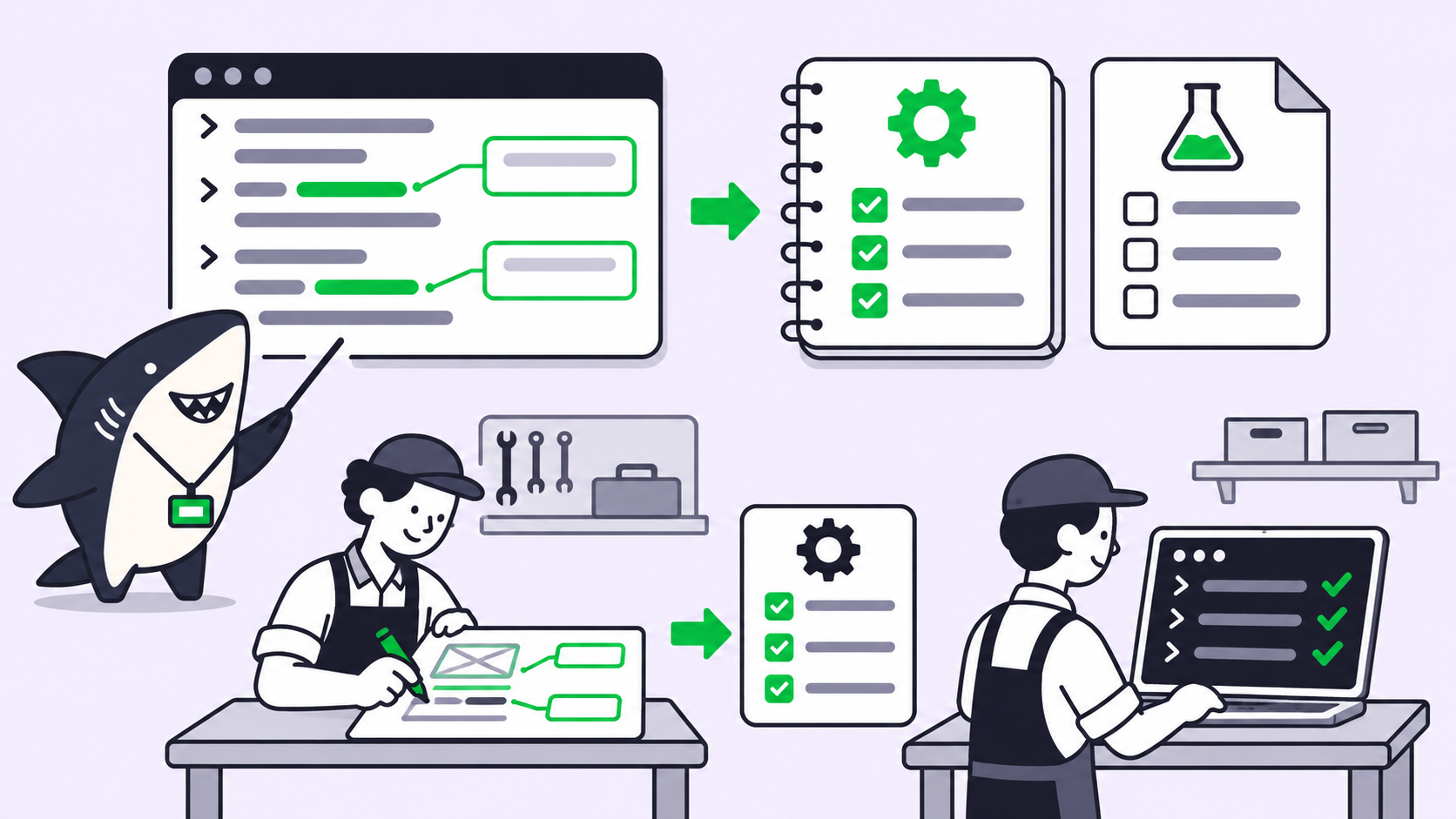
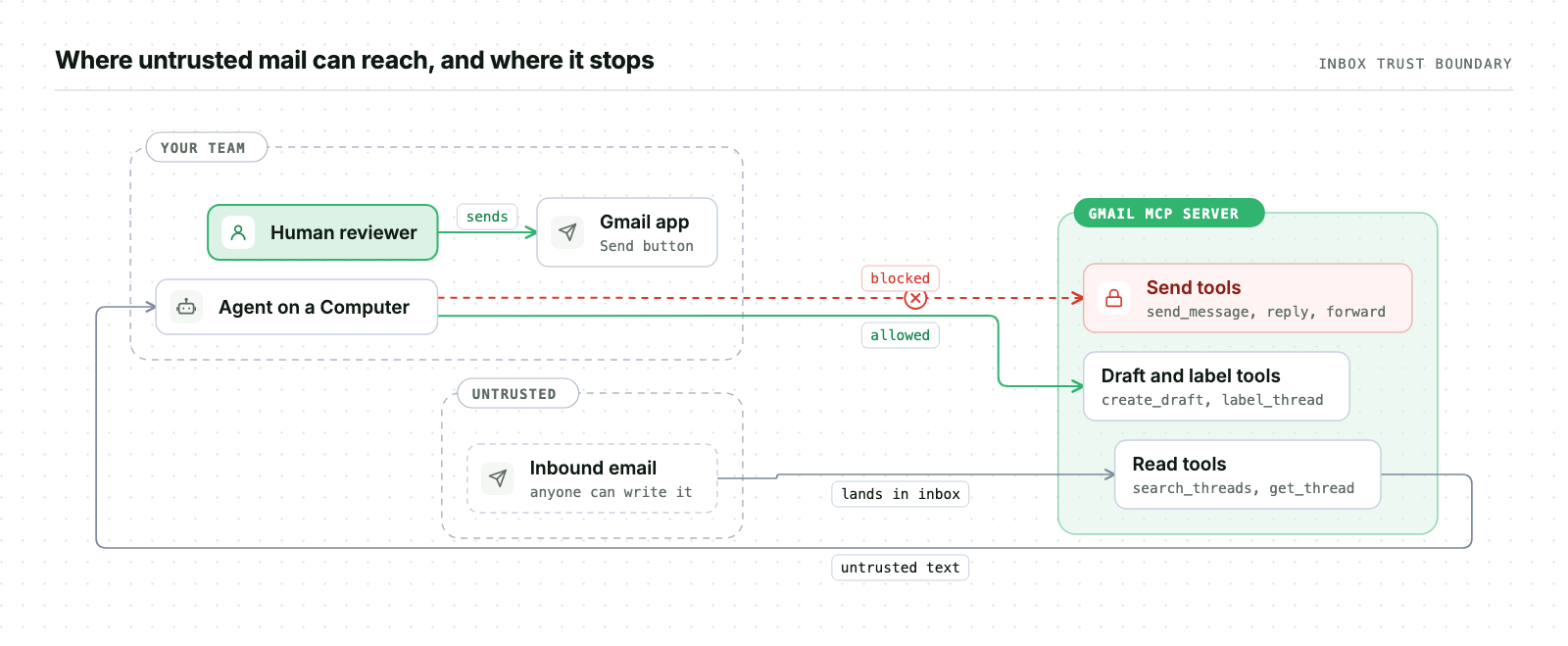
Split inbox work by reversibility. An agent can own everything a person can undo, and it should stop at the first step a person can’t.
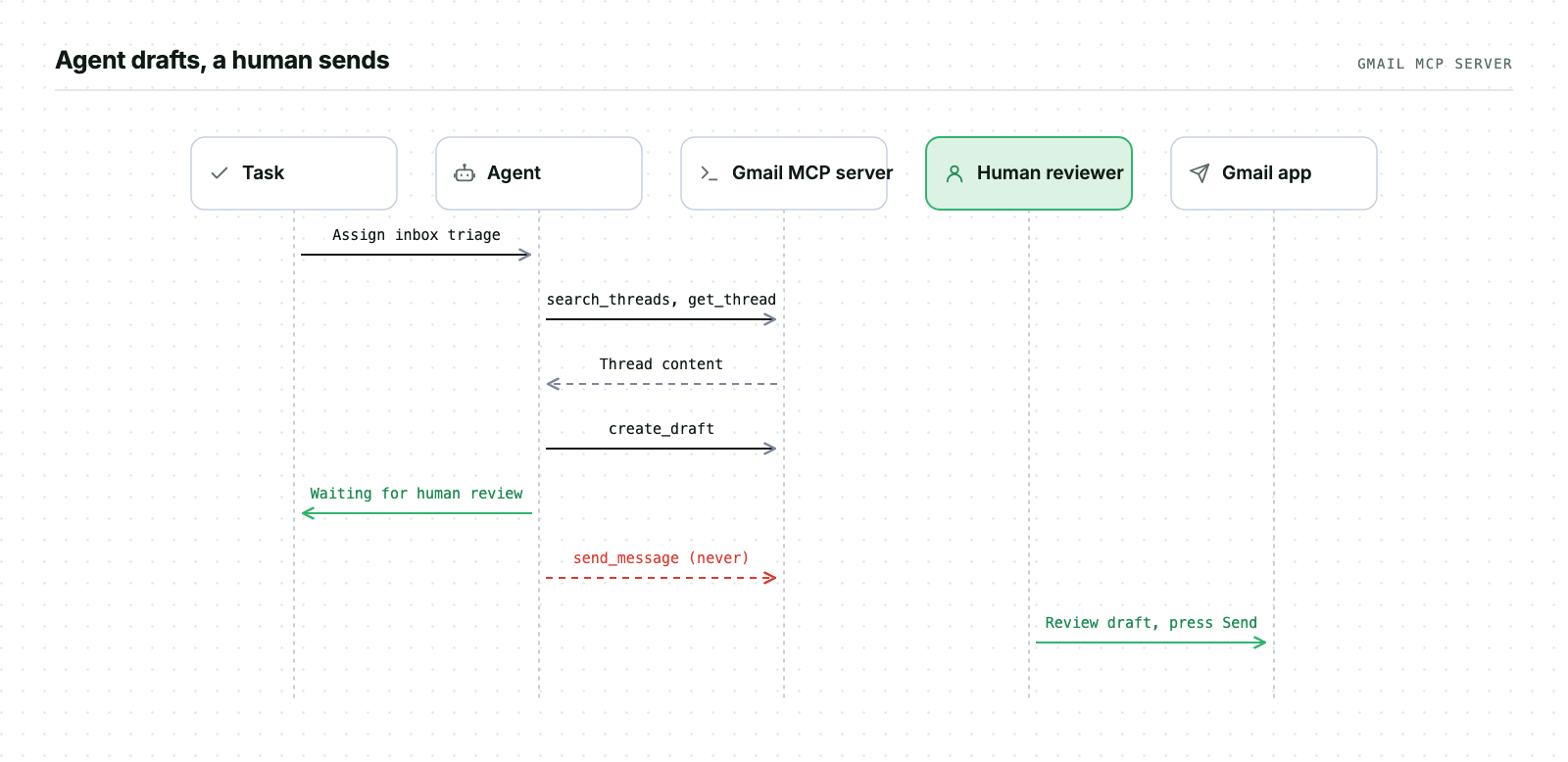
Safe to delegate:
- Triage. Search, read, and label threads by customer, priority or product area.
- First drafts. Answer a support question with
create_draft, citing the docs page it used. - Filters and labels. Propose a filter, then let a person turn it on.
- Summaries. Post a digest of the day’s threads to the task instead of the inbox.
Keep with a human:
- Send, reply and forward. Mail that leaves your domain is permanent.
- Trash and spam. Reversible, but a hidden customer email costs more than a slow one.
- Anything with money, contracts or legal language. A model’s tone mistakes land on your name.
Why prompt injection makes this split matter
An inbox is untrusted input. Anyone can email your agent instructions, and the setup guide warns about indirect prompt injection: “you must screen prompts and responses for malicious content.” We covered the pattern in AI agent inbox prompt injection. An agent that can only draft turns a successful injection into a bad draft. An agent that can send turns it into mail from your account.
Run Gmail agents on a Sharkly board
Sharkly doesn’t replace your coding agent or Google’s server. It runs the work around them: which Agent picks up a task, what it called, and who approves the result. An Agent’s MCP servers live in its Settings, under Tools, Knowledge & MCP.
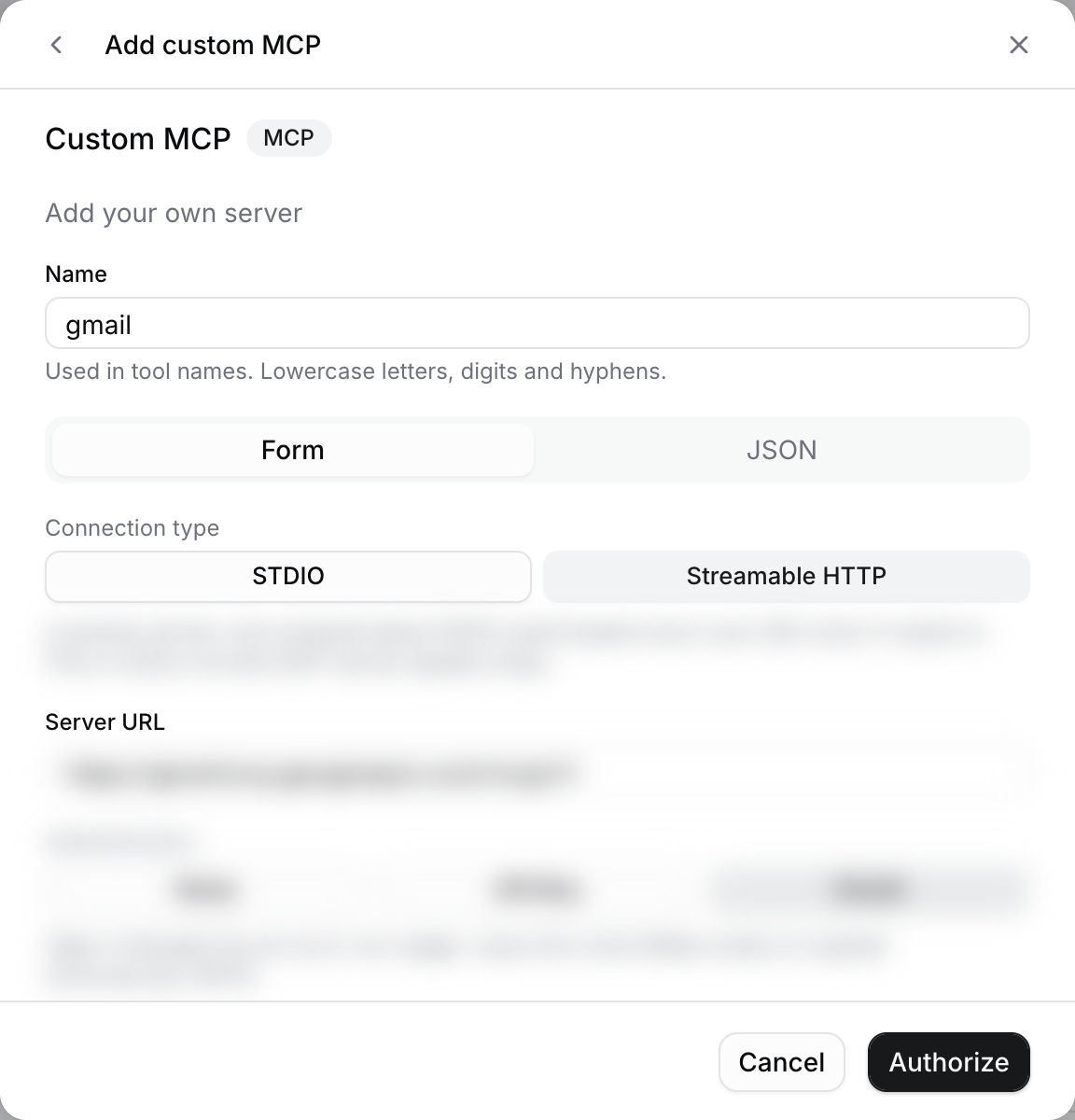
We stopped at Authorize. With OAuth picked, the button changes from Connect to Authorize, and clicking it opens the service’s own sign-in page.
To add the Gmail server to an Agent, click Add connection > Add custom MCP, pick Streamable HTTP, paste https://gmailmcp.googleapis.com/mcp/v1, and choose OAuth. Google requires a pre-made OAuth client with the AI-agent box checked, so fill in OAuth Client ID and OAuth Client Secret and register the callback URL the form prints in Google Auth Platform. The walkthrough in adding MCP servers to a Sharkly agent covers each field. We did not connect a live Gmail account for this post. [VERIFY: Google’s OAuth consent completes through Sharkly’s custom MCP flow.]
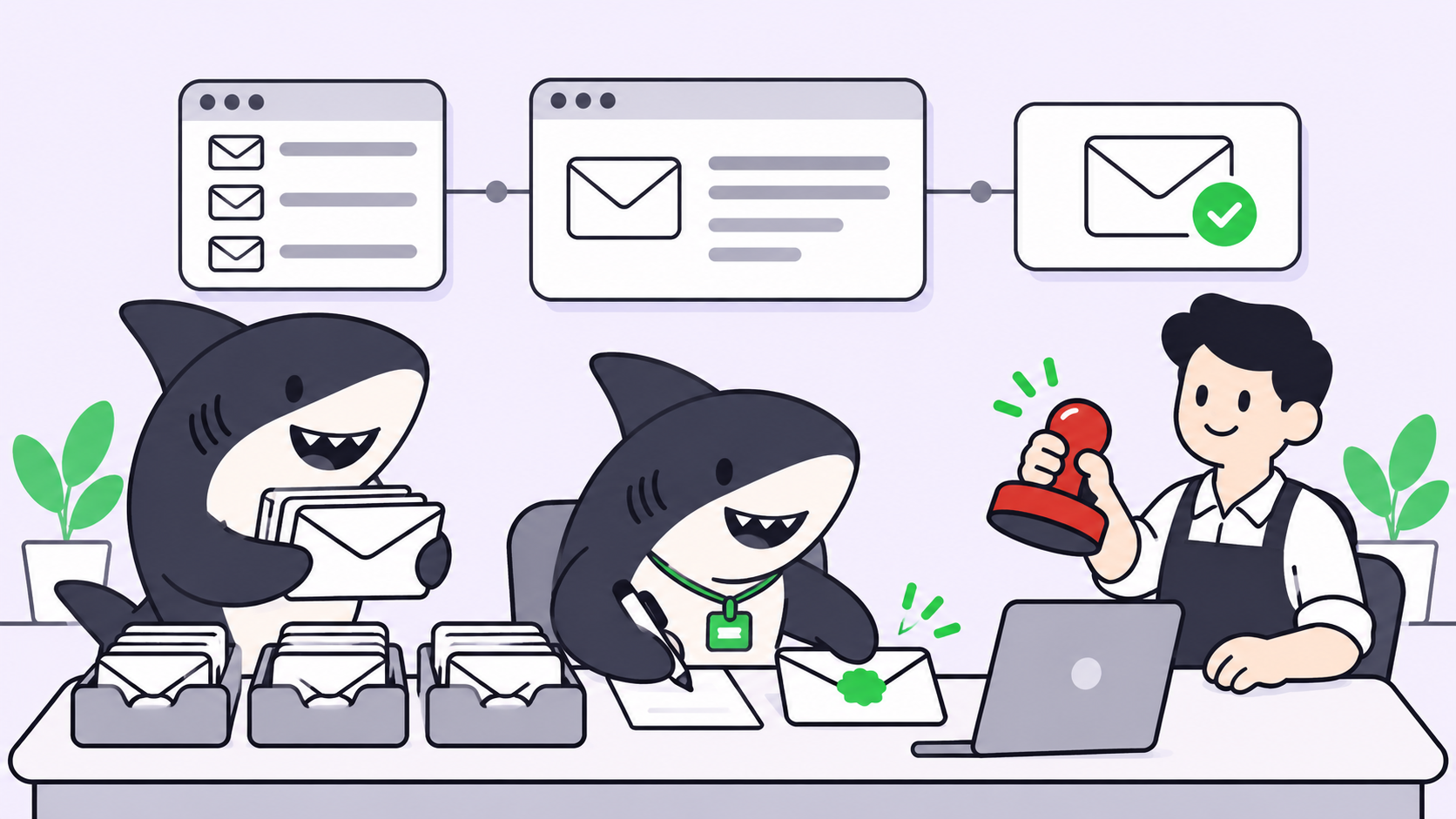
Then make the human step part of the task, not a habit:
- Write the boundary in the Agent’s instructions. “Draft replies with
create_draft. Never callsend_message,replyorforward.” - End every inbox run in review. An Agent can leave a task waiting for human review, and that signal lands in the reviewer’s Inbox.
- Check the run log before you send. Each run records its tool calls, so you can confirm the Agent read the thread it quotes and called no send tool.
The approval gates guide has more stop points worth copying. The pattern stays the same whichever agent you run: Claude Code, Codex or Gemini CLI all draft through the same server.
Alternatives to the Gmail MCP server
- Google Workspace CLI. Google names the CLI as the other allowed route for agents after February 1, 2027.
- A client’s built-in connector. Claude’s Google Workspace connectors cover Gmail for Claude users. Check which actions your plan exposes.
- Draft-only by design. Point the agent at
/mcp/v1self, which Google lists without the send tools. [VERIFY: Google doesn’t say what theselfendpoint is for.]
Conclusion
The Gmail MCP server already lets an agent do most inbox work: read, sort, filter and draft. Whether send_message is open to you is still unsettled, and that matters less than it looks. Draft-first is the safer design whether sending is gated or not. Give your Agent a task, let it end in a draft, and have a person press Send. Try that loop on one inbox this week: set up a Sharkly Agent with the Gmail server and route every draft through review.
FAQ
Is the Gmail MCP server free?
Standard Tier allows 5,000 requests per day per project, per Google’s quotas page. Pricing starts April 1, 2027. Check that page for current numbers.
Can an AI agent send email through Gmail MCP?
Google’s reference lists send_message, reply and forward on /mcp/v1. Reports from November 26, 2026 say those require partner access. Test on your own project before you depend on it.
Do AI agents have to use Google’s MCP servers?
Yes, from February 1, 2027. The Workspace AI Tools Addendum requires tools driven by an AI agent or harness to use a Google MCP server or the Google Workspace CLI.
What OAuth scopes does the Gmail MCP server use?
gmail.readonly, gmail.compose and gmail.modify, plus gmail.settings.basic for create_filter. The OAuth client must be marked for use by an AI-powered agent.
Is the Gmail MCP server safe from prompt injection?
No server is. Google tells you to screen prompts and responses and suggests Model Armor. Limiting the agent to drafts caps the damage.
Which agents can connect to it?
Google documents Antigravity and Claude, plus generic Streamable HTTP clients. Claude’s connector needs an Enterprise, Pro, Max or Team plan.