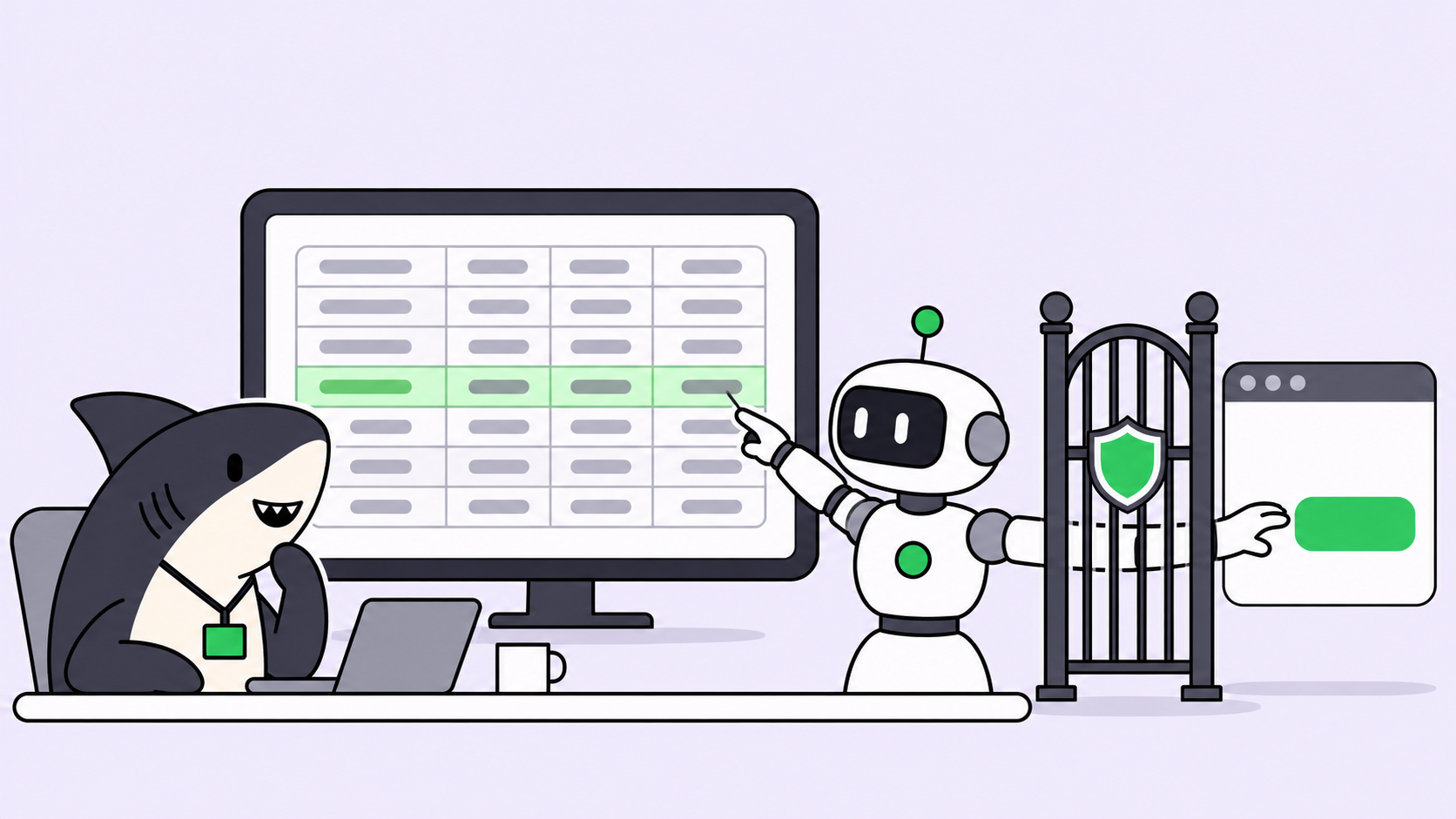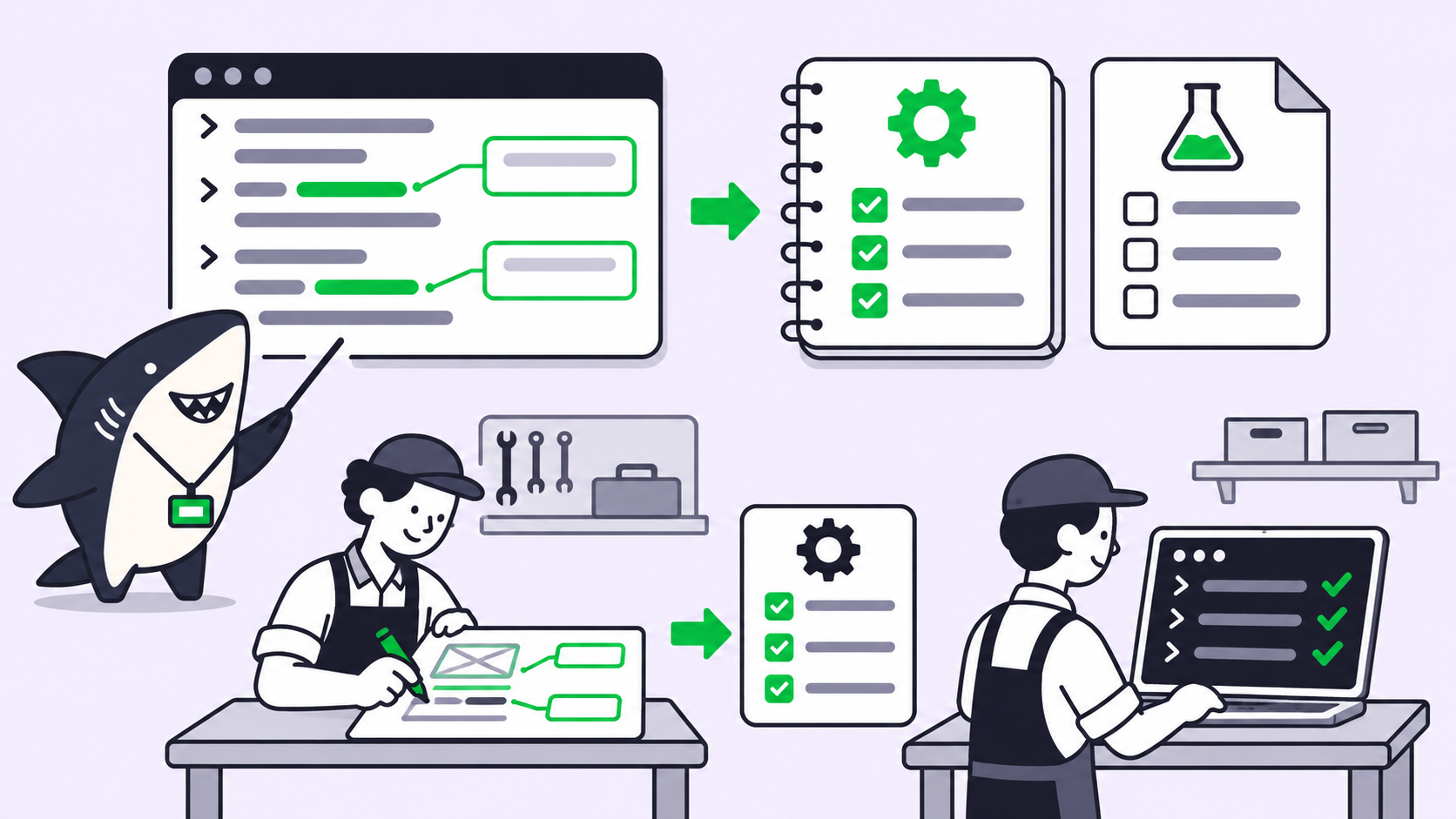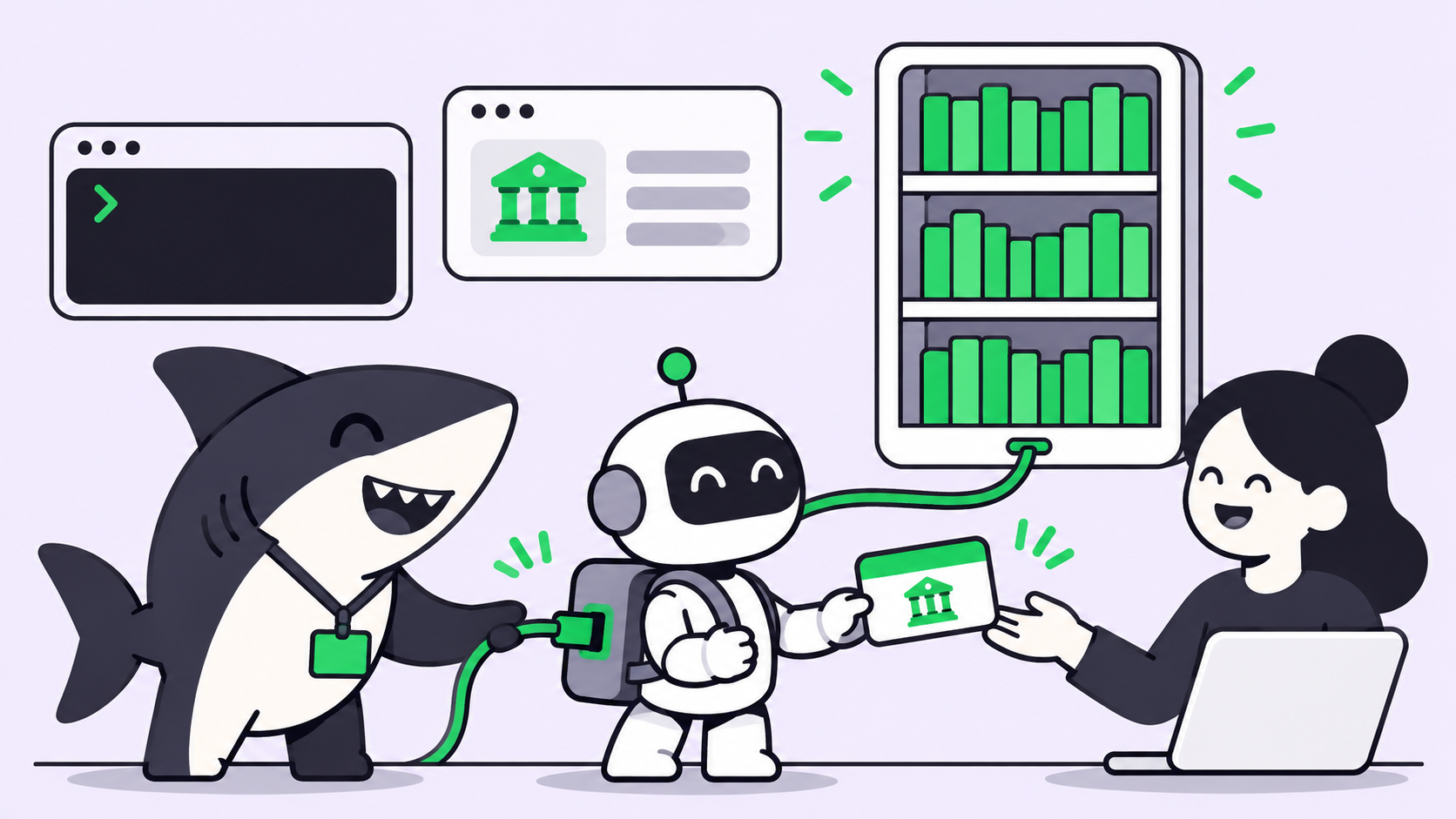
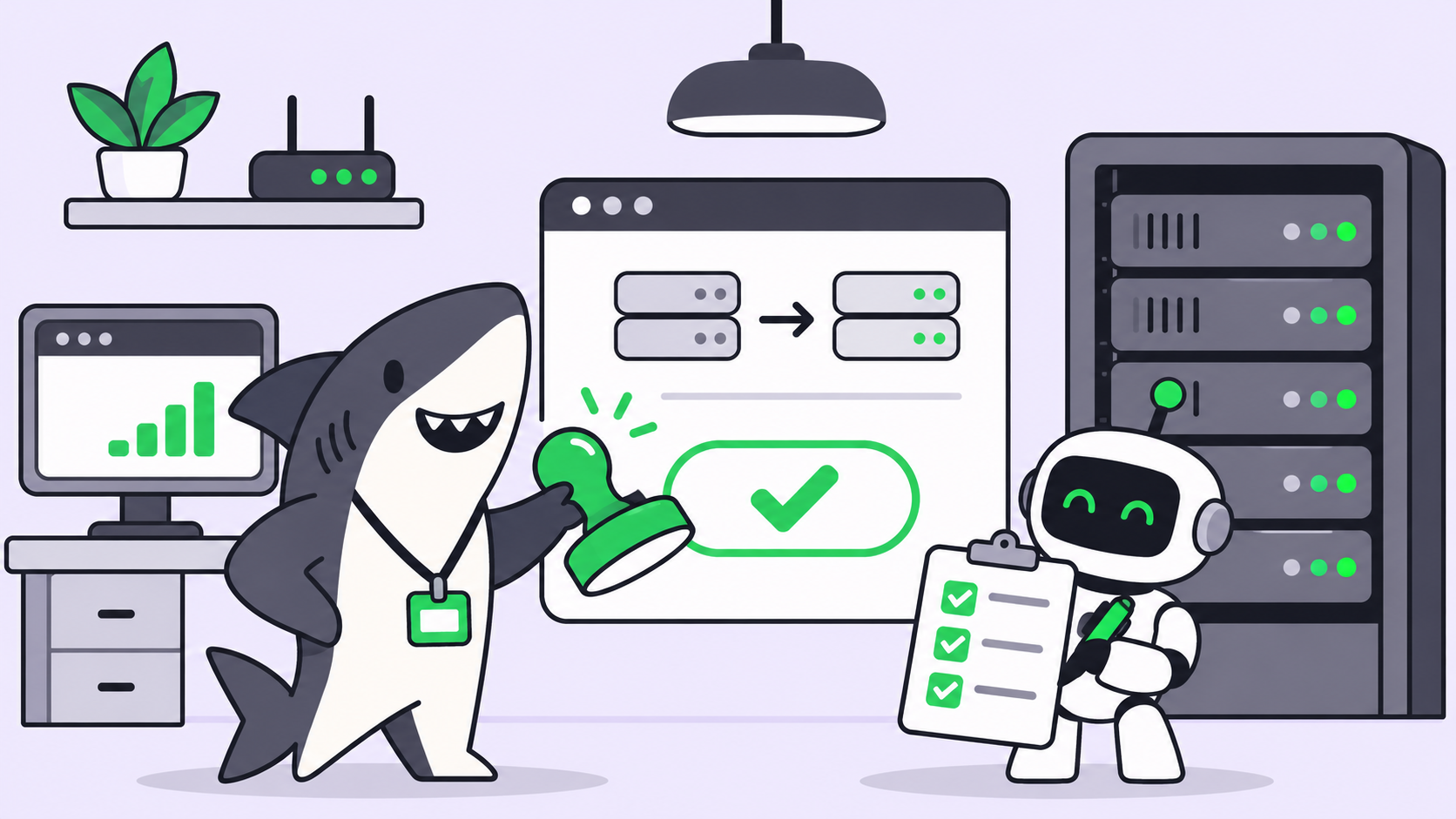
Quick answer: Self-hosting with AI agents works when you split the chores by risk. Hand off the reversible work: drafting Compose files, reading logs, checking for updates, and writing runbooks. Let the agent prepare anything that touches live data or the network, then approve it yourself. Keep secrets, firewall rules, and deletes in human hands. Run every chore as a task so there’s a record.
A post called “AI made self-hosting fun again” reached the Hacker News front page on November 26, 2026, and the comments split down the middle. Half the thread said coding agents turned weekend-long setups into an evening. The other half said the same agents made public servers harder to keep safe. Both sides are right, and that’s the useful part.
This guide sorts self-hosting chores into what an agent can own, what it prepares for your sign-off, and what stays with a person. Then it runs that split as board tasks, so you can see what changed and who approved it. If you already run coding agents, Sharkly gives them a shared board for this kind of work.
Why self-hosting with AI agents got popular again
Self-hosting means running your own services (photos, media, Git, a password manager, home automation) on hardware or a VPS you control. Agents removed most of the setup friction.
The original post by Jan-Lukas Else describes the pattern. His infrastructure already lived in Git as Docker Compose files and scripts, so a coding agent could work on it like any other repository. A Debian-based bootable image that he estimated at a week of work took half a day with AI help. Release tracking moved to automated pull requests that he reviews and merges from his phone.
The Hacker News thread added three themes worth keeping:
- Setup is cheap now. One commenter runs close to 60 services on a home server managed through Claude Code, with automated backups and VPNs.
- Maintenance got harder. One commenter said the patch window shrank from months to about a day after a critical CVE drops, and others agreed. One operator of about 50 servers said bot traffic now swamps his sites.
- Declarative config makes review possible. NixOS and Ansible users said the agent proposes a change, they read a diff, then deploy. One called it “do, wait for my review, deploy.”
The third point is the whole method. An agent you can review is an agent you can trust with more.
Which self-hosting chores an agent can handle
The safe line isn’t “easy versus hard.” It’s “can I undo this in five minutes?” Use this table to sort the work.
| Chore | Who owns it | Why |
|---|---|---|
| Draft a Compose file or Nix module for a new service | Agent | It’s a diff in Git; nothing runs until you deploy |
| Read logs and explain a failing container | Agent | Read-only |
| Check for new releases and summarize changelogs | Agent | Read-only, and the boring part people skip |
| Write or update the runbook | Agent | Documentation, reviewed like code |
| Bump an image tag and redeploy a stateless service | Agent prepares, human approves | Reversible, but it touches a live service |
| Apply OS or kernel security patches | Agent prepares, human approves | Can reboot the host or break a driver |
| Run a database migration | Agent prepares, human approves | Needs a fresh backup first |
| Change firewall, DNS, or tunnel rules | Human | One mistake exposes the whole box |
| Read or rotate secrets and credentials | Human | The agent never needs the plaintext |
| Delete volumes, snapshots, or backups | Human | Irreversible |
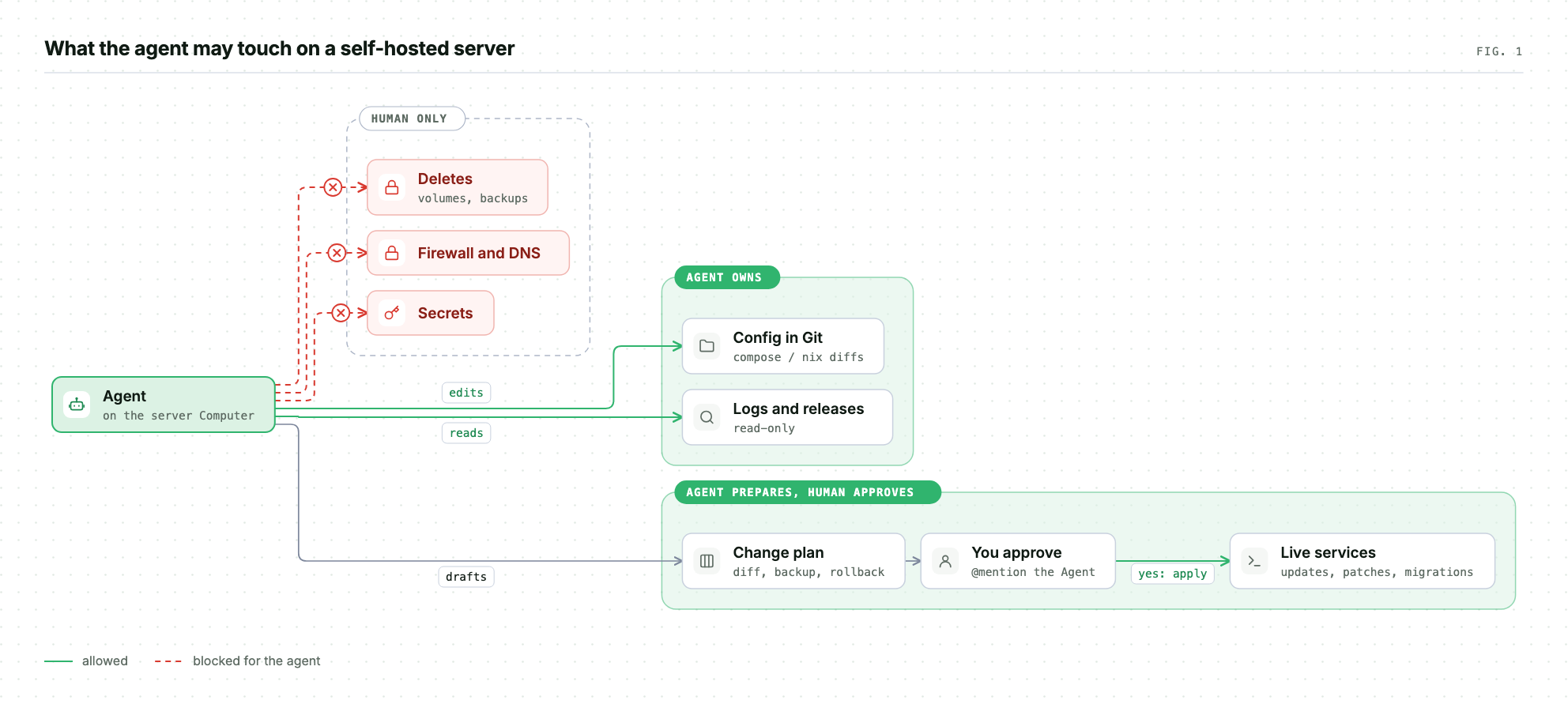
Most real maintenance lands in the middle tier: reversible, but only with effort. That’s where a written plan plus a human “yes” pays off.
What should an agent never touch on a home server?
Three things: secrets, network exposure, and deletion. A leaked API key or an open port is a fast compromise, and a deleted backup is gone. Give the agent a service account that can read config and run Compose, and keep credentials in a store it can’t read. The principle of least privilege from NIST applies to agents the same way it applies to people. Our coding agent permissions guide goes deeper.
Where a human must approve
An approval step is only useful if the approver sees enough to say no. Before any change in the middle tier, ask the agent for four things:
- The exact diff or command it will run.
- Proof that a backup finished in the last 24 hours, with its size.
- How to roll back, as a command, not a sentence.
- The health check it will run afterward.
If any of the four is missing, the answer is no. That rule is what makes patching within a day realistic: the agent does the reading, and you spend two minutes on a decision.
For security patches, watch the CISA Known Exploited Vulnerabilities catalog. An entry there is your signal to move a patch from “this week” to “today.” More on placing approval steps is in approval gates for coding agents.
How to run self-hosting chores as Sharkly tasks
Sharkly is a board where people and coding agents take tasks. The agents run on Computers, which are hosts you connect to Sharkly; a home server or a VPS can be one. The local service on the Computer opens the connection outward, so a typical setup needs no inbound port.
Here’s the setup for a weekly maintenance run:
- Register the server as a Computer. Create a one-time install token on the Computers page, then run the command below on the server. Confirm a Runtime (Claude Code, Codex, or another supported agent tool) shows as Available. Keep the Computer private to you if it holds credentials.
- Create an Agent bound to that Computer. Give it instructions that list what it may change and what it must hand back.
- Add an Automation with a schedule trigger. Automations take a five-field cron expression and a timezone, so
0 3 * * 1runs every Monday at 03:00. - Have the run end in review. The instructions tell the Agent to post its plan on a task assigned to itself, then stop. The hand-off waits for your review in the sidebar’s Task Chats module, not the Inbox.
- Approve by mentioning the Agent. A plain comment doesn’t start a run. @mention the Agent in your approval, or reply in the task’s chat side panel, and the follow-up run applies the change and reports the health check.
# On the server: connect it to Sharkly as a Computer
sharkly computer register --install-token sit_xxxxxxxxxxxxxxxx

# Confirm it appears and its Runtimes are detected
sharkly computer list
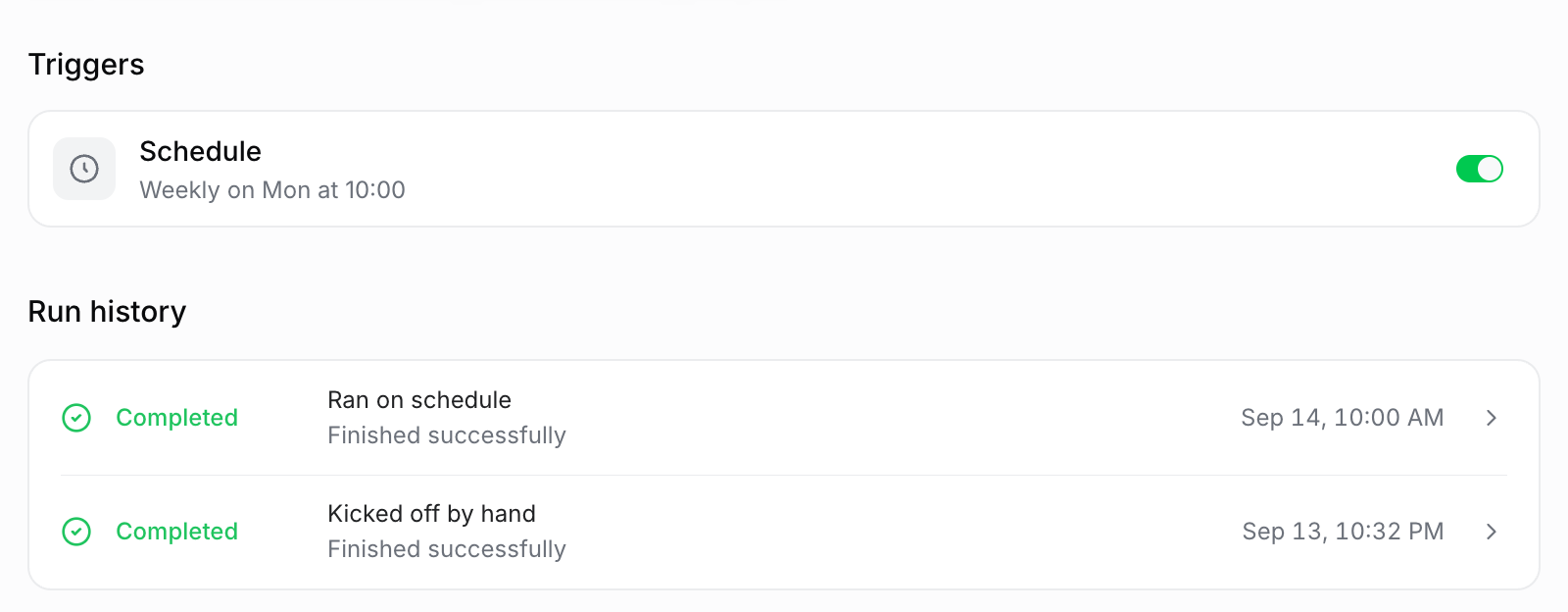

Write the Automation instructions as a contract. The Automations docs recommend stating the outcome, the inputs, the allowed changes, and when a person must decide. For self-hosting, that reads like this:
Every Monday: list services in ~/infra/compose with a newer image tag.
For each, summarize the changelog and flag breaking changes.
Confirm the restic backup from the last 24h exists; report its size.
Post one task, assigned to yourself, with the diff, rollback and health check.
Do not deploy, edit firewall or DNS, read secrets, or delete anything.
Stop and wait for human review.
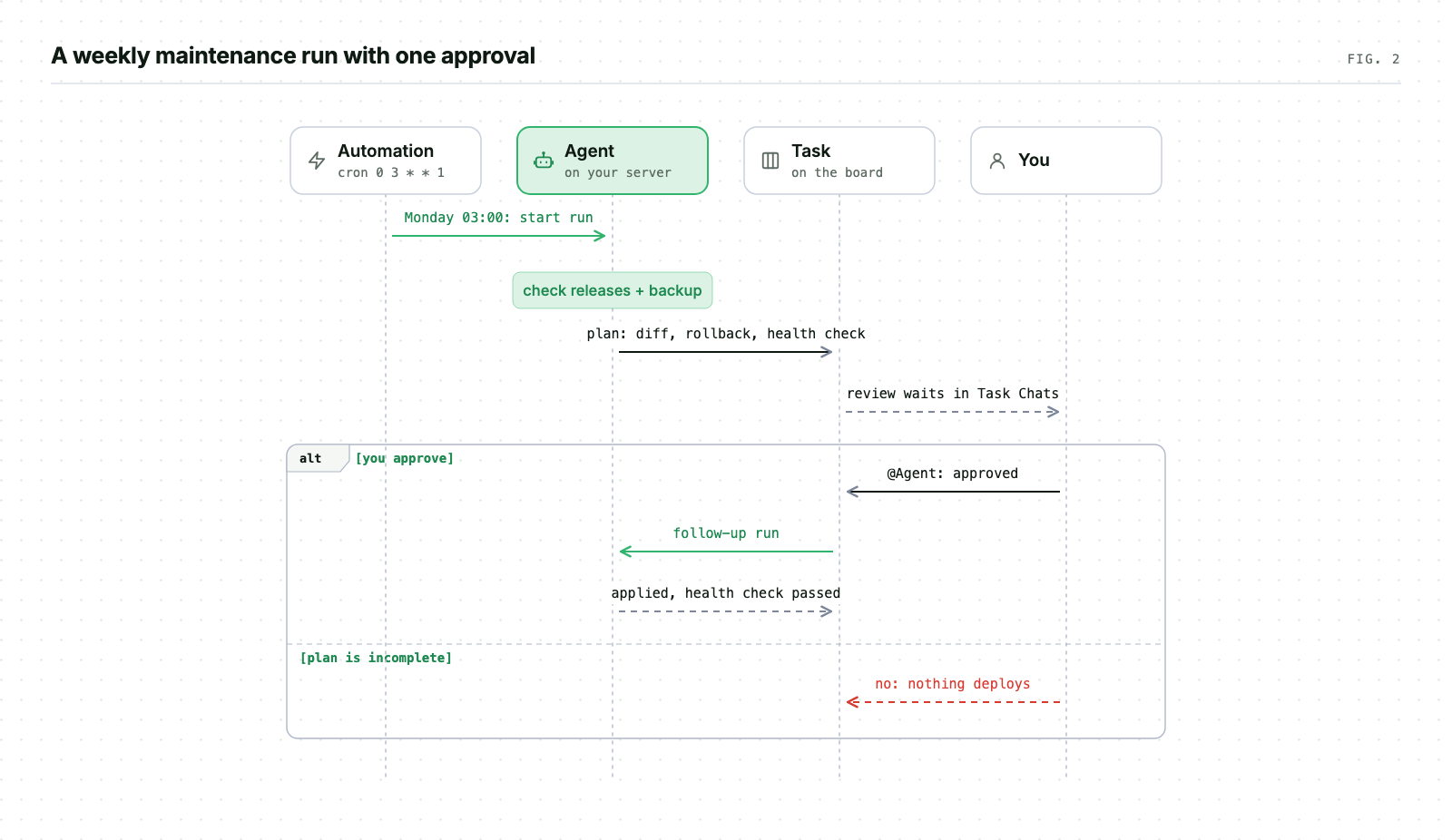
That flow gives you a record for every change: the plan, who approved it, and what the health check returned. Want to try it? Connect a spare box as a Computer and point one Automation at it. See Computers in Sharkly and Sharkly Automations for the full setup.
Advanced techniques
Keep everything declarative. Compose files, Nix modules, or Ansible playbooks in Git turn every agent change into a diff. A change you can read is a change you can approve in a minute.
Back up before, not after. Make the backup check part of the plan, not a separate job. Tools like restic report snapshot time and size, which the agent can paste into the task.
Use a webhook for incidents. An uptime monitor can POST to an Automation’s webhook trigger and start a read-only diagnosis run. The agent reads logs and proposes a fix; you still approve the restart.
Cap concurrency. Each Computer has a concurrent-task limit. On a small server, set it to 1 so two maintenance runs never fight over the same containers.
Keep secrets out of prompts. Instructions and task comments are readable by your team. See our checklist for coding agents leaking secrets.
Alternatives
You don’t need a board for one service on one box.
- By hand with an agent in your terminal. Fine for a single person. You lose the history once the session closes.
- Plain cron plus scripts. Reliable for fixed jobs like backups. It can’t read a changelog or explain a failure.
- Automated dependency pull requests. Tools that open update PRs handle version bumps well; pair them with CI that deploys on merge, as the original post describes.
- Managed hosting. You trade control for someone else’s patch schedule.
A board starts paying off when more than one person (or more than one agent) touches the same servers, or when you want proof of who approved what.
Real-world use cases
- A homelab with 20 to 60 services. A weekly Automation summarizes updates; you approve the batch on Monday morning.
- A small team’s internal tools. Git, a wiki, and CI runners on one VPS, with any teammate able to approve a patch from the task.
- An incident at 2 a.m. A monitor webhook starts a diagnosis run; the plan waits in the task until someone is awake to approve it.
Conclusion
AI agents made self-hosting cheaper to start, and the same speed raised the cost of falling behind on patches. The fix is a split: agents own the read-only and Git-only work, prepare anything reversible for your approval, and never touch secrets, exposure, or deletion. Run each chore as a task so the record survives the session.
Next step: register one server as a Computer, write a read-only weekly Automation, and review three runs before you allow it to deploy anything. Sharkly is currently free for organizations of up to 5 people.
FAQ
Is self-hosting with AI agents safe?
It’s as safe as the permissions you give the agent. Read-only and Git-only work is low risk. Anything that changes a live service needs a backup, a rollback command, and your approval. Secrets, firewall rules, and deletes should stay with a person.
Can an AI agent manage my Docker Compose stack?
Yes, if the Compose files live in Git. The agent edits the files and shows a diff, you approve, and the deploy runs. Avoid letting it run docker compose down -v, which removes volumes.
How often should an agent check for updates?
Weekly for routine releases. For critical vulnerabilities, check the CISA catalog daily, or trigger a run from an alert, and aim to patch within a day.
Does the agent need SSH access to my server?
Not if the agent runs on the server itself. In Sharkly, the server becomes a Computer and the local service connects outward, so you don’t expose SSH or any other inbound port for it.
What should I hand off first?
Start with release summaries and log diagnosis. Both are read-only, and after three or four runs you’ll know how well the agent reads your setup.
Can I self-host Sharkly itself?
Sharkly’s pricing page lists a Self-hosted plan that runs the same product on infrastructure you control. It’s custom priced and starts with a demo booking.