No. GPT-6.1 Sol is not free. OpenAI released it on September 29 to Plus, Pro, Business, Enterprise and Edu users in ChatGPT Work and Codex. It is not in Chat yet, Free and Go are not on the list, and the API has no free tier. The cheapest practical way to run coding agents on it is a ChatGPT plan signed into the Codex Runtime on a Computer, and that is a subscription with usage limits: not free, and not billed per token.
DevDay made the second half of the question more interesting. Sign in with ChatGPT now lets Plus and Pro users spend their plan inside participating third-party apps, each held to its own weekly cap. That cap is the right shape for a problem every small Crew meets once agents start sharing a plan: three Agents on two Computers draw from one pool, nobody decided who gets how much, and on Thursday afternoon runs start failing while the board still shows a queue of ready Tasks.
TL;DR
No free route runs GPT-6.1 Sol under an agent. The cheapest one that can is a Plus or higher plan signed into Codex on a Computer, shared by every Agent that runs there. An API key costs $2 in, $0.10 cached and $10 out per million tokens and suits scheduled, attributable or cache-heavy work. Sign in with ChatGPT plan usage only works inside apps that build its OAuth flow (commercial partners, plus open-source and locally hosted tools), and Sharkly is not one. GPT-6 Luna costs nothing on the Free plan (Go includes it too) in the ChatGPT desktop app, as a seat for a person, not as a Runtime credential. Sharkly’s own seats are currently free for up to 10 people; the model line stays on your accounts.
Every route to GPT-6.1 Sol, and which ones can run an Agent
| Route | Who can use it | What you pay | Can it back a Codex Runtime? |
|---|---|---|---|
| ChatGPT plan signed into Codex | Plus, Pro, Business, Enterprise, Edu | The plan’s subscription; runs count against its usage limits | Yes. The cheapest practical route |
| API key | Any API account; no free tier | $2 input, $0.10 cached, $10 output per 1M; Batch and Flex $1 / $0.05 / $5 | Yes, billed per token |
| Sign in with ChatGPT plan usage | Plus and Pro, inside apps that build its OAuth flow | Plan usage, capped per app per week | Only inside those apps. Sharkly is not a partner |
| GPT-6 Luna in the ChatGPT desktop app | Free and Go | $0 on Free; included in Go | No. A different model, listed for Work and Codex in the desktop app, not the Codex CLI |
The first row is ordinary Codex usage. The Codex CLI docs tell you to “choose Sign in with ChatGPT or another available sign-in method” on first run, and the model it can reach depends on the plan behind that login. The API route is on OpenAI’s pricing page: the same $2 and $10 as GPT-6 Sol, with cached input halved, and Batch and Flex at half of Standard for work that can wait.
The third row is the one that gets misread. Sign in with ChatGPT is a separate program for third-party apps, with 16 partners at launch; OpenAI’s recap names Cognition’s Devin, Notion, Vercel, T3, OpenClaw and Dactyl. Its developer docs also let open-source and locally hosted tools use a Plus or Pro plan through a self-serve OAuth flow, within preview limits. The app gets your name, email and profile picture, and plan usage shares no API key. Sharkly is not a partner, so Sharkly has no way to draw on your ChatGPT plan directly. The plan reaches your Agents only through a Runtime you signed in on your own Computer. One of the listed partners, OpenClaw, is also a Runtime Sharkly can run; whether a given Runtime can use plan usage, and for which models, is that tool’s business, so read its docs rather than assume.
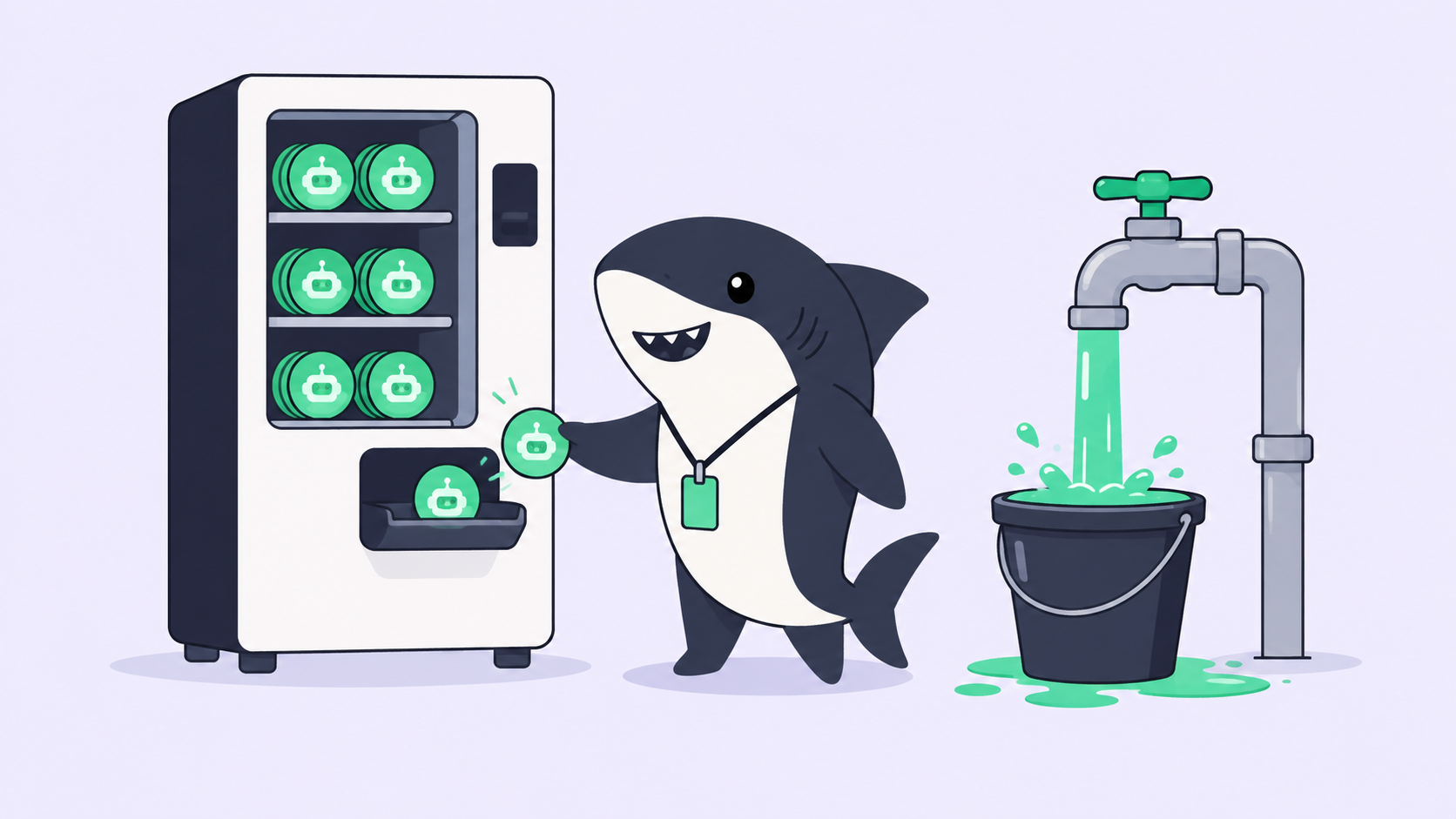
The fourth row is the only free route in the table, and we covered its limits in free and cheap tiers for a Crew. OpenAI’s models page puts Luna in Work and Codex inside the desktop app, not in Chat, and a desktop-app seat is a person at the keyboard. It is not a credential a Runtime can use. One wrinkle is worth knowing: on macOS, Sharkly’s local service can register the Codex CLI bundled inside the ChatGPT desktop app as a Runtime when no standalone Codex is installed. The binary is not the entitlement. What it runs depends on the plan it signs in with, and GPT-6.1 Sol in Codex starts at Plus.
Budgeting several Agents on one plan
Sign in with ChatGPT’s usage controls are worth copying even though Sharkly is not part of them. Each partner app gets a weekly limit set as a percentage of the plan’s overall weekly usage. It is a cap, not a reserved pool, and eligible requests count toward the plan’s ChatGPT Work and Codex usage. Using credits after the limit is off by default and needs the app’s limit at 100%, per OpenAI’s help article on plan usage in other apps.
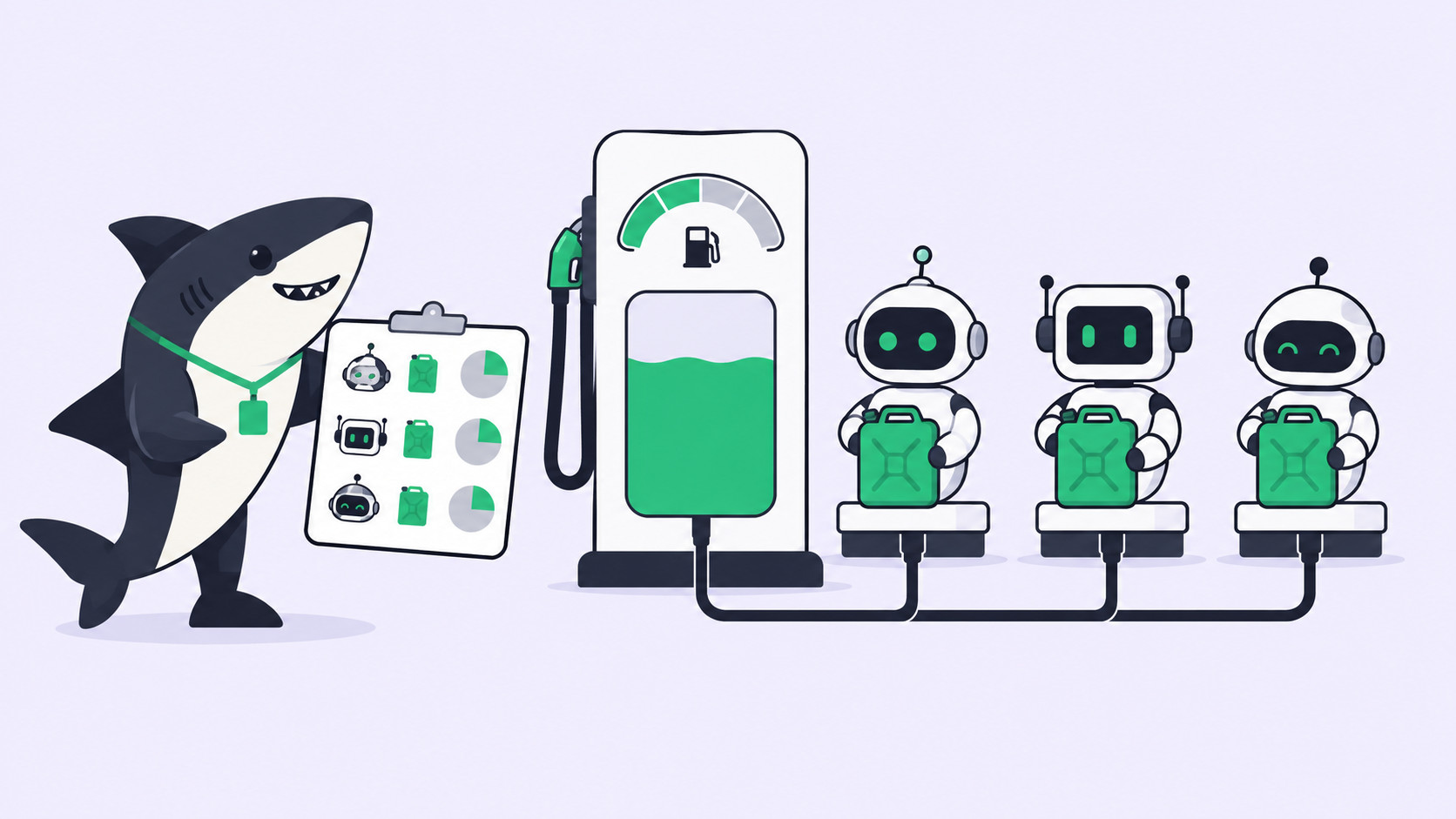
Now look at a Crew on a plan. Every Agent on every Computer signed into the same ChatGPT account draws on that account’s limits, and none of them has a share. Whichever Agent runs first and longest spends the week. Raise concurrency to clear a backlog faster and the plan simply empties sooner.
So give each Agent a share before the week starts, using the controls Sharkly does have. Each Agent carries a maximum number of parallel running Tasks and a per-Task timeout, each Computer has its own concurrency limit, and default concurrency for temporary directories is 50% of the Computer limit. Which Agents are bound to the plan’s Computer at all is the biggest lever of all. Written down, it looks like this:
PLAN BUDGET  (one ChatGPT plan, signed into Codex on build-01 and build-02)

build-01  Codex default gpt-6.1-sol, medium
  Agent Feature-Sol    max 2 parallel Tasks   feature work, bugs with a repro
  Agent Review-Sol     max 1 parallel Task    first-pass review comments
build-02  Codex default gpt-6-luna
  Agent Triage-Luna    max 1 parallel Task    labels, triage, scaffolding

AT THE LIMIT
  Pause Triage-Luna first, then Review-Sol. Feature-Sol keeps the plan.
  Nobody swaps a personal API key onto build-01 to finish the Sprint.
  The Computer owner decides: wait for the reset, or move ready Tasks
  to the API-key Computer.
What happens at the limit is the part to rehearse. If a plan limit stops a run, it surfaces like any other model-service error: the execution log keeps the title and the service’s original response, and failed work can surface as an attention item in the Inbox of the person responsible. Sharkly’s troubleshooting guide separates the two causes that look alike. A rate limit means wait and lower concurrency; exhausted quota means waiting until it is restored or configuring a different account, and retrying the same request will not restore it. It also warns that a 429 can mean either, and that OpenAI often labels both as rate limits.
When an API key beats a plan
Use a plan when one or two people own the Agents, most runs happen while someone is around, you already pay for the seat, and a week’s volume fits inside it. The plan’s limits are then a feature, a spending ceiling you never have to configure.
Use an API key when a run must not stall at a limit: scheduled Automations, overnight queues, anything a teammate assigns while the plan’s owner is asleep. Use one when several people’s Tasks run on one Computer, because a personal plan on a shared Computer means your subscription pays for your teammates’ runs. The Computers documentation says it plainly: use Personal visibility for a personal device or private credentials, and Organization or Space visibility only when the host and its credentials are meant for shared Agent work. Use one when you need to attribute cost per Task, which a flat subscription cannot tell you. And use one for long, cache-heavy runs, where $0.10 cached input changes the bill more than the headline rate does, as long as you watch context size: per the model page, a prompt over 272K input tokens is priced at 2x the input and cache rates and 1.5x output for the full request, which makes Standard $4, $0.20 and $15.
Often the answer is both: a plan Computer for the people who own it and an API-key Computer for work that has to finish. The setup for each, including how to pin 6.1 Sol in the Codex config, is in how to run GPT-6.1 Sol agents in Sharkly. Tracking the two bills side by side is the job described in coding agent cost management.
Where free actually stops
The platform line is the one that can be zero. Sharkly’s pricing is currently free for organizations of up to 10 people and $7 per user per month billed yearly above that, and Agents, Crews, Computers and Runtimes do not occupy seats. Sharkly does not sell tokens: model usage continues through the subscriptions or API keys configured in those tools, which is the point of bring-your-own-key. So the Sharkly side of a GPT-6.1 Sol Crew can cost nothing, and the model side is a plan or a key.
The review line never had a tier. Agents research, execute, test, and report. People set direction, grant authority, and accept the result. A model OpenAI pitches as near-Astra, at Sol’s price, produces more finished work per reviewer, not less, so the queue in front of people grows exactly when the token line looks cheapest. We reached the same conclusion for Anthropic’s September 28 model in running coding agents on Claude Sonnet 5.5 for free.
If you’re already running several agents, Sharkly gives you one place to manage their tasks and results.