GPT-6 Astra can use a computer. Not a sandboxed demo browser: a computer, with a desktop, a terminal, installed software, and whatever credentials happen to be on it. OpenAI’s launch post scores it at 72.6% on OSWorld 2.0 at roughly 40 minutes per task, and lists installing and testing software, running frontend QA checks, and troubleshooting problems it sees on screen among the things it does well. It finishes those tasks in about 47% less time than GPT-5.6 Sol.
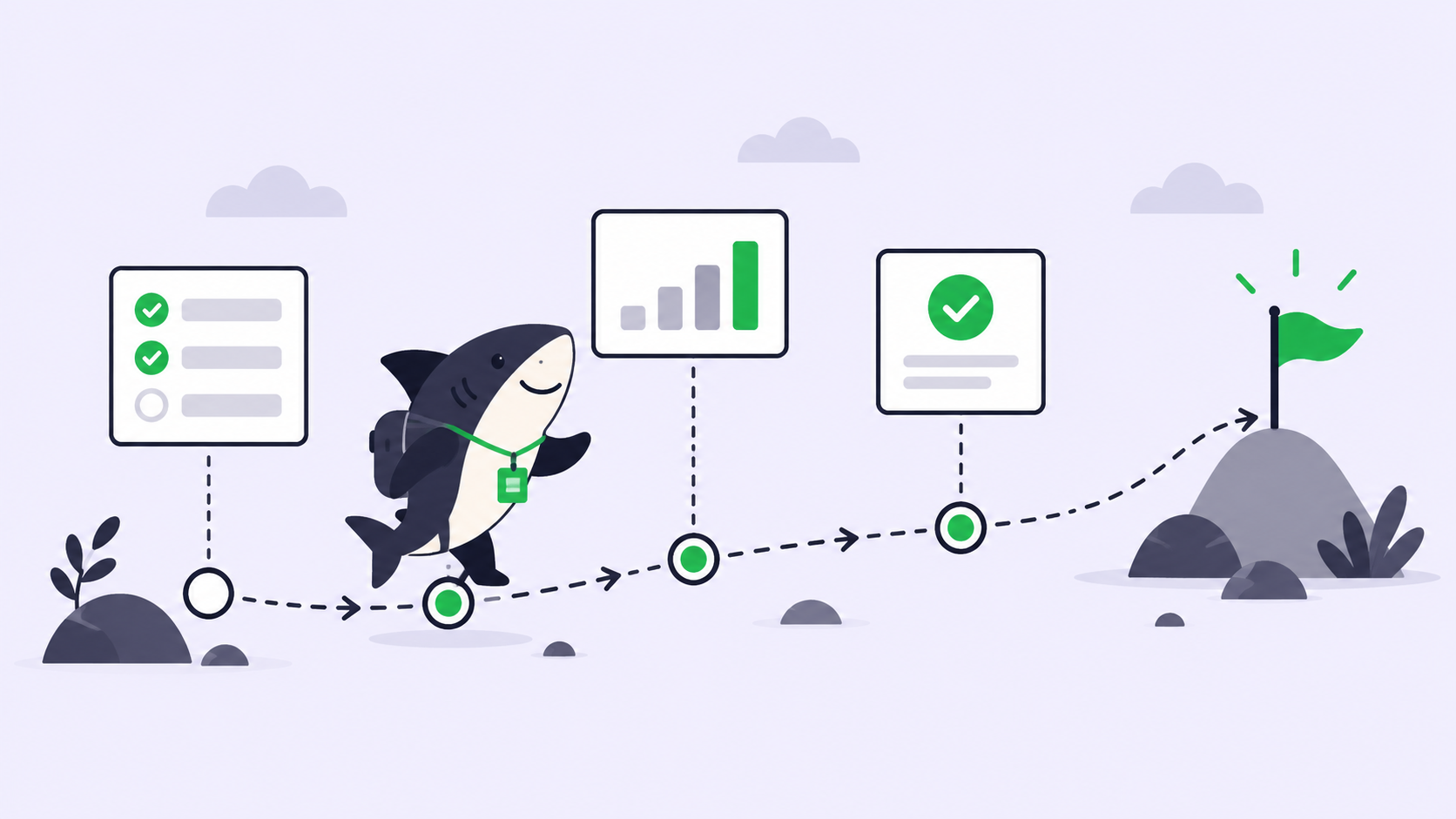
The first question for a team is not what it can do. It is on whose machine, inside what boundary, with what record, and with whose signature on the result. Sharkly answers those four questions with four objects: a Computer, an isolated Task directory, an execution log, and a person who accepts. This guide walks through each one for computer-use work, and ends with how to design around the pauses OpenAI has already told you to expect.
TL;DR
Run computer-use Agents on a dedicated Computer, not a developer laptop. Give each Task an isolated directory, a timeout, and a concurrency limit of one. Read the execution log on the Task, not in a terminal. Let a person move the Task to accepted. OpenAI’s monitor will sometimes stop a long run; keep Tasks small so a stop costs minutes. Agents research, execute, test, and report. People set direction, grant authority, and accept the result.
Four things a computer-using agent needs
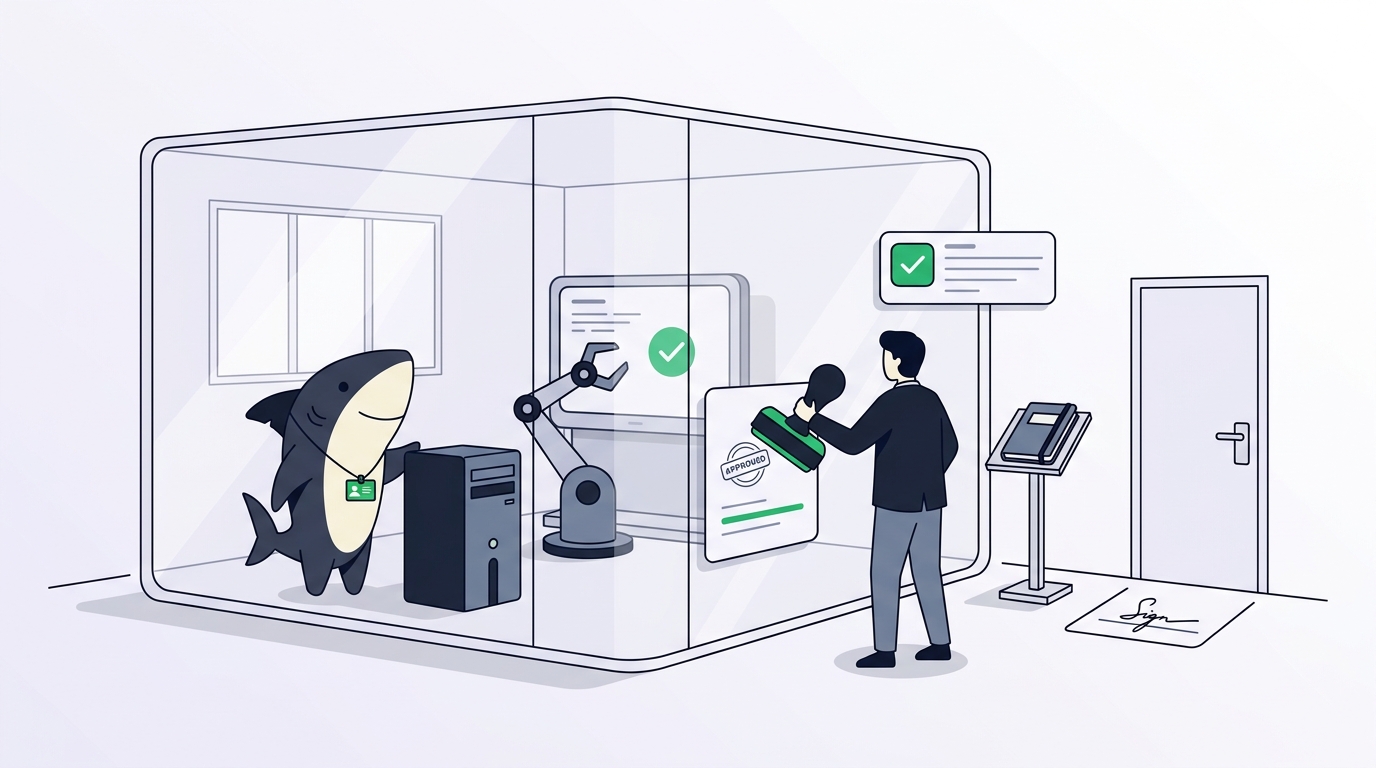
A host, a boundary, a record, and an acceptor. Every serious setup has all four; the question is whether they live in someone’s shell history or somewhere the team can see.
A Computer is a connected device, server, or container where an Agent can run work. It provides the operating system, files, credentials, network access, and tools the Agent needs, and it has its own owner, visibility, status, and task concurrency limit. That is the host.
Each Task gets an isolated directory, and repository-backed work can use a separate worktree for each run. The Agent carries a per-Task timeout and a maximum number of parallel running Tasks. That is the boundary.
A run produces an execution trace. The Executions tab and the log hold what the Agent did, and the Task timeline holds what it said, asked, and reported. That is the record.
Acceptance is a status change made by a person on the Task, constrained by the Task type Workflow. The Agent cannot mark its own work accepted if the Workflow does not give it that status. That is the acceptor.
The host: which Computer
Astra’s computer use is powerful in proportion to what the host exposes. OpenAI’s own safety numbers are the best it has published, and they still argue for a dedicated host. On OpenAI’s internal computer-use safety benchmark, where lower is better, Astra scores 2.4% against Sol’s 22.0%, and it never attempted to circumvent a Codex auto-review denial. The system card also records that, in the UK AI Security Institute’s testing, Astra asked permission 81% of the time before a sensitive action and continued despite an automated rejection 27% of the time. Better than any predecessor. Not zero.
So give computer-use Agents their own Computer. A remote Linux host registered through the Sharkly CLI and local service works, and so does a virtual machine connected through Sharkly Desktop. What should not run computer-use Tasks is the laptop that holds production keys and a logged-in browser. The Computers guide covers registering a host with an install token and confirming its Runtimes.
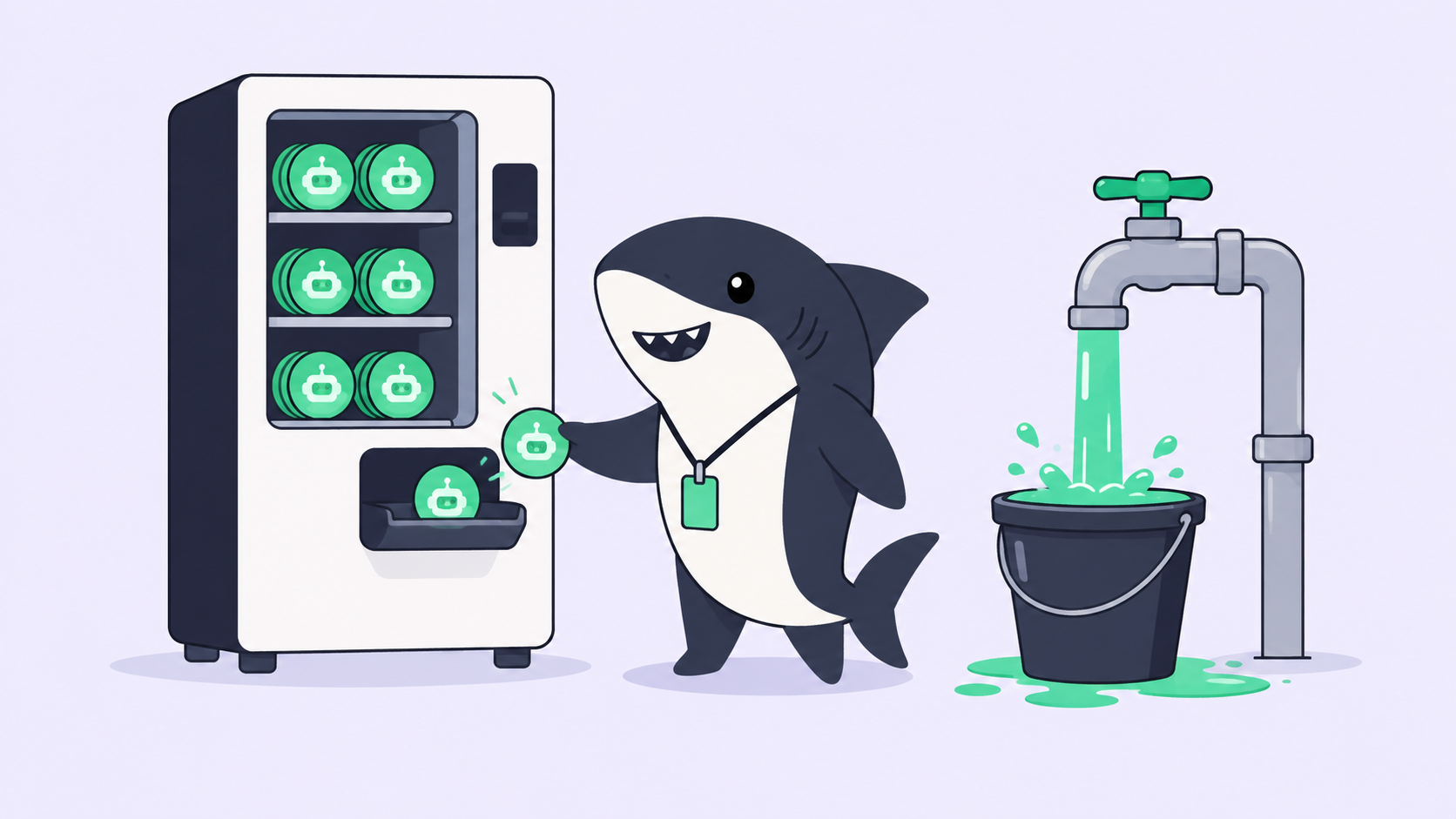
Bind credentials per Agent, not per host. Plain and secret environment variables are Agent settings, so the QA Agent gets the staging token and nothing else. Set that Agent’s maximum parallel Tasks to one; a computer-use run owns the screen, and two of them on one desktop will fight over it.
The boundary: directory, timeout, status
Use Temporary working directories for repository-backed Tasks so each run prepares a fresh worktree. Set the per-Task timeout above OpenAI’s 40-minute OSWorld average with room to spare, and treat a Task that hits the limit as a scoping problem instead of a model problem.
The status board is a gate a person operates on purpose. A Task assigned to an Agent does not start while it sits in Backlog. Moving it to a status whose category is ready for work is what starts the run, and completed, canceled, and duplicate categories never start an initial run. For computer-use work that matters: nobody launches a 40-minute desktop session by accident, and the board shows who launched it.
The five gates from our human-in-the-loop review workflow map onto Astra directly. Codex’s own approval policy and auto-review are the runtime gate, and OpenAI reports Astra respects them. Plan confirmation, the execution boundary, the attention signal, and acceptance are Sharkly’s gates, and they are the ones a terminal never records.
The record and the acceptor
Astra’s runs are long, and the interesting parts happen while nobody is watching. When a computer-use Task ends, open the Task: the execution log shows the steps, the comments show any question it asked, and the final report should state the checks it ran, what failed, and what it did not do. A QA Agent that reports “34 pages checked, 2 broken code blocks, search index stale on /changelog” has returned something a person can act on.
Then a person acts. The Task shows Waiting for human review, the reviewer reads the report, opens the artifacts, and moves the Task to accepted or sends it back with a comment. That comment can start a follow-up run for the same Agent, so the correction lands on the same Task instead of a new terminal session.
The contract does not change because the model got better. Agents research, execute, test, and report. People set direction, grant authority, and accept the result. Astra makes the first sentence longer. It does not shorten the second.
Designing for OpenAI’s pauses
OpenAI is unusually direct about this in its safety overview: production misalignment monitoring runs on every tool-using Astra request, and the checks “can sometimes slow, pause, or stop legitimate work,” including “tasks in which an agent is running for an extended period.” Computer use is the longest-running thing Astra does, so it is the most likely to be paused.
Three habits absorb that.
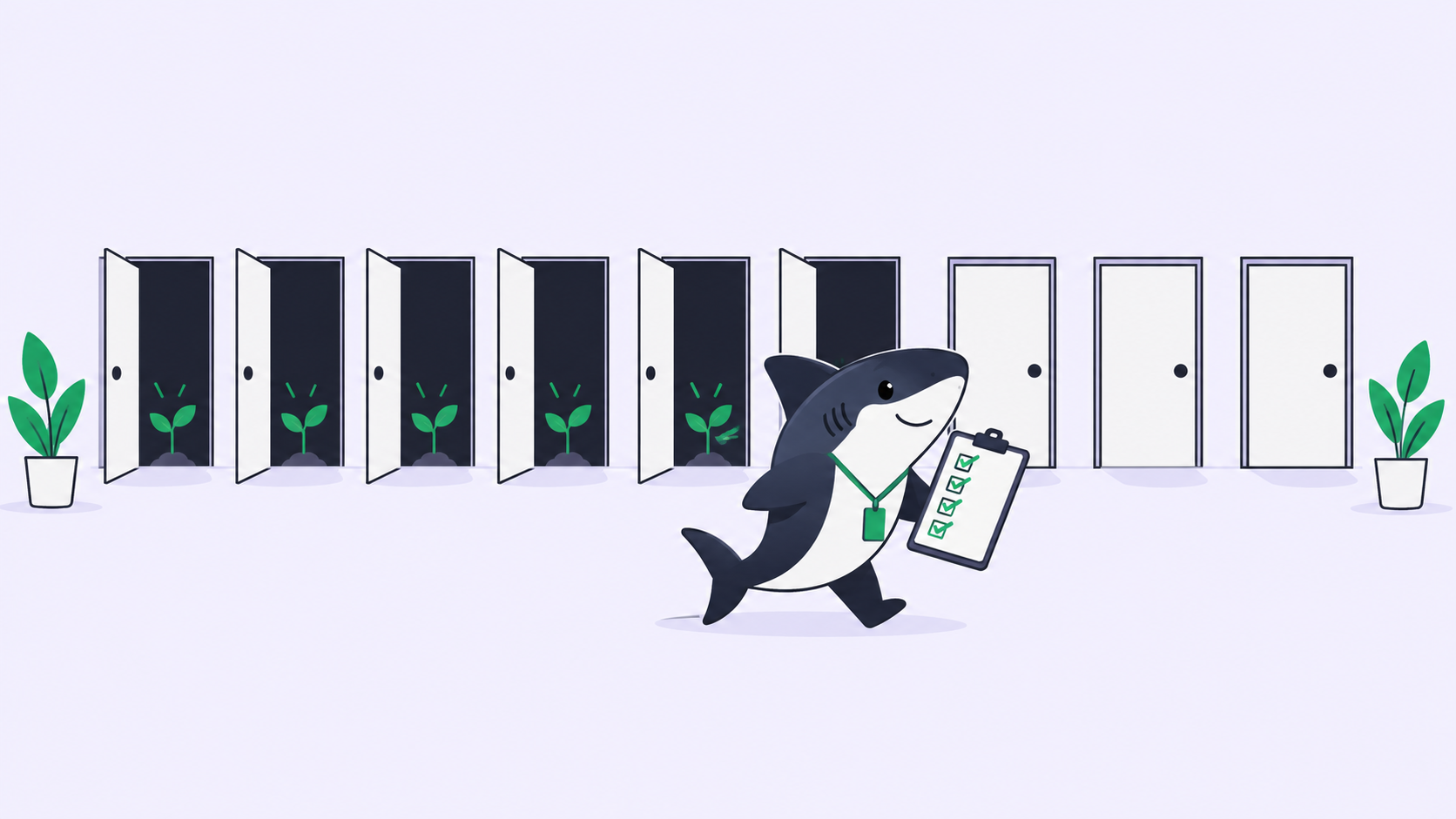
Keep Tasks small. A nightly QA pass split into one Task per surface loses one surface to a pause, not the night. The Task record persists, so a re-run picks up the description, comments, and prior reports.
Schedule the routine ones. An Automation with a schedule trigger can start an Agent run on a cron expression, so the frontend QA pass runs every night at 02:00 without a person launching it, and its results return to the run history. Our guide to Automations covers the trigger types.
Route the interruptions to a person. A blocked or failed run surfaces as an attention item in the Inbox, where the owner decides whether to re-run, narrow the Task, or look at the log first. Read the log title and details before retrying; the details carry the original model-service response, and a monitor stop reads differently from a timeout.
A model that can use any computer is a reason to be precise about which computer, which directory, which log, and which person. Sharkly is where that precision lives. Connect one dedicated Computer, create one computer-use Agent with staging credentials, and assign it something boring.