Quick answer: Pi vs Claude Code comes down to defaults versus control. Pi is a free, MIT-licensed terminal coding agent that ships small, skips sub-agents, plan mode and permission popups, and lets you add what you want as TypeScript extensions. Claude Code ships those workflows built in. Pi costs $0 to install; you pay whichever model provider you connect.
A Hacker News thread titled “Goodbye Claude, hello Pi” passed 700 points and 430 comments this week, which is a lot of developers arguing about a terminal program. If you run coding agents daily, the question behind it matters: is your harness (the program that wraps the model, the tools and the prompt) something you configure, or something you live with?
This guide covers what Pi is, what it costs, how to set it up, and an honest comparison with Claude Code, including the complaints from both sides of that thread. It ends with how to run both without rebuilding your workflow, because Sharkly lists Pi and Claude Code as Runtimes on the same Computer.
What is the Pi coding agent?
Pi is “a minimal, extensible agent harness that you can make your own,”. It runs in your terminal, reads and edits files, runs commands, and talks to the model you pick. Mario Zechner started it in the pi-mono repository; it now lives under Earendil, and the current npm release is 1.5.0.
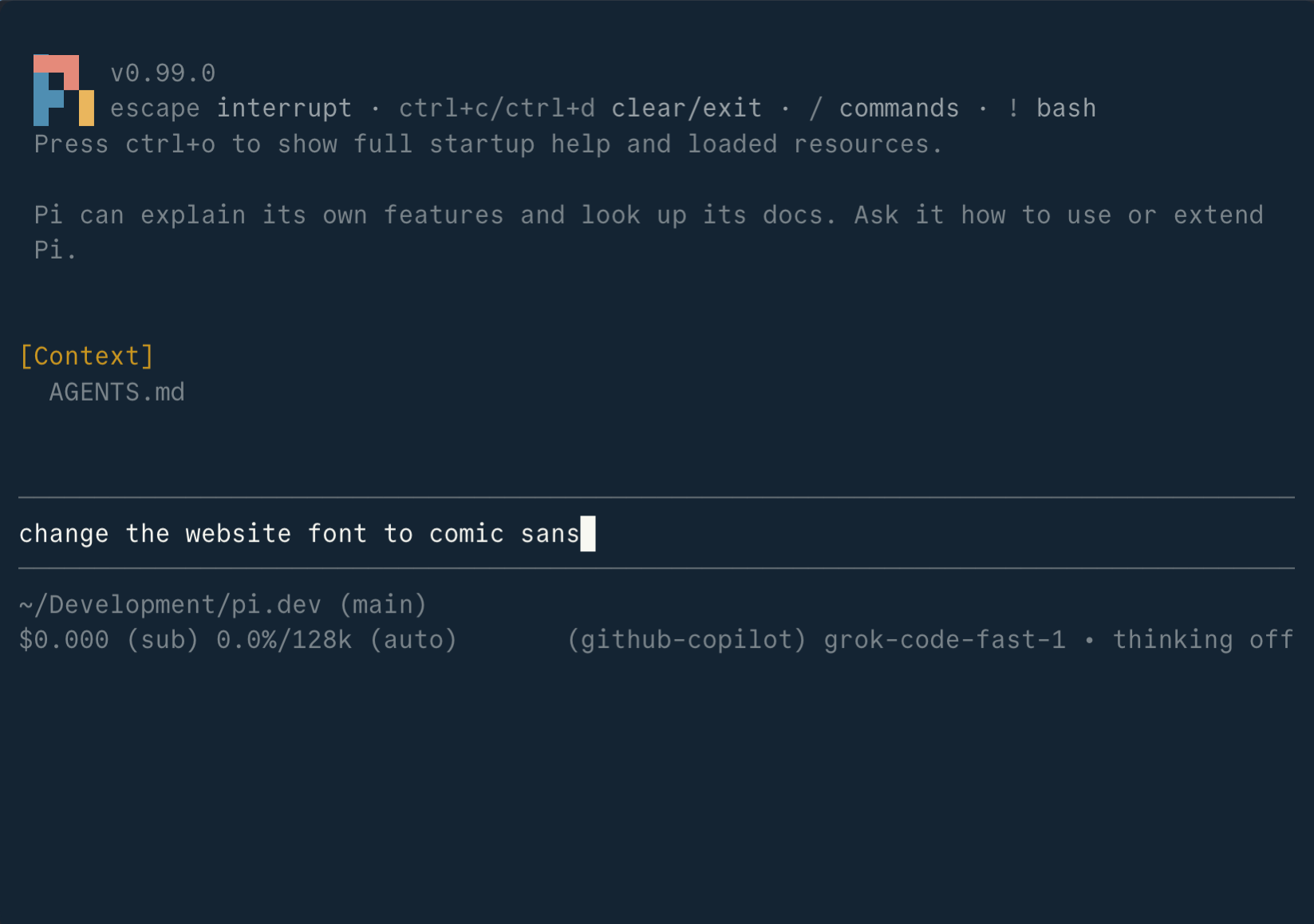
Four facts define it:
- Provider neutral. The Pi site lists 15+ providers and hundreds of models: Anthropic, OpenAI, Google, Bedrock, Mistral, Groq, OpenRouter, Ollama and more. You switch mid-session with
/model. - Deliberately small. The site’s “What we didn’t build” list names sub-agents, permission popups, plan mode, built-in to-dos and background bash.
- Extensible in TypeScript. Extensions can register tools, commands, shortcuts, providers and terminal UI. Skills, prompt templates and themes ship as Pi packages over npm or git.
- Scriptable. Interactive TUI, print and JSON modes (
pi -p), an RPC protocol over stdin and stdout, and a TypeScript SDK.
Sessions are stored as trees, so /tree jumps back to an earlier point and branches from there. One HN commenter said they “can’t live without /tree.”
Is Pi free?
Yes. Pi is MIT-licensed and $0 to install. You pay for the model. The quickstart says you need model access “through a supported provider. This can be a subscription, an API key, or a local model.”
That gives you three cost routes:
| Route | What you pay | Setup |
|---|---|---|
| API key | Per-token pricing from the provider | export ANTHROPIC_API_KEY=... then pi |
Subscription through /login |
Your existing plan | /login, pick a provider, follow the OAuth flow |
| Local model (Ollama, llama.cpp) | Your hardware | Point Pi at the local server |
One caution on the subscription route. A commenter defending Claude Code flagged a “potential ban due to ToS violation” when a subscription is used in a third-party harness. Pi’s docs don’t settle that question for you. Read your provider’s terms before you sign in a paid plan, or use an API key, which carries no such ambiguity.
How to set up Pi
Setup is two commands if you have Node.js 22.19 or newer.
# Option 1: the installer (pins dependencies, updates with `pi update`)
curl -fsSL https://pi.dev/install.sh | sh

# Option 2: npm
npm install -g --ignore-scripts @earendil-works/pi-coding-agent

# Start it in your project
cd ~/code/my-service
pi
Inside Pi, run /login to connect a provider, then /model to choose a model. Pi loads AGENTS.md and CLAUDE.md context files, so a repository already set up for Claude Code keeps its instructions.
Before your first real task, read Pi’s security page. It says Pi “does not ask for approval before every tool call” and runs with the permissions of the account that started it. The docs call a container, VM or sandbox “usually the strongest practical option.”
Pi vs Claude Code: the honest comparison
Claude Code is Anthropic’s coding agent. It ships sub-agents, hooks, MCP, plan mode and a permission system that asks before risky actions. Pi ships a smaller core and expects you to add what you need.
| Pi | Claude Code | |
|---|---|---|
| License | MIT | Proprietary, from Anthropic |
| Models | 15+ providers, local models | Claude models |
| Sub-agents | Not built in; add by extension | Built in |
| Plan mode | Not built in | Built in |
| Permission prompts | None by design; isolate with a container | Configurable approvals |
| Customization | TypeScript extensions, packages | Hooks, MCP, skills, settings |
| Headless use | Print, JSON, RPC, SDK | Print mode, Agent SDK |
Why developers say they are switching
The post behind the thread, Caleb’s Goodbye Claude, hello Pi, blames “an accumulation of many small frustrations,” not one bug. The specifics:
- Prompt churn. The author counts 244 Claude Code releases this year and says over three quarters changed the system prompt or tool descriptions, which can shift model behavior under a tuned setup.
- Token overhead. The default Bash tool description runs “almost 3,000 tokens” by the author’s count, mostly about git and pull requests.
- IDE friction. Only one VS Code session could connect at a time. The author fixed that in Pi with an extension written in about 20 minutes.
- Scope. Agent teams and review modes read to the author as aimed at enterprise token consumption, not at one developer.
Other commenters added terminal rendering and scrollback bugs, and the late arrival of AGENTS.md support.
Why some developers stay on Claude Code
The same thread pushes back. One commenter said Pi “takes enormous amount of hacking” to reach Claude Code’s abilities, and called extensions “almost unavoidable.” The same commenter rated Claude Code’s compaction and prompt caching on Anthropic models higher. Others pointed out that installing third-party extensions means trusting code that can see your OAuth tokens.
There is a cost argument too. One commenter stays on Claude Code because of “the insane subsidies we are getting” on the subscription, compared with paying per token. If you hit caps, our guide to Claude Code usage limits covers what each plan allows.
Which one fits you
Pick Pi if you want to own the harness, swap models freely, keep the prompt small and stable, and you’re comfortable running agents inside a container. Pick Claude Code if you want sub-agents, plan mode and approval prompts working on day one, and you mostly run Claude models anyway. Many developers will keep both, which is where the next section comes in.
Run Pi and Claude Code side by side in Sharkly
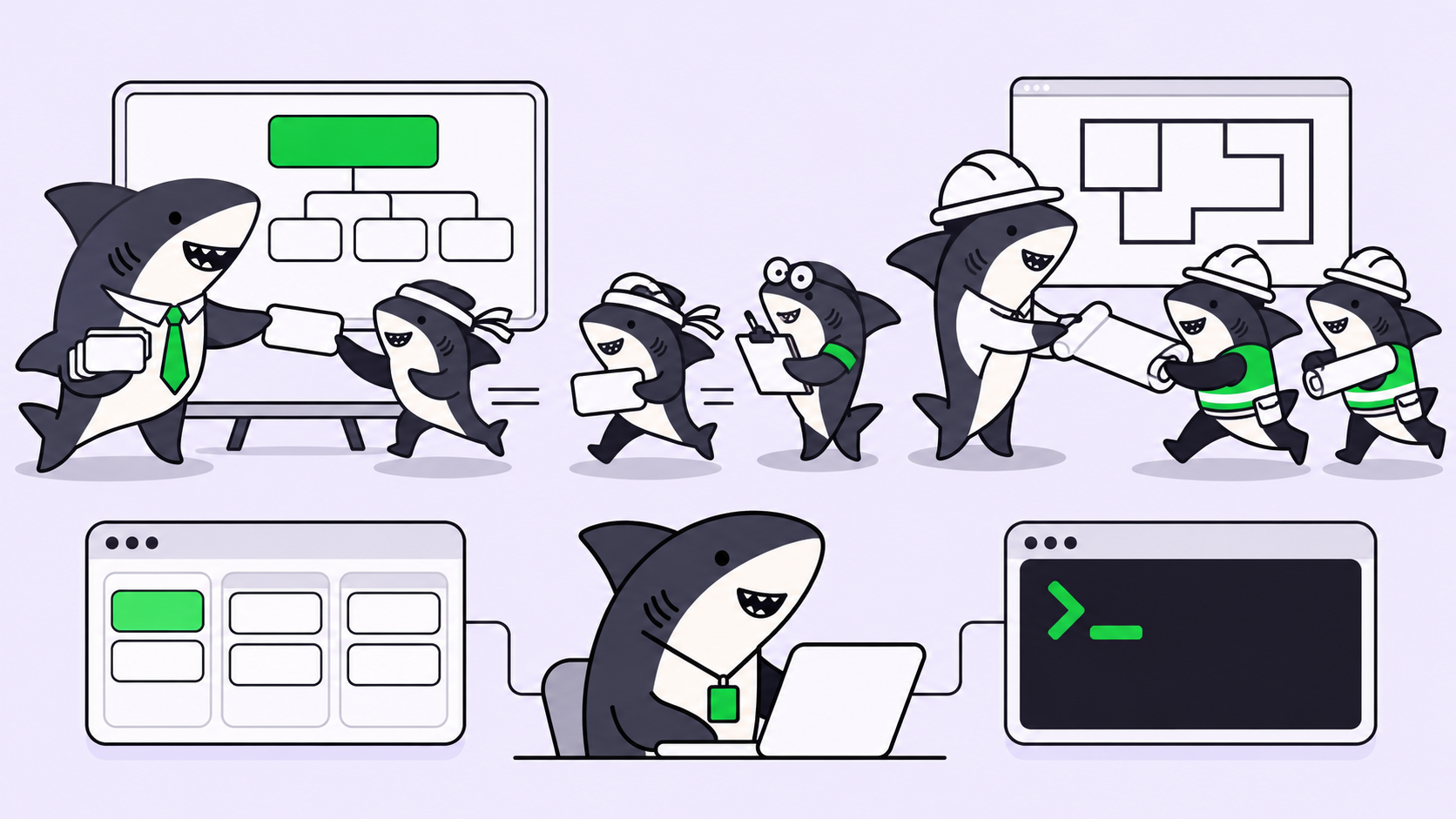
Switching harnesses is cheap. Switching the work system around them is not. Tasks, context, progress and review often live inside one agent’s session, so a new agent means a new workflow.
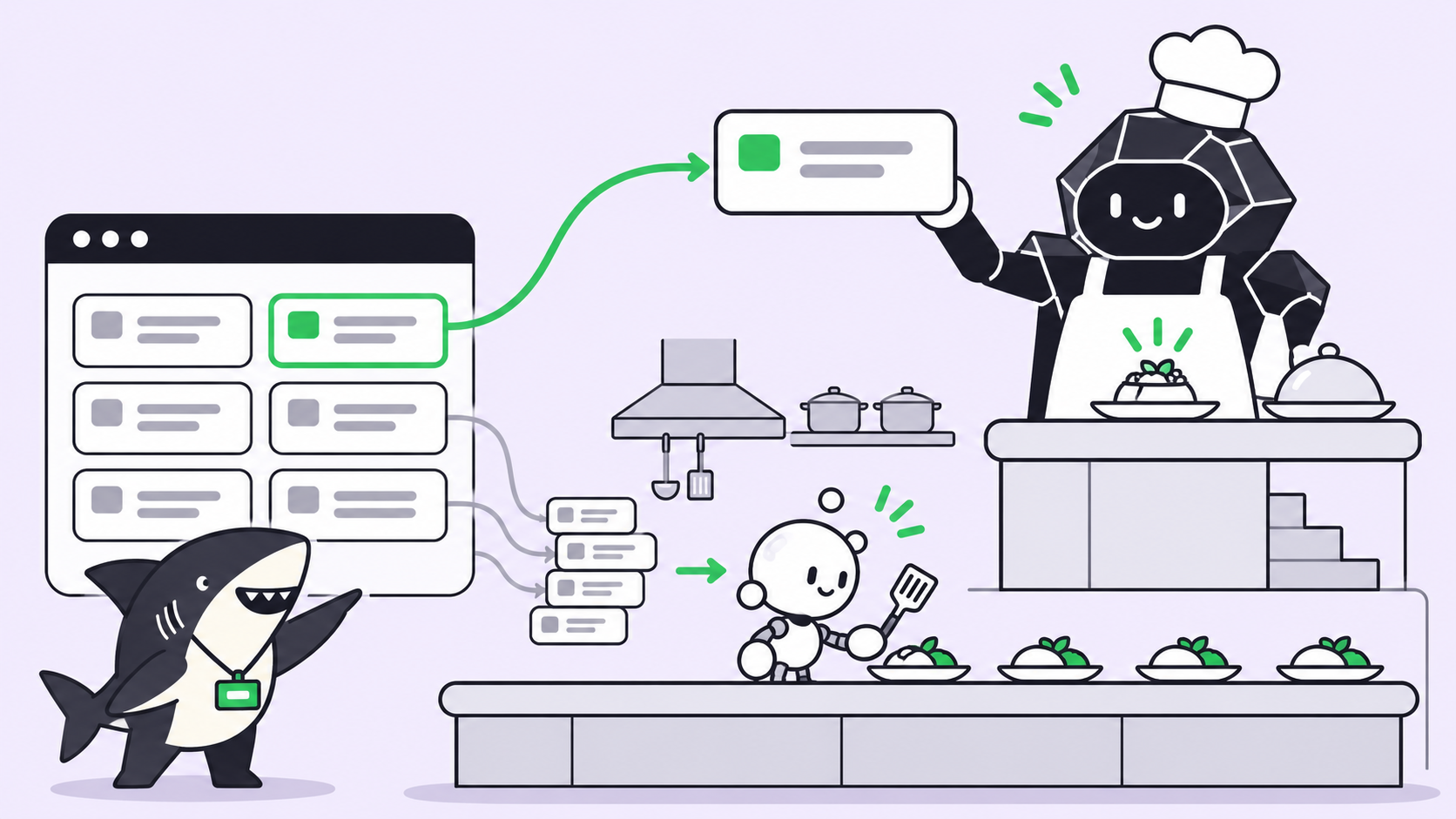
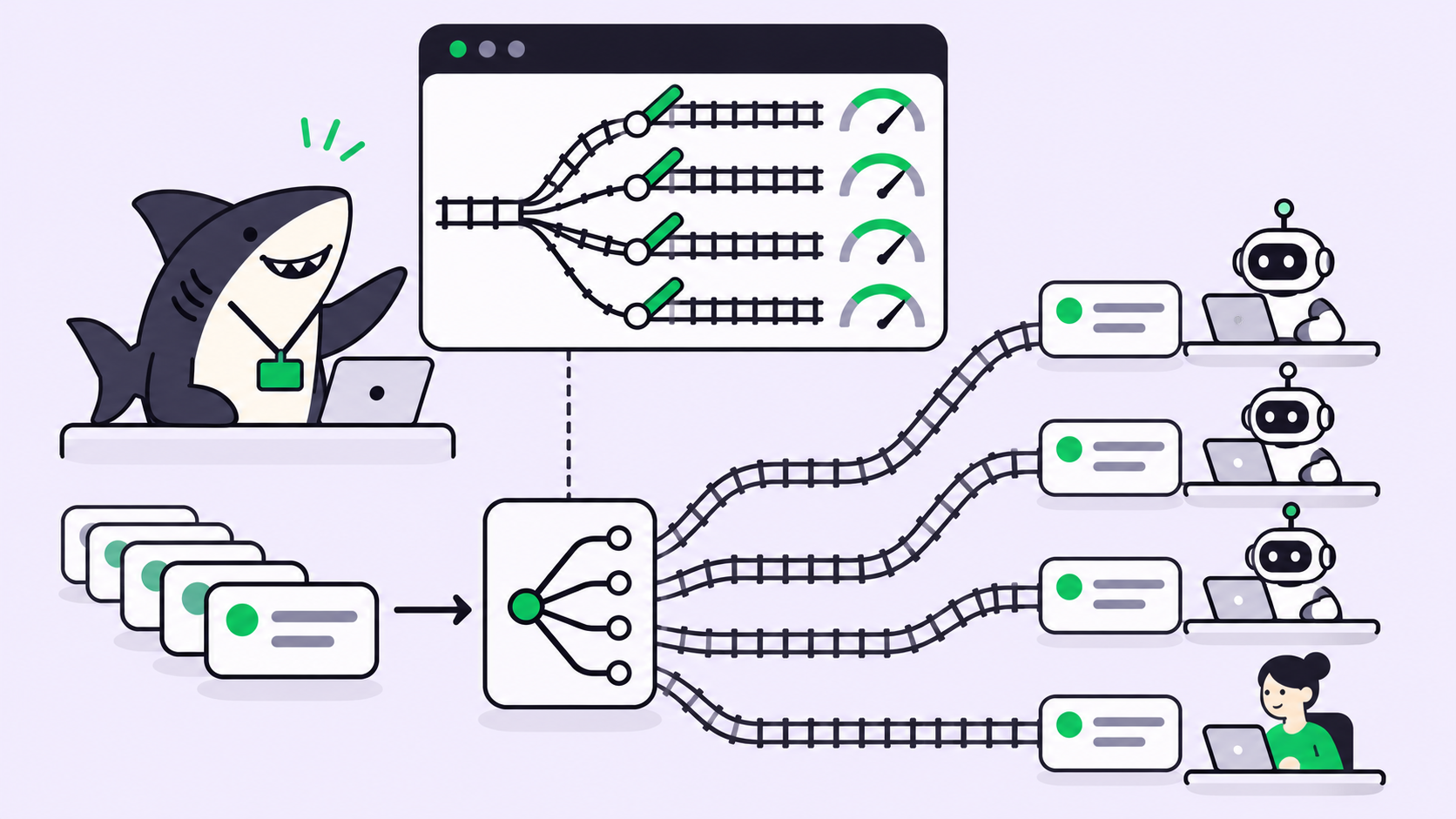
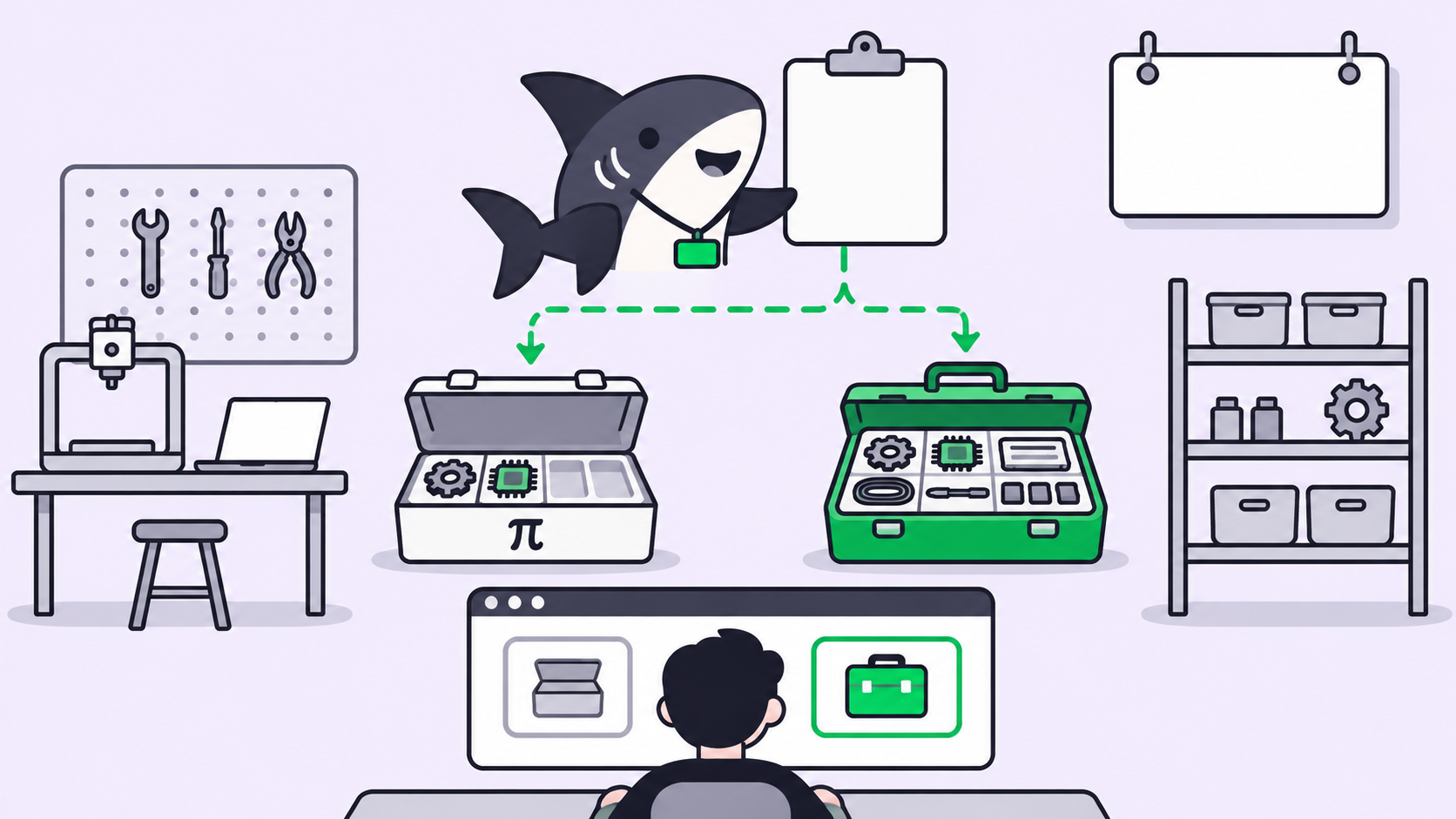
Sharkly is the layer above the agent. You create a task, assign it to an Agent, and that Agent runs on a Computer (a laptop, server or VM you connect) through a Runtime (the coding agent installed there). The Runtime list on a Computer already includes Claude Code, and Pi appears in the list of supported Runtimes:
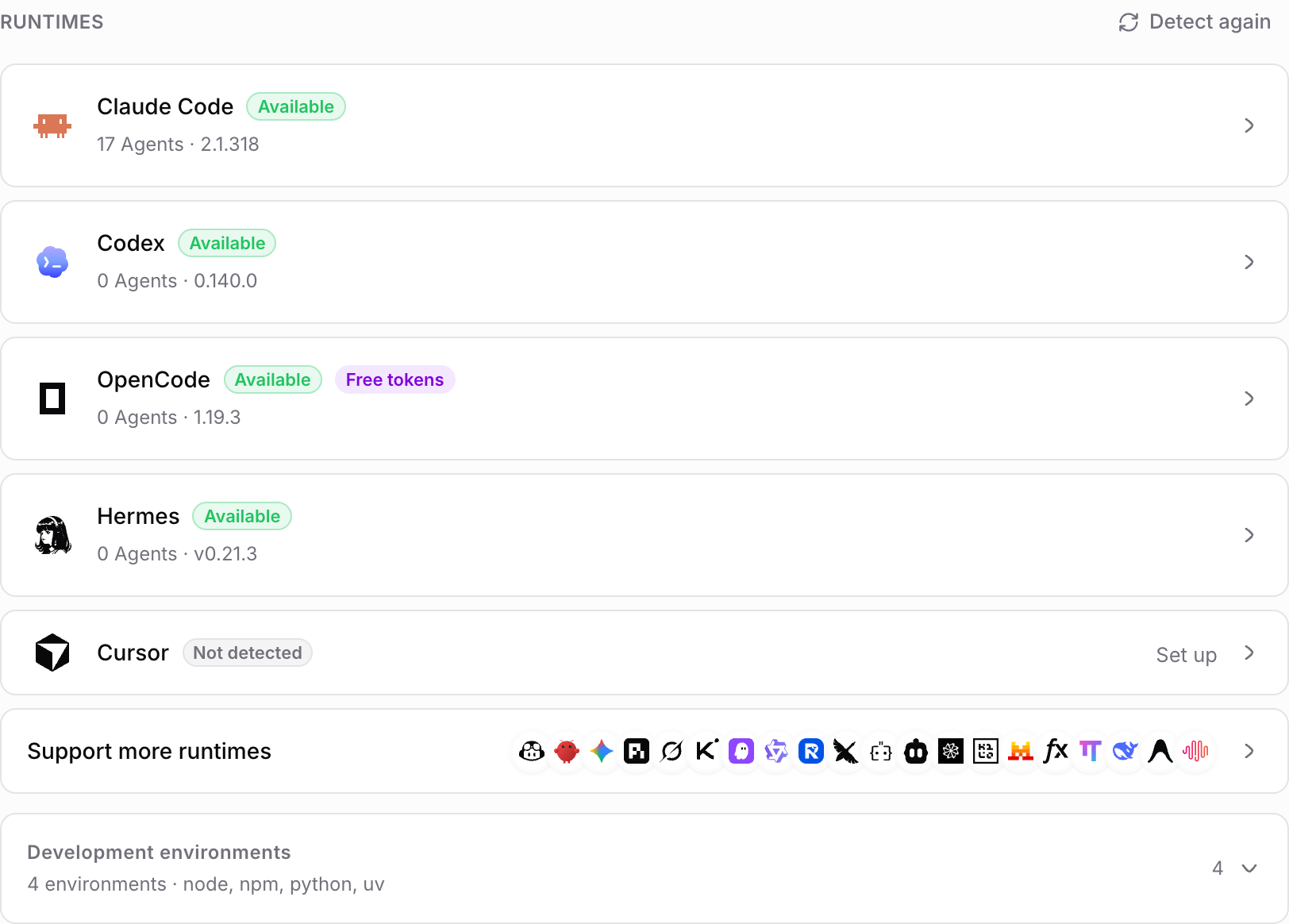
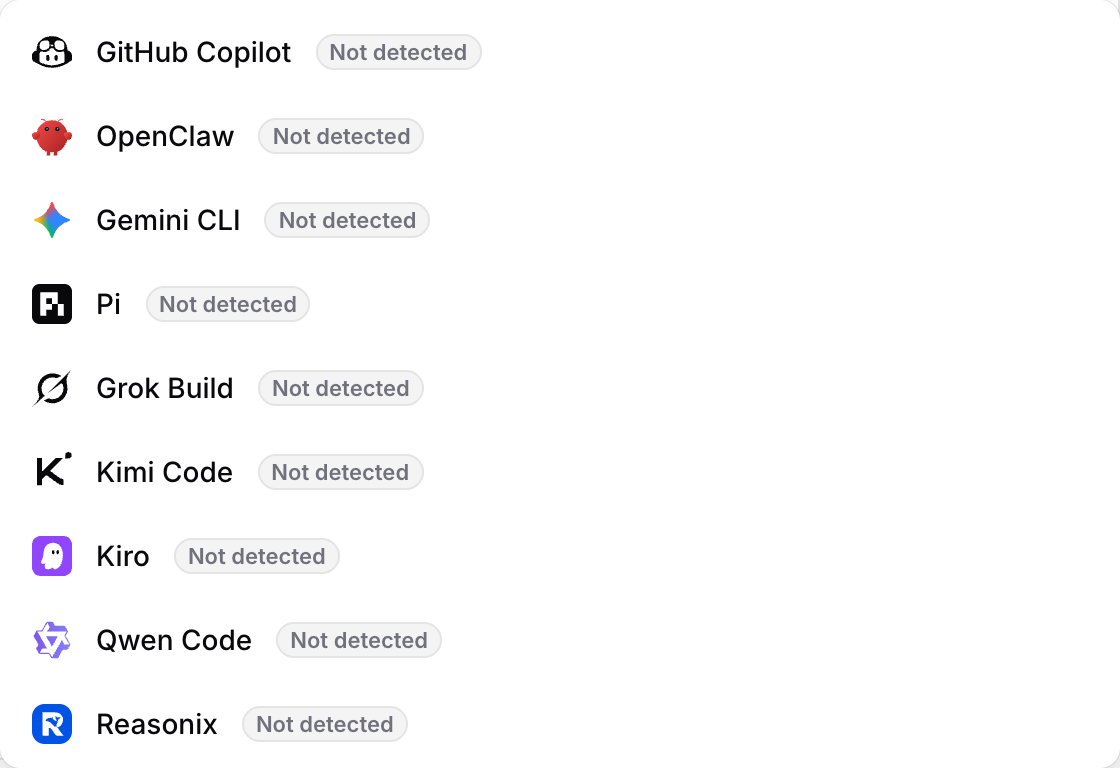
To try it, install Pi on the Computer, then use Detect again on the Computer detail page. The Sharkly docs explain the statuses: a Runtime marked Not installed needs the tool installed, and only an Available Runtime can execute Agent work.
# On the Computer that runs your agents
curl -fsSL https://pi.dev/install.sh | sh
sharkly computer register --install-token <install-token>   # once per Computer
sharkly computer list                                        # confirm it is online
From there, the same task board feeds both agents. Give a refactor to an Agent on Claude Code and a dependency bump to an Agent on Pi, then review both results in one place. Model usage stays on the plan or key each Runtime already uses, because Sharkly does not sell tokens. The Free plan is $0 for organizations of up to 5 people, per the pricing page (checked November 9, 2026).
For more on running several agents at once, see how to run multiple Claude Code agents.
Real-world setups
- Solo developer, cost-sensitive. Pi with a local model for exploratory work, Claude Code for the hard refactors.
- Team with mixed preferences. Some engineers on Pi, some on Claude Code, all tasks on one board so nobody asks “which session was that in?”
- Automation. Pi’s JSON and RPC modes suit scripted runs; route the results back to a task instead of a log file.
Conclusion
Pi and Claude Code answer different questions. Pi asks how small a harness can be if you’re willing to build the rest. Claude Code asks how much workflow can ship ready to use. Neither choice needs to be permanent. Install Pi on one Computer today, assign it a low-risk task in Sharkly, and compare the result against the same task on Claude Code.
FAQ
Is Pi better than Claude Code?
Neither wins outright. Pi is smaller, provider neutral and extensible; Claude Code ships sub-agents, plan mode and approval prompts. The better choice depends on whether you want to build your workflow or adopt one.
Is Pi open source?
Pi is MIT-licensed, and its source is on GitHub under earendil-works/pi. Models you connect keep their own licenses and terms.
Can I use my Claude subscription with Pi?
Pi’s /login supports subscriptions through OAuth for built-in providers. Check your provider’s terms before using a consumer plan in a third-party harness; an API key avoids that question.
Does Pi support MCP?
Yes. The Pi site says MCP is now built in, with MCP extensions still supported. Earlier versions left it out.
Does Pi read CLAUDE.md?
Yes. Pi’s security docs list AGENTS.override.md, AGENTS.md and CLAUDE.md as context files it loads.
Is Pi safe to run on my laptop?
Pi does not ask before each tool call. Its docs recommend a container, VM or sandbox as the strongest practical boundary.
Who makes Pi?
Mario Zechner created Pi. The project is now published by Earendil Inc. and contributors.