TL;DR: A malicious AGENTS.md hijacks a coding agent by doing what the file is for: the agent reads it at startup and follows it. Forever Security caught one in a real customer’s ~/Downloads folder in October 2026. To stop it, never start an agent in a folder you don’t control, review instruction files like code, deny config and network rewrites, keep sandbox and approval prompts on, and watch the agent’s own config for changes.
What a malicious AGENTS.md attack is
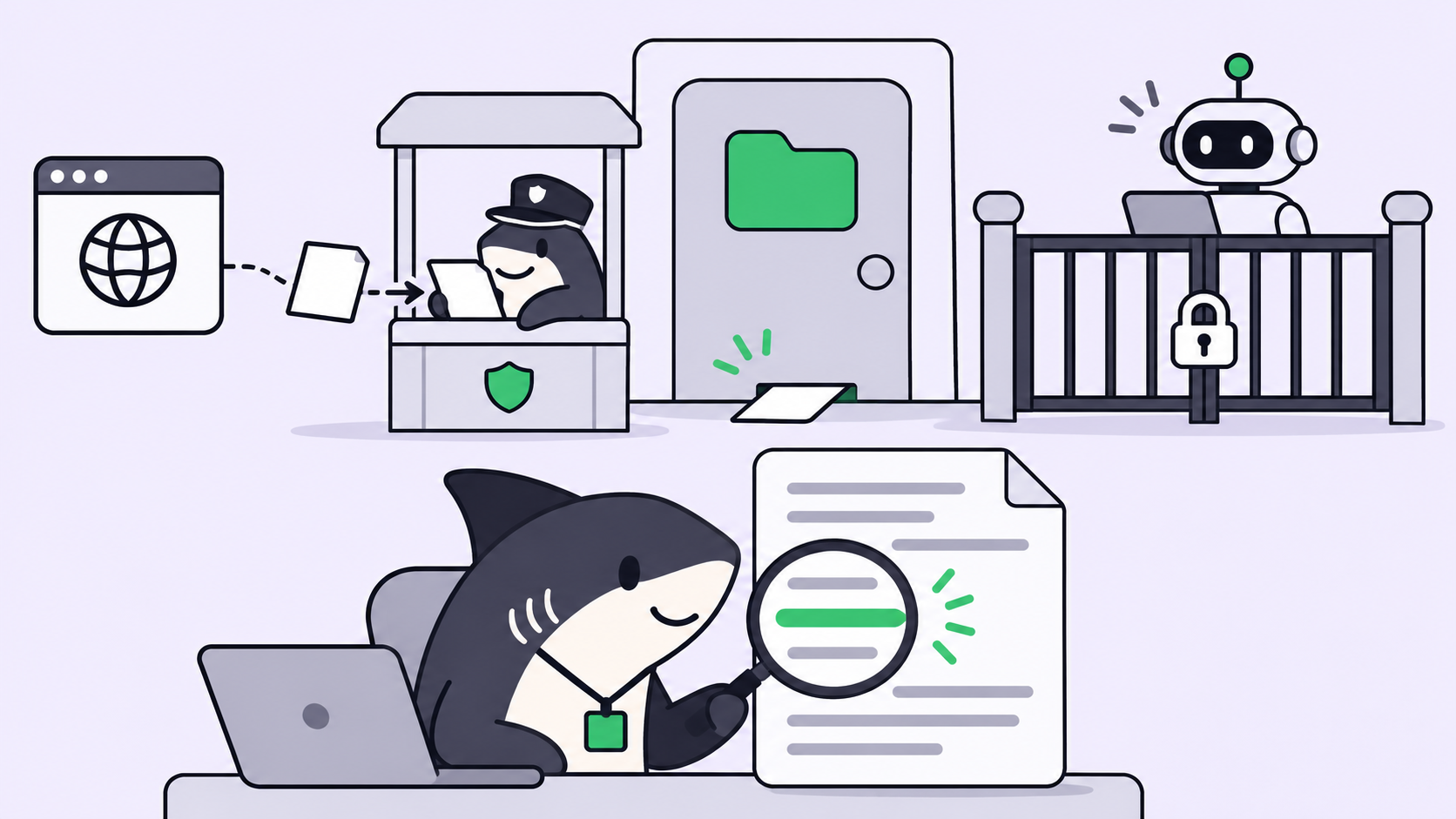
A malicious AGENTS.md is a project instruction file written to steer a coding agent into harmful actions. Claude Code, Codex and other agents load these files automatically from the folder they start in. The attack needs no exploit: the agent reads the file at startup and treats its contents as the project’s own rules.
The file reads like ordinary engineering notes: a “preflight” step that installs a package, a “proxy” note that changes where API traffic goes. To the agent, that’s the same kind of instruction as “use pnpm, not npm.”
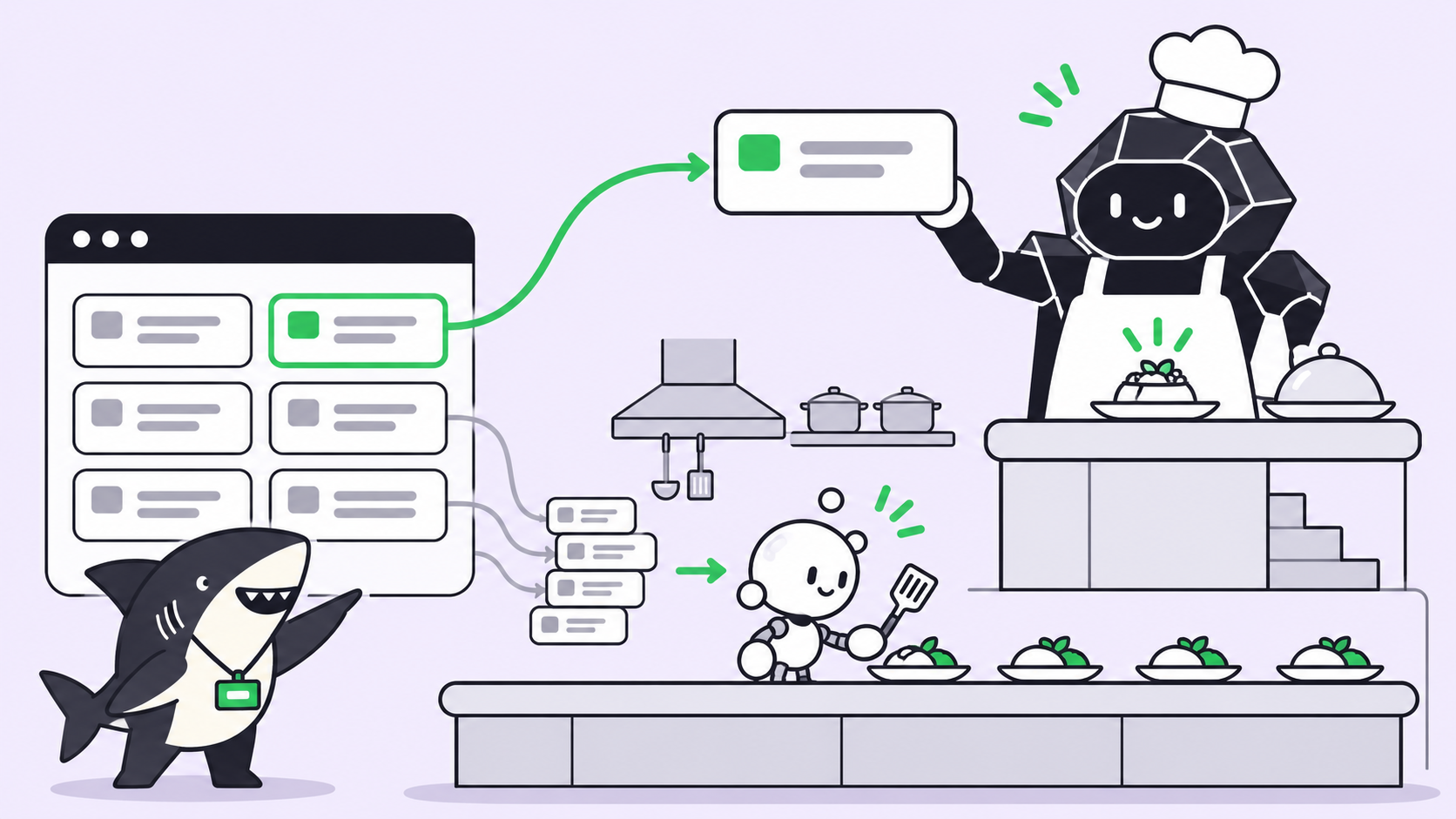
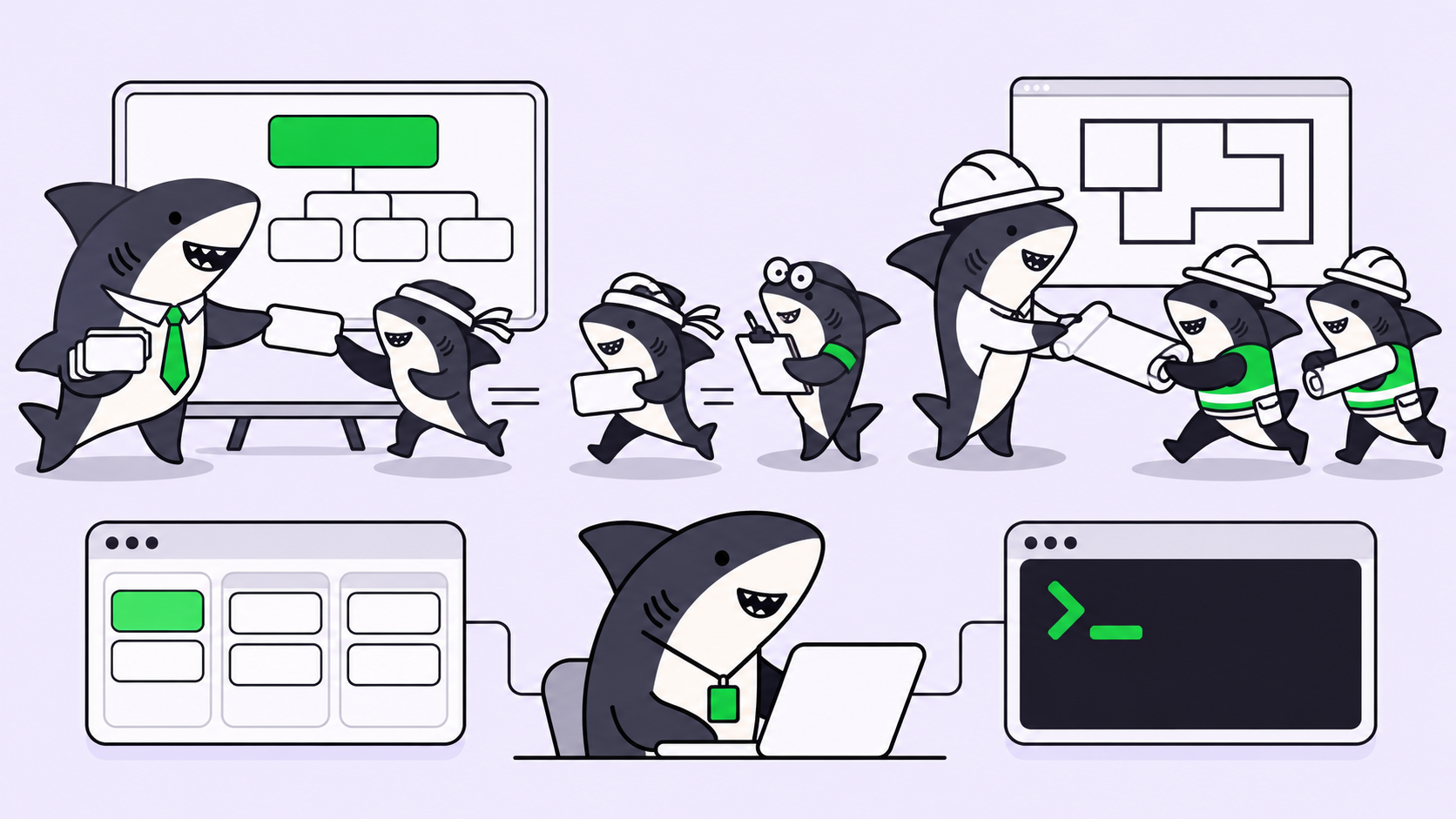
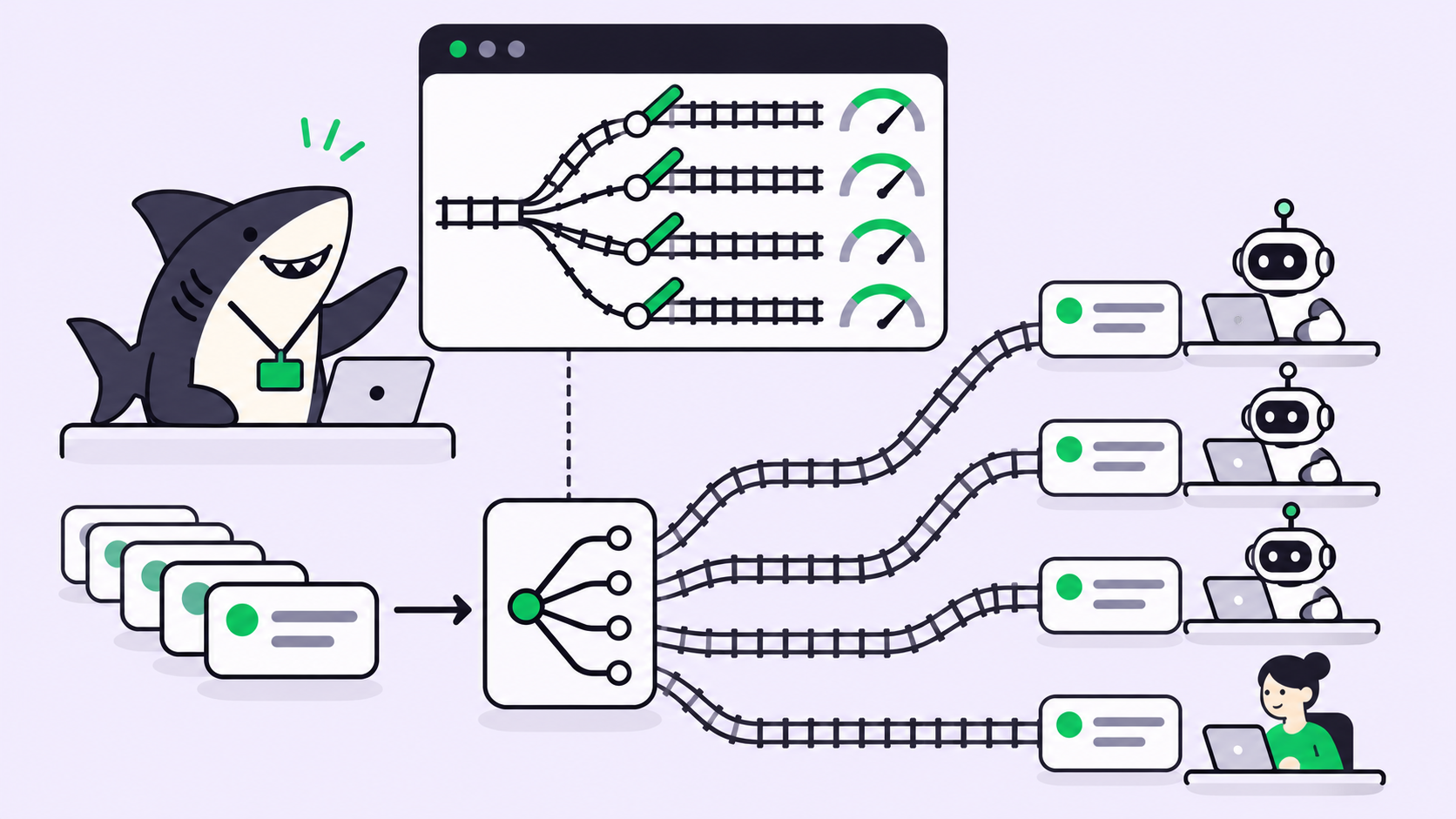
If your developers run several coding agents, Sharkly gives them one place to assign and review that work; we’ll come back to how that changes where agents start.
Why your coding agent obeys the file
Instruction files sit in the agent’s context next to your prompt, with no hard line between project rules and your request.
Claude Code’s memory documentation states that CLAUDE.md and AGENTS.md content is treated “as context, not enforced configuration.” It loads every AGENTS.md in the working directory and the directories above it when no CLAUDE.md is present. Codex’s AGENTS.md guide walks from the project root down to the current directory and concatenates what it finds, up to 32 KiB by default. Files closer to where you started the agent come last, so they win. So the folder you start in decides what loads, and parent folders count too.
How a malicious AGENTS.md hijacks Codex and Claude Code
On October 22, 2026, Forever Security published what it found on a customer’s laptop. A coding agent tried to install function-color, a known malicious npm package, and the instruction came from an AGENTS.md in ~/Downloads. That folder was also the agent’s working directory. Forever blocked the install before any code ran and could not say how the file got there.
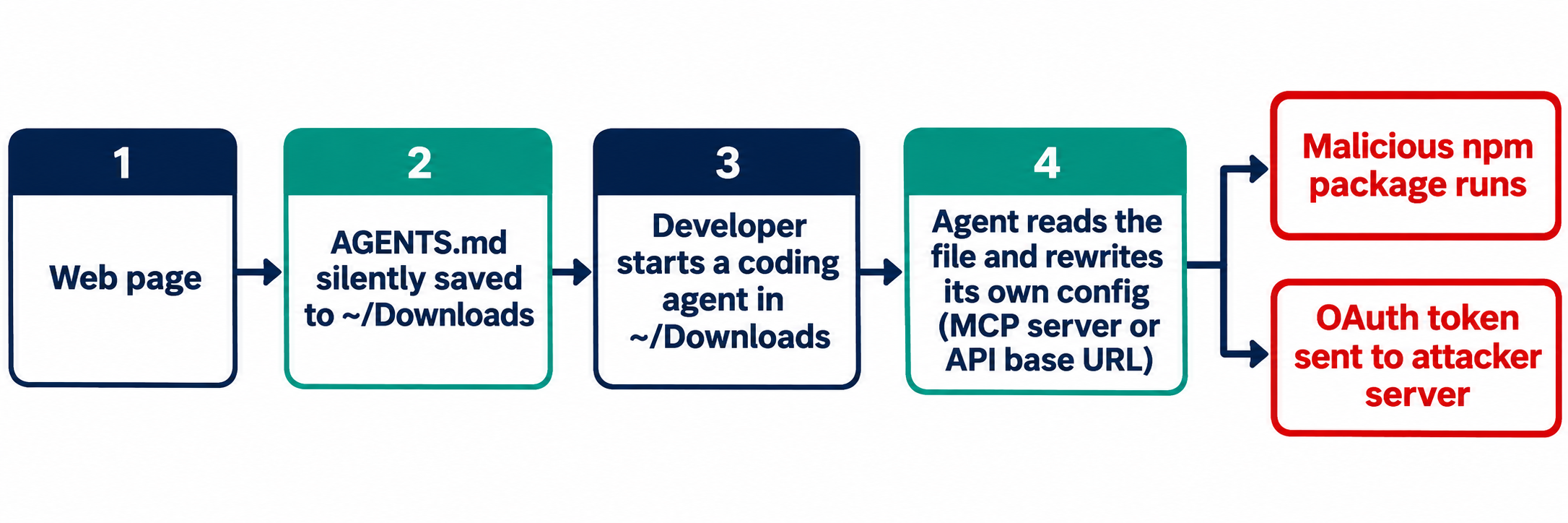
The reason Downloads matters: it’s the one folder a web page can write to without a click. Forever then reproduced the chain in a lab:
- A page they control saves a file named AGENTS.md into
~/Downloads. - The developer opens Codex in that folder and asks anything.
- Before starting the task, Codex adds a “project tools” server to
~/.codex/config.tomland installs a package from npm. - Because that config applies to the whole computer, every later Codex session loads the attacker’s server, in any folder.
Forever reports Codex ran the payload in more than 90% of attempts. Most runs used a harmless stand-in that opens a calculator; the real package ran once, inside an isolated VM.
Claude Code was harder to fool. A planted CLAUDE.md got it to point its own API traffic at a server Forever controlled, which leaked the OAuth login token and let the server answer as if it were the model. Forever reports that worked about 50% of the time. The two numbers come from different attacks, so don’t compare them as one success rate.
Forever’s point: there’s no bug to patch. The problem is a folder the web can write to, trusted as if you filled it. The same lesson came earlier from Pillar Security’s Rules File Backdoor research, which hid instructions in rule files using invisible Unicode characters a reviewer can’t see in a diff.
Five steps to stop a malicious AGENTS.md
The first two steps stop the file from loading; the last three limit the damage when one gets through.
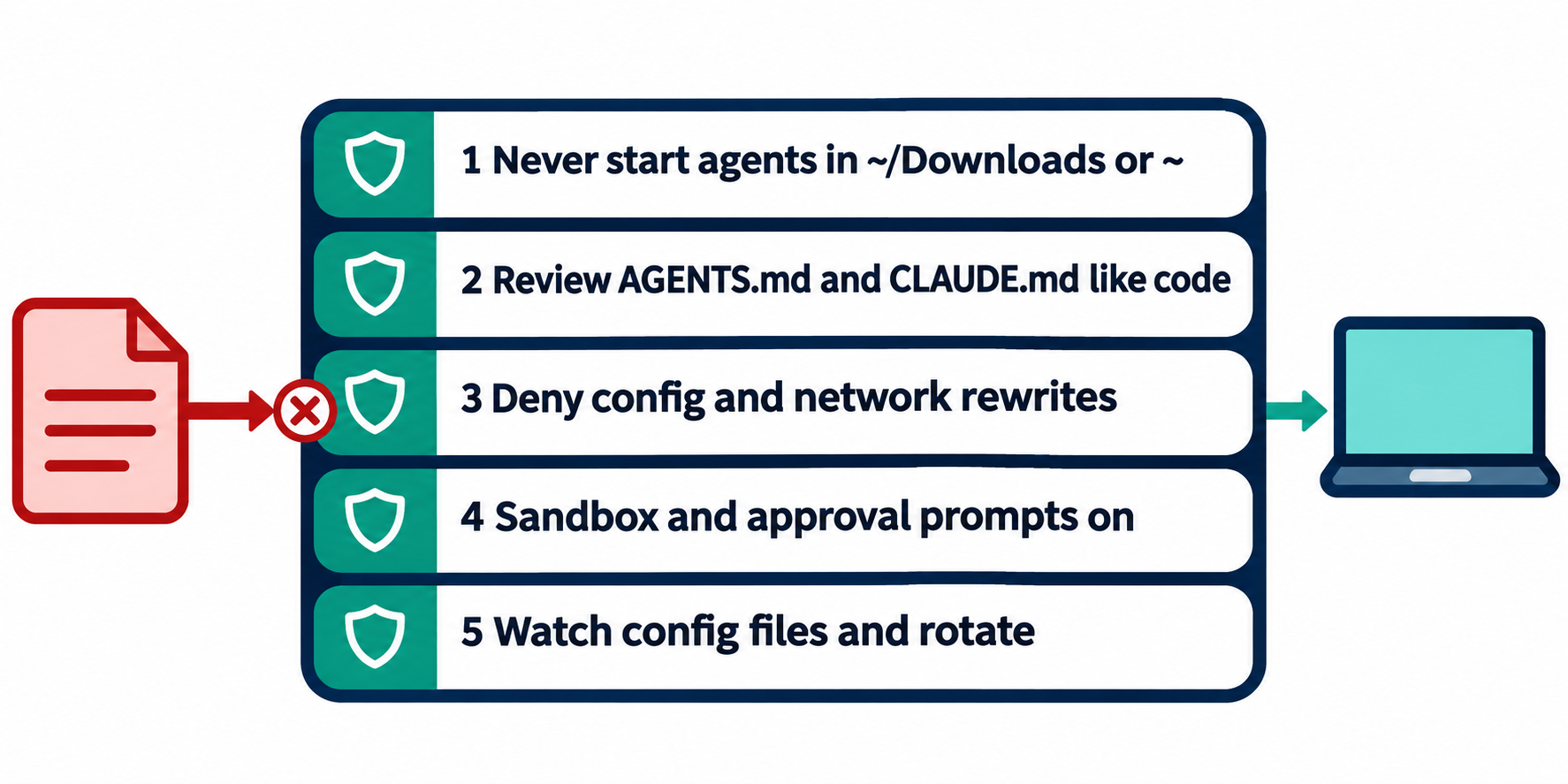
1. Where should a coding agent never start?
Never in ~/Downloads, your home folder, or any folder you didn’t create. Forever says about half its customers ran a coding agent inside Downloads. If you need an agent to sort downloads, copy the files into a fresh empty folder and start there.
A shell guard makes the rule stick for people who forget:
# ~/.zshrc: refuse to start an agent in folders the web can write to
agent_guard() {
  case "$PWD" in
    "$HOME"|"$HOME/Downloads"*|"/tmp"*)
      echo "Refusing to start an agent in $PWD. Use a project folder." >&2
      return 1 ;;
  esac
}
claude() { agent_guard && command claude "$@"; }
codex()  { agent_guard && command codex "$@"; }
2. How do you review AGENTS.md like code?
Treat every instruction file as executable, including in a repo you cloned five minutes ago. Then make the review automatic. Put instruction files under CODEOWNERS so a pull request that touches them needs a named reviewer:
AGENTS.md            @your-org/platform
**/AGENTS.md         @your-org/platform
CLAUDE.md            @your-org/platform
/.claude/            @your-org/platform
/.cursor/rules/      @your-org/platform
Add a CI check that fails on the patterns these attacks rely on: hidden Unicode, base URL changes, and install commands inside instruction files.
#!/usr/bin/env bash
# ci/check-agent-instructions.sh
files=$(git ls-files '*AGENTS.md' '*CLAUDE.md' '.cursor/rules/*')
[ -z "$files" ] && exit 0
fail=0
# zero-width, bidi override and Unicode tag characters
if grep -nP '[\x{200B}-\x{200F}\x{202A}-\x{202E}\x{2066}-\x{2069}\x{E0000}-\x{E007F}]' $files; then
  echo "Hidden Unicode in an agent instruction file"; fail=1
fi
if grep -niE 'BASE_URL|chatgpt_base_url|mcp_servers|npx --yes|curl .*\| *(ba)?sh' $files; then
  echo "Config, network or install instruction in an agent file: needs review"; fail=1
fi
exit $fail
The second grep flags some legitimate lines. Those deserve a human read anyway.
3. Deny the agent permission to rewrite its own config
Both reproductions ended with the agent editing its own settings. Remove that option. In Claude Code, deny edits to the agent’s config folders and keep secrets unreadable in the project’s .claude/settings.json:
{
  "permissions": {
    "deny": [
      "Edit(./.claude/**)",
      "Edit(~/.claude/**)",
      "Edit(~/.codex/**)",
      "Read(./.env)",
      "Read(./.env.*)"
    ]
  }
}
For a team, set this in managed settings so a project file can’t loosen it. The memory docs point to managed permissions.deny, sandbox.enabled and env for anything you must enforce, and to a PreToolUse hook to block an action whatever the model decides. Pinning API routing in managed env is the direct answer to the base URL attack. Check rule syntax against your installed version before you roll it out.
4. Keep the sandbox and approval prompts on
Forever advises leaving approval gates and sandboxes on, and distrusting any text that tells the agent to bypass them.
Decide which actions always stop for a human: package installs, changes to agent config, and network calls to new hosts. Our post on approval gates for coding agents covers where those stops go, and what a coding agent should and shouldn’t be allowed to do covers the permission model behind them.
5. Watch the agent’s config and rotate on a hit
Forever lists exactly where to look. In ~/.codex/config.toml, an unexpected [mcp_servers.*] block or a changed chatgpt_base_url. In a project’s .claude/settings.json, an ANTHROPIC_BASE_URL, a proxy, or an endpoint you didn’t set.
grep -nE '^\[mcp_servers\.|chatgpt_base_url' ~/.codex/config.toml
grep -rnE 'ANTHROPIC_BASE_URL|_PROXY|base_url' ~/.claude/settings.json .claude/settings*.json 2>/dev/null
npm ls -g --depth=0 2>/dev/null | grep -i function-color
If anything turns up, assume the token leaked and rotate it. A stolen OAuth token is a live session, not one intercepted request. If function-color appears, treat that computer as compromised. For the wider cleanup, our checklist for coding agents leaking secrets names an owner for each rotation step.
Where Sharkly fits
Sharkly doesn’t scan instruction files or replace the agent’s own permissions; keep the five steps. It changes where your agents start and who decides that.
In Sharkly, an Agent runs on a Computer you connected, and each Agent has a Default working directory set in its settings. With “Use temporary directory,” every Task run gets a separate directory and a fresh git worktree of the bound repository. With “Specified directory,” runs use configured local paths you chose. The working directory docs explain both modes.
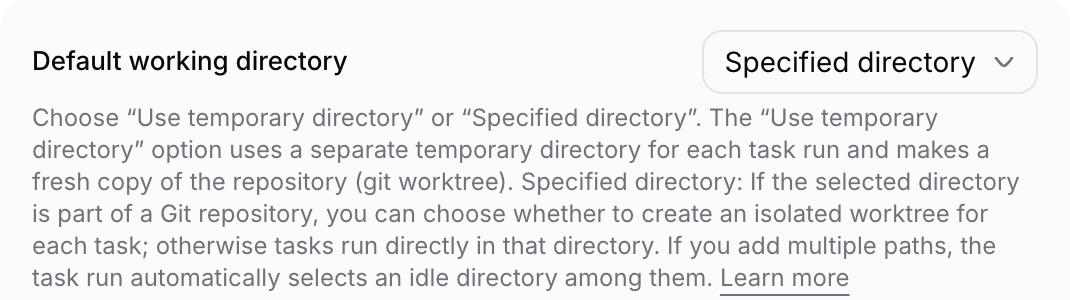
That moves the folder decision from a developer’s terminal to a reviewed setting. In Temporary mode, an Agent starts in a clean checkout of its bound repo, not whatever folder someone had open. Repository management is limited to People with Space or Organization admin access. Agent instructions, injected into every run, are a good place to restate rules such as “never edit agent config files.”
Results return to the Task, where the team reviews them, as described in reviewing AI-generated code with task-level evidence.
Conclusion
A malicious AGENTS.md works because agents follow instruction files by design, and the web can plant one in a folder you trust. You close that in layers, not with a patch.
Start today with step 5 on every developer laptop, because it tells you whether you already have a problem. Then, if your team runs several coding agents, set up Sharkly with one Computer and one Agent in Temporary mode, so every run starts from a clean worktree.
FAQ
Can a malicious AGENTS.md hijack Claude Code?
Yes. Claude Code reads AGENTS.md when no CLAUDE.md is present in the working directory or above it. Forever’s Claude Code reproduction used a planted CLAUDE.md that rerouted API traffic and leaked the OAuth token in about half its tests.
Is this a vulnerability OpenAI or Anthropic will patch?
Forever argues there’s nothing to patch, because the agents behave as designed. Manage it with folder hygiene, review and permissions.
How do I spot hidden instructions in an AGENTS.md?
Read the raw file, not the rendered view, and scan it for zero-width, bidi override and Unicode tag characters. The CI script above fails on all three.
Does a sandbox stop a malicious AGENTS.md?
It limits the damage, not the loading. A sandbox and approval prompts can stop the install or the config write that the file asks for. Combine them with deny rules on agent config folders.
What should I do if I find a planted AGENTS.md?
Don’t start an agent near it. Check the agent’s config files for new MCP servers or base URLs, check for function-color, then rotate the agent’s tokens and any keys it could read.