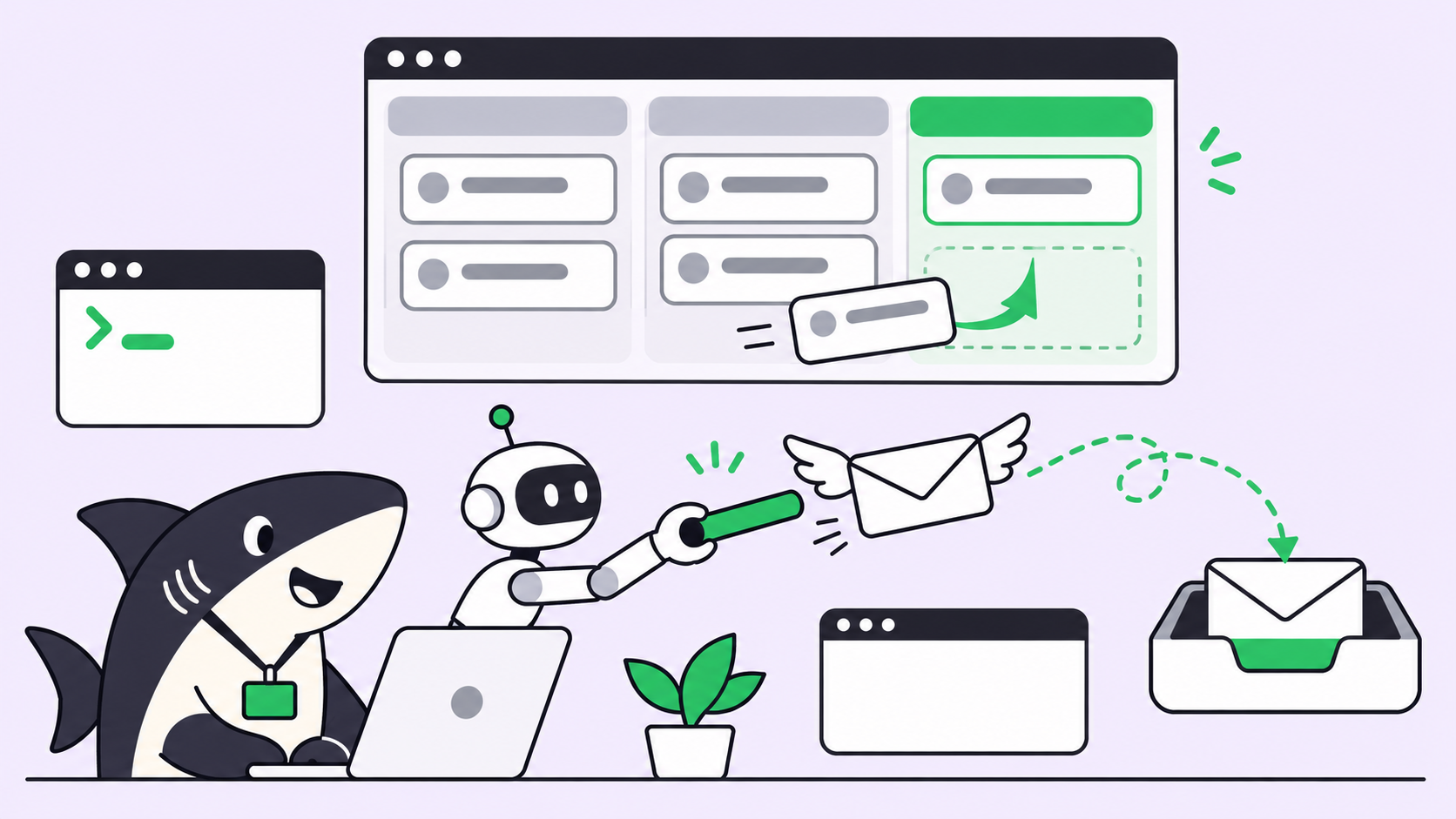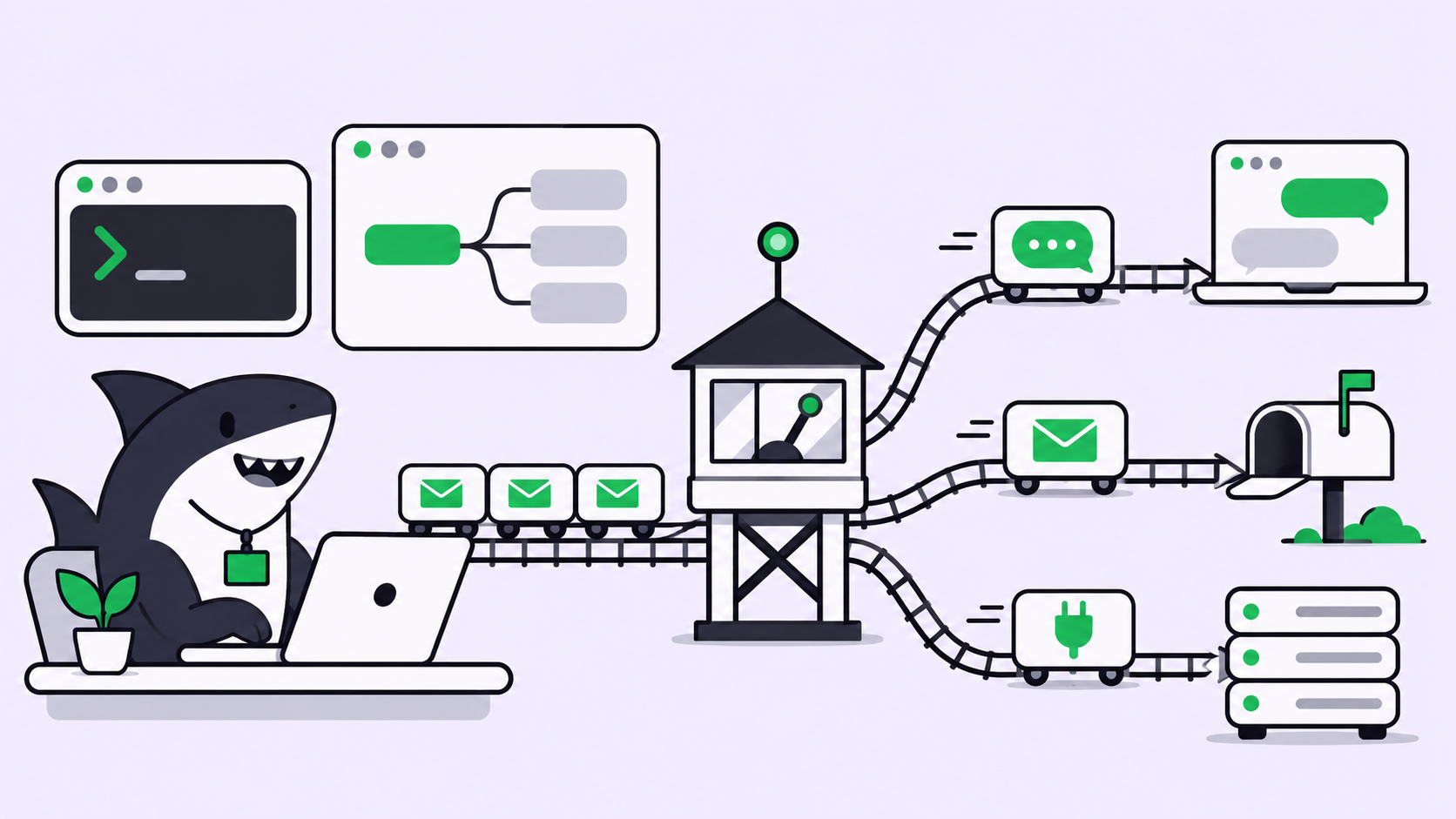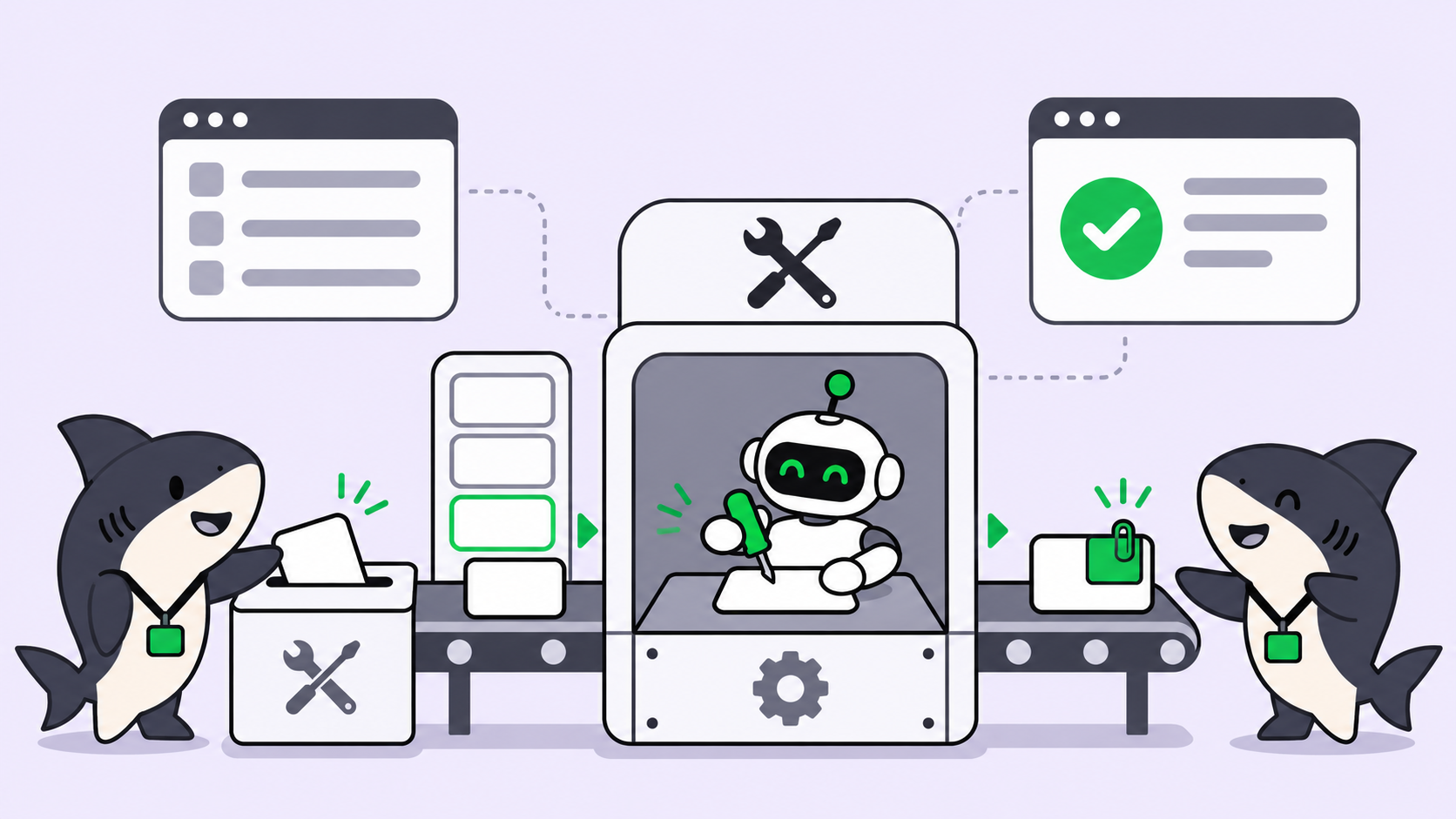
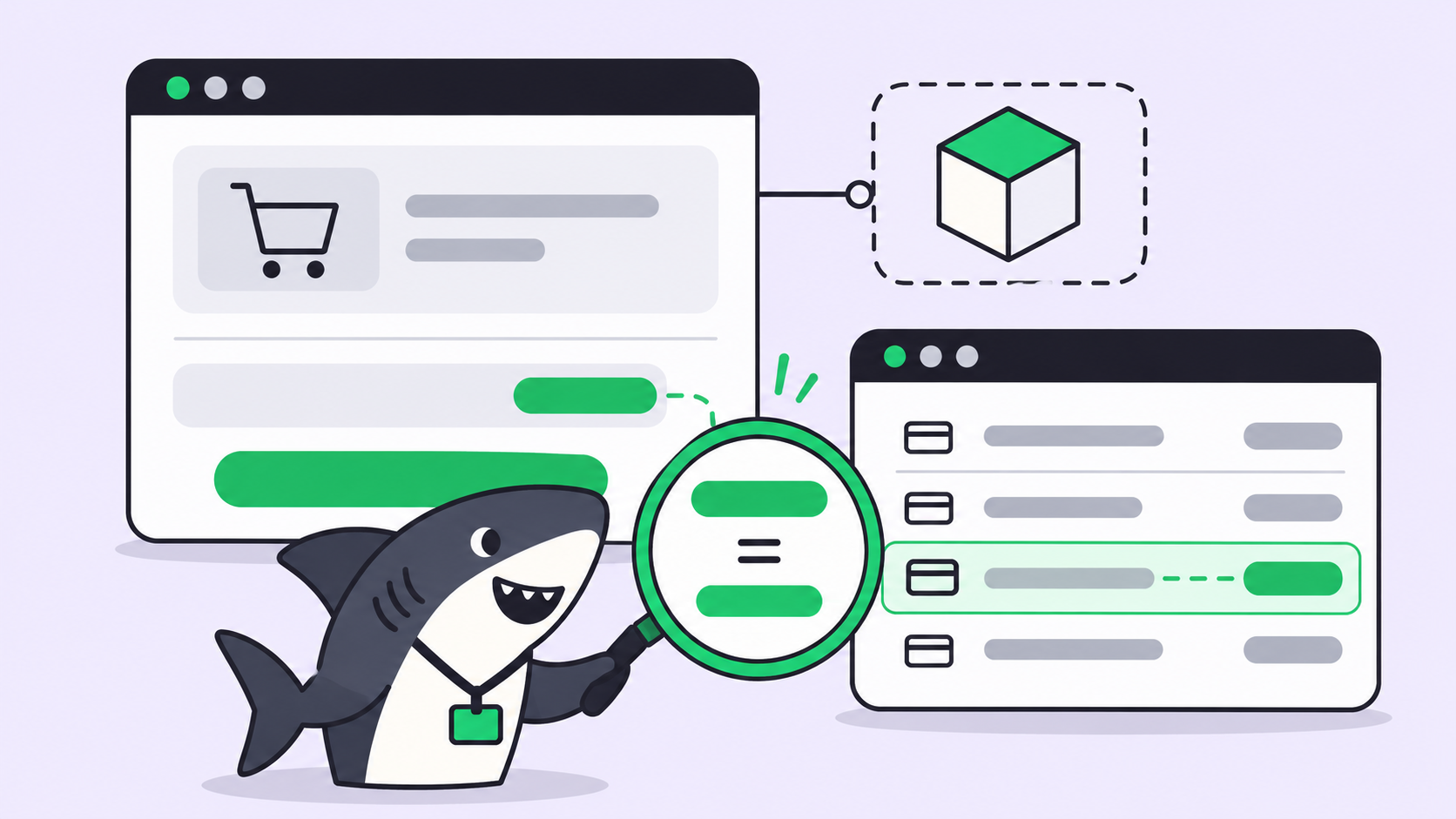
CodeRabbit Verify is an AI testing tool that runs your application in a sandbox. It proposes test scenarios from pull request changes and suggests reusable user journeys from your repository. Results include recordings, screenshots, and logs that help reviewers investigate unexpected behavior and give coding agents evidence for a fix.
A coding agent can implement a discount correctly on the checkout screen while leaving the simulated charge unchanged. The pull request may look reasonable until somebody places an order and compares the two amounts. CodeRabbit uses that example in its Verify announcement.
A small team can use Verify to exercise the changed workflow and Sharkly to assign the follow-up. If you already coordinate agent work in Sharkly, put the expected behavior on the task before the agent starts coding. It gives the author and the reviewer the same outcome to check.
How to test a pull request with CodeRabbit Verify
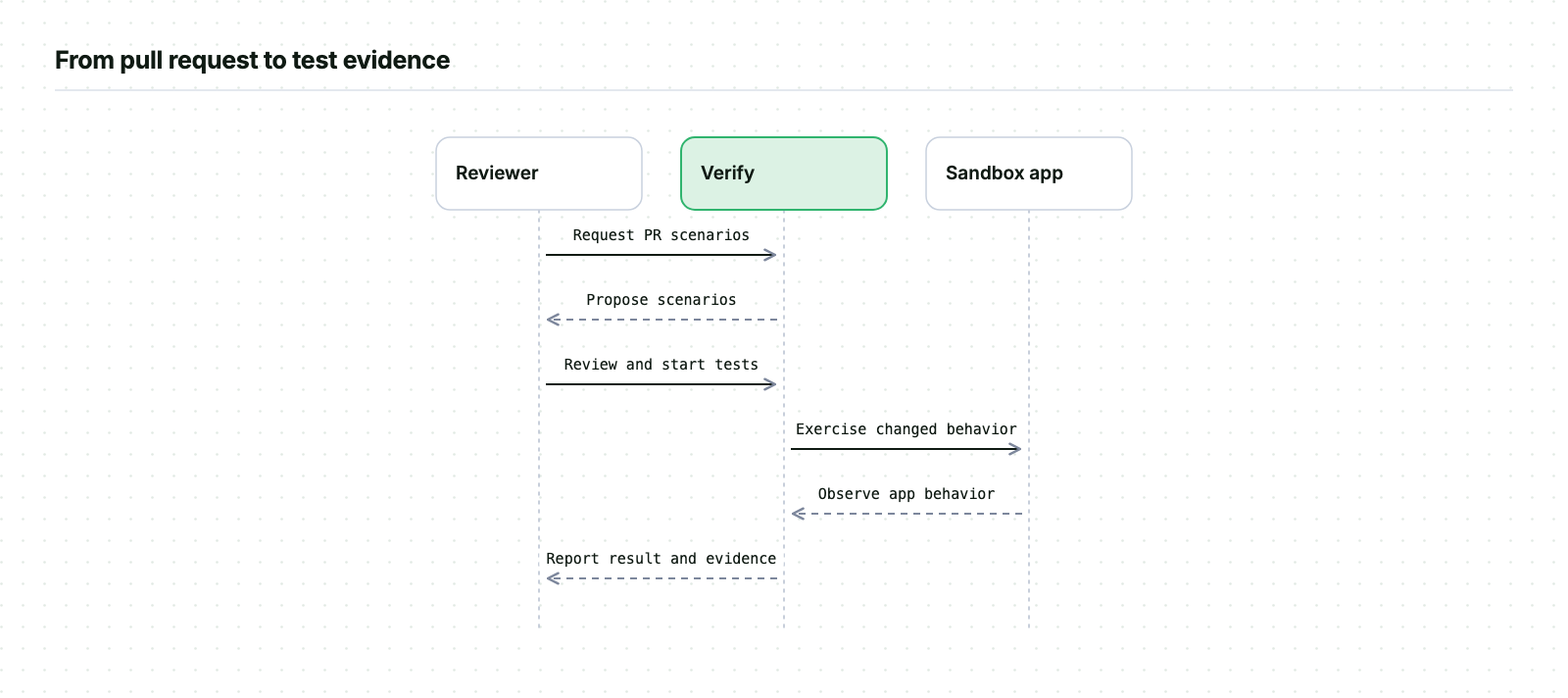
- Pick a pull request with a visible behavior change and write down what should happen when a user tries it.
- Comment
@coderabbitai verifyon the pull request. If the repository needs configuration, follow the setup link in CodeRabbit’s reply. - Review the proposed scenarios before starting the run. Verify draws from the PR and repository context, including relevant source, tests, and documentation.
- Run the scenarios against the sandbox application. CodeRabbit Agent prepares the environment, including dependencies, supporting services, and app startup.
- Read the outcome for each scenario. Open the recording, screenshots, or logs where you need evidence for a decision.
Start with an outcome you can observe. In a hypothetical checkout change, a $50 cart with a 10% coupon should display $45 and record a $45 simulated payment. Ask the test to check both amounts. If the expected total appears on screen but the recorded charge differs, you have a concrete failure to investigate.
Write down any test prerequisites too. For checkout, that might mean a seeded catalog, an eligible test account, and a simulated payment service. Reliable sample data makes it easier to distinguish an application failure from a missing prerequisite. See the CodeRabbit Verify product page for the request and setup flow.
Before starting the run, compare the proposed scenarios with your acceptance criteria. For a coupon change, a happy path alone leaves open what happens when a customer refreshes or removes the coupon. Pick the extra case that matters to the change. A short run with an explicit expected result gives you something specific to review against the PR.
Check which dependencies the sandbox needs to exercise that behavior. If the application normally sends a receipt after checkout, point the test environment at a test mail service and tell reviewers where to find the message. A reviewer can then check the charge and the receipt in the same run.
How to read pass, bug, and blocked results
A pass gives you evidence that the tested scenario reached its expected outcome on the tested revision. Check that the evidence covers the behavior you care about. A recording that ends at the confirmation screen can support a claim about the displayed total. A claim about the charge needs evidence from the simulated payment record.
A bug report gives you an expected result, an observed result, and evidence to inspect. When you send a finding for a fix, keep those details with the tested revision. Ask for a rerun after the fix so the reviewer has evidence tied to the newer commit.
A blocked or incomplete check needs its own decision. If the app starts but the coupon fixture is missing, record the missing fixture as a setup issue. Restore the fixture and rerun checkout before using the result to make a merge decision. If the run covered three scenarios and two completed, report which two completed and what remains open.
When to save a regression journey

PR scenarios answer questions about a particular change. A regression journey records a workflow you want to check again as the product changes. Verify analyzes your repository and proposes journeys with steps and expected outcomes. You review the steps, save the journey, and run it on demand or on a schedule.
Start with a workflow your team already checks repeatedly. For example, save a journey where a customer updates their shipping address, refreshes the settings page, and sees the updated address on their next checkout. A journey with explicit checkpoints tells a reviewer where the behavior first diverged.
Keep a versioned assertion for contracts that need an exact answer every time. A unit test can cover rounding across many order totals cheaply. A browser test can assert that a known coupon changes the on-screen total and that the change persists after reload. A generated Verify scenario is useful for exploring nearby interactions when a pull request changes the flow. Playwright’s assertions guide describes how to express conditions a browser test can check repeatedly.
A scheduled journey and a PR-specific scenario can cover different parts of the same feature. Run the standard address update on a schedule. When a PR changes validation for international addresses, use a PR scenario with a concrete country and postal code. If that case keeps breaking, keep it as a repeatable regression check.
How to hand off a Verify finding in Sharkly
In a Sharkly task, record the expected outcome, observed behavior, tested commit, and a link to the PR or evidence. Use the task’s Assignee control to give the repair to an Agent, and keep a person responsible for reviewing the rerun. The task can track repair work while that person reviews the evidence for the merge.
Give the Agent a short, testable request. For the checkout example, ask it to make the simulated charge match the discounted total and add a regression assertion for the mismatch. Include the three steps that exposed the bug so the agent can reproduce it in the same test environment.
Use the task conversation to review the fix with the Agent. Ask which commit contains the change, which checks ran, and whether anything remained blocked. Store the outcome on the task so the next person can see what was checked without having to reconstruct the run. The Sharkly task guide explains how human ownership and Agent assignment work together.
Start with one behavior change
Choose a PR that changes a workflow you can exercise with test data. Write down the expected result, run Verify, and inspect the evidence before deciding whether to merge. If the result needs follow-up, open a Sharkly task with the tested revision and rerun criteria so the repair has a clear finish line.
CodeRabbit Verify FAQ
Is CodeRabbit Verify free?
CodeRabbit says PR test runs and repository journey runs are free during public beta. Its FAQ also says the first CodeRabbit Agent turn in each Verify fix task is free and follow-up turns use normal Agent billing. Check the CodeRabbit FAQ before budgeting for repair work.
How do I start Verify from a pull request?
Comment @coderabbitai verify and follow the reply. Configure the test environment if prompted, review the generated scenarios, and start the run.
Does CodeRabbit Verify replace code review?
Keep both checks. A code reviewer can assess the implementation and its maintainability. Verify exercises selected scenarios against a running application and gives the reviewer behavior to inspect.
Can I edit a generated test scenario?
Yes. Review and refine generated PR scenarios before starting a run. You can also edit a proposed repository journey before saving it for repeated use.
What happens when Verify cannot run a check?
Verify reports an incomplete check or setup limitation separately from application bugs. Resolve what blocked the check, then rerun the scenario to get evidence about the application.