Your coding agent can write a service, refactor a module, and explain a stack trace. Ask it what people said about a library release last week and it stalls. Ask it to summarise a conference talk and it cannot reach the transcript. The information an agent most needs sits on platforms that either charge for access or block it.
Agent-Reach is one CLI that routes around that, and at 77,134 stars it is the most-adopted answer to the problem. It solves reading. It does not solve what happens to what the agent read, which is the part that costs teams real time.
TL;DR
This is one of five deep dives from our roundup of open source tools that extend coding agents.
Agent-Reach connects any agent that can run shell commands to X, Reddit, YouTube, GitHub, RSS, Bilibili, XiaoHongShu, Facebook, Instagram, podcasts, and general web search, using free access paths instead of paid platform APIs. Every platform routes through a primary backend with fallbacks, so broken access paths get switched upstream rather than by you. Start with the zero-configuration platforms, review the terms before connecting cookie-based ones, and give research somewhere to land that is not a terminal scrollback.
The barrier it removes
Each of these platforms has its own obstacle, and each workaround is its own small integration project:
| Platform | The barrier | Setup in Agent-Reach |
|---|---|---|
| Twitter/X | Paid API, around $215/month at moderate use | Browser cookie |
| Server IPs blocked on anonymous endpoints | Browser session or cookie | |
| YouTube | Transcripts not exposed | Zero config |
| GitHub | Auth needed beyond public reads | Zero config, gh auth login for more |
| Web pages | Markup noise | Zero config |
| Web search | API keys | Auto-configured at install |
Wire up five platforms yourself and you have five things that break independently. The proposition here is one install and then invisibility.
Installing it
The install path is unusual: you hand your agent a documentation URL rather than running a command.
Install Agent Reach: https://raw.githubusercontent.com/Panniantong/agent-reach/main/docs/install.md
The agent installs the Python package, checks the environment, and reports what is ready. The default is read-only, and system-level changes require an explicit flag.
pip install https://github.com/Panniantong/agent-reach/archive/main.zip
agent-reach install --env=auto
agent-reach doctor
agent-reach doctor prints what works, what does not, and how to fix each one. For a tool whose job is inherently brittle third-party access, shipping a health check as a first-class command is the right instinct.
The design decision worth copying
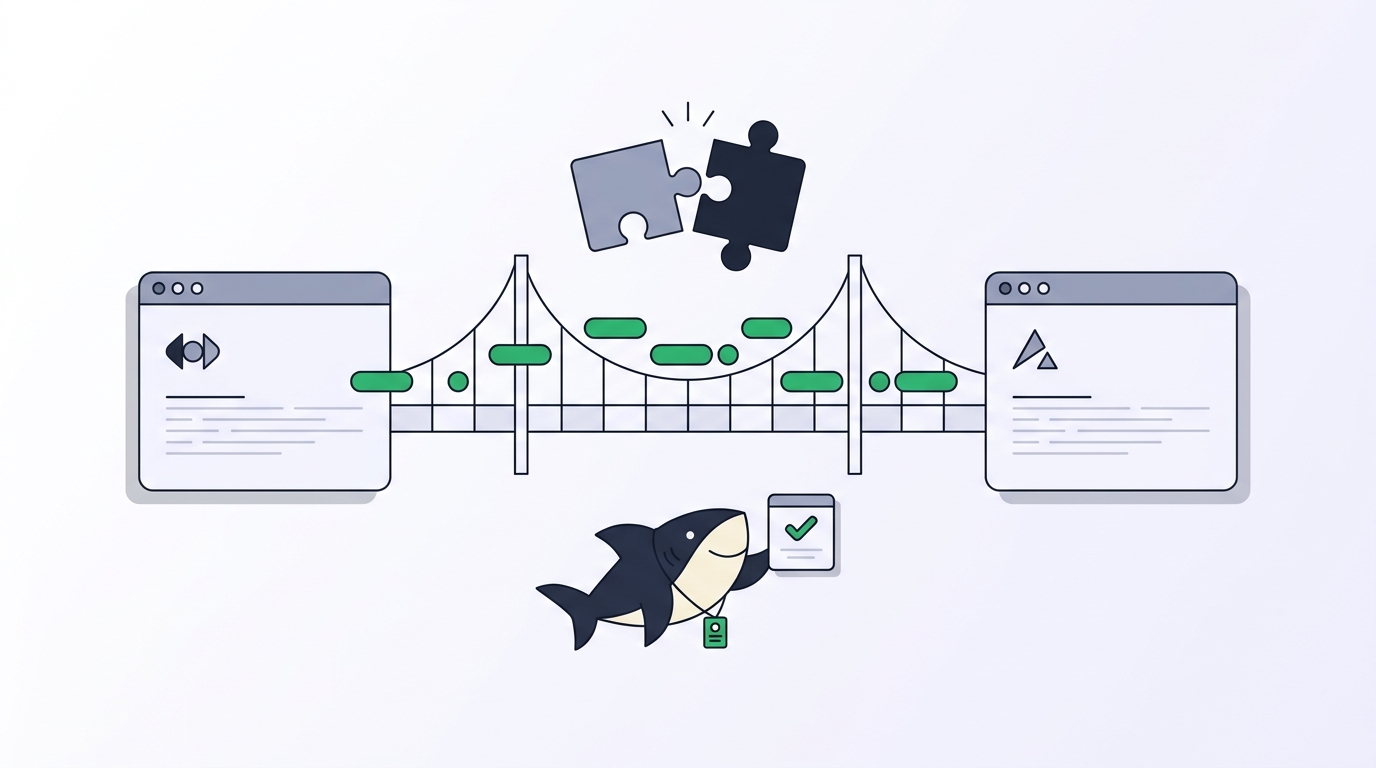
Anyone can wrap a scraper. The reason this project holds up is the fallback chain: every platform has a primary backend and an ordered list of alternates, so when an access path dies the project switches the default and ships an update. Their own example is Bilibili starting to return 412 errors to one backend in June 2026, with users noticing nothing.
That prevents the failure mode that kills homegrown versions. Your scraper works for four months, breaks on a Tuesday, and you find out when an agent reports confidently that a topic has no discussion, rather than that the fetch failed. An agent that cannot tell an empty result from a failed request will state both with the same confidence.
Where the free access model needs a decision
The zero-configuration platforms are uncomplicated: public APIs, the official GitHub CLI, RSS, and a search provider that wants the traffic.
The cookie-based platforms are a different question. Reading X, Reddit, or Instagram through your own logged-in session is not an authorised API path. The project handles it responsibly, keeping cookies local and never uploading them, and it is open source so you can verify that. What it cannot do is change the terms you agreed to on those accounts.
Use it for personal research on your own accounts, which is what most people install it for. Review the relevant terms before anything commercial, and use an account you can afford to lose. Do not treat unofficial access as a production data feed.
Research is long work, and long work needs a Task
Here is the problem that shows up in week two, and it is not technical.
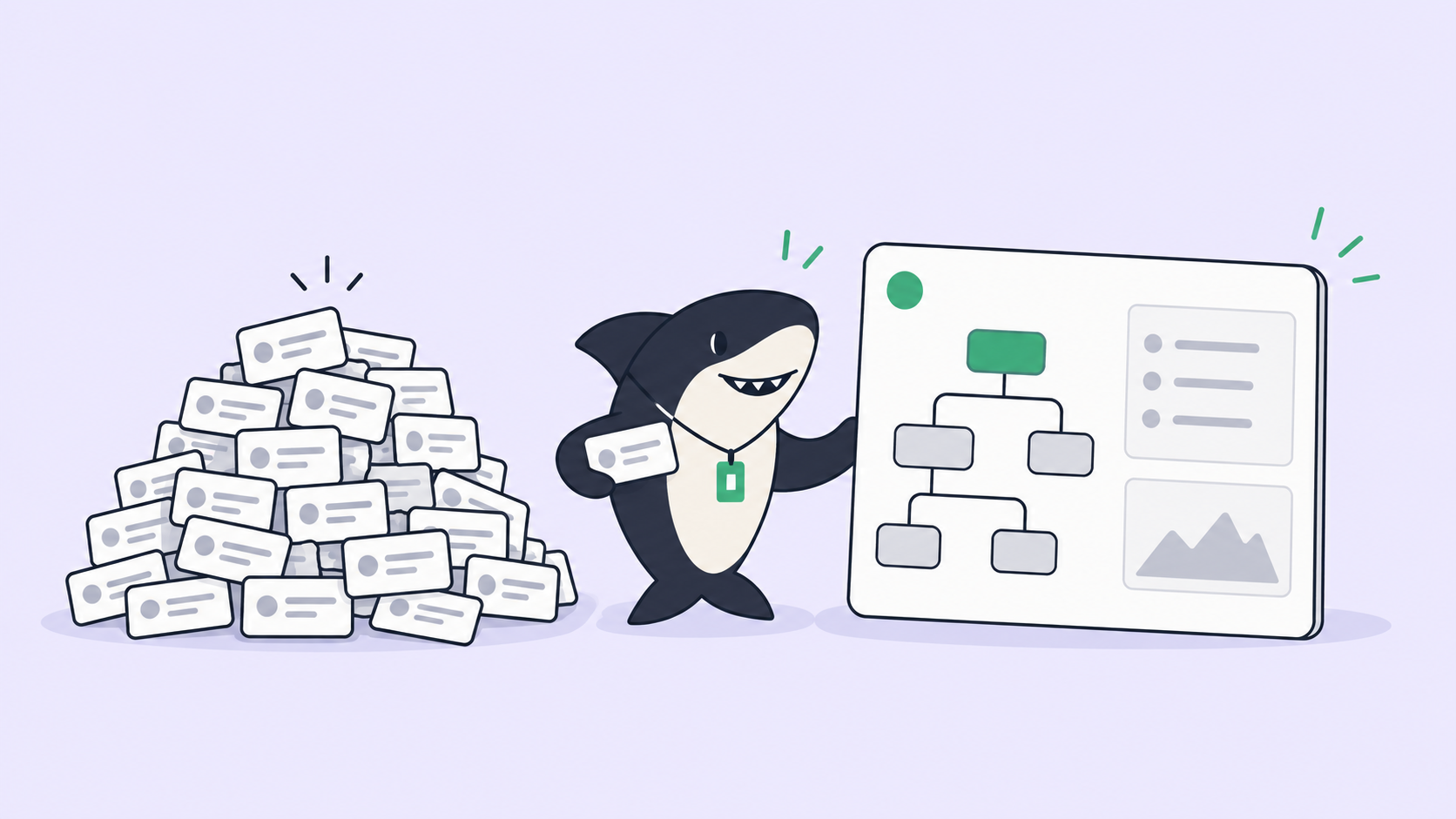
Research runs are long. An agent searching X, Reddit, Hacker News, and GitHub for two hours produces something valuable: sources, quotes, dates, links, a synthesis. Then the session ends. A colleague asks where a claim came from and the answer is unavailable. Worse, someone runs the same research again next month because nobody knew it existed.
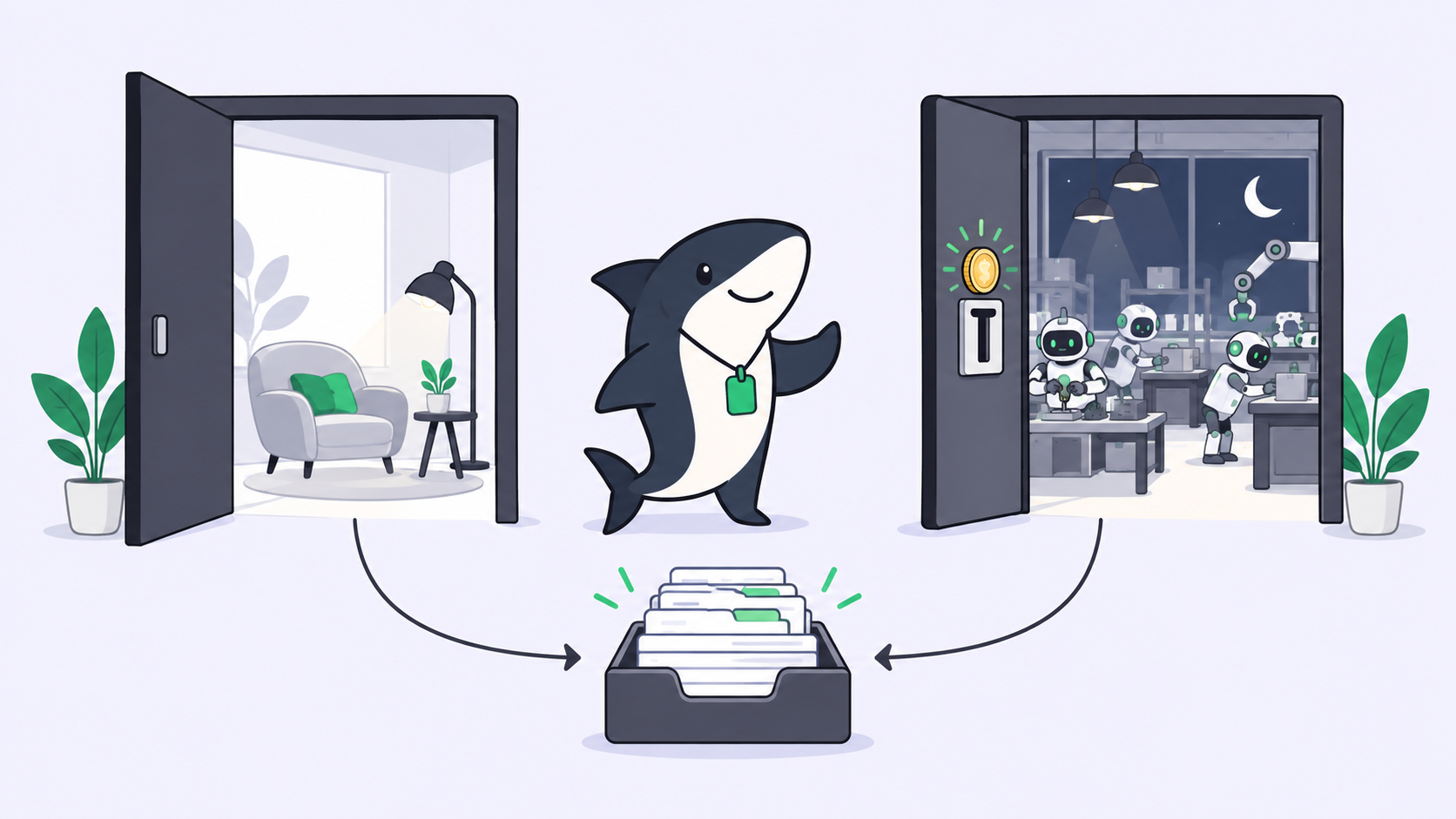
A Task is the main unit of work in Sharkly. It carries the request, the context, the execution, and the result in one shared place instead of splitting them across private prompts and terminal sessions. Execution, blockers, results, and follow-up discussion return to the task timeline, so the sources are still there next quarter.
Three parts of the model matter specifically for research work.
An Agent is a saved configuration: instructions, runtime, skills, repositories, and environment. A research setup you tuned once, including which platforms it is allowed to touch, is reused rather than rebuilt.
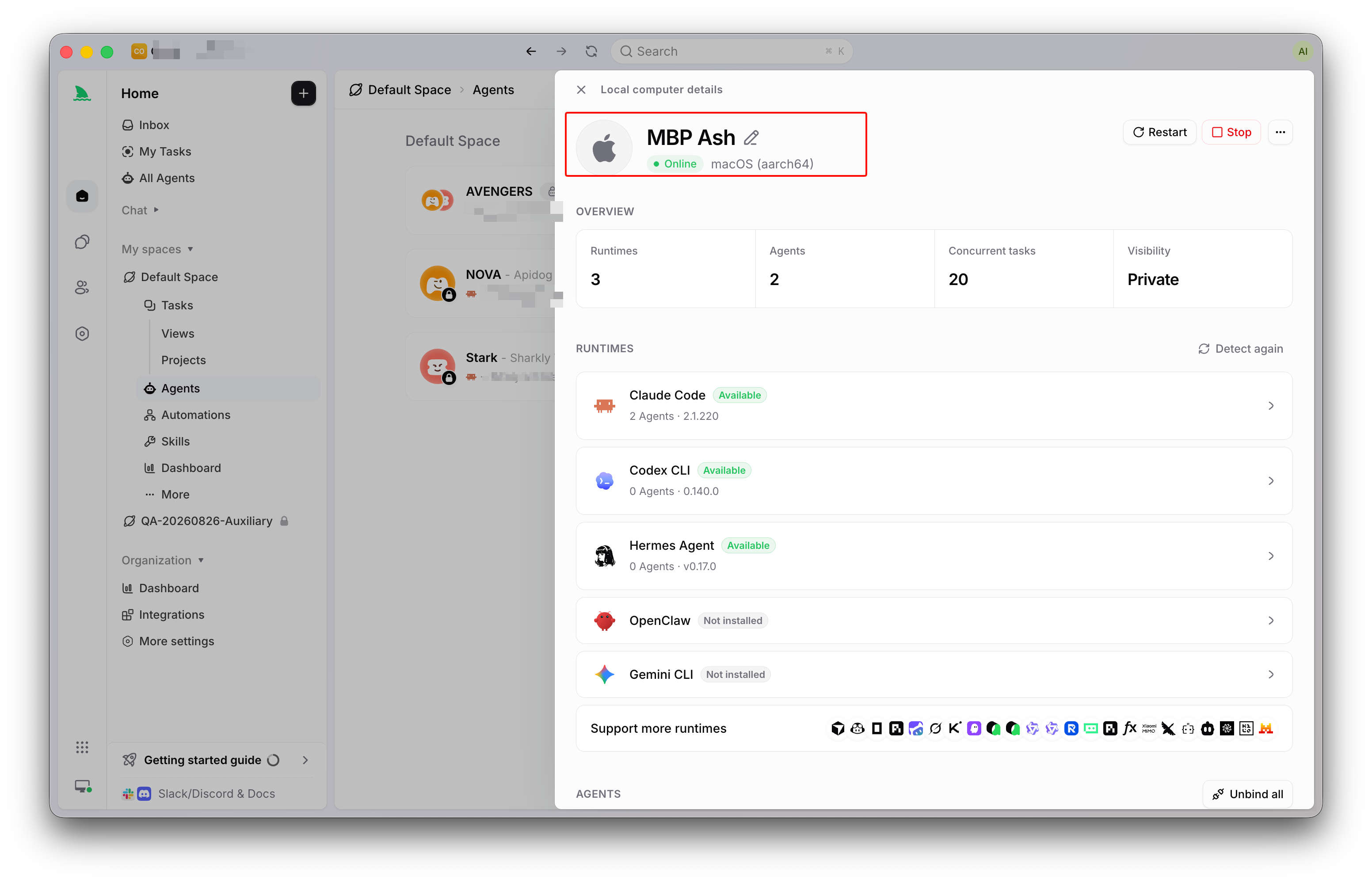
A Computer supplies the host and local resources, and the Runtime performs the session on it. This is not abstract here. Agent-Reach’s cookie-based platforms need a real logged-in browser on a specific machine, so which Computer a research task runs on is a genuine operational choice rather than whichever laptop happened to be open.
A Task in Backlog does not start a run. You can queue research topics as they occur to you without spending rate limits the moment you write them down.
Sharkly is not a replacement for Agent-Reach or for the coding tool that runs it. It adds the shared task, Computer, context, control, and review layer around them.
Use it directly, or give it somewhere to report
Use Agent-Reach on its own when you are answering a question for yourself today. Install it, ask, read, move on. Nothing else is warranted.
Use a shared work system when the findings inform a decision someone else will make, when a claim will end up in a document or a customer conversation, or when the same research would otherwise be repeated by a colleague who did not know it existed.
One discipline holds either way. Treat every finding as unverified until a person opens the link. An agent can read a post claiming a benchmark result; it cannot tell you the benchmark was real. Agents research, execute, test, and report. People set direction, grant authority, and accept the result.
Frequently asked questions
Which agents does Agent-Reach work with? Any agent that can run shell commands, including Claude Code, Cursor, Windsurf, OpenClaw, and Codex. OpenClaw needs its exec permission enabled first, because the default messaging profile cannot run commands.
Is it really free to use? The tools are open source and the access paths do not charge. A server proxy costs about a dollar a month if your machine’s IP is blocked, and local machines do not need one. Free of vendor billing is not the same as free of terms-of-service considerations.
Are my cookies safe? The project states cookies stay local and are never uploaded, and the source is available to check. The practical risk is not exfiltration, it is your account being rate-limited or flagged by the platform.
Will it break when platforms change? Yes, and that is planned for. Every platform has fallbacks and the project switches defaults upstream. Run agent-reach doctor when something looks wrong.
How does this fit with running several agents at once? Research and code work well in parallel, and each Task run gets its own isolated worktree so nothing collides. The findings return to their own Task.
The short version
Agent-Reach removes a real limit. An agent that can read the actual discussion around a library, watch the talk, and check the issue tracker answers better than one working from a training cutoff, and the fallback design means it keeps working after the inevitable breakage.
Install it for the zero-configuration platforms first, and think before connecting cookies. Then decide where the findings go. Research that lives only in a scrollback gets repeated. Sharkly holds the other half: the Task is the shared record, execution runs on Computers you connect, and results return somewhere a person can review them.