Agentic project management is easy to sell and easy to oversell. The pitch writes itself: work gets assigned to agents, several run at once, the board updates itself, and your team ships more. Most of that is achievable. The parts that are not achievable are the parts nobody puts on the slide, and they are specific enough to plan around.
This is the honest version. What the practice actually buys you, what it costs, and where it stops working no matter how good the model is. If you want the definition and the operating loop first, our guide to AI agent project management covers the mechanics; this piece assumes you already know the shape and are deciding whether to commit. Sharkly is built for this practice, which is why the limits section below is stated plainly instead of softened.
TL;DR
Agentic project management means running AI agents as tracked, assignable executors inside a real work system rather than as private tools. The benefits that hold up are parallel throughput, a durable trace of what happened, and turning one developer’s prompt craft into shared capability. The risks are a review bottleneck, automation with a wider blast radius than intended, and confusing a finished run with a correct outcome. The limit is judgment: direction, authority, and acceptance stay with people, and no amount of automation moves that line.
The benefits that hold up
Throughput you can actually see. Several tasks execute at once on connected machines, each in its own isolated directory, without developers babysitting terminal tabs. Our guide to parallel agents in isolated worktrees covers why isolation is what makes the parallelism safe rather than exciting.
A trace that survives the run. Execution logs record why a run was queued, when it started and ended, tool calls, the trigger source, and failure details. Six weeks later, that record answers questions a chat transcript on someone’s laptop cannot.
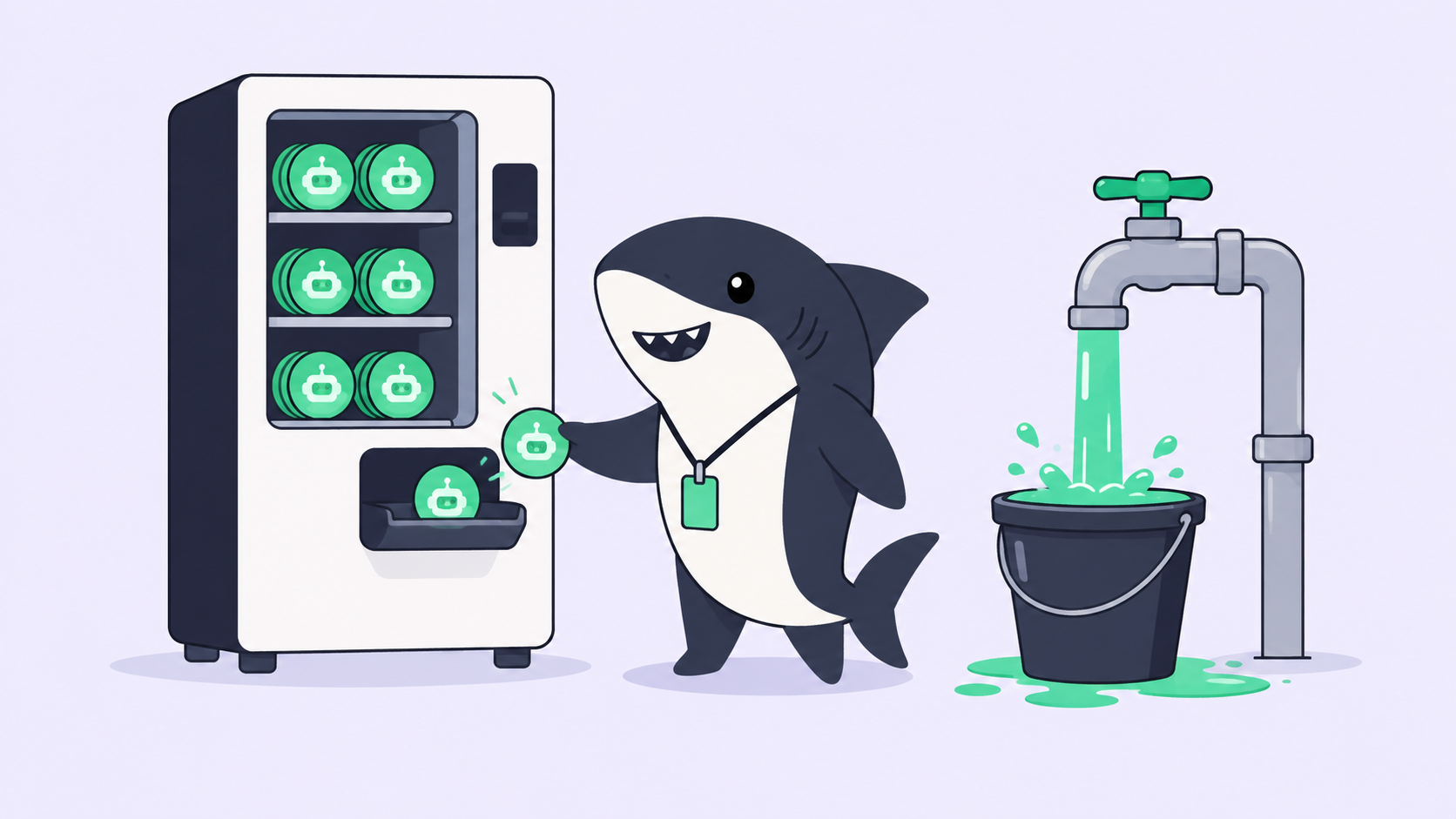
Capability that outlives one person. An agent is a saved configuration: instructions, runtime, repositories, environment, run settings, and bound skills. The person who worked out how to run a tricky migration leaves behind something the team can assign, not a paragraph in Slack.
Status that reports itself. Progress, blockers, and results attach to the task as they happen. The recurring meeting whose only purpose was collecting status becomes shorter, and the inbox carries the exceptions that actually need a person.
The risks nobody puts on the slide
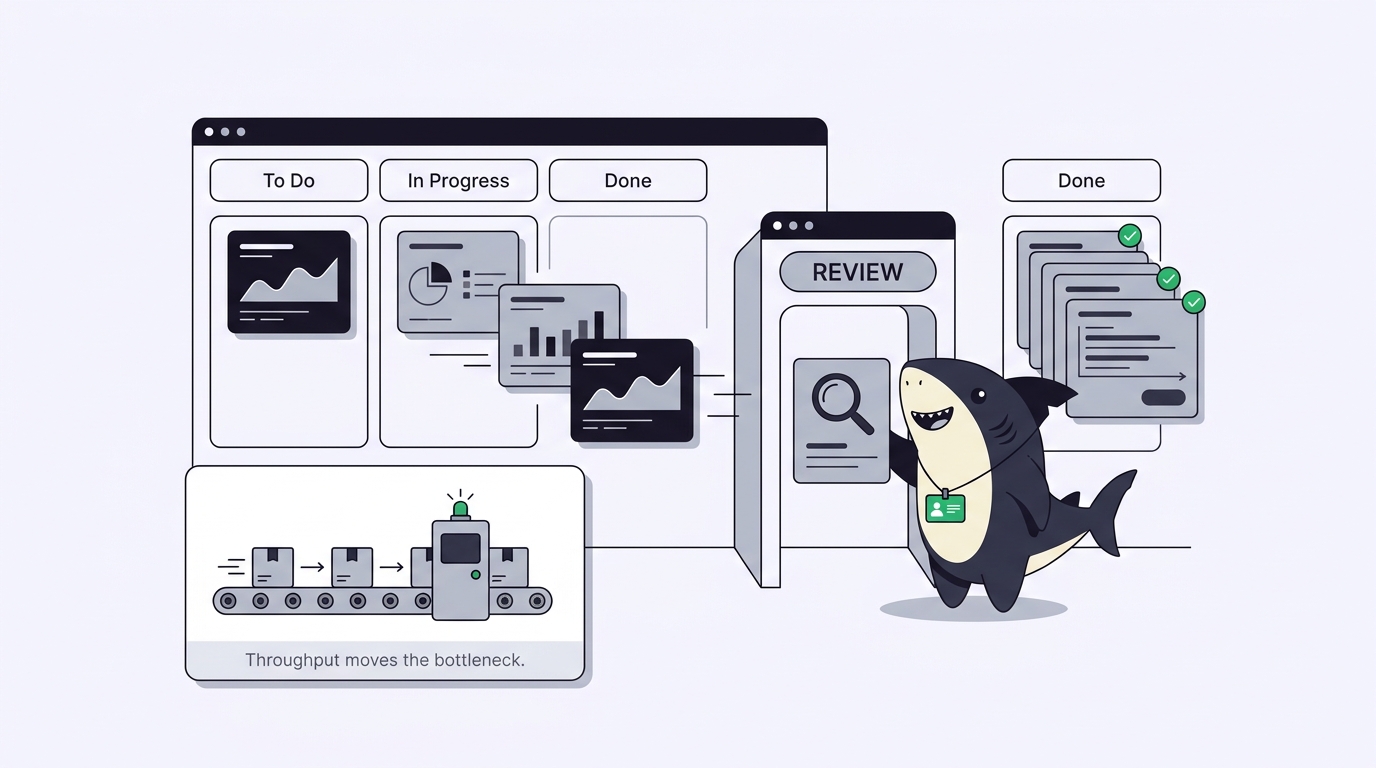
Review becomes the bottleneck, immediately. Agents produce reviewable work faster than humans read it. A team that adds three agents and no review capacity has not added throughput; it has moved the queue. Measure how long results sit in the waiting-for-review state before you add a fourth agent.
A finished run is not a correct outcome. This is worth quoting from the product documentation, because it is the failure mode that bites teams hardest: a completed status describes the automation run, not a promise that every downstream business outcome was correct. Someone still has to open the linked task and read the evidence.
Automation has a wider blast radius than people expect. Status triggers and comment triggers can match more broadly than the space you configured them in, so a common phrase like “please retry” or a widely used status can start runs you did not intend. Prefer a distinctive slash command or a narrow status, and write instructions that verify the triggering task before making changes.
Diagnosis debt accumulates. Failed runs return vendor errors that look interchangeable and are not: a 429 can mean requests are arriving too quickly or that quota is exhausted, and the fixes are opposite. A 403 usually means the model, organization, or region is not permitted rather than a mistyped key. Teams that treat every failure as “retry it” burn a week discovering this.
Written scope becomes load-bearing. An agent gets exactly the context you recorded. Vague acceptance criteria used to cost a conversation; now they cost a run, a review, and a rewrite.
Permission sprawl. Every agent that can reach a repository, a machine, and a set of credentials is a path into your environment. Scope agents to the repositories and computers their work needs, and keep webhook URLs and signing secrets out of source control and public channels.
| Benefit | Its matching risk | The control that keeps it honest |
|---|---|---|
| Parallel throughput | Review queue grows silently | Cap in-flight agent work per reviewer |
| Self-reporting status | Run state read as project state | Keep lifecycle status and run state separate |
| Automation of routine work | Triggers fire more broadly than intended | Distinctive phrases, narrow statuses, verify in instructions |
| Durable execution trace | Nobody reads it | Require evidence in the acceptance step |
| Reusable agent configs | Stale instructions outlive their author | Review agent definitions on a schedule |
The limits: where the practice stops
Three limits are structural rather than temporary.
Accountability does not delegate. An agent can be assigned execution and credited with work. It cannot answer for an outcome. Keep a named person responsible on every task, in a field separate from the execution assignee, or your board will fill with work nobody can be asked about.
Ambiguity does not automate. Work that requires choosing between two defensible options, weighing a customer relationship, or accepting a security trade-off is not slow because a human is doing it. It is a decision, and handing it to an agent converts a decision into a guess with a plausible explanation attached.
Terminal states are not undo buttons. Moving a task to completed marks it terminal but does not cancel a run that is already active; canceled and duplicate categories do stop active runs. Knowing which of those your click actually does is the difference between stopping work and merely relabeling it.
What it looks like on a real board
A six-person team runs one space with four agents. Dependency bumps, flaky-test triage, and changelog assembly are assigned to agents by default. Feature work is assigned to people, who sometimes hand a scoped slice to an agent once the design is settled.
Two rules do most of the work. Every task an agent executes names a human assignee who accepts the result, and no agent task ships without someone reading the execution log alongside the diff. A weekly automation posts a summary of failed runs, which is the closest thing the team has to a health check on its own configuration.
The visible change after a month is not “more code.” It is that the boring recurring work stopped competing with feature work for attention, and that the team can answer what an agent did and who accepted it without asking anyone.
Adopting it without collecting the risks
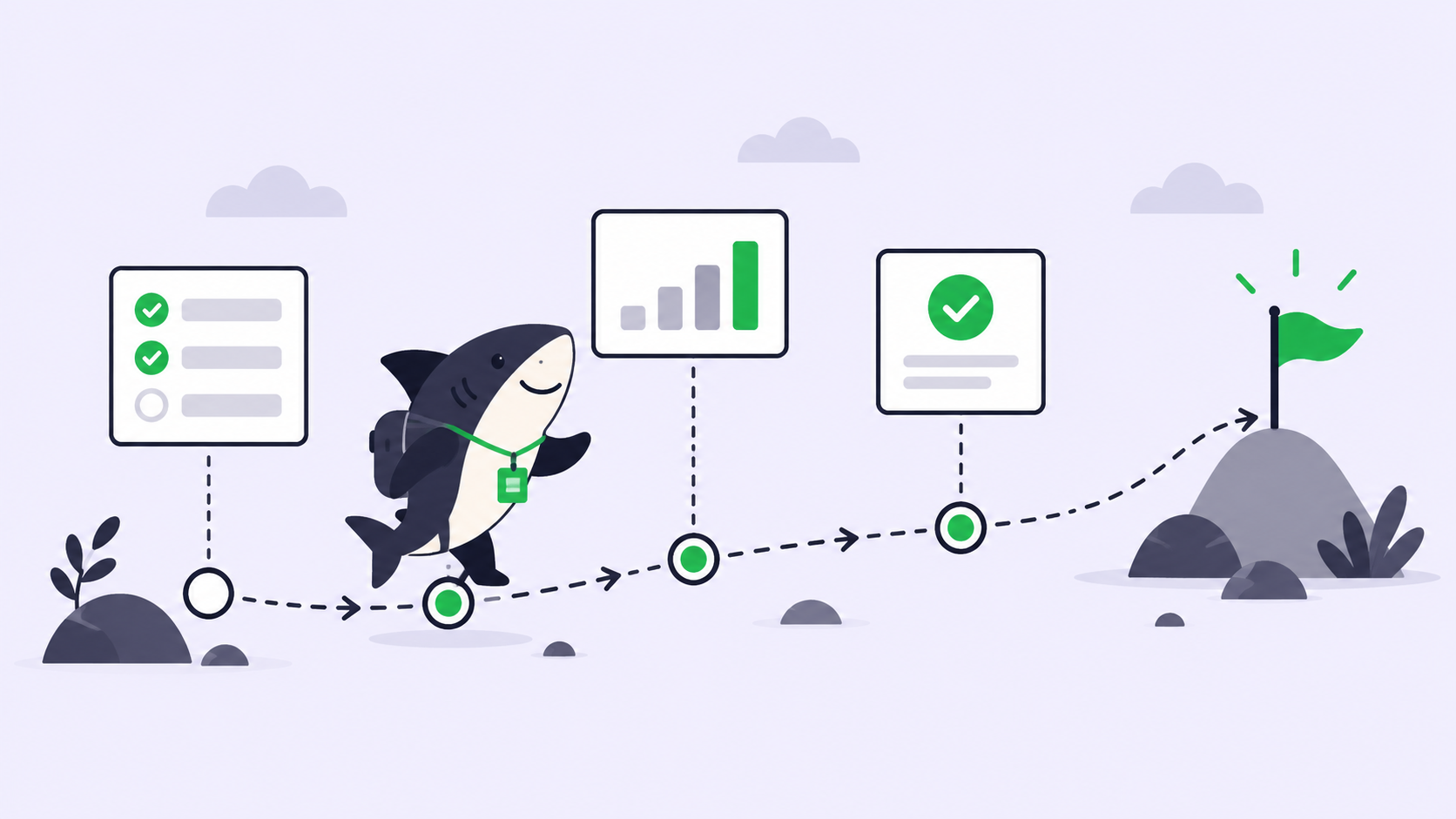
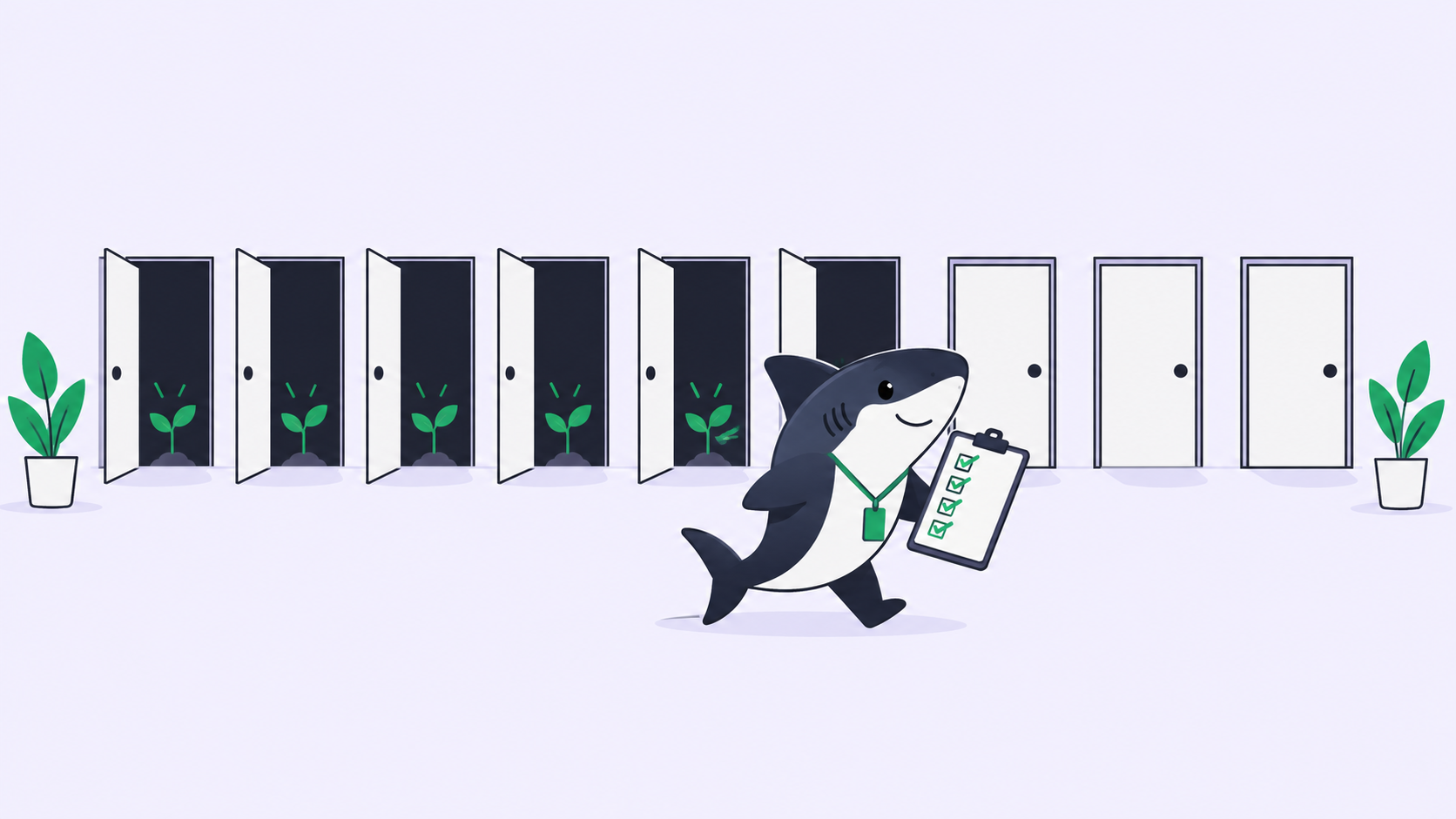
Start with work that is observable and reversible, and review several runs before widening scope. Pick one repeating kind of task, give it a written outcome and a review step, and run it for a week with two people. Test each automation trigger separately, and run automations manually before depending on a schedule.
Then check three numbers before expanding: time from run finished to human decision, share of runs that needed a rewrite because scope was thin, and how often a failure was diagnosed correctly on the first attempt. Those three tell you whether the practice is working better than the anecdotes will. Our walkthrough of Claude Code project management shows the loop end to end on a single task, and Sharkly packages it if you would rather not assemble it yourself.
FAQ
Is agentic project management just automation with a new name? No. Automation runs predefined steps. Agentic project management assigns outcomes to executors that decide their own steps, which is why review and acceptance carry more weight here than in classic automation.
Does it require replacing Jira or Linear? No. Import and sync options exist precisely so the tracker your organization already reads can stay in place. Our Jira alternatives for human-agent teams covers the case where the tracker is genuinely up for replacement.
What size team benefits? Two people and two agents is enough to feel the difference, because that is the first point where someone reviews work they did not start.
What does it cost to run? Model usage continues through the subscriptions or API keys configured in your coding tools, so quota depends on the tools, plans, and accounts your team connects. Budget review time as seriously as model spend.