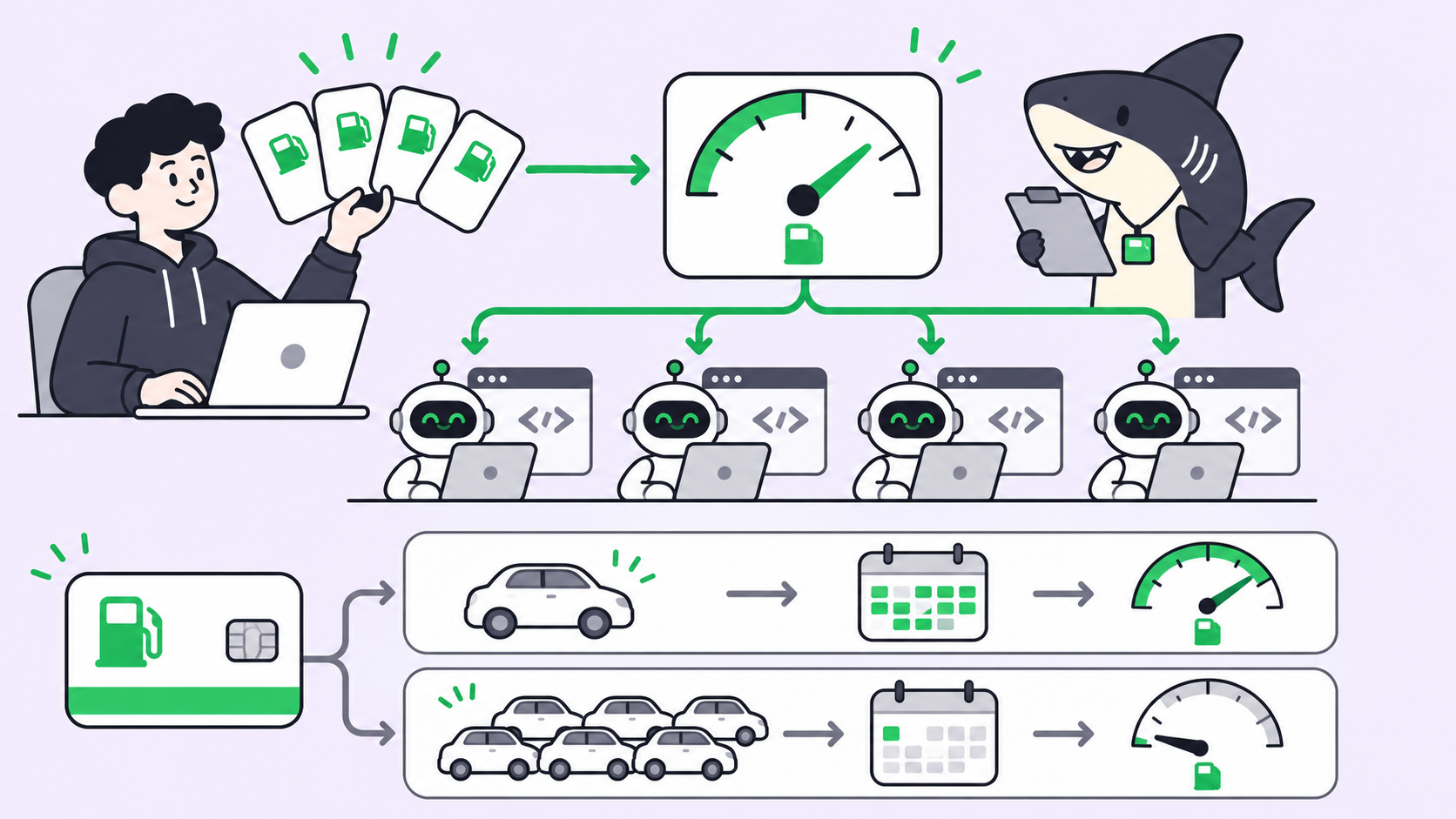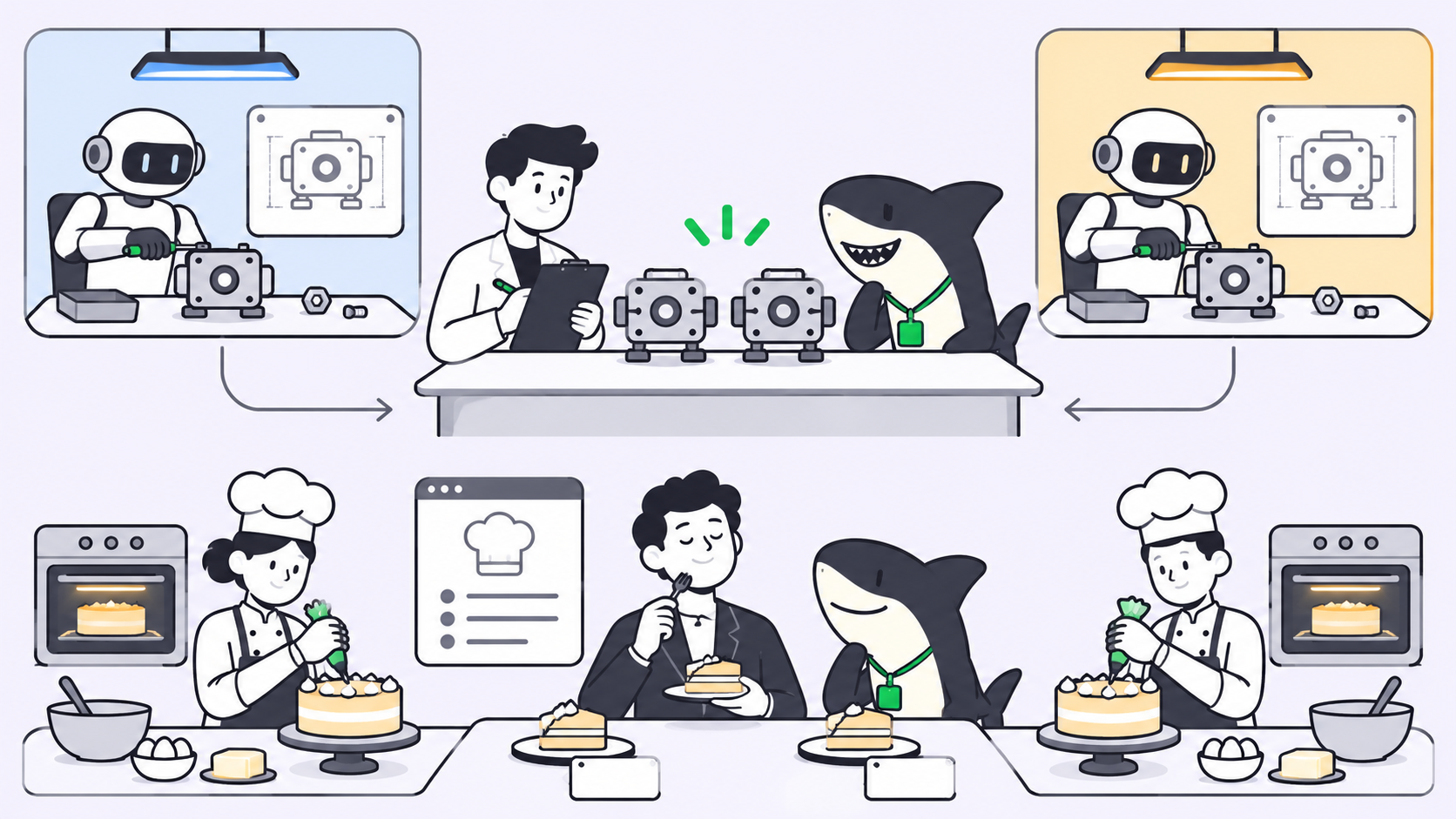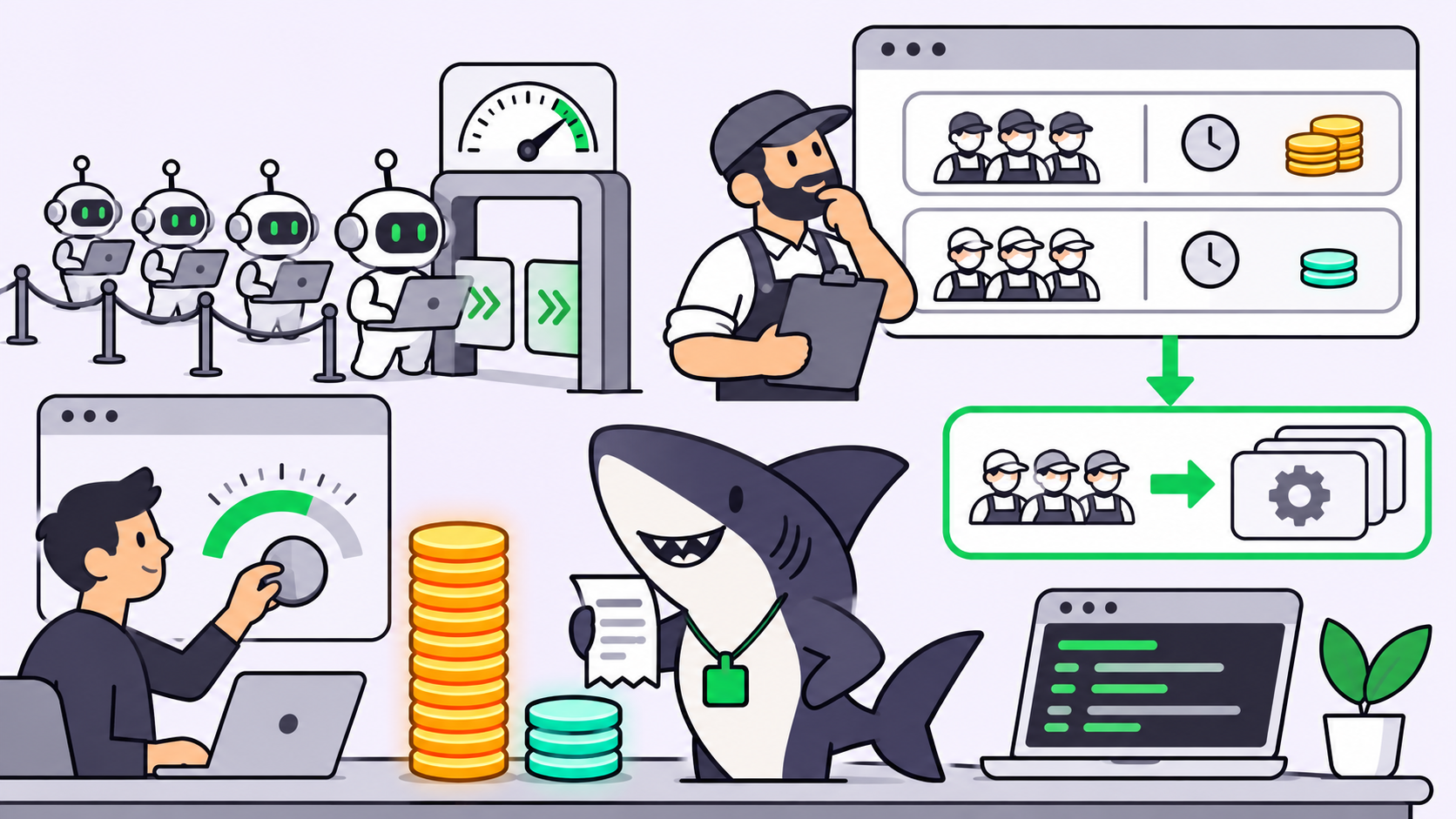
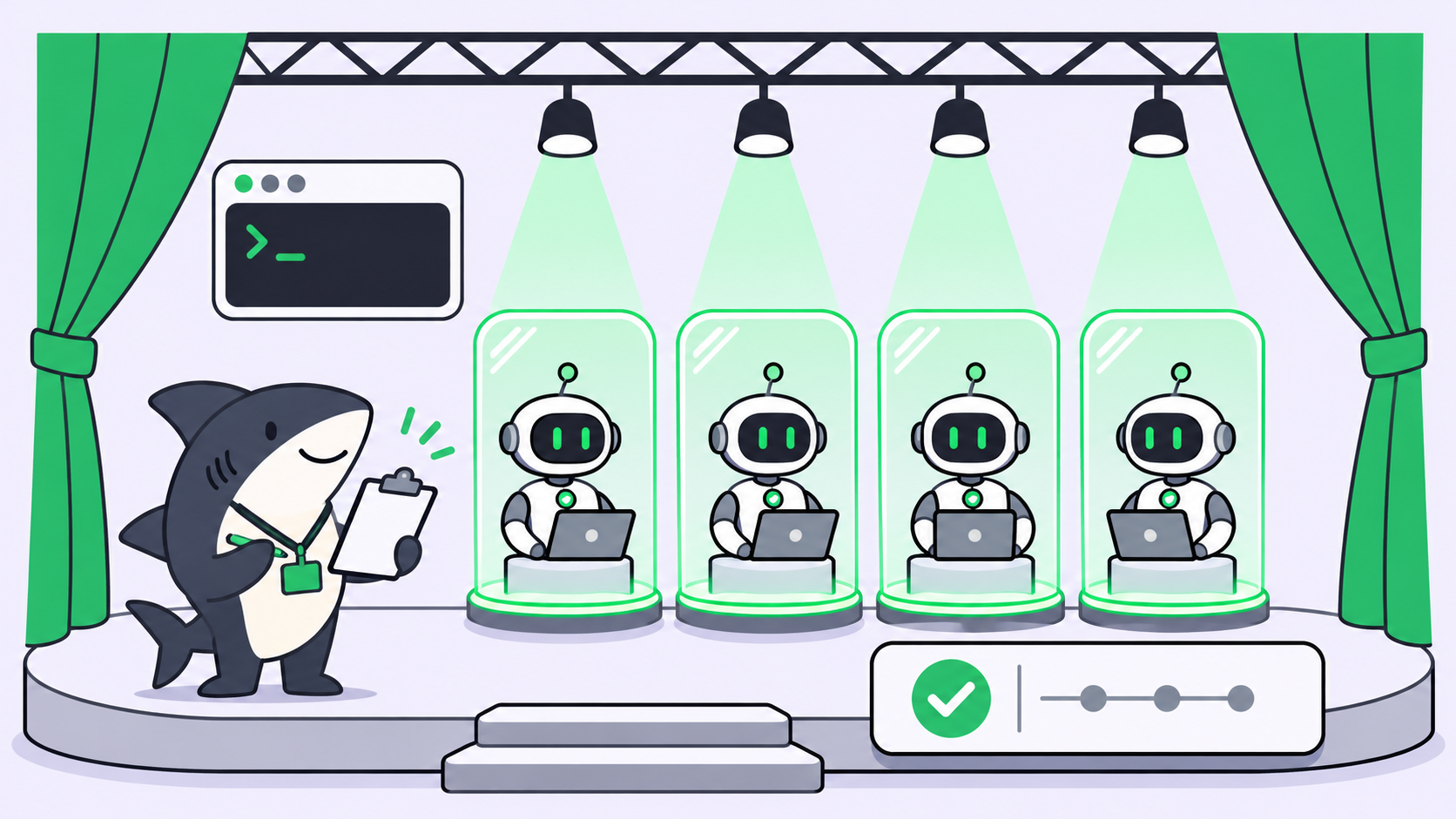
TL;DR: AI agent governance is the set of rules that decides who may start an agent, what it may touch, what it may reach, who approves when it asks for more, and what record it leaves. OpenAI’s Codex sandbox and Docker’s AI Governance both enforce the runtime half of that list. The other half, ownership and review, lives in how your team assigns and accepts agent work.
What is AI agent governance?
AI agent governance is the policy and record-keeping around autonomous agents: which people can launch them, which files and network destinations they can use, which tools they can call, when a human must approve an action, and how every decision gets logged. It treats an agent as an actor with authority, not as a process to contain.
That framing became the industry’s headline this week. On November 19, Docker relaunched its brand around one line from CMO Terri Avnaim: “Containers isolate workloads. But agents aren’t workloads. Agents are actors.” The post continues: “Agents make their own decisions about what to run, what to access, and what to change.”
A day earlier, OpenAI published Inside the Codex sandbox, a detailed account of how Codex limits what commands can do on your laptop. Two vendors, two designs, one shared question. If your team already runs coding agents through Sharkly, this guide shows where those runtime controls stop and where team governance has to pick up.
Why “agents are actors” changes the question
A container answers one question: what can this process see? That question still matters. It doesn’t cover everything an agent does.
An agent reads a task, picks commands, chooses which files to edit, decides whether to call a tool, and sometimes asks for more access halfway through. Each of those is a decision. Docker’s AI Governance post puts the gap well: “A model decision is not automatically an authorized action.”
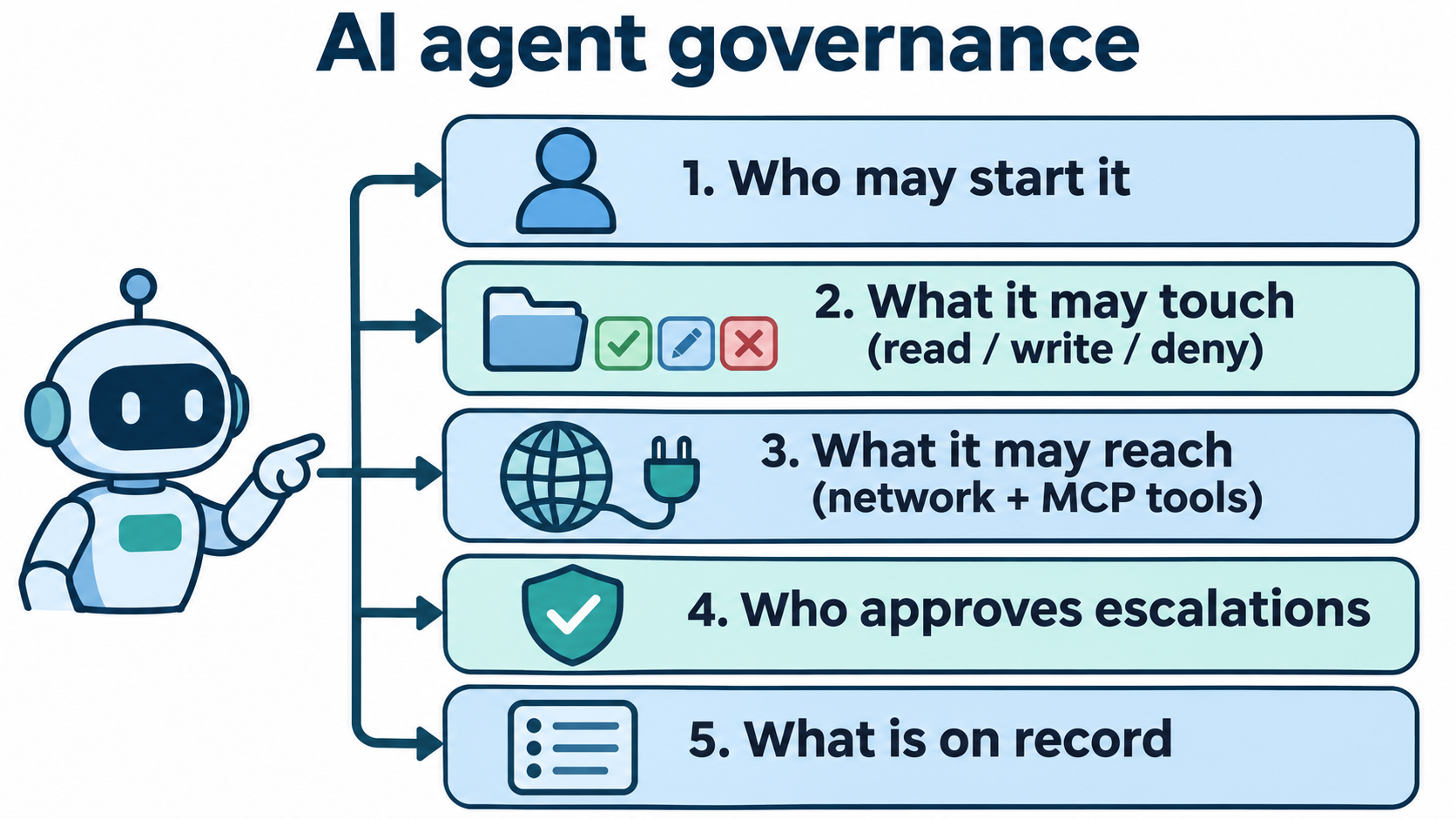
So governance moves from “isolate the process” to “authorize the actor.” You need answers to five questions:
- Who may start it? Which people can assign or trigger a given agent.
- What may it touch? Filesystem paths, read or write.
- What may it reach? Network domains and MCP (Model Context Protocol) tools.
- Who approves escalations? What happens when the agent asks for more than its default.
- What is on record? Who ran what, what was allowed or denied, and who accepted the result.
The two current approaches handle questions 2 to 4 in different ways. Question 1 and most of question 5 sit outside both.
How the Codex sandbox governs agent access
The Codex sandbox constrains commands inside your existing environment instead of moving them into a VM or container. OpenAI’s reason is practical: an iOS build needs native Mac tools and the simulator, which a Docker container can’t run.
Enforcement comes from each operating system. Codex uses Seatbelt on macOS, bubblewrap plus seccomp-bpf on Linux, and is moving Windows to Microsoft’s MXC (Microsoft eXecution Container) library. Child processes inherit the sandbox, so the limits cover the whole process tree.
What do Codex permission profiles control?
A permission profile defines filesystem and network rules for a session. The built-in :workspace profile allows writes inside the workspace, keeps .git and .codex read-only, allows broad reads, and disables network access. You can extend it:
default_permissions = "dev"

[permissions.dev]
description = "Development with extra read-only protections."
extends = ":workspace"

[permissions.dev.filesystem]
"~/build-cache" = "write"

[permissions.dev.filesystem.":workspace_roots"]
".vscode" = "read"
"**/*.env" = "deny"
"secrets" = "deny"
Network rules go through a proxy that checks each request against allow and deny lists. Deny rules win. A request to an unlisted domain is held while Codex asks the user or routes it to auto-review. The full key reference sits in the Codex permissions docs.
How do administrators enforce limits?
Team control comes from managed requirements in requirements.toml, which can come from system files or cloud policy. OpenAI’s example pins every user to read-only:
default_permissions = ":read-only"

[allowed_permission_profiles]
":read-only" = true
":danger-full-access" = false
Escalation is explicit. A command can ask for with_additional_permissions (more access inside the sandbox) or require_escalated (run outside it), with a justification the user sees. The harness decides, not the model.
Two details matter for governance. First, codex sandbox --permission-profile dev -- <command> lets you test a profile before you trust it. Second, Codex doesn’t sandbox the command that starts a stdio MCP server, because it can’t guess what that server needs. You wrap it yourself.
How Docker Sandboxes and AI Governance work
Docker takes the opposite path. Docker Sandboxes give each agent an isolated microVM with its own Docker Engine, filesystem, and network, managed through the sbx CLI.
AI Governance adds organization policy on top, in three parts:
- Sandbox policies: allow or block domains, IP ranges, and ports, and control which host paths can be mounted, read-only or read-write. The organization governance docs state that policy is default deny.
- MCP tool governance: policies for MCP traffic through Docker’s MCP Gateway, written in Cedar, covering which servers can be registered and which tool calls, resources, and prompts are allowed. Policies can also require confirmation for specific calls.
- Audit and visibility: structured records of each policy decision with principal, action, target, decision, and time, exportable or forwarded to a SIEM.
A developer can check a boundary before starting work:
$ sbx policy check network api.anthropic.com
Allowed: api.anthropic.com
$ sbx policy check network blocked.example.com
Denied: blocked.example.com
Docker is candid about one edge: MCP policies apply only to traffic through its gateway. A direct connection to a remote MCP server falls under the sandbox’s network policy instead. Docker sells AI Governance as a separate plan through its sales team.
Codex sandbox vs Docker AI Governance
| Question | Codex sandbox | Docker Sandboxes + AI Governance |
|---|---|---|
| Where the agent runs | Your existing environment, OS-level sandbox | Isolated microVM per agent |
| Filesystem rules | Permission profiles: read, write, deny per path |
Mount policies, read-only or read-write |
| Network rules | Proxy with domain allow/deny, unlisted requests held for approval | Domain, IP range, and port policies, default deny |
| MCP tools | Stdio servers unsandboxed unless you wrap them in codex sandbox |
Cedar policies at the MCP Gateway |
| Admin enforcement | requirements.toml, system or cloud |
Docker Home or the AI Governance API |
| Escalation | Per-command request, user or auto-review decides | Confirmation rules on specific tool calls |
| Audit | Not the focus of the post | Structured policy decision records |
Use the Codex sandbox when your agents need native host tooling and you mainly run Codex. Use Docker’s approach when you want one isolation boundary for many agents and a central audit trail. Plenty of teams will run both.
Where runtime controls stop
Both systems answer “what may this process do right now?” Neither answers “why is this agent running, who asked for it, and who accepted the result?”
That gap shows up fast. A sandbox can block a write to .vscode, but it can’t tell you that an agent was started from someone’s laptop at 2 a.m. with no ticket. An audit log can show an allowed MCP call, but it can’t show whether a person reviewed the diff before merge. The record has actions but no intent and no sign-off.
We’ve covered the per-agent side in coding agent permissions and the merge side in approval gates for coding agents. Governance at team scale ties the two together.
How Sharkly gives every agent run an owner, a task, and a review step
Sharkly doesn’t replace the Codex sandbox or Docker Sandboxes. It sits above the coding agents and adds the work record that runtime controls lack. The mapping to the five questions:
Who may start it. Every Agent has Personal or Space visibility, and visibility decides who can assign it, chat with it, or trigger it from a task comment. A Private Space keeps its tasks visible only to Space members.
Where it runs. A Computer has an owner and its own visibility. Only the owner can delete it or change which organizations may use a personal Computer; an Organization Admin can’t override that. The owner can unbind an Agent, which cancels its active runs.
What it gets. A task-backed run carries the task, recent comments, Agent instructions, Skills, repositories, and only the environment variables and secret bindings configured for it. Each task gets an isolated directory, and repository work can use a separate worktree per run.
Who approves. The task type’s workflow limits which statuses an Agent can set. An Agent can leave a task waiting for human review, which lands in the responsible person’s Inbox.
What is on record. The execution log shows the trigger source, start and end times, tool calls, Runtime events, and failure details. Agent messages meant for the team become comments linked to the run.
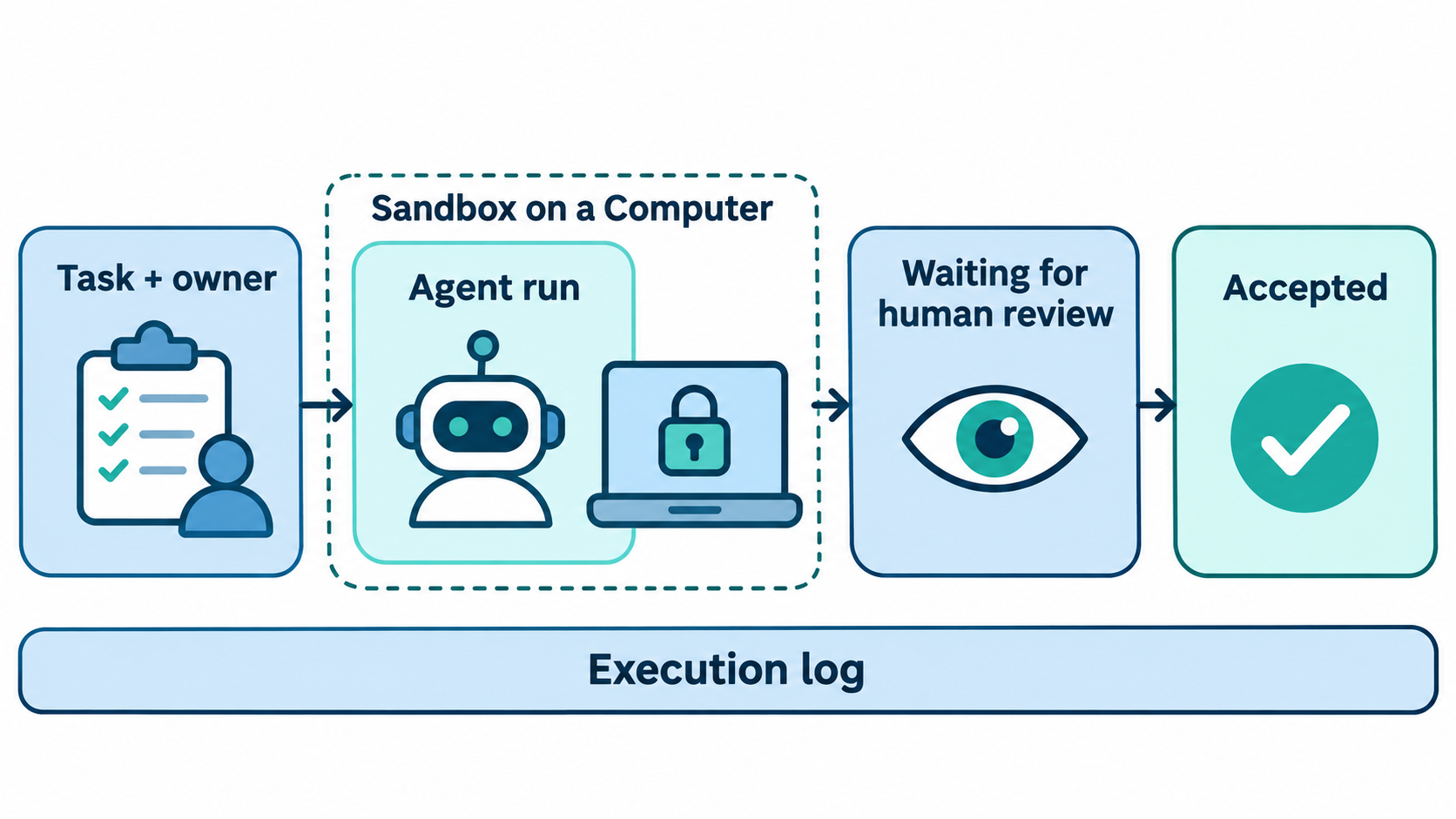
So the sandbox decides what a command may do, and the task decides why it ran and who signed off. The Sharkly docs cover visibility, Computers, and run states in detail.
A governance checklist you can apply this week
- List every agent your team runs and name one human owner for each.
- Write one permission profile or sandbox policy per role, starting from read-only.
- Test each profile with
codex sandboxorsbx policy checkbefore rollout. - Wrap or gateway every MCP server; don’t leave stdio servers unsandboxed.
- Pin profiles centrally with
requirements.tomlor organization policy. - Require a task for every agent run, so each run has a reason and an assignee.
- Route results to a human review state before merge.
- Keep secrets out of task text, instructions, and Skills; bind them per runtime.
Our secrets guardrail checklist goes deeper on step 8.
Conclusion
Agents are actors, so governing them means more than isolating a process. The Codex sandbox and Docker AI Governance now give you strong answers for filesystem, network, and tool limits. Ownership, intent, and review still need a home. Pick a sandbox, write your first profile, then connect your agents to Sharkly so every run starts from a task and ends with a person’s sign-off.
FAQ
What is the difference between AI agent governance and AI agent security?
Security is the enforcement layer: sandboxes, network policy, tool restrictions. Governance includes that layer plus the decisions around it: who may run which agent, who approves escalations, and who accepts the result.
Does the Codex sandbox work without Docker?
Yes. Codex uses each operating system’s own sandbox (Seatbelt, bubblewrap with seccomp, or MXC) and runs commands in your existing environment, not in a container.
Can I sandbox an MCP server in Codex?
Yes, but not by default. Codex doesn’t sandbox the command that starts a stdio MCP server. You wrap it with codex sandbox --permission-profile <name> -- in the server’s command and args.
What does Docker AI Governance log?
It records sandbox policy decisions and session events with principal, action, target, decision, and time. Docker says the records hold governance metadata, not prompt or response contents.
Do I need both a sandbox and a task board?
They answer different questions. A sandbox limits what a command may do. A task records why the run happened, who owns it, and who reviewed the result. Teams with more than one agent usually need both.
Can an agent approve its own escalation?
Not in either design. In Codex the harness decides, by asking the user or routing to auto-review. In Docker, confirmation rules and default-deny policy decide, not the agent.