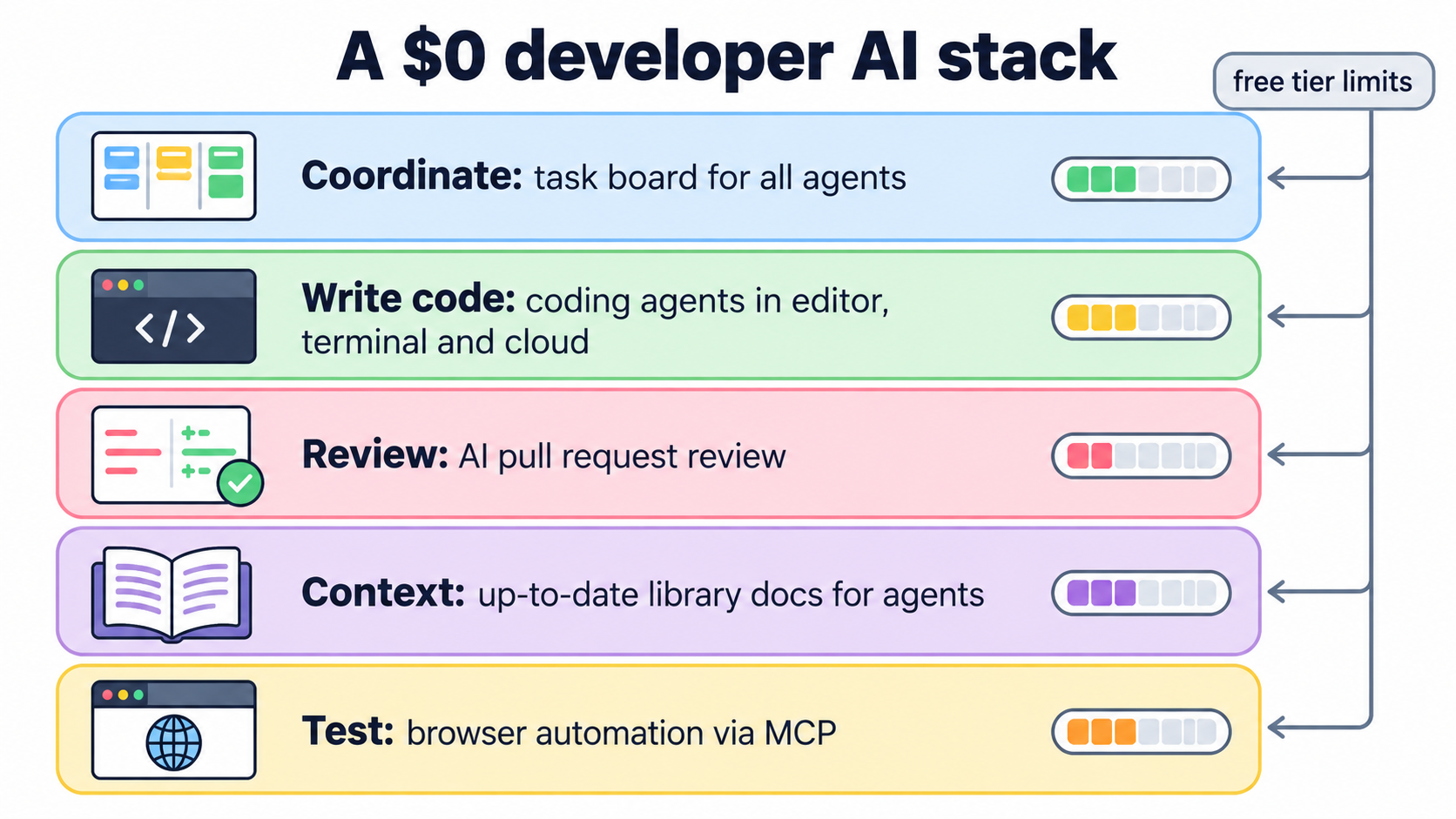
Quick answer: The best free AI tools for developers in 2026 are GitHub Copilot Free, Jules, Google Antigravity and OpenCode for writing code, CodeRabbit for pull request review, Context7 for library docs, the Gemini API free tier for model calls, Playwright MCP for browser tests, and Sharkly for running all those agents from one board. Every $0 route below was checked on October 29, 2026.
Searching for free AI tools for developers gets you a lot of lists that pad out to 50 entries. This one keeps nine. Each pick has a working $0 route today, a linked pricing or docs page, and a stated limit. Where a free route died, we say so.
The list leans toward agents: programs that read your repository, edit files and run commands in a loop until a task is done. That is where most of a developer’s AI time goes now. If you end up running three or four of them, Sharkly gives them one shared task board, covered near the end.
Best free AI tools for developers at a glance
| # | Tool | Category | Free route | Limit | Catch |
|---|---|---|---|---|---|
| 1 | GitHub Copilot | Coding agent (IDE + CLI) | Copilot Free, $0 | 2,000 completions a month | Code review and cloud agent “Not included” |
| 2 | Jules | Cloud coding agent | Base plan | 15 tasks per rolling 24 hours, 3 concurrent | GitHub repositories |
| 3 | Google Antigravity | Agent app + CLI | Individuals, $0/month | “Basic weekly rate limits” | No number published |
| 4 | OpenCode | Terminal agent | Free Zen models | Unpublished | Free “for a limited time” |
| 5 | CodeRabbit | PR review | Open-source plan | Public repositories only | Private repos need a paid plan |
| 6 | Context7 | Docs for agents | Free, $0 | 1,000 API calls a month | Public repositories only |
| 7 | Gemini API | Model API | Free Tier | Per-model rate limits | Free-tier content used to improve Google products |
| 8 | Playwright MCP | Browser testing | Apache-2.0 | Your computer | You run it locally |
| 9 | Sharkly | Agent coordination | Free, $0 | Up to 5 people | Models bill to your own plans |
How we picked these free AI developer tools
A tool made the list only if it passed three checks on the day of writing:
- A $0 plan or license is stated on the vendor’s own pricing page, docs or repository.
- The limit is written down, or the page openly says there is no published number.
- It does real development work: writing, reviewing, testing or feeding context to code.
Trials did not count. CodeRabbit’s paid plans, for example, carry a 14-day trial, which is a trial, not a free tier. Its open-source plan is the free route, so that is the one we list.
Free AI coding agents
Four agents cover the places you write code: the editor, the cloud, a desktop agent app and the terminal. For self-hosted and local-model routes, read our guide to running AI agents for free.
1. GitHub Copilot Free
Copilot Free costs $0 and includes 2,000 completions a month with “Limited chat and agent usage.” GitHub’s plans page lists Copilot CLI as included, so you get agent mode in the editor and an agent in the terminal. Two things are marked “Not included” on Free: pull request reviews, and assigning work to the cloud agent. More detail in Is GitHub Copilot free?
2. Jules
Jules is Google’s asynchronous coding agent. You hand it a task on a GitHub repository; it works in a cloud VM and opens a pull request. The base plan allows 15 tasks per rolling 24 hours and 3 concurrent tasks, on Gemini 2.5 Pro. That is the most generous published agent quota on this list. Our Jules free tier guide walks through the setup.
3. Google Antigravity
Antigravity’s Individuals plan is “$0/month” with “Unlimited Tab completions,” “Unlimited Command requests” and “Basic weekly rate limits.” Google does not publish the weekly number, so you find the ceiling by hitting it. It is also Google’s free terminal route now, which matters for the next point. See Is Antigravity free?
A free route that died: Gemini CLI. Its README now says free individual access “moved to Antigravity CLI on June 18, 2026.” The CLI is still Apache 2.0 open source, but signing in with a personal Google account no longer gets you a free quota. We cover the change in Is Gemini CLI still free?
4. OpenCode with free Zen models
OpenCode is an MIT-licensed terminal agent. Its Zen gateway lists ten models priced Free today, including DeepSeek V4.1 Flash Free, GLM-5.3-Flash Free and Big Pickle. Each one is free “for a limited time,” and the usage limit is not published. Read the data terms per model: the DeepSeek and GLM providers follow a zero-retention policy, while Big Pickle’s free period means “collected data may be used to improve the model.”
Starting a run takes one command:
opencode run -m opencode/deepseek-v4.1-flash-free \
  "Fix the failing test in tests/test_slug.py and run pytest"
Our OpenCode free models guide logs what happened when that limit hit.
Free AI code review
5. CodeRabbit (open-source plan)
CodeRabbit reviews pull requests on GitHub and GitLab. Its pricing page describes “the free open-source plan”: you “receive free reviews forever for public repositories” after you install the app on a public repo. The page states no review limit for it.
The catch is scope. Private repositories need a paid plan, which starts at $24 per user per month billed annually. If your work is open source, this is the strongest free review option we found. If it is private, note that Copilot Free does not include pull request reviews either, so plan to run reviews through an agent you already have.
Free AI tools for docs and context
6. Context7
Context7 serves current library documentation to coding agents over MCP (Model Context Protocol, the standard way agents call external tools). The Free plan costs $0 and includes 1,000 API calls a month across public repositories. When you run out, Context7 says it grants “20 bonus API calls each day” until the month resets.
This fixes a specific failure: an agent writing code against an API version that changed after its training cutoff. Point the agent at Context7 and it reads the docs for the version you use.
Free AI APIs for developers
7. Gemini API free tier
If you are building something, not only coding with an agent, you need model calls. Google’s pricing page lists a Free Tier “Free of charge” on models including Gemini 3.8 Flash, Gemini 2.5 Pro and Gemma 4. Gemini 3.1 Pro Preview has no free tier.
The trade is data. On the free tier, the page lists “Content used to improve our products.” Keep proprietary code and customer data on a paid key. For every other provider with a free key, see our free AI API key guide.
Free AI testing tools
8. Playwright MCP
Playwright MCP gives an agent a real browser. It works from accessibility snapshots, so it needs no screenshots or vision model, and it ships under Apache-2.0. You need Node.js 18 or newer. Adding it to Claude Code takes one line:
claude mcp add playwright npx @playwright/mcp@latest
The README lists 20 clients, including Codex, Gemini CLI, opencode, Cursor and VS Code. Your agent can then open the app it changed, click through the flow and confirm the fix. Nothing to pay; it runs locally.
Free AI agent coordination
9. Sharkly Free plan
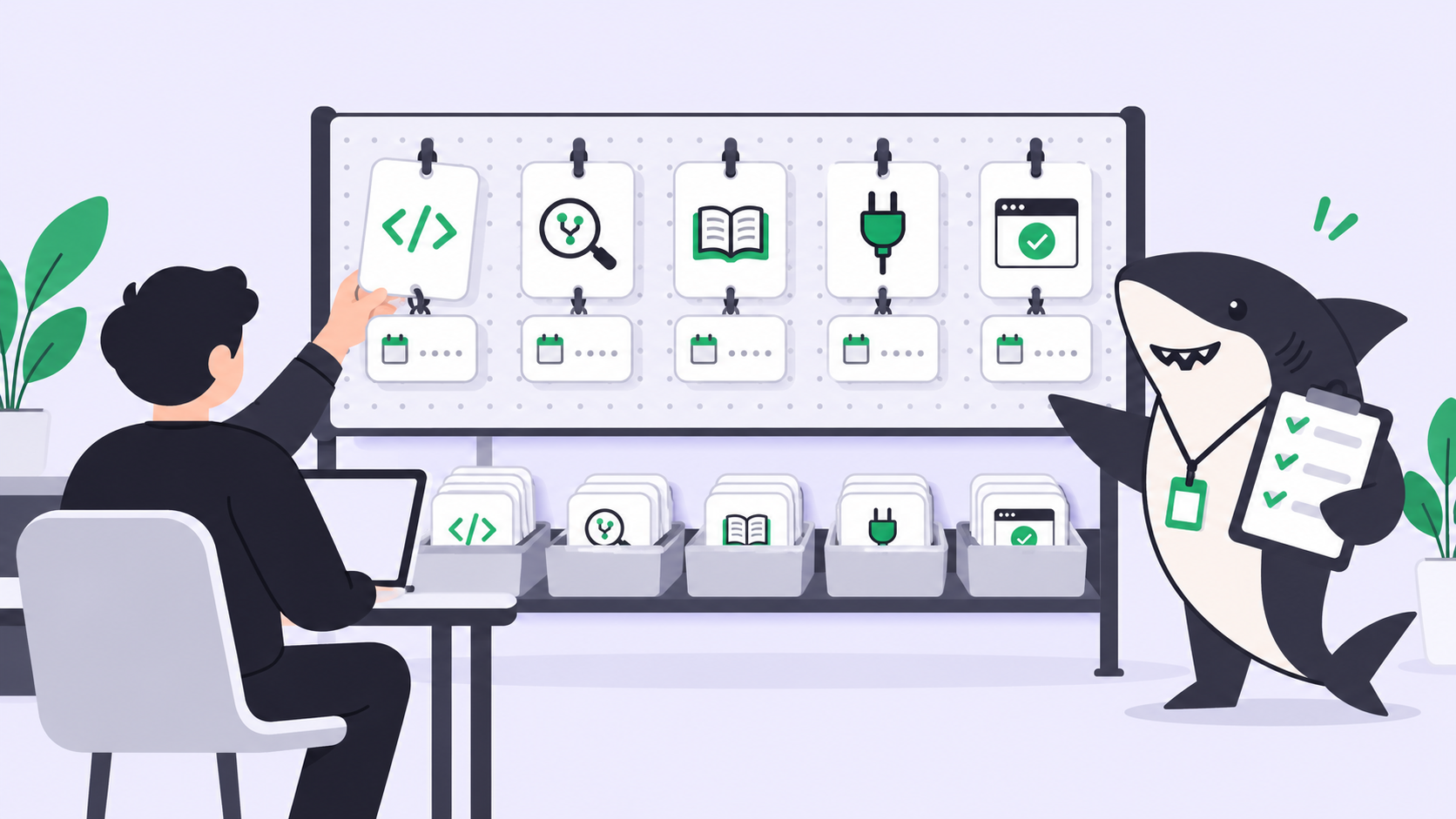
Pick four tools above and you have a new problem: four agents in four tabs, each with its own history, and no single place that shows which task each one is on. That is the problem Sharkly is built for. It sits above your coding agents; it does not replace them.
Sharkly’s pricing page lists the Free plan at $0 with “No seat charge” for “organizations of up to 5 people.” It is the full product: shared Agents, Crews and Skills, Projects and Sprints, multiple Views, and Computers with isolated worktrees. The page also says Sharkly is currently free to use, and you are not charged until you choose a paid plan. Agents and Computers do not take seats; a seat is a person.
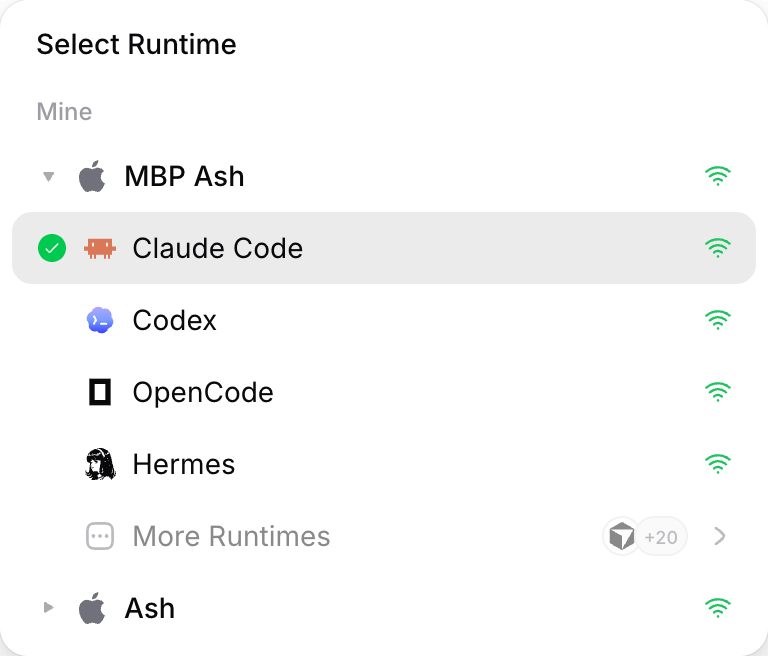
You connect a Computer with sharkly computer register, and the local service detects the Runtimes installed on it, as the Computers docs describe. Supported Runtimes include Claude Code, Codex, Gemini CLI, OpenCode, OpenClaw and Hermes. An OpenCode Agent on a free Zen model and a Codex Agent on your existing plan can pick up Tasks from the same board. Model usage stays on the account each Runtime already uses; Sharkly does not sell tokens.
Which free AI tools should you start with?
Match the tool to where your work stops:
- You write code in an editor: Copilot Free, plus Context7 so the agent reads current docs.
- You want work done while you sleep: Jules, 15 tasks a day on GitHub repos.
- You live in the terminal: OpenCode on a free Zen model, or Antigravity CLI.
- You maintain open source: add CodeRabbit for reviews.
- You ship web apps: add Playwright MCP so agents test their own changes.
- You run more than one agent: put them on one Sharkly board.
Conclusion
The best free AI tools for developers in 2026 cover the whole loop: write, review, look up docs, call a model, test and coordinate. The limits are real, so read each one before you depend on it. Free routes also change: Gemini CLI’s moved in June, and OpenCode’s models are free “for a limited time.”
Your next step: install one coding agent from this list and Playwright MCP, then create a free Sharkly workspace and connect your Computer so every agent you add later lands on the same board. The Sharkly docs cover the setup.
FAQ
What is the best free AI tool for developers?
For most developers, GitHub Copilot Free: $0, 2,000 completions a month, agent mode and a CLI. If you want background work on GitHub repos, Jules gives 15 tasks per rolling 24 hours.
Are there free AI tools for code review?
Yes, with a scope limit. CodeRabbit’s open-source plan reviews public repositories for free. Copilot Free marks pull request reviews “Not included.”
Is Gemini CLI still free?
Not through a personal Google login. The README says free individual access moved to Antigravity CLI on June 18, 2026. The CLI itself is still open source.
Can I use a free AI API for my own app?
Yes. The Gemini API Free Tier covers models such as Gemini 3.8 Flash and Gemma 4. Free-tier content is used to improve Google’s products, so avoid sending private data.
Which free AI tools work with Claude Code?
Context7 and Playwright MCP both run as MCP servers, and Playwright MCP’s README gives the exact claude mcp add command.
How do I manage several free AI coding agents?
Connect the Computers they run on to Sharkly. Each Agent runs on one Runtime, and all of them take Tasks from one board. The Free plan covers organizations of up to 5 people.