OpenAI’s DevDay recap on September 29 put the example in plain words: “you can ask ChatGPT to watch for new tasks on a project board. When one comes in, ChatGPT can read the linked documents and draft a plan, even while you’re away.” Underneath it is ChatGPT support for the proposed MCP Events specification, on all plans, shipped alongside two team features: team tasks that run on a schedule or on events, and @ChatGPT in Slack and Teams.
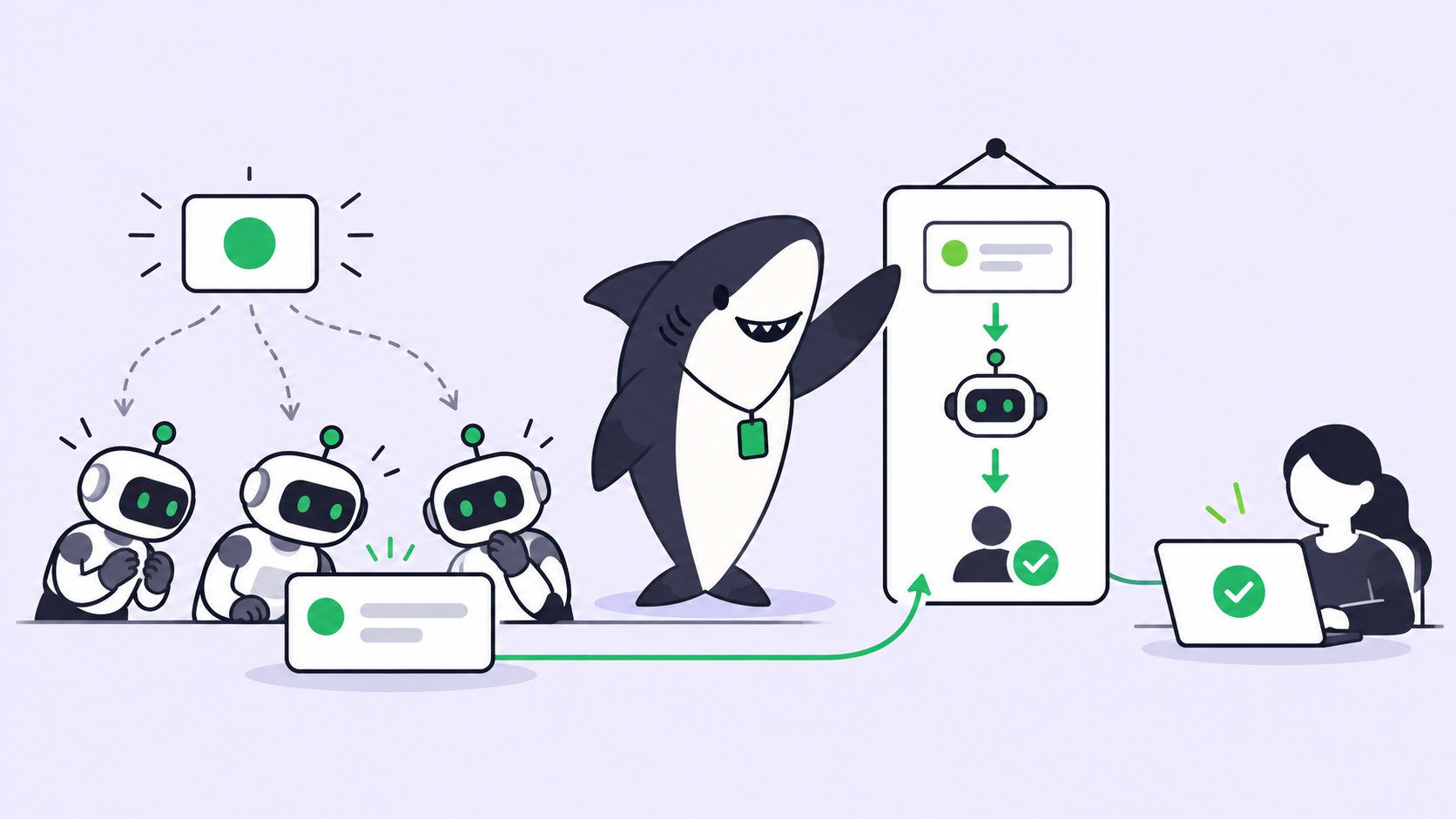
For a team that already runs coding agents, a board that agents watch changes what a new task means. It used to wait for a person. Now it can wake an agent, or several. If two people each ask ChatGPT to watch the same board, and the board itself has an Agent assigned to new work, one new task can produce three draft plans in three places, and nobody has decided which one counts.
TL;DR
MCP Events gives ChatGPT a clean, signed way to hear about changes in a connected app, and ChatGPT team tasks bring scheduled and event-driven work to Business and Enterprise plans. Getting an event to start an agent is the easy half, and OpenAI has done it carefully. The hard half is what the event produces on the board: who owns the resulting work, where the draft plan lands, how it gets reviewed, and how two agents avoid answering the same event. Write that down as a routing rule: one event type, one owner, plans that return to the Task, and a person who accepts before anything counts as done.
What shipped at DevDay
MCP Events is a proposed extension to the Model Context Protocol that lets an MCP server notify ChatGPT when something happens in a connected app, so a plugin can start an automation in response. OpenAI’s MCP Events guide describes the server side. The server advertises that it supports events and implements three methods: events/list, events/subscribe and events/unsubscribe. ChatGPT supports webhook delivery only, signed with Standard Webhooks HMAC, after an HTTPS verification challenge, one event per request of up to 256 KiB. When an event arrives, in the guide’s words, “ChatGPT receives the event in the subscribed chat and follows the user’s instructions for how to respond.”
The details are careful where it counts. The server must give each event a unique ID that stays the same across retries. Subscriptions must be idempotent: their identity derives from the principal, the callback URL, the event name and the arguments, so subscribing again updates the existing subscription instead of creating a second one. The server must block private and local callback addresses and must not follow redirects.
| Launch | What it does | Plans | Who shapes the response |
|---|---|---|---|
| MCP Events | An MCP server pushes events; ChatGPT runs the automation you described | All plans | The person whose chat subscribed |
| Team tasks | Recurring work, such as weekly project updates, on a schedule or in response to events like a new email or Slack message | Business, Enterprise | Teammates refine the instructions together |
| @ChatGPT in Slack and Teams | Mention it in a channel, thread or DM; it uses tools your admin connected, or your own with your permissions | Business, Enterprise | Anyone in the conversation adds context, without an individual ChatGPT license |
Together, these make ChatGPT a place where work can start from outside a conversation. That is a real step, and for plenty of recurring work it will be enough.
The trigger is the easy half
Run the recap’s example on a real team. A new task arrives on the board. ChatGPT reads the linked documents and drafts a plan. Four questions follow, and none of them is about transport.
Who owns the resulting work? A draft plan is not an assignment. Someone has to own the work it describes, and on most teams ownership is recorded on the board: a name on the task and a status that moves. A good draft changes neither on its own.
Where does the plan land? The event arrives in the chat that subscribed, and the plan goes wherever that person’s instructions send it: a reply in the chat, or a write back to the board if the plugin exposes one and the instructions ask for it. The team has to know which, or the board keeps saying “new” while a perfectly good plan waits somewhere nobody else reads.
How is it reviewed? A plan is a decision about scope. Someone other than its author should read it before code starts, in a place the next person can find.
Who answers the event? Idempotency stops one subscription from duplicating itself. It does not coordinate two people, because the principal is part of the subscription’s identity, so each person’s subscription is its own. Add an Agent assigned on the board, and the same task can be planned more than once. Deduplication at the webhook layer does not decide ownership at the work layer.
These are management questions. They existed before agents, when three people might pick up the same ticket, and they come back faster when the thing picking it up never sleeps. For the review side of unattended work, see coding agents while you’re away.
Put the routing on the board
On a board where agents are Assignees, “watch for new tasks” mostly becomes “assign the task.” In Sharkly, a Task assigned to an Agent starts a run when it leaves Backlog and its Computer and Runtime are ready. The execution Assignee slot holds exactly one Agent or Crew, and Sharkly coalesces pending work so rapid comments do not create duplicate pending runs for the same Agent and Task. Ownership is a field, not a convention.
For events that should start work without an assignment, Sharkly Automations are the board-side equivalent. An Automation is one rule: instructions, an Agent or Crew, one or more triggers, and run history, with a status of Active or Paused. Its triggers are a schedule (cron with a timezone), a Task moving into a selected status, a comment containing a phrase, and a webhook from an external service, plus Run now for testing. Each run starts directly and keeps its history on the Automation, so the instructions should say where the result is recorded. Status and comment matching is organization-wide today, so the Automations docs recommend instructions that verify the triggering Task before acting.
Here is one Space’s event-to-task table:
| Event | Mechanism | Who runs | Where the result returns | Who decides |
|---|---|---|---|---|
| Request posted in Slack | Slack shortcut creates a Task in the triage status | Nobody yet | The Task, in Triage | A person accepts, declines, marks it duplicate, or snoozes it |
| GitHub issue opened | GitHub integration: new issues on a linked repository become Tasks | Nobody yet | The Task | Whoever triages the Space |
| Task moves to “Needs plan” | Automation, status trigger | Planner Agent | A comment on the Task | The Task’s human assignee |
| Comment “/replan” on a Task | Automation, comment trigger | Planner Agent | A new comment on the Task | The Task’s human assignee |
| Task assigned to a coding Agent, leaves Backlog | Task execution | That Agent, on its Computer | Comments, Executions, linked pull request | A reviewer, then a person accepts |
| CI failure webhook | Automation, webhook trigger | Triage Agent | The Automation’s run history | The on-call person |
| Weekdays at 09:00 | Automation, schedule trigger | Status Agent | Run history, and an Inbox row for each recipient | The team lead |
And the rule behind it, written where the team can argue with it:
Routing rule: new work in the ENG Space

1. One event type, one owner. Each event maps to exactly one
   Automation or one Agent Assignee. Personal watchers (a chat
   subscription, a dot) may read the board; they do not plan on it.
2. New requests enter Triage. A person accepts before any Agent runs.
3. Accepted work that needs a plan moves to "Needs plan", a status in
   the Backlog category. The "Draft plan" Automation runs the Planner
   Agent, which first checks the Task's Space and type and stops if
   the Task is not ours.
4. The plan returns to the Task as a comment. The Planner does not
   change status and does not assign anyone.
5. The Task's human assignee reads the plan, assigns the executing
   Agent, and moves the Task to Todo. That move starts the run.
6. Done means a person accepted the result. No Agent moves a Task
   into a Completed status.
Putting “Needs plan” in the Backlog category is the detail that makes step 5 safe: a Task assigned in Backlog waits, so the plan gets read before the run starts. Say in the Planner’s instructions exactly where the plan goes, and test it with Run now before trusting the trigger. When an Agent needs a decision mid-run, the Task shows waiting for human reply and lands in the responsible person’s Inbox, which is where the “even while you’re away” part comes back to a human. The Task is where a group-chat request becomes traceable work, and the same holds for a GitHub issue assigned to an agent.
Where ChatGPT’s watcher fits
Use an MCP Events subscription when one person wants a heads-up and a first draft in their own chat: a board you follow but don’t run, a partner’s tracker, a Friday summary for yourself. Use team tasks when the recurring job is a team update that lives in ChatGPT and your team is on Business or Enterprise, because teammates refine one set of instructions instead of each writing their own. Use a board-side rule when the event creates work the team must own: a plan someone will execute, a fix someone will review, a Task that has to show up in Monday’s count.
Event-driven AI agents are only as good as the rule that says which one answers. The event is plumbing; the routing, the owner, and the review are management, and they belong on the board every agent reports to, whichever vendor built it. For deciding what agents take next once the queue fills, see AI backlog management and triage. Dots, the first launch in OpenAI’s recap, raise the same question from the agent’s side.
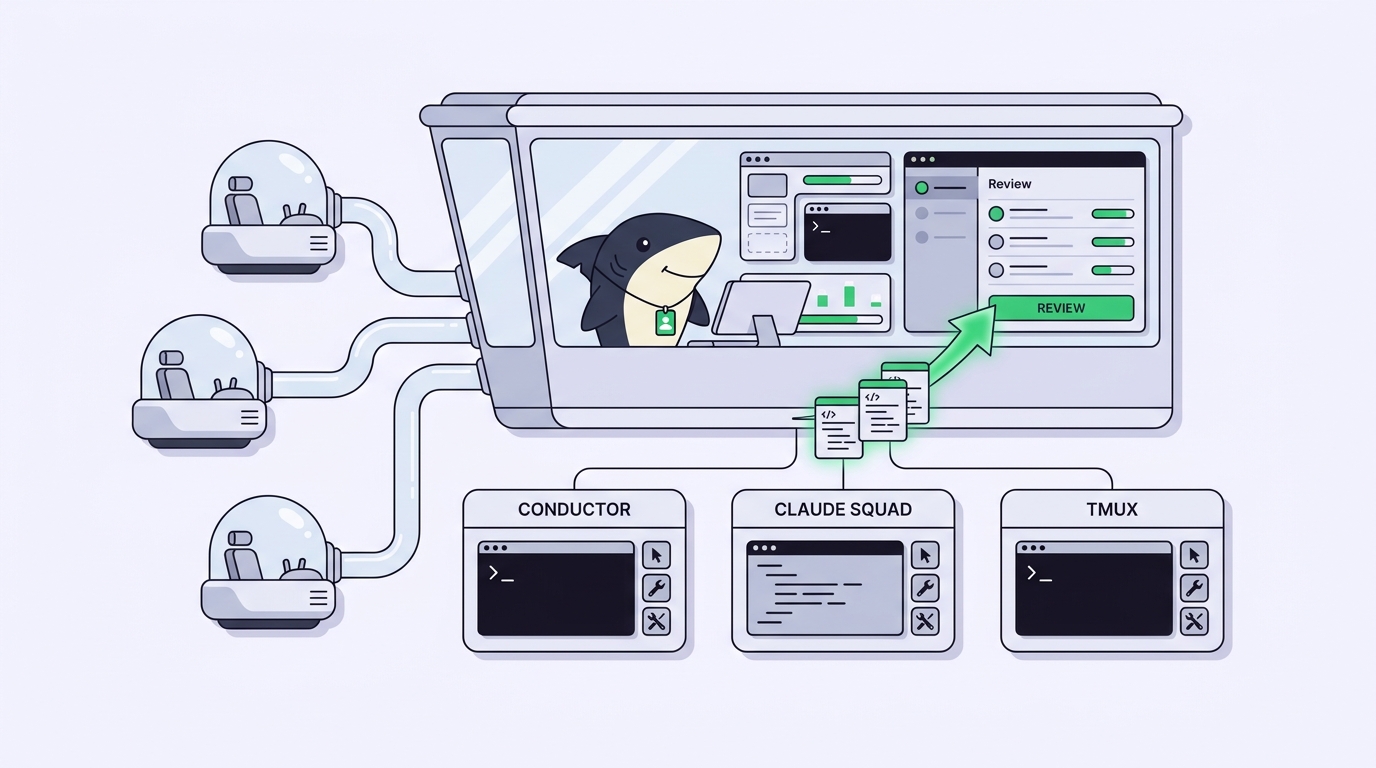
If you’re already running several agents, Sharkly gives you one place to manage their tasks and results.
Additional resources
- Sharkly Automations: the four trigger types, run history, and where automation stops
- From group chat to traceable code tasks: turning a message into owned work
- AI backlog management and triage: deciding what agents work on next
- Assign a GitHub issue to an AI agent: from issue to reviewable pull request
- Coding agents while you’re away: unattended runs and the review queue
- OpenAI dots, explained: always-on personal agents, and what a team still needs around them