You start a coding agent on a real task, close the laptop, and go to lunch. That part is easy. The hard part is what you find when you come back: a terminal that scrolled off the top, a diff you didn’t watch get written, and no clear answer to the only question that matters, which is whether the work is good enough to keep.
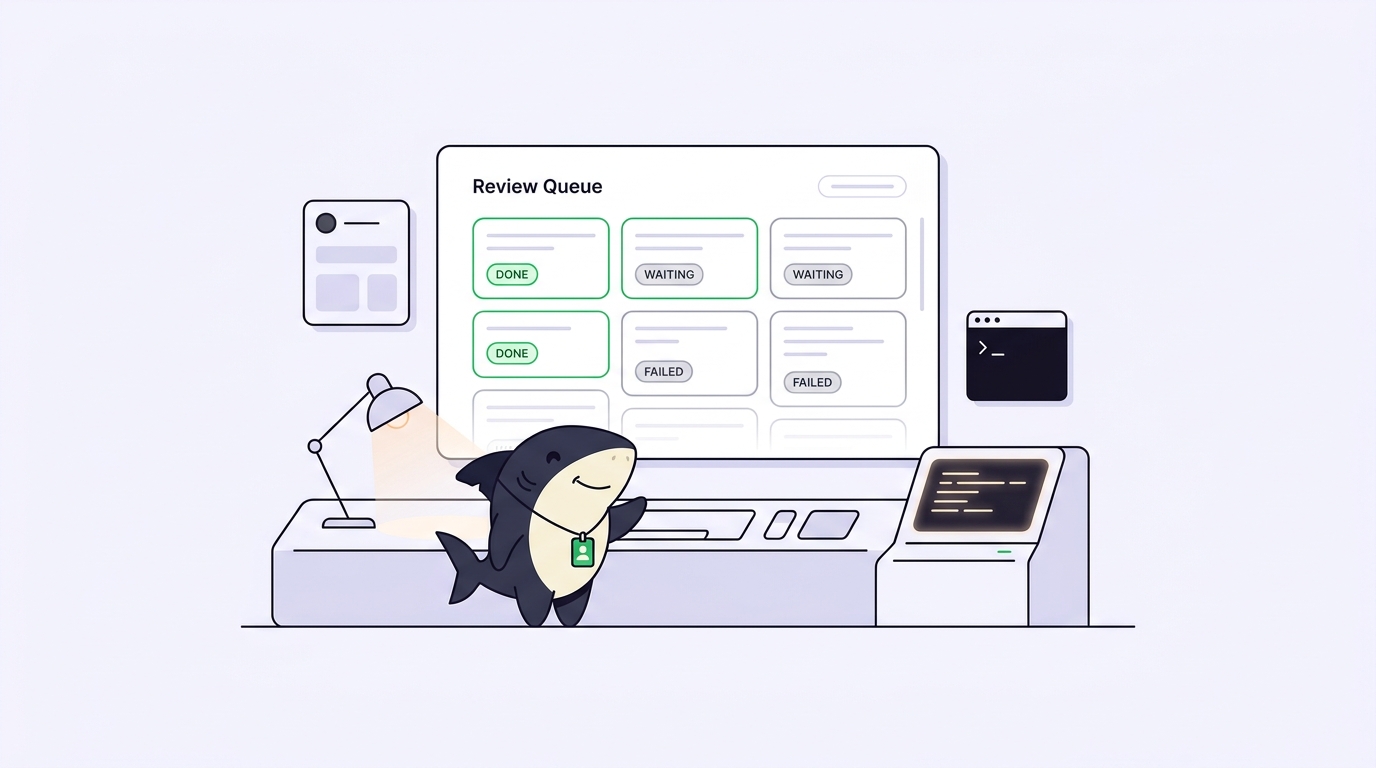
Running an agent unattended has two halves, and most setups only solve the first one. The first half is keeping the process alive and productive while nobody is watching. The second half is the review queue: the pile of finished, half-finished, and failed runs waiting for a human decision when you return. Skip the second half and unattended agents just move the bottleneck from writing code to reconstructing what happened.
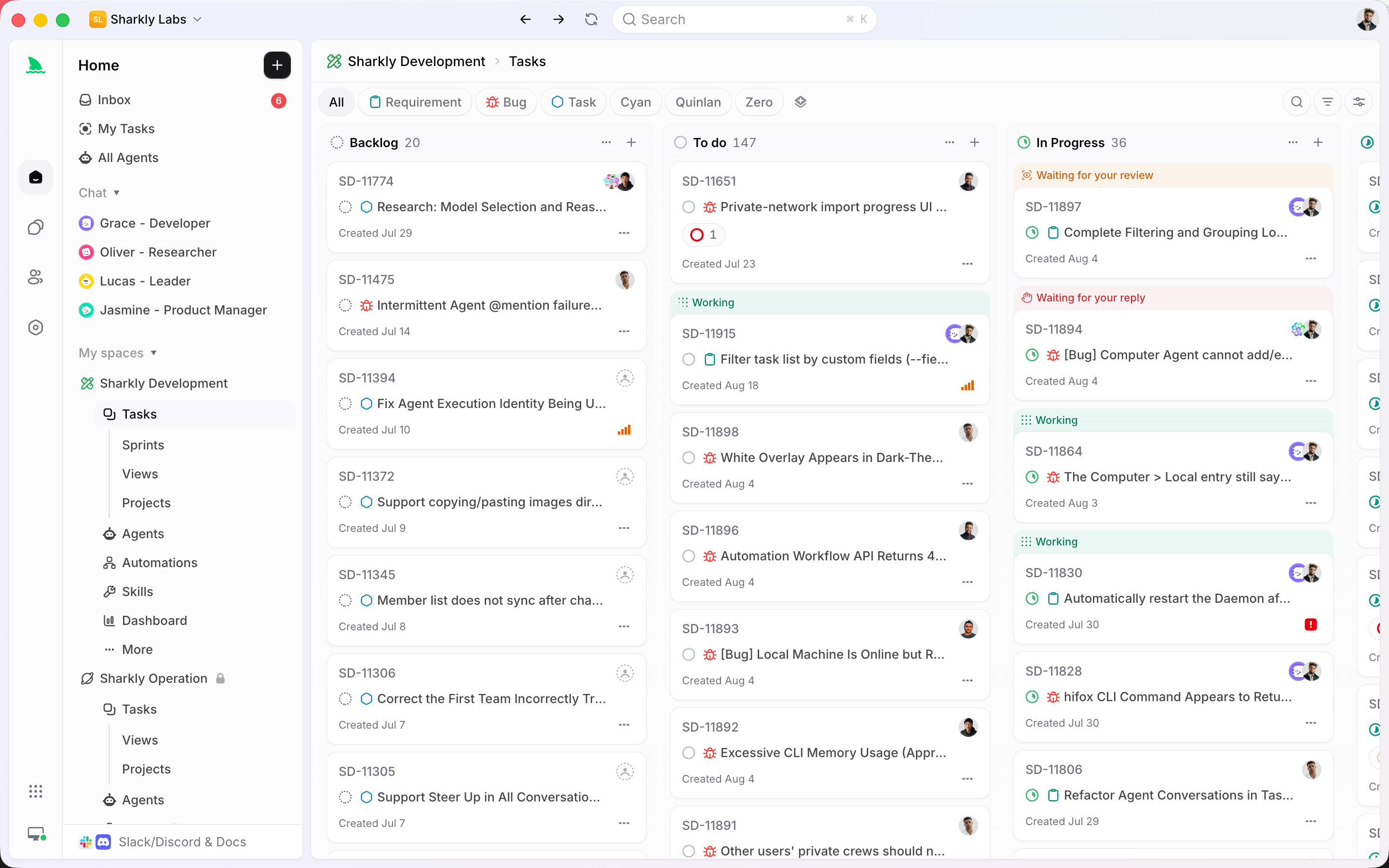
This article covers both halves: how to set up an unattended run yourself, the failure mode at each step, and where that do-it-yourself setup stops scaling. When one terminal becomes five, a task board like Sharkly sits above your coding agents. You keep Claude Code, Codex, or Gemini CLI doing the work, and Sharkly holds the task, the run, and the review in one place instead of scattered across terminals you have already closed.
What running an agent unattended actually involves
An unattended run is a coding agent executing a task on a host you are not actively watching, with its output captured for later review. That definition has three load-bearing parts: a task the agent can finish without you, a host that keeps running when you disconnect, and a record you can read afterward.
The record is the part people underestimate. When you watch an agent live, you are the log: you see it pick the wrong file, you interrupt, you correct course. Unattended, none of that happens. Everything the agent did has to survive in a form you can inspect cold, hours later, with no memory of what you asked. Agents research, execute, test, and report. People set direction, grant authority, and accept the result. That contract only holds if the report is real and complete when you get back to it.
So the goal is not “make the agent run without me.” It is “make the agent run without me and hand back something I can review.” Those are different problems, and the second is where unattended workflows usually break.
Setting up an unattended run yourself
Here is the minimal manual version, with the failure mode that bites at each step.
Step 1: isolate the work. Give the run its own checkout so it can’t collide with your editor or another agent.
git worktree add ../task-auth-refactor -b task/auth-refactor
cd ../task-auth-refactor
Failure mode: skip this and two runs in the same directory overwrite each other’s uncommitted changes. See one checkout per task for why worktrees, not branches alone, are the isolation boundary.
Step 2: detach the process. Your SSH session or terminal will close, and a foreground process dies with it (SIGHUP). Keep it alive with nohup or a tmux session:
nohup claude -p "Refactor auth to use the new token service; run the tests" \
  > run.log 2>&1 &
Failure mode: run it in a plain foreground shell and closing the lid kills the agent halfway through a multi-file edit, leaving a broken tree. nohup fixes the lifetime but gives you no way back in; tmux lets you reattach and see what’s happening.
Step 3: capture everything. The > run.log 2>&1 above is not optional. It is the review queue, in its rawest form.
Failure mode: without a captured log you cannot answer “why did it stop?” The most common silent stall is an agent waiting forever on an interactive prompt that no one will answer, because unattended means no one is there to type “yes.” Run in a non-interactive mode and pre-approve the narrow set of actions the task needs.
Step 4: bound the blast radius. Decide, before you walk away, what the agent may do on its own and what needs you. Restrict file scope, forbid force-push, and never let an unattended run merge to a protected branch.
Failure mode: an over-permissioned run that pushes directly to main is not a productivity win, it is an incident. Approval gates exist so the agent stops at the last safe point and waits.
Step 5: know when it finished, and how. Check the exit code, and send yourself a signal so you are not polling a log by hand:
claude -p "..." > run.log 2>&1; echo "exit $?" | mail -s "auth run done" [email protected]
Failure mode: with no completion signal, “unattended” turns into “I check the terminal every twenty minutes,” which is just attended with extra latency.
Where the do-it-yourself setup stops scaling
One agent, one worktree, one log file: this works, and for a single run you don’t need anything heavier. The setup breaks the moment there is more than one.
Run three agents on three tasks and you now have three worktrees, three log files, three exit codes, and three completion emails you’ll misread at a glance. The isolation still holds. What falls apart is the review queue. Nothing tells you which run finished cleanly, which failed on tests, and which is quietly waiting on a prompt. You reconstruct that by hand, reading logs one at a time, which is exactly the work you were trying to hand off.
This is the real cost, and it is easy to miss because each piece looks fine on its own. Monitoring several parallel runs becomes a genuine problem once the count passes what one screen shows. A log file answers “what did this run print,” not “of my six runs, which three need me right now.” The status and failure signals worth capturing don’t organize themselves into a queue. And the queue is the whole point of working while you’re away: you want a ranked list of decisions, not a directory of raw output.
What a task board changes
A task board is where the second half of the problem gets solved. The unattended run still happens on a Computer you connect, with your existing Runtime doing the coding. What changes is where the result lands.
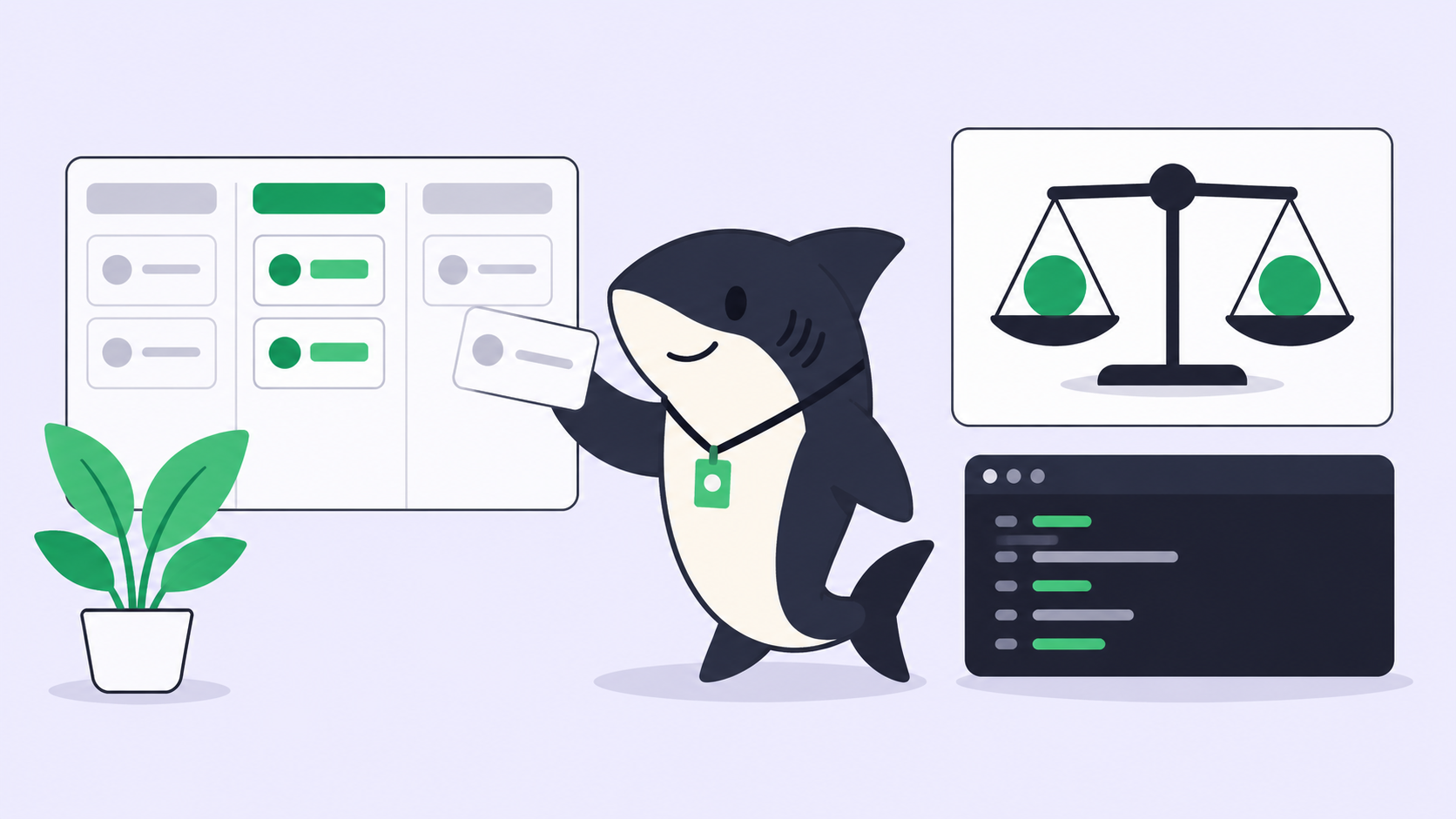
In Sharkly, the work, the run, and the review live on one Task. You assign the Task to an Agent, a saved configuration of instructions, Runtime, and repositories, not a one-off prompt you retype. The Agent claims the Task, runs in an isolated worktree, and its execution, blockers, and results return to the Task timeline. When you come back, you don’t grep six log files. You open the board and read the queue: what finished, what failed, what is waiting on you.
This is the boundary worth stating plainly. Sharkly is not a replacement for Claude Code, Codex, or other execution tools. It adds the shared task, Computer, context, and review layer around the tools your team already uses. The agent still writes the code. Sharkly makes sure that when you were away, the code came back somewhere you can see it, with the change summary and test results attached, and that final acceptance stays a human decision. Automation stops where judgment is required.
You can build all of this by hand with worktrees, nohup, and a mail command. The honest decision rule: if you run one agent occasionally, the manual setup is fine and Sharkly is overhead you don’t need. The equation changes when several agents run across tasks and repositories and the review queue becomes the thing you spend your morning on. If you want to keep using multiple coding agents rather than committing to one ecosystem, that queue is the problem Sharkly is designed around.
The review queue is the actual bottleneck
Here is the assumption worth challenging: people optimize the unattended run and treat review as an afterthought. It’s backwards. Running agents in parallel while you sleep is only a win if reviewing their output the next morning is faster than doing the work yourself would have been. When five agents finish overnight and reviewing all five diffs takes longer than writing two of them, the parallelism produced nothing.
So design the review queue first. Decide what “done” must include before a run reaches you: passing tests, a typecheck, a change summary, and a note of known limits. Order the queue by risk, not finish time, so the run that touched auth gets your attention before the one that fixed a typo. Make “request changes” as cheap as “approve,” because half of unattended runs will be close but not right. Review is the bottleneck in any parallel-agent workflow, and where the agents physically run, your server, your laptop, or both, matters far less than whether their output arrives as a queue you can clear.
A checklist you can run today
Before you walk away from an agent, confirm:
- Isolation: the run has its own worktree, not your working checkout.
- Lifetime: the process survives a disconnect (
nohup,tmux, or a managed Computer), so closing the lid doesn’t kill it mid-edit. - Capture: stdout and stderr go to a durable log or a Task timeline you can read cold.
- Non-interactive: the agent won’t stall on a prompt no one is there to answer.
- Blast radius: file scope is limited, force-push is off, and no unattended run merges to a protected branch.
- Completion signal: you get told when it finishes and whether it passed, without polling.
- Review contract: every finished run arrives with tests, a change summary, and known limits, and acceptance stays yours.
The first six make the run unattended. The last one makes it worth doing. If you’re already running several agents and the morning review is where your time goes, run your existing coding agents through Sharkly so the queue comes to you organized instead of scattered.