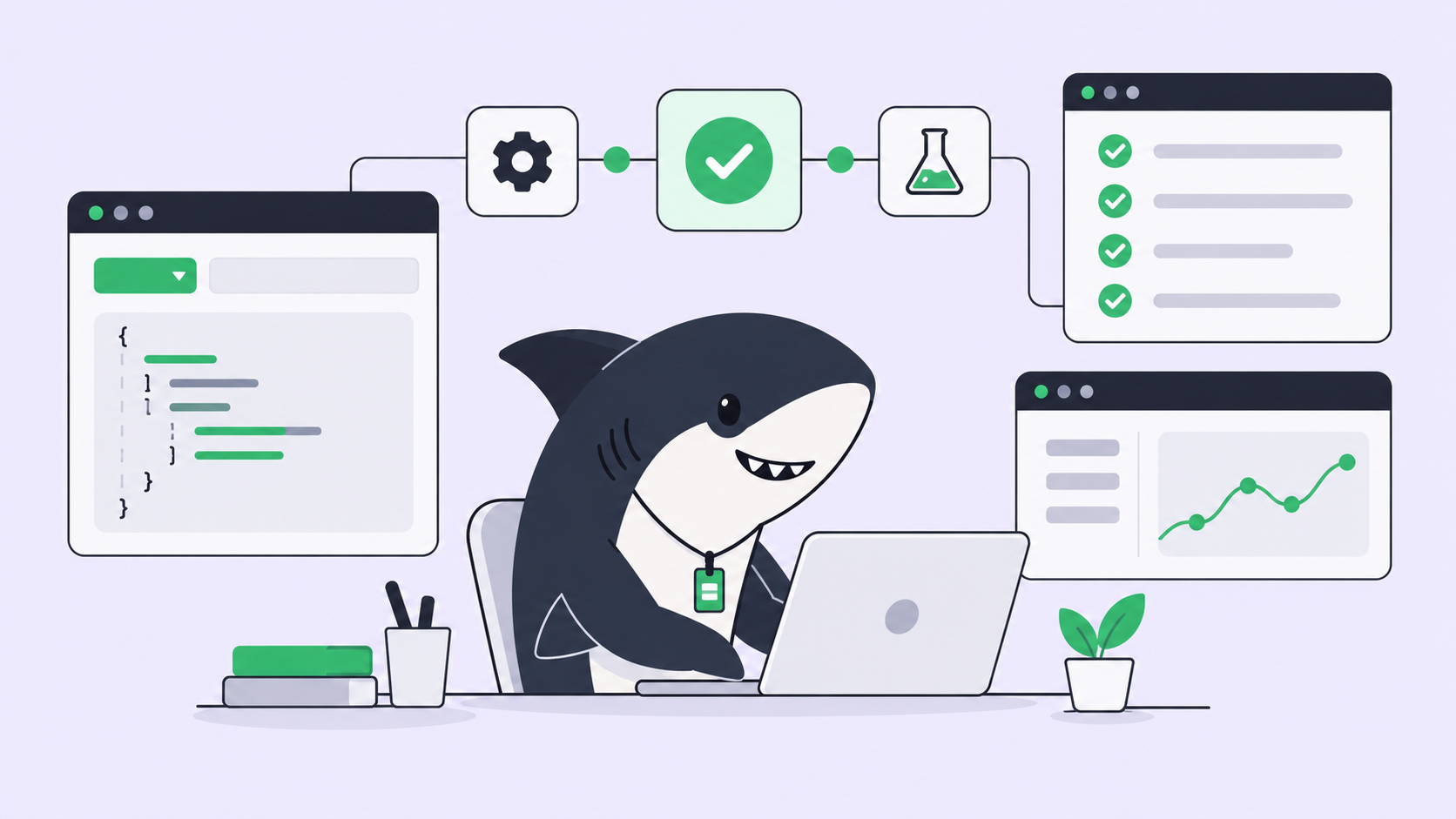
Your issues already live in GitHub. So does the code, the pull request review, and the branch rules your team spent a quarter agreeing on. Nobody wants a second board to keep in sync with the first. What’s missing is a way to hand one of those issues to a coding agent and get back a reviewable pull request, without leaving the repo it came from.
That’s what connecting GitHub to Sharkly does. Sharkly is an all-in-one Agent command and management platform: it turns a GitHub issue into an assignable Task, routes it to a coding agent (Claude Code, Codex, Gemini, or whatever Runtime your team runs), executes the work on a Computer inside an isolated worktree, and returns the result as a pull request you review the normal way. Two things matter most here: who actually gets to touch the repository, and where a human still has to say yes.
The loop in one sentence
Connect GitHub, link a repository to a Space, and a new issue becomes a Task. Assign it to an Agent and the same contract applies everywhere in Sharkly: the Agent researches, executes, tests, and reports; a person reviews the diff and decides what ships.
Two connections, and why they’re not the same thing
GitHub integration has two layers, and mixing them up is the fastest way to get confused about who can see what.
The first layer is the organization connection. An Organization Owner or Admin opens Integrations, finds GitHub, and installs the GitHub App against the repositories it should see. That connection is what makes pull request linking and linkback comments possible. Members can also connect a personal GitHub account, but that only changes whose identity shows up on synced comments, not what the organization connection already does.
The second layer is linking one of those repositories to a Space. Do that, and new GitHub issues start showing up as Tasks; existing issues aren’t imported. A repository can feed a Space one-way (issue changes flow in, never back) or two-way (issues and Tasks stay in sync both directions), and a Space gets only one two-way repository at a time, so pick carefully.
Here’s the boundary that trips people up: none of this is how an Agent gets permission to clone your code. The GitHub integration covers pull request links, issue sync, and linkback comments. It doesn’t hand any Agent read or write access to a repository.
Give the Agent code access separately
Code access is a separate configuration, set on the Agent or the Space, not on the GitHub connection. An Agent with no repositories of its own falls back to whatever the Task’s Space is configured with. Narrow that list on the Agent itself when it should only ever touch one codebase out of several a Space references.
Either way, the run still needs working Git access on the Computer itself: an SSH key, an HTTPS token, or host credentials already set up there. The organization connection doesn’t supply or replace those. If a run can’t clone, that’s a Computer problem, not a GitHub App setting.
Assign the issue to an Agent
Once a repository is linked, a new GitHub issue lands as a Task (Issue, Bug, Feature, and Ticket are all valid task types, whatever your Space uses). Assigning it to an Agent works the same way assigning it to a teammate does: open the Assignee control and pick the Agent instead.
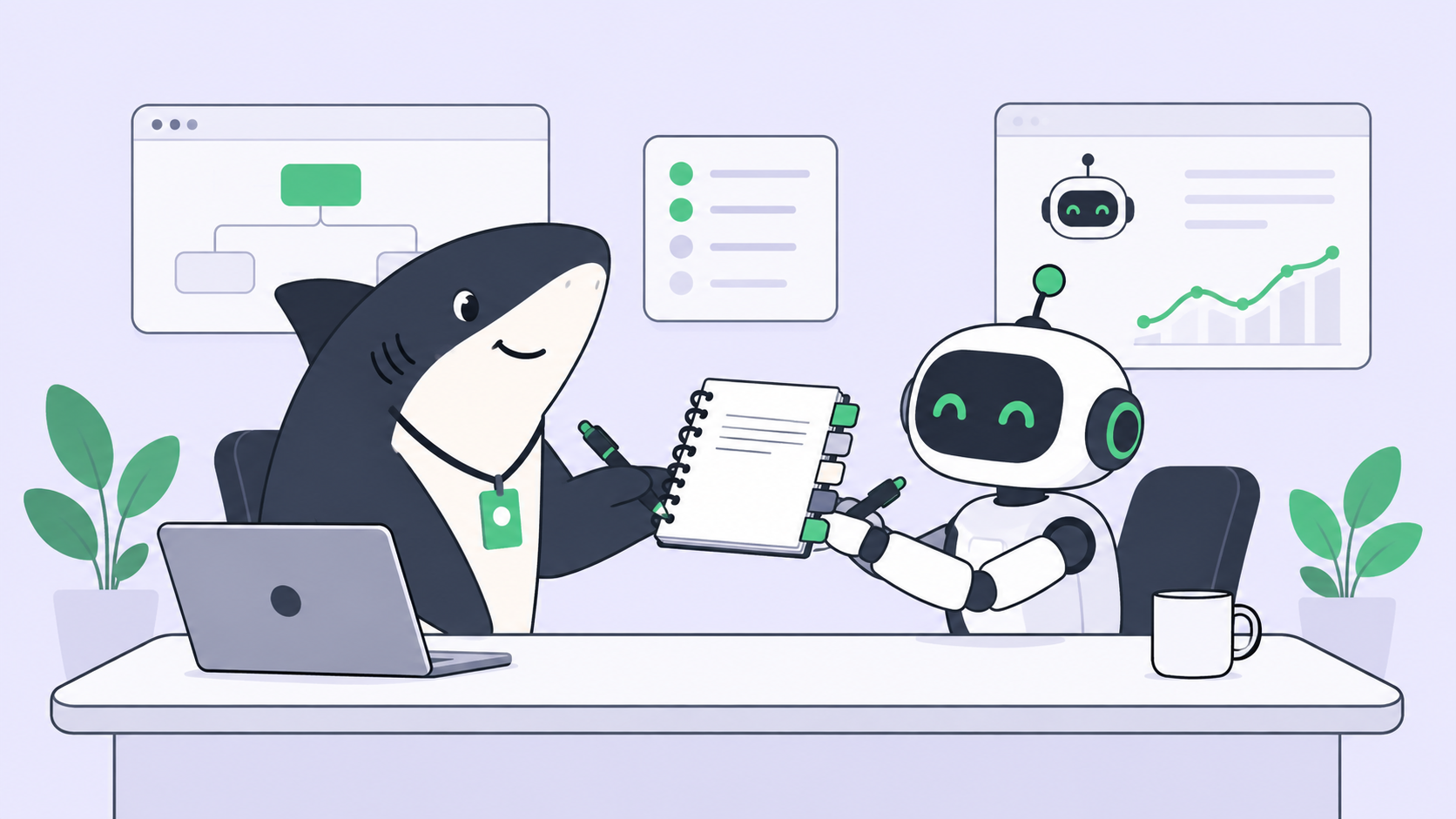
An Agent is a saved working configuration, not a one-off prompt: its instructions, Runtime, repositories, and run settings shape the work, the way a role description shapes what a new hire does. If the Task lands in Backlog, nothing runs yet, that’s a holding pen. Move it to a working status and Sharkly dispatches the run once a Computer and Runtime are ready.
When two Agents touch the same repository
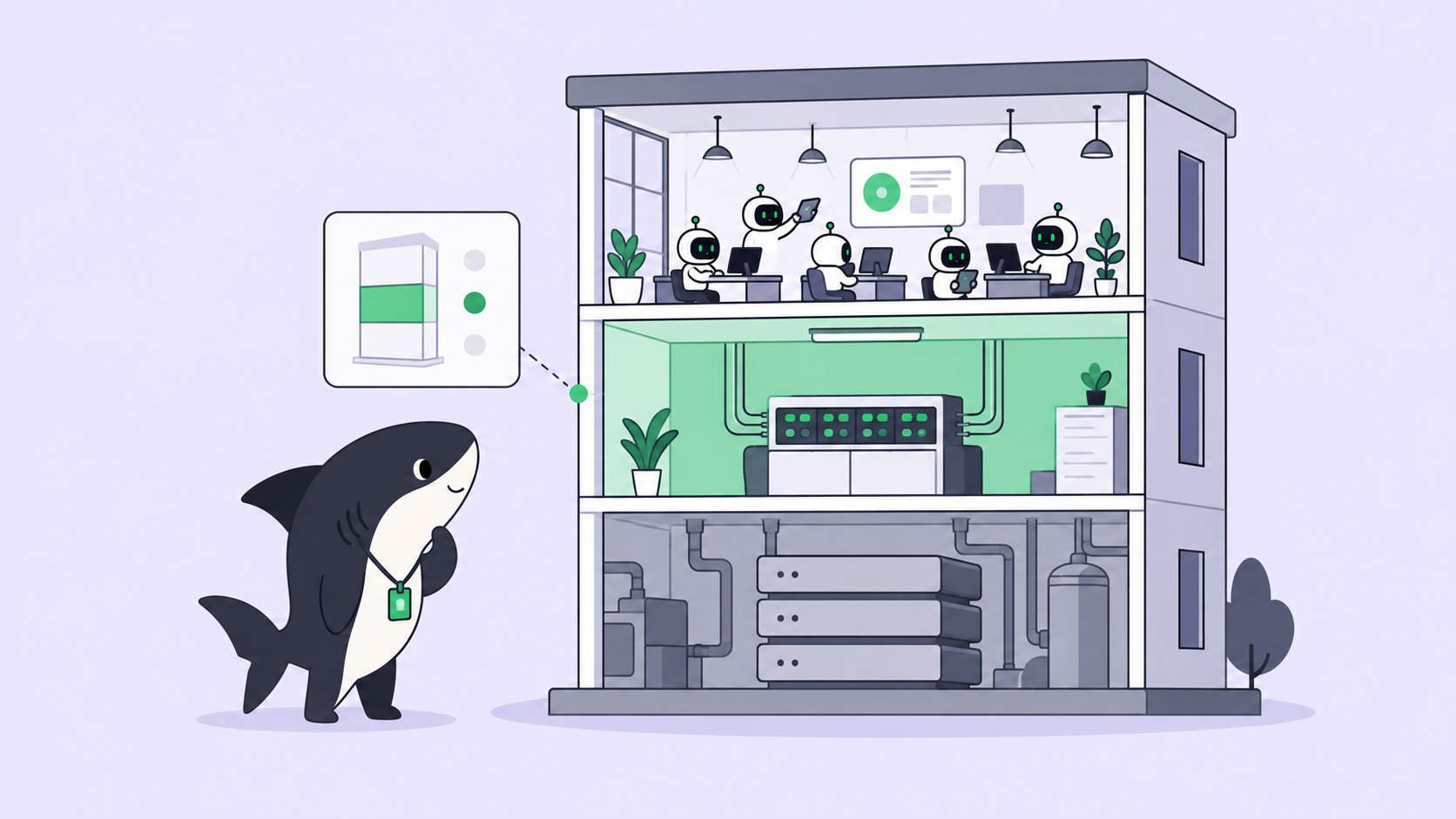
This is the part teams worry about most. The default mode is Temporary: each Task gets an isolated directory, and repository-backed runs prepare a fresh worktree. Two Agents on two different issues in the same repository each get their own checkout, not a shared one, so they can’t overwrite each other’s files or fight over a branch, even on the same Computer. It’s the same discipline behind using git worktrees with AI coding agents by hand, just automatic.
Concurrency has its own ceiling. Temporary runs default to about half the Computer’s overall limit; raise it manually and the product warns you once the value outruns available directory capacity, which is where collisions actually start. Specified mode exists too, an Agent reusing one fixed directory instead of a fresh worktree, but it serves one run at a time, a worse fit for a repository several Agents hit at once.
What comes back: the pull request
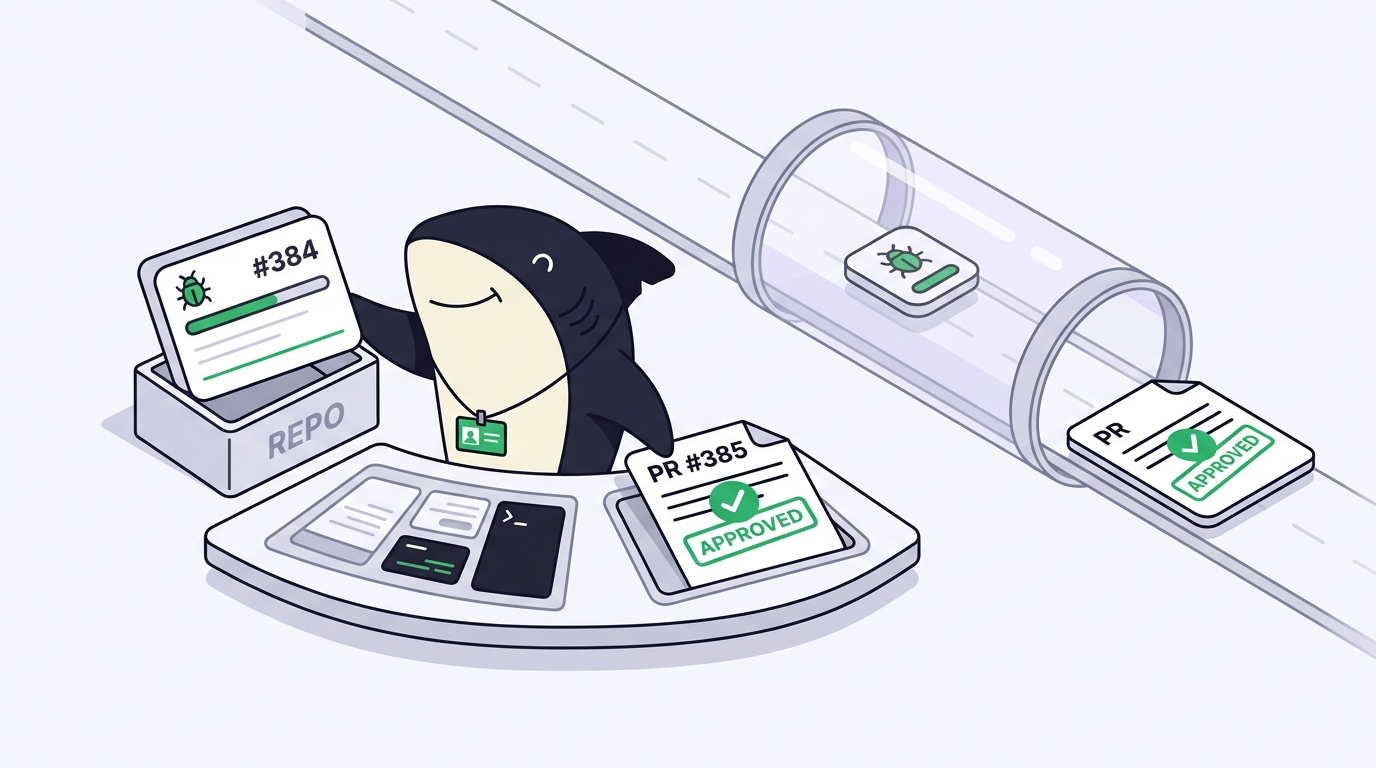
When the Agent opens a pull request, you connect it to the Task by writing the Task ID into the branch name, the title, or the body. Any one of the three is enough; a bare ID like SH-312 works the same as Fixes SH-312, since there’s no special handling for words like fixes, closes, or skip. On a public repository, only a trusted author, the owner, a member, or a collaborator, gets linked, so a stranger’s pull request can’t spoof its way onto your Task.
Linked pull requests can also get a linkback comment pointing back at the Task. That’s on by default for private repositories and off by default for public ones, a switch that lives in GitHub settings, separate from whether the Space itself is public or private.
The review gate: where judgment sits
Merging a pull request does not change the Task’s status, and it never happens on its own. That’s deliberate. Task status and an Agent’s working state are tracked separately, so a Started Task can also show Working, Waiting for human reply, Waiting for human review, or Error, and those signals surface in Inbox for whoever’s responsible. Closing or reopening the underlying GitHub issue can move a two-way Task’s status; merging the pull request cannot.
Agents research, execute, test, and report. People read the diff against the original issue, request changes or accept, and make the merge and release call themselves. That division holds all the way through, on GitHub the same as everywhere else in Sharkly: automation stops exactly where team judgment is required. For the deeper mechanics, Sharkly’s human-in-the-loop review workflow covers it directly.
When GitHub’s own agent hub is enough
If your team is all-in on GitHub, source, CI, review, and a paid Copilot seat, GitHub’s own Agent HQ coordinates agents inside that ecosystem well, and you may not need anything else. The case for Sharkly shows up once work also passes through Jira, once Agents run on Computers outside GitHub’s cloud, or once your team mixes Runtimes and doesn’t want to rebuild its workflow every time the best one changes. If Jira’s part of that mix, assigning a Jira ticket to an AI Agent walks the same loop from that side.
To try it on one real issue: open Sharkly’s GitHub, Jira, and Slack integrations, connect your GitHub organization, link one low-traffic repository to a Space, and assign the next small issue to an Agent instead of yourself.
Frequently asked questions
Does connecting my GitHub organization give an Agent access to my code? No. The organization connection covers pull request links, issue sync, and linkback comments. Code access is configured separately, on the Agent or the Space, and the run still needs its own Git credentials on the Computer.
Do two Agents working the same repository ever collide? Not under the default Temporary mode. Each run gets its own isolated worktree, so concurrent Agents never share a working copy, even on the same Computer.
Will merging the pull request close the GitHub issue or the Task? Merging never changes the Task’s status by itself. Closing the underlying GitHub issue can, on a two-way-synced repository, but that’s a separate action from merging the PR.
What does the Agent’s pull request actually target? Sharkly links the pull request by the Task ID in the branch, title, or body, whichever your Runtime writes. It doesn’t prescribe a branch strategy, so confirm your Runtime’s default base-branch behavior before assigning anything higher-stakes than a test issue.
Can I keep my existing GitHub issues, not just new ones? Linking a repository syncs newly created issues going forward. Existing issues aren’t imported automatically.