Claude Ship has no free tier. You can run the individual /ship command with paid Claude Code access, and the work counts against your session usage. The repository-wide Claude Ship agents require Team or Enterprise and bill separately through organization usage credits. Claude Free includes chat, while Claude Code starts with Pro for individual subscribers. Claude pricing · Claude Ship billing
The distinction matters if you already pay for Claude Code. You can try the command on a pull request (PR) you own without upgrading to Team. If you want the same review policy to run across a repository, you’re looking at an organization setup with its own billing.
If your immediate problem is getting agent work in front of a reviewer, you can start free with Sharkly. It gives your team a board for handing work from an Agent to a person, using whatever coding plan you attach to the Runtime.
What do you get with /ship as an individual?
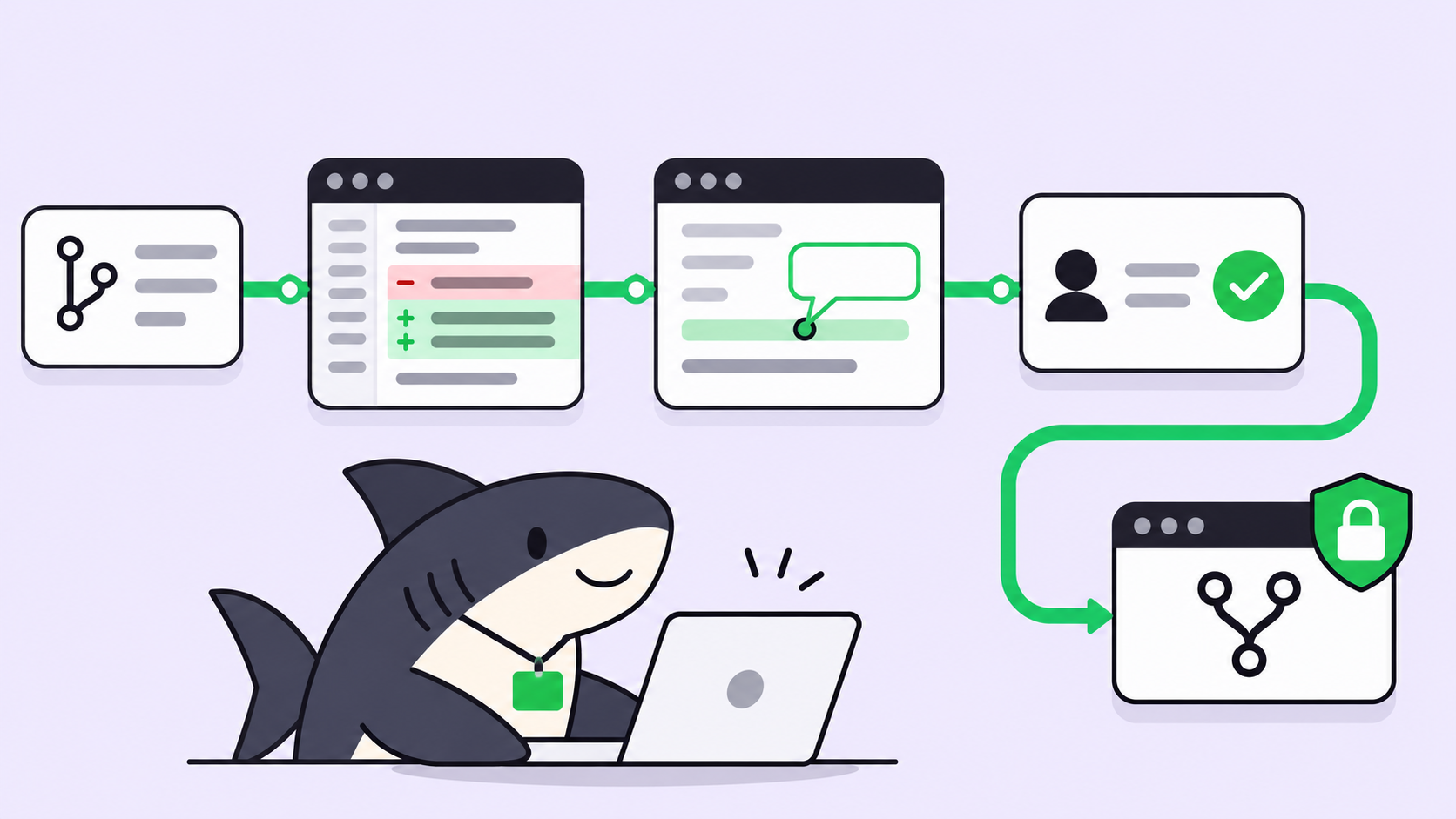
The Claude Code command guide describes a single-PR workflow. You run /ship on a finished change. Claude opens a GitHub PR if needed, reviews the change, then starts a watch for feedback and failing checks. During the watch, Claude can push fixes to your branch. GitHub applies your repository’s requirements when you merge.
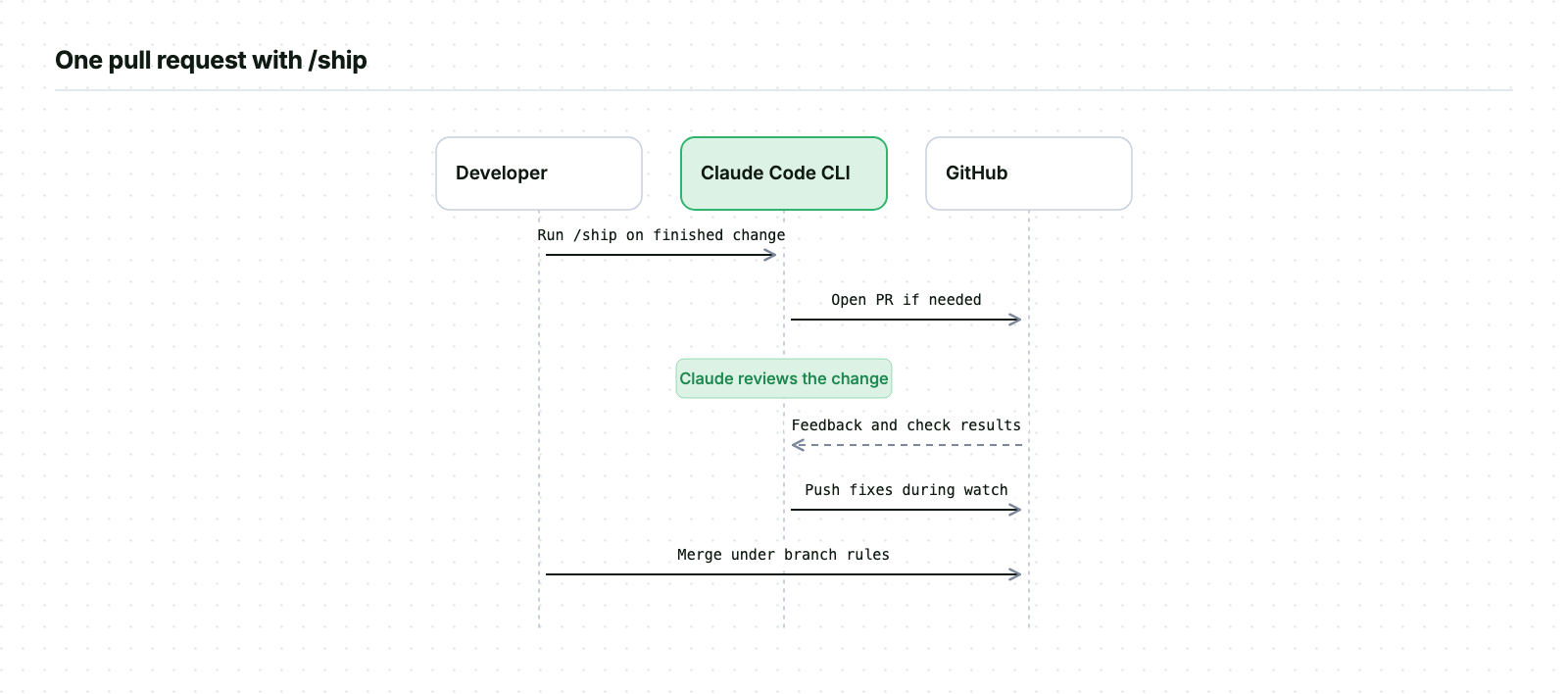
Say you’ve added an empty-state message and its unit test. A review might spot that the message appears while data is still loading. The watch can work on that feedback and push a fix. If a check is still failing, you can examine the latest diff and the check output before deciding what to do next. Several rounds of fixes can consume more of your usage than a single review.
When you measure that trial, compare the number of times you returned to the PR and the amount of review work you still did. A fix that makes a check pass by changing its assertion deserves a closer look. Read the fix commit and confirm that the test still covers the behavior you asked for.
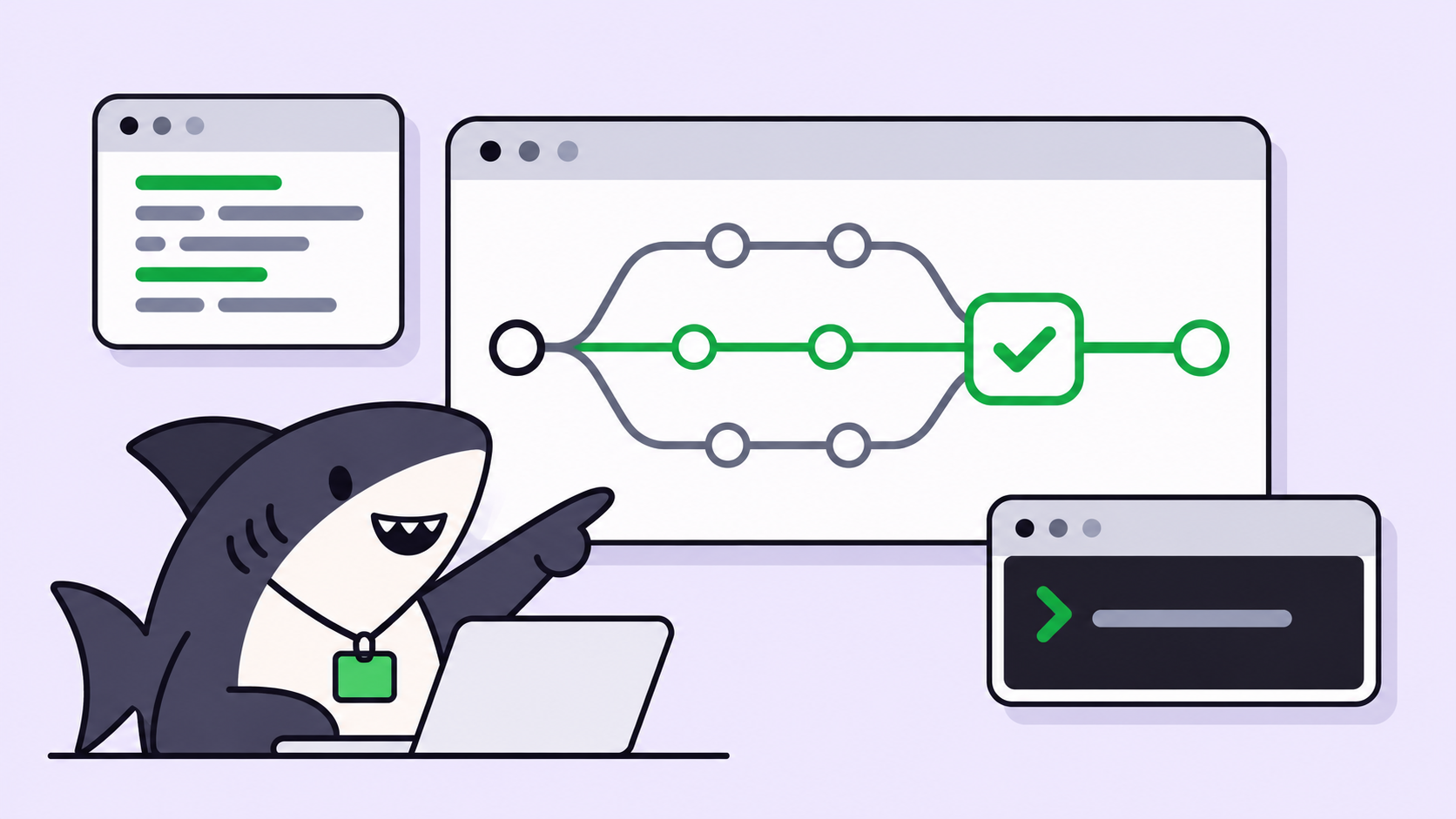
Choose /code-review when you want findings on a diff. Choose /ship when you’ve finished the change and want help carrying it through feedback and checks. If the PR is already open and you want to skip the initial review, /steward starts that watch directly. All three fit different stages of the same PR.
How do you run /ship on one pull request?
- Update to Claude Code 2.1.330 or later. The workflow also calls for GitHub CLI 2.63 or later and Git 2.38 or later.
- Sign in to GitHub CLI with
gh auth login, then open the local clone and check out your branch. - Use
git statusto list changed files. Read the staged and unstaged diffs, and open each untracked file to check its contents for secrets and unrelated work. Remove or stash anything that should stay local./shipcan commit and push those files under your GitHub account, and its secret check relies on file names. - Open Claude Code in your terminal and enter
/ship. Pay attention to the cancellation window before commit and push. - Review the changes Claude pushes during the watch and check the final CI results before merging.
For a PR from a fork or on GitHub Enterprise, Anthropic says to open the PR yourself before running the command. For a local review without opening a PR, use the standalone review command.
Start with a repository where you trust everyone who can push to your branch or merge into the base branch. The watch can run code on your computer with your credentials. Use auto mode if you want Claude to work on fixes unattended. Most other modes pause for permission prompts, and bypassPermissions mode skips the watch. For a first trial, pick a small change with a clear test so you can tell whether the watch saved you time. Command prerequisites and watch permissions
What requires Team or Enterprise?
Claude Ship’s hosted agents are configured for connected GitHub repositories. You can enable them through the organization setup and choose when each runs. Code Review is generally available. PR Steward and Claude Approvals are in public beta. Claude Ship product page
| Agent | What it does |
|---|---|
| Code Review | Posts findings inline on the PR, ranked by severity. |
| PR Steward | Works on review comments, failing checks, and merge conflicts, then pushes fixes. |
| Claude Approvals | Evaluates the repository policy and can post an approving review where the policy permits. |
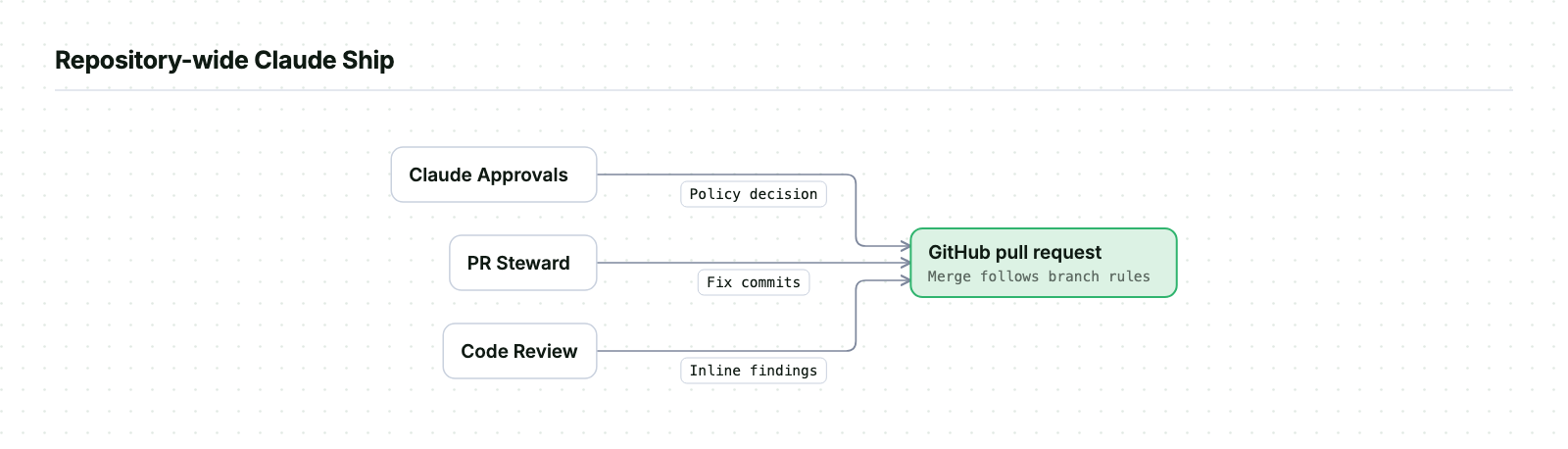
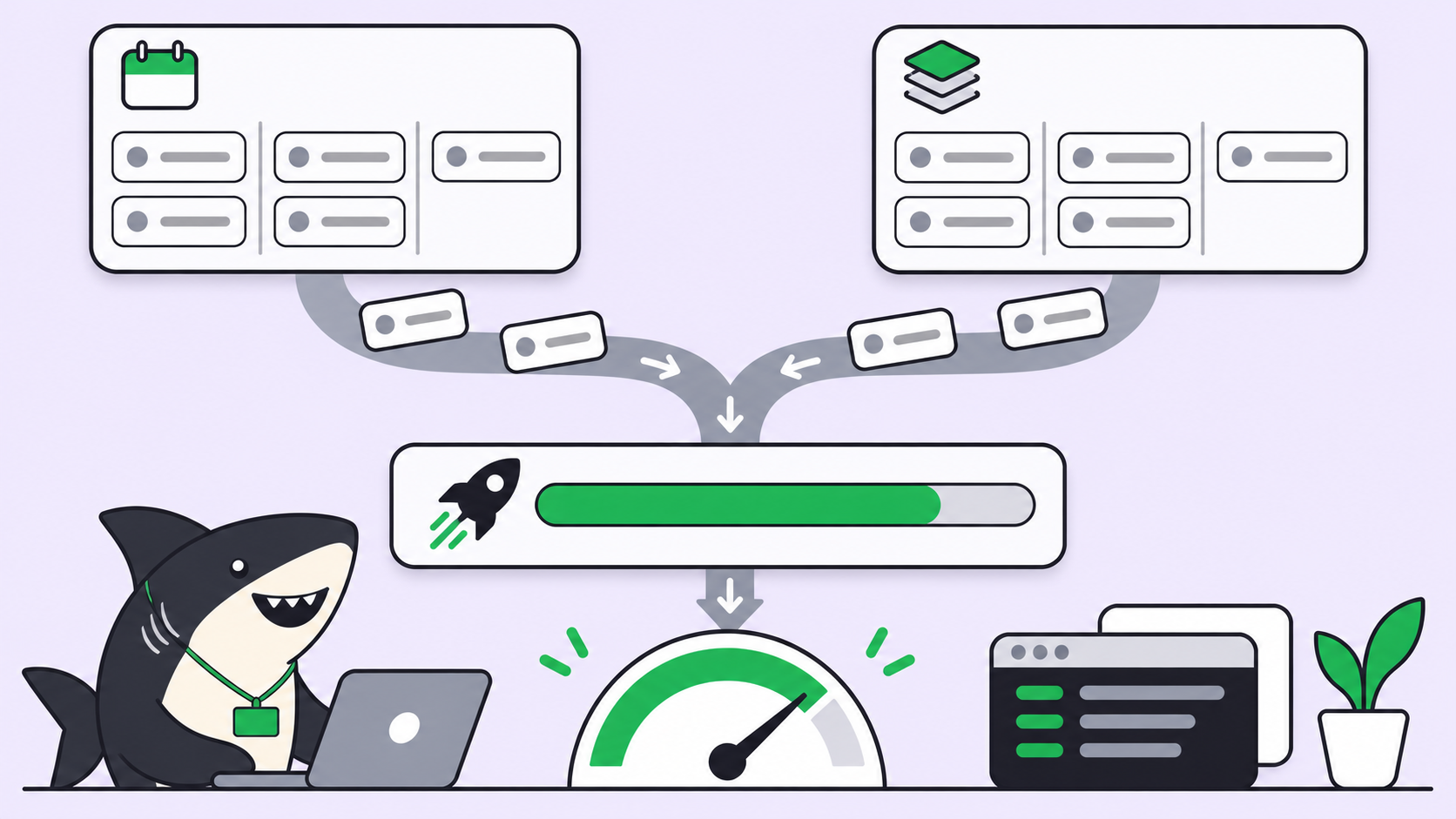
The usage arrives on a separate bill from the plan’s included allowance. Each hosted agent uses organization usage credits. Approvals bills for classifier runs, where a model answers a policy question, and for Code Reviews requested by the policy. Eligible Enterprise organizations may qualify for promotional credits. Read the terms before counting them toward a rollout budget.
How do Claude Approvals and GitHub rules work together?
Your .claude/approvals.yml file defines the approval policy. You might allow Claude to approve a routine docs edit while requiring human review for changes to application code. Observe mode shows the policy’s decision before you enforce it. To make the Approvals check a merge gate, configure it as a required check in GitHub. Keep CI checks required separately. Claude Approvals documentation
Test the setup against a small set of real changes. Try a docs edit, a code change that needs a reviewer, and a PR with a failed test. Inspect which approvals GitHub counts and whether a PR author can satisfy a human seat in your policy. A green check tells you the configured conditions passed. A review can still miss a defect.
How to run an agent review loop with Sharkly

Use Sharkly’s Free plan to start a review loop for an organization of up to five people. Model usage follows the coding subscription or API account attached to your Runtime. A small team can try the board workflow with the tools it already pays for.
- Define one Task. Describe the change and what passes review. For the empty-state example, ask for the PR link, the unit test result, and confirmation that the message stays hidden during loading.
- Assign an Agent. It runs through a Runtime on a connected Computer. Have it return the diff or PR link, checks it ran, and anything it couldn’t verify.
- Request human review. The reviewer opens the Task conversation, inspects the evidence, then accepts the result or asks for a follow-up. Keep GitHub’s merge requirements in force for the PR.
You can also use a status change to trigger a review Automation. In this example, moving a Task to Ready for Release starts the review step. Keep that status distinct from the decision to release so a reviewer can send the work back when the evidence is incomplete.
The handoff gives the reviewer a place to find the acceptance criteria and evidence together. If an Agent reports that a test couldn’t run, the reviewer can ask for the missing result on that Task. If the evidence is sufficient, the reviewer can complete the handoff and follow the repository’s merge process. Sharkly task execution guide
Which setup should you try first?
If you already have Claude Code and own a small GitHub PR, try /ship on that change and compare the watch with your usual review process. For a repository rollout, ask an admin to enable Code Review on one repo and set a spend limit before adding Steward or Approvals. If your team needs to coordinate who checks which Agent’s work, connect one Computer in Sharkly and assign an existing Task with a concrete review checklist.
Frequently asked questions
Is /ship included with Claude Pro?
Pro includes Claude Code. The documented /ship command runs in an eligible local Claude Code session and counts against that session’s usage. Team or Enterprise is required for the hosted repository agents.
Can I use /ship from Claude Desktop?
Anthropic’s command guide documents /ship from the Claude Code CLI in your local clone and says cloud sessions lack the command. Use the terminal for the documented workflow.
Can a normal Claude chat review a PR for free?
You can ask Claude Free to read a non-sensitive excerpt and point out possible issues. You then handle the diff, check results, and fixes yourself. Keep the repository’s rules for sharing code in mind.
Does /ship approve or merge my PR?
Use /ship to get your change ready for merge. Claude Approvals is the separate hosted agent that can post a policy-based approving review. Your GitHub permissions and branch rules determine what can merge.
Does Claude Ship work with Zero Data Retention?
Anthropic excludes organizations with Zero Data Retention enabled from the hosted Claude Ship agents. Its billing documentation also lists restrictions for HIPAA configurations and customer-managed encryption keys.