You give a coding agent a small task: fix a failing test. Twenty minutes later it has rewritten three unrelated files, run a database migration against whatever DATABASE_URL it found in your shell, and force-pushed to a branch someone else was using. Nothing in the prompt asked for any of that. The agent had the run of the machine, so it used the run of the machine.
Permissions are how you decide, in advance, what an agent may touch. A coding agent permission is a rule that says which files, commands, credentials, and repositories a given agent can reach during a run, and where a person has to step in. Get it right and an agent that goes off-script fails safely inside a box you drew. Get it wrong and one bad run reaches production.
This article walks through the permission model layer by layer, names the failure mode at each step, and ends with a checklist you can run today. It uses Sharkly to make each layer concrete, because Sharkly’s job is to sit above your coding agents and hold this scope in one place. You already have coding agents. Sharkly turns them into a team, and a team needs rules about who’s allowed to do what.
The three layers where an agent’s permissions live
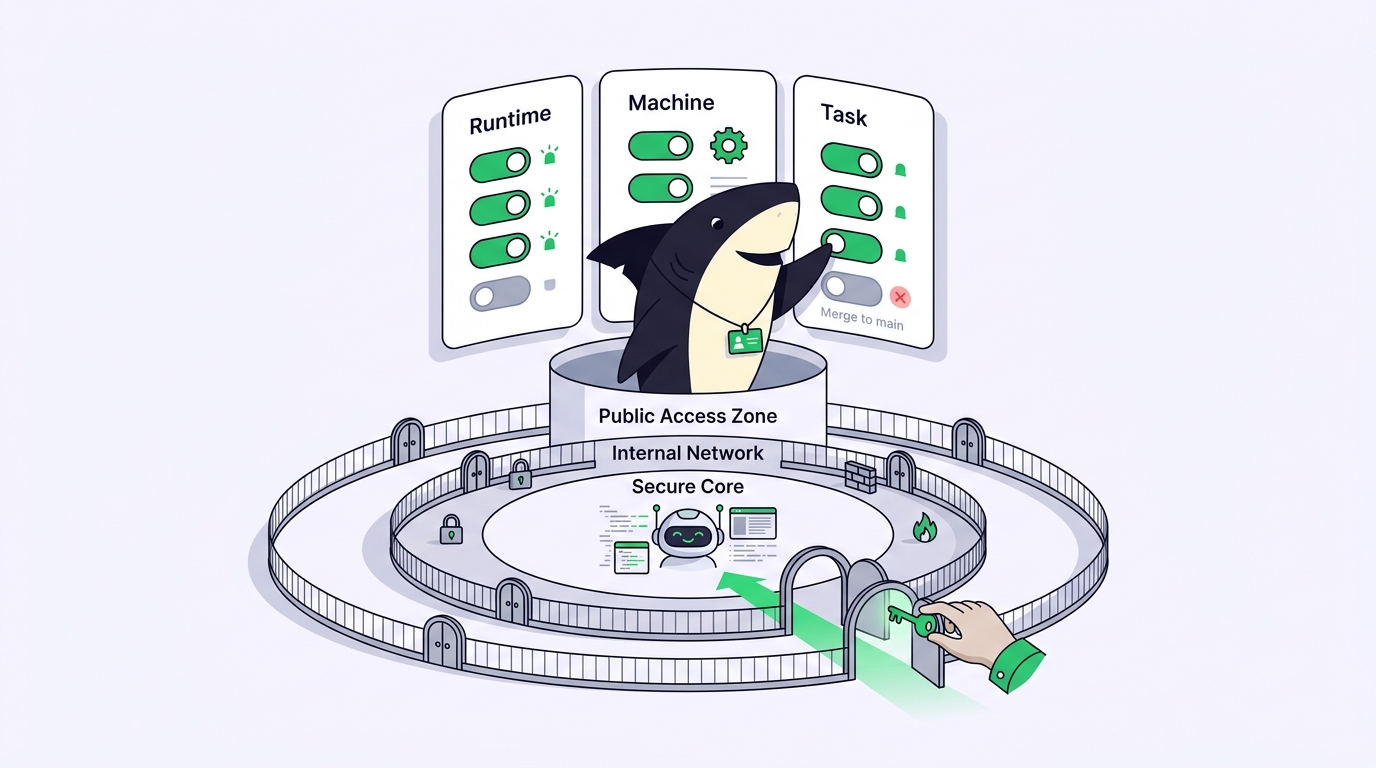
Permissions for a coding agent aren’t one setting. They live in three places, and a gap in any one undoes the other two.
- The runtime decides which tools the agent can call: read a file, edit a file, run a shell command, hit the network. This is Claude Code, Codex, Gemini CLI, or whichever agent executes the work.
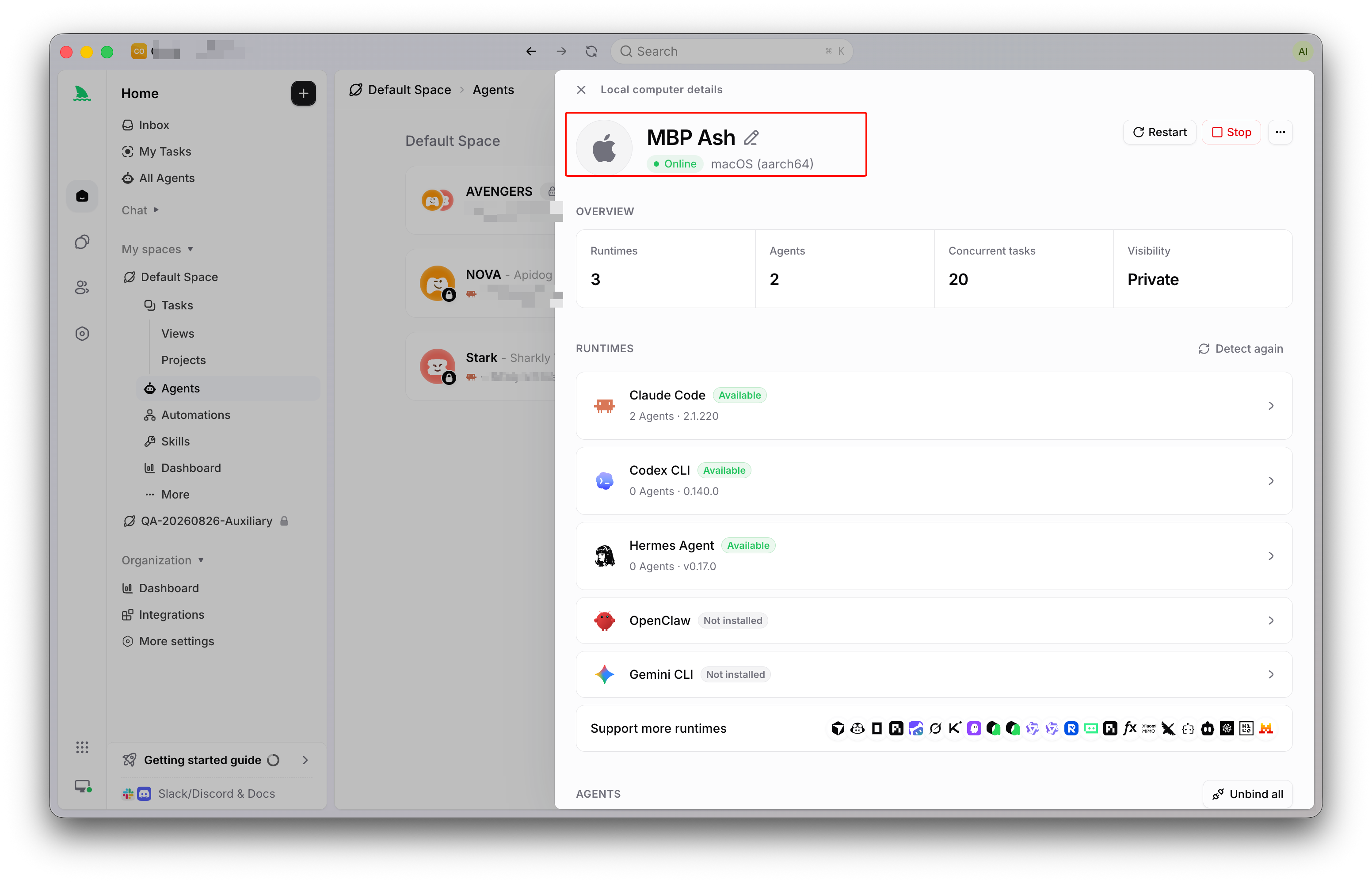
- The machine decides what those tools can reach: which directories, which credentials, which environment variables, which network. A Computer in Sharkly “provides the operating system, files, credentials, network access, and tools required by an Agent,” so the machine is the real blast radius.
- The task decides the boundary of intent: which repository this run is scoped to, which statuses the agent may set, and the point where a person accepts the result.
One boundary worth stating plainly: a permission is not an approval gate. A permission is what the agent can do. An approval gate is where a person decides. You need both. Tight permissions with no gate means no one checks the result. A gate with loose permissions means the damage is done by the time anyone looks.
Step 1: scope the runtime’s tools
Start where the agent acts. Most coding agents ship a permission system: an allow list and a deny list of tools, plus a prompt before anything destructive runs. Claude Code, for example, lets you allow or deny specific tools and asks before running shell commands; the exact setting names differ by runtime and change often, so read your agent’s current docs rather than a snippet you found last year.
The safe default is generous on reads and stingy on writes. Let the agent read the repo, run tests, typecheck, and build without asking. Gate file edits and shell commands behind a prompt or an explicit allow list.
The failure mode has a name, and it’s the one everyone reaches for under deadline pressure: the blanket skip mode. Every runtime has a flag that turns off all prompts, and it’s convenient for a supervised session. The danger is leaving it on for an unattended run. An agent that never has to ask, working from a plan that turned out wrong, will happily delete the thing it misunderstood. Use auto-accept when you’re watching. Turn it off when you walk away.
Step 2: scope the machine and its credentials
The runtime’s tool list is worthless if the machine hands the agent everything. An agent allowed to run shell commands on your daily driver can read every SSH key, every .env, and every credential your own login can reach. The failure mode is quiet: nothing looks wrong until an agent uses a production key it was never meant to see.
Two moves shrink the blast radius. First, run agents somewhere scoped rather than on the laptop where you keep your real secrets. Sharkly registers a Computer with a one-time install token that is short-lived and single-use, and the docs are blunt: don’t put that token in a reusable image, script, Task, or comment. Whether the Computer is a container, a server, or a spare machine, the agent’s reach is the reach of that environment, not yours. If you want agents working while you’re offline, run them on a remote Computer instead of your open laptop.
Second, hand over only what a run needs. A Sharkly run’s environment is assembled from explicit configuration: attached repositories, environment variables, secret bindings, and a working directory. Attach repositories to an Agent when it needs a narrower code scope than the Space default, so a frontend Agent never checks out the billing service. Keep each run in its own isolated worktree, which is the difference between a bad edit staying in one checkout and two agents corrupting the same working tree. The house rule applies to every field: enter only the configuration the product asks for, and never paste passwords or tokens into unrelated fields or startup commands.
Step 3: scope the task and keep the merge for a person
The last layer is intent. Even a correctly sandboxed agent with scoped credentials can do the wrong work: mark its own task done, push a half-finished change into a shared branch, or decide a PR is ready to merge.
This is where the human-agent contract belongs. Agents research, execute, test, and report. People set direction, grant authority, and accept the result. Automation stops where team judgment is required. An agent should be allowed to open a draft PR and attach its test output; it should not approve that PR or merge it to your protected branch. Branch protection on the host and human review on the task are the two locks that keep that line intact.
In Sharkly the task itself carries this limit. A Task type Workflow constrains which statuses an Agent can select, so an Agent can’t quietly move work into a “Done” or “Released” state a person owns. When an Agent needs a decision, it leaves the Task waiting for human review or a human reply, and that surfaces in the Inbox for the responsible person to accept, request changes, or reassign. Execution, blockers, results, and the review all return to the one Task instead of scattering across five terminals.
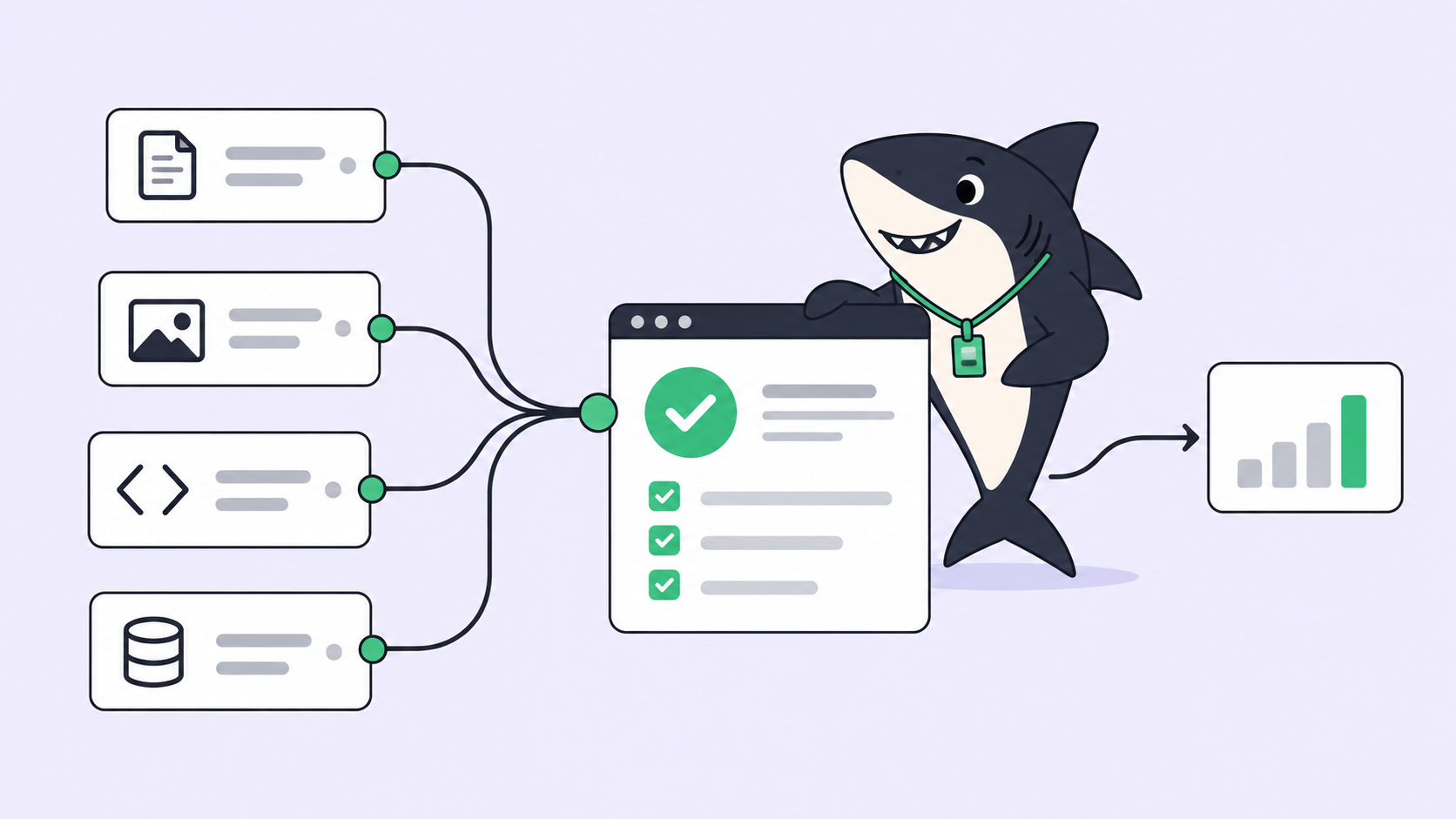
This is also where the do-it-yourself setup stops scaling. One agent, one repo, one careful engineer: you can hold the whole permission model in your head. Add a second and third agent, more repositories, and a teammate, and “what is each agent allowed to do here” becomes a question no one can answer from memory. A task board turns those rules into shared, inspectable configuration: who assigned the work, what scope the run had, what evidence came back, and who accepted it. That’s the management layer above your coding agents. You can build it by hand with worktrees, scoped credentials, and branch protection, or run your existing coding agents through Sharkly and manage the permissions, tasks, and review in one place.
The permissions checklist you can run today
Run down this list for every agent you let touch a real repository:
- Runtime: reads and tests allowed without prompting; edits and shell commands gated; blanket skip mode off for unattended runs.
- Machine: agent runs on a scoped Computer, not your daily driver; install and access tokens single-use and never committed.
- Credentials: only the environment variables and secret bindings this run needs, nothing pasted into unrelated fields.
- Repository scope: the agent is attached to the repos its work requires, not every repo in the Space.
- Isolation: each run gets its own worktree so a bad change can’t corrupt a shared checkout.
- Task scope: the agent can set working statuses but can’t move a task to an accepted or released state a person owns.
- The merge: branch protection plus human review with task-level evidence stands between the agent’s PR and main.
If any line is loose, tighten it before the next run, not after the incident that teaches you why it mattered.
FAQ
What’s the difference between coding agent permissions and approval gates? Permissions define what an agent is technically able to do: which files, commands, and credentials it can reach. An approval gate is the point where a person decides whether to accept what the agent did. You need both, because tight permissions still leave work that a human should sign off on, and approval gates don’t help if the agent already had permission to cause harm.
Should a coding agent ever be allowed to merge its own PRs? No, not by default. Let the agent open a draft PR and attach its verification output, then leave the merge to a person or a required review. The reasoning is the human-agent contract: agents execute and report, people accept and release. This holds even for human-in-the-loop workflows where the agent does most of the work.
Is it safe to run an agent with all permission prompts turned off? Only while you’re watching it. Auto-accept modes are useful for a supervised session where you can stop a wrong step. For unattended or overnight runs, keep prompts or an allow list on, and put the agent on a scoped machine so a mistake stays contained.